maintenance LEXUS RC200T 2017 Owners Manual
[x] Cancel search | Manufacturer: LEXUS, Model Year: 2017, Model line: RC200T, Model: LEXUS RC200T 2017Pages: 724, PDF Size: 42.04 MB
Page 1 of 724
RC200t_RC F_EE(OM24728E)
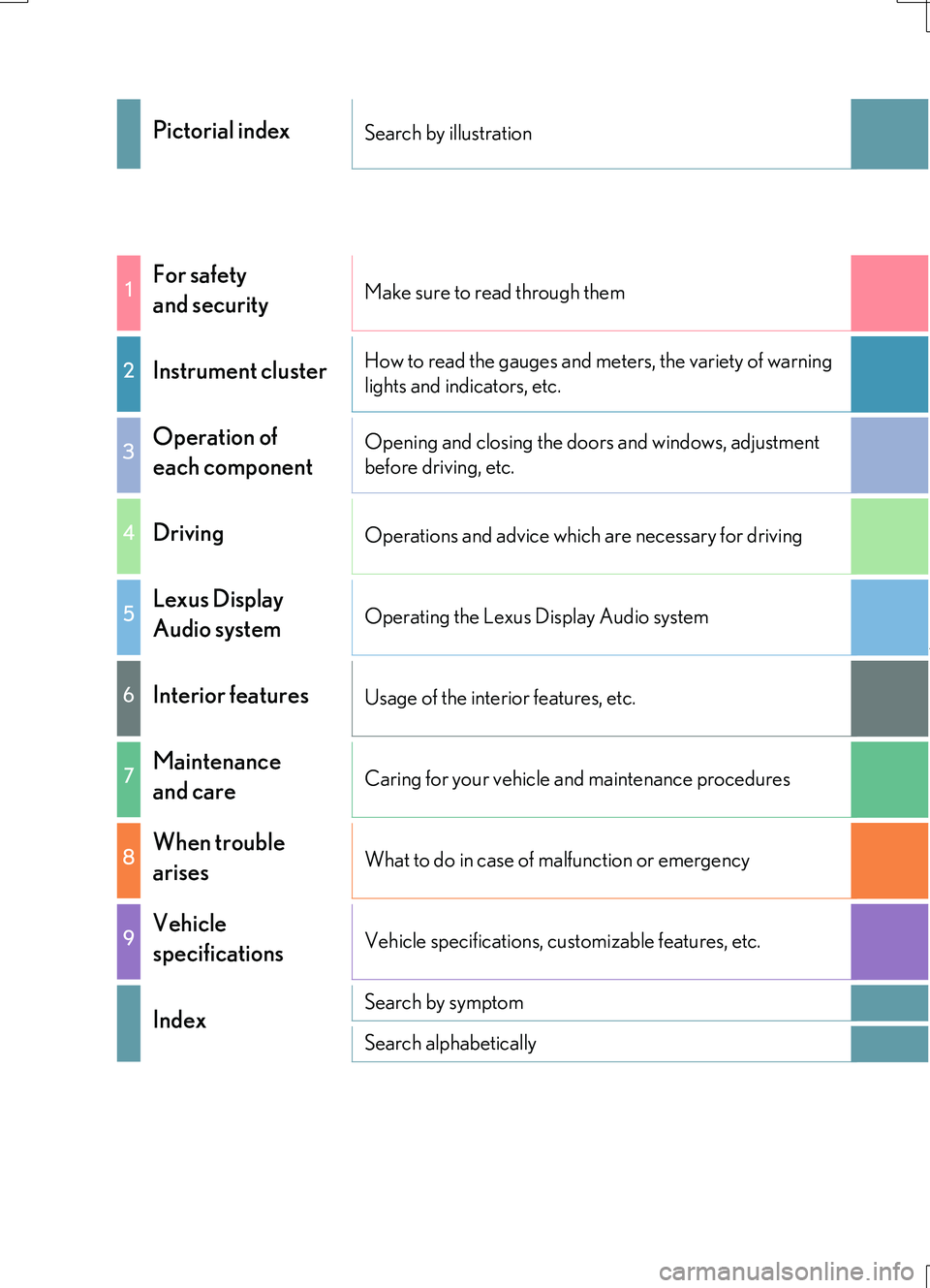
Pictorial indexSearch by illustration
1For safety
and securityMake sure to read through them
2Instrument clusterHow to read the gauges and meters, the variety of warning
lights and indicators, etc.
3Operation of
each component
Opening and closing the doors and windows, adjustment
before driving, etc.
4DrivingOperations and advice which are necessary for driving
5Lexus Display
Audio systemOperating the Lexus Display Audio system
6Interior featuresUsage of the interior features, etc.
7Maintenance
and careCaring for your vehicle and maintenance procedures
8When trouble
arisesWhat to do in case of malfunction or emergency
9Vehicle
specificationsVehicle specifications, customizable features, etc.
IndexSearch by symptom
Search alphabetically
Page 6 of 724
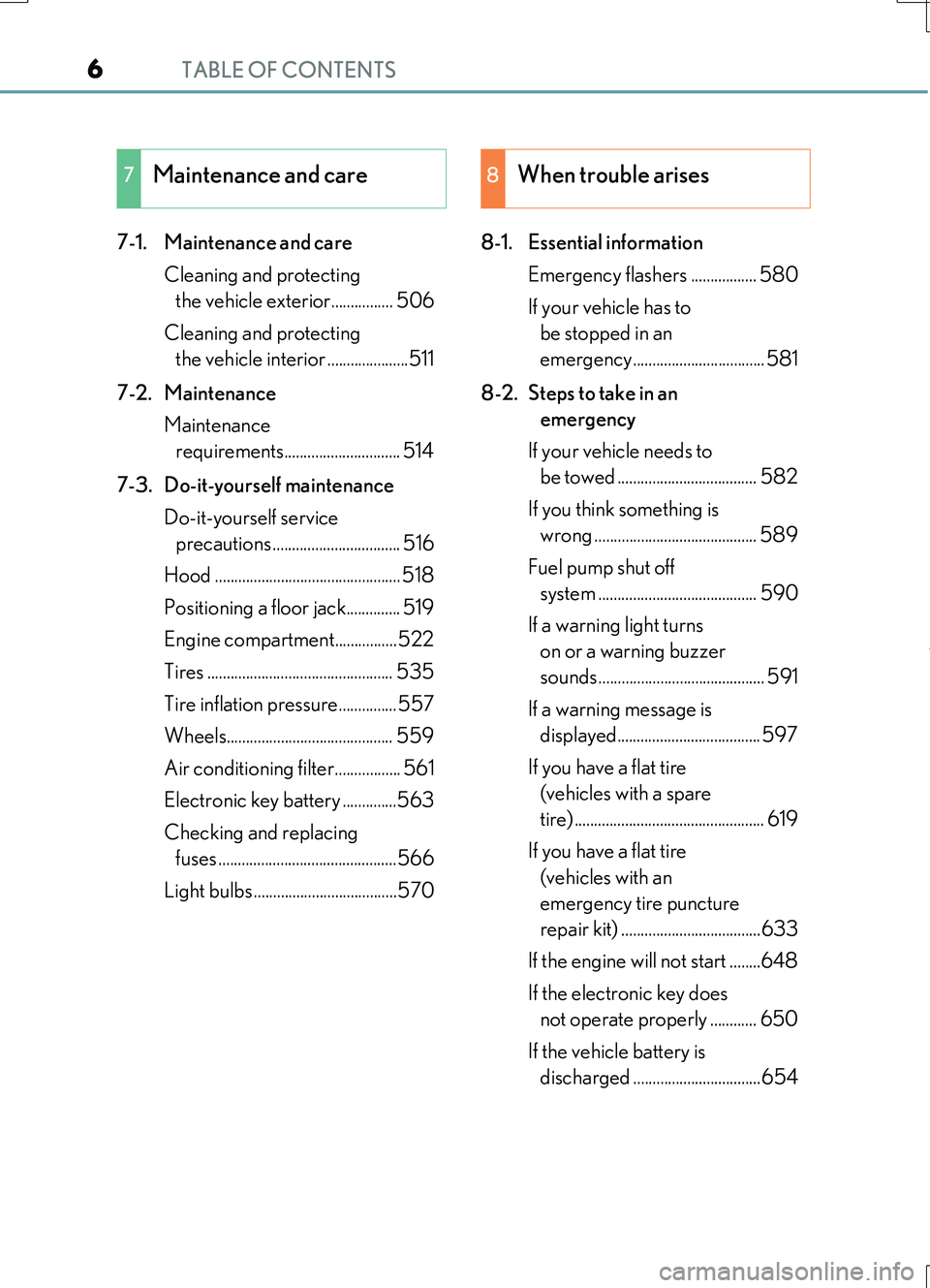
TABLE OF CONTENTS6
RC200t_RC F_EE(OM24728E)
7-1. Maintenance and care
Cleaning and protecting
the vehicle exterior................ 506
Cleaning and protecting
the vehicle interior .....................511
7-2. Maintenance
Maintenance
requirements.............................. 514
7-3. Do-it-yourself maintenance
Do-it-yourself service
precautions ................................. 516
Hood ................................................ 518
Positioning a floor jack.............. 519
Engine compartment................522
Tires ................................................ 535
Tire inflation pressure...............557
Wheels........................................... 559
Air conditioning filter................. 561
Electronic key battery ..............563
Checking and replacing
fuses ..............................................566
Light bulbs .....................................570
8-1. Essential information
Emergency flashers ................. 580
If your vehicle has to
be stopped in an
emergency.................................. 581
8-2. Steps to take in an
emergency
If your vehicle needs to
be towed .................................... 582
If you think something is
wrong .......................................... 589
Fuel pump shut off
system ......................................... 590
If a warning light turns
on or a warning buzzer
sounds........................................... 591
If a warning message is
displayed..................................... 597
If you have a flat tire
(vehicles with a spare
tire) ................................................. 619
If you have a flat tire
(vehicles with an
emergency tire puncture
repair kit) ....................................633
If the engine will not start ........648
If the electronic key does
not operate properly ............ 650
If the vehicle battery is
discharged .................................654
7Maintenance and care8When trouble arises
Page 7 of 724
7
1
9
8
7
6
4
3
2
RC200t_RC F_EE(OM24728E)
5
If your vehicle overheats .........659
If the vehicle becomes
stuck..............................................664
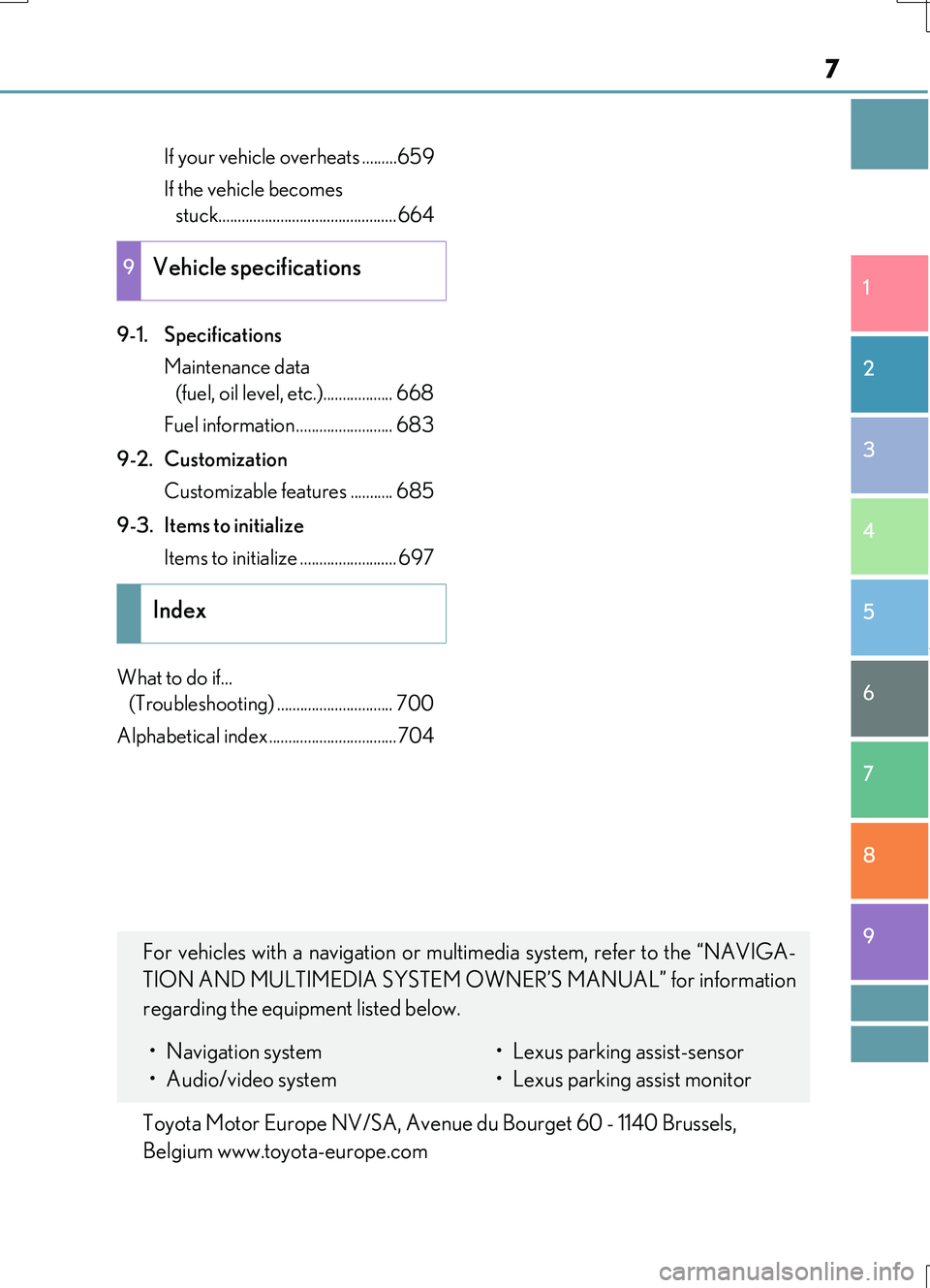
9-1. Specifications
Maintenance data
(fuel, oil level, etc.).................. 668
Fuel information ......................... 683
9-2. Customization
Customizable features ........... 685
9-3. Items to initialize
Items to initialize ......................... 697
What to do if...
(Troubleshooting) .............................. 700
Alphabetical index.................................704
9Vehicle specifications
Index
For vehicles with a navigation or multimedia system, refer to the “NAVIGA-
TION AND MULTIMEDIA SYSTEM OW NER’S MANUAL” for information
regarding the equipment listed below.
• Navigation system
• Audio/video system
• Lexus parking assist-sensor
• Lexus parking assist monitor
Toyota Motor Europe NV/SA, Avenue du Bourget 60 - 1140 Brussels,
Belgium www.toyota-europe.com
Page 92 of 724

92
RC200t_RC F_EE(OM24728E)
1-2. Theft deterrent system
The indicator light flashes after the
engine switch has been turned off to
indicate that the system is operating.
The indicator light stops flashing after
the engine switch has been turned to
ACCESSORY or IGNITION ON
mode to indicate that the system has
been canceled.
■System maintenance
The vehicle has a maintenance-free type engine immobilizer system.
■Conditions that may cause the system to malfunction
●If the grip portion of the key is in contact with a metallic object
●If the key is in close proximity to or touching a key registered to the security system (key with a built-in transponder chip) of another vehicle
Engine immobilizer system
The vehicle’s keys have built-in tran sponder chips that prevent the engine
from starting if a key has not been previously registered in the vehicle’s on-
board computer.
Never leave the keys inside the vehicle when you leave the vehicle.
This system is designed to help prev ent vehicle theft but does not guarantee
absolute security agai nst all vehicle thefts.
Page 104 of 724
1041-2. Theft deterrent system
RC200t_RC F_EE(OM24728E)
Do one of the following to deactivate or stop the alarm:
●Unlock the doors or open the trunk using the entry function or wireless
remote control.
●Start the engine. (The alarm will be deactivated or stopped after a few sec-
onds.)
■System maintenance
The vehicle has a maintenance-free type alarm system.
■Items to check before locking the vehicle
To prevent unexpected triggering of the alarm and vehicle theft, make sure of the follow-
ing:
●Nobody is in the vehicle.
●The windows and moon roof (if equipped) are closed before the alarm is set.
●No valuables or other personal items are left in the vehicle.
Deactivating or stopping the alarm
Page 136 of 724
1362. Instrument cluster
RC200t_RC F_EE(OM24728E)
■Language
Select to change the language on the display.
■Units
Select to change the unit of measure for fuel consumption.
■Maintenance system (RC200t)
Select to reset the maintenance data after the required maintenance is per-
formed. (
P. 526)
■Eco Driving Indicator Light
Select to activate/deactivate the Eco Driving Indicator Light.
■ switch settings (except F SPORT models)
Displays a procedure to register a desired screen to .
You can register 1 screen as a shortcut, which can be displayed by pressing . ( P. 133)
■Drive information 1/Drive information 2
Select to select up to 2 items that will be displayed on the “Drive Info 1” screen
and “Drive Info 2” screen respectively.
( P. 134)
■Pop-up display
Select to set the following pop-up displays, which may appear in some situa-
tions, on/off.
• Route guidance display of the navigation system-linked system (if equipped)
• Incoming call display of the hands-free phone system
• Dynamic radar cruise control operation display (if equipped)
• Instrument panel brightness adjustment display
• Main meter switch operation display (F SPORT models)
• Stop & Start system duration
• Stop & Start system status
■Accent color (except F SPORT models)
Select to change the accent colors on the screen, such as the cursor color.
■Needle (F SPORT models)
Select to change the needle color for the tachometer.
Settings display
Page 318 of 724
3184-5. Using the driving support systems
RC200t_RC F_EE(OM24728E)
●When sunlight or the headlights of oncoming vehicles are shining directly into the cam- era lens
●When driving on roads that are branching or merging
●When driving on a road surface that is wet du e to rain, previous rainfall, standing water, etc.
●When the vehicle experiences strong up-and-down motion such as when driving on an
extremely rough road or on a seam in the pavement
●When headlight brightness at nighttime is reduced due to dirt on the lenses, or when the headlights are misaligned
●When driving on winding roads or roads that are uneven
●When driving on rough or unpaved roads
■When changing the tires
Depending on the tires used, sufficient performance may not be maintainable.
■Warning messages for the LDA system
Warning messages are used to indicate a syst em malfunction or to inform the driver of
the need for caution while driving. ( P. 604)
WARNING
■Before using the LDA system
Do not rely solely on the LDA system. The LDA system does not drive the vehicle auto- matically, nor does it reduce the amount of care you need to take. As such, the driver
must always assume full responsibility fo r understanding his/her surroundings, for operating the steering wheel to correct the driving line, and for driving safely.
Inappropriate or negligent driving could lead to an accident.
■To avoid operating the LDA by mistake
Switch the LDA system off using the LDA switch when not in use.
■Situations unsuitable for LDA system
Do not use the LDA system in any of the following situations.
Otherwise, the system may not function correctly and could result in an accident.
●When driving with tire chains, a spare tire, or similar equipment
●When there are objects or structures along the roadside that might be misinterpreted as lane markers (such as guardrails, a curb, reflector posts, etc.)
●When driving on snowy roads
●When pavement lane markers are difficult to see due to rain, snow, fog, sand, dirt, etc.
●When there are visible lines on the pavement from road repairs, or if the remains of old lane markers are still visible on the road
●When driving on a road with lane closures due to maintenance, or when driving in a temporary lane
Page 505 of 724
505
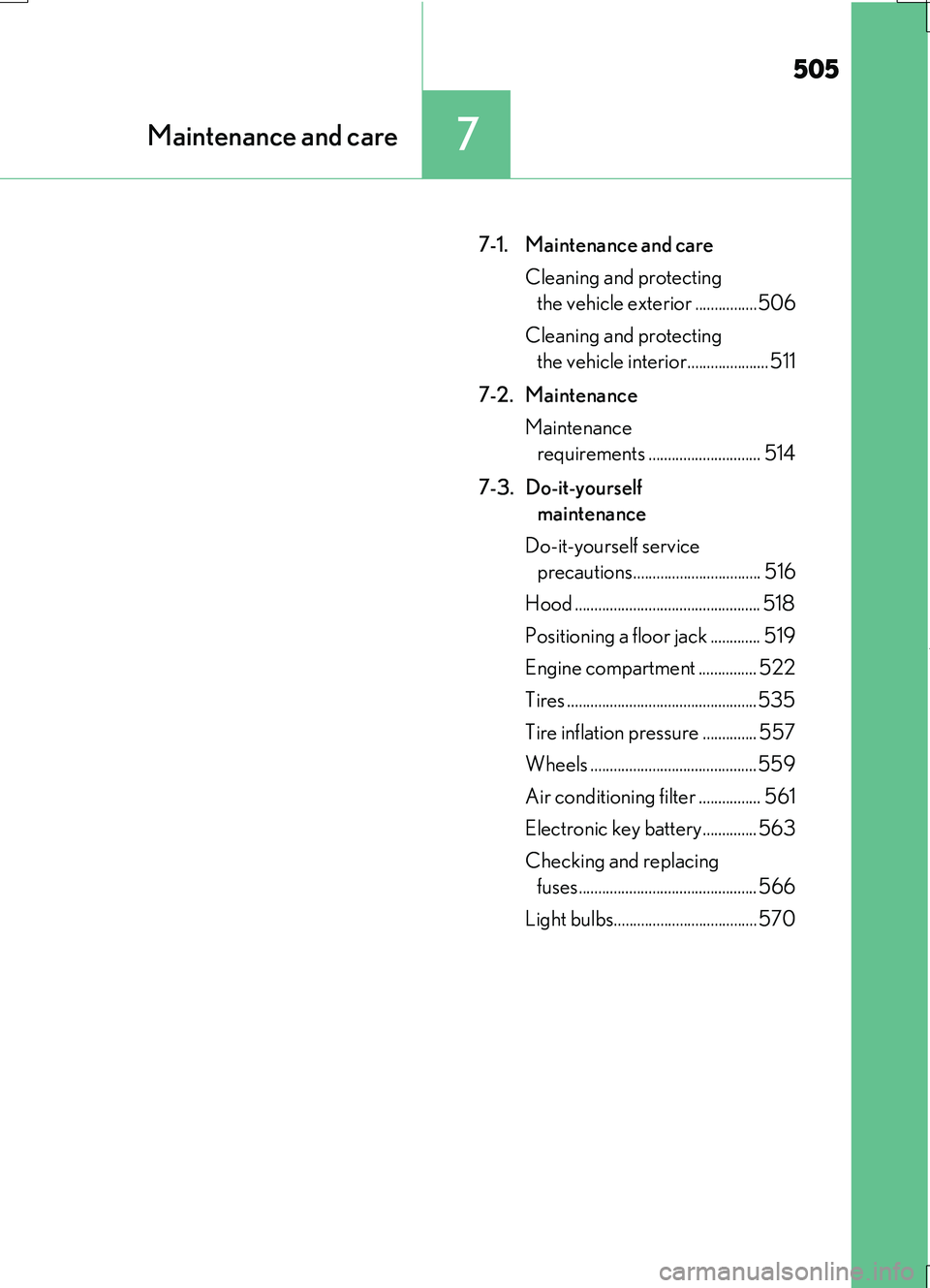
7Maintenance and care
RC200t_RC F_EE(OM24728E)
7-1. Maintenance and care
Cleaning and protecting
the vehicle exterior ................506
Cleaning and protecting
the vehicle interior..................... 511
7-2. Maintenance
Maintenance
requirements ............................. 514
7-3. Do-it-yourself
maintenance
Do-it-yourself service
precautions................................. 516
Hood ................................................ 518
Positioning a floor jack ............. 519
Engine compartment ............... 522
Tires .................................................535
Tire inflation pressure .............. 557
Wheels ...........................................559
Air conditioning filter ................ 561
Electronic key battery.............. 563
Checking and replacing
fuses.............................................. 566
Light bulbs..................................... 570
Page 506 of 724
506
RC200t_RC F_EE(OM24728E)
7-1. Maintenance and care
●Working from top to bottom, liberally apply water to the vehicle body, wheel
wells and underside of the vehicle to remove any dirt and dust.
●Wash the vehicle body using a sponge or soft cloth, such as a chamois.
●For hard-to-remove marks, use car wash soap and rinse thoroughly with
water.
●Wipe away any water.
●Wax the vehicle when the waterproof coating deteriorates.
If water does not bead on a clean surface, apply wax when the vehicle body is cool.
■CFRP (Carbon Fiber Reinforced Plastic) part (if equipped)
●As the CFRP parts may change color if they are exposed to ultraviolet rays for extended periods of time, Le xus recommends that your vehicle be stored in a place
where it will not be exposed to direct sunlight.
●Do not use wax that contains abrasives.
■Self-restoring coat*
The vehicle body has a self-restoring coating that is resistant to small surface scratches caused in a car wash etc.
●The coating lasts for 5 to 8 years from when the vehicle is delivered from the plant.
●The restoration time differs depending on the depth of the scratch and outside tem-perature.The restoration time may become shorter when the coating is warmed by applying
warm water.
●Deep scratches caused by keys, coins, etc. cannot be restored.
●Do not use wax that contains abrasives.
*: CFRP parts (if equipped) do not have a self-restoring coat.
■Automatic car washes (vehicles without CFRP parts)
●Fold the mirrors before washing the vehicle. Start washing from the front of the vehicle. Make sure to extend th e mirrors before driving.
●Wash the vehicle with the active rear wing retracted. If the vehicle is washed with the active rear wing raised, depending on the type of automatic car wash, the brushes of
the automatic car wash may become stuck on the active rear wing. In this case, the active rear wing may not be washed very well or may even be scratched or damaged.
●Brushes used in automatic car washes may scratch the vehicle body and damage the
paint.
Cleaning and protecting the vehicle exterior
Perform the following to protect the vehicle and maintain it in prime condi-
tion:
Page 507 of 724
5077-1. Maintenance and care
7
Maintenance and care
RC200t_RC F_EE(OM24728E)
■Automatic car washes (vehicles with CFRP parts)
Do not use automatic car washes as they may scratch the CFRP parts and damage the paint.
■High pressure car washes
●Do not allow the nozzles of the car wash to come within close proximity of the windows.
●Before using the car wash, check that the fuel filler door on your vehicle is closed prop-
erly.
■When using a car wash
If the door handle becomes wet while the electronic key is within the effective range, the
door may lock and unlock repeatedly. In that case, follow the following correction proce- dures to wash the vehicle:
●Place the key in a position 2 m (6 ft.) or more separate from the vehicle while the vehi-
cle is being washed. (Take care to ensure that the key is not stolen.)
●Set the electronic key to battery-saving mode to disable the smart entry & start system. ( P. 177)
■Aluminum wheels
●Remove any dirt immediately by using a neutral detergent. Do not use hard brushes or abrasive cleaners. Do not use strong or harsh chemical cleaners.
Use the same mild detergent and wax as used on the paint.
●Do not use detergent on the wheels when they are hot, for example after driving a long distance in hot weather.
●Wash detergent from the wheels immediately after use.
■When cleaning the painted brake calipers (if equipped)
●If a detergent is to be used to clean the painted brake calipers, use a neutral detergent.
Do not use hard brushes or abrasive cl eaners as they may damage the paint.
●Do not use detergent on the brake calipers when they are hot.
●Wash detergent from the brake calipers immediately after use.
■Bumpers
Do not scrub with abrasive cleaners.
■Side windows water-repellent coating
●The following precautions can extend the effectiveness of the water-repellent coating.
• Remove any dirt, etc. from the side windows regularly.
• Do not allow dirt and dust to accumulate on the windows for a long period. Clean the windows with a soft, damp cloth as soon as possible.• Do not use wax or glass cleaners that co ntain abrasives when cleaning the windows.
• Do not use any metallic objects to remove condensation build up.
●When the water-repellent performance has become insufficient, the coating can be
repaired. Contact any authorized Lexus dealer or repairer, or another duly qualified and equipped professional.