steering LEXUS RX200T 2017 Manual PDF
[x] Cancel search | Manufacturer: LEXUS, Model Year: 2017, Model line: RX200T, Model: LEXUS RX200T 2017Pages: 776, PDF Size: 44.51 MB
Page 434 of 776
4344-6. Driving tips
RX350/RX200t_EE_OM48F32E
Your vehicle is not designed to be driven off-road. However, in the event that off-
road driving cannot be avoided, please observe the following precautions to help
avoid the areas prohibited to vehicles.
●Drive your vehicle only in areas where off-road vehicles are permitted to
travel.
●Respect private property. Get owner’s permission before entering private
property.
●Do not enter areas that are closed. Honor gates, barriers and signs that
restrict travel.
●Stay on established roads. When co nditions are wet, driving techniques
should be changed or travel delayed to prevent damage to roads.
Off-road driving
WARNING
■Off-road driving precautions
Always observe the following precautions to minimize the risk of death, serious injury
or damage to your vehicle:
●Drive carefully when off the road. Do not ta ke unnecessary risks by driving in danger- ous places.
●Do not grip the steering wheel spokes when driving off-road. A bad bump could jerkthe wheel and injure your hands. Keep both hands and especially your thumbs on the outside of the rim.
●Always check your brakes for effectivene ss immediately after driving in sand, mud, water or snow.
●After driving through tall grass, mud, rock, sand, rivers, etc., check that there is no
grass, bush, paper, rags, stone, sand, etc. adhering or trapped on the underbody. Clear off any such matter from the underbody. If the vehicle is used with these materi- als trapped or adhering to the underb ody, a breakdown or fire could occur.
●When driving off-road or in rugged terrain, do not drive at excessive speeds, jump, make sharp turns, strike objects, etc. This may cause loss of control or vehicle rollover causing death or serious injury. You are also risking expensive damage to your vehi-
cle’s suspension and chassis.
Page 436 of 776
436
RX350/RX200t_EE_OM48F32E
5-1. Basic Operations
Lexus Display Audio
system ..........................................438
Steering wheel audio
switches....................................... 444
USB/AUX ports ........................ 445
5-2. Setup
Setup menu ..................................448
General settings......................... 449
Voice settings.............................. 452
Display settings ........................... 453
5-3. Using the audio system
Selecting the audio
source ..........................................455
Optimal use of the audio
system .......................................... 456
Audio settings ............................. 457
Audio menu screen
operation ......................................461
5-4. Using the radio
Radio operation.......................... 464
5-5. Playing an audio CD and
MP3/WMA/AAC discs
CD player operation ................ 466
Page 437 of 776
437
5
Lexus Display
Audio system
RX350/RX200t_EE_OM48F32E
5-6. Using an external device
Listening to an iPod................... 472
Using USB memory
device........................................... 476
Using the AUX port .................. 481
5-7. Connecting Bluetooth®
Steps for using Bluetooth®
devices.........................................482
Registering a Bluetooth®
device...........................................484
Selecting a Bluetooth®
device.......................................... 485
Connecting a Bluetooth®
audio player ...............................486
Connecting a Bluetooth®
phone ...........................................487
Displaying a Bluetooth®
device details ........................... 488
Detailed Bluetooth®
settings........................................ 489
5-8. Bluetooth® Audio
Listening to Bluetooth®
Audio........................................... 490
5-9. Bluetooth® Phone
Using a Bluetooth®
Phone........................................... 492
Making a call................................ 494
Receiving a call ........................... 497
Speaking on the phone ...........498
Using a Bluetooth®
phone messages .................... 500
Using the steering wheel
switches.......................................503
Bluetooth® phone
settings ........................................504
5-10. Phonebook
Contact settings .........................506
Messaging setting .....................509
5-11. Bluetooth®
What to do if...
(Troubleshooting).................... 510
Bluetooth®.................................... 513
5-12. Other function
“Information” screen.................. 519
MirrorLink™ ................................520
USB photo .................................... 524
Speech command system ...... 526
Some of the functions cannot be operated while driving.
Page 444 of 776
4445-1. Basic Operations
RX350/RX200t_EE_OM48F32E
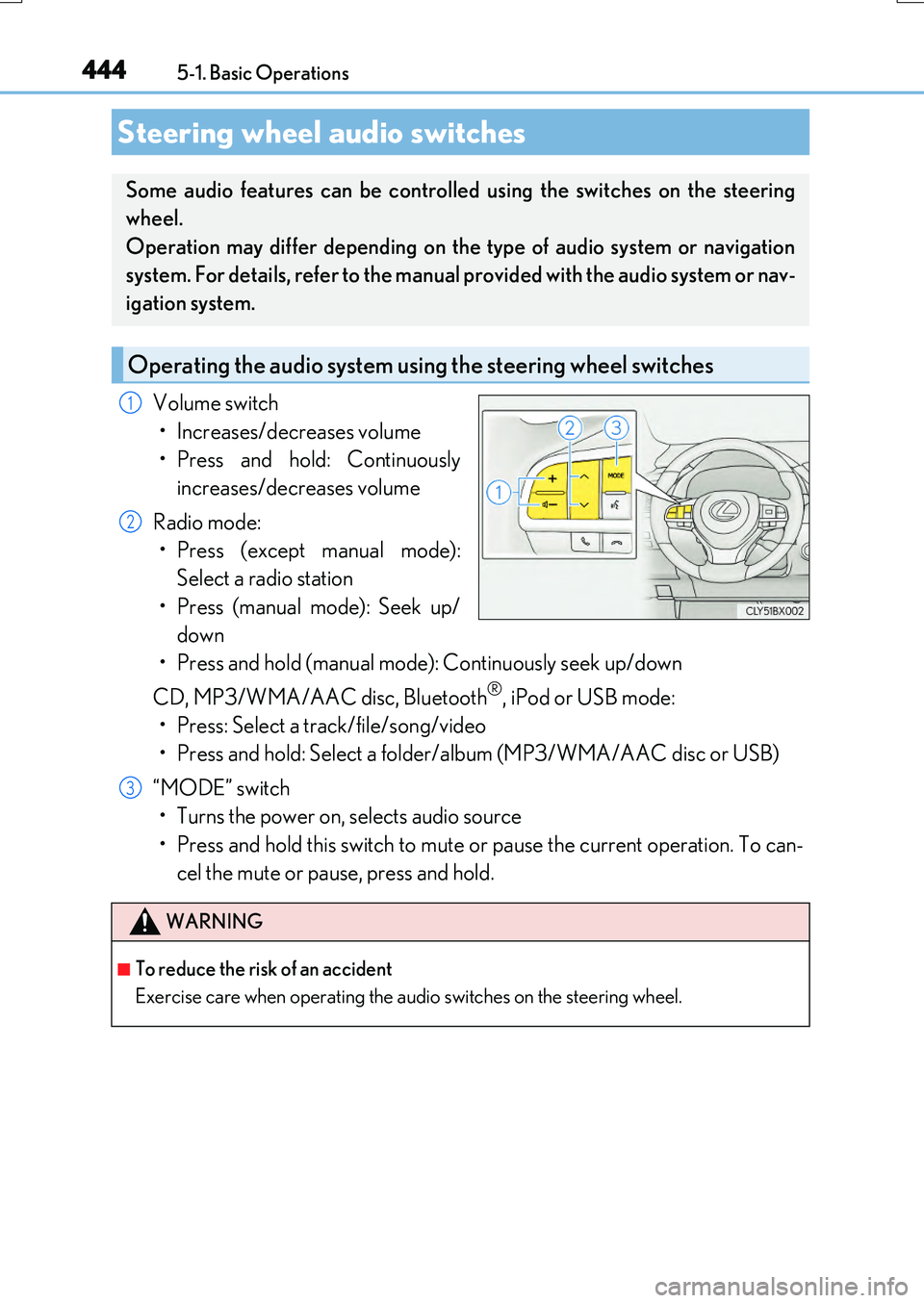
Volume switch
• Increases/decreases volume
• Press and hold: Continuously
increases/decreases volume
Radio mode:
• Press (except manual mode):
Select a radio station
• Press (manual mode): Seek up/
down
• Press and hold (manual mode): Continuously seek up/down
CD, MP3/WMA/AAC disc, Bluetooth®, iPod or USB mode:
• Press: Select a track/file/song/video
• Press and hold: Select a folder/album (MP3/WMA/AAC disc or USB)
“MODE” switch
• Turns the power on, selects audio source
• Press and hold this switch to mute or pause the current operation. To can-
cel the mute or pause, press and hold.
Steering wheel audio switches
Some audio features can be controlled using the switches on the steering
wheel.
Operation may differ depending on the type of audio system or navigation
system. For details, refer to the manual provided with the audio system or nav-
igation system.
Operating the audio system us ing the steering wheel switches
1
2
WARNING
■To reduce the risk of an accident
Exercise care when operating the audio switches on the steering wheel.
3
Page 455 of 776
455
5
Lexus Display Audio system
RX350/RX200t_EE_OM48F32E
5-3. Using the audio system
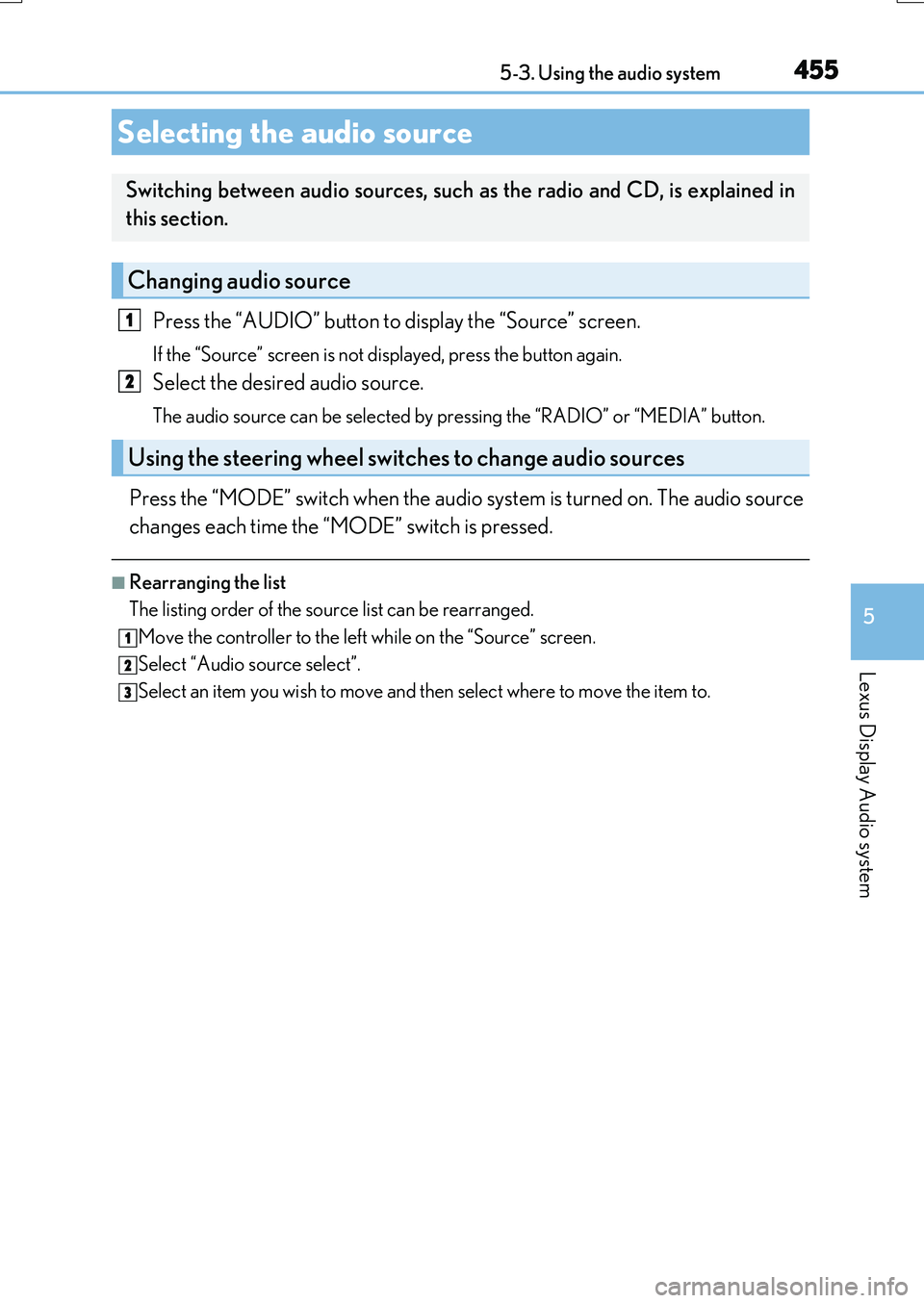
Press the “AUDIO” button to display the “Source” screen.
If the “Source” screen is not displayed, press the button again.
Select the desired audio source.
The audio source can be selected by pressing the “RADIO” or “MEDIA” button.
Press the “MODE” switch when the audio system is turned on. The audio source
changes each time the “MODE” switch is pressed.
■Rearranging the list
The listing order of the source list can be rearranged.
Move the controller to the left while on the “Source” screen.
Select “Audio source select”.
Select an item you wish to move and then select where to move the item to.
Selecting the audio source
Switching between audio sources, such as the radio and CD, is explained in
this section.
Changing audio source
Using the steering wheel switches to change audio sources
1
2
1
2
3
Page 492 of 776
492
RX350/RX200t_EE_OM48F32E
5-9. Bluetooth® Phone
Before making a phone call, check the connection status, battery charge, call
area and signal strength. (P. 493)
If a Bluetooth® device cannot be connected, check the connection status. If the
device is not connected, either register or reconnect it. (P. 484, 487)
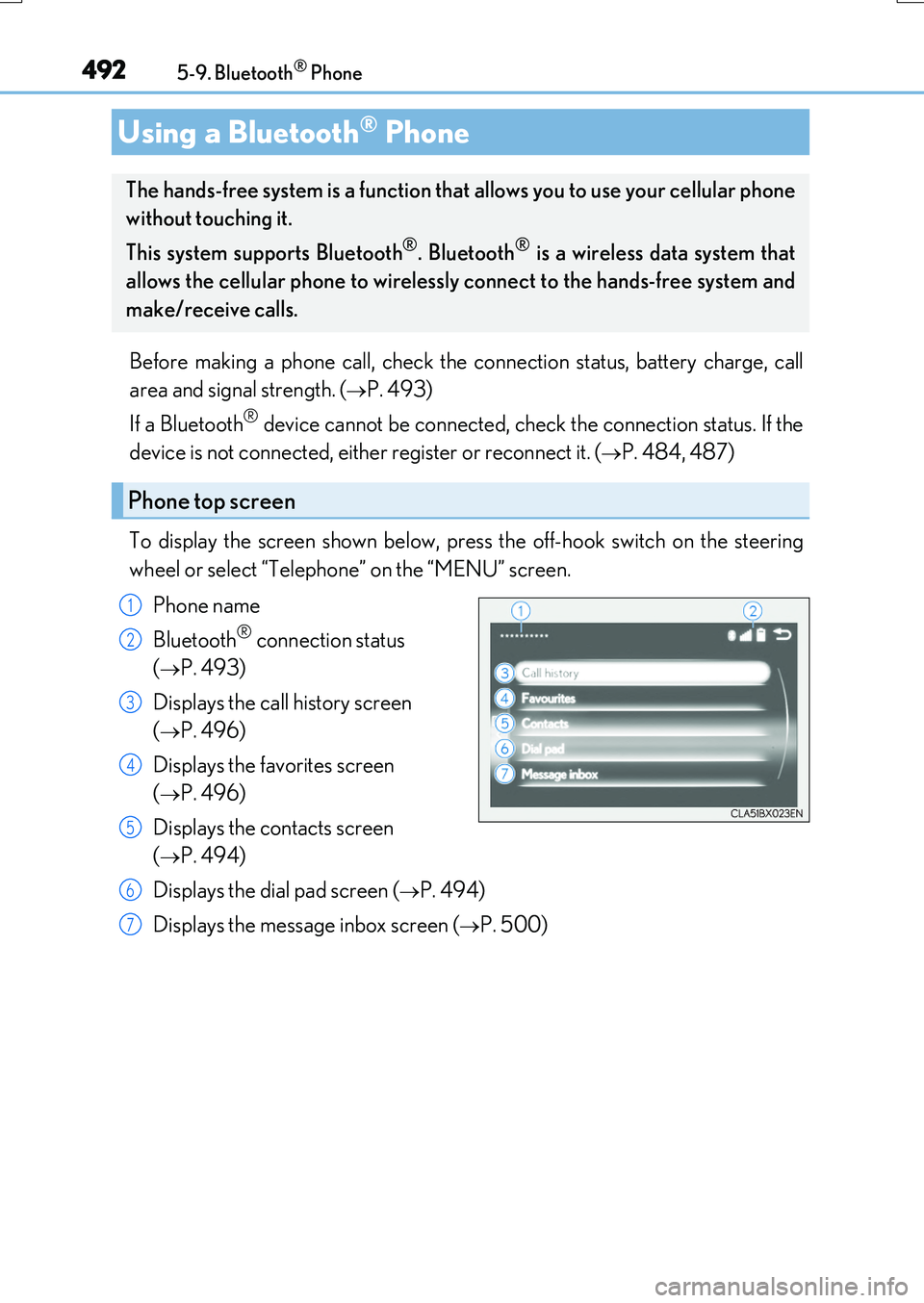
To display the screen shown below, press the off-hook switch on the steering
wheel or select “Telephone” on the “MENU” screen.
Phone name
Bluetooth® connection status
(P. 493)
Displays the call history screen
(P. 496)
Displays the favorites screen
(P. 496)
Displays the contacts screen
(P. 494)
Displays the dial pad screen (P. 494)
Displays the message inbox screen (P. 500)
Using a Bluetooth® Phone
The hands-free system is a function that allows you to use your cellular phone
without touching it.
This system supports Bluetooth®. Bluetooth® is a wireless data system that
allows the cellular phone to wirelessly connect to the hands-free system and
make/receive calls.
Phone top screen
1
2
3
4
5
6
7
Page 494 of 776
4945-9. Bluetooth® Phone
RX350/RX200t_EE_OM48F32E
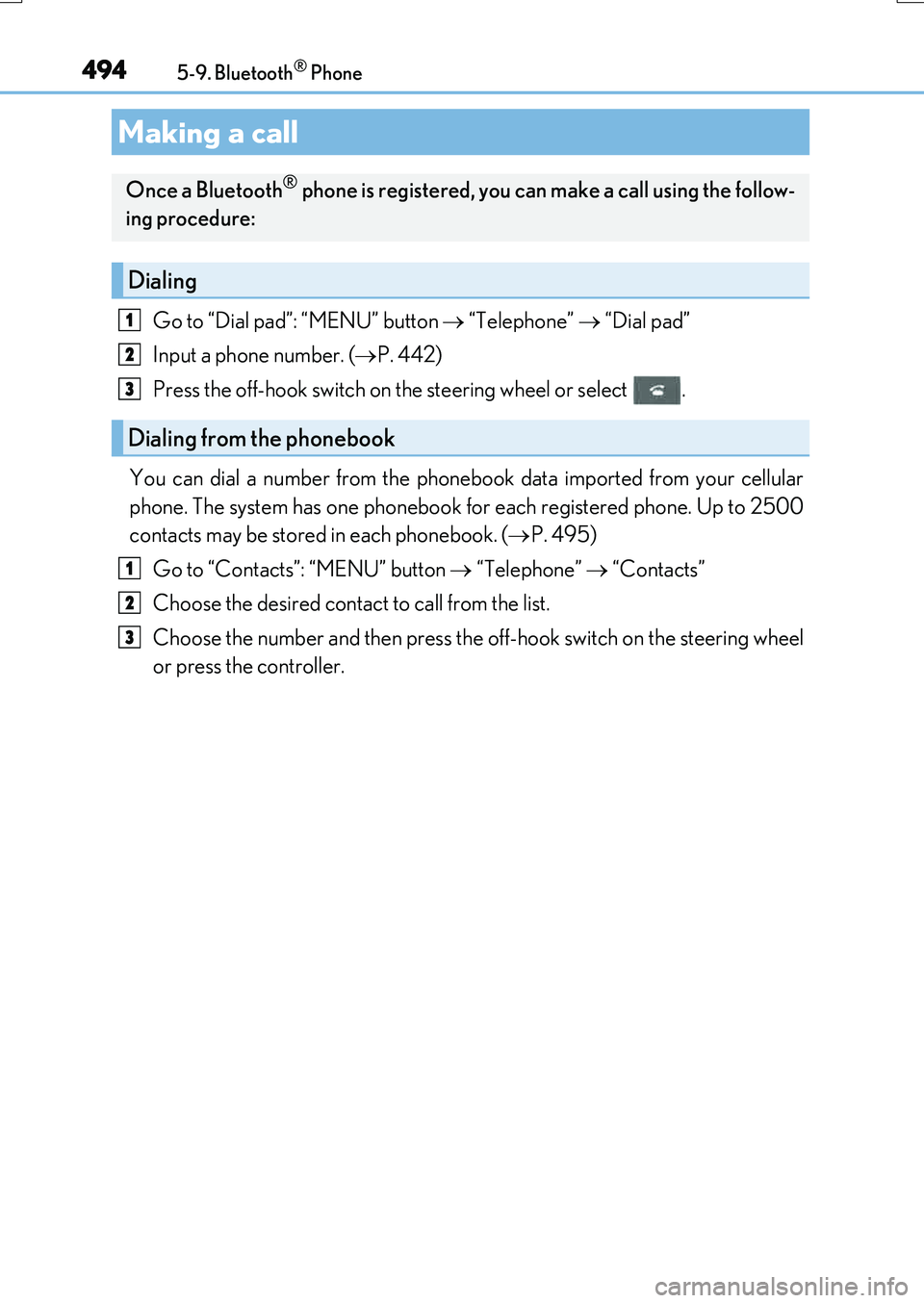
Go to “Dial pad”: “MENU” button “Telephone” “Dial pad”
Input a phone number. ( P. 442)
Press the off-hook switch on the steering wheel or select .
You can dial a number from the phonebook data imported from your cellular
phone. The system has one phonebook for each registered phone. Up to 2500
contacts may be stored in each phonebook. ( P. 495)
Go to “Contacts”: “MENU” button “Telephone” “Contacts”
Choose the desired contact to call from the list.
Choose the number and then press the off-hook switch on the steering wheel
or press the controller.
Making a call
Once a Bluetooth® phone is registered, you can make a call using the follow-
ing procedure:
Dialing
Dialing from the phonebook
1
2
3
1
2
3
Page 495 of 776
4955-9. Bluetooth® Phone
5
Lexus Display Audio system
RX350/RX200t_EE_OM48F32E
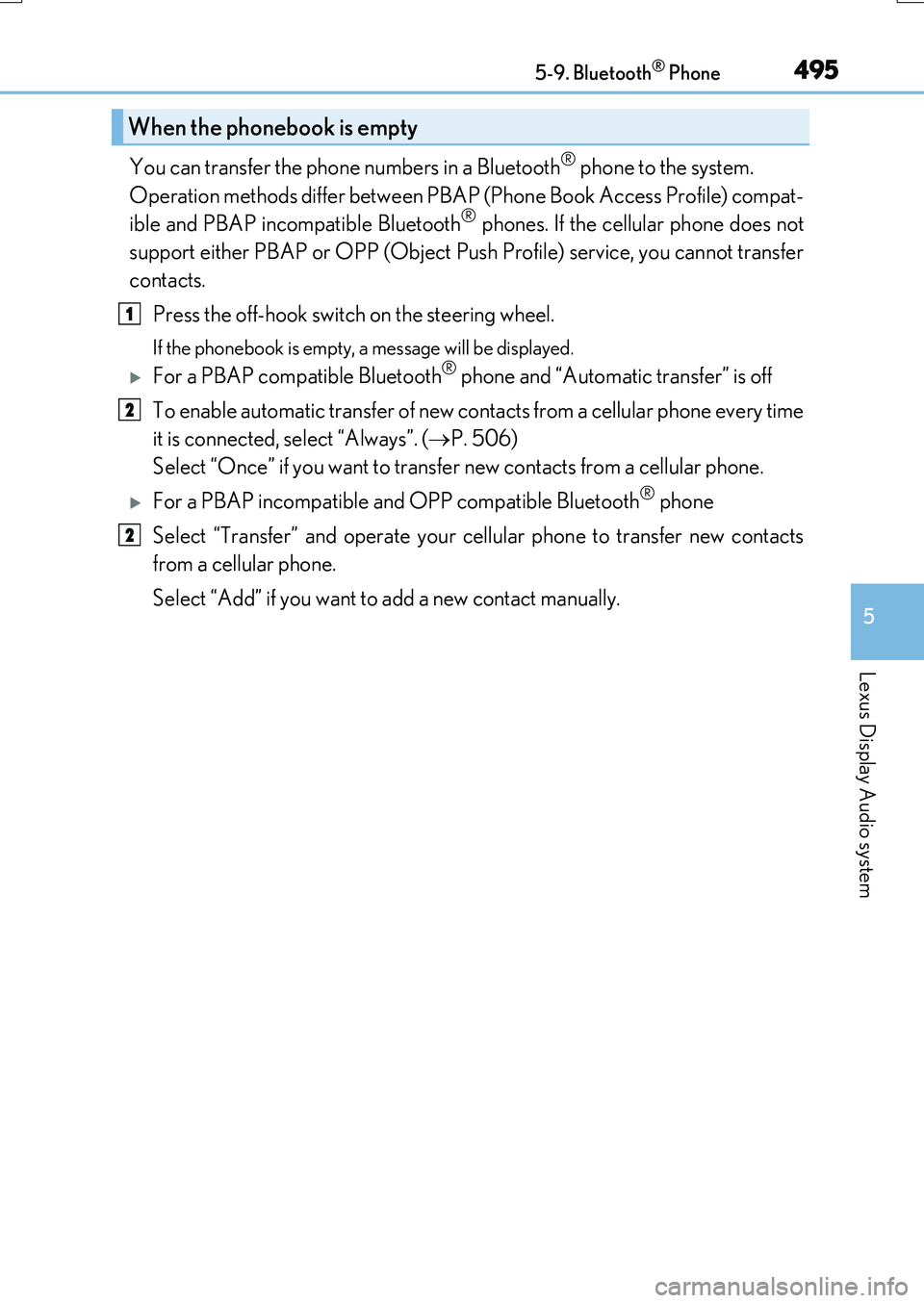
You can transfer the phone numbers in a Bluetooth® phone to the system.
Operation methods differ between PBAP (Phone Book Access Profile) compat-
ible and PBAP incompatible Bluetooth® phones. If the cellular phone does not
support either PBAP or OPP (Object Push Profile) service, you cannot transfer
contacts.
Press the off-hook switch on the steering wheel.
If the phonebook is empty, a message will be displayed.
For a PBAP compatible Bluetooth® phone and “Automatic transfer” is off
To enable automatic transfer of new contacts from a cellular phone every time
it is connected, select “Always”. ( P. 506)
Select “Once” if you want to transfer new contacts from a cellular phone.
For a PBAP incompatible and OPP compatible Bluetooth® phone
Select “Transfer” and operate your cellular phone to transfer new contacts
from a cellular phone.
Select “Add” if you want to add a new contact manually.
When the phonebook is empty
1
2
2
Page 496 of 776
4965-9. Bluetooth® Phone
RX350/RX200t_EE_OM48F32E
You can make a call using numbers registered in the favorites. Go to “Favourites”: “MENU” button “Telephone” “Favourites”
Choose the desired contact to call from the list.
Choose the number and then press the off-hook switch on the steering wheel
or press the controller.
You can make a call using the call history. Go to “Call history”: “MENU” button “Telephone” “Call history”
Select the desired entry from the list.
Press the off-hook switch on the steering wheel or select .
■Call history list
●If you make a call to or receive a call from a number registered in the phonebook, the
name is displayed in the call history.
●If you make multiple calls to the same number , only the last call made is displayed in the
call history.
■International calls
Depending on the mobile phone in use, you ma y not be able to make international calls.
■Calling by using the latest call history entry
Press the
off-hook switch on the steering wheel to display the phone top screen.
Press the switch again to disp lay the “Call history” screen.
Press the switch again to select the latest call history entry.
Dialing from favorites
Dialing from history
1
2
3
1
2
3
1
2
3
Page 497 of 776

4975-9. Bluetooth® Phone
5
Lexus Display Audio system
RX350/RX200t_EE_OM48F32E
Press the off-hook switch on the steer-
ing wheel or select .
Press the on-hook switch on the steering wheel or select .
■International calls
Depending on the cellular phone in use, re ceived international calls may not be dis-
played correctly.
Receiving a call
When a call is received, the following screen is displayed together with a
sound.
To answer the phone
To refuse a call