Trouble shoot LEXUS RX200T 2017 Owners Manual
[x] Cancel search | Manufacturer: LEXUS, Model Year: 2017, Model line: RX200T, Model: LEXUS RX200T 2017Pages: 776, PDF Size: 44.51 MB
Page 5 of 776
5
1
9
8
7
6
4
3
2
RX350/RX200t_EE_OM48F32E
5
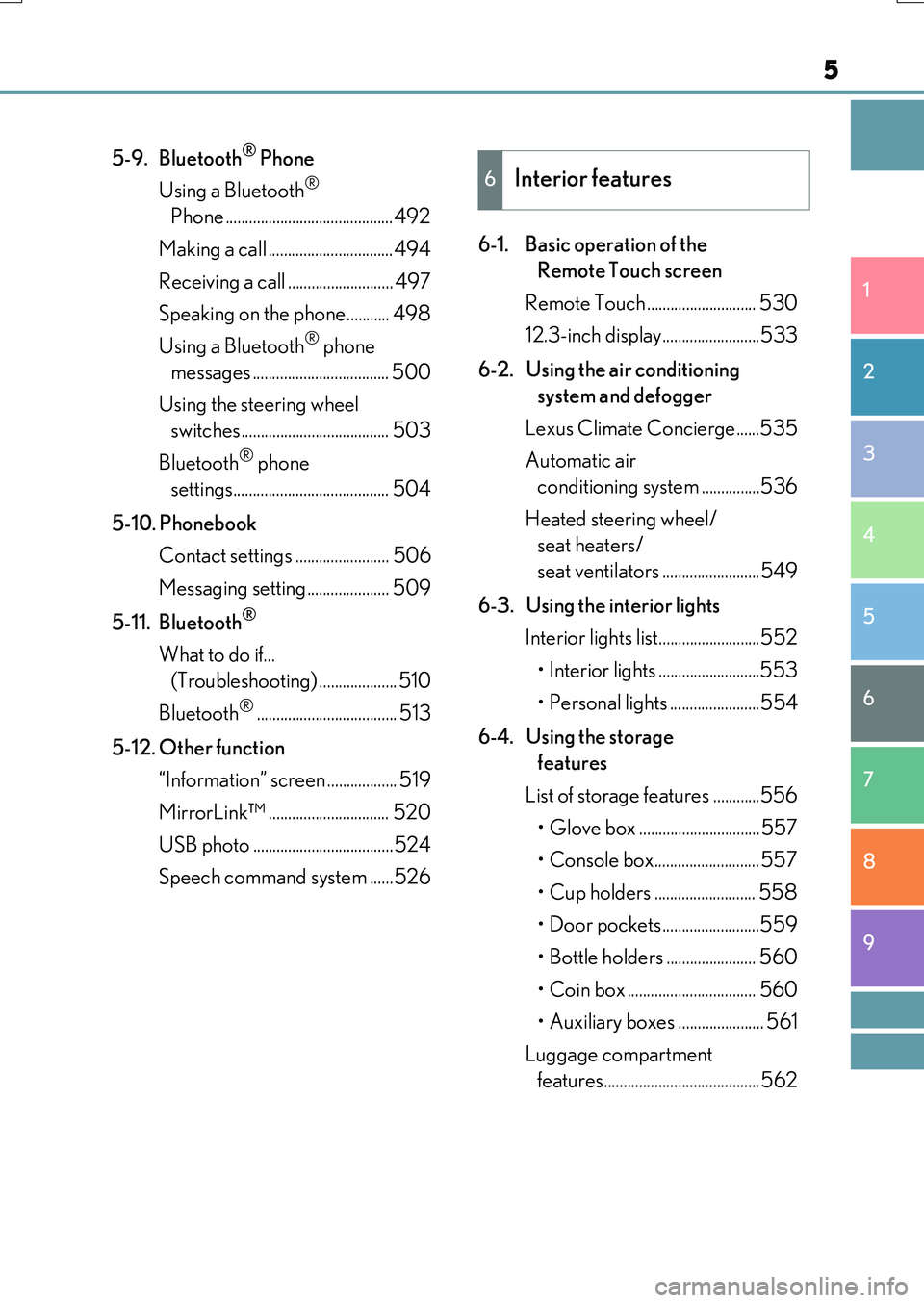
5-9. Bluetooth® Phone
Using a Bluetooth®
Phone ...........................................492
Making a call ................................494
Receiving a call ........................... 497
Speaking on the phone........... 498
Using a Bluetooth® phone
messages ................................... 500
Using the steering wheel
switches...................................... 503
Bluetooth® phone
settings........................................ 504
5-10. Phonebook
Contact settings ........................ 506
Messaging setting..................... 509
5-11. Bluetooth®
What to do if...
(Troubleshooting) .................... 510
Bluetooth®.................................... 513
5-12. Other function
“Information” screen .................. 519
MirrorLink™ ............................... 520
USB photo ....................................524
Speech command system ......526
6-1. Basic operation of the
Remote Touch screen
Remote Touch ............................ 530
12.3-inch display.........................533
6-2. Using the air conditioning
system and defogger
Lexus Climate Concierge......535
Automatic air
conditioning system ...............536
Heated steering wheel/
seat heaters/
seat ventilators .........................549
6-3. Using the interior lights
Interior lights list..........................552
• Interior lights ..........................553
• Personal lights .......................554
6-4. Using the storage
features
List of storage features ............556
• Glove box ...............................557
• Console box........................... 557
• Cup holders .......................... 558
• Door pockets.........................559
• Bottle holders ....................... 560
• Coin box ................................. 560
• Auxiliary boxes ...................... 561
Luggage compartment
features........................................562
6Interior features
Page 7 of 776
7
1
9
8
7
6
4
3
2
RX350/RX200t_EE_OM48F32E
5
8-2. Steps to take
in an emergency
If your vehicle needs
to be towed ............................... 658
If you think something
is wrong .......................................664
Fuel pump shut off system ......665
If a warning light turns
on or a warning buzzer
sounds..........................................666
If a warning message
is displayed................................. 673
If you have a flat tire
(vehicles with
a spare tire)................................ 679
If you have a flat tire
(vehicles without
a spare tire)................................693
If the engine will not start ....... 708
If the electronic key does
not operate properly .............. 710
If the vehicle battery
is discharged .............................. 714
If your vehicle overheats .......... 718
If the vehicle becomes
stuck.............................................. 722
9-1. Specifications
Maintenance data
(fuel, oil level, etc.)................... 726
Fuel information .......................... 739
9-2. Customization
Customizable features ............740
9-3. Initialization
Items to initialize ......................... 752
What to do if...
(Troubleshooting) ............................... 754
Alphabetical index .................................758
9Vehicle specifications
Index
For vehicles with a navigation system, refer to the “NAVIGATION SYSTEM
OWNER’S MANUAL” for information regarding the equipment listed below.
• Navigation system
• Audio/visual system
• Lexus parking assist monitor
• Panoramic view monitor
Toyota Motor Europe NV/SA, Avenue du Bourget 60 - 1140 Brussels,
Belgium www.toyota-europe.com
Page 11 of 776
11
RX350/RX200t_EE_OM48F32E
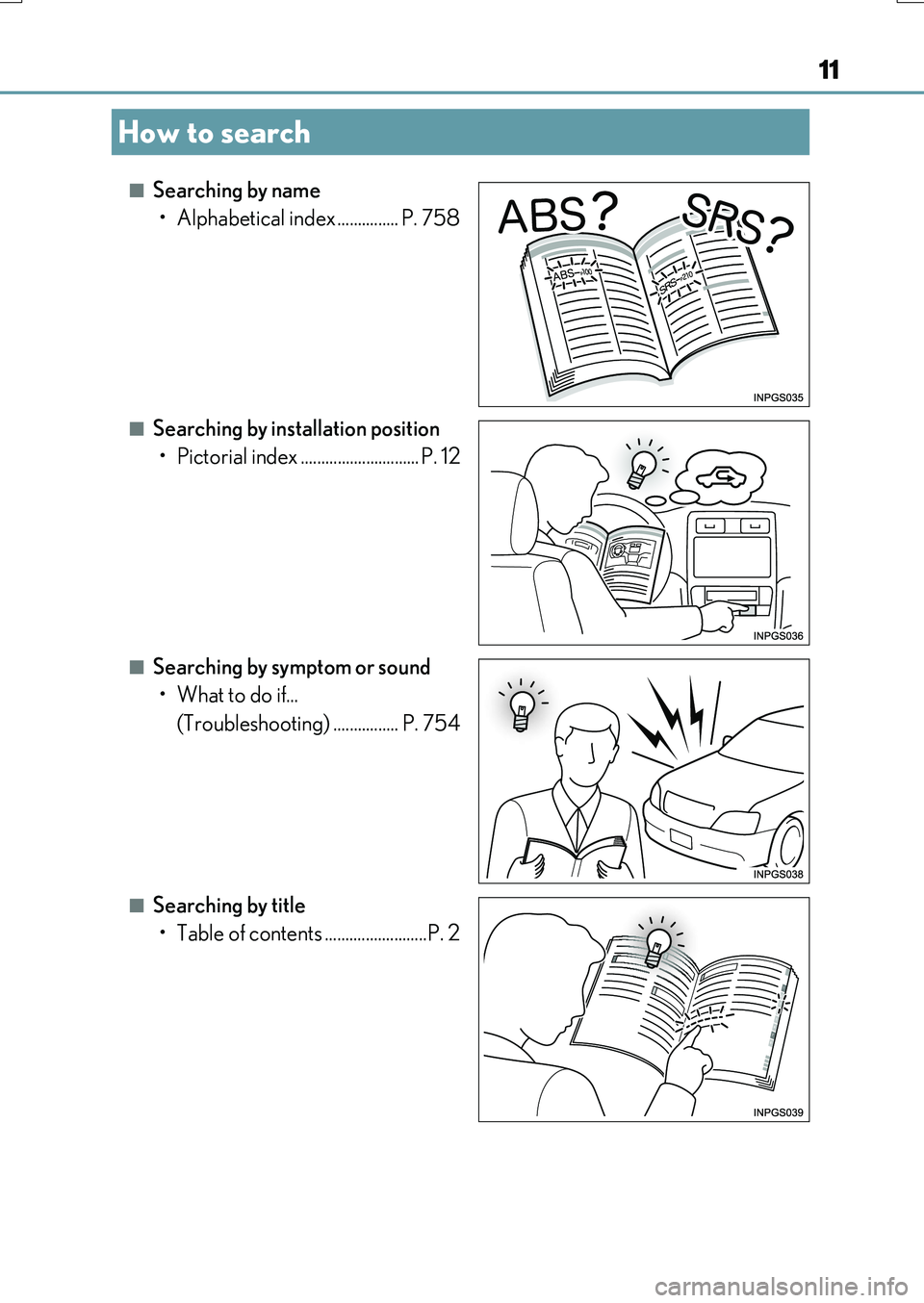
■Searching by name
• Alphabetical index ............... P. 758
■Searching by installation position
• Pictorial index ............................. P. 12
■Searching by symptom or sound
• What to do if...
(Troubleshooting) ................ P. 754
■Searching by title
• Table of contents .........................P. 2
How to search
Page 437 of 776
437
5
Lexus Display
Audio system
RX350/RX200t_EE_OM48F32E
5-6. Using an external device
Listening to an iPod................... 472
Using USB memory
device........................................... 476
Using the AUX port .................. 481
5-7. Connecting Bluetooth®
Steps for using Bluetooth®
devices.........................................482
Registering a Bluetooth®
device...........................................484
Selecting a Bluetooth®
device.......................................... 485
Connecting a Bluetooth®
audio player ...............................486
Connecting a Bluetooth®
phone ...........................................487
Displaying a Bluetooth®
device details ........................... 488
Detailed Bluetooth®
settings........................................ 489
5-8. Bluetooth® Audio
Listening to Bluetooth®
Audio........................................... 490
5-9. Bluetooth® Phone
Using a Bluetooth®
Phone........................................... 492
Making a call................................ 494
Receiving a call ........................... 497
Speaking on the phone ...........498
Using a Bluetooth®
phone messages .................... 500
Using the steering wheel
switches.......................................503
Bluetooth® phone
settings ........................................504
5-10. Phonebook
Contact settings .........................506
Messaging setting .....................509
5-11. Bluetooth®
What to do if...
(Troubleshooting).................... 510
Bluetooth®.................................... 513
5-12. Other function
“Information” screen.................. 519
MirrorLink™ ................................520
USB photo .................................... 524
Speech command system ...... 526
Some of the functions cannot be operated while driving.
Page 510 of 776
510
RX350/RX200t_EE_OM48F32E
5-11. Bluetooth®
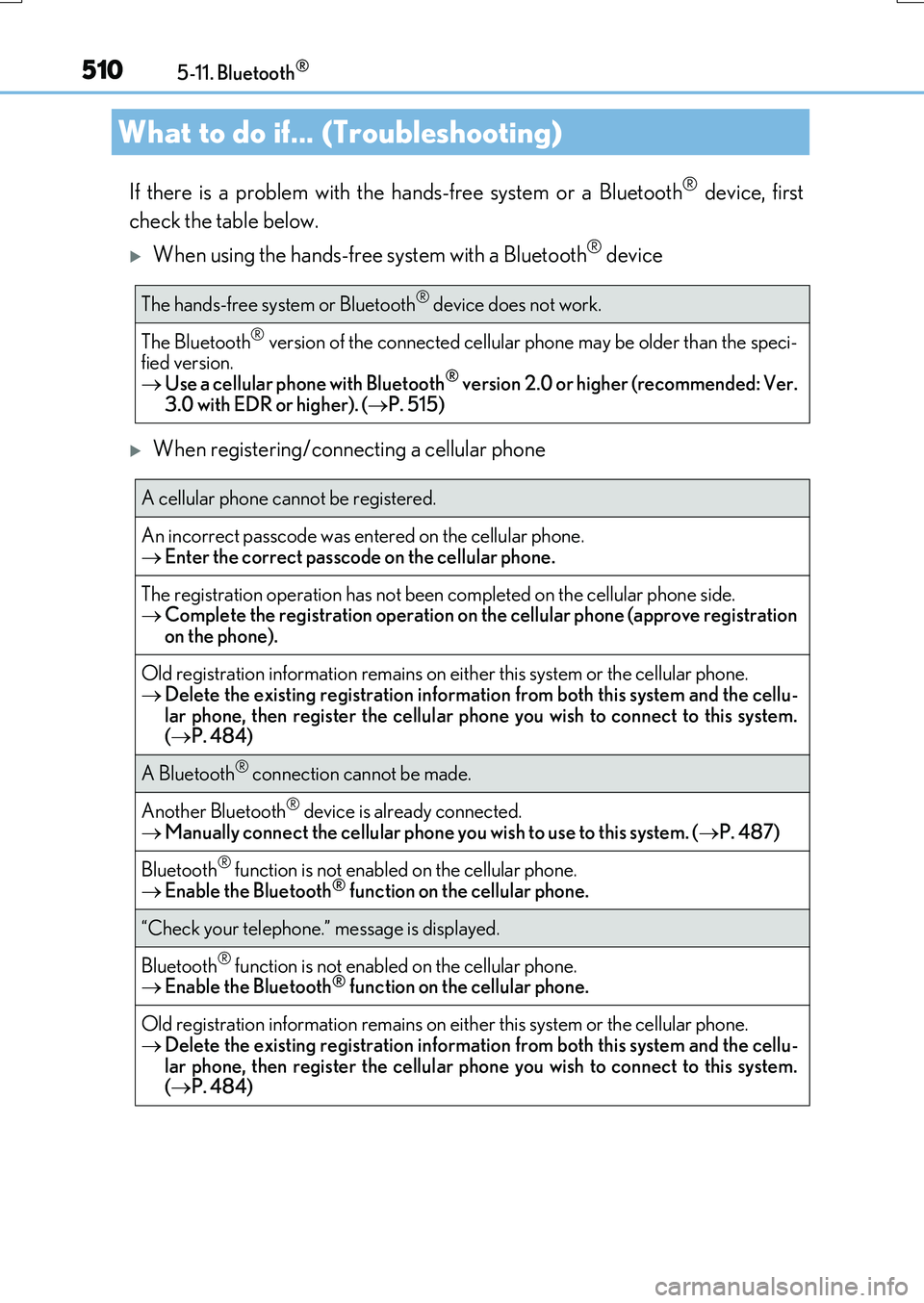
If there is a problem with the hands-free system or a Bluetooth® device, first
check the table below.
When using the hands-free system with a Bluetooth® device
When registering/connecting a cellular phone
What to do if... (Troubleshooting)
The hands-free system or Bluetooth® device does not work.
The Bluetooth® version of the connected cellular phone may be older than the speci- fied version. Use a cellular phone with Bluetooth® version 2.0 or higher (recommended: Ver.
3.0 with EDR or higher). ( P. 515)
A cellular phone cannot be registered.
An incorrect passcode was entered on the cellular phone. Enter the correct passcode on the cellular phone.
The registration operation has not been completed on the cellular phone side. Complete the registration operation on the cellular phone (approve registration
on the phone).
Old registration information remains on ei ther this system or the cellular phone. Delete the existing registration information from both this system and the cellu-
lar phone, then register the cellular phone you wish to connect to this system. ( P. 484)
A Bluetooth® connection cannot be made.
Another Bluetooth® device is already connected. Manually connect the cellular phone you wish to use to this system. (P. 487)
Bluetooth® function is not enabled on the cellular phone.
Enable the Bluetooth® function on the cellular phone.
“Check your telephone.” message is displayed.
Bluetooth® function is not enabled on the cellular phone. Enable the Bluetooth® function on the cellular phone.
Old registration information remains on either this system or the cellular phone. Delete the existing registration information from both this system and the cellu-
lar phone, then register the cellular phone you wish to connect to this system. ( P. 484)
Page 753 of 776
753
Index
RX350/RX200t_EE_OM48F32E
What to do if...
(Troubleshooting)............................... 754
Alphabetical index................................. 758
For vehicles with a navigation system, refer to the “NAVIGATION SYSTEM OWNER’S MANUAL” for information regarding the
equipment listed below.
• Navigation system
• Audio/visual system
• Lexus parking assist monitor
•Panoramic view monitor
Page 754 of 776
754
RX350/RX200t_EE_OM48F32E
What to do if... (Troubleshooting)
What to do if... (Troubleshooting)
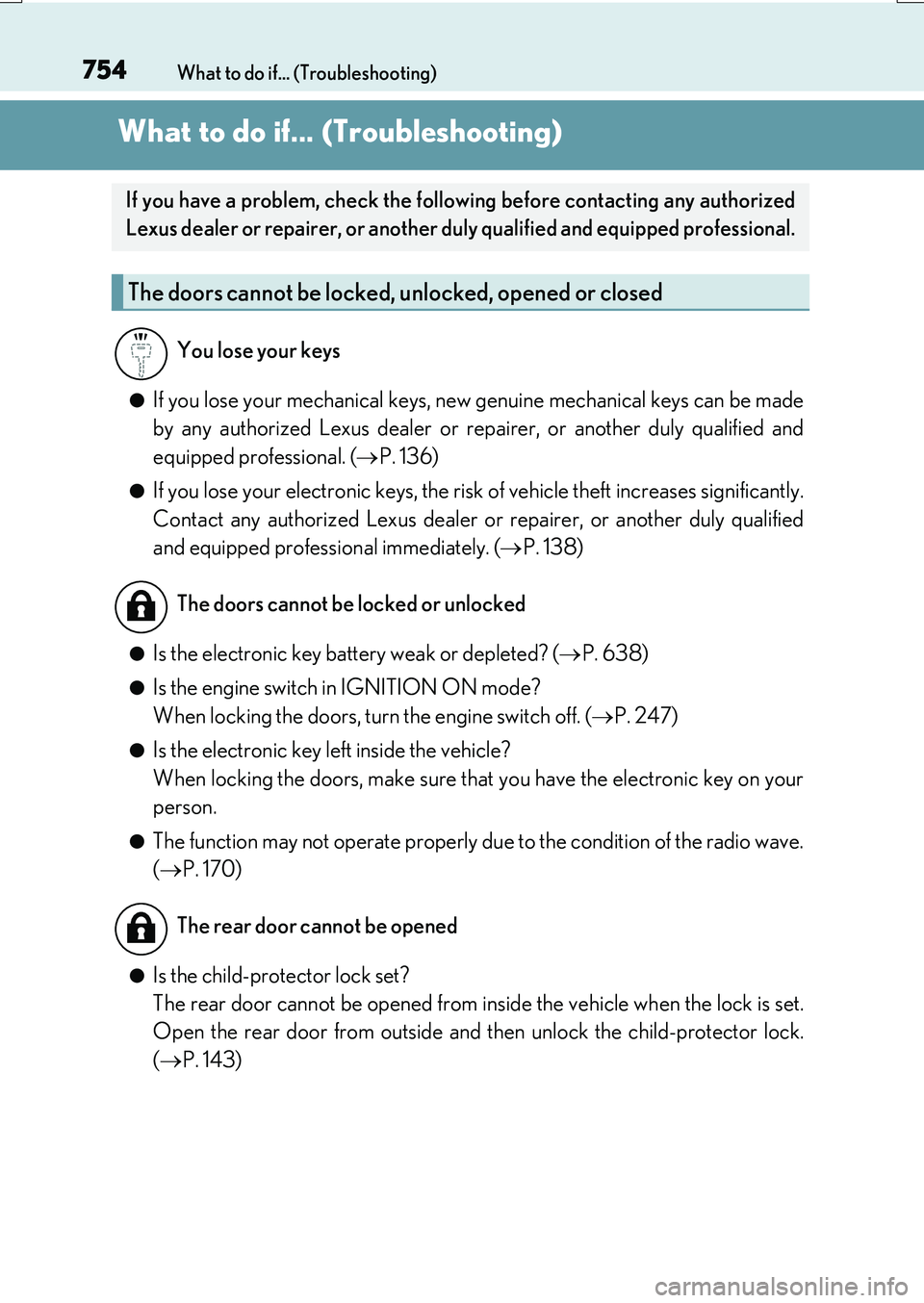
●If you lose your mechanical keys, new genuine mechanical keys can be made
by any authorized Lexus dealer or repairer, or another duly qualified and
equipped professional. ( P. 136)
●If you lose your electronic keys, the risk of vehicle theft increases significantly.
Contact any authorized Lexus dealer or repairer, or another duly qualified
and equipped professional immediately. ( P. 138)
●Is the electronic key battery weak or depleted? (P. 638)
●Is the engine switch in IGNITION ON mode?
When locking the doors, turn the engine switch off. ( P. 247)
●Is the electronic key left inside the vehicle?
When locking the doors, make sure that you have the electronic key on your
person.
●The function may not operate properly due to the condition of the radio wave.
( P. 170)
●Is the child-protector lock set?
The rear door cannot be opened from inside the vehicle when the lock is set.
Open the rear door from outside and then unlock the child-protector lock.
( P. 143)
If you have a problem, check the following before contacting any authorized
Lexus dealer or repairer, or another duly qualified and equipped professional.
The doors cannot be locked, unlocked, opened or closed
You lose your keys
The doors cannot be locked or unlocked
The rear door cannot be opened
Page 755 of 776
755What to do if... (Troubleshooting)
RX350/RX200t_EE_OM48F32E
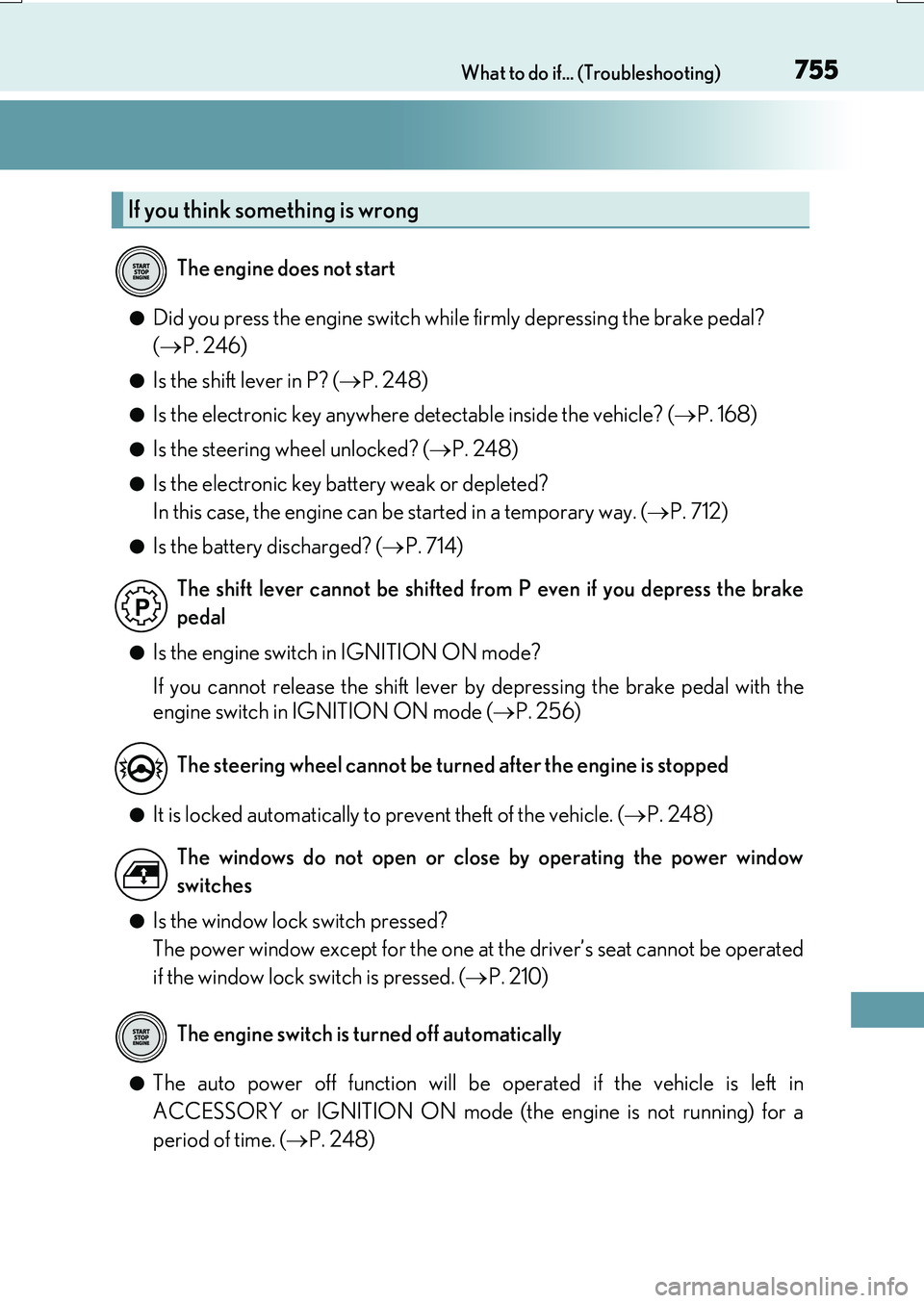
●Did you press the engine switch while firmly depressing the brake pedal?
( P. 246)
●Is the shift lever in P? (P. 248)
●Is the electronic key anywhere detectable inside the vehicle? (P. 168)
●Is the steering wheel unlocked? (P. 248)
●Is the electronic key battery weak or depleted?
In this case, the engine can be started in a temporary way. ( P. 712)
●Is the battery discharged? (P. 714)
●Is the engine switch in IGNITION ON mode?
If you cannot release the shift lever by depressing the brake pedal with the
engine switch in IGNITION ON mode ( P. 256)
●It is locked automatically to prevent theft of the vehicle. (P. 248)
●Is the window lock switch pressed?
The power window except for the one at the driver’s seat cannot be operated
if the window lock switch is pressed. ( P. 210)
●The auto power off function will be operated if the vehicle is left in
ACCESSORY or IGNITION ON mode (the engine is not running) for a
period of time. ( P. 248)
If you think something is wrong
The engine does not start
The shift lever cannot be shifted from P even if you depress the brake
pedal
The steering wheel cannot be turned after the engine is stopped
The windows do not open or close by operating the power window
switches
The engine switch is turned off automatically
Page 756 of 776
756What to do if... (Troubleshooting)
RX350/RX200t_EE_OM48F32E
●The seat belt reminder light is flashing
Are the driver and the passengers wearing the seat belts? ( P. 669, 669)
●The parking brake indicator is on
Is the parking brake released? ( P. 259)
Depending on the situation, other types of warning buzzer may also sound.
( P. 666, 673)
●Did anyone inside the vehicle open a door or anything move inside the vehicle
during setting the alarm?
The sensor detects them and the alarm sounds. ( P. 83)
Do one of the following to stop the alarm:
• Unlock the doors using the entry fu nction or wireless remote control. • Start the engine.
●Is the message displayed on the multi-information display?
Check the message on the multi-information display. ( P. 673)
●When a warning light turns on or a warning message is displayed, refer to
P. 666, 673.
A warning buzzer sounds during driving
An alarm is activated and the horn sounds
(vehicles with an alarm)
A warning buzzer sounds when leaving the vehicle
A warning light turns on or a warning message is displayed
Page 757 of 776
757What to do if... (Troubleshooting)
RX350/RX200t_EE_OM48F32E
●Vehicles without a spare tire
Stop the vehicle in a safe place and repair the flat tire temporarily with the
emergency tire puncture repair kit. ( P. 693)
●Vehicles with a spare tire
Stop the vehicle in a safe place and replace the flat tire with the spare tire.
( P. 679)
●Try the procedure for when the vehicle becomes stuck in mud, dirt, or snow.
( P. 722)
When a problem has occurred
If you have a flat tire
The vehicle becomes stuck