maintenance LEXUS RX200T 2017 Owners Manual
[x] Cancel search | Manufacturer: LEXUS, Model Year: 2017, Model line: RX200T, Model: LEXUS RX200T 2017Pages: 776, PDF Size: 44.51 MB
Page 1 of 776
RX350/RX200t_EE_OM48F32E
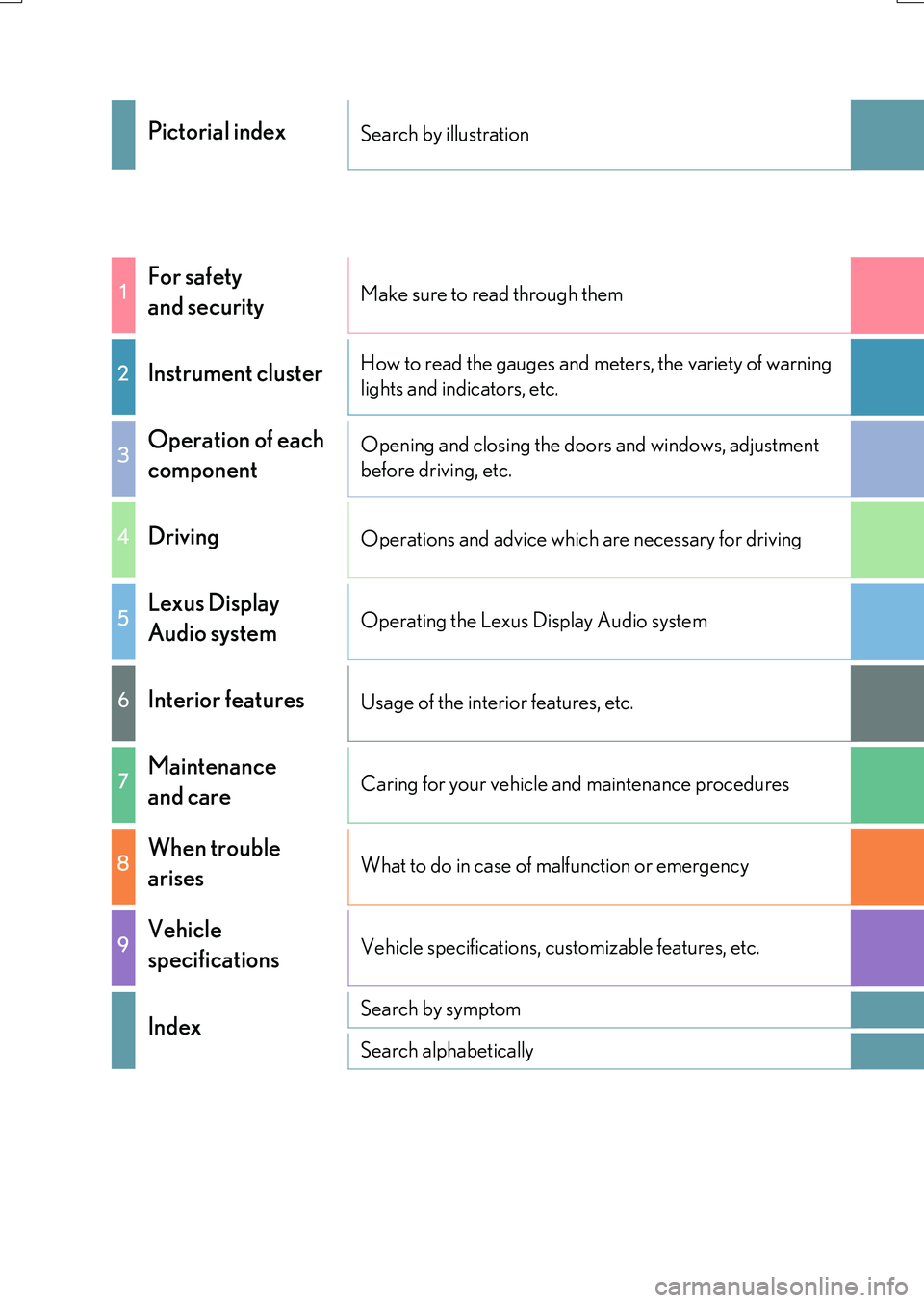
Pictorial indexSearch by illustration
1For safety
and securityMake sure to read through them
2Instrument clusterHow to read the gauges and meters, the variety of warning
lights and indicators, etc.
3Operation of each
component
Opening and closing the doors and windows, adjustment
before driving, etc.
4DrivingOperations and advice which are necessary for driving
5Lexus Display
Audio systemOperating the Lexus Display Audio system
6Interior featuresUsage of the interior features, etc.
7Maintenance
and careCaring for your vehicle and maintenance procedures
8When trouble
arisesWhat to do in case of malfunction or emergency
9Vehicle
specificationsVehicle specifications, customizable features, etc.
IndexSearch by symptom
Search alphabetically
Page 6 of 776
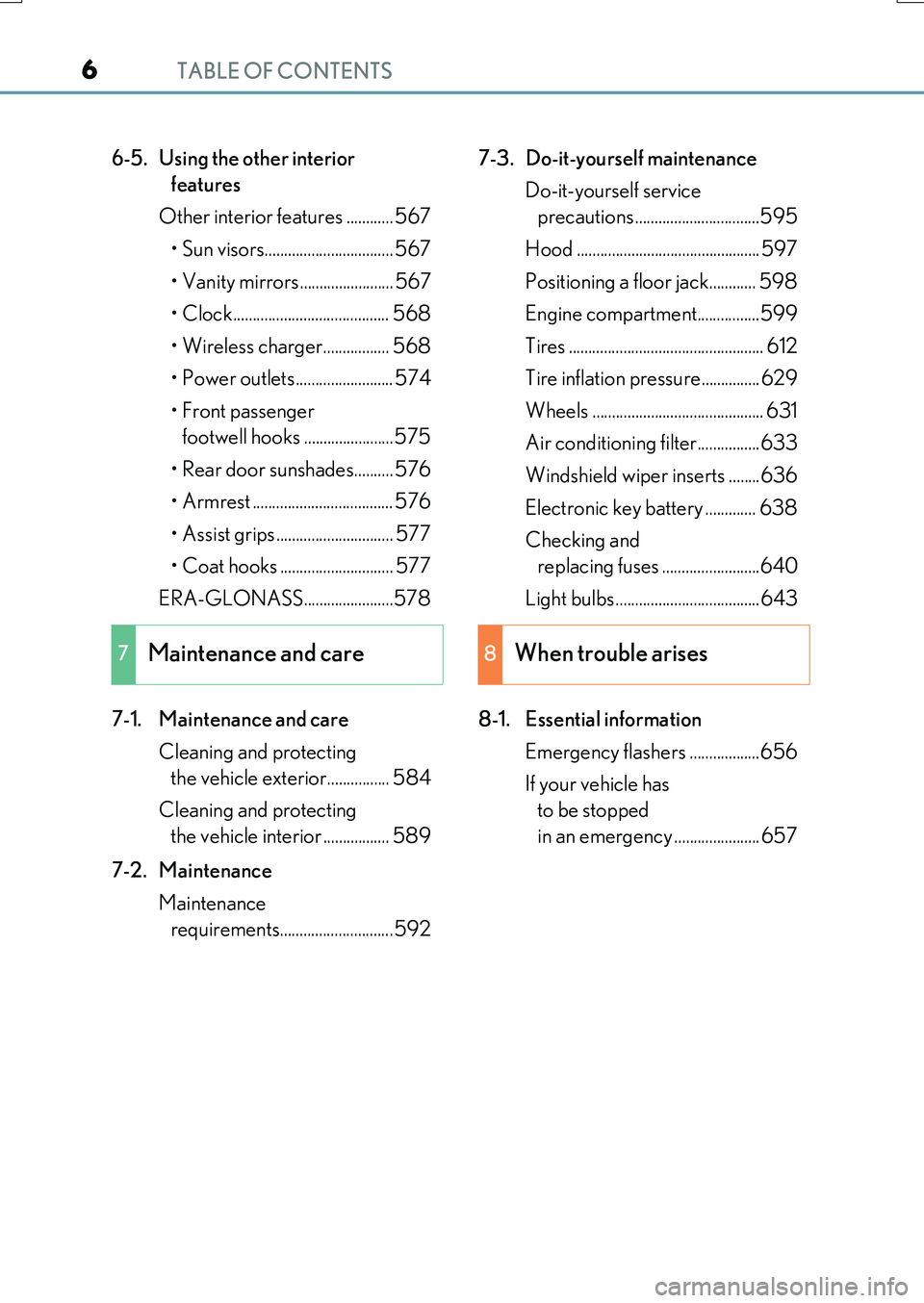
TABLE OF CONTENTS6
RX350/RX200t_EE_OM48F32E
6-5. Using the other interior
features
Other interior features ............ 567
• Sun visors................................. 567
• Vanity mirrors........................ 567
• Clock........................................ 568
• Wireless charger................. 568
• Power outlets......................... 574
• Front passenger
footwell hooks .......................575
• Rear door sunshades.......... 576
• Armrest .................................... 576
• Assist grips .............................. 577
• Coat hooks ............................. 577
ERA-GLONASS.......................578
7-1. Maintenance and care
Cleaning and protecting
the vehicle exterior................ 584
Cleaning and protecting
the vehicle interior ................. 589
7-2. Maintenance
Maintenance
requirements.............................592
7-3. Do-it-yourself maintenance
Do-it-yourself service
precautions ................................595
Hood ............................................... 597
Positioning a floor jack............ 598
Engine compartment................599
Tires .................................................. 612
Tire inflation pressure............... 629
Wheels ............................................ 631
Air conditioning filter................633
Windshield wiper inserts ........636
Electronic key battery ............. 638
Checking and
replacing fuses .........................640
Light bulbs ..................................... 643
8-1. Essential information
Emergency flashers ..................656
If your vehicle has
to be stopped
in an emergency ...................... 657
7Maintenance and care8When trouble arises
Page 7 of 776
7
1
9
8
7
6
4
3
2
RX350/RX200t_EE_OM48F32E
5
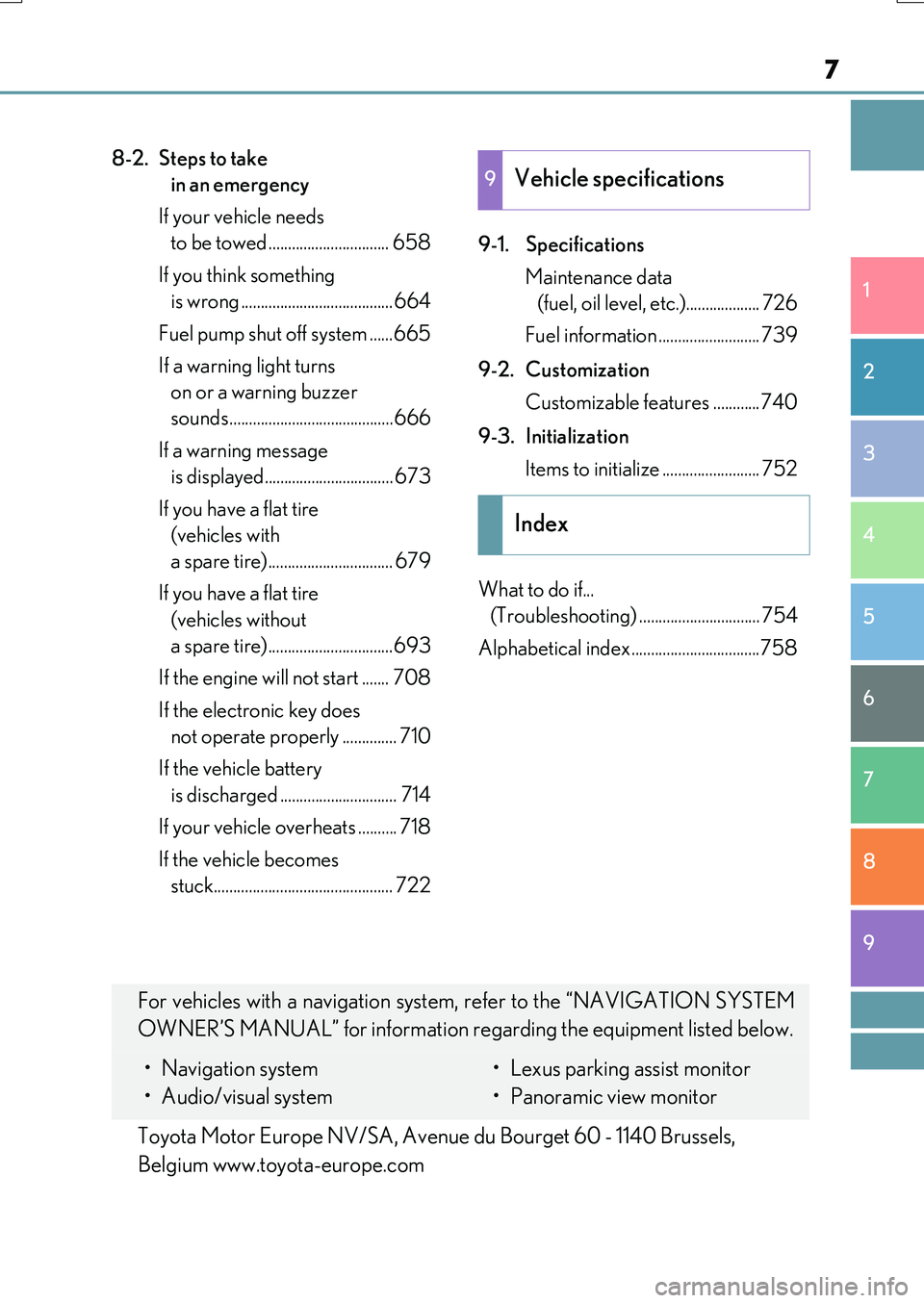
8-2. Steps to take
in an emergency
If your vehicle needs
to be towed ............................... 658
If you think something
is wrong .......................................664
Fuel pump shut off system ......665
If a warning light turns
on or a warning buzzer
sounds..........................................666
If a warning message
is displayed................................. 673
If you have a flat tire
(vehicles with
a spare tire)................................ 679
If you have a flat tire
(vehicles without
a spare tire)................................693
If the engine will not start ....... 708
If the electronic key does
not operate properly .............. 710
If the vehicle battery
is discharged .............................. 714
If your vehicle overheats .......... 718
If the vehicle becomes
stuck.............................................. 722
9-1. Specifications
Maintenance data
(fuel, oil level, etc.)................... 726
Fuel information .......................... 739
9-2. Customization
Customizable features ............740
9-3. Initialization
Items to initialize ......................... 752
What to do if...
(Troubleshooting) ............................... 754
Alphabetical index .................................758
9Vehicle specifications
Index
For vehicles with a navigation system, refer to the “NAVIGATION SYSTEM
OWNER’S MANUAL” for information regarding the equipment listed below.
• Navigation system
• Audio/visual system
• Lexus parking assist monitor
• Panoramic view monitor
Toyota Motor Europe NV/SA, Avenue du Bourget 60 - 1140 Brussels,
Belgium www.toyota-europe.com
Page 77 of 776
77
1
For safety and security
RX350/RX200t_EE_OM48F32E
1-3. Theft deterrent system
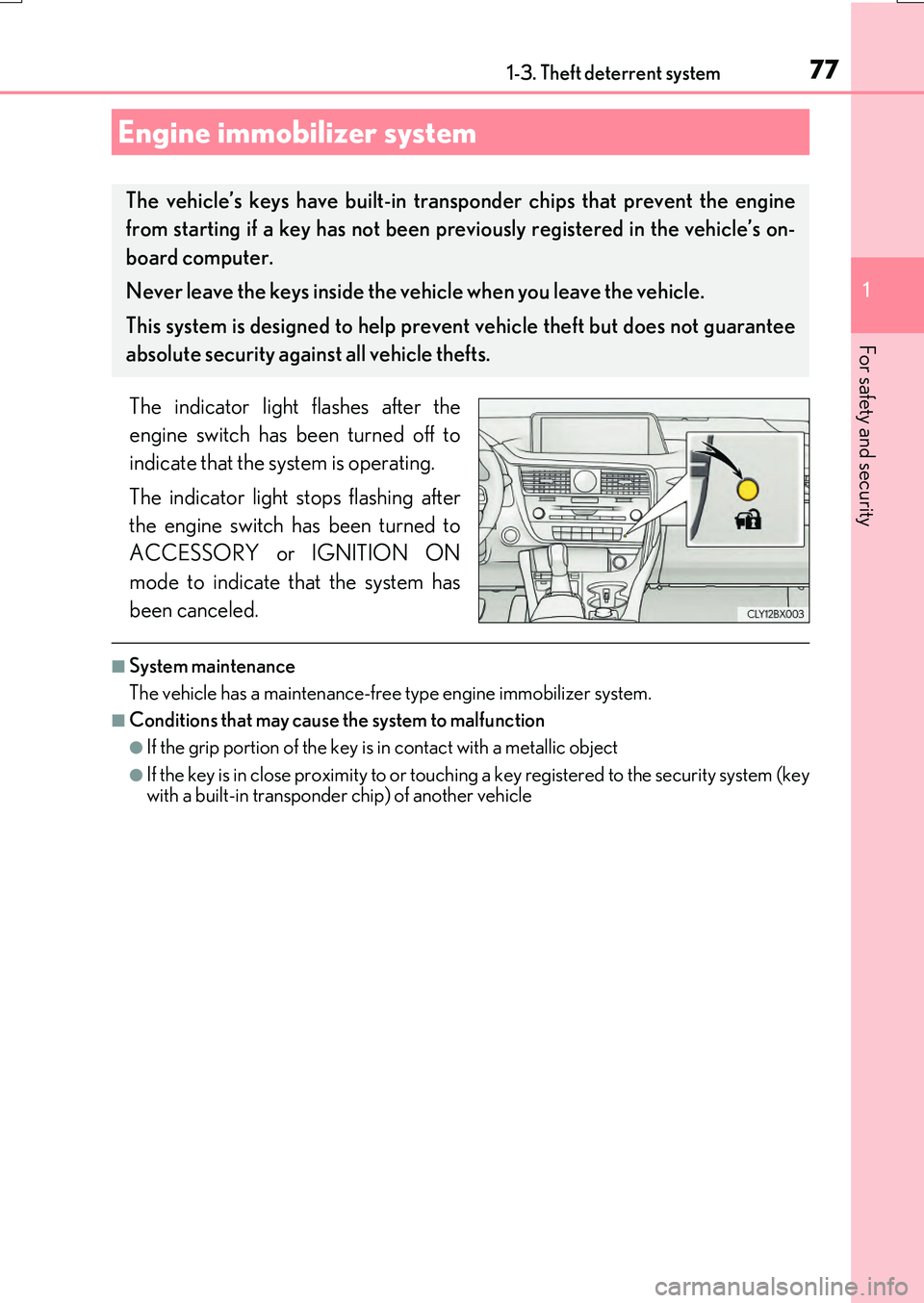
The indicator light flashes after the
engine switch has been turned off to
indicate that the system is operating.
The indicator light stops flashing after
the engine switch has been turned to
ACCESSORY or IGNITION ON
mode to indicate that the system has
been canceled.
■System maintenance
The vehicle has a maintenance-free type engine immobilizer system.
■Conditions that may cause the system to malfunction
●If the grip portion of the key is in contact with a metallic object
●If the key is in close proximity to or touching a key registered to the security system (key with a built-in transponder chip) of another vehicle
Engine immobilizer system
The vehicle’s keys have built-in tran sponder chips that prevent the engine
from starting if a key has not been previously registered in the vehicle’s on-
board computer.
Never leave the keys inside the vehicle when you leave the vehicle.
This system is designed to help prev ent vehicle theft but does not guarantee
absolute security agai nst all vehicle thefts.
Page 84 of 776
841-3. Theft deterrent system
RX350/RX200t_EE_OM48F32E
■System maintenance
The vehicle has a maintenance-free type alarm system.
■Items to check before locking the vehicle
To prevent unexpected triggering of the alarm and vehicle theft, make sure of the follow-
ing.
●Nobody is in the vehicle.
●The windows and moon roof or panoramic m oon roof are closed before the alarm is
set.
●No valuables or other personal items are left in the vehicle.
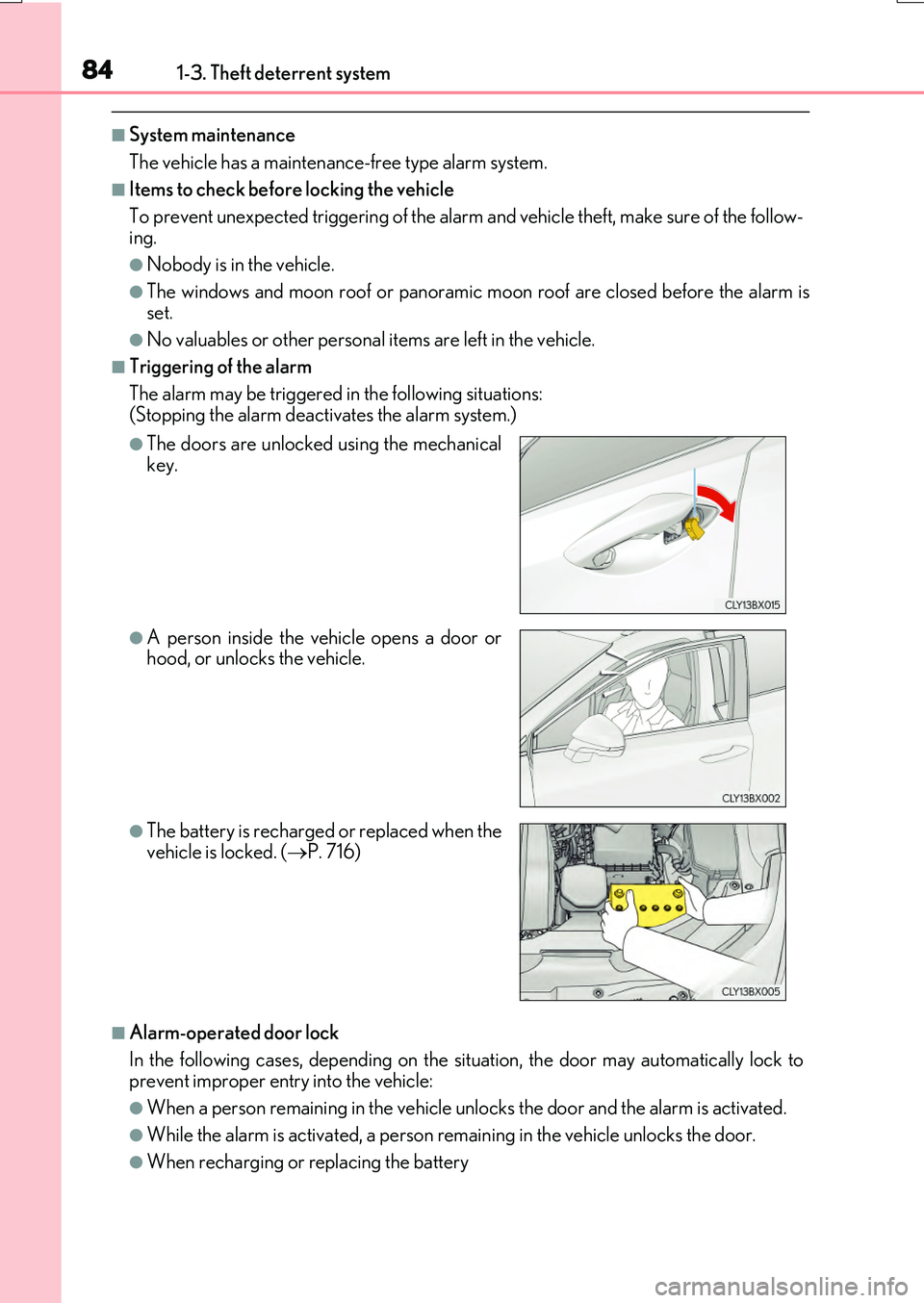
■Triggering of the alarm
The alarm may be triggered in the following situations: (Stopping the alarm deactivates the alarm system.)
■Alarm-operated door lock
In the following cases, depending on the situation, the door may automatically lock to prevent improper entry into the vehicle:
●When a person remain ing in the vehicle unlocks the door and the alarm is activated.
●While the alarm is activated, a person remaining in the vehicle unlocks the door.
●When recharging or replacing the battery
●The doors are unlocked using the mechanical key.
●A person inside the vehicle opens a door orhood, or unlocks the vehicle.
●The battery is recharged or replaced when the
vehicle is locked. ( P. 716)
Page 116 of 776
1162. Instrument cluster
RX350/RX200t_EE_OM48F32E
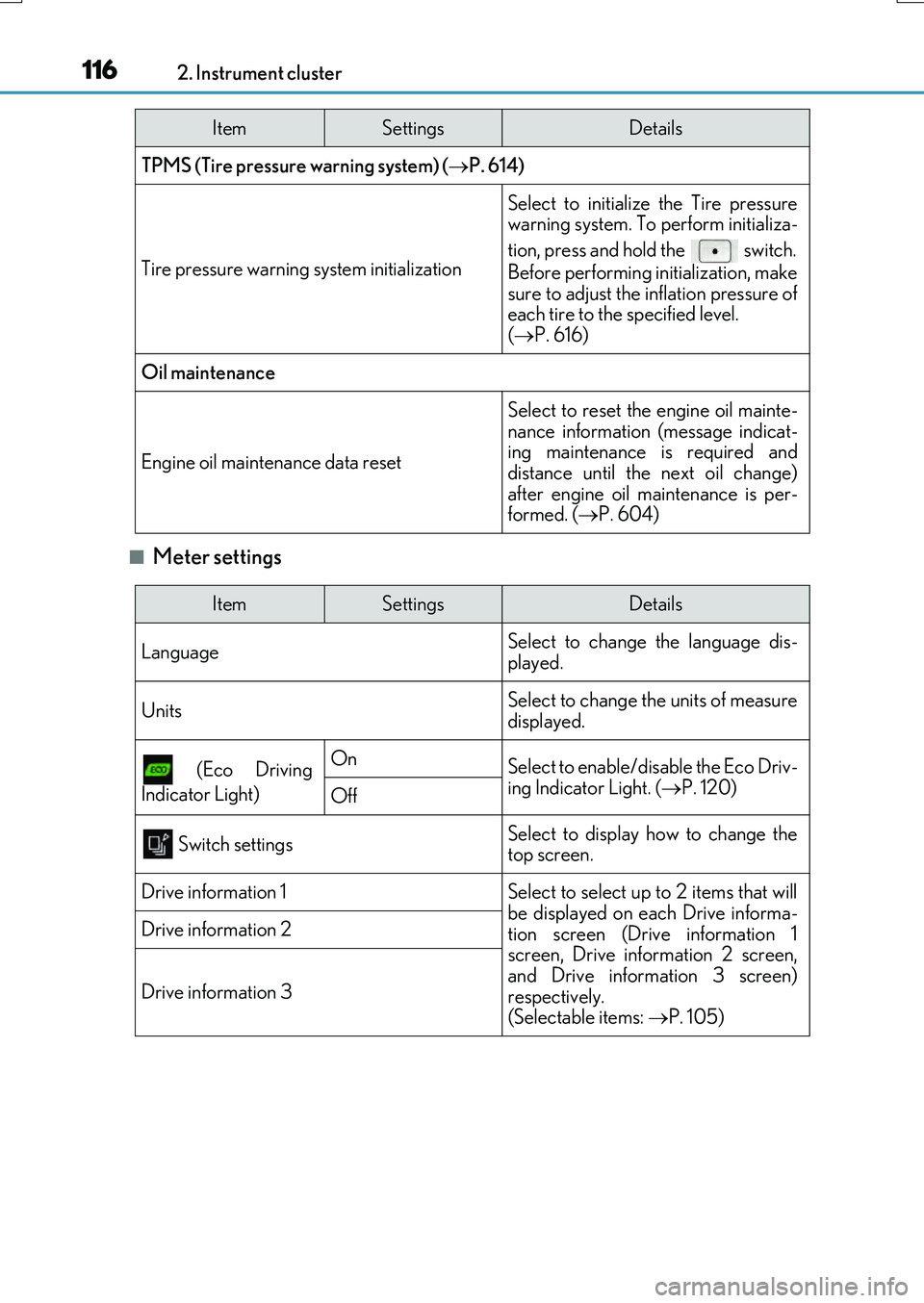
■Meter settings
TPMS (Tire pressure warning system) (P. 614)
Tire pressure warning system initialization
Select to initialize the Tire pressure warning system. To perform initializa-
tion, press and hold the switch.
Before performing initialization, make
sure to adjust the inflation pressure of each tire to the specified level. ( P. 616)
Oil maintenance
Engine oil maintenance data reset
Select to reset the engine oil mainte-
nance information (message indicat- ing maintenance is required anddistance until the next oil change)
after engine oil maintenance is per- formed. ( P. 604)
ItemSettingsDetails
ItemSettingsDetails
Language Select to change the language dis-
played.
UnitsSelect to change the units of measure displayed.
(Eco Driving
Indicator Light)
OnSelect to enable/disable the Eco Driv-
ing Indicator Light. ( P. 120)Off
Switch settingsSelect to display how to change the top screen.
Drive information 1Select to select up to 2 items that will
be displayed on each Drive informa- tion screen (Drive information 1screen, Drive information 2 screen,
and Drive information 3 screen) respectively. (Selectable items: P. 105)
Drive information 2
Drive information 3
Page 118 of 776
1182. Instrument cluster
RX350/RX200t_EE_OM48F32E
◆Display items
■Odometer
Displays the total distance the vehicle has been driven.
■Trip meter A/trip meter B
Displays the distance the vehicle has been driven since the meter was last
reset. Trip meters A and B can be used to record and display different dis-
tances independently.
To reset, display the desired trip meter and press and hold the “ODO/TRIP”
switch.
■ Distance until next engine oil change
Displays the distance the vehicle can be driven until an oil change is neces-
sary.
◆Pop-up display
In some situations the following will be temporarily displayed:
■ Stop & Start system operation time (current) (if equipped)
This display will be displayed when the engine is stopped due to the operation
of the Stop & Start system.
■ Distance until next engine oil change
Displays the distance until the next engine oil change. This display will be dis-
played in the following situations:
• When the engine switch is turned to IGNITION ON mode.
• When a warning message indicating that oil maintenance should be performed
soon or is required is displayed.
◆Speed warning
When set to on, the vehicle speed at which the speed warning will start oper-
ating will be displayed. If the vehicle exceeds the set speed, the speed display
will flash and a buzzer will sound.
• To display the odometer, etc. while the speed warning is set to on, press the “ODO/ TRIP” switch. (If the switch has not been operated for a certain amount of time, the
speed warning will be displayed.)
• The speed at which the speed warning w ill start operating can be changed on .
( P. 110)
Odometer/trip meter display area
Page 242 of 776
2424-1. Before driving
RX350/RX200t_EE_OM48F32E
■Tire information
●Increase the tire inflation pressure to 20.0 kPa (0.2 kgf/cm2 or bar, 3 psi) greater than the recommended value when towing. ( P. 737)
●Increase the air pressure of the trailer tires in accordance with the total trailer weight
and according to the values recommended by the manufacturer of your trailer.
■Break-in schedule
Lexus recommends that vehicles fitted with new power train components should not be
used for towing trailers for the first 800 km (500 miles).
■Safety checks before towing
●Check that the maximum load limit for the towing hitch/bracket hitch ball is not
exceeded. Bear in mind that the coupling weight of the trailer will add to the load exerted on the vehicle. Also make sure that you will not be towing a load that exceeds the maximum permissible axle capacity.
●Ensure that the trailer load is secure.
●Supplementary outside rear view mirrors shou ld be added to the vehicle if the traffic behind cannot be clearly seen with standard mirrors. Adjust the extending arms of
these mirrors on both sides of the vehicle so that they always provide maximum visibility of the road behind.
■Maintenance
●Maintenance must be performed more frequently when using the vehicle for towingdue to the greater weight burden placed on the vehicle compared to normal driving.
●Retighten all bolts securing the hitching ball and bracket after towing for approximately
1000 km (600 miles).
Page 435 of 776
4354-6. Driving tips
4
Driving
RX350/RX200t_EE_OM48F32E
NOTICE
■To prevent water damage
Take all necessary safety measures to ensure that water damage to the engine or other components does not occur.
●Water entering the engine air intake will cause severe engine damage.
●Water entering the automatic transmission will cause deterioration in shift quality, locking up of your transmission accompanied by vibration, and ultimately damage.
●Water can wash the grease from wheel bear ings, causing rusting and premature fail- ure, and may also enter the differential, transmission and transfer (AWD models only)case, reducing the gear o il’s lubricating qualities.
■When you drive through water
If driving through water, such as when crossing shallow streams, first check the depth of the water and the bottom of the riverbed for firmness. Drive slowly and avoid deep
water.
■Inspection after off-road driving
●Sand and mud that has accumulated around brake discs may affect braking efficiency
and may damage brake system components.
●Always perform a maintenance inspection after each day of off-road driving that has taken you through rough terrain, sand, mud, or water.
Page 582 of 776
5826-5. Using the other interior features
RX350/RX200t_EE_OM48F32E
NOTICE
■To prevent damage
Do not pour any liquid on to the “SOS” button panel etc. and make any impact to it.
■If the “SOS” button panel malfunctions
It may not be able to make the Emergency Call or inform you of the correct condition of the system. If the “SOS” button panel has been broken, please consult any autho-rized Lexus dealer or repairer, or anothe r duly qualified and equipped professional.
■If there is any malfunction of the speaker or the microphone during the Emergency Call or the Manual Maintenance Check
You will not be able to communicate with the Public Safety Answering Point (PSAP)
operator.
If any of this equipment has been broken, please consult any authorized Lexus dealer or repairer, or another duly qualified and equipped professional.