radio antenna LEXUS RX200T 2017 Owners Manual
[x] Cancel search | Manufacturer: LEXUS, Model Year: 2017, Model line: RX200T, Model: LEXUS RX200T 2017Pages: 776, PDF Size: 44.51 MB
Page 171 of 776

1713-2. Opening, closing and locking the doors
3
Operation of each component
RX350/RX200t_EE_OM48F32E
■Note for the entry function
●Even when the electronic key is within the effective range (detection areas), the system may not operate properly in the following cases:
• The electronic key is too close to the window or outside door handle, near the ground, or in a high place when the doors are locked or unlocked.• The electronic key is near the ground or in a high place, or too close to the rear
bumper center when the back door is opened. • The electronic key is on the instrument panel, luggage compartment, floor, or in thedoor pockets or glove box when the engine is started or engine switch modes are
changed.
●Do not leave the electronic key on top of th e instrument panel or near the door pockets
when exiting the vehicle. Depending on the radio wave reception conditions, it may be detected by the antenna outside the cabin and the door will become lockable from theoutside, possibly trapping the electronic key inside the vehicle.
●As long as the electronic key is within the effective range, the doors may be locked orunlocked by anyone.
●Even if the electronic key is not inside the vehicle, it may be possible to start the engine
if the electronic key is near the window.
●The doors may unlock if a large amount of wa ter splashes on the door handle, such as in the rain or in a car wash when the electronic key is within the effective range. (The door
will automatically be locked after approx imately 30 seconds if the doors are not opened and closed.)
●If the wireless remote control is used to lock the doors when the electronic key is near
the vehicle, there is a possibility that the d oor may not be unlocked by the entry func- tion. (Use the wireless remote control to unlock the doors.)
●Touching the door lock sensor while wearin g gloves may delay or prevent lock opera-
tion. Remove the gloves and to uch the lock sensor again.
●If the door handle becomes wet while the electronic key is within the effective range,
the door may lock and unlock repeatedly. In that case, follow the following correction
procedures to wash the vehicle:
• Place the electronic key in a location 2 m (6 ft.) or more away from the vehicle. (Take
care to ensure that the key is not stolen.)
• Set the electronic key to battery-saving mode to disable the smart entry & start sys-
tem. ( P. 170)
●If the electronic key is inside the vehicle and a door handle becomes wet during a car wash, a message may be shown on the mult i-information display and a buzzer will
sound outside the vehicle. To turn off the alarm, lock all the doors.
●The lock sensor may not work properly if it comes into contact with ice, snow, mud, etc. Clean the lock sensor and attempt to operate it again.
●A sudden approach to the effective range or door handle may prevent the doors frombeing unlocked. In this case, return the door handle to the original position and check that the doors unlock before pulling the door handle again.
●If there is another electronic key in the de tection area, it may take slightly longer to unlock the doors after the door handle is gripped.
●Fingernails may scrape against the door duri ng operation of the door handle. Be care-
ful not to injure fingernails or damage the surface of the door.
Page 184 of 776
1843-2. Opening, closing and locking the doors
RX350/RX200t_EE_OM48F32E
WARNING
■Caution regarding interference with electronic devices
●People with implantable cardiac pacemakers, cardiac resynchronization therapy- pacemakers or implantable cardioverter de fibrillators should maintain a reasonable
distance between themselves and the sm art entry & start system antennas. (P. 168) The radio waves may affect the operation of such devices. If necessary, the entryfunction can be disabled. Ask any authoriz ed Lexus dealer or repairer, or another
duly qualified and equipped professional for details, such as the frequency of radio waves and timing of the emitted radio waves. Then, consult your doctor to see if you should disable the entry function.
●Users of any electrical medical device other than implantable cardiac pacemakers,cardiac resynchronization therapy-pacemakers or implantable cardioverterdefibrillators should consult the manufacturer of the device for information about its
operation under the influence of radio waves. Radio waves could have unexpected effects on the operation of such medicaldevices.
Ask any authorized Lexus dealer or repairer, or another duly qualified and equipped professional for details on disabling the entry function.
Page 465 of 776
4655-4. Using the radio
5
Lexus Display Audio system
RX350/RX200t_EE_OM48F32E
■Manual tuning (manual screen)
Turn the “TUNE•SCROLL” knob or turn the controller.
■Station list (preset or station list screen)
Select the desired station by pressi ng the “<” or “>” button, turn the
“TUNE•SCROLL” knob, or turning and pressing the controller.
Radio stations can be preset.
Search for desired stations.
Turn the controller to select one of the stations and then press the controller
until you hear a beep while on the preset selection screen.
The broadcast you are currently listening to can be re-listened to at any time.
Move the controller to the right and then select “Time shift”.
Turn the “TUNE•SCROLL” knob to set the desired offset.
An offset playback time can also be set on the menu screen. ( P. 461)
To cancel the time shift operation while in time shift mode, move the controller to the
left and select “Time shift off”. If the time shift display is left showing “-0’ 00”” for 6 seconds without any operation, the time shift operation will be canceled.
■Reception sensitivity
●Maintaining perfect radio recept ion at all times is difficult due to the continually chang- ing position of the antenna, differences in signal strength and surrounding objects, such
as trains, transmitters, etc.
●The radio antenna is mounted inside the rear window. To maintain clear radio reception, do not attach metallic window tinting or other metallic objects to the antenna wire
mounted inside the rear window.
■Traffic announcement operation
When traffic announcement is set to on, “TP” will appear on the screen and the radio will
begin seeking a TP station. If the radio seeks out a TP station, a pop-up massage is dis- played. To listen the program, select “Continue”. When the program ends, the initial
operation will resume.
Setting station presets (preset screen)
Time shift operation (DAB) (if equipped)
1
2
1
2
Page 518 of 776
5185-11. Bluetooth®
RX350/RX200t_EE_OM48F32E
WARNING
■While driving
Do not operate the portable audio player, cellular phone or connect a device to the Bluetooth® system.
■Caution regarding interference with electronic devices
●Your audio unit is fitted with Bluetooth® antennas. People with implantable cardiacpacemakers, cardiac resynchronization therapy-pacemakers or implantable
cardioverter defibrillators should maintain a reasonable distance between them- selves and the Bluetooth® antennas. The radio waves may affect the operation ofsuch devices.
●Before using Bluetooth® devices, users of any electrical medical device other thanimplantable cardiac pacemakers, cardiac resynchronization therapy-pacemakers orimplantable cardioverter defibrillators should consult the manufacturer of the device
for information about its operation under th e influence of radio waves. Radio waves could have unexpected effects on the operation of such medical devices.
NOTICE
■When leaving the vehicle
Do not leave your portable audio player or cellular phone in the vehicle. The inside of
the vehicle may become hot, causing damage to the portable audio player or cellular phone.
Page 580 of 776
5806-5. Using the other interior features
RX350/RX200t_EE_OM48F32E
WARNING
■When the Emergency Call may not be made
●Any of the followings may occur. In such cases, report to the Public Safety Answering Point (PSAP) by other means such as nearby public phones.
• It may sometimes be difficult to connect to the public Safety Answering Point (PSAP) even in the reception area of the cellular phone due to the reception level,or if the line is busy. In such cases, you may not be able to connect to the Public
Safety Answering Point (PSAP) and thus w ill not be able to make emergency calls and report to the emergency departments even though the system tries to con-nect to the Public Safety Answering Point (PSAP).
• When the vehicle is out of the cellular phone service area, the Emergency Call cannot be made.• When any related equipment (such as th e “SOS” button panel, indicator lights,
microphone, speaker, DCM, antenna, or any wires connecting the equipment.) has an abnormality, is damaged or broken, the Emergency Call cannot be made.• During the Emergency Call, the system makes repeated attempts to connect to
the Public Safety Answering Point (PSAP). However, if it cannot connect to the Public Safety Answering Point (PSAP) due to poor radio wave reception, the sys- tem may not be able to connect to the cellular network and the call may finish with-
out connecting. The red indicator light w ill blink for approximately 30 seconds to indicate this disconnection.• This device may not function if a shock is applied to it.
●If the battery’s voltage decreases or there is a disconnection, the system may not be able to access the Public Safety Answering Point (PSAP).
■When replacing DCM to a new one
ERA-GLONASS have to be activated. Contact any authorized Lexus dealer or repairer, or another duly qualified and equipped professional.
Page 759 of 776
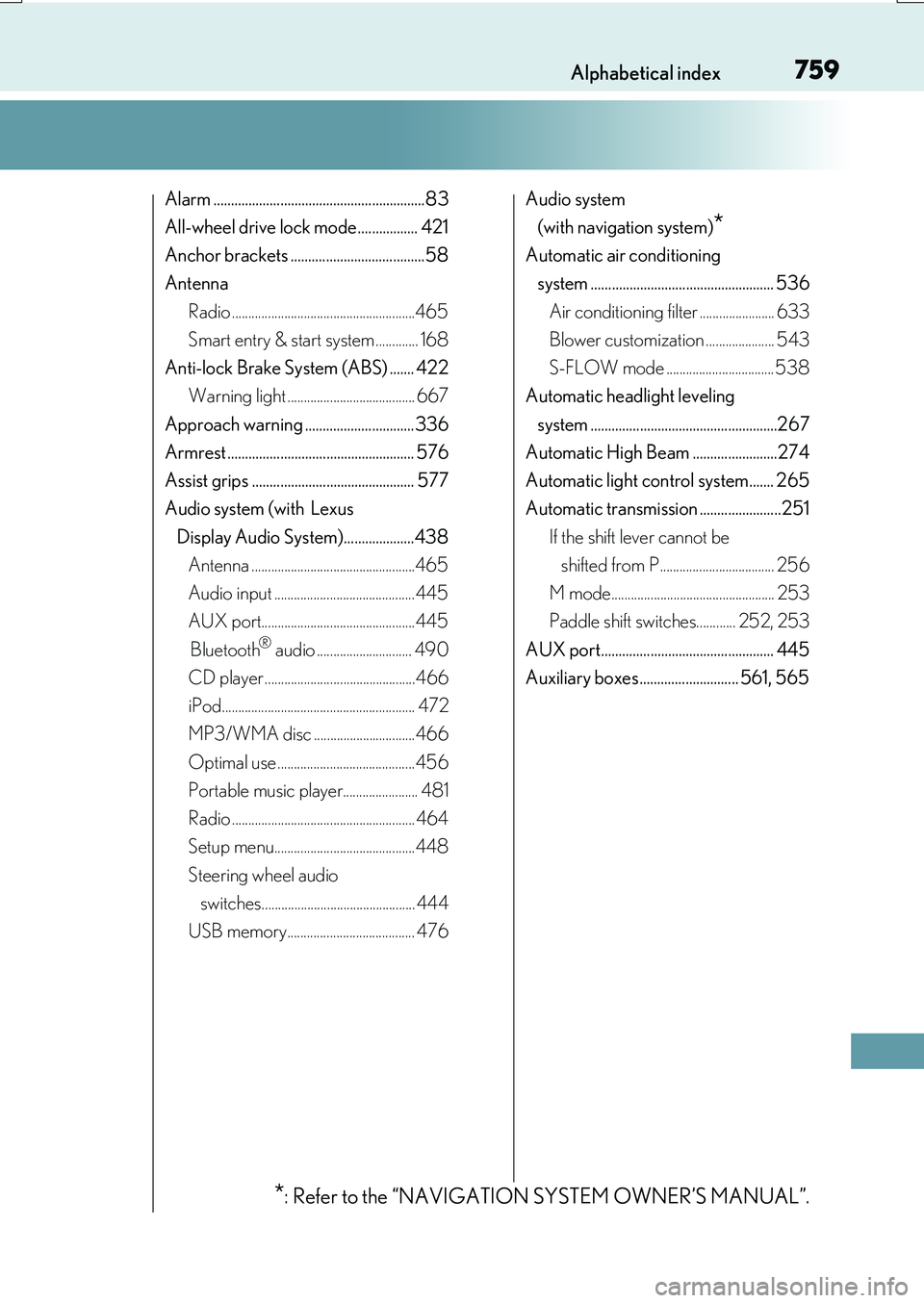
759Alphabetical index
RX350/RX200t_EE_OM48F32E
Alarm ............................................................83
All-wheel drive lock mode................. 421
Anchor brackets ......................................58
Antenna
Radio ........................................................465
Smart entry & start system ............. 168
Anti-lock Brake System (ABS) ....... 422
Warning light ....................................... 667
Approach warning ............................... 336
Armrest ..................................................... 576
Assist grips .............................................. 577
Audio system (with Lexus
Display Audio System)....................438
Antenna ..................................................465
Audio input ........................................... 445
AUX port...............................................445
Bluetooth® audio ............................. 490
CD player ..............................................466
iPod........................................................... 472
MP3/WMA disc ...............................466
Optimal use ..........................................456
Portable music player....................... 481
Radio ........................................................ 464
Setup menu...........................................448
Steering wheel audio
switches............................................... 444
USB memory....................................... 476
Audio system
(with navigation system)*
Automatic air conditioning
system .................................................... 536
Air conditioning filter ....................... 633
Blower customization ..................... 543
S-FLOW mode ................................. 538
Automatic headlight leveling
system .....................................................267
Automatic High Beam ........................274
Automatic light control system....... 265
Automatic transmission .......................251
If the shift lever cannot be
shifted from P................................... 256
M mode.................................................. 253
Paddle shift switches............ 252, 253
AUX port................................................. 445
Auxiliary boxes ............................ 561, 565
*: Refer to the “NAVIGATION SYSTEM OWNER’S MANUAL”.