phone LEXUS RX350 2015 Repair Manual
[x] Cancel search | Manufacturer: LEXUS, Model Year: 2015, Model line: RX350, Model: LEXUS RX350 2015Pages: 886, PDF Size: 11 MB
Page 479 of 886
4793-3. Using the Lexus Display Audio system
3
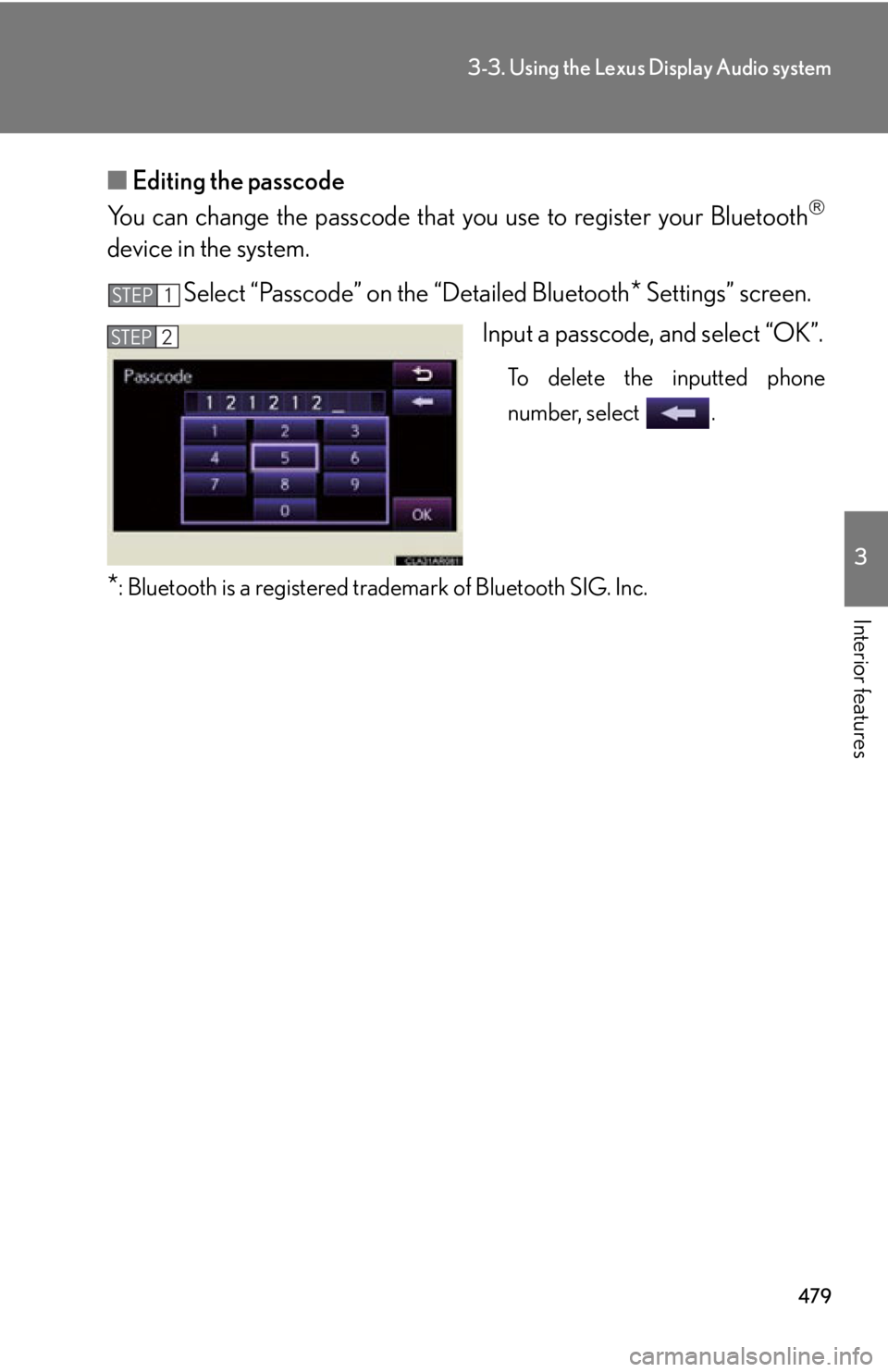
Interior features ■ Editing the passcode
You can change the passcode that you use to register your Bluetooth
device in the system.
Select “Passcode” on the “Detailed Bluetooth
* Settings” screen.
Input a passcode, and select “OK”. To delete the inputted phone
number, select .
* : Bluetooth is a registered tr ademark of Bluetooth SIG. Inc.STEP 1
STEP 2
Page 481 of 886
4813-4. Using the audio system
3
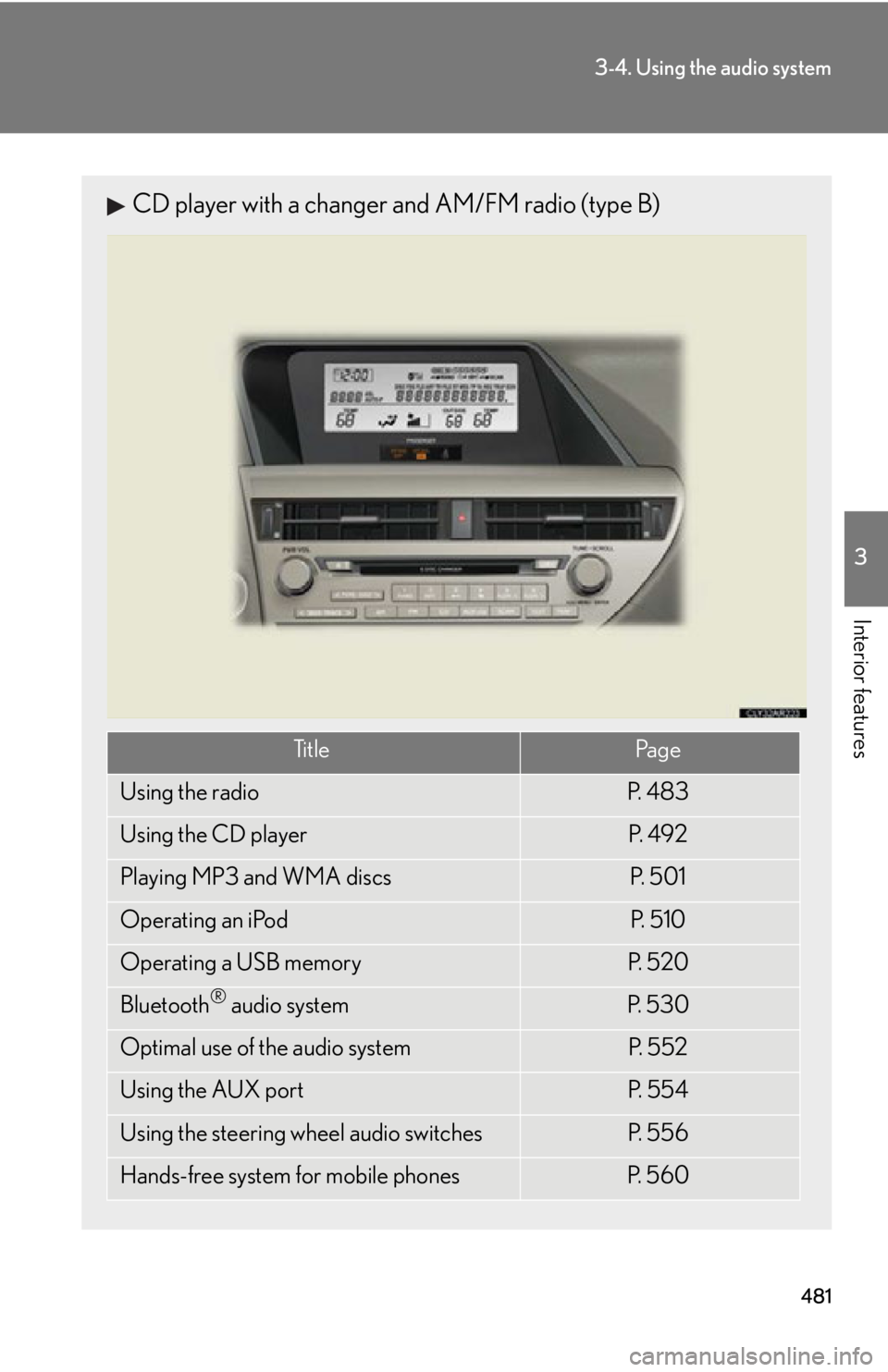
Interior features CD player with a changer and AM/FM radio (type B)
Ti t l e Pa g e
Using the radio P. 4 8 3
Using the CD player P. 4 9 2
Playing MP3 and WMA discs P. 5 0 1
Operating an iPod P. 5 1 0
Operating a USB memory P. 5 2 0
Bluetooth ®
audio system P. 5 3 0
Optimal use of the audio system P. 5 5 2
Using the AUX port P. 5 5 4
Using the steering wheel audio switches P. 5 5 6
Hands-free system for mobile phones P. 5 6 0
Page 482 of 886
4823-4. Using the audio system
■
Using mobile phones
Interference may be heard through the audio system’s speakers if a mobile phone is
being used inside or close to the vehi cle while the audio system is operating.
CAUTION■
Certification ●
Pa r t 1 5 o f t h e F CC Ru l e s
FCC Warning:
Any unauthorized changes or modifications to this equipment will void the user’s
authority to operate this device.●
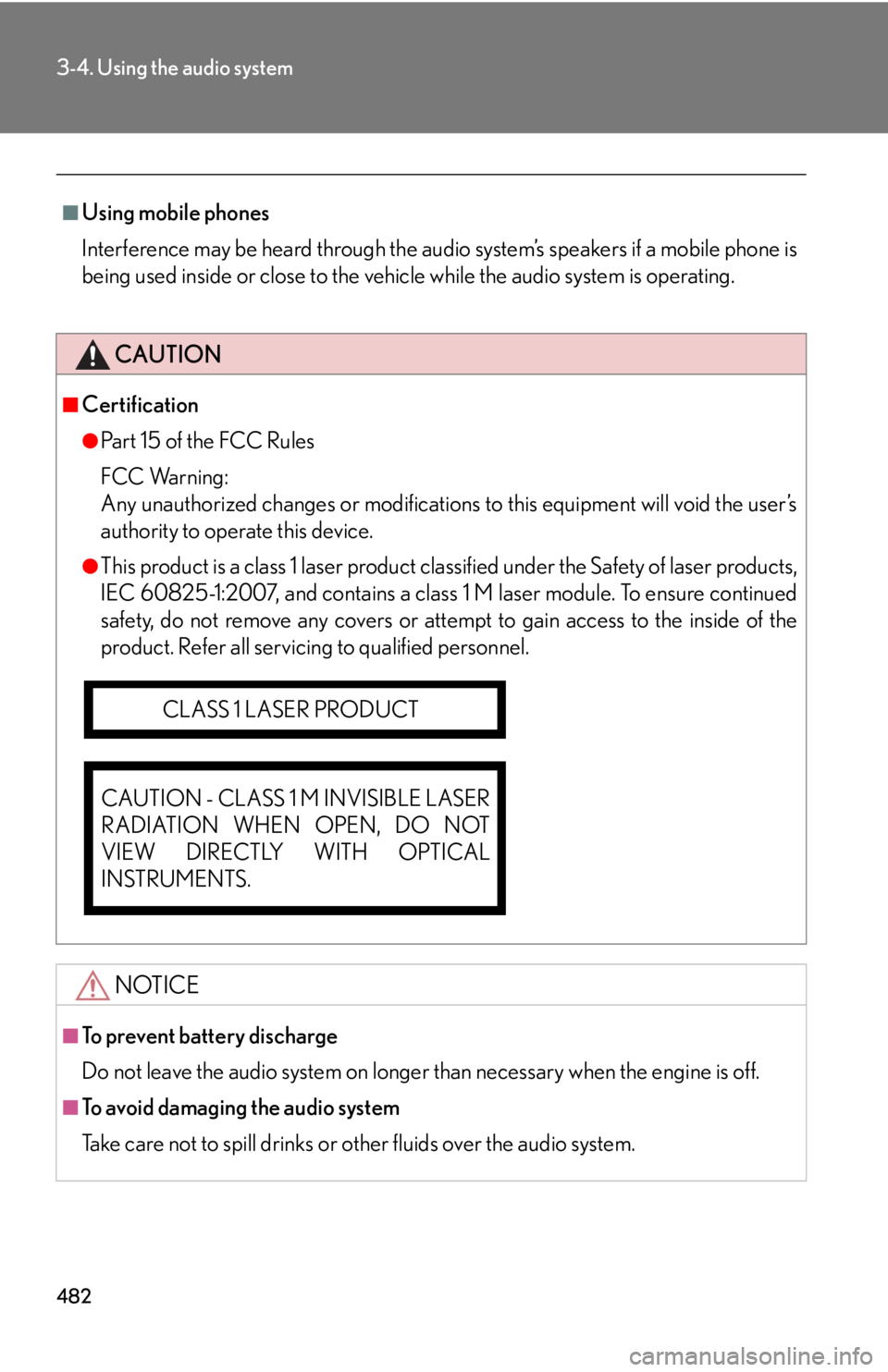
This product is a class 1 laser product clas sified under the Safety of laser products,
IEC 60825-1:2007, and contains a class 1 M laser module. To ensure continued
safety, do not remove any covers or atte mpt to gain access to the inside of the
product. Refer all servicing to qualified personnel.
NOTICE■
To prevent battery discharge
Do not leave the audio system on longer than necessary when the engine is off.
■
To avoid damaging the audio system
Take care not to spill drinks or other fluids over the audio system.CLASS 1 LASER PRODUCT
CAUTION - CLASS 1 M INVISIBLE LASER
RADIATION WHEN OPEN, DO NOT
VIEW DIRECTLY WITH OPTICAL
INSTRUMENTS.
Page 516 of 886
5163-4. Using the audio system
Adjusting sound quality and volume balance
Press to enter iPod menu mode.
Pressing changes sound modes. ( P. 5 5 2 )■
About iPod
●
“Made for iPod” and “Made for iPhone” me an that an electronic accessory has
been designed to connect specifically to iPod, or iPhone, respectively, and has
been certified by the developer to meet Apple performance standards.●
Apple is not responsible for the operation of this device or its compliance with
safety and regulatory standards. Please note that the use of this accessory with
iPod or iPhone may affect wireless performance.●
iPhone, iPod, iPod classic, iPod nano and iPod touch are trademarks of Apple
Inc., registered in the U.S. and other countries.STEP 1
STEP 2
Page 518 of 886
5183-4. Using the audio system
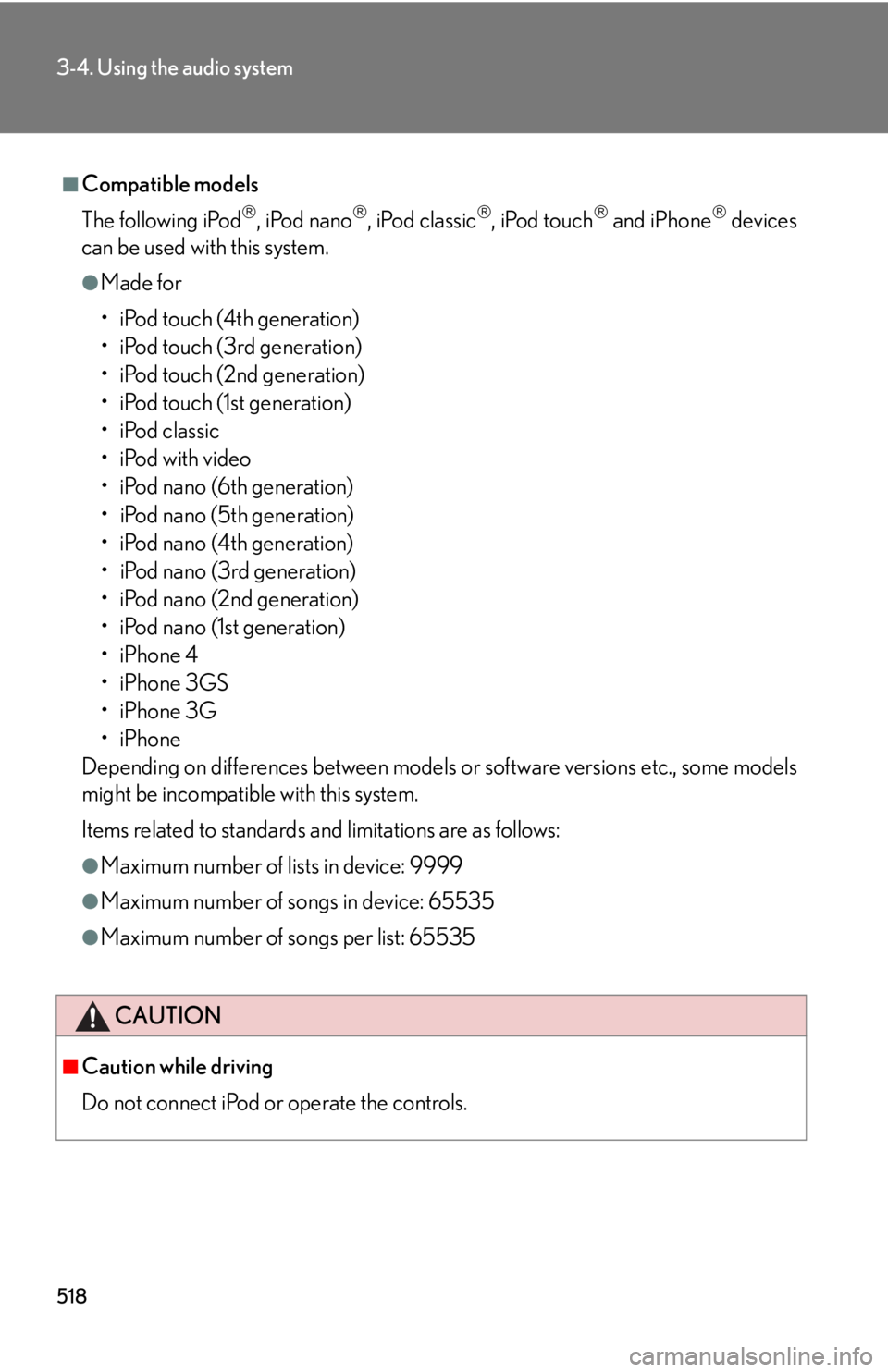
■
Compatible models
The following iPod
, iPod nano
, iPod classic
, iPod touch
and iPhone
devices
can be used with this system. ●
Made for
• iPod touch (4th generation)
• iPod touch (3rd generation)
• iPod touch (2nd generation)
• iPod touch (1st generation)
•iPod classic
•iPod with video
• iPod nano (6th generation)
• iPod nano (5th generation)
• iPod nano (4th generation)
• iPod nano (3rd generation)
• iPod nano (2nd generation)
• iPod nano (1st generation)
•iPhone 4
•iPhone 3GS
•iPhone 3G
•iPhone
Depending on differences between models or software versions etc., some models
might be incompatible with this system.
Items related to standards an d limitations are as follows:●
Maximum number of lists in device: 9999●
Maximum number of songs in device: 65535●
Maximum number of songs per list: 65535
CAUTION
■
Caution while driving
Do not connect iPod or operate the controls.
Page 538 of 886
5383-4. Using the audio system
Guidance for registration completion is heard.
If the portable pl ayer has a Bluetooth ®
phone, the phone can be regis-
tered at the same time. A voice guidance instruction to register a
Bluetooth ®
phone is heard.
Select “Yes” or “No” using a voice command or .
(Bluetooth ®
phone P. 562)
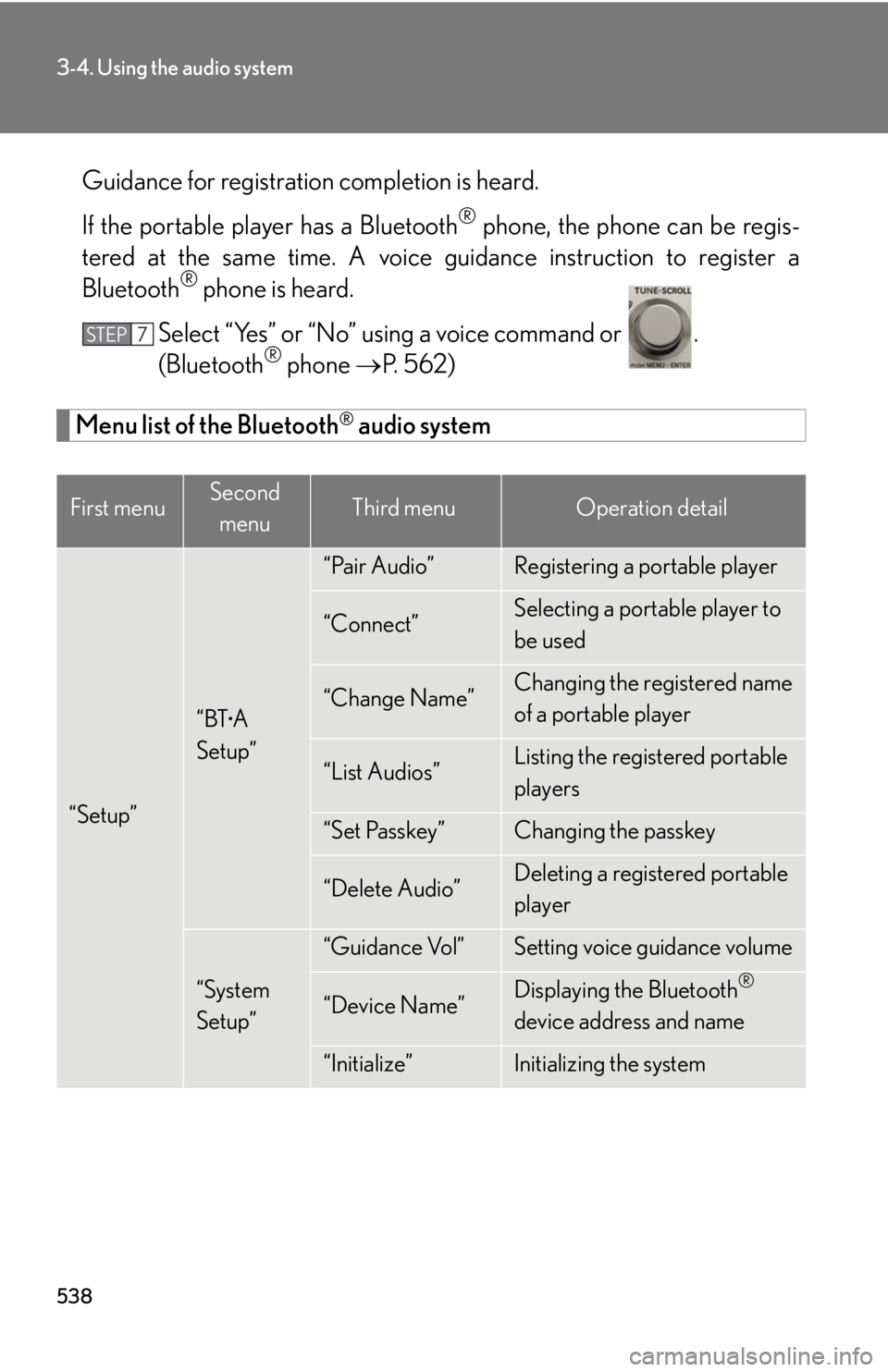
Menu list of the Bluetooth ®
audio system
First menu Second
menu Third menu Operation detail
“Setup” “BT •
A
Setup” “Pair Audio” Registering a portable player
“Connect” Selecting a portable player to
be used
“Change Name” Changing the registered name
of a portable player
“List Audios” Listing the registered portable
players
“Set Passkey” Changing the passkey
“Delete Audio” Deleting a registered portable
player
“System
Setup” “Guidance Vol” Setting voice guidance volume
“Device Name” Displaying the Bluetooth ®
device address and name
“Initialize” Initializing the systemSTEP 7
Page 539 of 886
5393-4. Using the audio system
3
Interior features ■
When using a voice command
For numbers, say a combination of si ngle digits from zero to nine.
Say the command correctly and clearly.■
Situations in which the system may not recognize your voice ●
When driving on rough roads●
When driving at high speeds●
When air is blowing out of the vents onto the microphone●
When the air conditioning fan emits a loud noise■
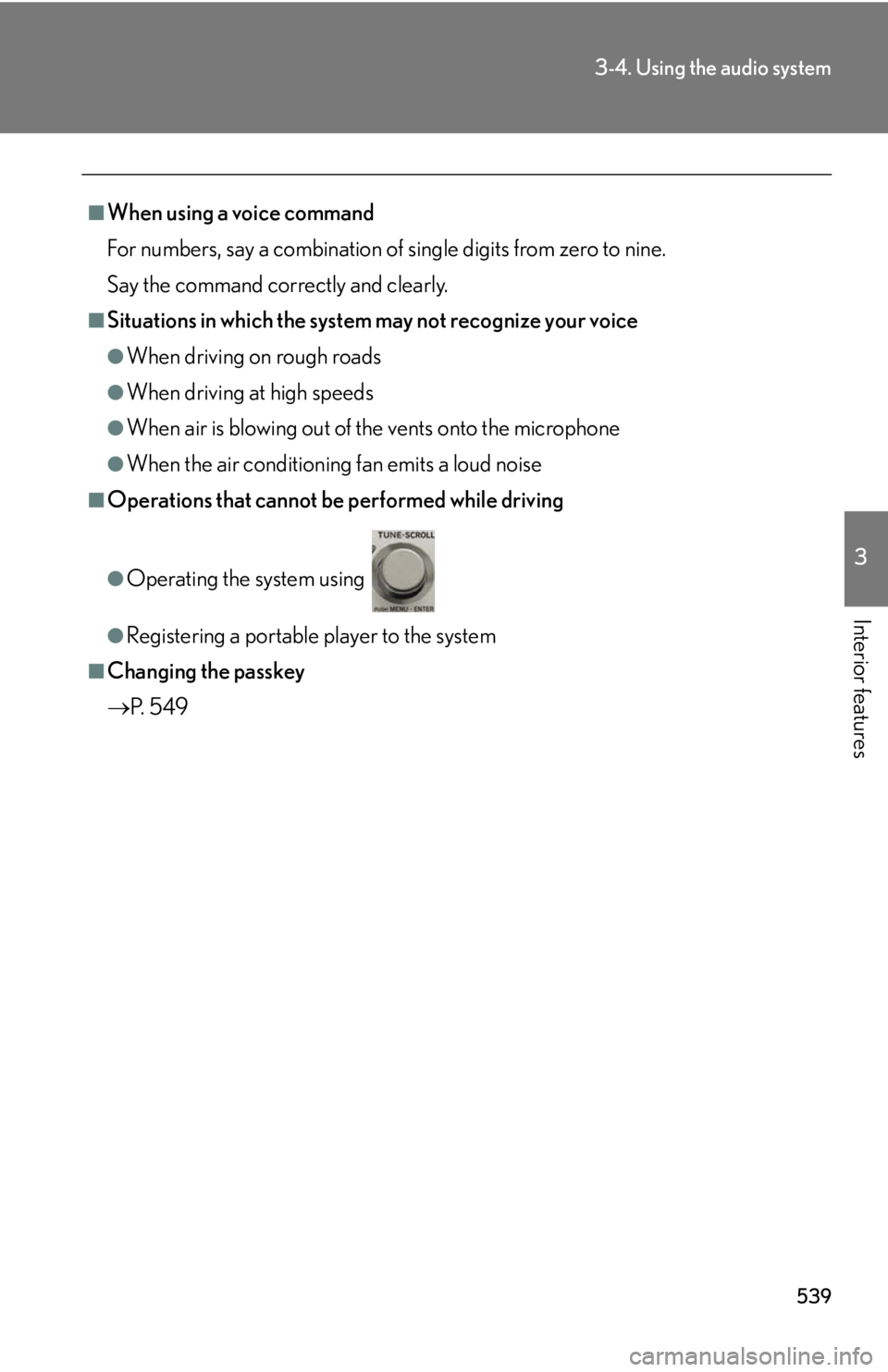
Operations that cannot be performed while driving●
Operating the system using ●
Registering a portable player to the system■
Changing the passkey
P. 5 4 9
Page 550 of 886
5503-4. Using the audio system
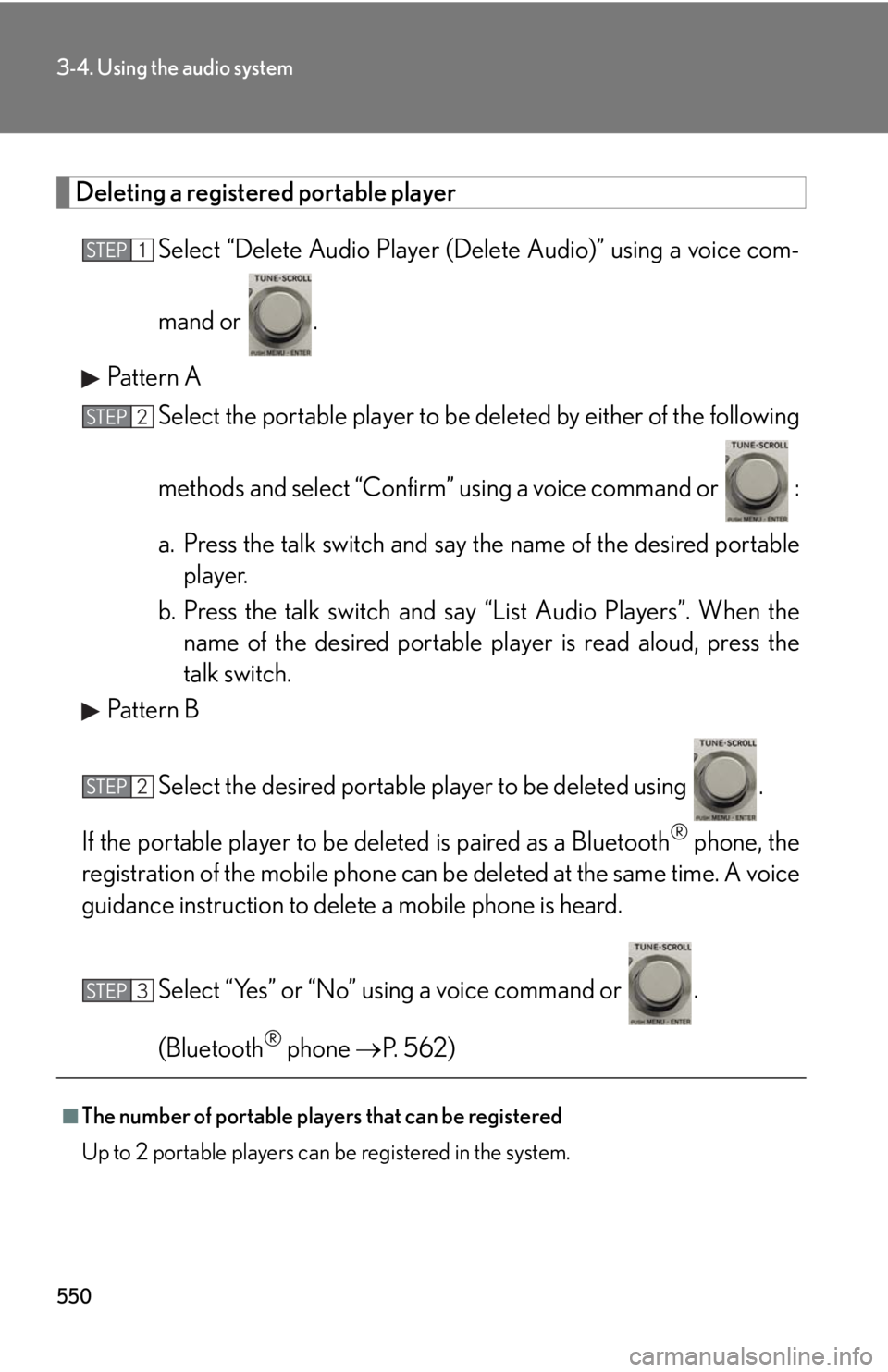
Deleting a registered portable player
Select “Delete Audio Player (D elete Audio)” using a voice com-
mand or .
Pattern A
Select the portable player to be deleted by either of the following
methods and select “Confirm” u sing a voice command or :
a. Press the talk switch and say the name of the desired portable
player.
b. Press the talk switch and sa y “List Audio Players”. When the
name of the desired portable pl ayer is read aloud, press the
talk switch.
Pattern B
Select the desired portable player to be deleted using .
If the portable player to be deleted is pa ired as a Bluetooth ®
phone, the
registration of the mobile phone can be deleted at the same time. A voice
guidance instruction to delete a mobile phone is heard.
Select “Yes” or “No” using a voice command or .
(Bluetooth ®
phone P. 562)
■
The number of portable players that can be registered
Up to 2 portable players can be registered in the system. STEP 1
STEP 2
STEP 2
STEP 3
Page 560 of 886
5603-4. Using the audio system
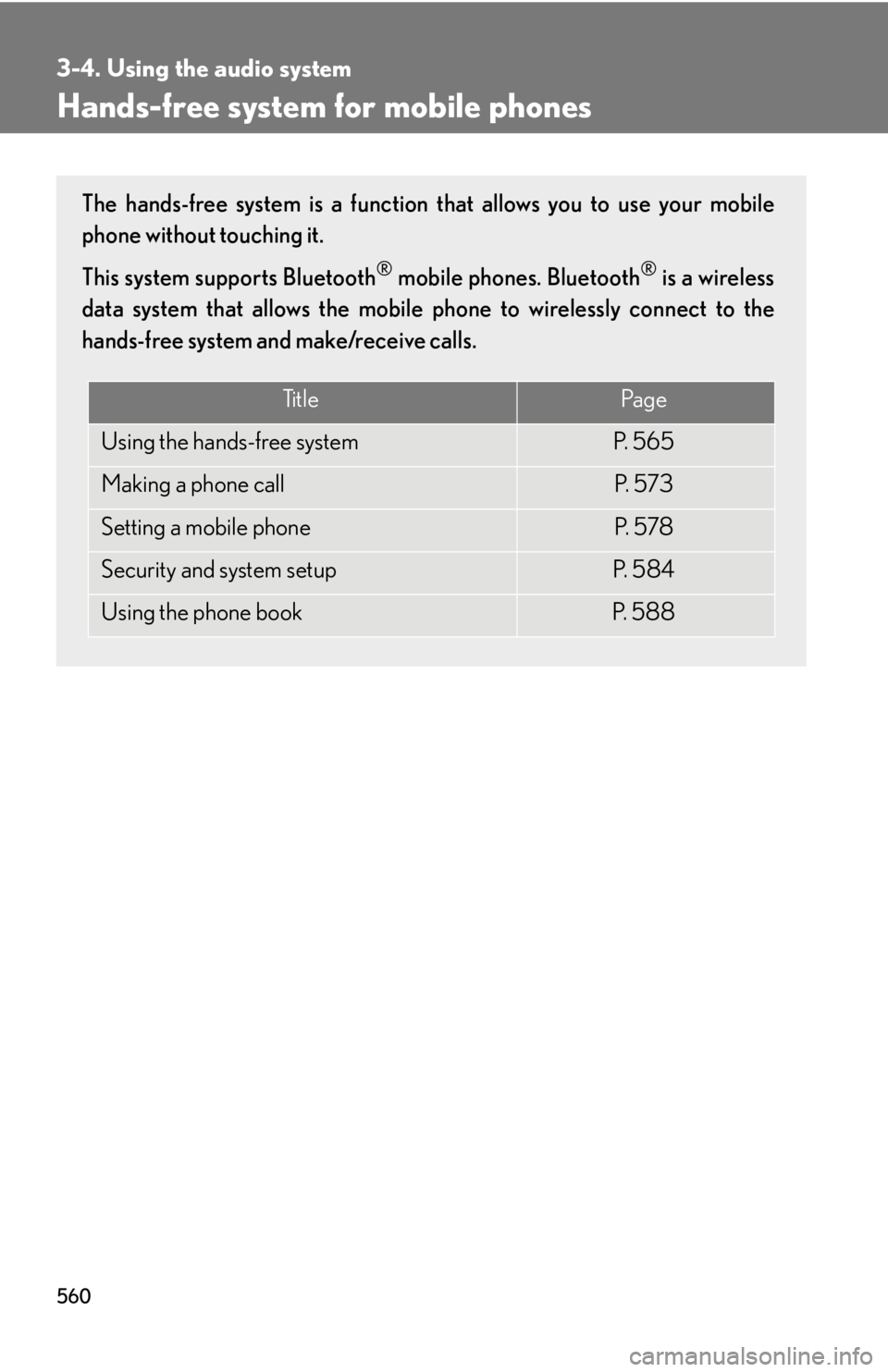
Hands-free system for mobile phones The hands-free system is a function that allows you to use your mobile
phone without touching it.
This system supports Bluetooth ®
mobile phones. Bluetooth ®
is a wireless
data system that allows the mobile phone to wirelessly connect to the
hands-free system and make/receive calls.
Ti t l e Pa g e
Using the hands-free system P. 5 6 5
Making a phone call P. 5 7 3
Setting a mobile phone P. 5 7 8
Security and system setup P. 5 8 4
Using the phone book P. 5 8 8
Page 561 of 886
5613-4. Using the audio system
3
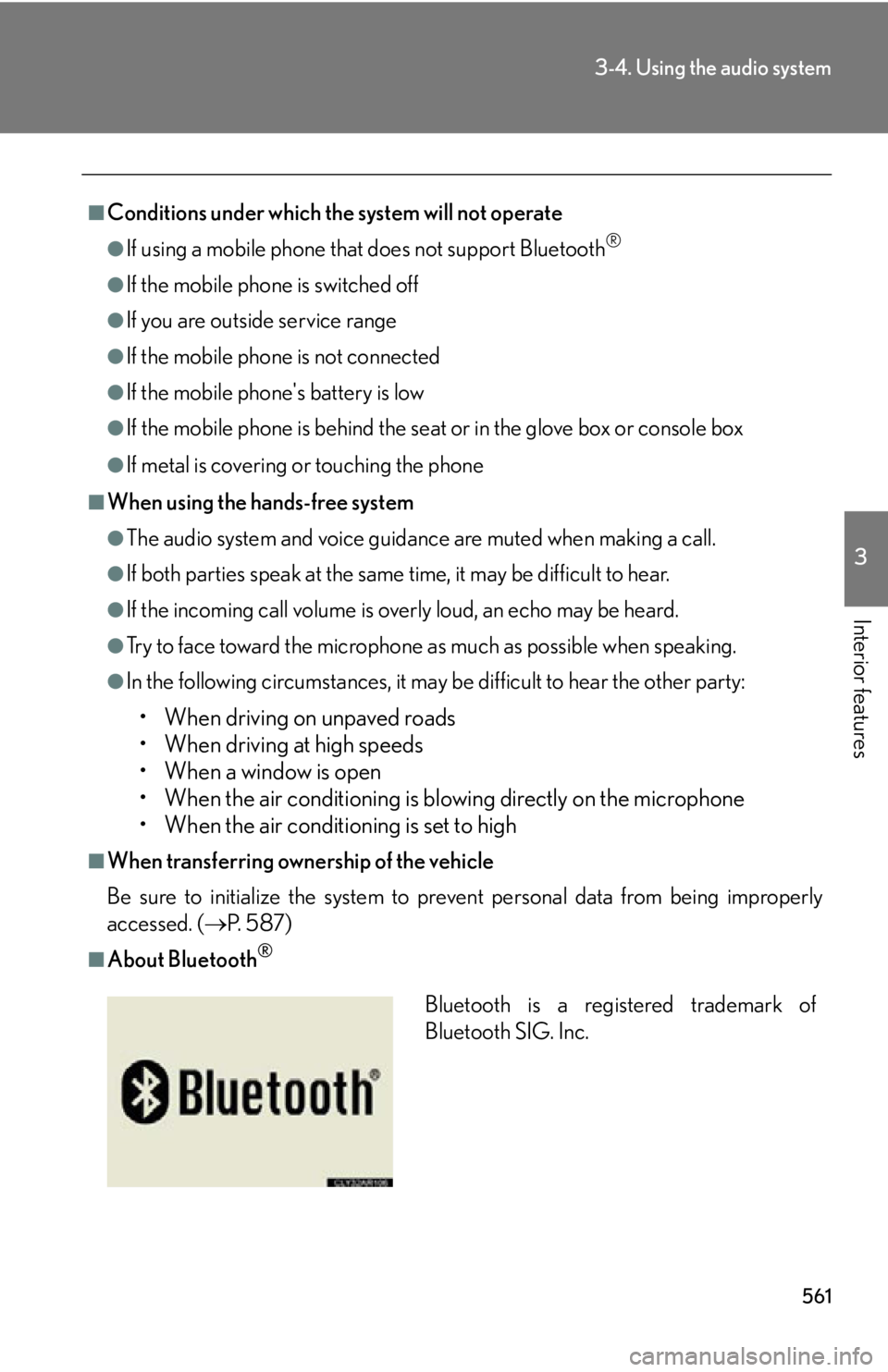
Interior features ■
Conditions under which the system will not operate ●
If using a mobile phone that does not support Bluetooth ®
●
If the mobile phone is switched off●
If you are outside service range●
If the mobile phon e is not connected●
If the mobile phon e's battery is low●
If the mobile phone is be hind the seat or in the glove box or console box●
If metal is covering or touching the phone■
When using the hands-free system ●
The audio system and voice guidance are muted when making a call.●
If both parties speak at the same time, it may be difficult to hear.●
If the incoming call volume is overly loud, an echo may be heard.●
Try to face toward the microphone as much as possible when speaking.●
In the following circumstances, it may be difficult to hear the other party:
• When driving on unpaved roads
• When driving at high speeds
• When a window is open
• When the air conditioning is blowing directly on the microphone
• When the air conditioning is set to high■
When transferring ownership of the vehicle
Be sure to initialize the system to prevent personal data from being improperly
accessed. ( P. 5 8 7 )■
About Bluetooth ®
Bluetooth is a registered trademark of
Bluetooth SIG. Inc.