wheel LEXUS RX350 2015 Manual Online
[x] Cancel search | Manufacturer: LEXUS, Model Year: 2015, Model line: RX350, Model: LEXUS RX350 2015Pages: 886, PDF Size: 11 MB
Page 455 of 886
4553-3. Using the Lexus Display Audio system
3
Interior features Receiving a call
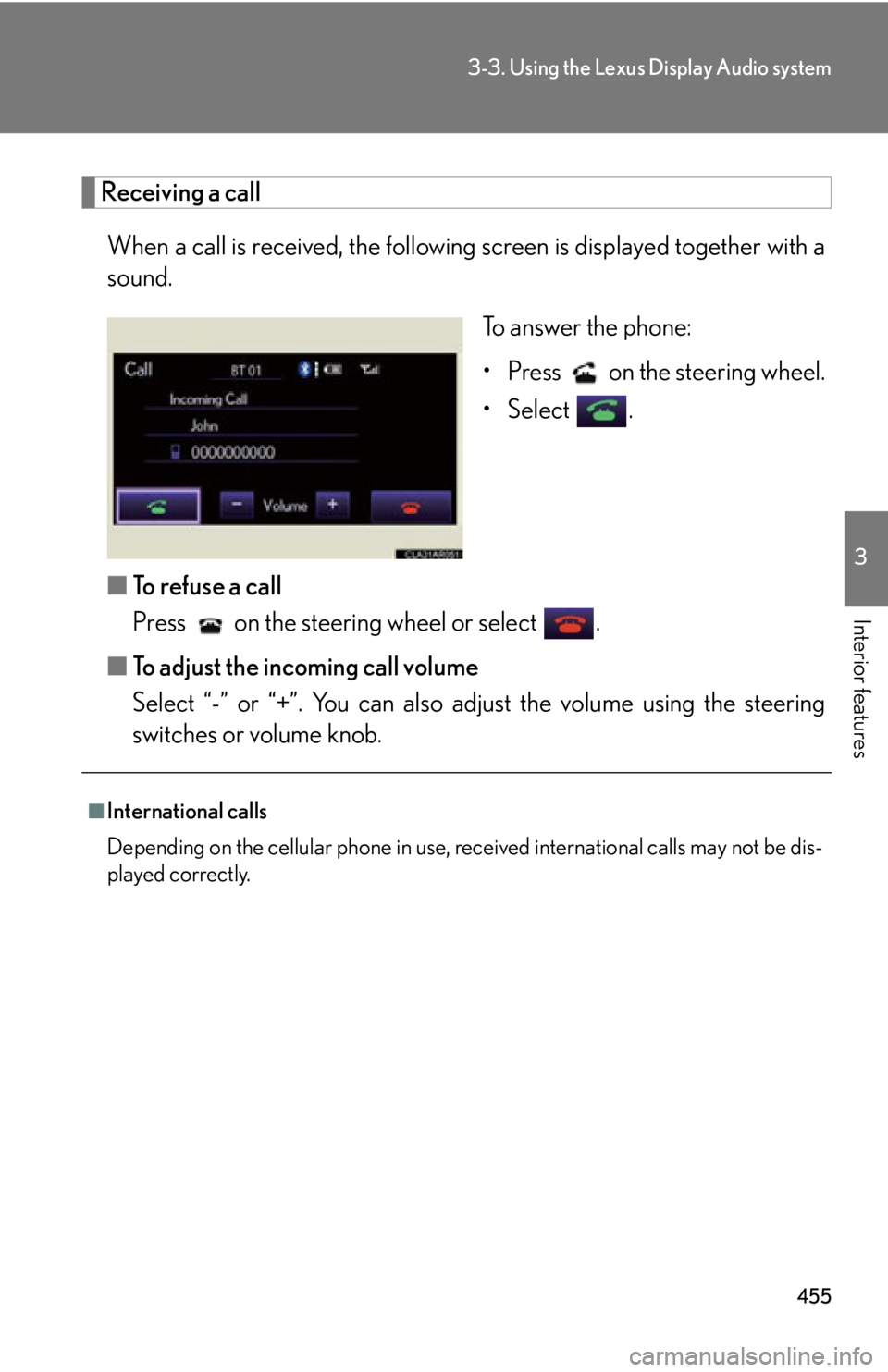
When a call is received, the following screen is displaye d together with a
sound.
To answer the phone:
• Press on the steering wheel.
• Select .
■ To refuse a call
Press on the steering wheel or select .
■ To adjust the incoming call volume
Select “-” or “+”. You can also adjust the volume using the steering
switches or volume knob.■
International calls
Depending on the cellular phone in use, re ceived international calls may not be dis-
played correctly.
Page 457 of 886
4573-3. Using the Lexus Display Audio system
3
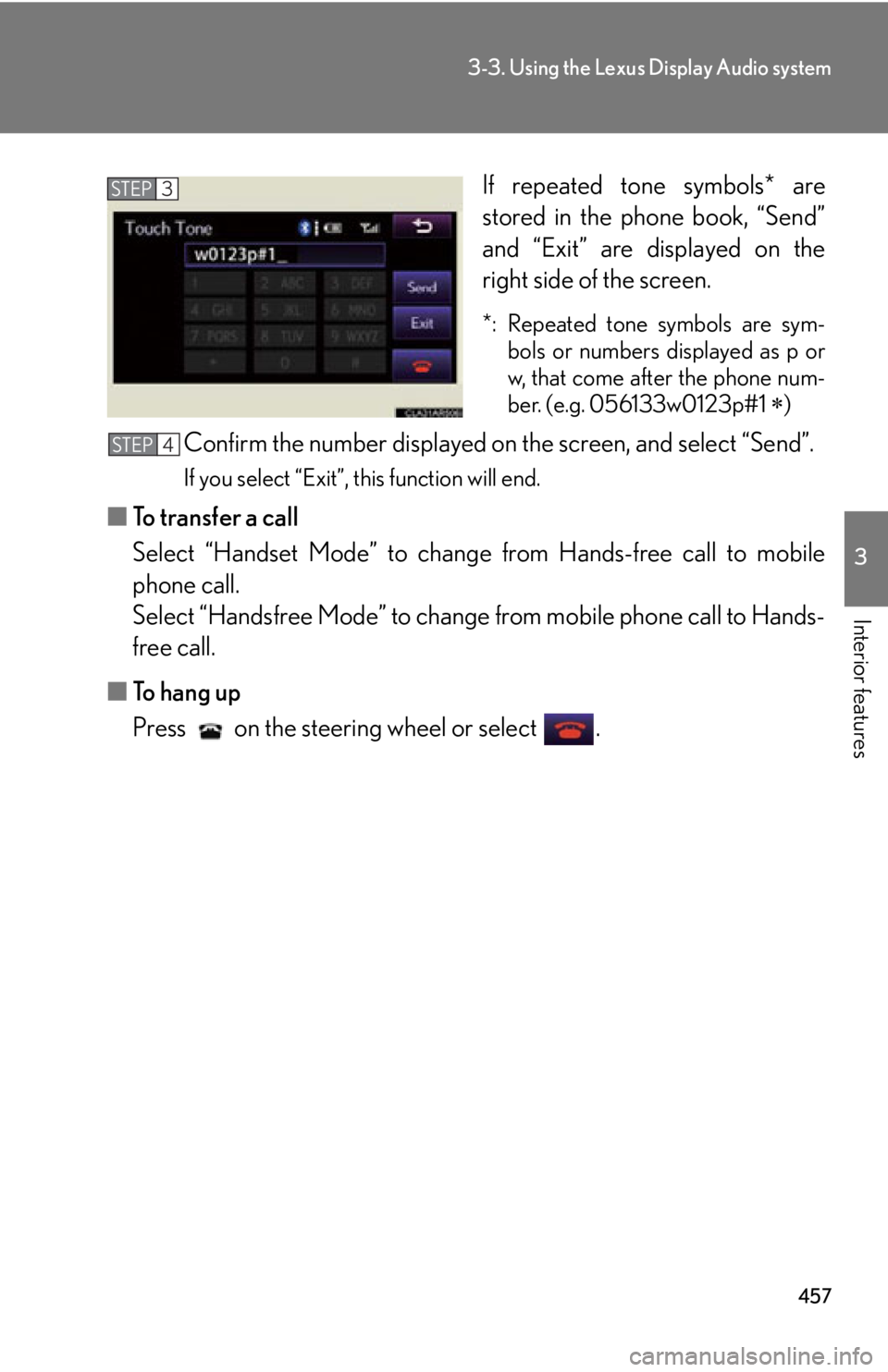
Interior features If repeated tone symbols* are
stored in the phone book, “Send”
and “Exit” are displayed on the
right side of the screen. *: Repeated tone symbols are sym-
bols or numbers displayed as p or
w, that come after the phone num-
ber. (e.g. 056133w0123p#1
)
Confirm the number displayed on the screen, and select “Send”. If you select “Exit”, this function will end.
■ To transfer a call
Select “Handset Mode” to change from Hands-free call to mobile
phone call.
Select “Handsfree Mode” to change from mobile phone call to Hands-
free call.
■ To hang up
Press on the steering wheel or select . STEP 3
STEP 4
Page 458 of 886
4583-3. Using the Lexus Display Audio system
■ Call waiting
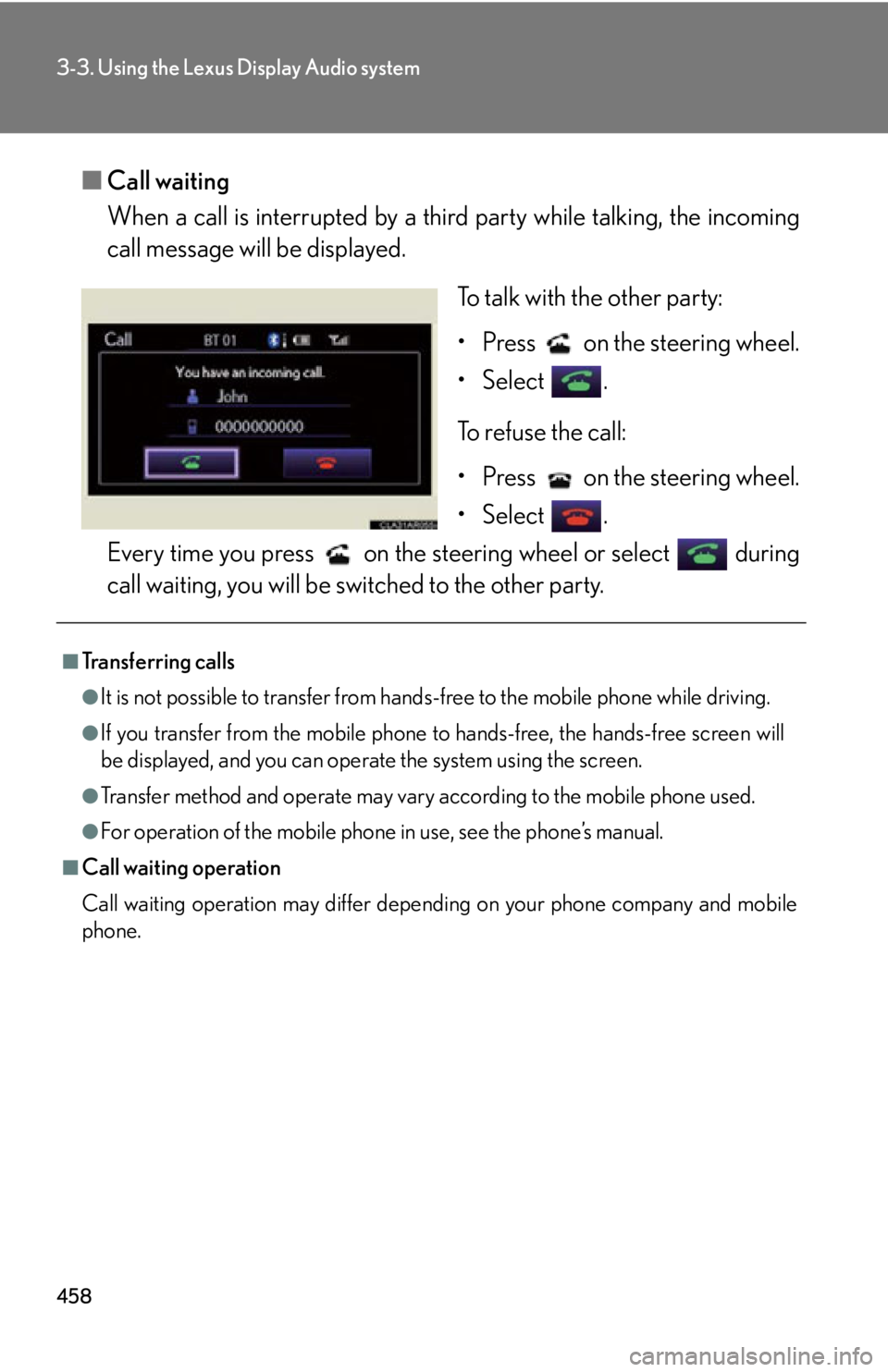
When a call is interrupted by a third party while talking, the incoming
call message will be displayed.
To talk with the other party:
• Press on the steering wheel.
• Select .
To refuse the call:
• Press on the steering wheel.
• Select .
Every time you press on the s teering wheel or select during
call waiting, you will be switched to the other party.■
Transferring calls ●
It is not possible to transfer from hand s-free to the mobile phone while driving.●
If you transfer from the mobile phone to hands-free, the hands-free screen will
be displayed, and you can operate the system using the screen.●
Transfer method and operate may vary according to the mobile phone used.●
For operation of the mobile phone in use, see the phone’s manual.■
Call waiting operation
Call waiting operation may differ depending on your phone company and mobile
phone.
Page 481 of 886
4813-4. Using the audio system
3
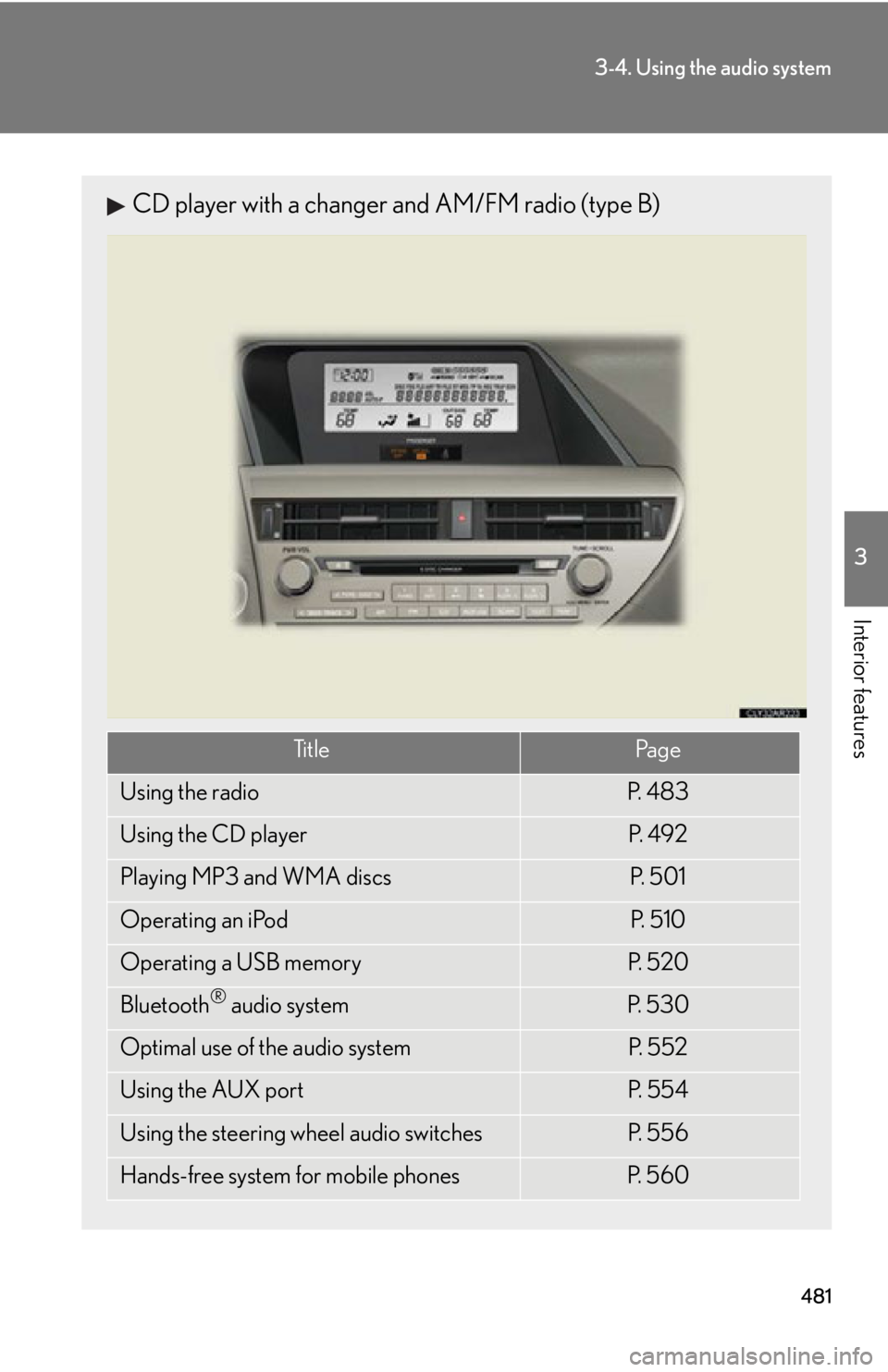
Interior features CD player with a changer and AM/FM radio (type B)
Ti t l e Pa g e
Using the radio P. 4 8 3
Using the CD player P. 4 9 2
Playing MP3 and WMA discs P. 5 0 1
Operating an iPod P. 5 1 0
Operating a USB memory P. 5 2 0
Bluetooth ®
audio system P. 5 3 0
Optimal use of the audio system P. 5 5 2
Using the AUX port P. 5 5 4
Using the steering wheel audio switches P. 5 5 6
Hands-free system for mobile phones P. 5 6 0
Page 556 of 886
5563-4. Using the audio system
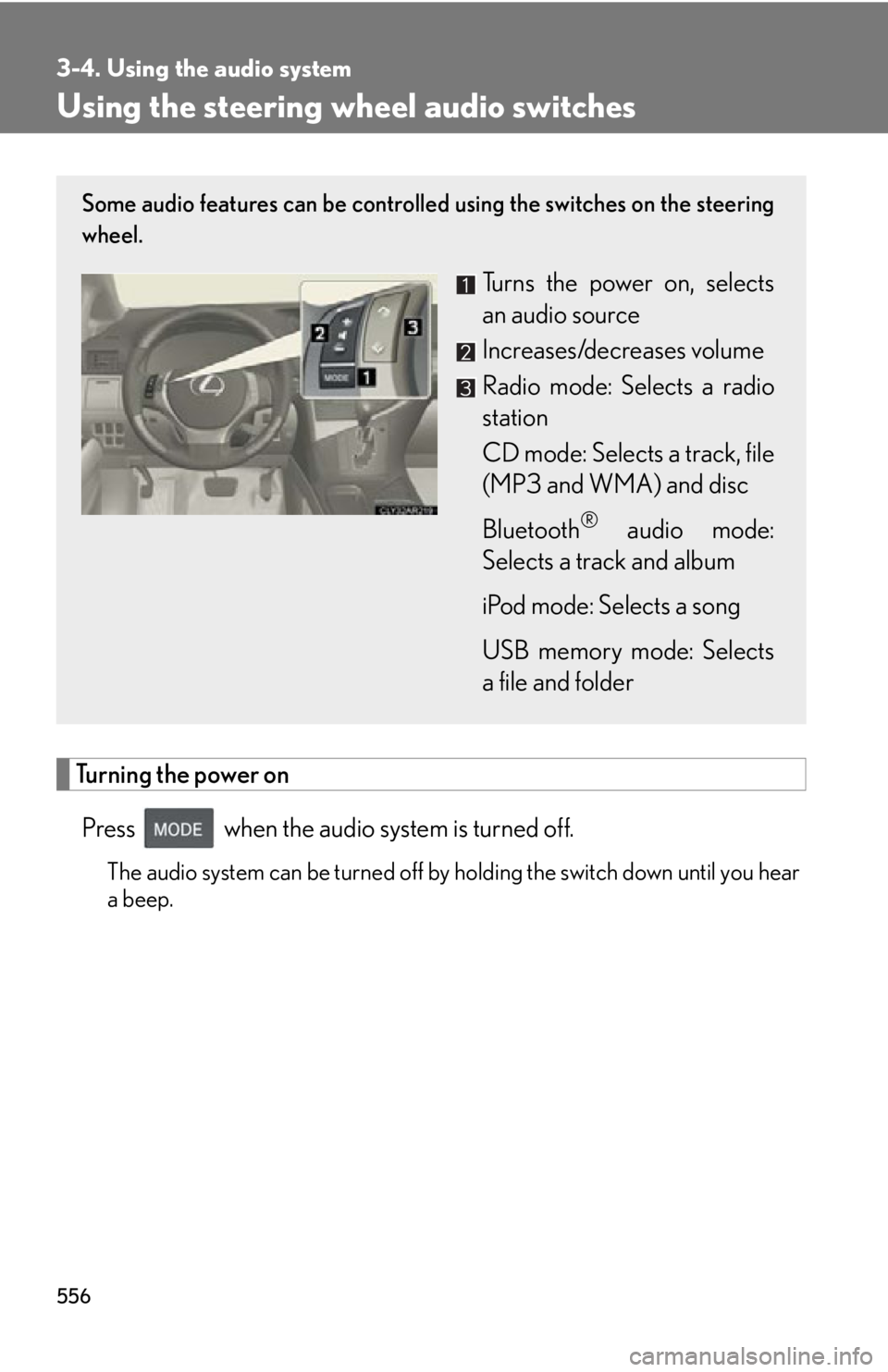
Using the steering wh eel audio switches
Turning the power on
Press when the audio system is turned off. The audio system can be turned off by holding the switch down until you hear
a beep.Some audio features can be controlled using the switches on the steering
wheel.
Turns the power on, selects
an audio source
Increases/decreases volume
Radio mode: Selects a radio
station
CD mode: Selects a track, file
(MP3 and WMA) and disc
Bluetooth ®
audio mode:
Selects a track and album
iPod mode: Selects a song
USB memory mode: Selects
a file and folder
Page 559 of 886
5593-4. Using the audio system
3
Interior features CAUTION■
To reduce the risk of an accident
Exercise care when operating the audio switches on the steering wheel.
Page 566 of 886
5663-4. Using the audio system
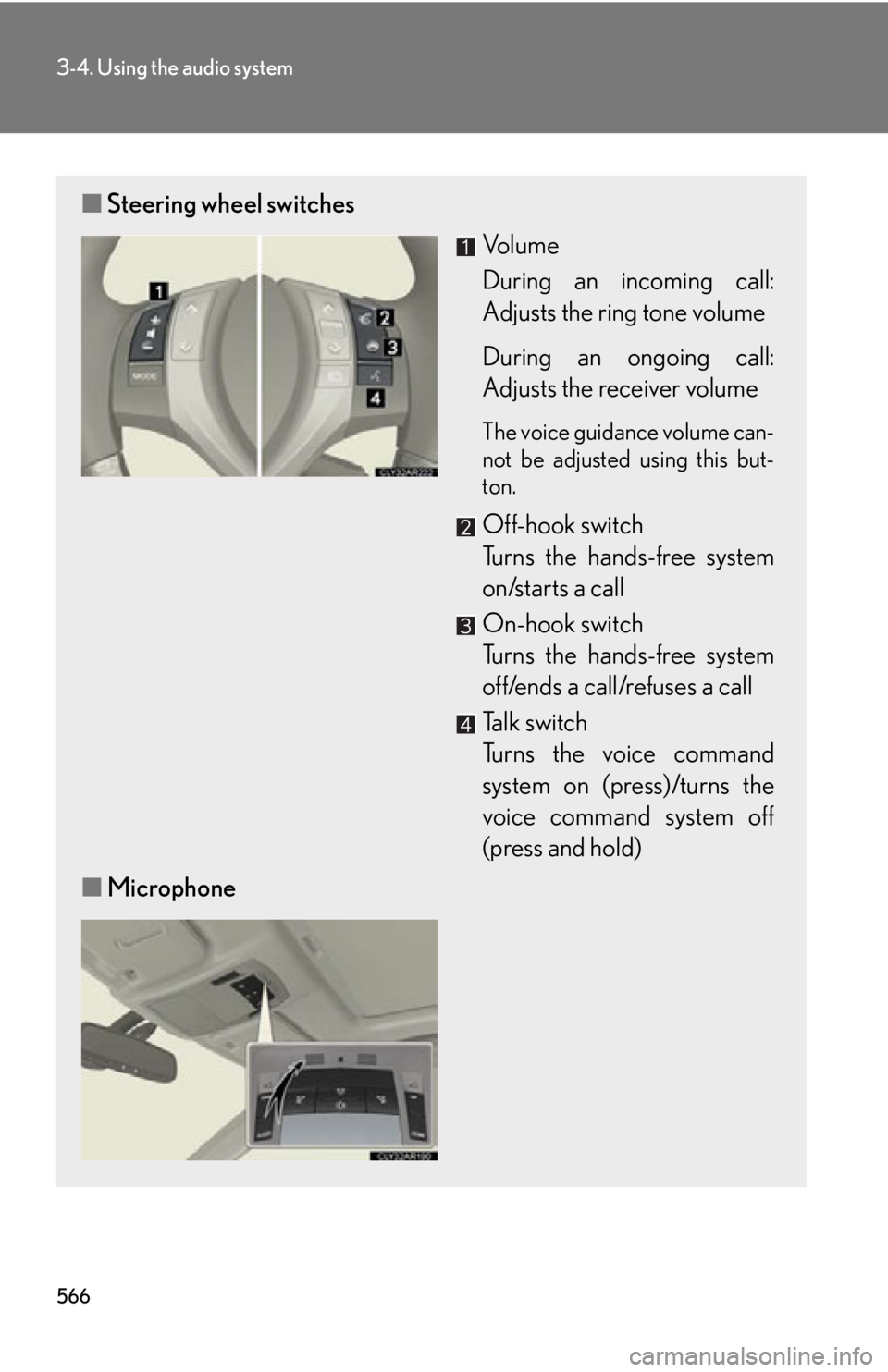
■ Steering wheel switches
Vo l u m e
During an incoming call:
Adjusts the ring tone volume
During an ongoing call:
Adjusts the receiver volume The voice guidance volume can-
not be adjusted using this but-
ton.
Off-hook switch
Turns the hands-free system
on/starts a call
On-hook switch
Turns the hands-free system
off/ends a call/refuses a call
Talk switch
Turns the voice command
system on (press)/turns the
voice command system off
(press and hold)
■ Microphone
Page 619 of 886
6193-7. Other interior features
3
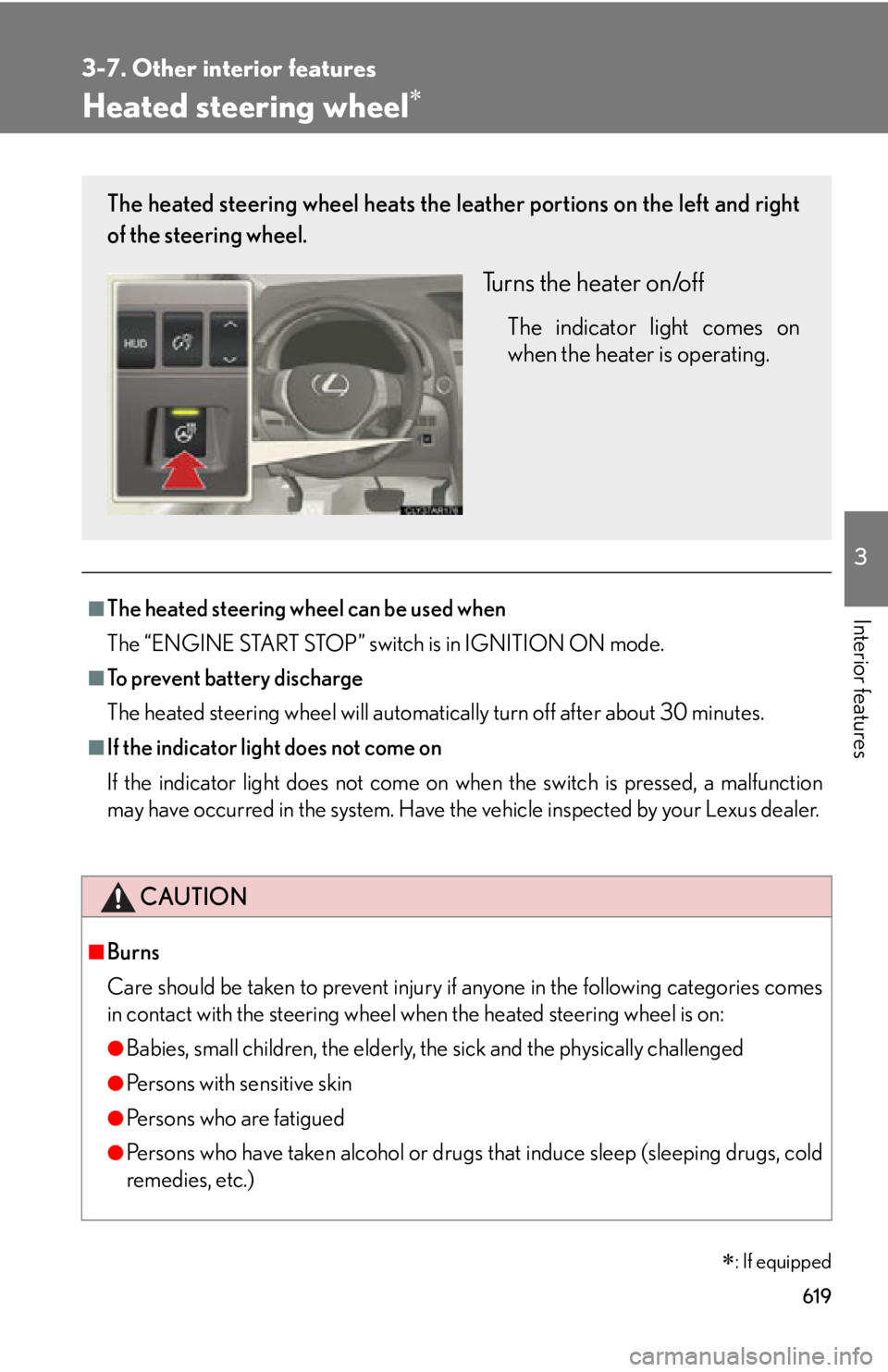
Interior features Heated steering wheel
■
The heated steering wheel can be used when
The “ENGINE START STOP” switch is in IGNITION ON mode.■
To prevent battery discharge
The heated steering wheel will automatically turn off after about 30 minutes.■
If the indicator light does not come on
If the indicator light does not come on wh en the switch is pressed, a malfunction
may have occurred in the system. Have the vehicle inspected by your Lexus dealer.
CAUTION■
Burns
Care should be taken to prevent injury if anyone in the following categories comes
in contact with the steering wheel wh en the heated steering wheel is on:
●
Babies, small children, the elderly, the sick and the physically challenged
●
Persons with sensitive skin
●
Persons who are fatigued
●
Persons who have taken alcohol or drugs that induce sleep (sleeping drugs, cold
remedies, etc.)
: If equippedThe heated steering wheel heats the le ather portions on the left and right
of the steering wheel.
Turns the heater on/off The indicator light comes on
when the heater is operating.
Page 649 of 886
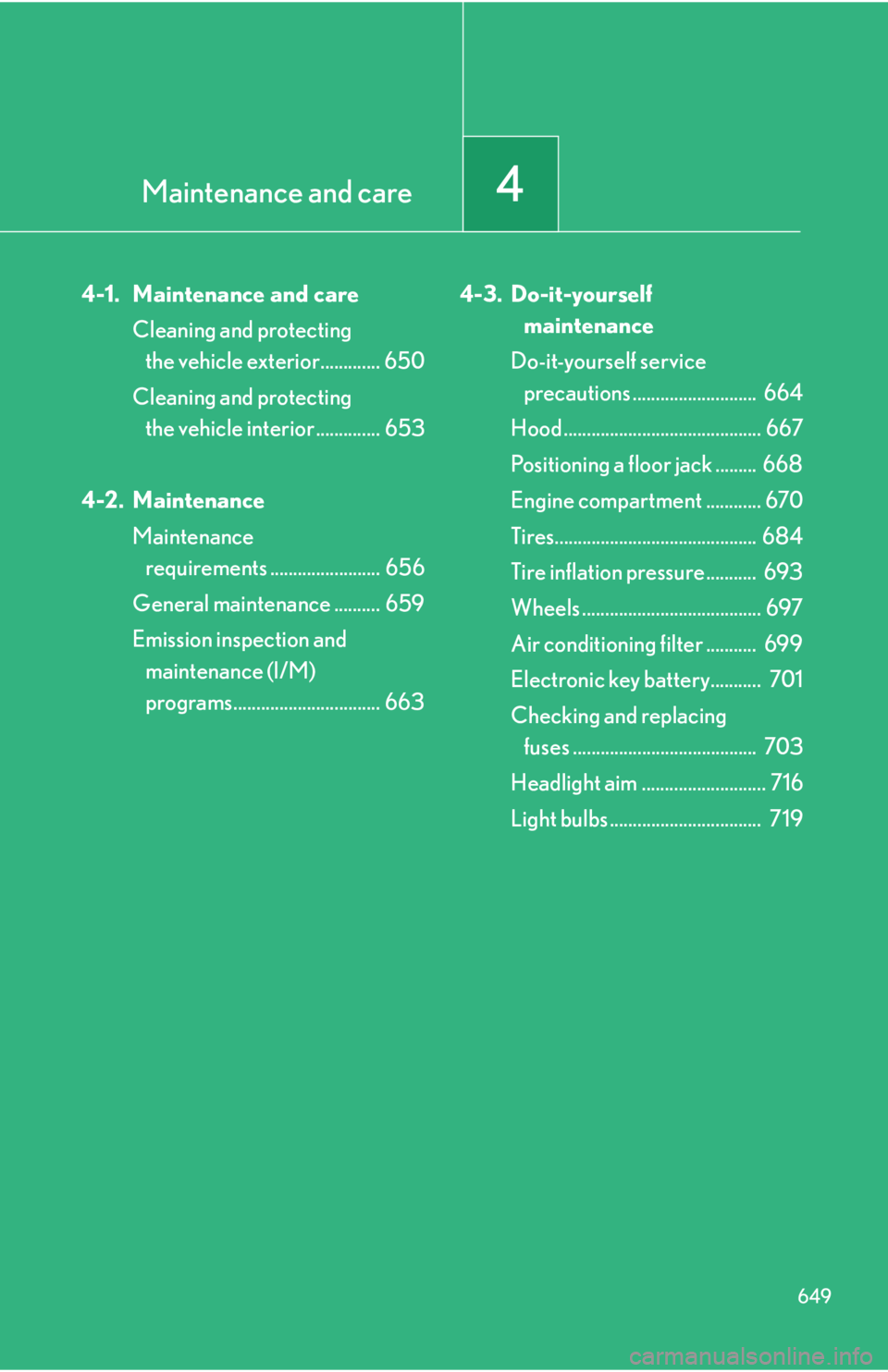
Maintenance and care
4
6494-1. Maintenance and care
Cleaning and protecting
the vehicle exterior............. 650
Cleaning and protecting
the vehicle interior .............. 653
4-2. Maintenance
Maintenance
requirements ........................ 656
General maintenance .......... 659
Emission inspection and
maintenance (I/M)
programs................................ 663 4-3. Do-it-yourself
maintenance
Do-it-yourself service
precautions ........................... 664
Hood ........................................... 667
Positioning a floor jack ......... 668
Engine compartment ............ 670
Tires............................................ 684
Tire inflation pressure........... 693
Wheels ....................................... 697
Air conditioning filter ........... 699
Electronic key battery........... 701
Checking and replacing
fuses ........................................ 703
Headlight aim ........................... 716
Light bulbs ................................. 719
Page 650 of 886
6504-1. Maintenance and care
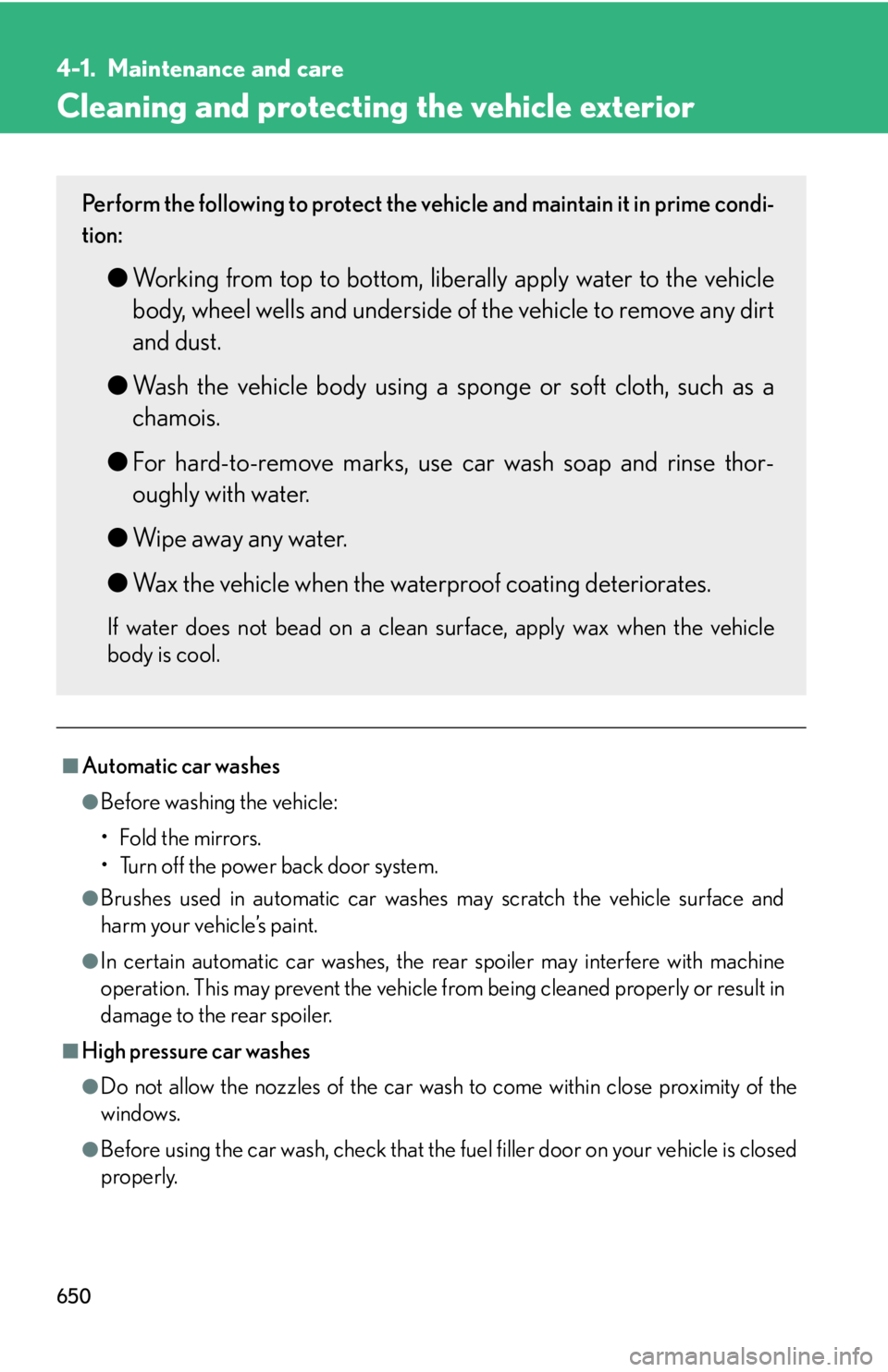
Cleaning and protecting the vehicle exterior
■
Automatic car washes ●
Before washing the vehicle:
•Fold the mirrors.
• Turn off the power back door system.●
Brushes used in automatic car washes may scratch the vehicle surface and
harm your vehicle’s paint.●
In certain automatic car washes, the re ar spoiler may interfere with machine
operation. This may prevent the vehicle fr om being cleaned properly or result in
damage to the rear spoiler.
■
High pressure car washes
●
Do not allow the nozzles of the car wash to come within close proximity of the
windows.
●
Before using the car wash, check that the fuel filler door on your vehicle is closed
properly.Perform the following to protect the vehicle and maintain it in prime condi-
tion:
● Working from top to bottom, liber ally apply water to the vehicle
body, wheel wells and underside of the vehicle to remove any dirt
and dust.
● Wash the vehicle body using a sponge or soft cloth, such as a
chamois.
● For hard-to-remove marks, use car wash soap and rinse thor-
oughly with water.
● Wipe away any water.
● Wax the vehicle when the waterproof coating deteriorates.If water does not bead on a clean surface, apply wax when the vehicle
body is cool.