change time LEXUS RX450h 2015 Owner's Guide
[x] Cancel search | Manufacturer: LEXUS, Model Year: 2015, Model line: RX450h, Model: LEXUS RX450h 2015Pages: 878, PDF Size: 11.62 MB
Page 427 of 878
4273-3. Using the Lexus Display Audio system
3
Interior features Changing the audio source
Press the “MODE” switch when the audio system is turned on. The audio
source changes as follows each time the “MODE” switch is pressed. If no
discs are inserted in the player, or if the external device is not connected,
that mode will be skipped. FM SAT CD player iPod or USB memory
Bluetooth ®
audio AUX AM FM
Adjusting the volume
Press “+” to increase the volume and “-” to decrease the volume. Hold the button in that position to continue increasing or decreasing the vol-
ume.
Silencing a sound
Press and hold the “MODE” switch. To cancel, press and hold
the “MODE” switch .
Selecting a radio station
Press the “MODE” switch to select the radio mode.
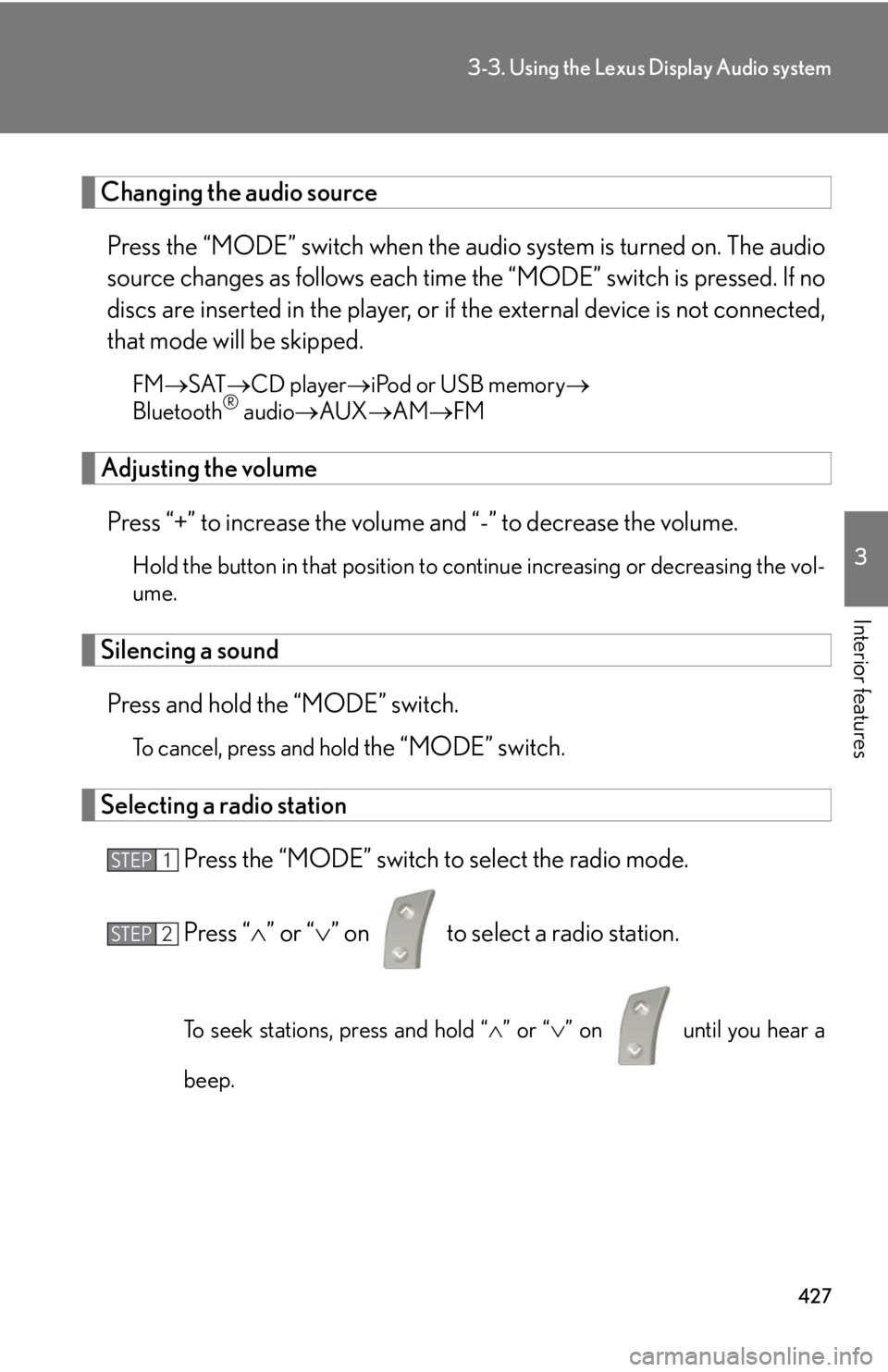
Press “ ” or “ ” on to select a radio station.
To seek stations, press and hold “ ” or “ ” on
until you hear a
beep.STEP 1
STEP 2
Page 448 of 878

4483-3. Using the Lexus Display Audio system
■
Vo i c e g u i d a n c e f u n c t i o n ●
Voice guidance for the voice recognition system can be skipped by pressing the
talk switch.●
When “Voice Prompts (on/off)” is selected, voice recognition will be tempo-
rarily suspended. Press the talk switch again.●
Voice guidance can be canceled by setting voice prompts to off. Use this setting
when it is desirable to say a command immediately after pressing the talk
switch.■
Using voice command ●
Using voice command “Call
• In the same manner as it is displayed on the screen, “Call
phone, of a contact.
For example: “Call”, “John Smith” or “Call”, “Mary Davis”, “at”, “Mobile”
• There are 4 types of phones: Home, Mobile, Work and Other.
• Short or abbreviated names in the phonebook may not be recognized.
Change names in the phonebook to full names.
• Sometimes a voice recognition result confirmation screen will be displayed.
After confirming the result, say “Yes” or “No”.
• When the system recognizes multip le names from the phonebook, a name
candidate list will be displayed on the screen. If the desire d name is not dis-
played on the top of the screen, say the number of the name from the candi-
date list (number 1 or number 2) to select a name from the candidate list.
• When a contact has multiple phone numbers registered in the phonebook, a
candidate list will be displayed. If th e desired phone number is not displayed
on the top of the screen, say the number of the desired phone number from
the candidate list (number 1 or number 2) to select a phone number from the
candidate list.
Page 452 of 878
4523-3. Using the Lexus Display Audio system
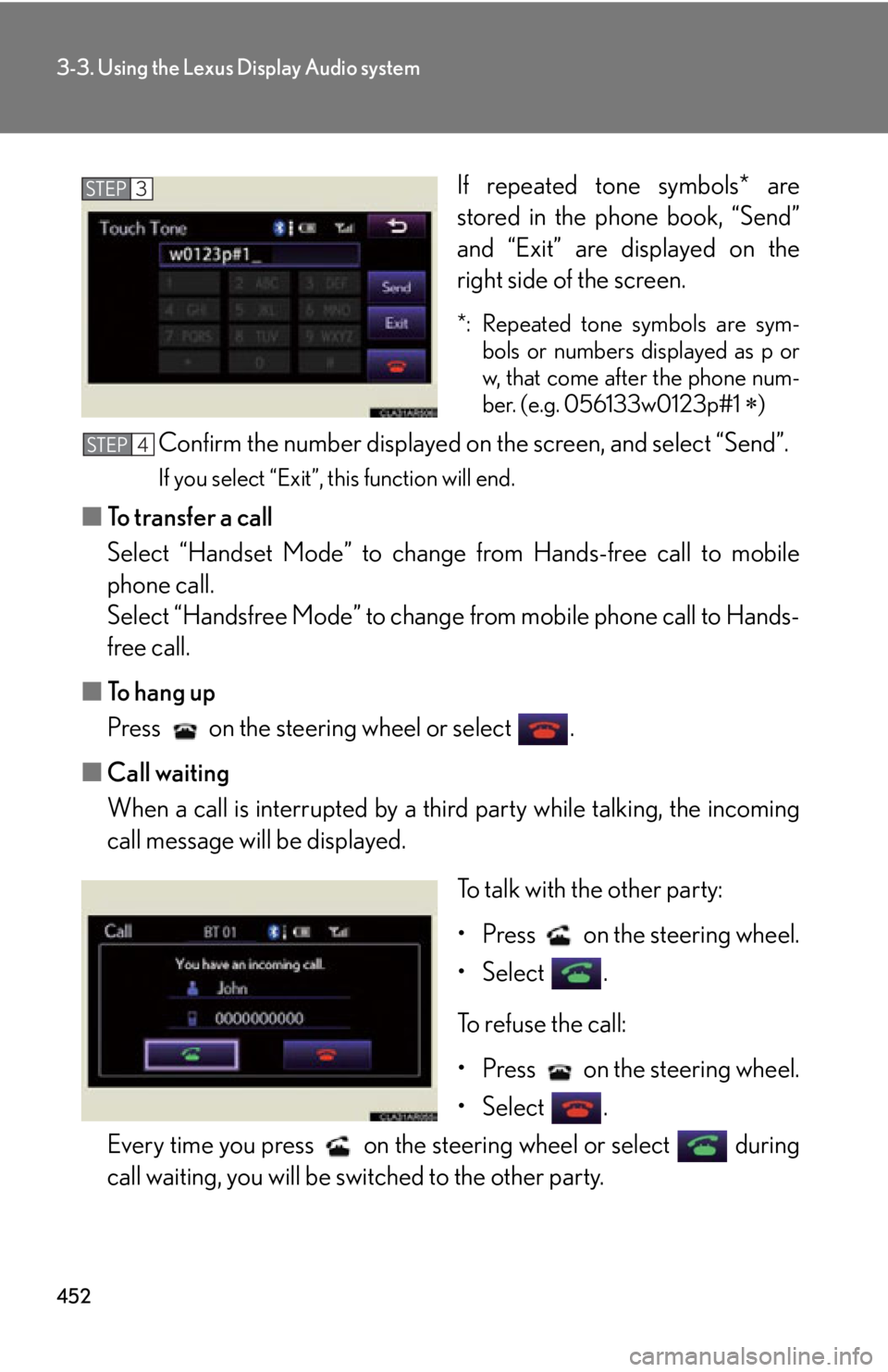
If repeated tone symbols* are
stored in the phone book, “Send”
and “Exit” are displayed on the
right side of the screen. *: Repeated tone symbols are sym-
bols or numbers displayed as p or
w, that come after the phone num-
ber. (e.g. 056133w0123p#1
)
Confirm the number displayed on the screen, and select “Send”. If you select “Exit”, this function will end.
■ To transfer a call
Select “Handset Mode” to change from Hands-free call to mobile
phone call.
Select “Handsfree Mode” to change from mobile phone call to Hands-
free call.
■ To hang up
Press on the steering wheel or select .
■ Call waiting
When a call is interrupted by a third party while talking, the incoming
call message will be displayed.
To talk with the other party:
• Press on the steering wheel.
• Select .
To refuse the call:
• Press on the steering wheel.
• Select .
Every time you press on the s teering wheel or select during
call waiting, you will be switched to the other party. STEP 3
STEP 4
Page 479 of 878
4793-4. Using the audio system
3
Interior features Scanning radio stations (excluding XM ®
Satellite Radio)
■ Scanning the preset radio stations
Press and hold
until you hear a beep.Preset stations will be played for 5 seconds each.
When the desired station is reached, press the button again.
■ Scanning all the radio stations within range
Press . All the stations with reception will be played for 5 seconds each.
When the desired station is reached, press the button again.
RBDS (Radio Broadcast Data System)
This feature allows your radio to receive station identification information
and program information (classical, ja zz, etc.) from radio stations which
broadcast this information.
■ Receiving RBDS broadcasts
Press “ ” or “ ” on during FM reception.The type of program changes each time the button is pressed.
● “ROCK”
● “EASYLIS” (Easy listening)
● “CLS/JAZZ” (Classical music and Jazz)
● “R & B” (Rhythm and Blues)
● “INFORM” (Information)
● “RELIGION”
● “MISC” (Miscellaneous)
● “ALERT” (Emergency messages)
If the system receives no RBDS stations, “NO PTY” appears on the dis-
play.STEP 1
STEP 2
STEP 1
STEP 2
STEP 1
Page 480 of 878
4803-4. Using the audio system
Press , or “ ” or “ ” on
.The radio seeks or scans for stations of the relevant program type.
■ Displaying radio station names
Press .
■ Displaying radio text messages
Press twice.
A text message is displayed when “MSG” is shown on the screen.If the text continues past the end of the display, is displayed. Press and
hold until you hear a beep.
XM ®
Satellite Radio (type A)
■ Receiving XM ®
Satellite Radio
Press .
The display changes as follows each time the button is pressed:
“SAT1” “SAT2” “SAT3”
Turn to select the desired channel in all the categories or
press “ ” or “ ” on to select the desired channel in
the current category.
■ Setting XM ®
Satellite Radio channel presets
Select the desired channel. Pr ess and hold the button (from
to
) the channel is to be set to until you hear a beep.
■ Changing the channel category
Press “ ” or “ ” on .STEP 2
STEP 1
STEP 2
Page 481 of 878
4813-4. Using the audio system
3
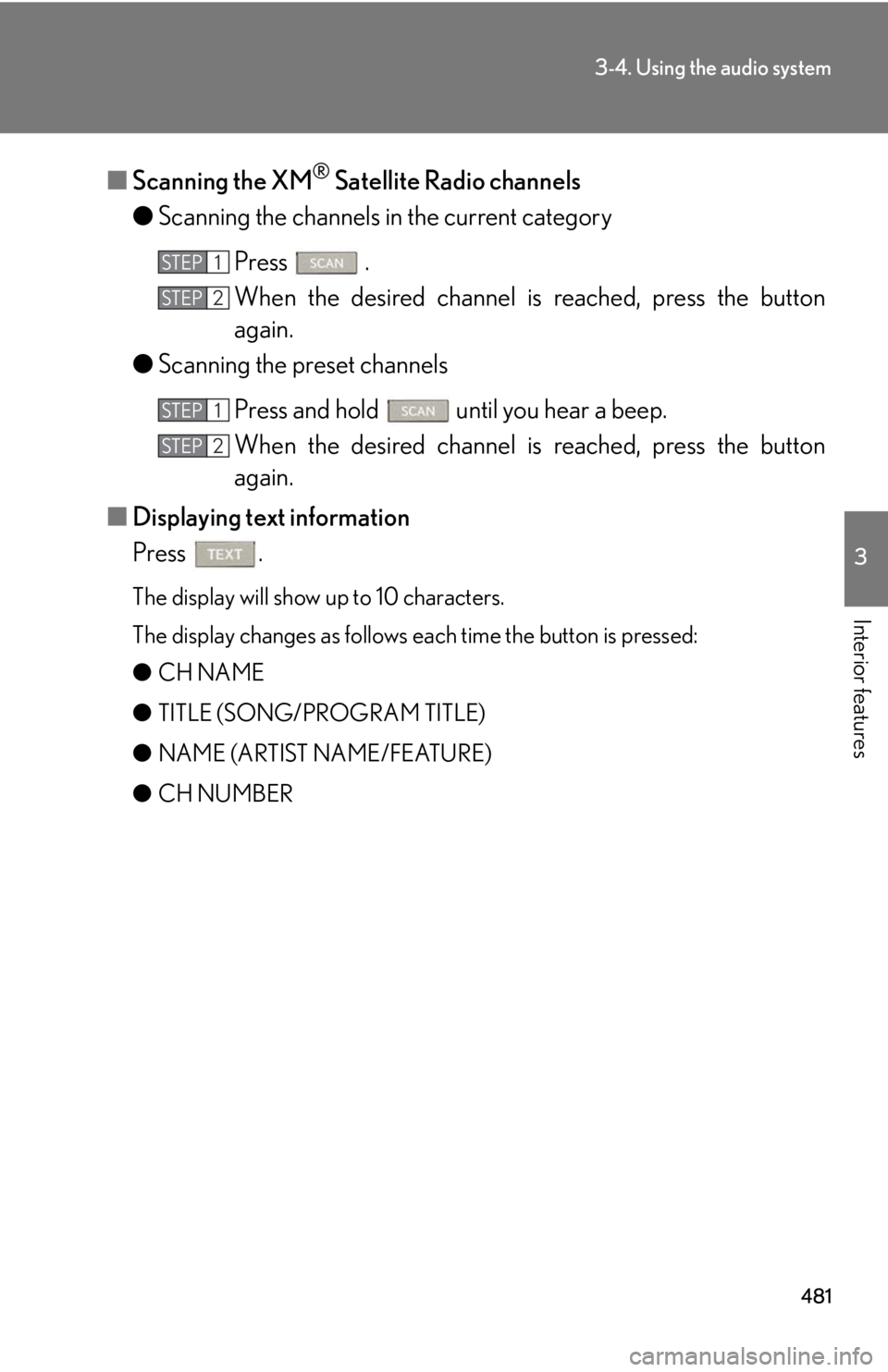
Interior features ■ Scanning the XM ®
Satellite Radio channels
● Scanning the channels in the current category
Press .
When the desired channel is reached, press the button
again.
● Scanning the preset channels
Press and hold until you hear a beep.
When the desired channel is reached, press the button
again.
■ Displaying text information
Press . The display will show up to 10 characters.
The display changes as follows each time the button is pressed:
● CH NAME
● TITLE (SONG/PROGRAM TITLE)
● NAME (ARTIST NAME/FEATURE)
● CH NUMBER STEP 1
STEP 2
STEP 1
STEP 2
Page 484 of 878
4843-4. Using the audio system
Contact the XM ®
Listener Care Center at 1-877-515-3987 (U.S.A.) or 1-877-
438-9677 (Canada).■
Certifications for XM ®
Satellite Radio
This device complies with RSS-310 of Indu stry Canada. Operation is subject to the
condition that this device does not cause harmful interference.
Cet appareil est conforme au CNR-310 d’Industrie Canada. Son exploitation est
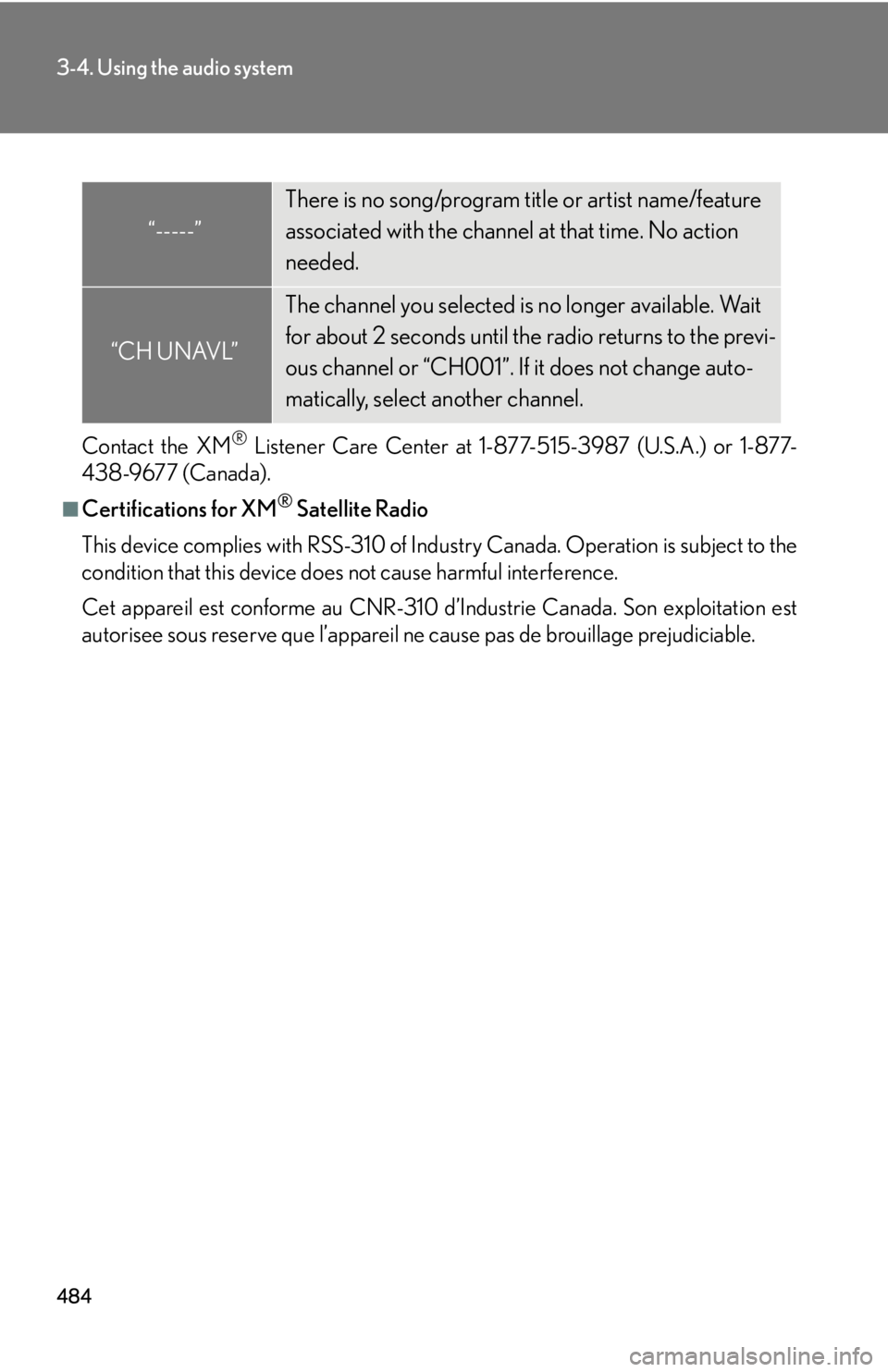
autorisee sous reserve que l’appareil ne cause pas de brouillage prejudiciable.“-----” There is no song/program title or artist name/feature
associated with the channel at that time. No action
needed.
“CH UNAVL” The channel you selected is no longer available. Wait
for about 2 seconds until the radio returns to the previ-
ous channel or “CH001”. If it does not change auto-
matically, select another channel.
Page 489 of 878
4893-4. Using the audio system
3
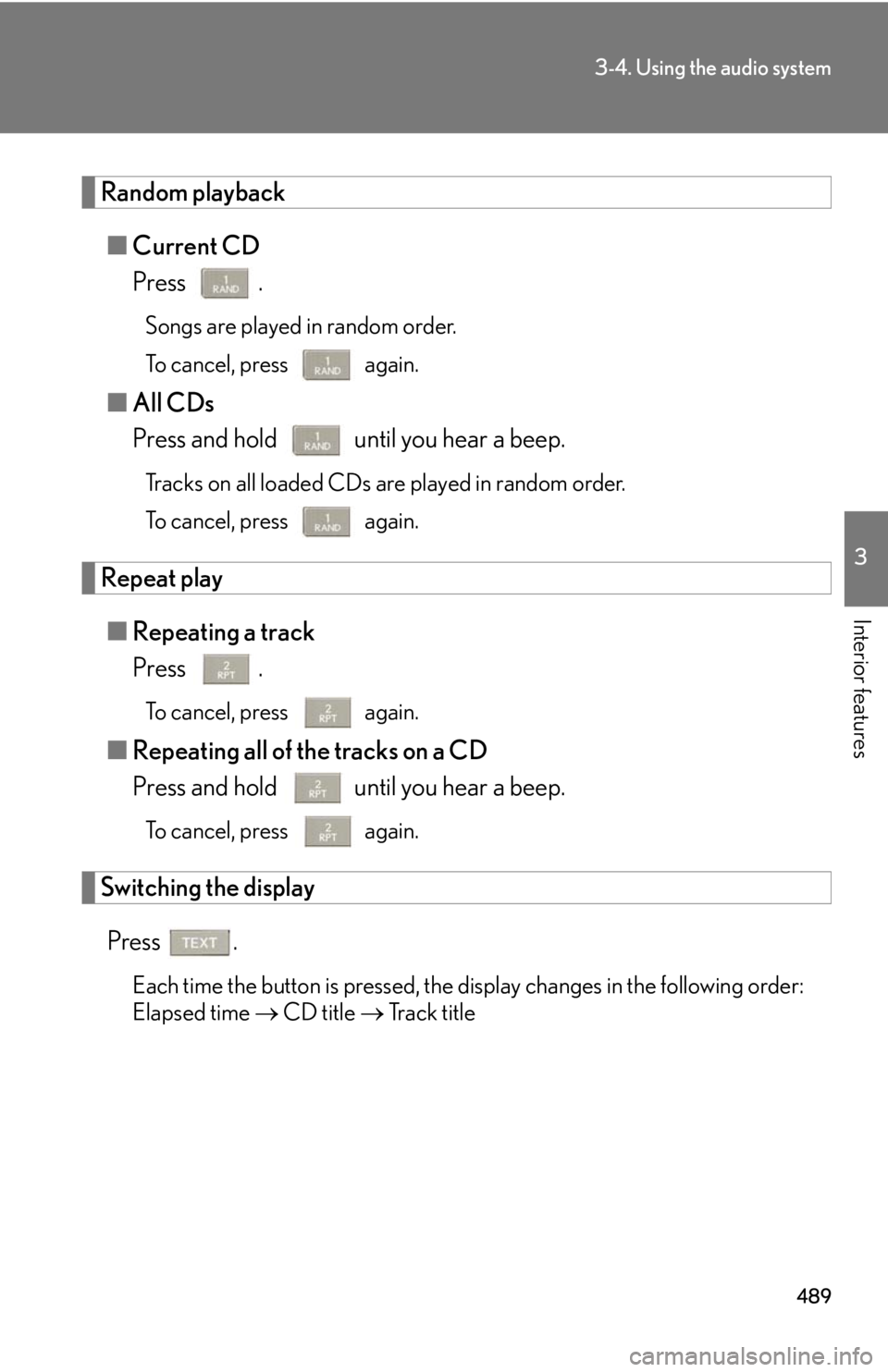
Interior features Random playback
■ Current CD
Press . Songs are played in random order.
To cancel, press again.
■ All CDs
Press and hold until you hear a beep. Tracks on all loaded CDs are played in random order.
To cancel, press again.
Repeat play
■ Repeating a track
Press . To cancel, press again.
■ Repeating all of the tracks on a CD
Press and hold until you hear a beep. To cancel, press again.
Switching the display
Press .
Each time the button is pressed, the display changes in the following order:
Elapsed time CD title Track title
Page 496 of 878
4963-4. Using the audio system
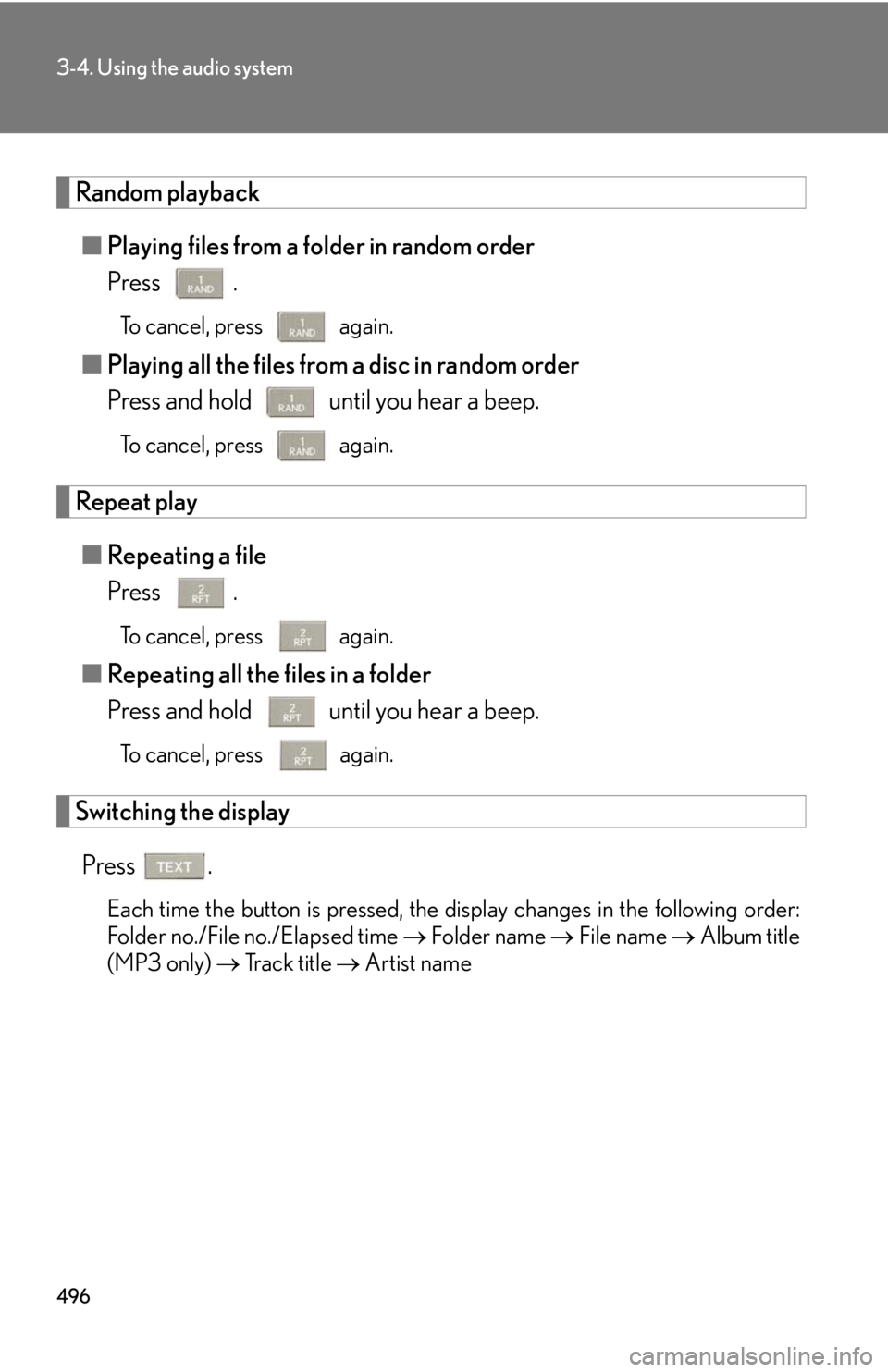
Random playback
■ Playing files from a folder in random order
Press . To cancel, press again.
■ Playing all the files from a disc in random order
Press and hold until you hear a beep. To cancel, press again.
Repeat play
■ Repeating a file
Press . To cancel, press again.
■ Repeating all the files in a folder
Press and hold until you hear a beep. To cancel, press
again.
Switching the display
Press .
Each time the button is pressed, the display changes in the following order:
Folder no./File no./Elapsed time Folder name File name Album title
(MP3 only) Track title Artist name
Page 505 of 878
5053-4. Using the audio system
3
Interior features Selecting songs
Turn or press “ ” or “ ” on to select the desired
song.
Playing and pausing songs
To play or pause a song, press .
Fast-forwarding and reversing songs
To fast-forward or reverse, press and hold “ ” or “ ” on
until you hear a beep.
Shuffle playback
■ Playing songs from one playlist or album in random order
Press . To cancel, press again.
■ Playing songs from all the playlists or albums in random order
Press and hold until you hear a beep.
To cancel, press again.
Repeat play
Press .
To cancel, press again.
Switching the display
Press .
Each time the button is pressed, the display changes in the following order:
Elapsed time Album title Tr a c k t i t l e Artist name