wheel LEXUS RX450h 2015 Repair Manual
[x] Cancel search | Manufacturer: LEXUS, Model Year: 2015, Model line: RX450h, Model: LEXUS RX450h 2015Pages: 878, PDF Size: 11.62 MB
Page 323 of 878
3232-5. Driving information
2
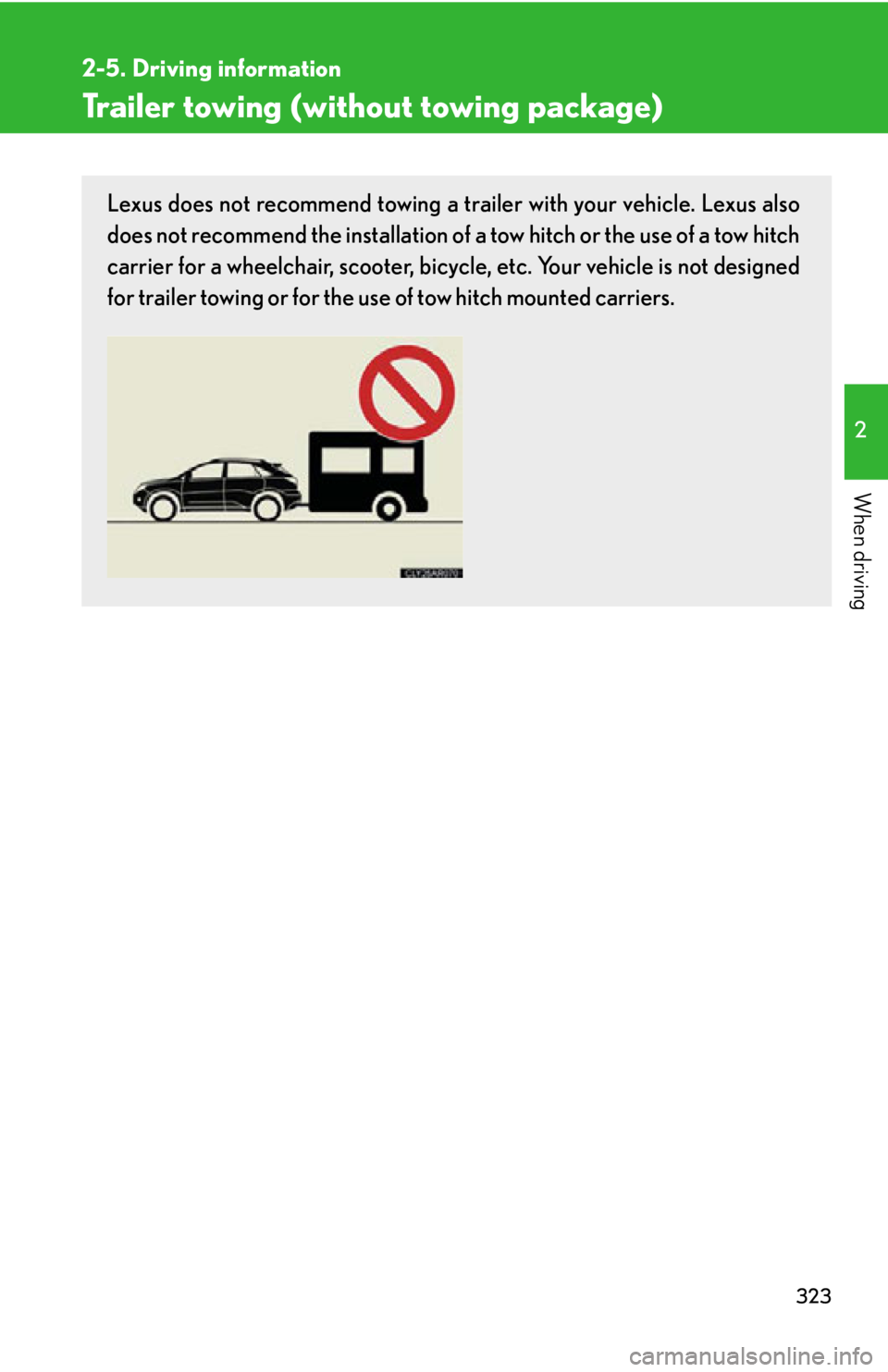
When driving Trailer towing (without towing package) Lexus does not recommend towing a trailer with your vehicle. Lexus also
does not recommend the installation of a tow hitch or the use of a tow hitch
carrier for a wheelchair, scooter, bicycl e, etc. Your vehicle is not designed
for trailer towing or for the us e of tow hitch mounted carriers.
Page 324 of 878
3242-5. Driving information
Dinghy towing
NOTICE■
To avoid serious damage to your vehicle
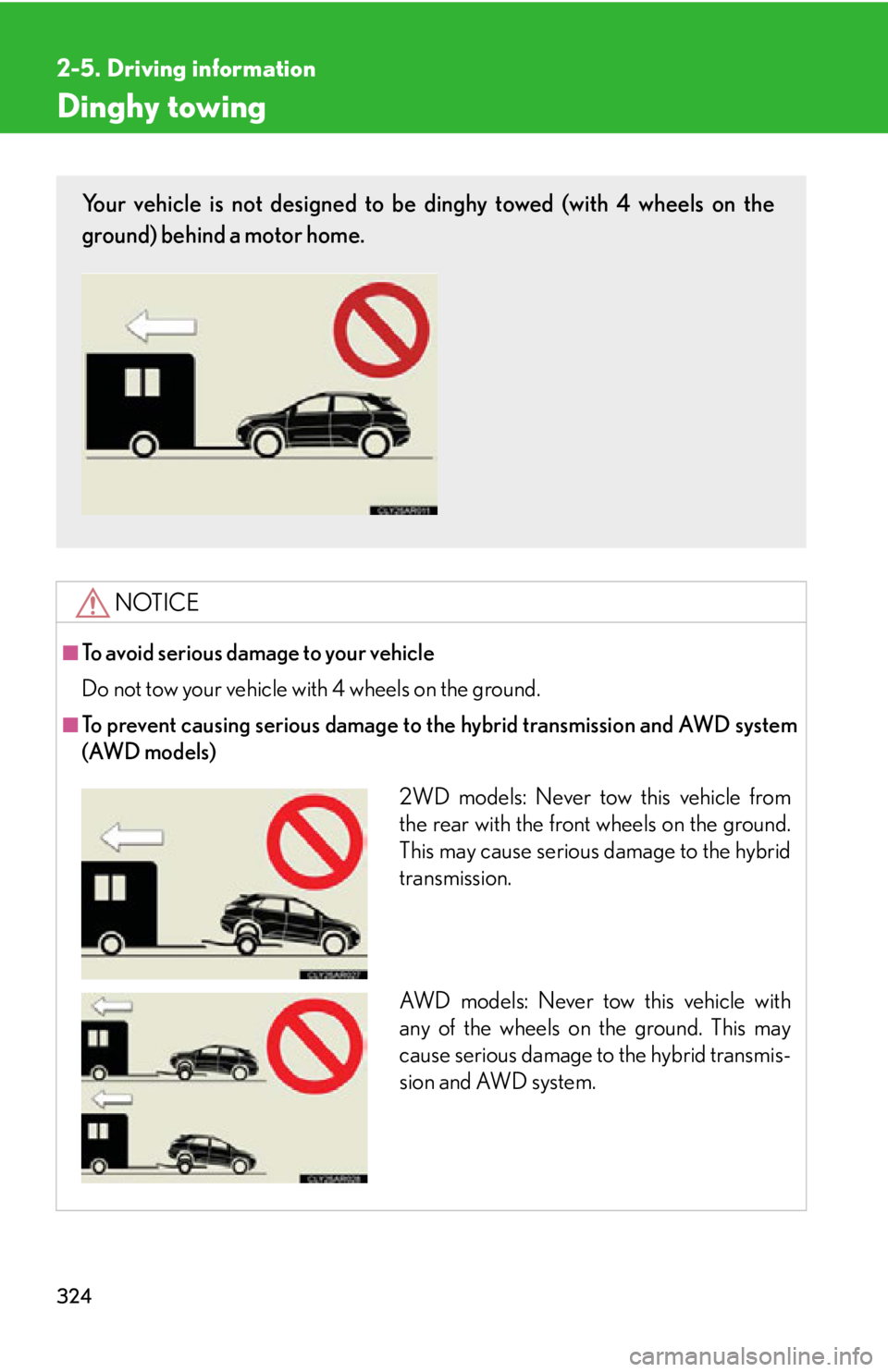
Do not tow your vehicle with 4 wheels on the ground.■
To prevent causing serious damage to the hybrid transmission and AWD system
(AWD models)Your vehicle is not designed to be dinghy towed (with 4 wheels on the
ground) behind a motor home.
2WD models: Never tow this vehicle from
the rear with the front wheels on the ground.
This may cause serious damage to the hybrid
transmission.
AW D m o d e l s : N e v e r t o w this vehicle with
any of the wheels on the ground. This may
cause serious damage to the hybrid transmis-
sion and AWD system.
Page 326 of 878
326 3-3. Using the Lexus Display
Audio system
Audio system
(with the Lexus Display
Audio system) ....................... 362
Using the radio........................ 365
Using the CD player ............ 380
Playing an audio CD and
MP3/WMA discs ................ 381
Listening to an iPod................. 391
Listening to a USB
memory .................................. 399
Using the AUX port ............. 408
Listening to Bluetooth ®
audio......................................... 410
Optimal use of the audio
system ..................................... 424
Using the steering wheel
audio switches ...................... 426
Hands-free system
(for mobile phone)............... 429
Using the Bluetooth ®
phone ...................................... 437
Setting the hands-free
system ..................................... 454
Bluetooth ®
settings .............. 466 3-4. Using the audio system
Audio system (without a
navigation system or
the Lexus Display Audio
system) .................................... 474
Using the radio ........................ 477
Using the CD player ............. 485
Playing MP3 and WMA
discs......................................... 493
Operating an iPod .................. 501
Operating a USB
memory................................... 510
Bluetooth ®
audio system ..... 519
Using the Bluetooth ®
audio system ......................... 523
Operating a Bluetooth ®
enabled portable
player ...................................... 528
Setting up a Bluetooth ®
enabled portable
player ....................................... 531
Bluetooth ®
audio system
setup ....................................... 538
Optimal use of the audio
system..................................... 539
Using the AUX port ............... 541
Using the steering wheel
audio switches...................... 543
Page 327 of 878
Interior features
3
327Hands-free system for
mobile phones ...................... 547
Using the hands-free system
(for mobile phones)............. 552
Making a phone call .............. 560
Setting a mobile phone......... 565
Security and system
setup ......................................... 571
Using the phone book........... 575
3-5. Using the interior lights
Interior lights list .................... 582
• Interior lights ....................... 583
• Personal lights ..................... 583
3-6. Using the storage
features
List of storage features ........ 585
• Glove box .............................. 586
• Bottle holders/
door pockets ......................... 587
• Cup holders ......................... 588
• Console box ......................... 590
• Coin holder ........................... 592
• Auxiliary boxes .................... 592
• Under tray ............................. 594 3-7. Other interior features
Sun visors ................................. 595
Vanity mirrors ......................... 596
Clock .......................................... 597
Outside temperature
display..................................... 598
Multi-display light
control .................................... 600
Power outlets ........................... 601
Heated steering wheel ........ 604
Seat heaters and
ventilators ............................. 605
Armrest .................................... 607
Coat hooks .............................. 608
Assist grips ............................... 609
Floor mat ................................... 610
Luggage compartment
features .................................... 612
Garage door opener .............. 616
Compass .................................. 622
Safety Connect ....................... 626
Page 340 of 878
3403-1. Lexus Display Audio system
Mobile Assistant The Mobile Assistant feature will activate Apple’s Siri ®
Eyes Free mode via
the steering wheel switches. To operat e the Mobile Assistant, a compatible
cellular phone must be registered and connected to this system via
Bluetooth ®
. ( P. 4 3 7 )
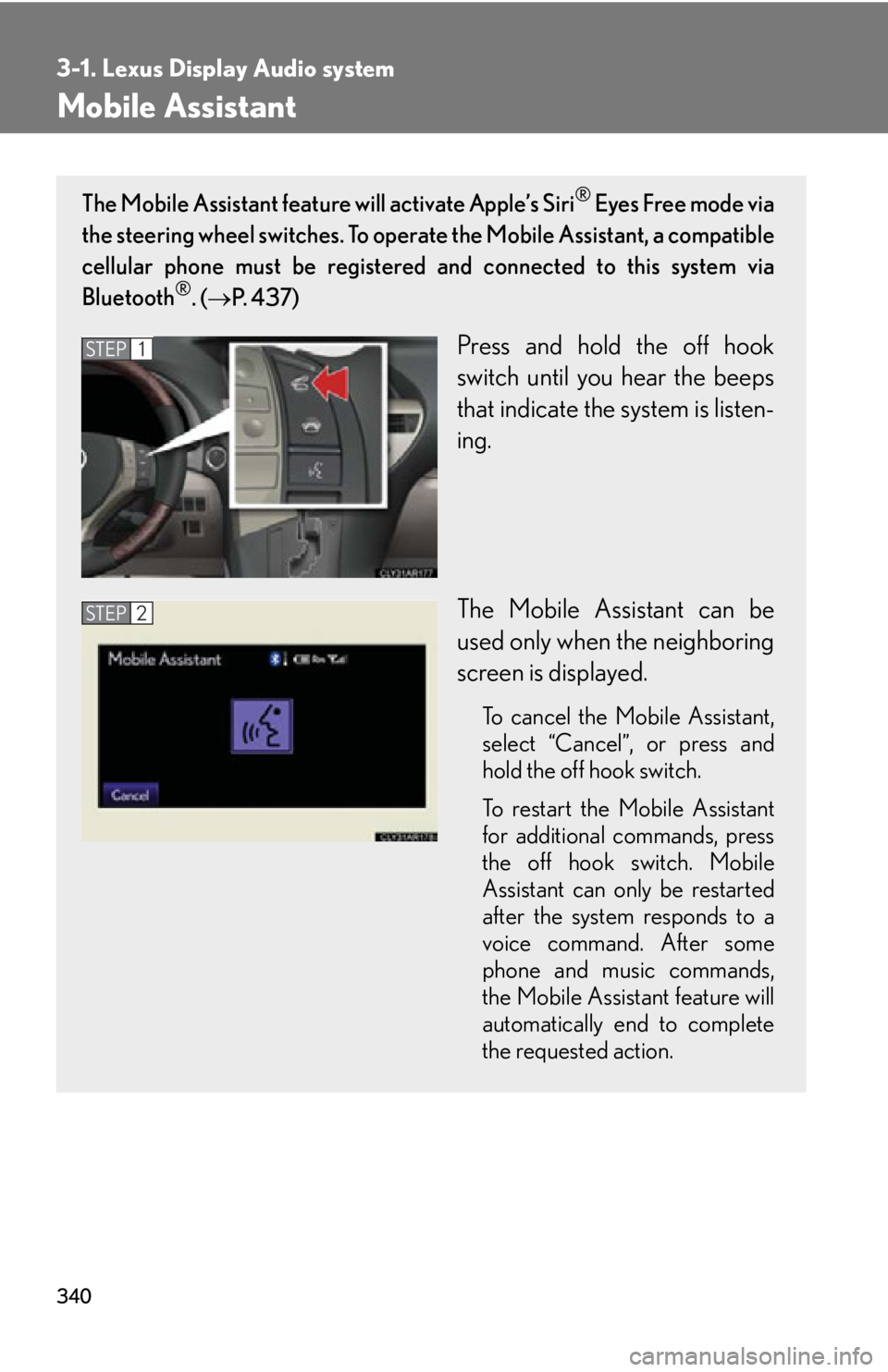
Press and hold the off hook
switch until you hear the beeps
that indicate the system is listen-
ing.
The Mobile Assistant can be
used only when the neighboring
screen is displayed. To cancel the Mobile Assistant,
select “
Cancel ”
, or press and
hold the off hook switch.
To restart the Mobile Assistant
for additional commands, press
the off hook switch. Mobile
Assistant can only be restarted
after the system responds to a
voice command. After some
phone and music commands,
the Mobile Assistant feature will
automatically end to complete
the requested action.STEP 1
STEP 2
Page 341 of 878
3413-1. Lexus Display Audio system
3
Interior features ■
Adjusting the volume
The volume of the Mobile Assistant can be adjusted using the
“ PWR·VOL
” knob or
steering wheel volume switches. The Mobile Assistant and phone call volumes are
synchronized.■
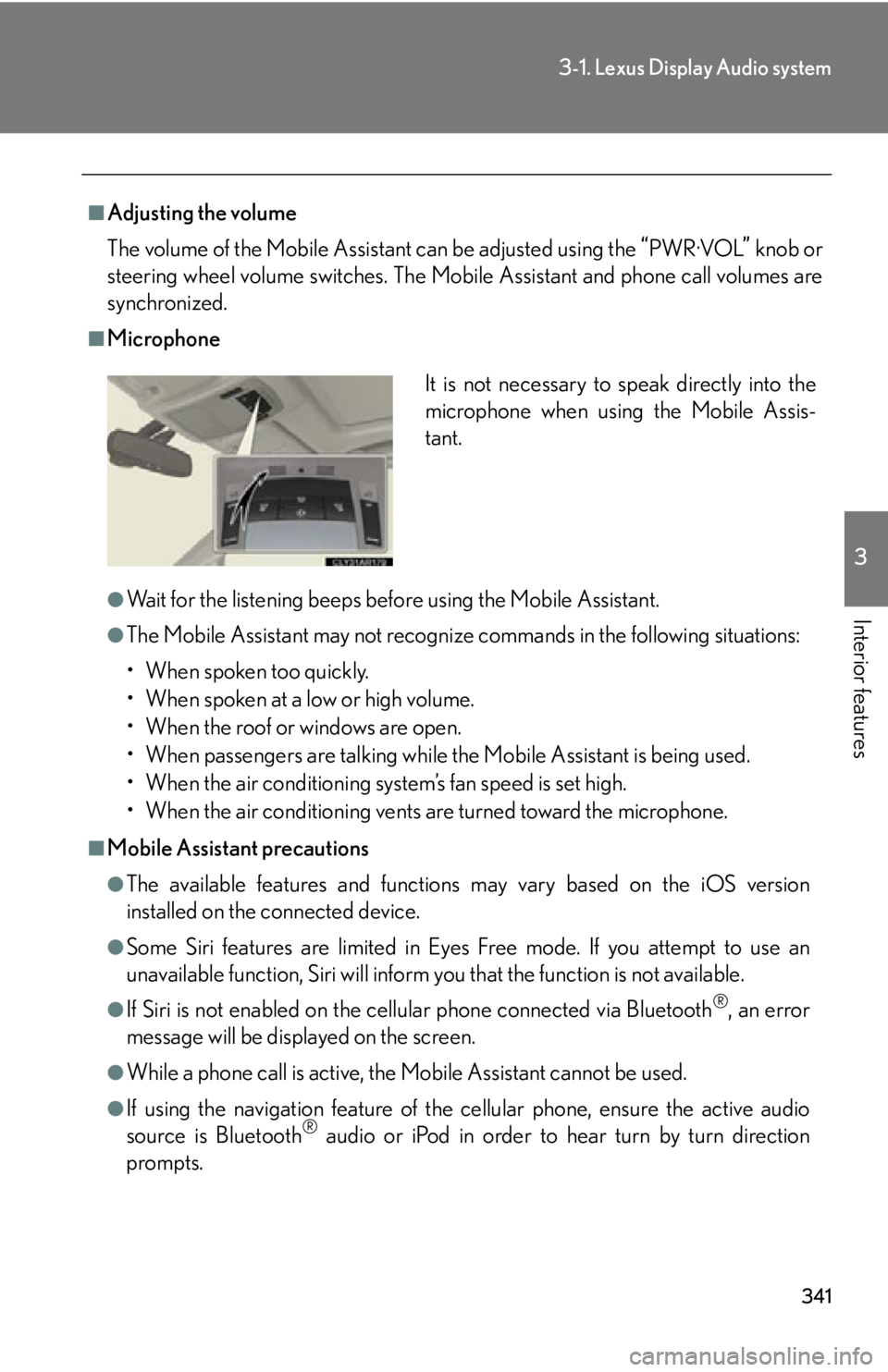
Microphone
●
Wait for the listening beeps befo re using the Mobile Assistant.●
The Mobile Assistant may not recognize commands in the following situations:
• When spoken too quickly.
• When spoken at a low or high volume.
• When the roof or windows are open.
• When passengers are talking while the Mobile Assistant is being used.
• When the air conditioning system’s fan speed is set high.
• When the air conditioning vents are turned toward the microphone.■
Mobile Assistant precautions ●
The available features and functions may vary based on the iOS version
installed on the connected device.●
Some Siri features are limited in Eyes Free mode. If you attempt to use an
unavailable function, Siri will inform you that the function is not available.●
If Siri is not enabled on the cell ular phone connected via Bluetooth ®
, an error
message will be displayed on the screen.
●
While a phone call is active, the Mo bile Assistant cannot be used.
●
If using the navigation feature of the cellular phone, ensure the active audio
source is Bluetooth ®
audio or iPod in order to hear turn by turn direction
prompts. It is not necessary to speak directly into the
microphone when using the Mobile Assis-
tant.
Page 362 of 878
3623-3. Using the Lexus Display Audio system
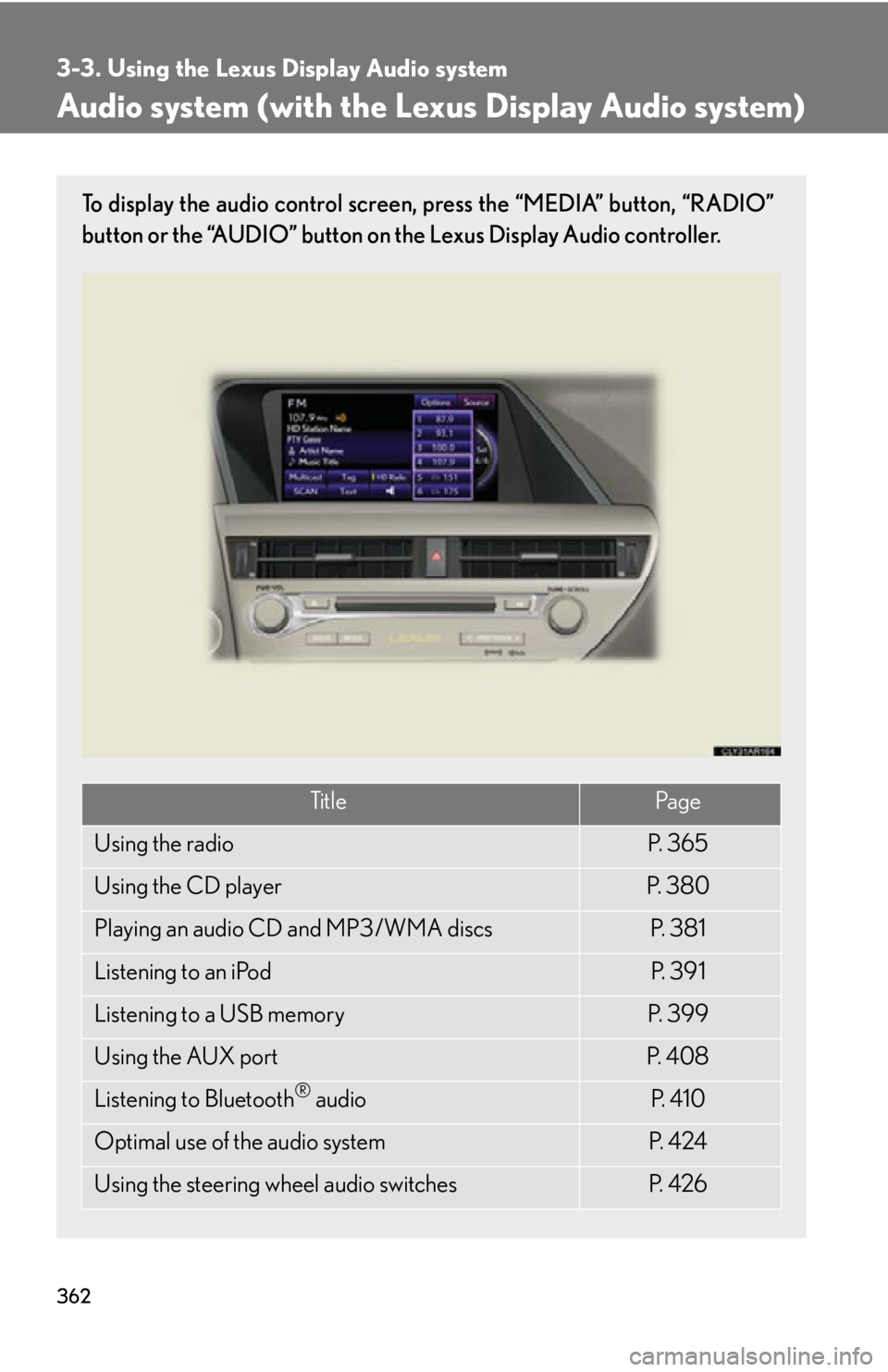
Audio system (with the Lexus Display Audio system) To display the audio control screen, press the “MEDIA” button, “RADIO”
button or the “AUDIO” button on the Lexus Display Audio controller.
Ti t l e Pa g e
Using the radio P. 3 6 5
Using the CD player P. 3 8 0
Playing an audio CD and MP3/WMA discs P. 3 8 1
Listening to an iPod P. 3 9 1
Listening to a USB memory P. 3 9 9
Using the AUX port P. 4 0 8
Listening to Bluetooth ®
audio P. 4 1 0
Optimal use of the audio system P. 4 2 4
Using the steering wheel audio switches P. 4 2 6
Page 426 of 878
4263-3. Using the Lexus Display Audio system
Using the steering wh eel audio switches
Turning the audio system on
To turn the audio system on, press the “MODE” switch. Some audio features can be controlled using the switches on the steering
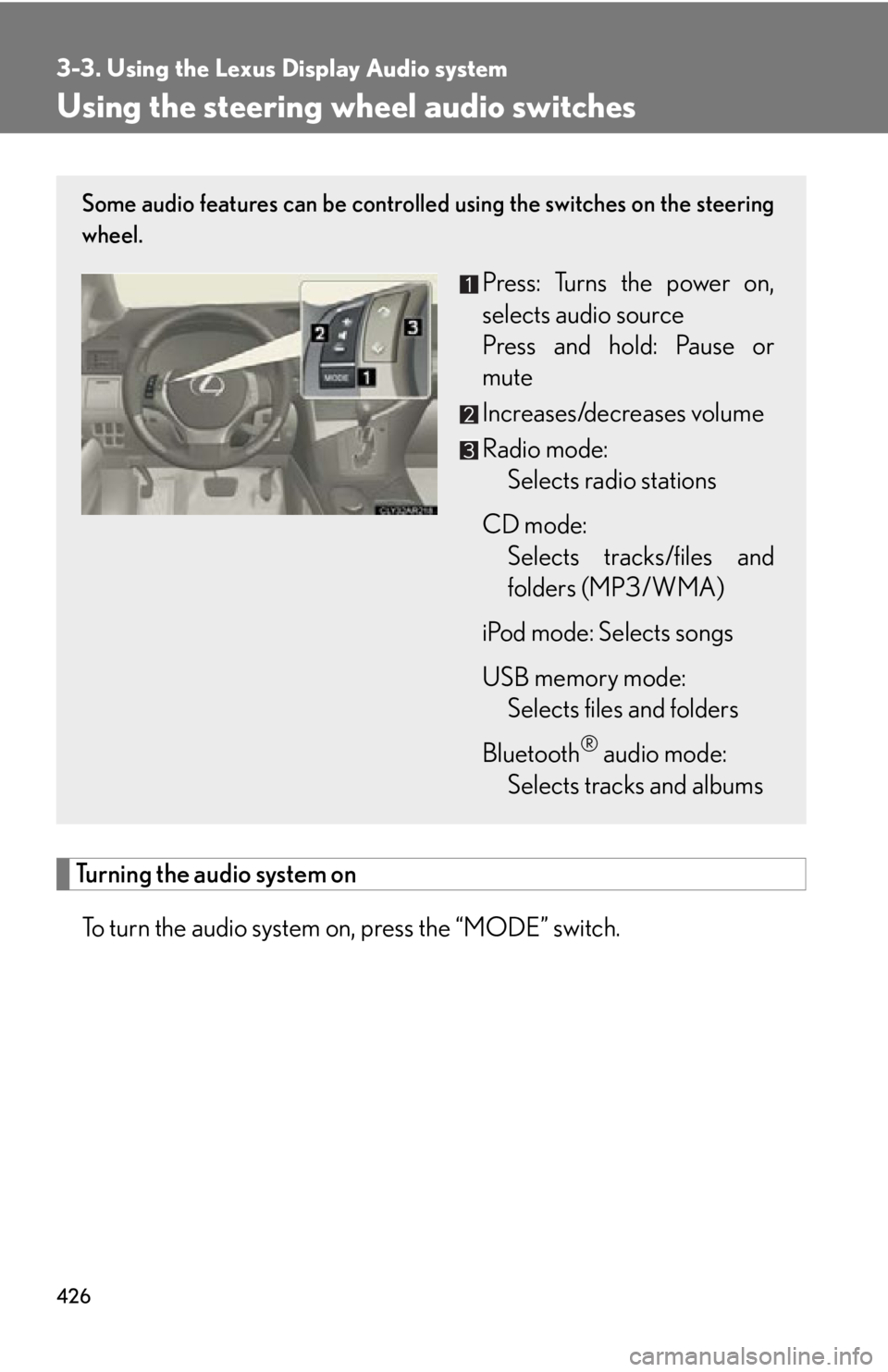
wheel.
Press: Turns the power on,
selects audio source
Press and hold: Pause or
mute
Increases/decreases volume
Radio mode:
Selects radio stations
CD mode:
Selects tracks/files and
folders (MP3/WMA)
iPod mode: Selects songs
USB memory mode:
Selects files and folders
Bluetooth ®
audio mode:
Selects tracks and albums
Page 428 of 878
4283-3. Using the Lexus Display Audio system
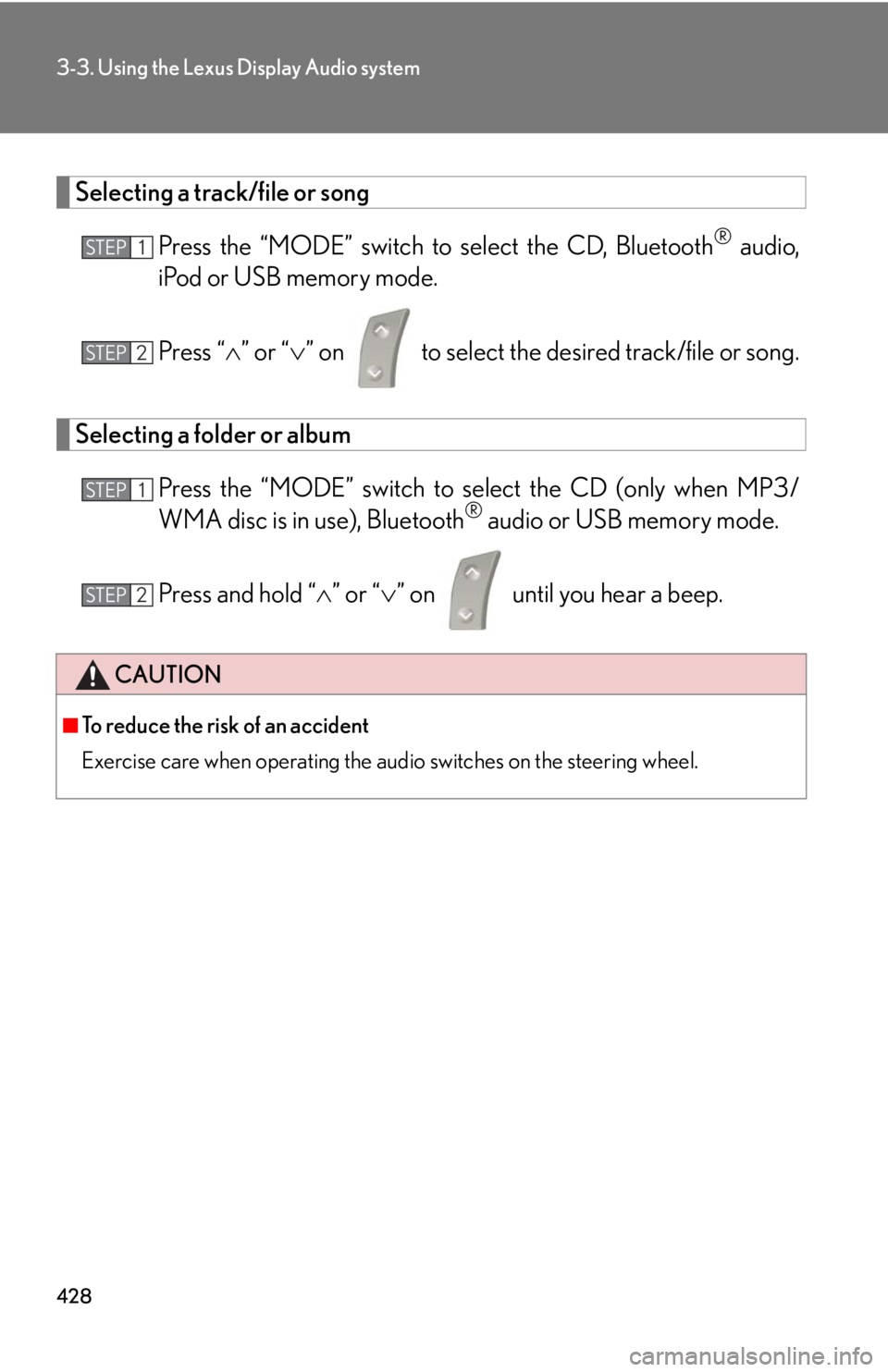
Selecting a track/file or song
Press the “MODE” switch to select the CD, Bluetooth ®
audio,
iPod or USB memory mode.
Press “ ” or “ ” on to select the desired track/file or song.
Selecting a folder or album
Press the “MODE” switch to se lect the CD (only when MP3/
WMA disc is in use), Bluetooth ®
audio or USB memory mode.
Press and hold “ ” or “ ” on until you hear a beep.
CAUTION■
To reduce the risk of an accident
Exercise care when operating the audio switches on the steering wheel. STEP 1
STEP 2
STEP 1
STEP 2
Page 437 of 878
4373-3. Using the Lexus Display Audio system
3
Interior features Using the Bluetooth ®
phone
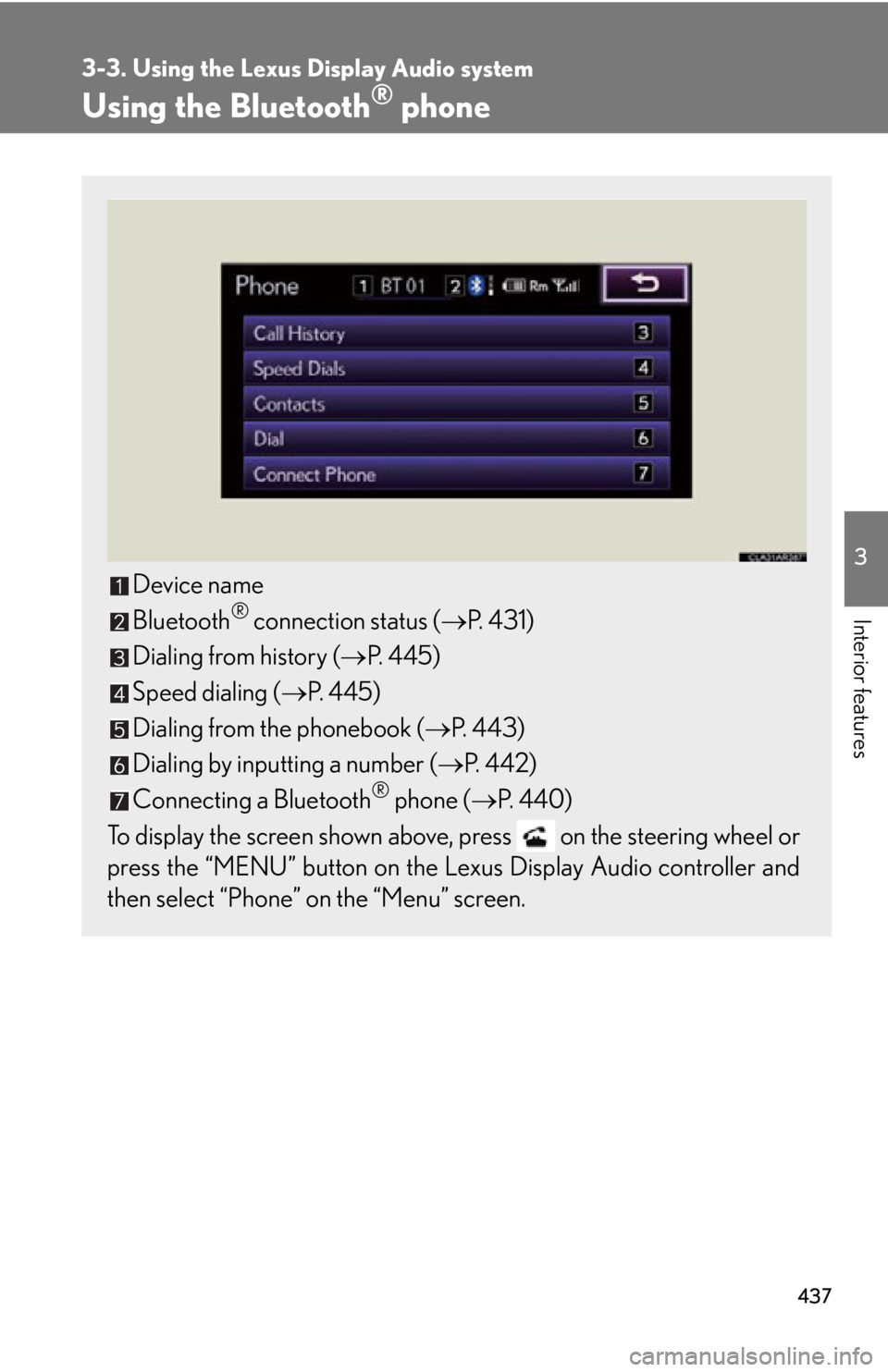
Device name
Bluetooth ®
connection status ( P. 4 3 1 )
Dialing from history ( P. 445)
Speed dialing ( P. 445)
Dialing from the phonebook ( P. 443)
Dialing by inputting a number ( P. 4 4 2 )
Connecting a Bluetooth ®
phone ( P. 440)
To display the screen shown above, press on the steering wheel or
press the “MENU” button on the Le xus Display Audio controller and
then select “Phone” on the “Menu” screen.