ECO mode LINCOLN AVIATOR 2004 User Guide
[x] Cancel search | Manufacturer: LINCOLN, Model Year: 2004, Model line: AVIATOR, Model: LINCOLN AVIATOR 2004Pages: 336, PDF Size: 3.69 MB
Page 115 of 336
When programming your HomeLinktWireless Control System to
a garage door or gate, be sure that people and objects are out of
the way to prevent potential harm or damage.
Do not use the HomeLinktWireless Control System with any garage
door opener that lacks safety stop and reverse features as required by
U.S. federal safety standards (this includes any garage door opener
model manufactured before April 1, 1982). A garage door which cannot
detect an object, signaling the door to stop and reverse, does not meet
current U.S. federal safety standards. For more information, contact
HomeLinktat:www.homelink.comor1±800±355±3515.
Retain the original transmitter for use in other vehicles as well as for
future programming procedures (i.e. new HomeLinktequipped vehicle
purchase). It is also suggested that upon the sale of the vehicle, the
programmed Homelinktbuttons be erased for security purposes, refer to
Programmingin this section.
Programming
Do not program HomeLinktwith the vehicle parked in the garage.
Note:Some vehicles may require the ignition switch to be turned to the
second (or ªACCº) position for programming and/or operation of the
HomeLinkt. It is also recommended that a new battery be placed in the
hand-held transmitter of the device being programmed to HomeLinktfor
quicker training and accurate transmission of the radio-frequency signal.
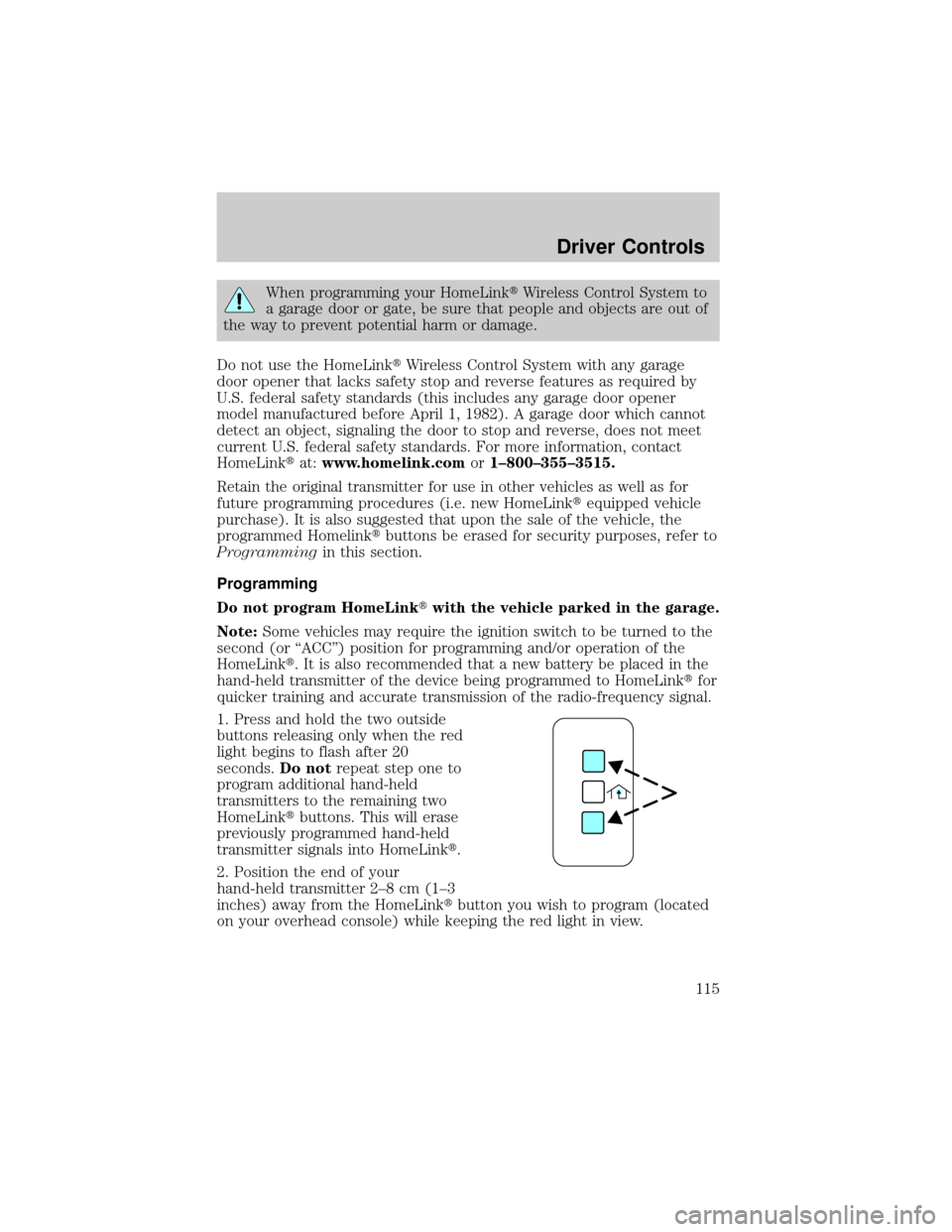
1. Press and hold the two outside
buttons releasing only when the red
light begins to flash after 20
seconds.Do notrepeat step one to
program additional hand-held
transmitters to the remaining two
HomeLinktbuttons. This will erase
previously programmed hand-held
transmitter signals into HomeLinkt.
2. Position the end of your
hand-held transmitter 2±8 cm (1±3
inches) away from the HomeLinktbutton you wish to program (located
on your overhead console) while keeping the red light in view.
Driver Controls
115
Page 118 of 336
Erasing HomeLinkTbuttons
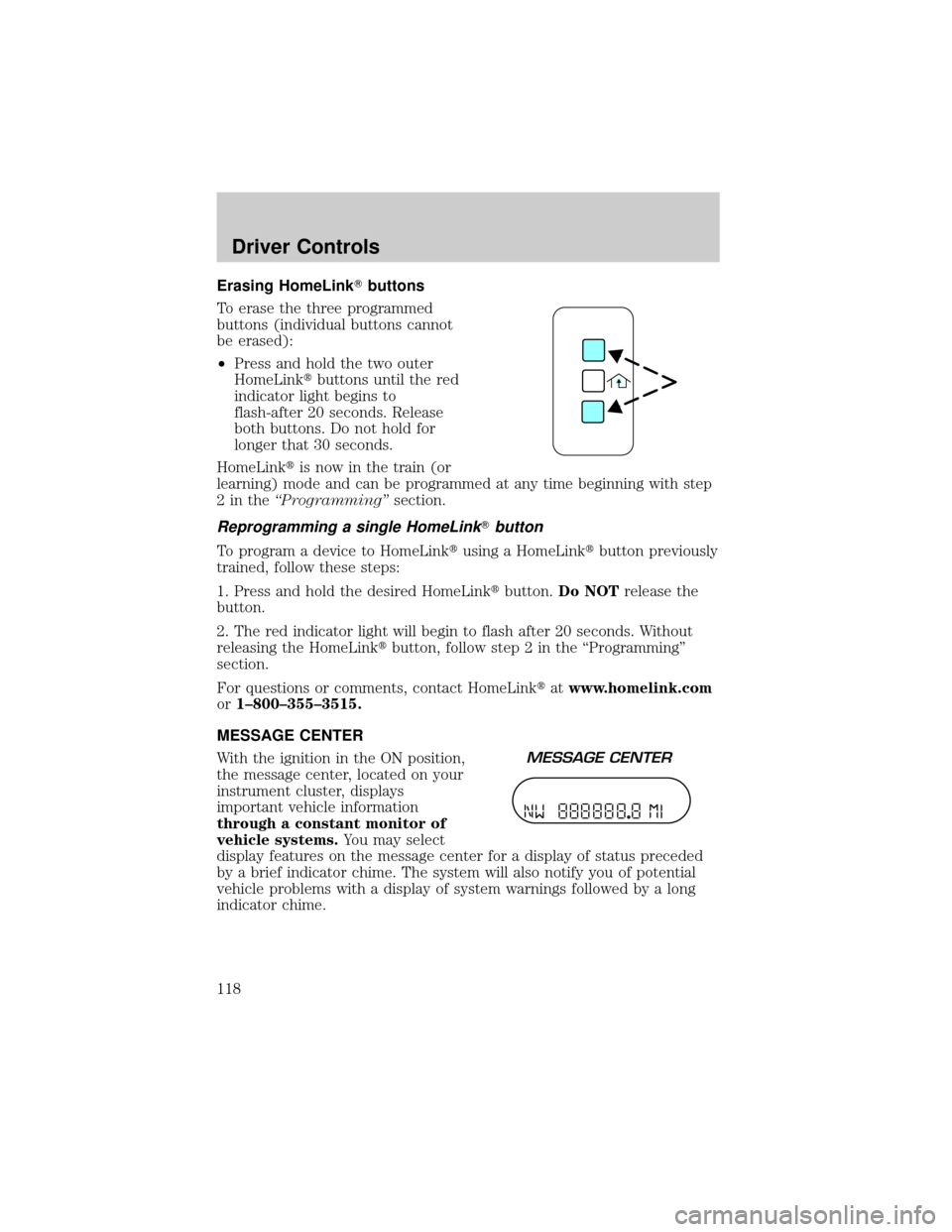
To erase the three programmed
buttons (individual buttons cannot
be erased):
²Press and hold the two outer
HomeLinktbuttons until the red
indicator light begins to
flash-after 20 seconds. Release
both buttons. Do not hold for
longer that 30 seconds.
HomeLinktis now in the train (or
learning) mode and can be programmed at any time beginning with step
2intheªProgrammingºsection.
Reprogramming a single HomeLinkTbutton
To program a device to HomeLinktusing a HomeLinktbutton previously
trained, follow these steps:
1. Press and hold the desired HomeLinktbutton.Do NOTrelease the
button.
2. The red indicator light will begin to flash after 20 seconds. Without
releasing the HomeLinktbutton, follow step 2 in the ªProgrammingº
section.
For questions or comments, contact HomeLinktatwww.homelink.com
or1±800±355±3515.
MESSAGE CENTER
With the ignition in the ON position,
the message center, located on your
instrument cluster, displays
important vehicle information
through a constant monitor of
vehicle systems.You may select
display features on the message center for a display of status preceded
by a brief indicator chime. The system will also notify you of potential
vehicle problems with a display of system warnings followed by a long
indicator chime.
Driver Controls
118
Page 125 of 336
Rear park assist
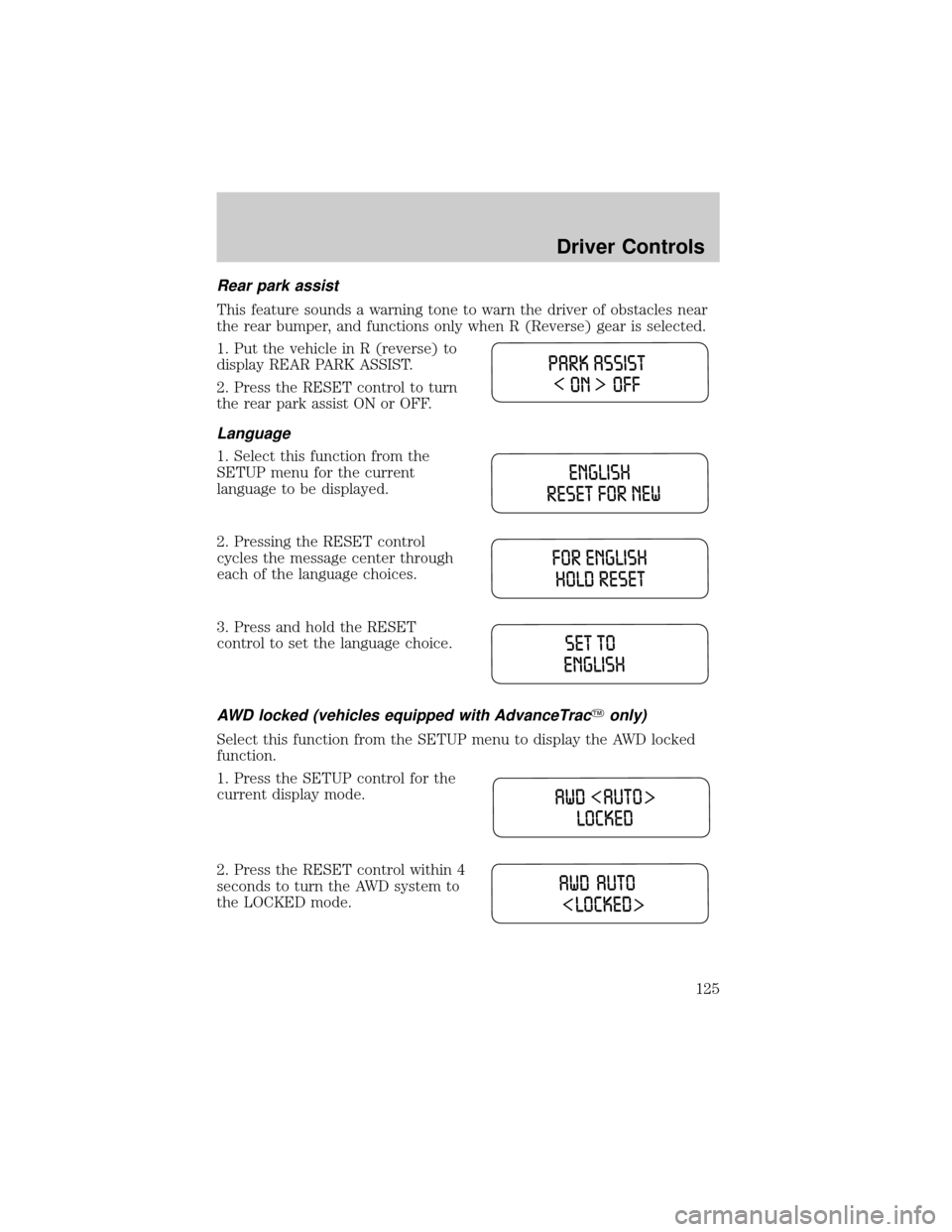
This feature sounds a warning tone to warn the driver of obstacles near
the rear bumper, and functions only when R (Reverse) gear is selected.
1. Put the vehicle in R (reverse) to
display REAR PARK ASSIST.
2. Press the RESET control to turn
the rear park assist ON or OFF.
Language
1. Select this function from the
SETUP menu for the current
language to be displayed.
2. Pressing the RESET control
cycles the message center through
each of the language choices.
3. Press and hold the RESET
control to set the language choice.
AWD locked (vehicles equipped with AdvanceTracYonly)
Select this function from the SETUP menu to display the AWD locked
function.
1. Press the SETUP control for the
current display mode.
2. Press the RESET control within 4
seconds to turn the AWD system to
the LOCKED mode.
Driver Controls
125
Page 130 of 336
AWD DISABLED (vehicles equipped with AdvanceTracyonly).
Displayed for 4 seconds then SEE OWNER'S MANUAL will display
indicating that the AWD system is not operating properly. For further
information, refer toDisabling AWDin theDrivingchapter. See your
dealer as soon as possible
CHECK AWD (vehicles equipped with AdvanceTracyonly).
Displayed when the AWD system is not operating properly. If the warning
stays on or continues to come on, contact your dealer immediately.
CHECK FUEL CAP.Displayed when the fuel filler cap is not properly
installed. Check the fuel filler cap for proper installation. Refer toFuel
filler capin theMaintenance and specificationschapter.
CHANGE OIL SOON/OIL CHANGE REQUIRED.Displayed when the
engine oil life remaining is 5 percent or less. When oil life left is between
5% and 0%, the CHANGE OIL SOON message will be displayed. When oil
life left reaches 0%, the OIL CHANGE REQUIRED message will be
displayed.
An oil change is required whenever indicated by the message center and
according to the recommended maintenance schedule. USE ONLY
RECOMMENDED ENGINE OILS.
To reset the oil monitoring system to 100% after each oil change
[approximately 8,000 km (5,000 miles) or 180 days] perform the
following:
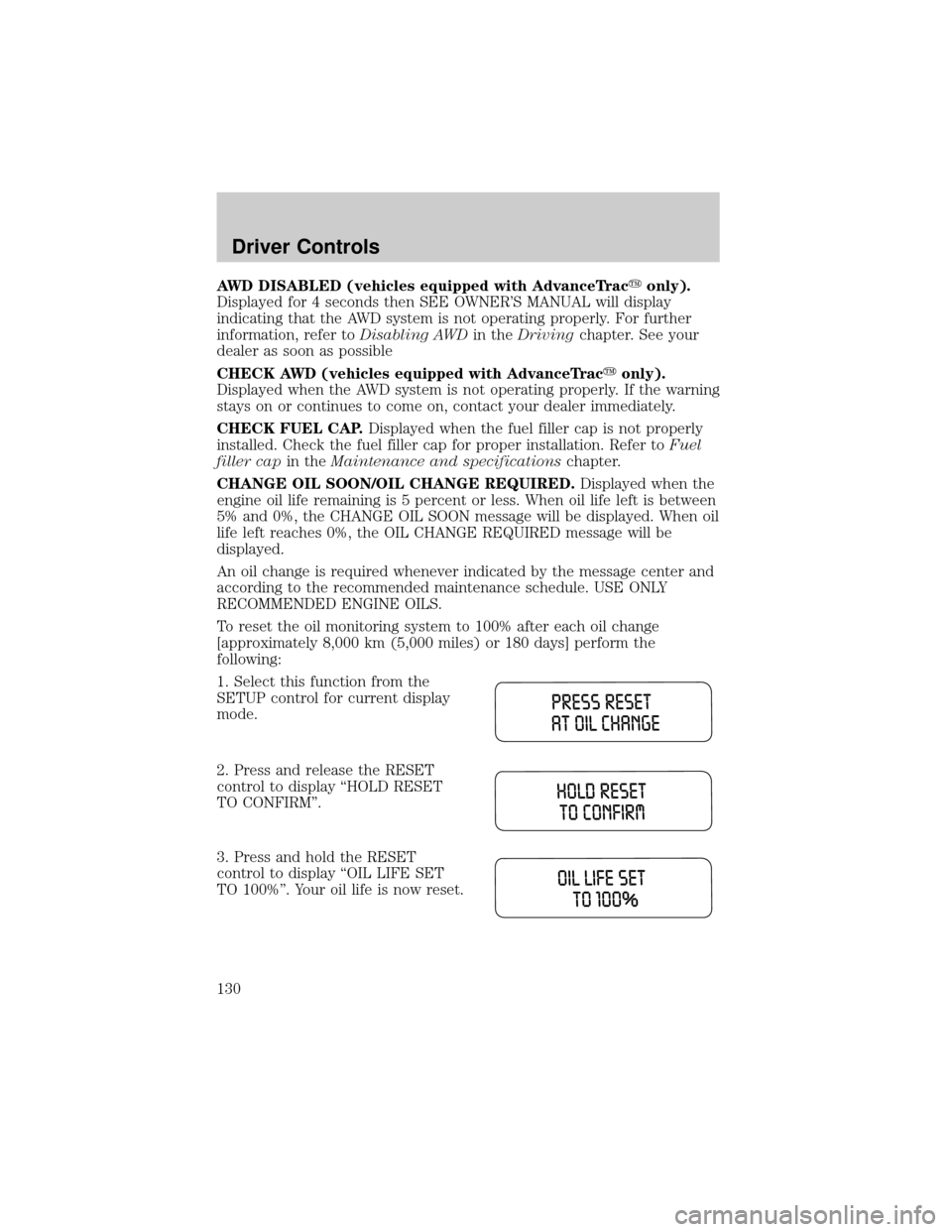
1. Select this function from the
SETUP control for current display
mode.
2. Press and release the RESET
control to display ªHOLD RESET
TO CONFIRMº.
3. Press and hold the RESET
control to display ªOIL LIFE SET
TO 100%º. Your oil life is now reset.
Driver Controls
130
Page 131 of 336
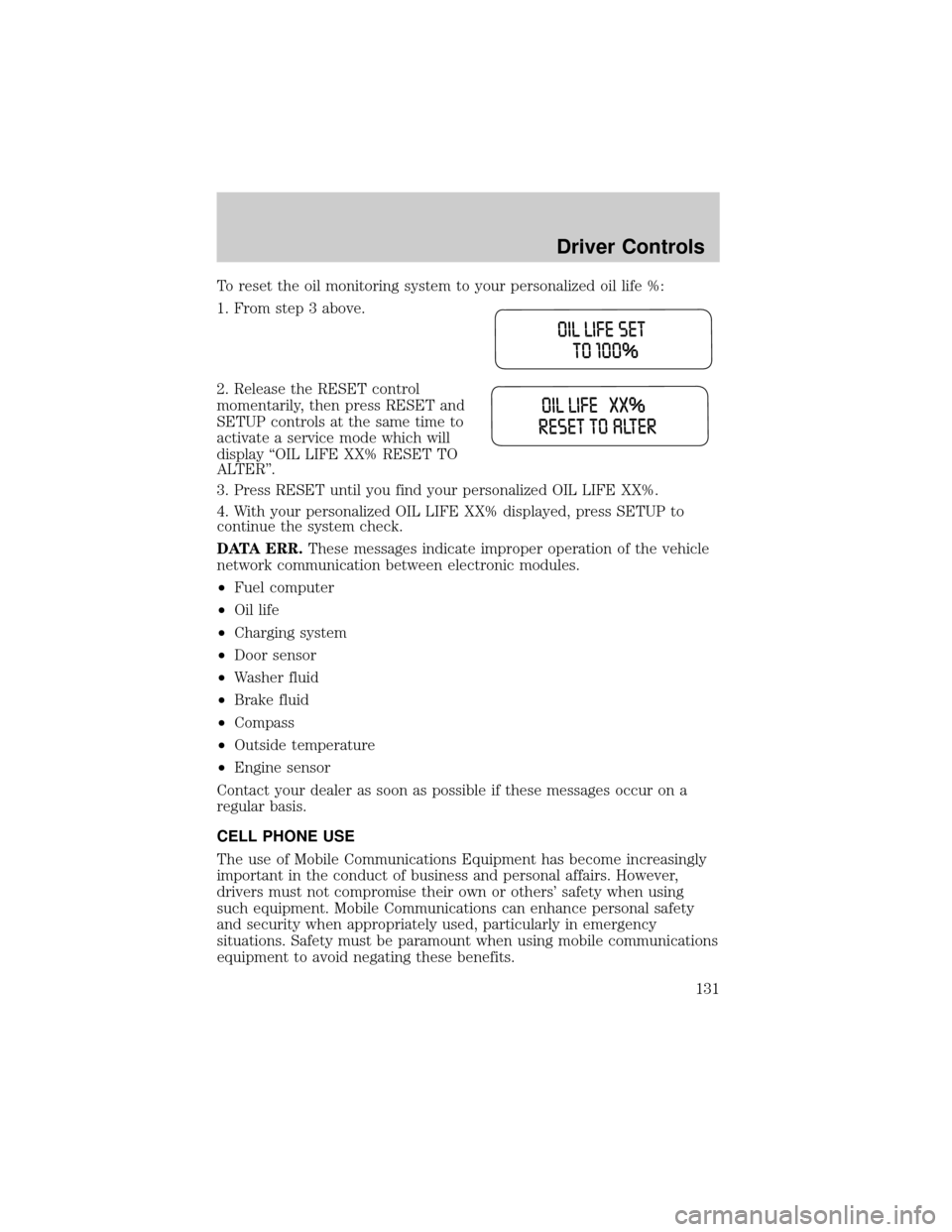
To reset the oil monitoring system to your personalized oil life %:
1. From step 3 above.
2. Release the RESET control
momentarily, then press RESET and
SETUP controls at the same time to
activate a service mode which will
display ªOIL LIFE XX% RESET TO
ALTERº.
3. Press RESET until you find your personalized OIL LIFE XX%.
4. With your personalized OIL LIFE XX% displayed, press SETUP to
continue the system check.
DATA ERR.These messages indicate improper operation of the vehicle
network communication between electronic modules.
²Fuel computer
²Oil life
²Charging system
²Door sensor
²Washer fluid
²Brake fluid
²Compass
²Outside temperature
²Engine sensor
Contact your dealer as soon as possible if these messages occur on a
regular basis.
CELL PHONE USE
The use of Mobile Communications Equipment has become increasingly
important in the conduct of business and personal affairs. However,
drivers must not compromise their own or others' safety when using
such equipment. Mobile Communications can enhance personal safety
and security when appropriately used, particularly in emergency
situations. Safety must be paramount when using mobile communications
equipment to avoid negating these benefits.
Driver Controls
131
Page 142 of 336
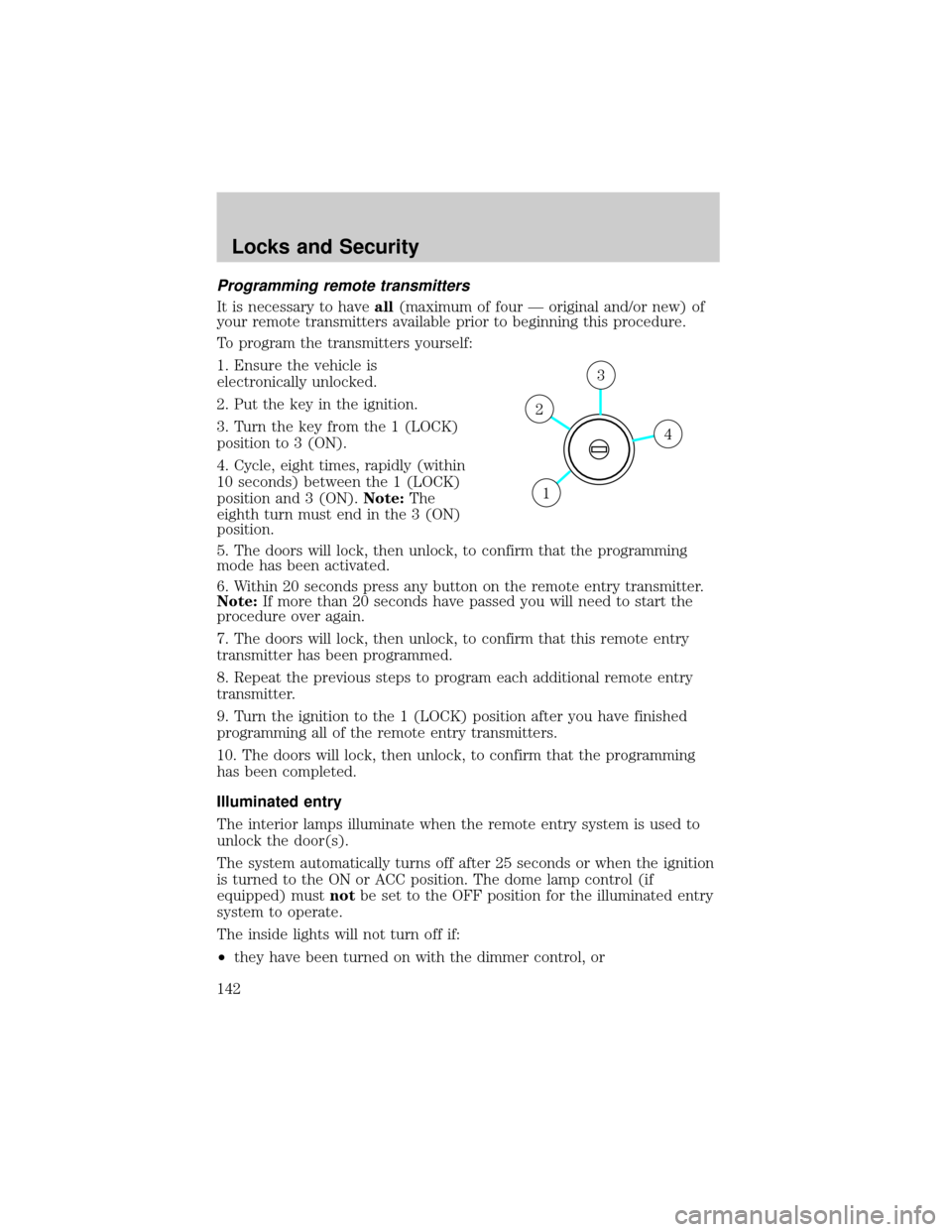
Programming remote transmitters
It is necessary to haveall(maximum of four Ð original and/or new) of
your remote transmitters available prior to beginning this procedure.
To program the transmitters yourself:
1. Ensure the vehicle is
electronically unlocked.
2. Put the key in the ignition.
3. Turn the key from the 1 (LOCK)
position to 3 (ON).
4. Cycle, eight times, rapidly (within
10 seconds) between the 1 (LOCK)
position and 3 (ON).Note:The
eighth turn must end in the 3 (ON)
position.
5. The doors will lock, then unlock, to confirm that the programming
mode has been activated.
6. Within 20 seconds press any button on the remote entry transmitter.
Note:If more than 20 seconds have passed you will need to start the
procedure over again.
7. The doors will lock, then unlock, to confirm that this remote entry
transmitter has been programmed.
8. Repeat the previous steps to program each additional remote entry
transmitter.
9. Turn the ignition to the 1 (LOCK) position after you have finished
programming all of the remote entry transmitters.
10. The doors will lock, then unlock, to confirm that the programming
has been completed.
Illuminated entry
The interior lamps illuminate when the remote entry system is used to
unlock the door(s).
The system automatically turns off after 25 seconds or when the ignition
is turned to the ON or ACC position. The dome lamp control (if
equipped) mustnotbe set to the OFF position for the illuminated entry
system to operate.
The inside lights will not turn off if:
²they have been turned on with the dimmer control, or
4
3
2
1
Locks and Security
142
Page 152 of 336
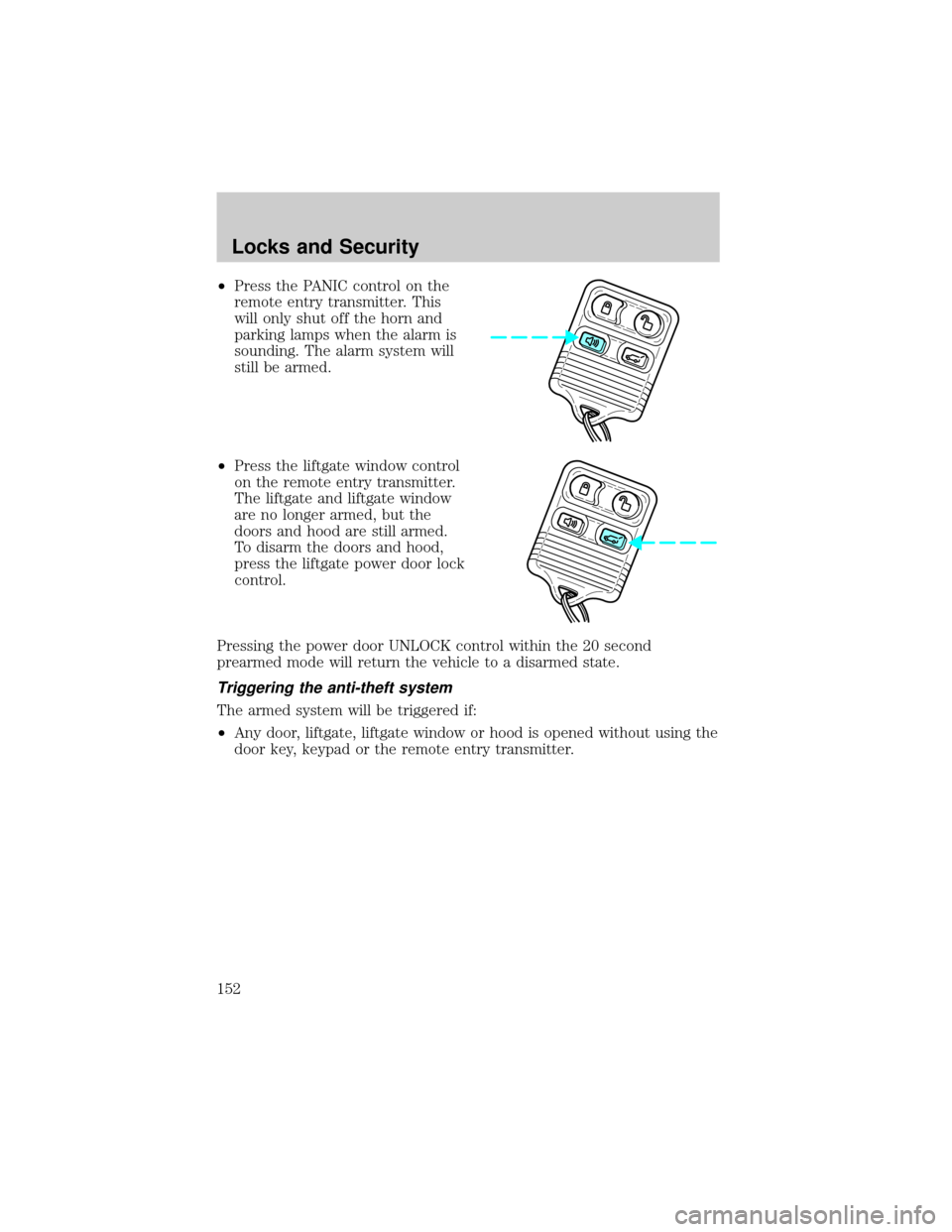
²Press the PANIC control on the
remote entry transmitter. This
will only shut off the horn and
parking lamps when the alarm is
sounding. The alarm system will
still be armed.
²Press the liftgate window control
on the remote entry transmitter.
The liftgate and liftgate window
are no longer armed, but the
doors and hood are still armed.
To disarm the doors and hood,
press the liftgate power door lock
control.
Pressing the power door UNLOCK control within the 20 second
prearmed mode will return the vehicle to a disarmed state.
Triggering the anti-theft system
The armed system will be triggered if:
²Any door, liftgate, liftgate window or hood is opened without using the
door key, keypad or the remote entry transmitter.
Locks and Security
152
Page 166 of 336
Safety belts and seats can become hot in a vehicle that has been
closed up in sunny weather; they could burn a small child. Check
seat covers and buckles before you place a child anywhere near them.
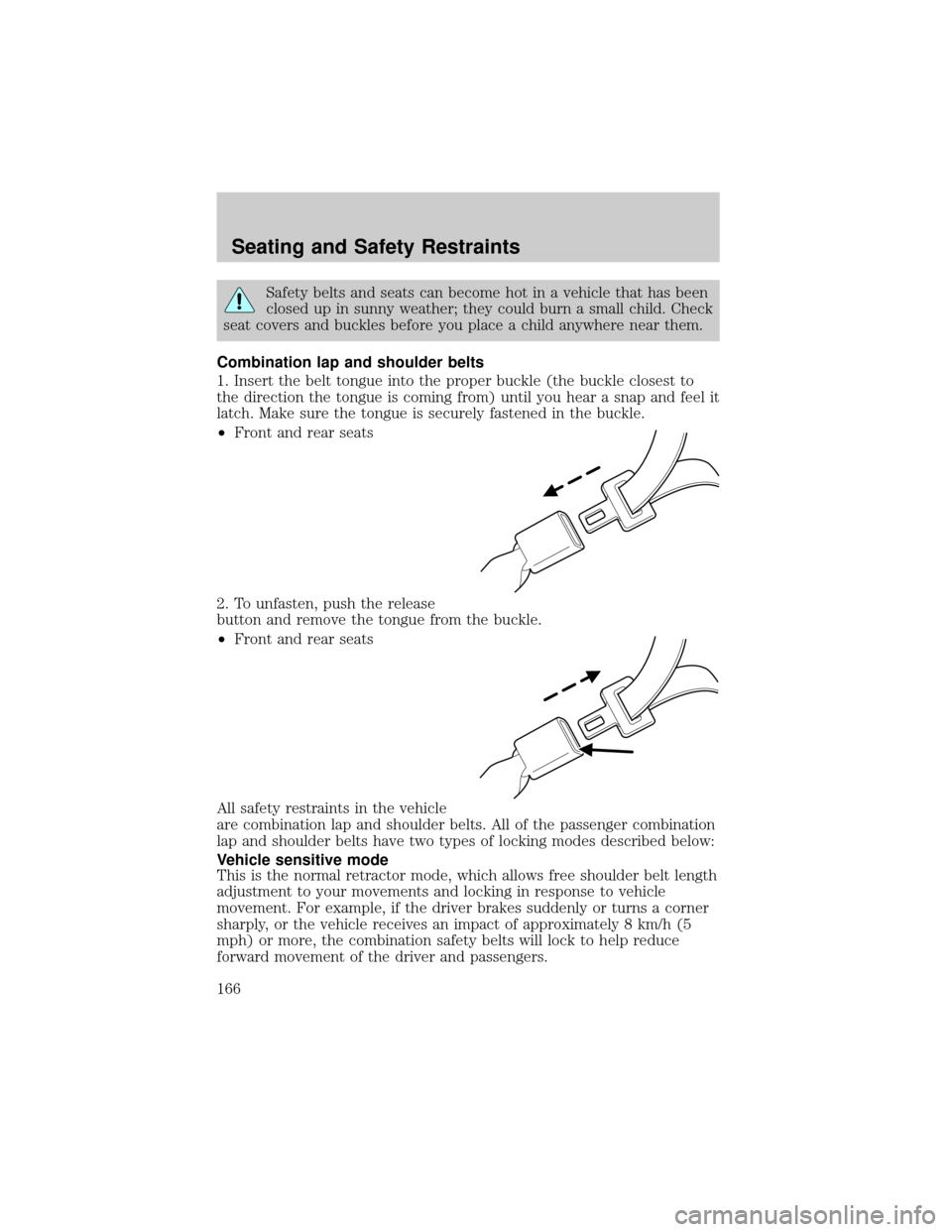
Combination lap and shoulder belts
1. Insert the belt tongue into the proper buckle (the buckle closest to
the direction the tongue is coming from) until you hear a snap and feel it
latch. Make sure the tongue is securely fastened in the buckle.
²Front and rear seats
2. To unfasten, push the release
button and remove the tongue from the buckle.
²Front and rear seats
All safety restraints in the vehicle
are combination lap and shoulder belts. All of the passenger combination
lap and shoulder belts have two types of locking modes described below:
Vehicle sensitive mode
This is the normal retractor mode, which allows free shoulder belt length
adjustment to your movements and locking in response to vehicle
movement. For example, if the driver brakes suddenly or turns a corner
sharply, or the vehicle receives an impact of approximately 8 km/h (5
mph) or more, the combination safety belts will lock to help reduce
forward movement of the driver and passengers.
Seating and Safety Restraints
166
Page 185 of 336
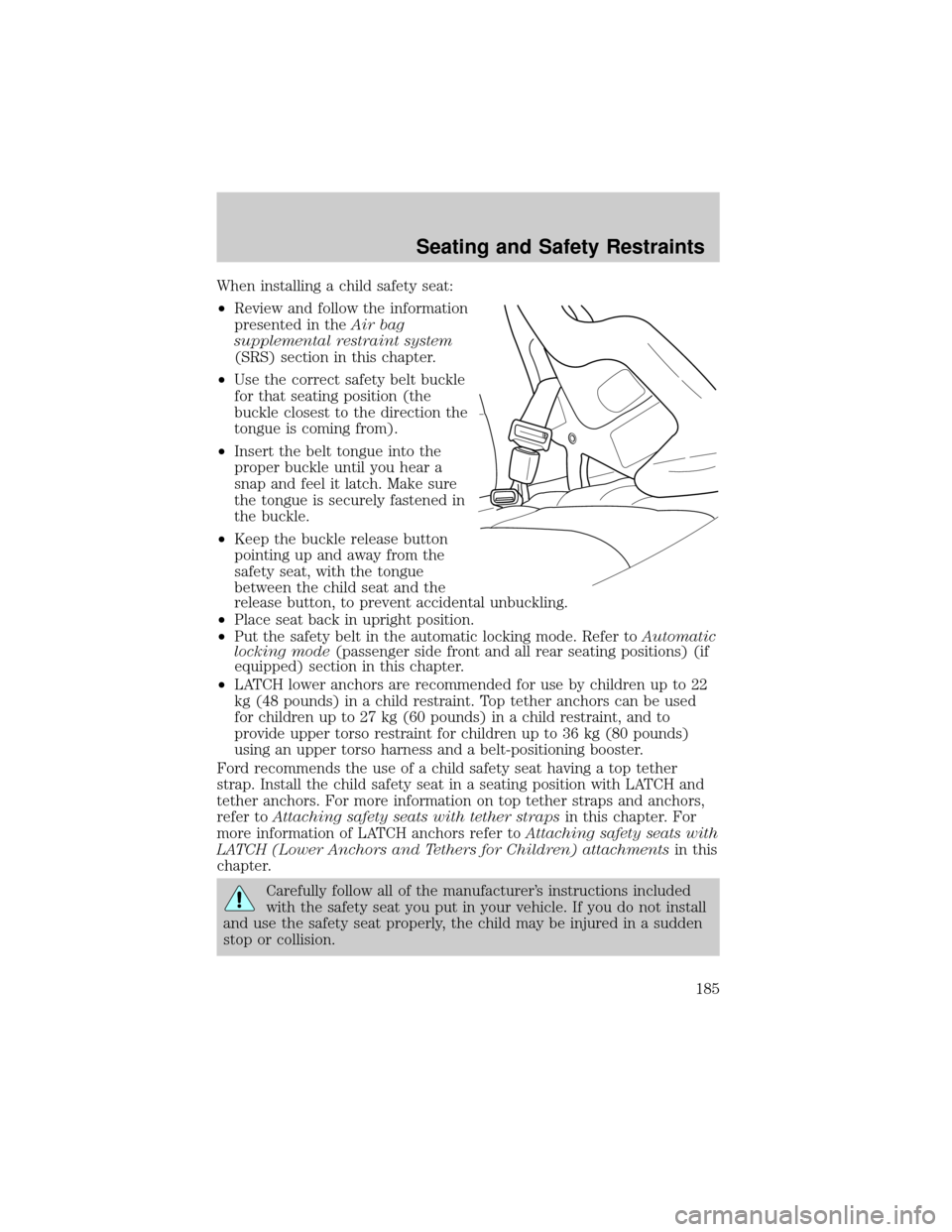
When installing a child safety seat:
²Review and follow the information
presented in theAir bag
supplemental restraint system
(SRS) section in this chapter.
²Use the correct safety belt buckle
for that seating position (the
buckle closest to the direction the
tongue is coming from).
²Insert the belt tongue into the
proper buckle until you hear a
snap and feel it latch. Make sure
the tongue is securely fastened in
the buckle.
²Keep the buckle release button
pointing up and away from the
safety seat, with the tongue
between the child seat and the
release button, to prevent accidental unbuckling.
²Place seat back in upright position.
²Put the safety belt in the automatic locking mode. Refer toAutomatic
locking mode(passenger side front and all rear seating positions) (if
equipped) section in this chapter.
²LATCH lower anchors are recommended for use by children up to 22
kg (48 pounds) in a child restraint. Top tether anchors can be used
for children up to 27 kg (60 pounds) in a child restraint, and to
provide upper torso restraint for children up to 36 kg (80 pounds)
using an upper torso harness and a belt-positioning booster.
Ford recommends the use of a child safety seat having a top tether
strap. Install the child safety seat in a seating position with LATCH and
tether anchors. For more information on top tether straps and anchors,
refer toAttaching safety seats with tether strapsin this chapter. For
more information of LATCH anchors refer toAttaching safety seats with
LATCH (Lower Anchors and Tethers for Children) attachmentsin this
chapter.
Carefully follow all of the manufacturer's instructions included
with the safety seat you put in your vehicle. If you do not install
and use the safety seat properly, the child may be injured in a sudden
stop or collision.
Seating and Safety Restraints
185
Page 208 of 336
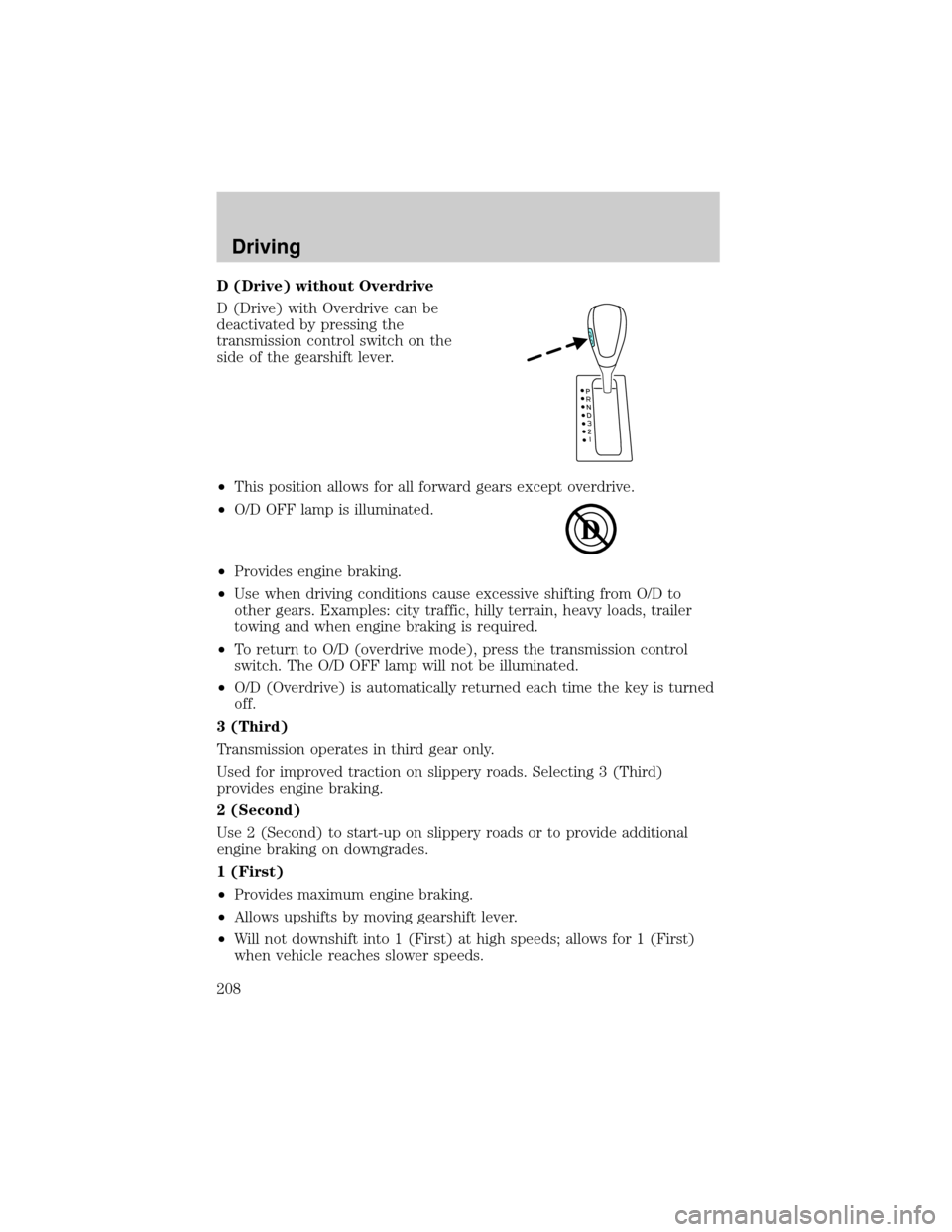
D (Drive) without Overdrive
D (Drive) with Overdrive can be
deactivated by pressing the
transmission control switch on the
side of the gearshift lever.
²This position allows for all forward gears except overdrive.
²O/D OFF lamp is illuminated.
²Provides engine braking.
²Use when driving conditions cause excessive shifting from O/D to
other gears. Examples: city traffic, hilly terrain, heavy loads, trailer
towing and when engine braking is required.
²To return to O/D (overdrive mode), press the transmission control
switch. The O/D OFF lamp will not be illuminated.
²O/D (Overdrive) is automatically returned each time the key is turned
off.
3 (Third)
Transmission operates in third gear only.
Used for improved traction on slippery roads. Selecting 3 (Third)
provides engine braking.
2 (Second)
Use 2 (Second) to start-up on slippery roads or to provide additional
engine braking on downgrades.
1 (First)
²Provides maximum engine braking.
²Allows upshifts by moving gearshift lever.
²Will not downshift into 1 (First) at high speeds; allows for 1 (First)
when vehicle reaches slower speeds.
Driving
208