radio controls LINCOLN AVIATOR 2004 User Guide
[x] Cancel search | Manufacturer: LINCOLN, Model Year: 2004, Model line: AVIATOR, Model: LINCOLN AVIATOR 2004Pages: 336, PDF Size: 3.69 MB
Page 113 of 336
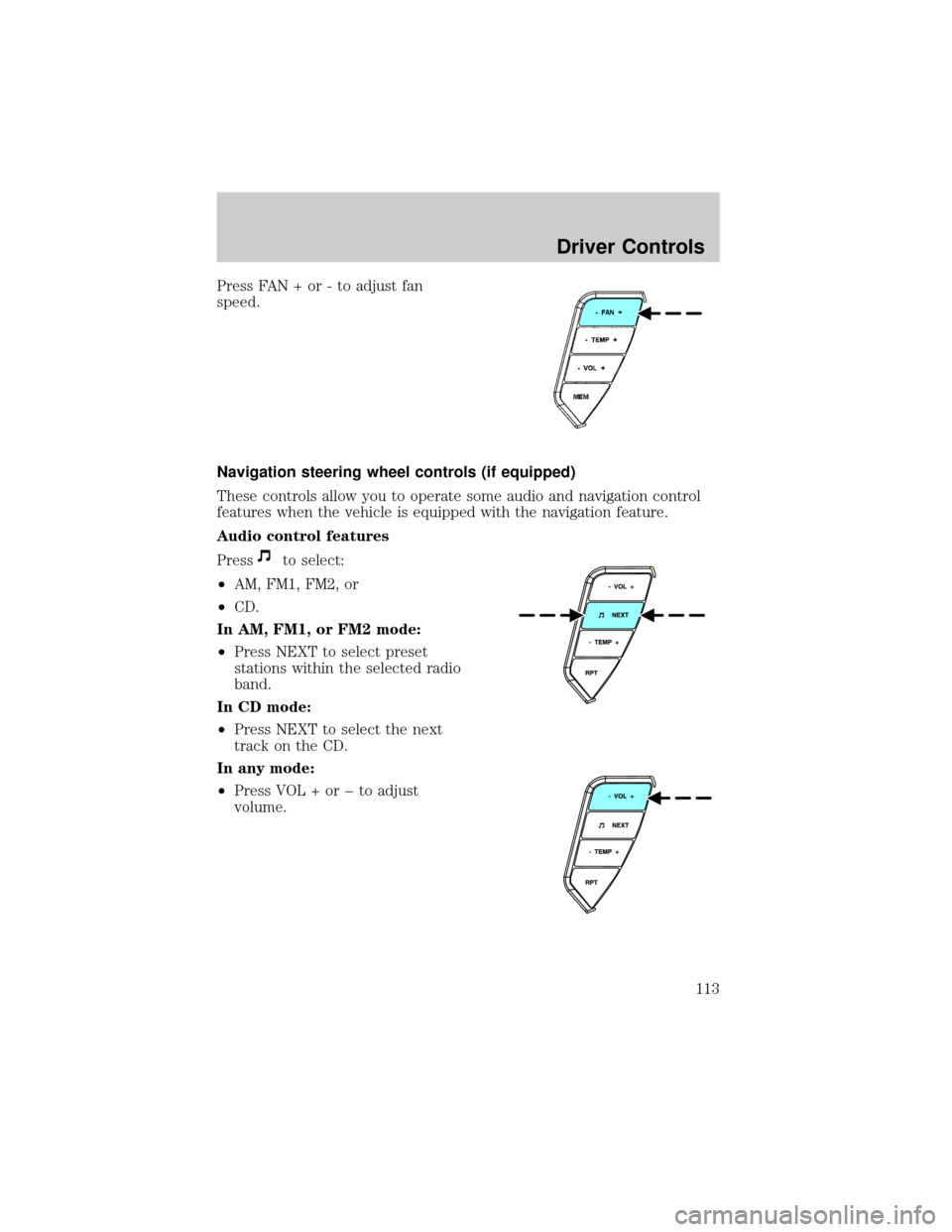
Press FAN + or - to adjust fan
speed.
Navigation steering wheel controls (if equipped)
These controls allow you to operate some audio and navigation control
features when the vehicle is equipped with the navigation feature.
Audio control features
Press
to select:
²AM, FM1, FM2, or
²CD.
In AM, FM1, or FM2 mode:
²Press NEXT to select preset
stations within the selected radio
band.
In CD mode:
²Press NEXT to select the next
track on the CD.
In any mode:
²Press VOL + or þ to adjust
volume.
Driver Controls
113
Page 114 of 336
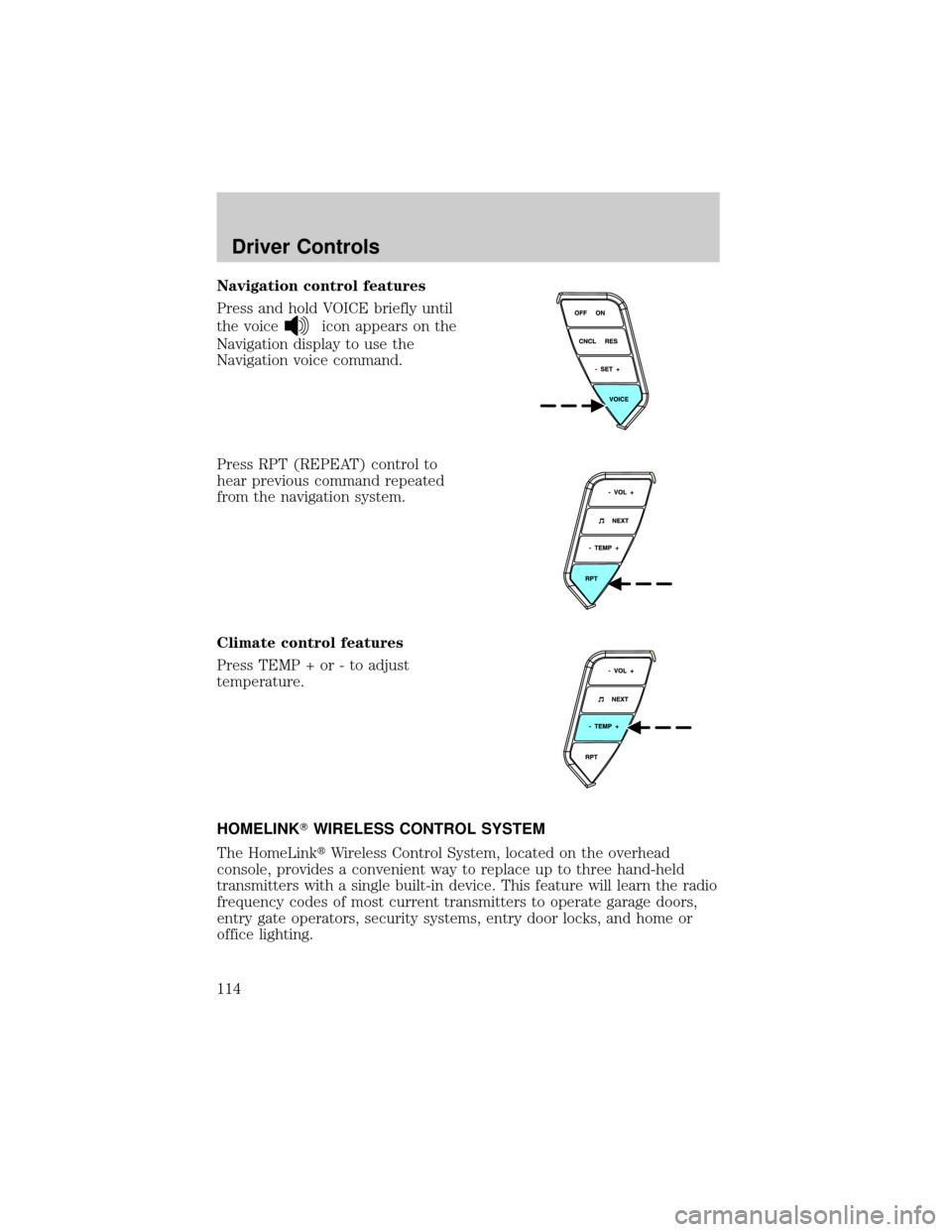
Navigation control features
Press and hold VOICE briefly until
the voice
icon appears on the
Navigation display to use the
Navigation voice command.
Press RPT (REPEAT) control to
hear previous command repeated
from the navigation system.
Climate control features
Press TEMP + or - to adjust
temperature.
HOMELINKTWIRELESS CONTROL SYSTEM
The HomeLinktWireless Control System, located on the overhead
console, provides a convenient way to replace up to three hand-held
transmitters with a single built-in device. This feature will learn the radio
frequency codes of most current transmitters to operate garage doors,
entry gate operators, security systems, entry door locks, and home or
office lighting.
Driver Controls
114
Page 115 of 336
When programming your HomeLinktWireless Control System to
a garage door or gate, be sure that people and objects are out of
the way to prevent potential harm or damage.
Do not use the HomeLinktWireless Control System with any garage
door opener that lacks safety stop and reverse features as required by
U.S. federal safety standards (this includes any garage door opener
model manufactured before April 1, 1982). A garage door which cannot
detect an object, signaling the door to stop and reverse, does not meet
current U.S. federal safety standards. For more information, contact
HomeLinktat:www.homelink.comor1±800±355±3515.
Retain the original transmitter for use in other vehicles as well as for
future programming procedures (i.e. new HomeLinktequipped vehicle
purchase). It is also suggested that upon the sale of the vehicle, the
programmed Homelinktbuttons be erased for security purposes, refer to
Programmingin this section.
Programming
Do not program HomeLinktwith the vehicle parked in the garage.
Note:Some vehicles may require the ignition switch to be turned to the
second (or ªACCº) position for programming and/or operation of the
HomeLinkt. It is also recommended that a new battery be placed in the
hand-held transmitter of the device being programmed to HomeLinktfor
quicker training and accurate transmission of the radio-frequency signal.
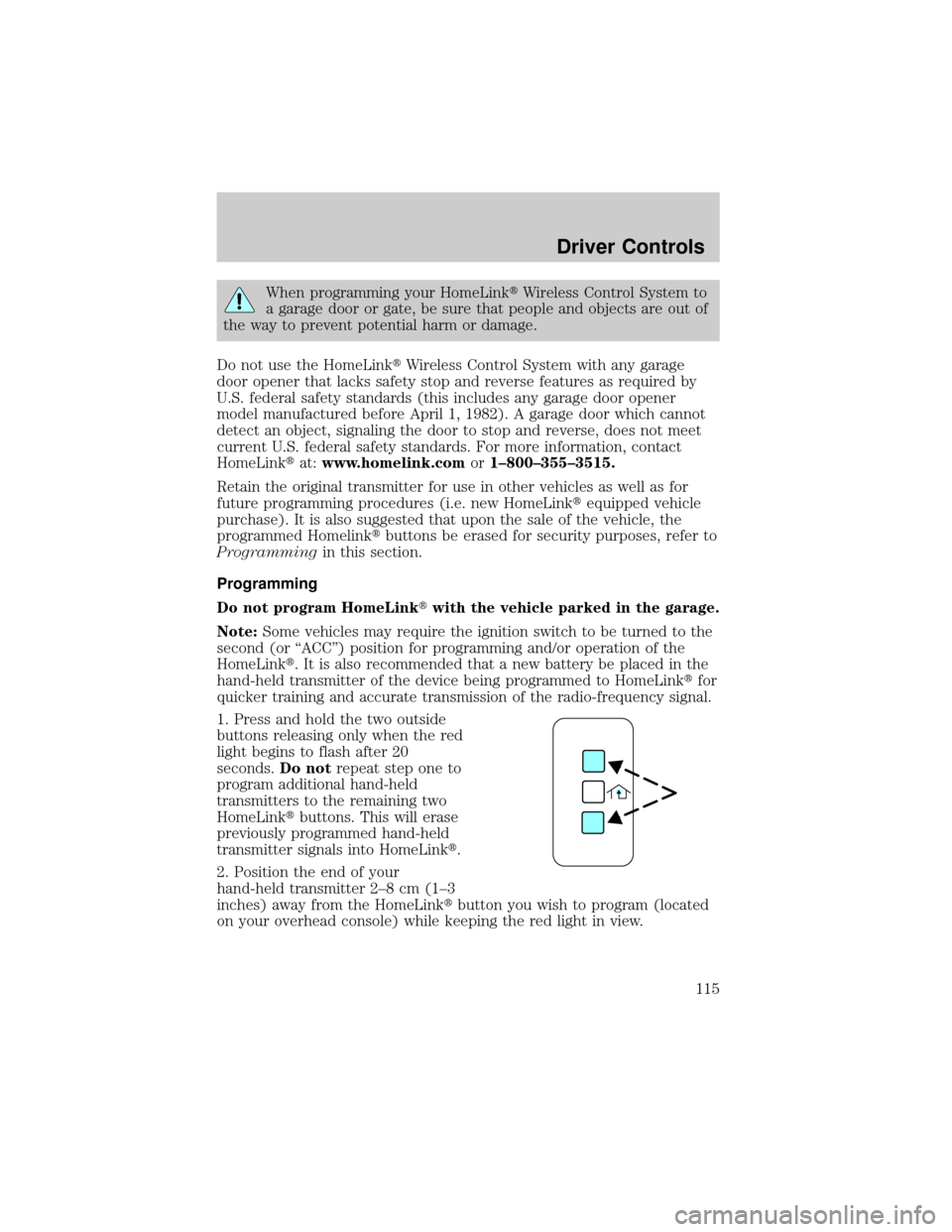
1. Press and hold the two outside
buttons releasing only when the red
light begins to flash after 20
seconds.Do notrepeat step one to
program additional hand-held
transmitters to the remaining two
HomeLinktbuttons. This will erase
previously programmed hand-held
transmitter signals into HomeLinkt.
2. Position the end of your
hand-held transmitter 2±8 cm (1±3
inches) away from the HomeLinktbutton you wish to program (located
on your overhead console) while keeping the red light in view.
Driver Controls
115
Page 116 of 336
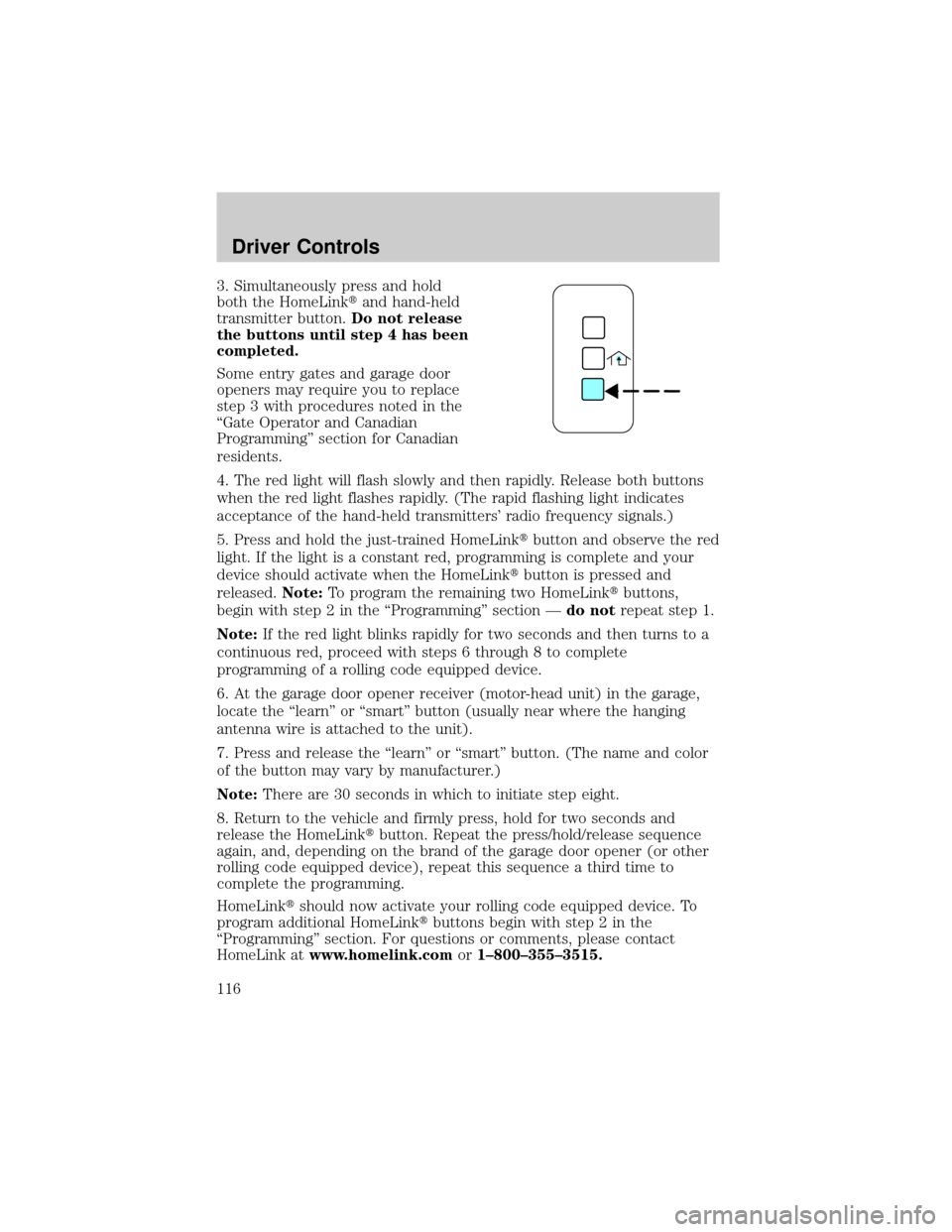
3. Simultaneously press and hold
both the HomeLinktand hand-held
transmitter button.Do not release
the buttons until step 4 has been
completed.
Some entry gates and garage door
openers may require you to replace
step 3 with procedures noted in the
ªGate Operator and Canadian
Programmingº section for Canadian
residents.
4. The red light will flash slowly and then rapidly. Release both buttons
when the red light flashes rapidly. (The rapid flashing light indicates
acceptance of the hand-held transmitters' radio frequency signals.)
5. Press and hold the just-trained HomeLinktbutton and observe the red
light. If the light is a constant red, programming is complete and your
device should activate when the HomeLinktbutton is pressed and
released.Note:To program the remaining two HomeLinktbuttons,
begin with step 2 in the ªProgrammingº section Ðdo notrepeat step 1.
Note:If the red light blinks rapidly for two seconds and then turns to a
continuous red, proceed with steps 6 through 8 to complete
programming of a rolling code equipped device.
6. At the garage door opener receiver (motor-head unit) in the garage,
locate the ªlearnº or ªsmartº button (usually near where the hanging
antenna wire is attached to the unit).
7. Press and release the ªlearnº or ªsmartº button. (The name and color
of the button may vary by manufacturer.)
Note:There are 30 seconds in which to initiate step eight.
8. Return to the vehicle and firmly press, hold for two seconds and
release the HomeLinktbutton. Repeat the press/hold/release sequence
again, and, depending on the brand of the garage door opener (or other
rolling code equipped device), repeat this sequence a third time to
complete the programming.
HomeLinktshould now activate your rolling code equipped device. To
program additional HomeLinktbuttons begin with step 2 in the
ªProgrammingº section. For questions or comments, please contact
HomeLink atwww.homelink.comor1±800±355±3515.
Driver Controls
116
Page 117 of 336
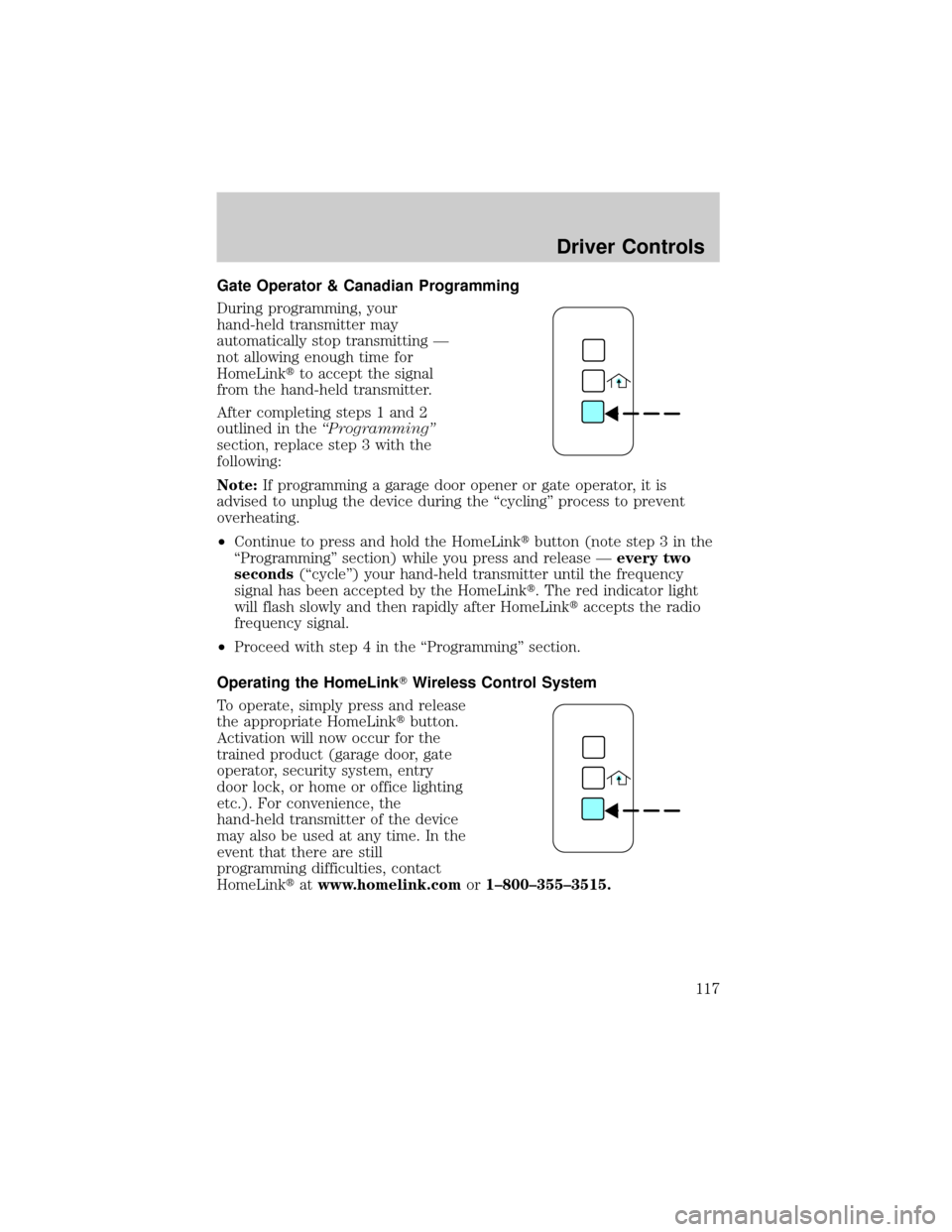
Gate Operator & Canadian Programming
During programming, your
hand-held transmitter may
automatically stop transmitting Ð
not allowing enough time for
HomeLinktto accept the signal
from the hand-held transmitter.
After completing steps 1 and 2
outlined in theªProgrammingº
section, replace step 3 with the
following:
Note:If programming a garage door opener or gate operator, it is
advised to unplug the device during the ªcyclingº process to prevent
overheating.
²Continue to press and hold the HomeLinktbutton (note step 3 in the
ªProgrammingº section) while you press and release Ðevery two
seconds(ªcycleº) your hand-held transmitter until the frequency
signal has been accepted by the HomeLinkt. The red indicator light
will flash slowly and then rapidly after HomeLinktaccepts the radio
frequency signal.
²Proceed with step 4 in the ªProgrammingº section.
Operating the HomeLinkTWireless Control System
To operate, simply press and release
the appropriate HomeLinktbutton.
Activation will now occur for the
trained product (garage door, gate
operator, security system, entry
door lock, or home or office lighting
etc.). For convenience, the
hand-held transmitter of the device
may also be used at any time. In the
event that there are still
programming difficulties, contact
HomeLinktatwww.homelink.comor1±800±355±3515.
Driver Controls
117
Page 132 of 336
Mobile Communication Equipment includes, but is not limited to cellular
phones, pagers, portable email devices, in vehicle communications
systems, telematics devices and portable two-way radios.
A driver's first responsibility is the safe operation of the vehicle.
The most important thing you can do to prevent a crash is to
avoid distractions and pay attention to the road. Wait until it is safe to
operate Mobile Communications Equipment.
CENTER CONSOLE
Your vehicle may be equipped with a variety of console features. These
include:
²Utility compartment with power point
²Cupholders
²Cigarette lighter
Use only soft cups in the cupholder. Hard objects can injure you
in a collision.
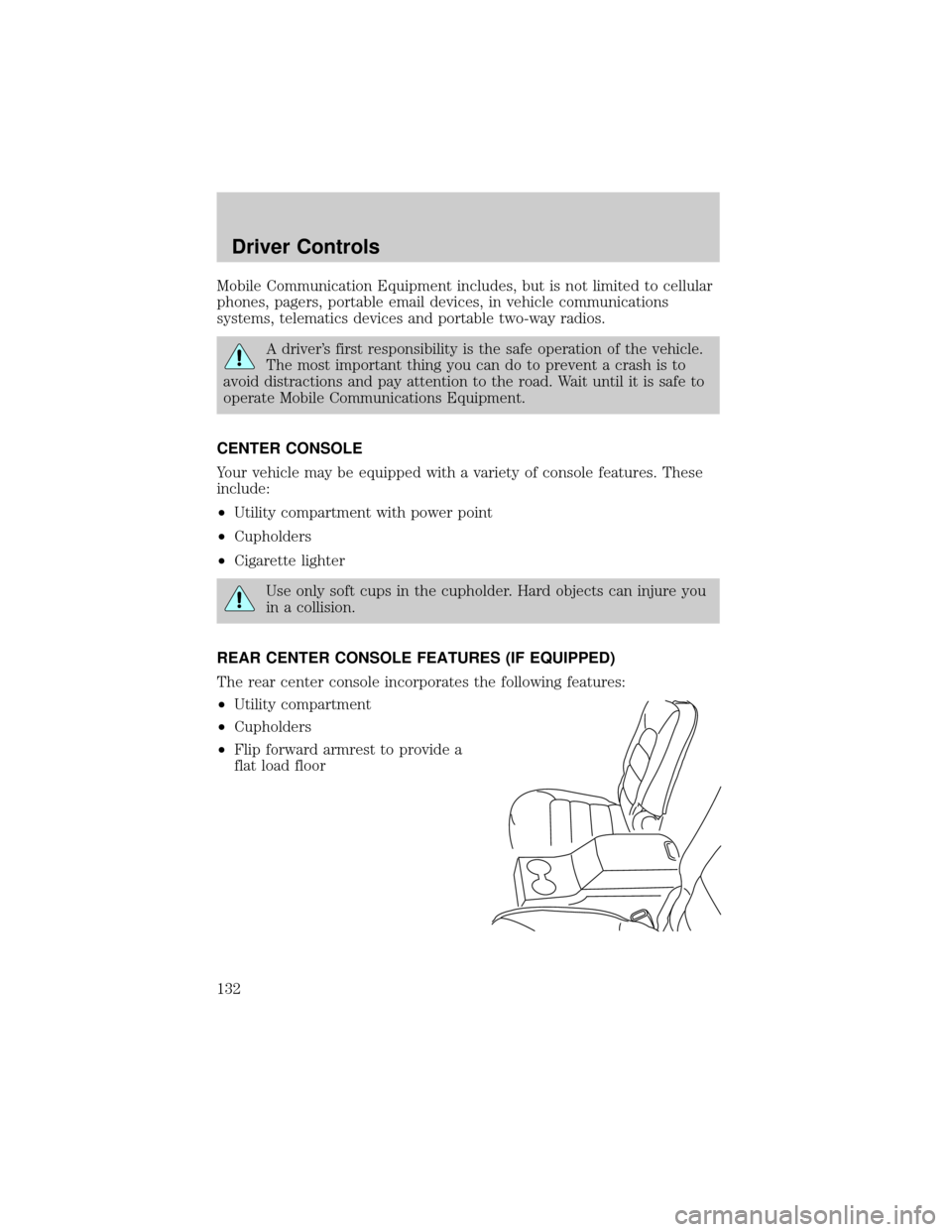
REAR CENTER CONSOLE FEATURES (IF EQUIPPED)
The rear center console incorporates the following features:
²Utility compartment
²Cupholders
²Flip forward armrest to provide a
flat load floor
Driver Controls
132
Page 210 of 336
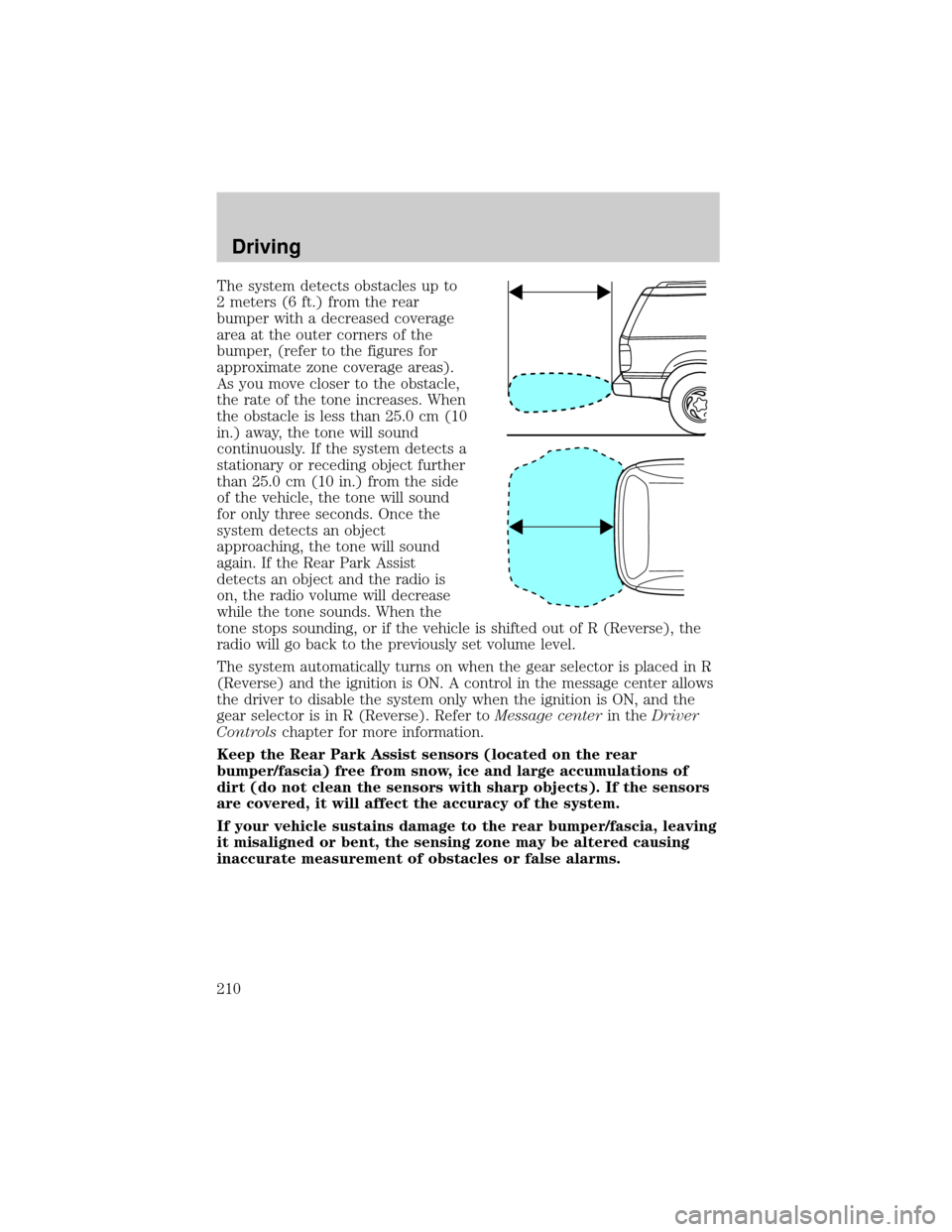
The system detects obstacles up to
2 meters (6 ft.) from the rear
bumper with a decreased coverage
area at the outer corners of the
bumper, (refer to the figures for
approximate zone coverage areas).
As you move closer to the obstacle,
the rate of the tone increases. When
the obstacle is less than 25.0 cm (10
in.) away, the tone will sound
continuously. If the system detects a
stationary or receding object further
than 25.0 cm (10 in.) from the side
of the vehicle, the tone will sound
for only three seconds. Once the
system detects an object
approaching, the tone will sound
again. If the Rear Park Assist
detects an object and the radio is
on, the radio volume will decrease
while the tone sounds. When the
tone stops sounding, or if the vehicle is shifted out of R (Reverse), the
radio will go back to the previously set volume level.
The system automatically turns on when the gear selector is placed in R
(Reverse) and the ignition is ON. A control in the message center allows
the driver to disable the system only when the ignition is ON, and the
gear selector is in R (Reverse). Refer toMessage centerin theDriver
Controlschapter for more information.
Keep the Rear Park Assist sensors (located on the rear
bumper/fascia) free from snow, ice and large accumulations of
dirt (do not clean the sensors with sharp objects). If the sensors
are covered, it will affect the accuracy of the system.
If your vehicle sustains damage to the rear bumper/fascia, leaving
it misaligned or bent, the sensing zone may be altered causing
inaccurate measurement of obstacles or false alarms.
Driving
210
Page 299 of 336
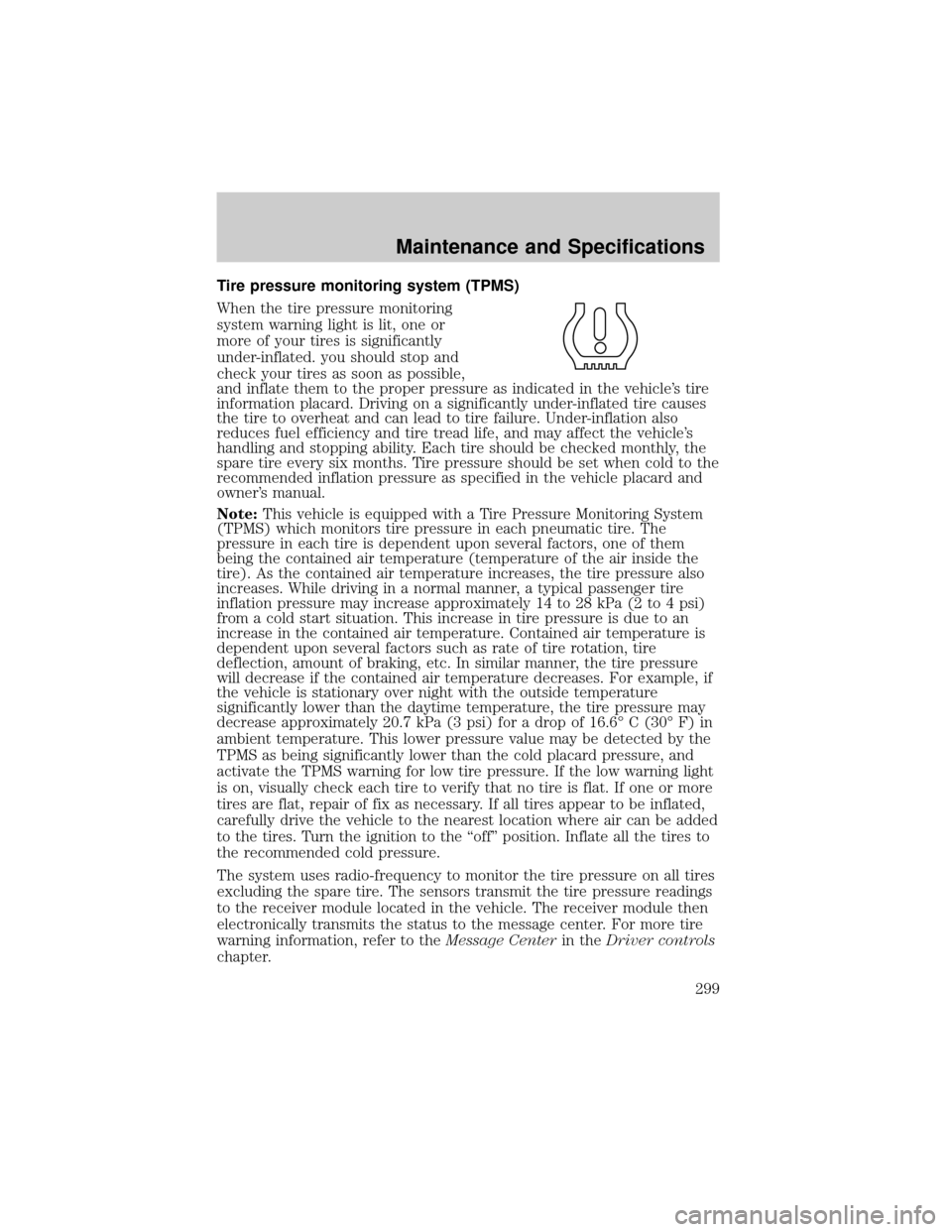
Tire pressure monitoring system (TPMS)
When the tire pressure monitoring
system warning light is lit, one or
more of your tires is significantly
under-inflated. you should stop and
check your tires as soon as possible,
and inflate them to the proper pressure as indicated in the vehicle's tire
information placard. Driving on a significantly under-inflated tire causes
the tire to overheat and can lead to tire failure. Under-inflation also
reduces fuel efficiency and tire tread life, and may affect the vehicle's
handling and stopping ability. Each tire should be checked monthly, the
spare tire every six months. Tire pressure should be set when cold to the
recommended inflation pressure as specified in the vehicle placard and
owner's manual.
Note:This vehicle is equipped with a Tire Pressure Monitoring System
(TPMS) which monitors tire pressure in each pneumatic tire. The
pressure in each tire is dependent upon several factors, one of them
being the contained air temperature (temperature of the air inside the
tire). As the contained air temperature increases, the tire pressure also
increases. While driving in a normal manner, a typical passenger tire
inflation pressure may increase approximately 14 to 28 kPa (2 to 4 psi)
from a cold start situation. This increase in tire pressure is due to an
increase in the contained air temperature. Contained air temperature is
dependent upon several factors such as rate of tire rotation, tire
deflection, amount of braking, etc. In similar manner, the tire pressure
will decrease if the contained air temperature decreases. For example, if
the vehicle is stationary over night with the outside temperature
significantly lower than the daytime temperature, the tire pressure may
decrease approximately 20.7 kPa (3 psi) for a drop of 16.6É C (30É F) in
ambient temperature. This lower pressure value may be detected by the
TPMS as being significantly lower than the cold placard pressure, and
activate the TPMS warning for low tire pressure. If the low warning light
is on, visually check each tire to verify that no tire is flat. If one or more
tires are flat, repair of fix as necessary. If all tires appear to be inflated,
carefully drive the vehicle to the nearest location where air can be added
to the tires. Turn the ignition to the ªoffº position. Inflate all the tires to
the recommended cold pressure.
The system uses radio-frequency to monitor the tire pressure on all tires
excluding the spare tire. The sensors transmit the tire pressure readings
to the receiver module located in the vehicle. The receiver module then
electronically transmits the status to the message center. For more tire
warning information, refer to theMessage Centerin theDriver controls
chapter.
Maintenance and Specifications
299