Keys LINCOLN AVIATOR 2004 Owners Manual
[x] Cancel search | Manufacturer: LINCOLN, Model Year: 2004, Model line: AVIATOR, Model: LINCOLN AVIATOR 2004Pages: 336, PDF Size: 3.69 MB
Page 1 of 336
Introduction 4
Instrument Cluster 10
Warning and control lights 10
Gauges 14
Entertainment Systems 16
AM/FM stereo cassette with CD 16
AM/FM stereo with CD 21
Navigation system 26
Climate Controls 78
Dual electronic automatic temperature control 78
Rear passenger climate control 80
Rear window defroster 81
Lights 82
Headlamps 82
Turn signal control 87
Bulb replacement 88
Driver Controls 97
Windshield wiper/washer control 97
Power windows 102
Mirrors 105
Speed control 109
Message center 118
Locks and Security 136
Keys 136
Locks 136
Anti-theft system 137
Table of Contents
Table of Contents
1
Page 30 of 336
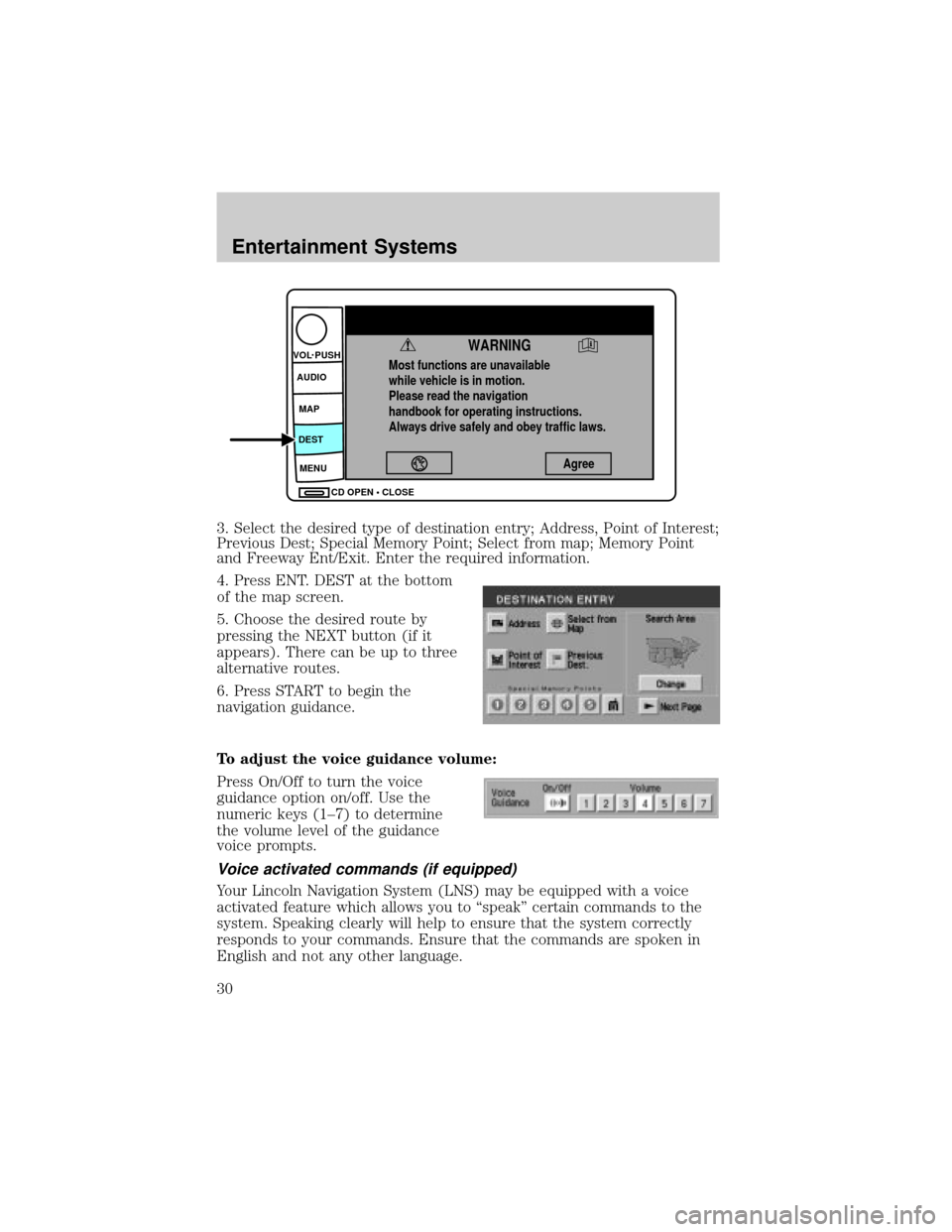
3. Select the desired type of destination entry; Address, Point of Interest;
Previous Dest; Special Memory Point; Select from map; Memory Point
and Freeway Ent/Exit. Enter the required information.
4. Press ENT. DEST at the bottom
of the map screen.
5. Choose the desired route by
pressing the NEXT button (if it
appears). There can be up to three
alternative routes.
6. Press START to begin the
navigation guidance.
To adjust the voice guidance volume:
Press On/Off to turn the voice
guidance option on/off. Use the
numeric keys (1±7) to determine
the volume level of the guidance
voice prompts.
Voice activated commands (if equipped)
Your Lincoln Navigation System (LNS) may be equipped with a voice
activated feature which allows you to ªspeakº certain commands to the
system. Speaking clearly will help to ensure that the system correctly
responds to your commands. Ensure that the commands are spoken in
English and not any other language.
Most functions are unavailable
while vehicle is in motion.
Please read the navigation
handbook for operating instructions.
Always drive safely and obey traffic laws.
WARNING
Agree
CD OPEN • CLOSE MENU DESTMAP AUDIO VOL PUSH
Entertainment Systems
30
Page 136 of 336
KEYS
The key operates all locks on your vehicle. In case of loss, replacement
keys are available from your dealer.
You should always carry a second key with you in a safe place in case
you require it in an emergency.
Refer toSecuriLockyPassive Anti-Theft Systemfor more information.
POWER DOOR LOCKS
If the door does not unlock when the control is pressed, seePower door
lock disable featurein theRemote entry sectionin this chapter.
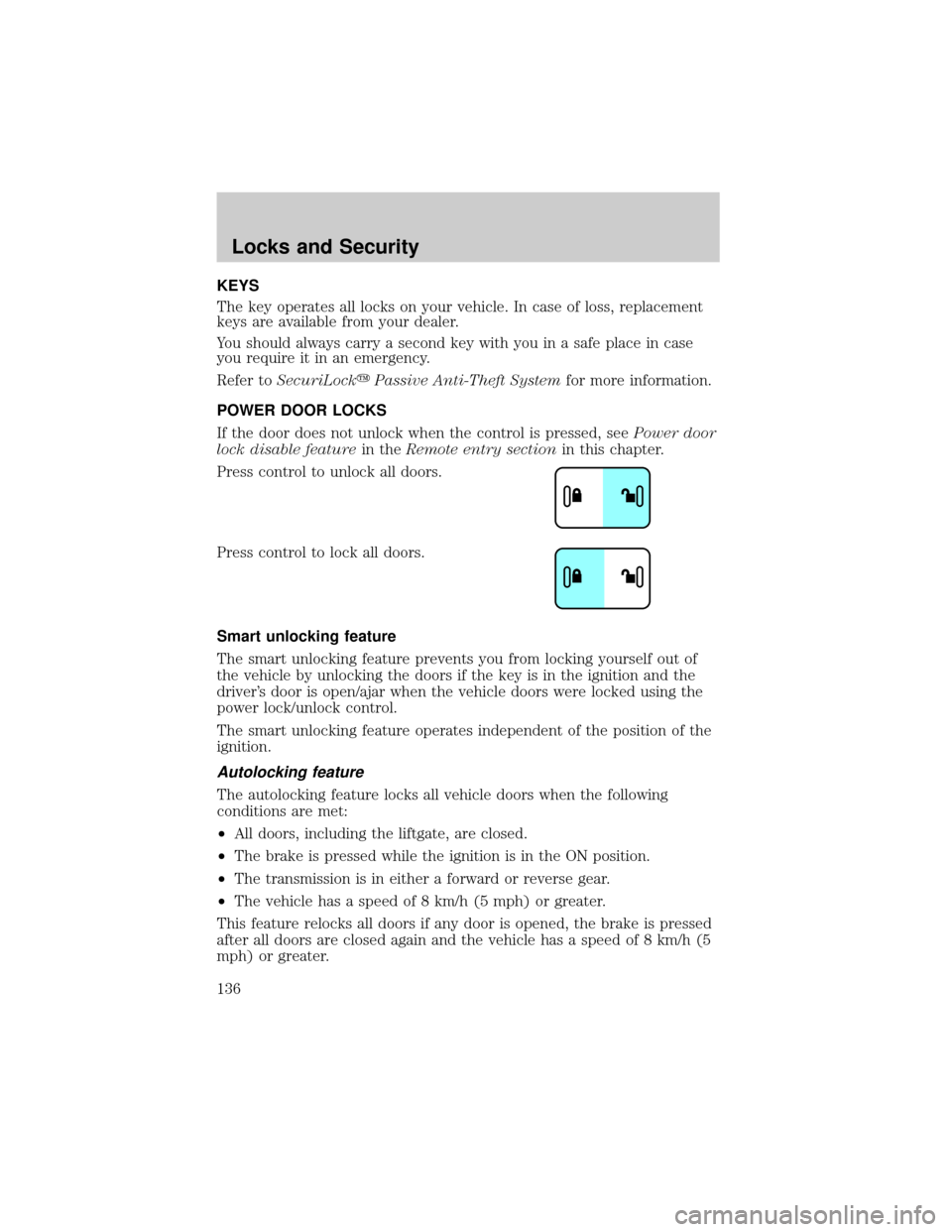
Press control to unlock all doors.
Press control to lock all doors.
Smart unlocking feature
The smart unlocking feature prevents you from locking yourself out of
the vehicle by unlocking the doors if the key is in the ignition and the
driver's door is open/ajar when the vehicle doors were locked using the
power lock/unlock control.
The smart unlocking feature operates independent of the position of the
ignition.
Autolocking feature
The autolocking feature locks all vehicle doors when the following
conditions are met:
²All doors, including the liftgate, are closed.
²The brake is pressed while the ignition is in the ON position.
²The transmission is in either a forward or reverse gear.
²The vehicle has a speed of 8 km/h (5 mph) or greater.
This feature relocks all doors if any door is opened, the brake is pressed
after all doors are closed again and the vehicle has a speed of 8 km/h (5
mph) or greater.
Locks and Security
Locks and Security
136
Page 147 of 336
The SecuriLockypassive anti-theft system is not compatible with
non-Ford aftermarket remote start systems. Use of these systems may
result in vehicle starting problems and a loss of security protection.
THEFT INDICATOR
The theft indicator is the flashing red indicator located on the dash
panel.
²When the ignition is in the OFF position, the indicator will flash once
every 2 seconds to indicate the SecuriLockysystem is functioning as
a theft deterrent.
²When the ignition is in the ON position, the indicator will glow for 3
seconds to indicate normal system functionality.
If a problem occurs with the SecuriLockysystem, the indicator will flash
rapidly or glow steadily when the ignition is in the ON position. If this
occurs, the vehicle should be taken to an authorized dealer for service.
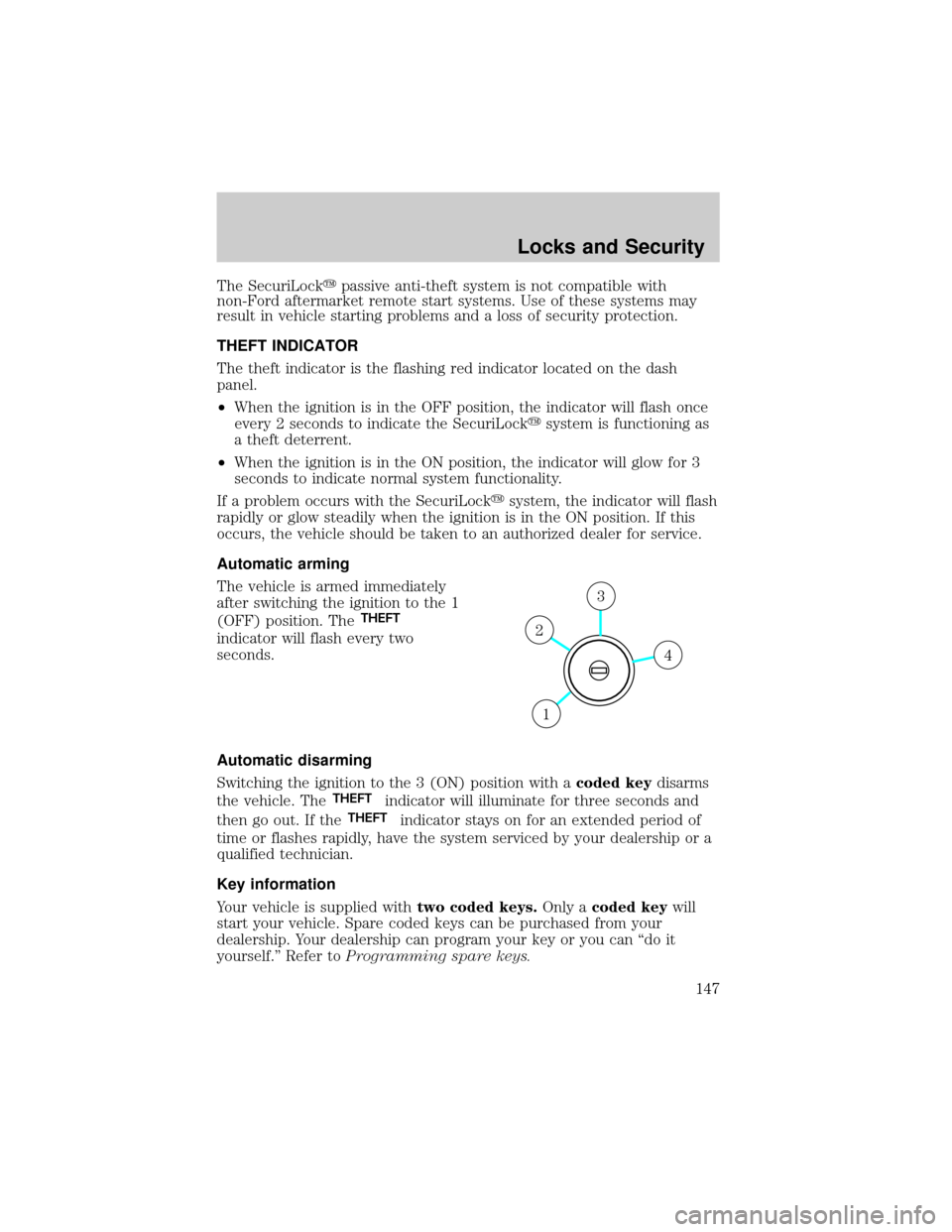
Automatic arming
The vehicle is armed immediately
after switching the ignition to the 1
(OFF) position. The
THEFT
indicator will flash every two
seconds.
Automatic disarming
Switching the ignition to the 3 (ON) position with acoded keydisarms
the vehicle. The
THEFTindicator will illuminate for three seconds and
then go out. If the
THEFTindicator stays on for an extended period of
time or flashes rapidly, have the system serviced by your dealership or a
qualified technician.
Key information
Your vehicle is supplied withtwo coded keys.Only acoded keywill
start your vehicle. Spare coded keys can be purchased from your
dealership. Your dealership can program your key or you can ªdo it
yourself.º Refer toProgramming spare keys.
4
3
2
1
Locks and Security
147
Page 148 of 336

The following items may prevent the vehicle from starting:
²Large metallic objects
²Electronic devices on the key chain that can be used to purchase
gasoline or similar items
²A second key on the same key ring as thecoded key
If any of these items are present, you need to keep these objects from
touching thecoded keywhile starting the engine. These objects and
devices cannot damage thecoded key,but can cause a momentary ªno
startº condition if they are too close to the key during engine start. If a
problem occurs, turn ignition OFF and restart the engine with all other
objects on the key ring held away from the ignition key. Check to make
sure thecoded keyis an approved Lincolncoded key.
If your keys are lost or stolen you will need to do the following:
²Use your spare key to start the vehicle, or
²Have your vehicle towed to a dealership or a locksmith. The key codes
will need to be erased from your vehicle and new key codes will need
to be re-coded.
Replacing coded keys can be very costly and you may want to store an
extra programmed key away from the vehicle in a safe place to prevent
an unforeseen inconvenience.
The correctcoded keymust be used for your vehicle. The use of the
wrong type ofcoded keymay lead to a ªno startº condition.
If an unprogrammed key is used in the ignition it will cause a ªno
startº condition.
Programming spare keys
A maximum of eight keys can be coded to your vehicle. Only
SecuriLockykeys can be used. To program acoded keyyourself, you
will need two previously programmedcoded keys(keys that already
operate your vehicle's engine) and the new unprogrammed key(s) readily
accessible for timely implementation of each step in the procedure.
If two previously programmed coded keys are not available, you must
bring your vehicle to your dealership to have the spare coded key(s)
programmed.
Please read and understand the entire procedure before you begin.
Locks and Security
148
Page 327 of 336

Infant seats
(see Safety seats) .....................184
Inspection/maintenance (I/M)
testing ........................................294
Instrument panel
cleaning ...................................269
cluster ........................................10
lighting up panel and interior .85
J
Jack ....................................243, 245
positioning .......................243, 247
storage .............................243, 245
Jump-starting your vehicle ......251
K
Keyless entry system
locking and unlocking doors ..145
programming entry code .......143
Keys ...................................146±148
positions of the ignition .........193
L
Lamps
autolamp system .......................82
bulb replacement
specifications chart ..................88
daytime running light ...............84
fog lamps ...................................82
headlamps .................................82
headlamps, flash to pass ..........85
instrument panel, dimming .....85
interior lamps .....................87, 89
replacing
bulbs ..................88, 90, 92, 94±95
Lane change indicator
(see Turn signal) ........................87
Liftgate ..............................133, 139Lights, warning and indicator ....10
anti-lock brakes (ABS) ..........198
Load limits .................................221
Loading instructions .................224
Locks
childproof ................................137
doors ........................................136
Lubricant specifications ...314, 316
Luggage rack .............................134
Lumbar support, seats .............153
M
Manual transmission
fluid capacities ........................312
lubricant specifications ..........316
Message center .................118±119
english/metric button .............123
system check button ..............123
warning messages ...................126
Mirrors .................................99, 105
automatic dimming rearview
mirror ......................................105
fold away .................................107
heated ......................................107
programmable memory ..........139
side view mirrors (power) ....106,
108
Moon roof ..................................100
Motorcraft parts ................289, 311
N
Navigation system .......................26
cd functions ..............................42
destination mode ......................55
DVD location .............................77
map mode .................................46
quick start .................................28
Index
327