climate settings LINCOLN AVIATOR 2020 Owners Manual
[x] Cancel search | Manufacturer: LINCOLN, Model Year: 2020, Model line: AVIATOR, Model: LINCOLN AVIATOR 2020Pages: 609, PDF Size: 5.4 MB
Page 6 of 609

Automatic High Beam Control
What Is Automatic High Beam Control
........................................................................\
114
Switching Automatic High Beam Control On and Off ..................................................
114
Automatic High Beam Control Indicators ........................................................................\
115
Overriding Automatic High Beam Control ........................................................................\
115
Windows and Mirrors
Power Windows .............................................
116
Global Opening and Closing ......................
117
Exterior Mirrors ...............................................
117
Interior Mirror .................................................
119
Sun Visors ......................................................
120
Moonroof ........................................................
120
Instrument Cluster
Gauges ............................................................
123
Warning Lamps and Indicators .................
125
Audible Warnings and Indicators .............
129Information Displays
General Information
....................................
130
Personalized Settings .................................
133
Information Messages .................................
134
Head Up Display ..........................................
156
Climate Control
Automatic Climate Control ........................
160
Hints on Controlling the Interior Climate .......................................................................
163
Rear Passenger Climate Controls - Vehicles With: Quadruple Zone
Automatic Temperature Control ..........
164
Rear Passenger Climate Controls - Vehicles With: Triple Zone Automatic
Temperature Control ...............................
165
Heated Rear Window ..................................
167
Heated Exterior Mirrors ..............................
167
Remote Start ..................................................
167
Interior Air Quality
What Is the Cabin Air Filter ........................
169
Locating the Cabin Air Filter .....................
169
Replacing the Cabin Air Filter ...................
169Seats
Sitting in the Correct Position
...................
170
Head Restraints .............................................
171
Power Seats ...................................................
174
Memory Function .........................................
178
Rear Seats .......................................................
181
Heated Seats ................................................
185
Climate Controlled Seats ...........................
186
Rear Occupant Alert System
What is the Rear Occupant Alert System .......................................................................
189
How Does the Rear Occupant Alert System Work ............................................................
189
Rear Occupant Alert System Precautions .......................................................................
189
Rear Occupant Alert System Limitations .......................................................................
189
Switching Rear Occupant Alert System On and Off ........................................................
190
Rear Occupant Alert System Indicators .......................................................................
190
Rear Occupant Alert System Audible Warnings ....................................................
190
3
Aviator (CTV) Canada/United States of America, enUSA, Edition date: 201902, Third-Printing- Table of Contents
Page 11 of 609
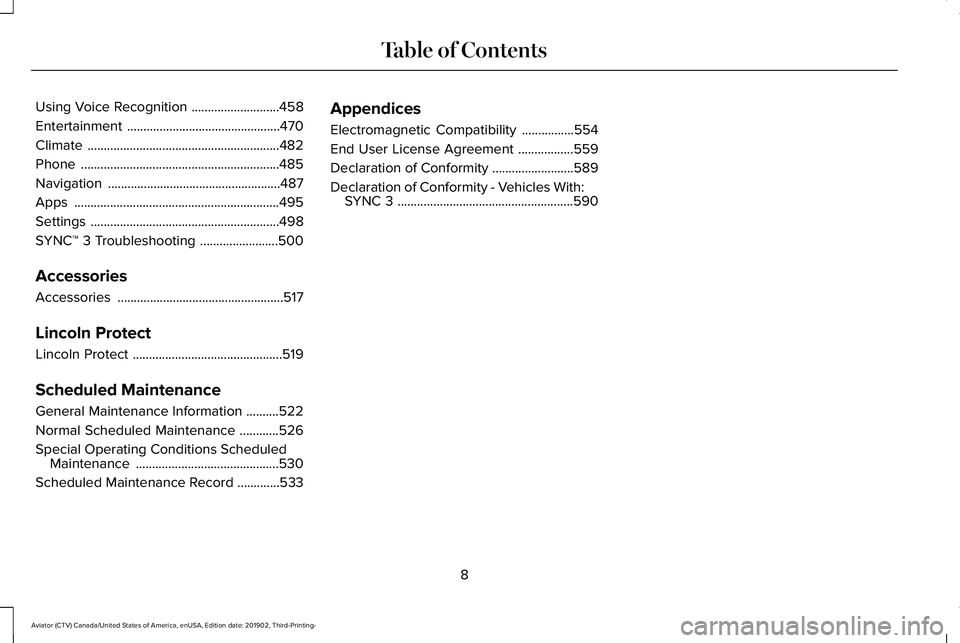
Using Voice Recognition
...........................458
Entertainment ...............................................
470
Climate ...........................................................
482
Phone .............................................................
485
Navigation .....................................................
487
Apps ...............................................................
495
Settings ..........................................................
498
SYNC™ 3 Troubleshooting ........................
500
Accessories
Accessories ...................................................
517
Lincoln Protect
Lincoln Protect ..............................................
519
Scheduled Maintenance
General Maintenance Information ..........
522
Normal Scheduled Maintenance ............
526
Special Operating Conditions Scheduled Maintenance ............................................
530
Scheduled Maintenance Record .............
533Appendices
Electromagnetic Compatibility
................
554
End User License Agreement .................
559
Declaration of Conformity .........................
589
Declaration of Conformity - Vehicles With: SYNC 3 ......................................................
590
8
Aviator (CTV) Canada/United States of America, enUSA, Edition date: 201902, Third-Printing- Table of Contents
Page 17 of 609
Note:
Event data recorder data is recorded
by your vehicle only if a non-trivial crash
situation occurs; no data is recorded by the
event data recorder under normal driving
conditions and no personal data or
information (e.g., name, gender, age, and
crash location) is recorded. However, other
parties, such as law enforcement, could
combine the event data recorder data with
the type of personally identifying data
routinely acquired during a crash
investigation.
To read data recorded by an event data
recorder, special equipment is required, and
access to the vehicle or the event data
recorder is needed. In addition to the vehicle
manufacturer, other parties, such as law
enforcement, that have such special
equipment, can read the information if they
have access to the vehicle or the event data
recorder. Comfort, Convenience and
Entertainment Data
Your vehicle has electronic control units that
have the ability to store data based on your
personalized settings. The data is stored
locally in the vehicle or on devices that you
connect to it, for example, a USB drive or
digital music player. You can delete some of
this data and also choose whether to share
it through the services to which you
subscribe. See Settings (page 498).
Comfort and Convenience Data
Data recorded includes, for example:
• Seat and steering wheel position.
• Climate control settings.
• Radio presets.
Entertainment Data
Data recorded includes, for example:
• Music, videos or album art.
• Contacts and corresponding address
book entries.
• Navigation destinations. Services That We Provide
If you use our services, we collect and use
data, for example, account information,
vehicle location and driving characteristics,
that could identify you. We transmit this data
through a dedicated, protected connection.
We only collect and use data to enable your
use of our services to which you have
subscribed, with your consent or where
permitted by law. For additional information,
see the terms and conditions of the services
to which you have subscribed.
Services That Third Parties Provide
We recommend that you review the terms
and conditions and data privacy information
for any services to which you subscribe. We
take no responsibility for services that third
parties provide.
14
Aviator (CTV) Canada/United States of America, enUSA, Edition date: 201902, Third-Printing- Introduction
Page 25 of 609
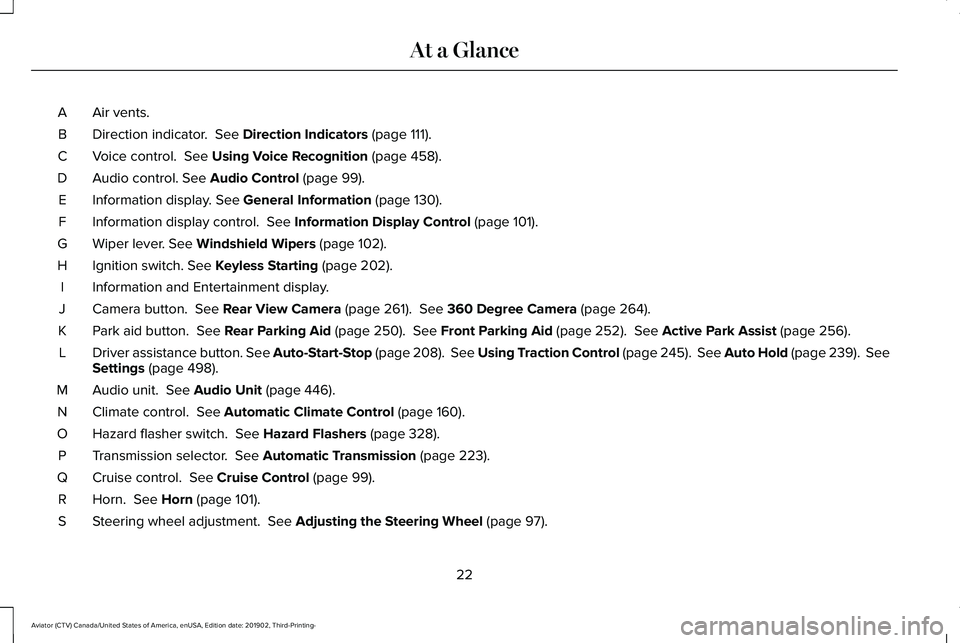
Air vents.
A
Direction indicator. See Direction Indicators (page 111).
B
Voice control.
See Using Voice Recognition (page 458).
C
Audio control.
See Audio Control (page 99).
D
Information display.
See General Information (page 130).
E
Information display control.
See Information Display Control (page 101).
F
Wiper lever.
See Windshield Wipers (page 102).
G
Ignition switch.
See Keyless Starting (page 202).
H
Information and Entertainment display.
I
Camera button.
See Rear View Camera (page 261). See 360 Degree Camera (page 264).
J
Park aid button.
See Rear Parking Aid (page 250). See Front Parking Aid (page 252). See Active Park Assist (page 256).
K
Driver assistance button. See Auto-Start-Stop (page 208). See Using Traction Control (page 245). See Auto Hold (page 239). See
Settings
(page 498).
L
Audio unit.
See Audio Unit (page 446).
M
Climate control.
See Automatic Climate Control (page 160).
N
Hazard flasher switch.
See Hazard Flashers (page 328).
O
Transmission selector.
See Automatic Transmission (page 223).
P
Cruise control.
See Cruise Control (page 99).
Q
Horn.
See Horn (page 101).
R
Steering wheel adjustment.
See Adjusting the Steering Wheel (page 97).
S
22
Aviator (CTV) Canada/United States of America, enUSA, Edition date: 201902, Third-Printing- At a Glance
Page 167 of 609
Automatic Climate Control
Note:
Adjusting the settings when your
vehicle interior is extremely hot or cold is not
necessary. Automatic mode is best
recommended to maintain set temperature.
Note: The system adjusts to heat or cool the
interior to the temperature you select as
quickly as possible.
Note: For the system to function efficiently,
the instrument panel and side air vents
should be fully open.
Note: If you select AUTO during cold outside
temperatures, the system directs air flow to
the windshield and side window air vents. In
addition, the blower motor may run at a
slower speed until the engine warms up.
Note: If you select
AUTO during hot
temperatures and the inside of the vehicle
is hot, the system uses recirculated air to
maximize interior cooling. Blower motor
speed may also reduce until the air cools.
Quickly Heating the Interior
1. Press and release
AUTO. 2. Adjust the temperature function to the
setting you prefer.
Recommended Settings for Heating
1. Press and release
AUTO.
2. Adjust the temperature function to the setting you prefer. Use
72°F (22°C) as a
starting point, then adjust the setting as
necessary.
Quickly Cooling the Interior
1. Press and release
MAX A/C.
Recommended Settings for Cooling
1. Press and release
AUTO.
2. Adjust the temperature function to the setting you prefer. Use
72°F (22°C) as a
starting point, then adjust the setting as
necessary.
Defogging the Side Windows in Cold
Weather
1. Press and release defrost or maximum defrost. 2. Adjust the temperature control to the
setting you prefer. Use
72°F (22°C) as a
starting point, then adjust the setting as
necessary.
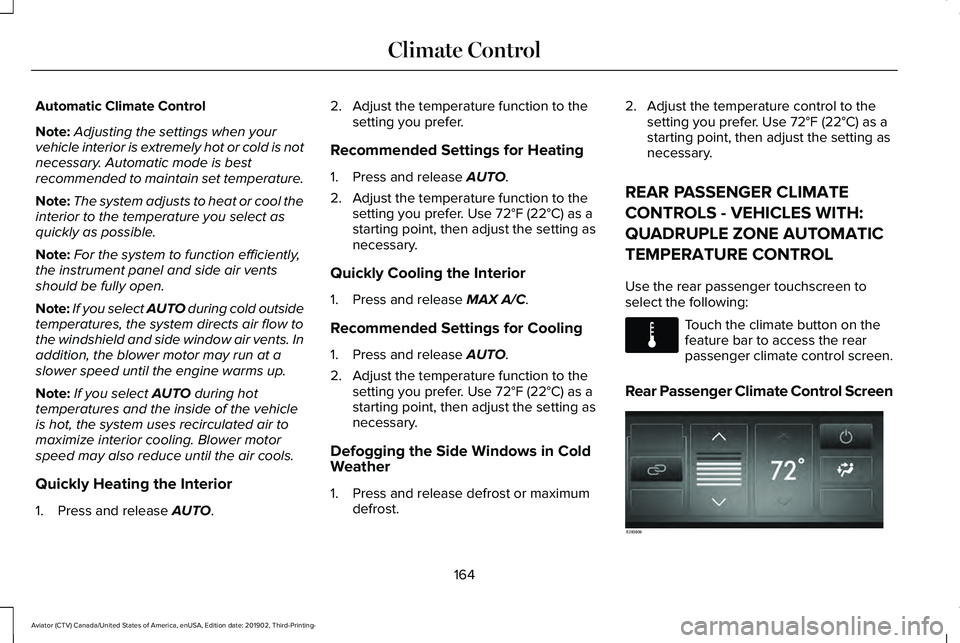
REAR PASSENGER CLIMATE
CONTROLS - VEHICLES WITH:
QUADRUPLE ZONE AUTOMATIC
TEMPERATURE CONTROL
Use the rear passenger touchscreen to
select the following: Touch the climate button on the
feature bar to access the rear
passenger climate control screen.
Rear Passenger Climate Control Screen 164
Aviator (CTV) Canada/United States of America, enUSA, Edition date: 201902, Third-Printing- Climate ControlE283811 E283809
Page 170 of 609
The system adjusts the blower motor speed,
air distribution, air conditioning operation to
reach and maintain the temperature you
have set.
Switching the Rear Climate Control On
and Off
Press and release the button to
switch the rear climate control on
or off.
Note: If the system is on and Max Defrost is
switched on through the front climate
controls, the system turns off. It turns back
on when Max Defrost is switched off.
Note: If Max Defrost is switched on, the
system can be turned on at the same time.
Switching the Rear Heated Seats On
and Off (If Equipped) See
Heated Seats (page 185).Switching the Rear Ventilated Seats
On and Off
(If Equipped) See
Climate Controlled Seats
(page 186).
HEATED REAR WINDOW Press the button to clear the rear
window of thin ice and fog. The
heated rear window turns off after
a short period of time.
Note: Do not use harsh chemicals, razor
blades or other sharp objects to clean or
remove decals from the inside of the heated
rear window. The vehicle warranty may not
cover damage to the heated rear window
grid lines.
HEATED EXTERIOR MIRRORS
When you switch the heated rear window
on, the heated exterior mirrors turn on. Note:
Do not remove ice from the mirrors
with a scraper or adjust the mirror glass
when it is frozen in place.
Note: Do not clean the mirror housing or
glass with harsh abrasives, fuel or other
petroleum-based cleaning products. The
vehicle warranty may not cover damage
caused to the mirror housing or glass.
REMOTE START
The climate control system adjusts the
interior temperature during remote start.
You can switch this feature on or off and
adjust the settings using the touchscreen.
See
Settings (page 498).
You cannot adjust the climate control setting
during remote start operation. Switch the
ignition on to make adjustments.
Based on your remote start settings, the
following vehicle-dependent features may
or may not remain on after remote starting
your vehicle:
• Climate controlled seats.
• Heated steering wheel.
167
Aviator (CTV) Canada/United States of America, enUSA, Edition date: 201902, Third-Printing- Climate Control E268558 E184884
Page 171 of 609
•
Heated mirrors.
• Heated rear window.
• Windshield wiper de-icer.
Note: For dual zone climate controlled seats,
the passenger seat setting defaults to match
the driver seat during remote start.
Automatic Settings
If Auto is on, the system sets the interior
temperature to 72°F (22°C) and heats or
cools the vehicle interior as required to
achieve comfort.
Note: In cold weather, the heated rear
window and heated mirrors turn on.
Last Settings
If
Last Settings is on, the system uses the
settings last selected before you turned off
the vehicle.
Heated and Cooled Features
In
Auto mode, certain heated features may
switch on during cold weather, and cooled
features during hot weather.
168
Aviator (CTV) Canada/United States of America, enUSA, Edition date: 201902, Third-Printing- Climate Control
Page 189 of 609
Press the heated seat symbol to cycle
through the various heat settings and off.
More indicator lights indicate warmer
settings.
Note:
Based on your remote start settings,
the heated seats may remain on after you
remote start your vehicle. The heated seats
may also turn on when you start your vehicle
if they were on when you switched your
vehicle off.
Second Row Heated Seats WARNING: Use caution when using
the heated seat if you are unable to feel
pain to your skin because of advanced
age, chronic illness, diabetes, spinal cord
injury, medication, alcohol use, exhaustion
or other physical conditions. The heated
seat could cause burns even at low
temperatures, especially if used for long
periods of time. Failure to follow this
instruction could result in personal injury. WARNING:
Do not poke sharp
objects into the seat cushion or seat
backrest. This could damage the heated
seat element and cause it to overheat.
Failure to follow this instruction could result
in personal injury. WARNING:
Do not place anything on
the seat that blocks the heat, for example
a seat cover or a cushion. This could cause
the seat to overheat. Failure to follow this
instruction could result in personal injury.
Do not do the following:
• Place heavy objects on the seat.
• Operate the seat heater if water or any
other liquid spills on the seat. Allow the
seat to dry thoroughly.
Note: The engine must be running to use
this feature. Press the heated seat symbol to cycle
through the various heat settings and off.
More indicator lights indicate warmer
settings.
Note:
Based on your remote start settings,
the heated seats may remain on after you
remote start your vehicle. The heated seats
may also turn on when you start your vehicle
if they were on when you switched your
vehicle off.
CLIMATE CONTROLLED SEATS
(IF
EQUIPPED)
Heated Seats
186
Aviator (CTV) Canada/United States of America, enUSA, Edition date: 201902, Third-Printing- SeatsE146322
Page 460 of 609
Status Bar
Cell phone microphone muted.
Audio system muted.
Software update installed.
Wi-Fi connected.
Cell phone roaming.
Text message received.
Automatic crash notification system
off.
Cell phone network signal
strength.
Vehicle data sharing active. Vehicle location sharing active.
Vehicle data and location sharing
active.
Feature Bar Select to use the radio, a USB, a
media player or a Bluetooth
device. See Entertainment (page
470). Select to adjust climate settings
See
Climate (page 482).
Select to make calls and access
the phonebook on your cell phone.
See
Phone (page 485).
Select to use the navigation
system. See Navigation (page 487).
Select to search for and use
compatible apps on your iOS or
Android device.
See Apps (page
495). Select to adjust system settings.
See
Settings (page 498).
Cleaning the Touchscreen
See
Cleaning the Interior (page 382).
Updating the System
Updating the System Using a USB Drive
Downloading an Update
1. Go to the SYNC update page on the regional website.
2. Download the update.
Note: The website notifies you if an update
is available.
3. Insert a USB drive into your computer.
Note: The USB drive needs to be empty and
meet the minimum requirements detailed on
the website.
4. Follow the instructions provided to download the update to the USB drive.
457
Aviator (CTV) Canada/United States of America, enUSA, Edition date: 201902, Third-Printing- SYNC™ 3 E100027 E283811 E280315
Page 485 of 609
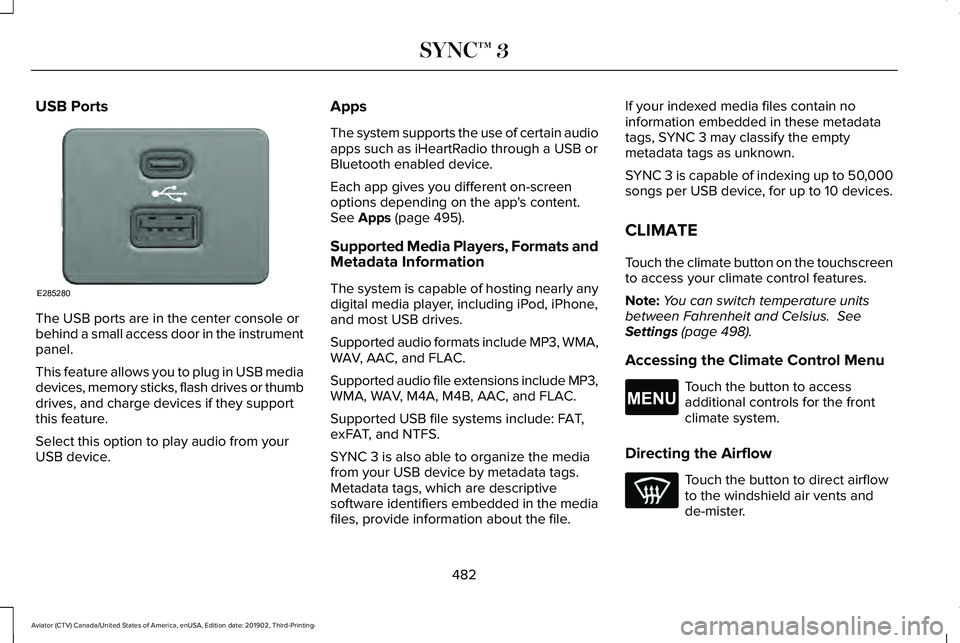
USB Ports
The USB ports are in the center console or
behind a small access door in the instrument
panel.
This feature allows you to plug in USB media
devices, memory sticks, flash drives or thumb
drives, and charge devices if they support
this feature.
Select this option to play audio from your
USB device. Apps
The system supports the use of certain audio
apps such as iHeartRadio through a USB or
Bluetooth enabled device.
Each app gives you different on-screen
options depending on the app's content.
See Apps (page 495).
Supported Media Players, Formats and
Metadata Information
The system is capable of hosting nearly any
digital media player, including iPod, iPhone,
and most USB drives.
Supported audio formats include MP3, WMA,
WAV, AAC, and FLAC.
Supported audio file extensions include MP3,
WMA, WAV, M4A, M4B, AAC, and FLAC.
Supported USB file systems include: FAT,
exFAT, and NTFS.
SYNC 3 is also able to organize the media
from your USB device by metadata tags.
Metadata tags, which are descriptive
software identifiers embedded in the media
files, provide information about the file. If your indexed media files contain no
information embedded in these metadata
tags, SYNC 3 may classify the empty
metadata tags as unknown.
SYNC 3 is capable of indexing up to 50,000
songs per USB device, for up to 10 devices.
CLIMATE
Touch the climate button on the touchscreen
to access your climate control features.
Note:
You can switch temperature units
between Fahrenheit and Celsius.
See
Settings (page 498).
Accessing the Climate Control Menu Touch the button to access
additional controls for the front
climate system.
Directing the Airflow Touch the button to direct airflow
to the windshield air vents and
de-mister.
482
Aviator (CTV) Canada/United States of America, enUSA, Edition date: 201902, Third-Printing- SYNC™ 3E285280 E265038