power steering LINCOLN MKC 2017 Owner's Manual
[x] Cancel search | Manufacturer: LINCOLN, Model Year: 2017, Model line: MKC, Model: LINCOLN MKC 2017Pages: 538, PDF Size: 4.8 MB
Page 334 of 538
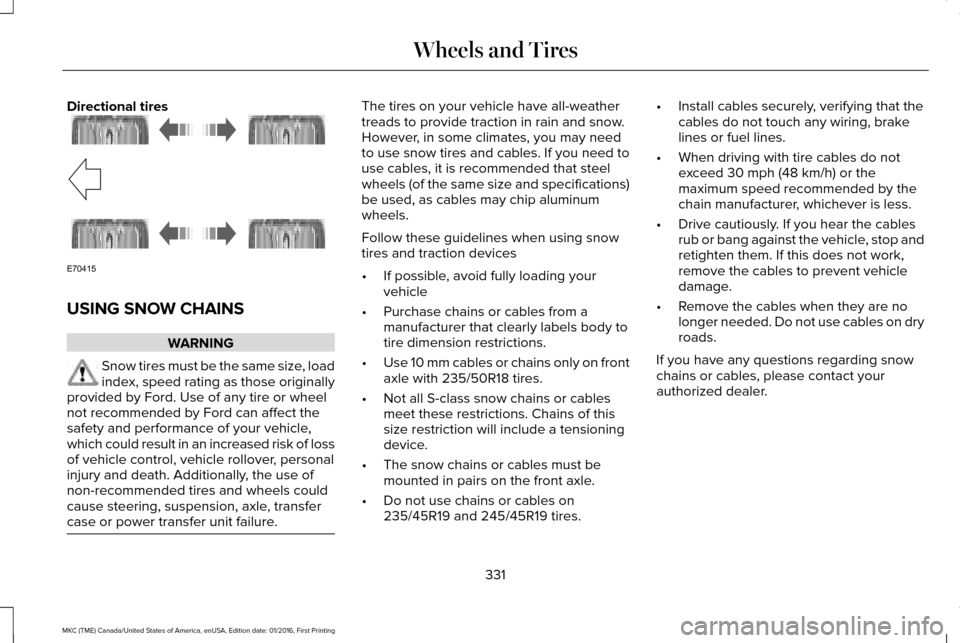
Directional tires
USING SNOW CHAINS
WARNING
Snow tires must be the same size, load
index, speed rating as those originally
provided by Ford. Use of any tire or wheel
not recommended by Ford can affect the
safety and performance of your vehicle,
which could result in an increased risk of loss
of vehicle control, vehicle rollover, personal
injury and death. Additionally, the use of
non-recommended tires and wheels could
cause steering, suspension, axle, transfer
case or power transfer unit failure. The tires on your vehicle have all-weather
treads to provide traction in rain and snow.
However, in some climates, you may need
to use snow tires and cables. If you need to
use cables, it is recommended that steel
wheels (of the same size and specifications)
be used, as cables may chip aluminum
wheels.
Follow these guidelines when using snow
tires and traction devices
•
If possible, avoid fully loading your
vehicle
• Purchase chains or cables from a
manufacturer that clearly labels body to
tire dimension restrictions.
• Use 10 mm cables or chains only on front
axle with 235/50R18 tires.
• Not all S-class snow chains or cables
meet these restrictions. Chains of this
size restriction will include a tensioning
device.
• The snow chains or cables must be
mounted in pairs on the front axle.
• Do not use chains or cables on
235/45R19 and 245/45R19 tires. •
Install cables securely, verifying that the
cables do not touch any wiring, brake
lines or fuel lines.
• When driving with tire cables do not
exceed 30 mph (48 km/h) or the
maximum speed recommended by the
chain manufacturer, whichever is less.
• Drive cautiously. If you hear the cables
rub or bang against the vehicle, stop and
retighten them. If this does not work,
remove the cables to prevent vehicle
damage.
• Remove the cables when they are no
longer needed. Do not use cables on dry
roads.
If you have any questions regarding snow
chains or cables, please contact your
authorized dealer.
331
MKC (TME) Canada/United States of America, enUSA, Edition date: 01/2016, First Printing Wheels and TiresE70415
Page 379 of 538
Note:
If your vehicle is not equipped with
navigation, compass appears in the display
instead of navigation. If you press the right
arrow to go into the compass menu, you can
see the compass graphic. The compass
displays the direction in which the vehicle is
traveling, not true direction (for example, if
the vehicle is traveling west, the middle of
the compass graphic displays west; north
displays to the left of west though its true
direction is to the right of west).
Using the Steering Wheel Controls
Depending on your vehicle and option
package, you can use different controls on
your steering wheel to interact with the
touchscreen system in different ways.
VOL: Control the volume of audio output.
Mute:
Mute the audio output.
Voice:
Press to start a voice session. Press
again to stop the voice prompt and
immediately begin speaking. Press and hold
to end a voice session. SEEK NEXT:
•
While in radio mode, press to seek
between memory presets.
• While in USB, Bluetooth Audio or CD
mode, press to seek between songs or
press and hold to fast seek.
SEEK PREVIOUS:
• While in radio mode, press to seek
between memory presets.
• While in USB, Bluetooth Audio or CD
mode, press to seek between songs or
press and hold to fast seek.
PHONE ACCEPT:
Press to answer a call or
switch between calls.
PHONE REJECT: Press to end a call or reject
an incoming call.
Note: On some models, SEEK NEXT may be
combined with
PHONE REJECT and SEEK
PREVIOUS may be combined with PHONE
ACCEPT.
M:
Touch the control repeatedly to switch
between media sources (modes).
See
Steering Wheel (page 78). Using Your Bezel Controls
Depending on your vehicle and option
package, you may also have these controls
on your instrument panel:
•
Power:
Switch the audio system on and
off.
• VOL:
Control the volume of playing
audio.
• Seek
and Tune: Use as you normally
would in audio modes.
• Eject:
Eject a CD from the audio system.
• SOURCE
or MEDIA: Press repeatedly to
advance through available media modes.
• SOUND:
Press to access the Sound
menu where you can adjust sound and
other audio settings.
• 1-6:
Press and hold to store or press to
select an AM, FM or SIRIUS memory
preset.
See Audio System (page 362).
376
MKC (TME) Canada/United States of America, enUSA, Edition date: 01/2016, First Printing SYNC™ 3
Page 381 of 538
To make sure that 911 Assist works correctly:
•
SYNC must be powered and working
properly at the time of the incident and
throughout feature activation and use.
• The 911 Assist feature must be set on
before the incident.
• You must pair and connect a
Bluetooth-enabled and compatible cell
phone to SYNC.
• A connected Bluetooth-enabled phone
must have the ability to make and
maintain an outgoing call at the time of
the incident.
• A connected Bluetooth-enabled phone
must have adequate network coverage,
battery power and signal strength.
• The vehicle must have battery power and
be located in the U.S., Canada or in a
territory in which 911 is the emergency
number. In the Event of a Crash
Not all crashes will deploy an airbag or
activate the fuel pump shut-off (the triggers
for 911 Assist). If a connected cell phone
sustains damage or loses its connection to
SYNC during a crash, SYNC will search for
and try to connect to a previously paired cell
phone; SYNC will then attempt to call the
emergency services.
Before making the call:
•
SYNC provides a short window of time
(about 10 seconds) to cancel the call. If
you fail to cancel the call, SYNC attempts
to dial 911.
• SYNC says the following, or a similar
message: "SYNC will attempt to call 911,
to cancel the call, press Cancel on your
screen or press and hold the phone
button on your steering wheel." If you do not cancel the call, and SYNC
makes a successful call, a pre-recorded
message plays for the 911 operator, and then
the occupant(s) in your vehicle is able to talk
with the operator. Be prepared to provide
your name, phone number and location
immediately, because not all 911 systems are
capable of receiving this information
electronically.
911 Assist May Not Work If
•
Your cellular phone or 911 Assist
hardware sustains damage in a crash.
• The vehicle's battery or the SYNC system
has no power.
• The phone(s) thrown from your vehicle
are the ones paired and connected to
the system.
911 Assist Privacy Notice
When you switch on 911 Assist, it may
disclose to emergency services that your
vehicle has been in a crash involving the
deployment of an airbag or activation of the
fuel pump shut-off. Certain versions or
updates to 911 Assist may also be capable
378
MKC (TME) Canada/United States of America, enUSA, Edition date: 01/2016, First Printing SYNC™ 3
Page 414 of 538
Note: This feature only functions when you switch the engine on.
Touch this icon to switch the heated steering wheel on and off. It takes about 5 minutes to warm the steering wheel to 74°F in
temperatures as low as -4°F. The wheel maintains an approximate temperature of 90°F and operates independently from the heated\
seats and other climate-control functions. The heating element is in bet\
ween the leather covering and foam core to help provide
maximum heat without adversely affecting the feel of the steering wheel.\
Note:
The heated steering wheel may remain on after remote starting the vehic\
le, based on your remote start settings. The heated
steering wheel may also turn on when you start your vehicle, if it was on when you switched your vehicle off.
Note:
For steering wheels with wood trim, the heating feature will not heat t\
he wheel between the 10 and 2 o'clock positions.
Defrost:
A pop up appears on the screen to display the defrost options.
C
MAX Defrost: Touch the button to maximize defrosting. Air flows through the windshield\
vents, the fan automatically adjusts to the
highest speed and the driver and passenger temperatures are set to HI. Y\
ou can use this setting to defog or clear a thin covering
of ice from the windshield. The heated rear window also automatically tu\
rns on when you select MAX Defrost.
Defrost:
Distributes air through the windshield defroster vents and demister vent\
s.
Heated rear window:
Turns the heated rear window on and off. See Heated Windows and Mirrors (page 136).
AUTO:
Touch the button to switch on automatic operation. Select the desired tem\
perature using the temperature control. The
system adjusts fan speed, air distribution, air conditioning operation, \
and selects outside air or recirculated air to heat or cool the
vehicle in order to maintain the desired temperature.
D
Power:
Touch the button to switch the system on and off. Switching off the climate control system prevents outside air from enteri\
ng
the vehicle.
E
DUAL:
This button lights up when the passenger controls are active. To switch the off and link the passenger temperature to the
driver temperature, touch the DUAL button.
F
Note:
the passenger side temperature and the DUAL indication automatically turn on when you or your passenger adjust th\
e
passenger temperature.
411
MKC (TME) Canada/United States of America, enUSA, Edition date: 01/2016, First Printing SYNC™ 3
Page 528 of 538
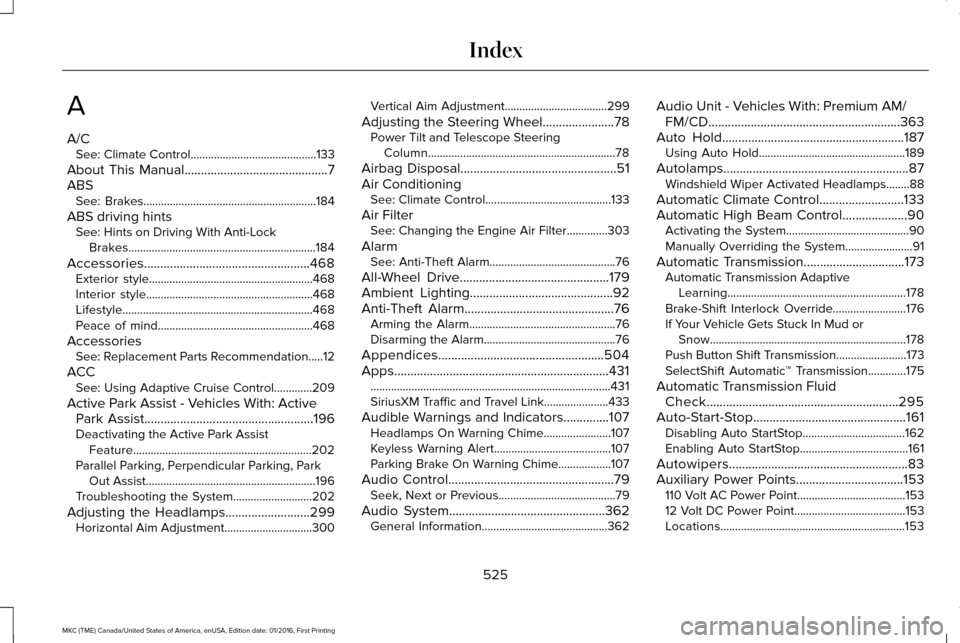
A
A/C
See: Climate Control...........................................133
About This Manual............................................7
ABS See: Brakes...........................................................184
ABS driving hints See: Hints on Driving With Anti-Lock
Brakes................................................................184
Accessories...................................................468 Exterior style........................................................468
Interior style.........................................................468
Lifestyle.................................................................468
Peace of mind.....................................................468
Accessories See: Replacement Parts Recommendation.....12
ACC See: Using Adaptive Cruise Control.............209
Active Park Assist - Vehicles With: Active Park Assist
....................................................196
Deactivating the Active Park Assist
Feature.............................................................202
Parallel Parking, Perpendicular Parking, Park Out Assist..........................................................196
Troubleshooting the System...........................
202
Adjusting the Headlamps
..........................299
Horizontal Aim Adjustment..............................300 Vertical Aim Adjustment...................................299
Adjusting the Steering Wheel......................78 Power Tilt and Telescope Steering
Column................................................................78
Airbag Disposal
................................................51
Air Conditioning See: Climate Control...........................................133
Air Filter See: Changing the Engine Air Filter..............303
Alarm See: Anti-Theft Alarm...........................................76
All-Wheel Drive
..............................................179
Ambient Lighting............................................92
Anti-Theft Alarm..............................................76
Arming the Alarm..................................................76
Disarming the Alarm.............................................76
Appendices...................................................504
Apps
..................................................................431
........................................................................\
..........431
SiriusXM Traffic and Travel Link......................433
Audible Warnings and Indicators..............107 Headlamps On Warning Chime.......................
107
Keyless Warning Alert........................................107
Parking Brake On Warning Chime
..................107
Audio Control
...................................................79
Seek, Next or Previous........................................79
Audio System
................................................362
General Information...........................................362 Audio Unit - Vehicles With: Premium AM/
FM/CD...........................................................363
Auto Hold........................................................187 Using Auto Hold..................................................189
Autolamps.........................................................87 Windshield Wiper Activated Headlamps........88
Automatic Climate Control..........................133
Automatic High Beam Control
....................90
Activating the System..........................................90
Manually Overriding the System.......................91
Automatic Transmission...............................173 Automatic Transmission Adaptive
Learning.............................................................178
Brake-Shift Interlock Override.........................176
If Your Vehicle Gets Stuck In Mud or Snow...................................................................178
Push Button Shift Transmission........................173
SelectShift Automatic ™ Transmission.............175
Automatic Transmission Fluid Check
...........................................................295
Auto-Start-Stop...............................................161 Disabling Auto StartStop...................................162
Enabling Auto StartStop.....................................161
Autowipers.......................................................83
Auxiliary Power Points.................................153 110 Volt AC Power Point.....................................153
12 Volt DC Power Point......................................153
Locations...............................................................153
525
MKC (TME) Canada/United States of America, enUSA, Edition date: 01/2016, First Printing Index
Page 532 of 538
Owner Checks and Services...........................474
Protecting Your Investment..............................472
Why Maintain Your Vehicle?.............................472
Why Maintain Your Vehicle at Your
Dealership?......................................................472
Getting Assistance Outside the U.S. and Canada.........................................................263
Getting the Services You Need................259 Away From Home..............................................259
Global Opening and Closing.......................94 Closing the Windows...........................................94
Opening the Windows.........................................94
H
Hazard Warning Flashers...........................253
Headlamp Adjusting See: Adjusting the Headlamps.......................
299
Headlamp Exit Delay.....................................89
Headlamp Removal See: Removing a Headlamp............................300
Head Restraints
.............................................138
Adjusting the Head Restraint...........................140
Heated Seats..................................................145 Front Seats............................................................145
Rear Seats.............................................................146
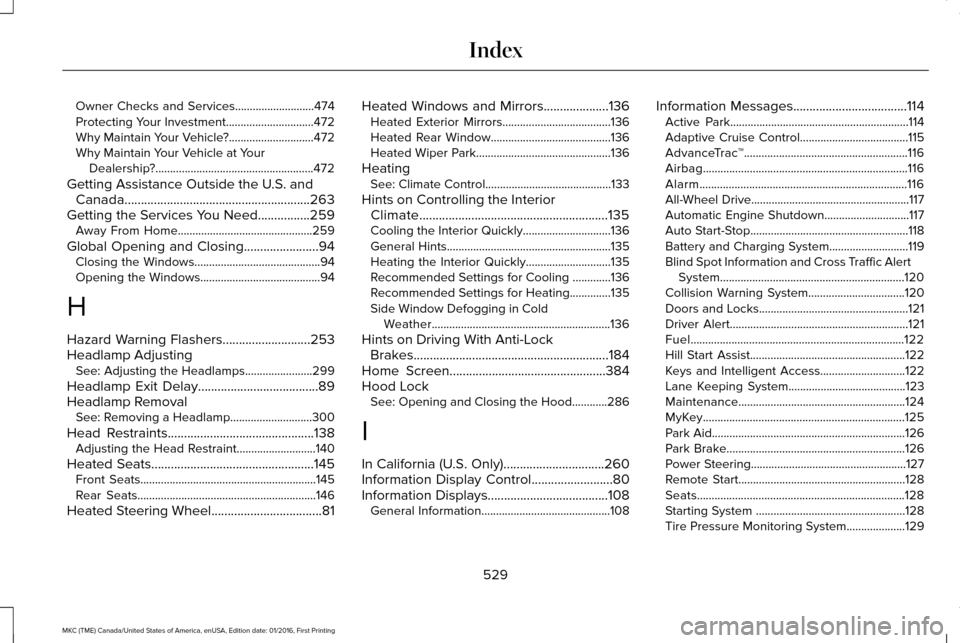
Heated Steering Wheel..................................81 Heated Windows and Mirrors....................136
Heated Exterior Mirrors.....................................
136
Heated Rear Window.........................................136
Heated Wiper Park..............................................136
Heating See: Climate Control...........................................133
Hints on Controlling the Interior Climate..........................................................135
Cooling the Interior Quickly..............................136
General Hints........................................................135
Heating the Interior Quickly.............................135
Recommended Settings for Cooling .............136
Recommended Settings for Heating..............135
Side Window Defogging in Cold Weather.............................................................136
Hints on Driving With Anti-Lock Brakes............................................................184
Home Screen
................................................384
Hood Lock See: Opening and Closing the Hood............286
I
In California (U.S. Only)...............................260
Information Display Control
.........................80
Information Displays.....................................108 General Information............................................108 Information Messages
...................................114
Active Park.............................................................114
Adaptive Cruise Control.....................................115
AdvanceTrac ™........................................................116
Airbag......................................................................116
Alarm.......................................................................116
All-Wheel Drive......................................................117
Automatic Engine Shutdown.............................117
Auto Start-Stop......................................................118
Battery and Charging System...........................119
Blind Spot Information and Cross Traffic Alert System...............................................................120
Collision Warning System.................................120
Doors and Locks...................................................121
Driver Alert.............................................................121
Fuel........................................................................\
.122
Hill Start Assist.....................................................122
Keys and Intelligent Access.............................
122
Lane Keeping System........................................123
Maintenance.........................................................124
MyKey.....................................................................125
Park Aid..................................................................126
Park Brake.............................................................126
Power Steering.....................................................127
Remote Start.........................................................128
Seats.......................................................................128
Starting System ...................................................128
Tire Pressure Monitoring System....................
129
529
MKC (TME) Canada/United States of America, enUSA, Edition date: 01/2016, First Printing Index
Page 536 of 538
Ambient Lighting................................................449
Bluetooth..............................................................437
Clock......................................................................437
Display..................................................................450
General..................................................................447
Media Player........................................................435
Mobile Apps.........................................................445
Navigation............................................................443
Phone....................................................................438
Radio......................................................................442
Sound....................................................................434
Valet Mode............................................................451
Vehicle...................................................................449
Voice Control.......................................................450
Wi-Fi.......................................................................448
Side Airbags.....................................................47
Sitting in the Correct Position....................138
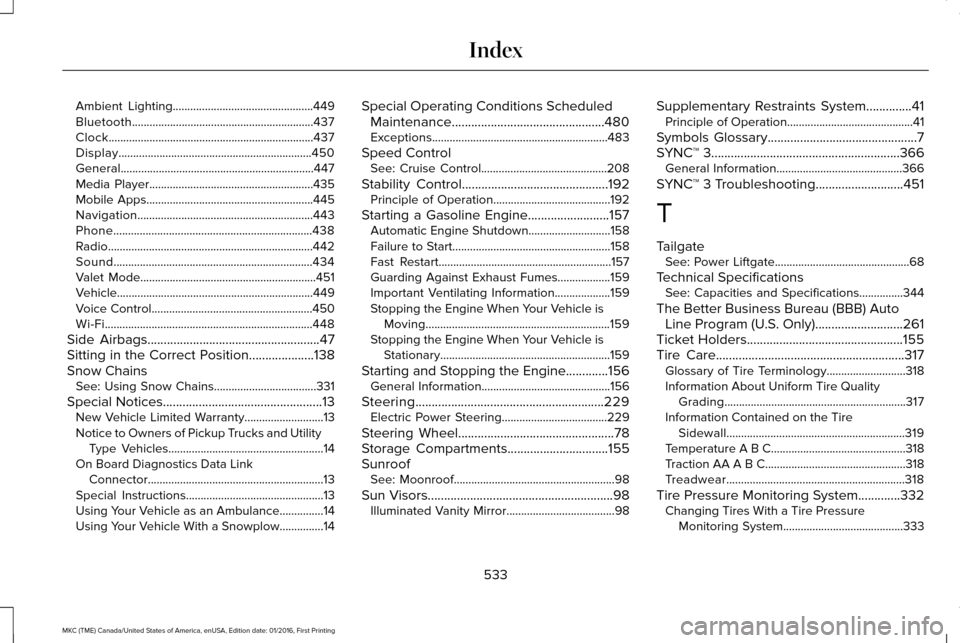
Snow Chains See: Using Snow Chains...................................331
Special Notices.................................................13
New Vehicle Limited Warranty...........................13
Notice to Owners of Pickup Trucks and Utility Type Vehicles.....................................................14
On Board Diagnostics Data Link Connector............................................................13
Special Instructions...............................................13
Using Your Vehicle as an Ambulance...............
14
Using Your Vehicle With a Snowplow...............14 Special Operating Conditions Scheduled
Maintenance
...............................................480
Exceptions............................................................483
Speed Control See: Cruise Control...........................................208
Stability Control
.............................................192
Principle of Operation........................................192
Starting a Gasoline Engine.........................157 Automatic Engine Shutdown............................158
Failure to Start......................................................158
Fast Restart...........................................................157
Guarding Against Exhaust Fumes..................159
Important Ventilating Information...................159
Stopping the Engine When Your Vehicle is
Moving...............................................................159
Stopping the Engine When Your Vehicle is Stationary..........................................................159
Starting and Stopping the Engine.............156 General Information............................................156
Steering..........................................................229 Electric Power Steering....................................229
Steering Wheel
................................................78
Storage Compartments...............................155
Sunroof See: Moonroof.......................................................98
Sun Visors.........................................................98 Illuminated Vanity Mirror.....................................
98 Supplementary Restraints System
..............41
Principle of Operation...........................................41
Symbols Glossary
..............................................7
SYNC™ 3..........................................................366
General Information...........................................366
SYNC™ 3 Troubleshooting
...........................451
T
Tailgate See: Power Liftgate..............................................68
Technical Specifications See: Capacities and Specifications...............344
The Better Business Bureau (BBB) Auto Line Program (U.S. Only) ...........................
261
Ticket Holders................................................155
Tire Care..........................................................317
Glossary of Tire Terminology...........................318
Information About Uniform Tire Quality
Grading..............................................................317
Information Contained on the Tire Sidewall.............................................................319
Temperature A B C..............................................318
Traction AA A B C................................................318
Treadwear.............................................................318
Tire Pressure Monitoring System.............332 Changing Tires With a Tire Pressure
Monitoring System.........................................333
533
MKC (TME) Canada/United States of America, enUSA, Edition date: 01/2016, First Printing Index