battery LINCOLN MKC 2018 User Guide
[x] Cancel search | Manufacturer: LINCOLN, Model Year: 2018, Model line: MKC, Model: LINCOLN MKC 2018Pages: 571, PDF Size: 4.39 MB
Page 77 of 571
Note:Allow the power system to open theliftgate. Manually pushing or pulling theliftgate may activate the system’s obstacledetection feature and stop the poweroperation or reverse its direction. Manuallyinterfering with the liftgate motion may alsoreplicate a strut failure.
Closing the Liftgate
WARNING
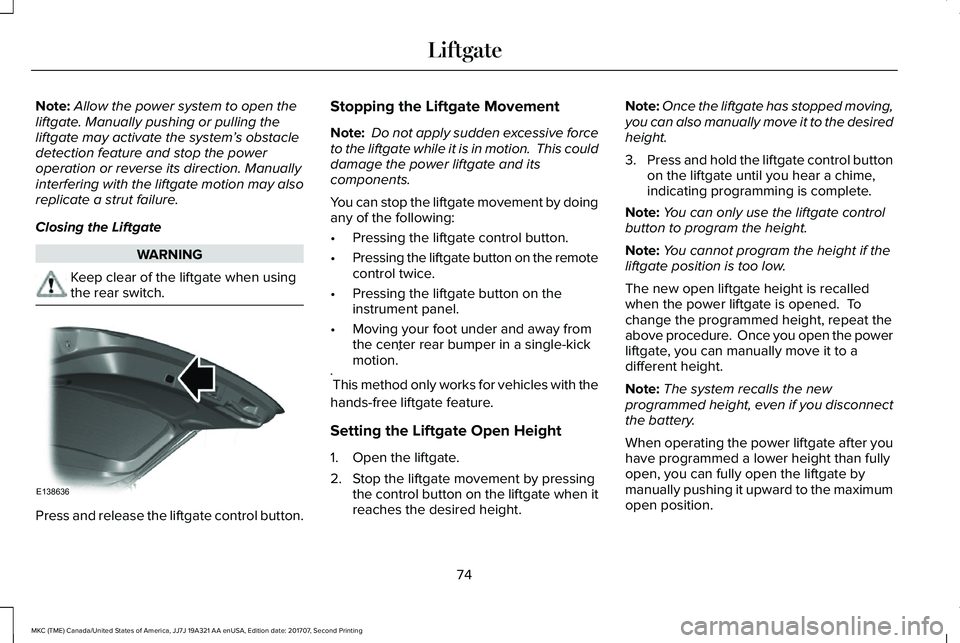
Keep clear of the liftgate when usingthe rear switch.
Press and release the liftgate control button.
Stopping the Liftgate Movement
Note: Do not apply sudden excessive forceto the liftgate while it is in motion. This coulddamage the power liftgate and itscomponents.
You can stop the liftgate movement by doingany of the following:
•Pressing the liftgate control button.
•Pressing the liftgate button on the remotecontrol twice.
•Pressing the liftgate button on theinstrument panel.
•Moving your foot under and away fromthe center rear bumper in a single-kickmotion.*
*This method only works for vehicles with the
hands-free liftgate feature.
Setting the Liftgate Open Height
1. Open the liftgate.
2. Stop the liftgate movement by pressingthe control button on the liftgate when itreaches the desired height.
Note:Once the liftgate has stopped moving,you can also manually move it to the desiredheight.
3.Press and hold the liftgate control buttonon the liftgate until you hear a chime,indicating programming is complete.
Note:You can only use the liftgate controlbutton to program the height.
Note:You cannot program the height if theliftgate position is too low.
The new open liftgate height is recalledwhen the power liftgate is opened. Tochange the programmed height, repeat theabove procedure. Once you open the powerliftgate, you can manually move it to adifferent height.
Note:The system recalls the newprogrammed height, even if you disconnectthe battery.
When operating the power liftgate after youhave programmed a lower height than fullyopen, you can fully open the liftgate bymanually pushing it upward to the maximumopen position.
74
MKC (TME) Canada/United States of America, JJ7J 19A321 AA enUSA, Edition date: 201707, Second Printing
LiftgateE138636
Page 92 of 571
Windshield Wiper Activated Headlamps
When you switch the autolamps on, theheadlamps turn on within 10 seconds ofswitching the wipers on. They turn offapproximately 60 seconds after you switchthe windshield wipers off.
The headlamps do not turn on with thewipers:
•During a single wipe.
•When using the windshield washers.
•If the wipers are in intermittent mode.
Note:If you switch the autolamps and theautowipers on, the headlamps turn on whenthe windshield wipers continuously operate.
INSTRUMENT LIGHTING DIMMER
Note:When disconnecting the battery orwhen it runs out of charge, the illuminatedcomponents turn to the maximum setting.
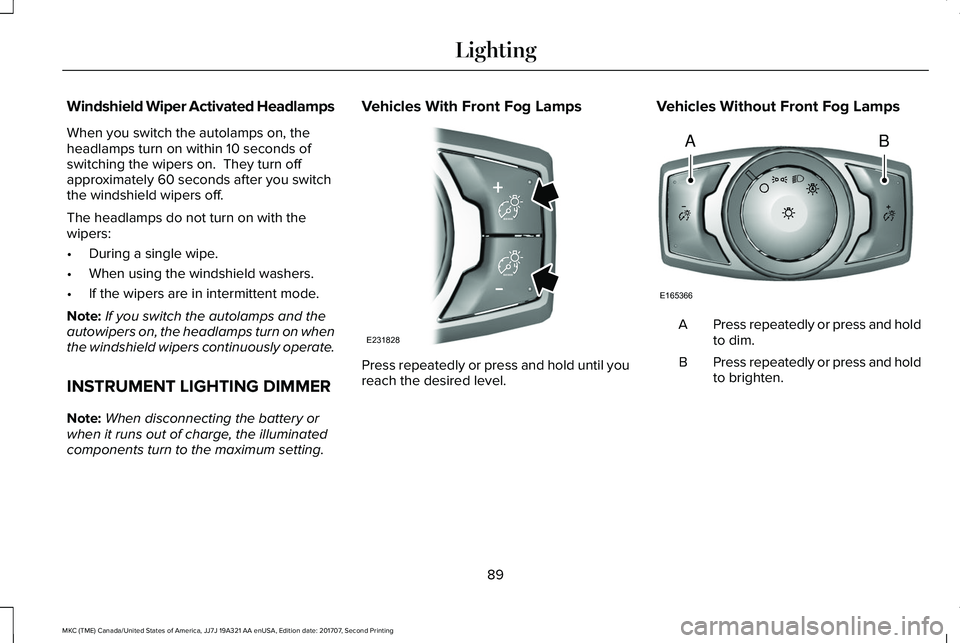
Vehicles With Front Fog Lamps
Press repeatedly or press and hold until youreach the desired level.
Vehicles Without Front Fog Lamps
Press repeatedly or press and holdto dim.A
Press repeatedly or press and holdto brighten.B
89
MKC (TME) Canada/United States of America, JJ7J 19A321 AA enUSA, Edition date: 201707, Second Printing
LightingE231828 AB
E165366
Page 108 of 571
Note:Some warning indicators appear inthe information display and operate thesame as a warning lamp but do notilluminate when you start your vehicle.
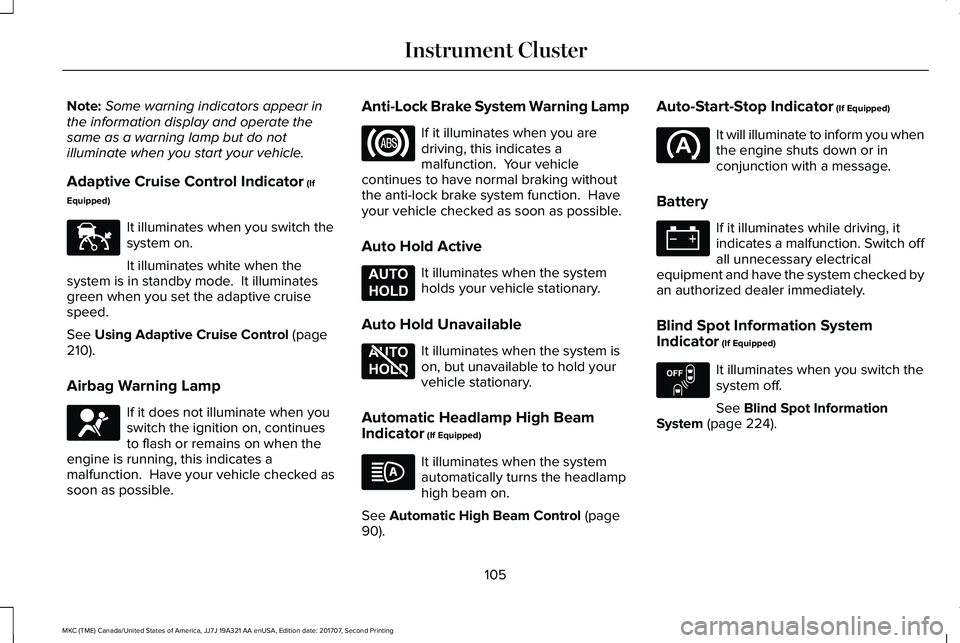
Adaptive Cruise Control Indicator (If
Equipped)
It illuminates when you switch thesystem on.
It illuminates white when thesystem is in standby mode. It illuminatesgreen when you set the adaptive cruisespeed.
See Using Adaptive Cruise Control (page210).
Airbag Warning Lamp
If it does not illuminate when youswitch the ignition on, continuesto flash or remains on when theengine is running, this indicates amalfunction. Have your vehicle checked assoon as possible.
Anti-Lock Brake System Warning Lamp
If it illuminates when you aredriving, this indicates amalfunction. Your vehiclecontinues to have normal braking withoutthe anti-lock brake system function. Haveyour vehicle checked as soon as possible.
Auto Hold Active
It illuminates when the systemholds your vehicle stationary.
Auto Hold Unavailable
It illuminates when the system ison, but unavailable to hold yourvehicle stationary.
Automatic Headlamp High BeamIndicator (If Equipped)
It illuminates when the systemautomatically turns the headlamphigh beam on.
See Automatic High Beam Control (page90).
Auto-Start-Stop Indicator (If Equipped)
It will illuminate to inform you whenthe engine shuts down or inconjunction with a message.
Battery
If it illuminates while driving, itindicates a malfunction. Switch offall unnecessary electricalequipment and have the system checked byan authorized dealer immediately.
Blind Spot Information SystemIndicator (If Equipped)
It illuminates when you switch thesystem off.
See Blind Spot InformationSystem (page 224).
105
MKC (TME) Canada/United States of America, JJ7J 19A321 AA enUSA, Edition date: 201707, Second Printing
Instrument ClusterE144524 E67017 E197933 E197934 E151262
Page 122 of 571
Battery and Charging System
ActionMessage
The charging system needs servicing. If the warning stays on or continues to come on, contactan authorized dealer as soon as possible.Check Charging System
The battery management system detects an extended low-voltage condition. Your vehicle willdisable various features to help preserve the battery. Turn off as many of the electrical loads assoon as possible to improve system voltage. If the system voltage has recovered, the disabledfeatures will operate again as normal.
Low Battery Features Temporarily TurnedOff
The battery management system determines that the battery is at a low state of charge. Turnyour ignition off as soon as possible to protect the battery. This message will clear once yourestart your vehicle and the battery state of charge has recovered. Turning off unnecessaryelectrical loads will allow faster battery state-of-charge recovery.
Turn Power Off To Save Battery
119
MKC (TME) Canada/United States of America, JJ7J 19A321 AA enUSA, Edition date: 201707, Second Printing
Information Displays
Page 126 of 571
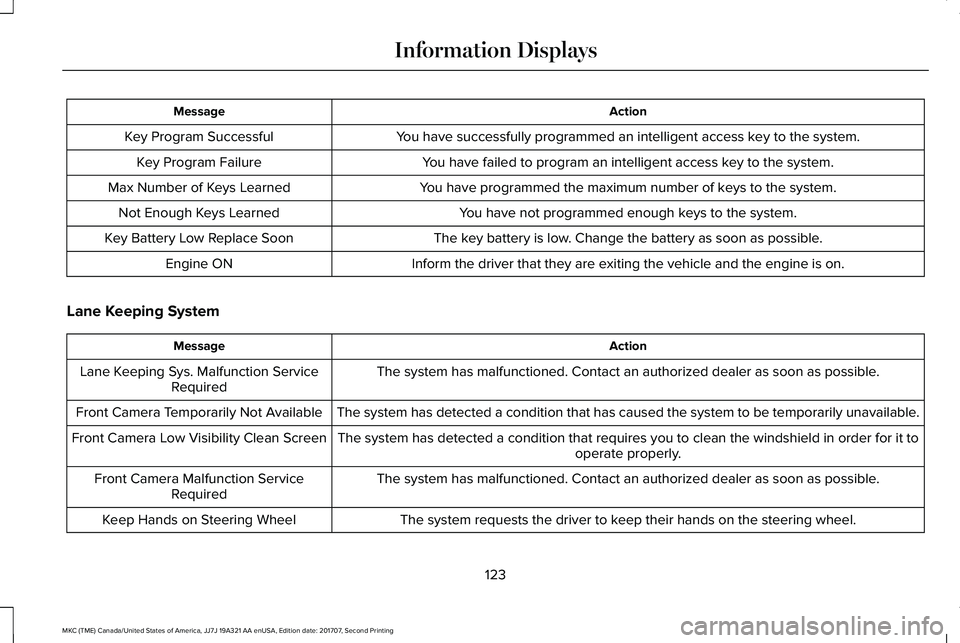
ActionMessage
You have successfully programmed an intelligent access key to the system.Key Program Successful
You have failed to program an intelligent access key to the system.Key Program Failure
You have programmed the maximum number of keys to the system.Max Number of Keys Learned
You have not programmed enough keys to the system.Not Enough Keys Learned
The key battery is low. Change the battery as soon as possible.Key Battery Low Replace Soon
Inform the driver that they are exiting the vehicle and the engine is on.Engine ON
Lane Keeping System
ActionMessage
The system has malfunctioned. Contact an authorized dealer as soon as possible.Lane Keeping Sys. Malfunction ServiceRequired
The system has detected a condition that has caused the system to be temporarily unavailable.Front Camera Temporarily Not Available
The system has detected a condition that requires you to clean the windshield in order for it tooperate properly.Front Camera Low Visibility Clean Screen
The system has malfunctioned. Contact an authorized dealer as soon as possible.Front Camera Malfunction ServiceRequired
The system requests the driver to keep their hands on the steering wheel.Keep Hands on Steering Wheel
123
MKC (TME) Canada/United States of America, JJ7J 19A321 AA enUSA, Edition date: 201707, Second Printing
Information Displays
Page 133 of 571
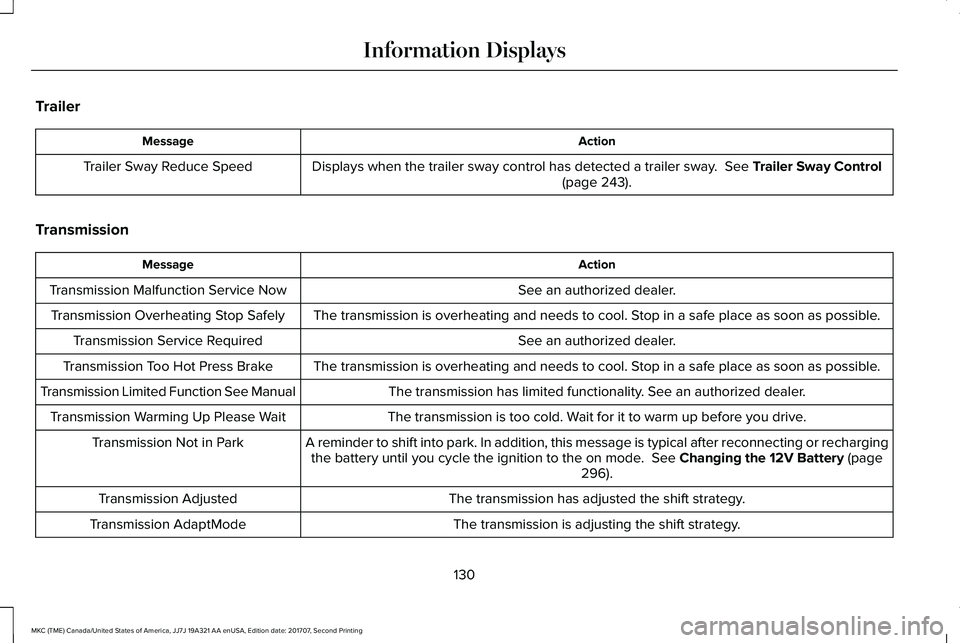
Trailer
ActionMessage
Displays when the trailer sway control has detected a trailer sway. See Trailer Sway Control(page 243).Trailer Sway Reduce Speed
Transmission
ActionMessage
See an authorized dealer.Transmission Malfunction Service Now
The transmission is overheating and needs to cool. Stop in a safe place as soon as possible.Transmission Overheating Stop Safely
See an authorized dealer.Transmission Service Required
The transmission is overheating and needs to cool. Stop in a safe place as soon as possible.Transmission Too Hot Press Brake
The transmission has limited functionality. See an authorized dealer.Transmission Limited Function See Manual
The transmission is too cold. Wait for it to warm up before you drive.Transmission Warming Up Please Wait
A reminder to shift into park. In addition, this message is typical after reconnecting or rechargingthe battery until you cycle the ignition to the on mode. See Changing the 12V Battery (page296).
Transmission Not in Park
The transmission has adjusted the shift strategy.Transmission Adjusted
The transmission is adjusting the shift strategy.Transmission AdaptMode
130
MKC (TME) Canada/United States of America, JJ7J 19A321 AA enUSA, Edition date: 201707, Second Printing
Information Displays
Page 152 of 571
HomeLink Wireless Control System
WARNINGS
Make sure that the garage door andsecurity device are free fromobstruction when you are programming. Donot program the system with the vehicle inthe garage.
Do not use the system with any garagedoor opener that does not have thesafety stop and reverse feature as requiredby U.S. Federal Safety Standards (thisincludes any garage door openermanufactured before April 1, 1982). A garagedoor opener which cannot detect an object,signaling the door to stop and reverse, doesnot meet current federal safety standards.Using a garage door opener without thesefeatures increases the risk of serious injuryor death.
Note:Make sure you keep the originalremote control transmitter for use in othervehicles as well as for future systemprogramming.
Note:We recommend that upon the sale orlease termination of your vehicle, you erasethe programmed function buttons for securityreasons. See Erasing the Function ButtonCodes later in this section.
Note:You can program a maximum of threedevices. To change or replace any of thethree devices after it has been initiallyprogrammed, you must first erase the currentsettings. See Erasing the Function ButtonCodes.
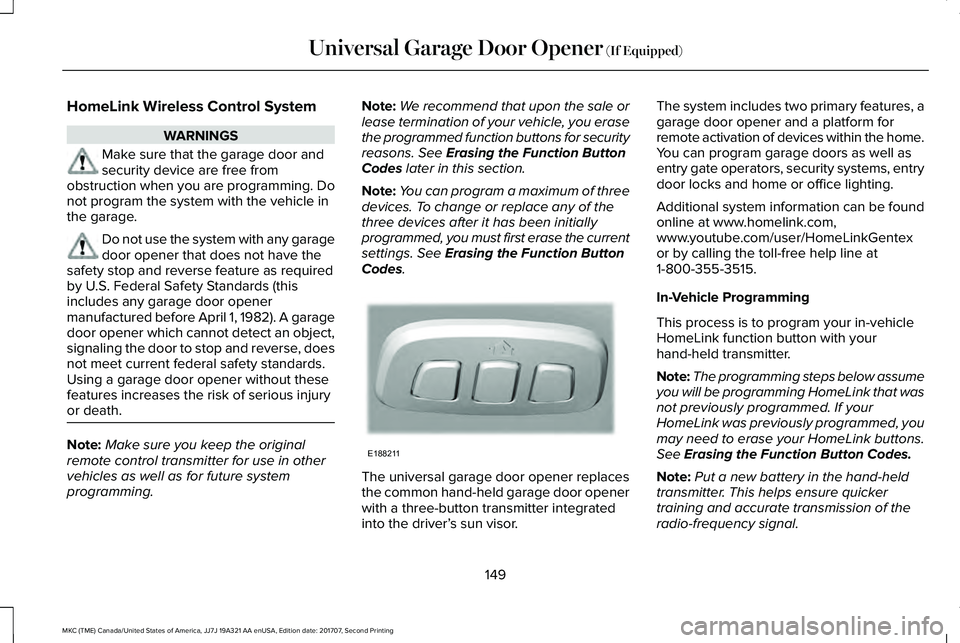
The universal garage door opener replacesthe common hand-held garage door openerwith a three-button transmitter integratedinto the driver’s sun visor.
The system includes two primary features, agarage door opener and a platform forremote activation of devices within the home.You can program garage doors as well asentry gate operators, security systems, entrydoor locks and home or office lighting.
Additional system information can be foundonline at www.homelink.com,www.youtube.com/user/HomeLinkGentexor by calling the toll-free help line at1-800-355-3515.
In-Vehicle Programming
This process is to program your in-vehicleHomeLink function button with yourhand-held transmitter.
Note:The programming steps below assumeyou will be programming HomeLink that wasnot previously programmed. If yourHomeLink was previously programmed, youmay need to erase your HomeLink buttons.See Erasing the Function Button Codes.
Note:Put a new battery in the hand-heldtransmitter. This helps ensure quickertraining and accurate transmission of theradio-frequency signal.
149
MKC (TME) Canada/United States of America, JJ7J 19A321 AA enUSA, Edition date: 201707, Second Printing
Universal Garage Door Opener (If Equipped)E188211
Page 156 of 571
12 Volt DC Power Point
WARNING
Do not plug optional electricalaccessories into the cigar lightersocket. Incorrect use of the cigar lighter cancause damage not covered by the vehiclewarranty, and can result in fire or seriousinjury.
Note:When you switch the ignition on, youcan use the socket to power 12 voltappliances with a maximum current ratingof 15 amps.
If the power supply does not work after youswitch the ignition off, switch the ignition on.Note:Do not hang any accessory from theaccessory plug.
Note:Do not use the power point over thevehicle capacity of 12 volt DC 180 watts ora fuse may blow.
Note:Always keep the power point capsclosed when not in use.
Do not insert objects other than an accessoryplug into the power point. This damages thepower point and may blow the fuse.
Run the vehicle for full capacity use of thepower point.
To prevent the battery from running out ofcharge:
•Do not use the power point longer thannecessary when the engine is notrunning.
•Do not leave devices plugged inovernight or when you park your vehiclefor extended periods.
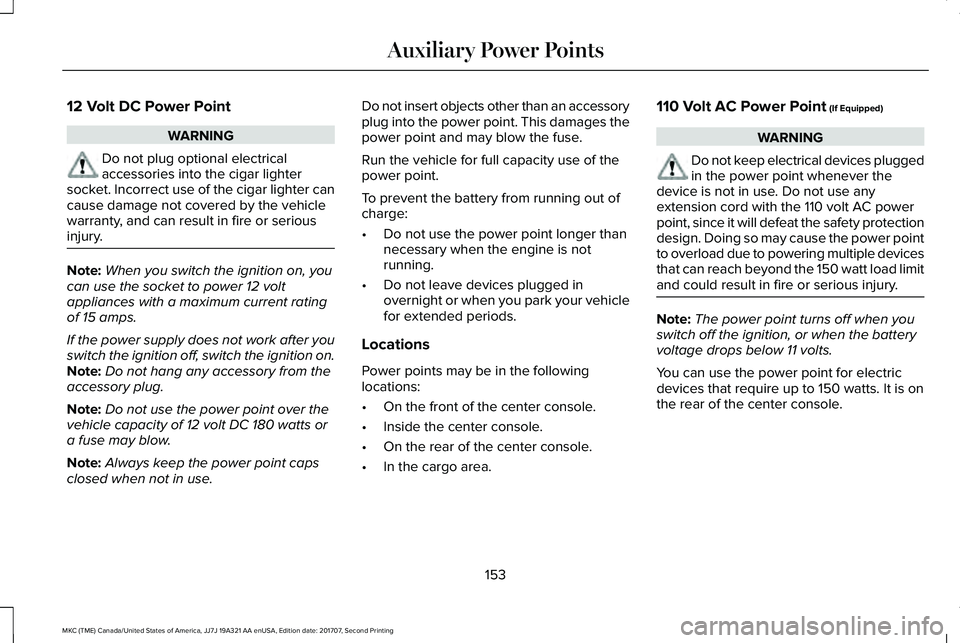
Locations
Power points may be in the followinglocations:
•On the front of the center console.
•Inside the center console.
•On the rear of the center console.
•In the cargo area.
110 Volt AC Power Point (If Equipped)
WARNING
Do not keep electrical devices pluggedin the power point whenever thedevice is not in use. Do not use anyextension cord with the 110 volt AC powerpoint, since it will defeat the safety protectiondesign. Doing so may cause the power pointto overload due to powering multiple devicesthat can reach beyond the 150 watt load limitand could result in fire or serious injury.
Note:The power point turns off when youswitch off the ignition, or when the batteryvoltage drops below 11 volts.
You can use the power point for electricdevices that require up to 150 watts. It is onthe rear of the center console.
153
MKC (TME) Canada/United States of America, JJ7J 19A321 AA enUSA, Edition date: 201707, Second Printing
Auxiliary Power Points
Page 159 of 571
GENERAL INFORMATION
WARNINGS
Extended idling at high engine speedscan produce very high temperaturesin the engine and exhaust system, creatingthe risk of fire or other damage.
Do not park, idle or drive your vehicleon dry grass or other dry ground cover.The emission system heats up the enginecompartment and exhaust system, creatingthe risk of fire.
Do not start the engine in a closedgarage or in other enclosed areas.Exhaust fumes can be toxic. Always openthe garage door before you start the engine.
Exhaust leaks may result in entry ofharmful and potentially lethal fumesinto the passenger compartment. If you smellexhaust fumes inside your vehicle, have yourvehicle inspected immediately. Do not driveif you smell exhaust fumes.
If you disconnect the battery, your vehiclemay exhibit some unusual drivingcharacteristics for approximately 5 mi (8 km)after you reconnect it. This is because theengine management system must realignitself with the engine. You can disregard anyunusual driving characteristics during thisperiod.
The powertrain control system meets allCanadian interference-causing equipmentstandard requirements regulating theimpulse electrical field or radio noise.
When you start the engine, avoid pressingthe accelerator pedal before and duringoperation. Only use the accelerator pedalwhen you have difficulty starting the engine.
KEYLESS STARTING
Note:The keyless starting system may notfunction if the key is close to metal objectsor electronic devices such as cellularphones.
Note:A valid key must be located insideyour vehicle to switch the ignition on andstart the engine.
Ignition Modes
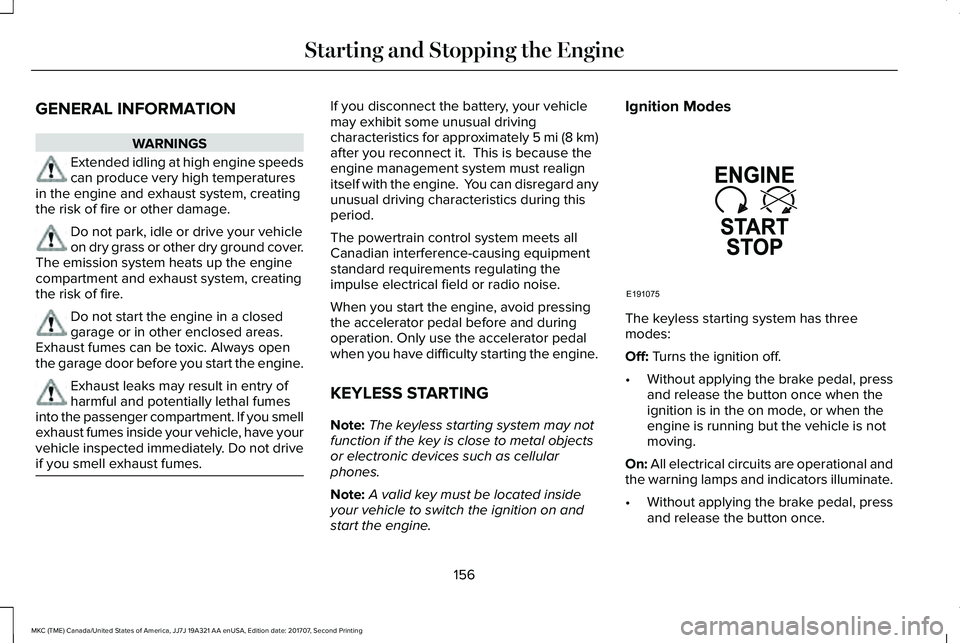
The keyless starting system has threemodes:
Off: Turns the ignition off.
•Without applying the brake pedal, pressand release the button once when theignition is in the on mode, or when theengine is running but the vehicle is notmoving.
On: All electrical circuits are operational andthe warning lamps and indicators illuminate.
•Without applying the brake pedal, pressand release the button once.
156
MKC (TME) Canada/United States of America, JJ7J 19A321 AA enUSA, Edition date: 201707, Second Printing
Starting and Stopping the EngineE191075
Page 160 of 571
Note:You may have to press the pushbutton ignition switch twice to switch theignition on.
Start: Starts the engine.
•Press the brake pedal, and then pressthe button for any length of time. Anindicator light on the button illuminateswhen then ignition is on and when theengine starts.
STARTING A GASOLINE ENGINE
When you start the engine, the idle speedincreases, this helps to warm up the engine.If the engine idle speed does not slow downautomatically, have your vehicle checked byan authorized dealer.
Note:If your vehicle is equipped with remotestart, you can start your vehicle with theremote, and then drive away by pressing thebrake pedal and pushing a button on thetransmission. This allows you to drive awaywithout pressing the engine start button.
Before starting the engine, check thefollowing:
•Make sure all occupants have fastenedtheir safety belts.
•Make sure the headlamps and electricalaccessories are off.
•Make sure the parking brake is on.
•Put the transmission in P.
Note:Do not touch the accelerator pedal.
1. Fully press the brake pedal.
2. Press the button.
The system does not function if:
•The key frequencies are jammed.
•The key battery has no charge.
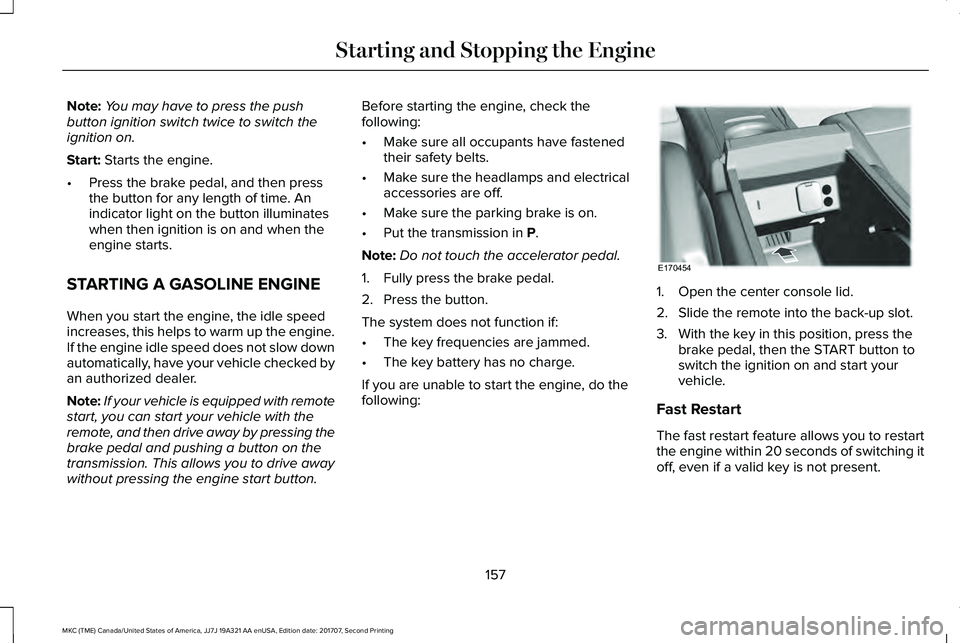
If you are unable to start the engine, do thefollowing:
1. Open the center console lid.
2. Slide the remote into the back-up slot.
3. With the key in this position, press thebrake pedal, then the START button toswitch the ignition on and start yourvehicle.
Fast Restart
The fast restart feature allows you to restartthe engine within 20 seconds of switching itoff, even if a valid key is not present.
157
MKC (TME) Canada/United States of America, JJ7J 19A321 AA enUSA, Edition date: 201707, Second Printing
Starting and Stopping the EngineE170454