high beam LINCOLN MKC 2019 Owners Manual
[x] Cancel search | Manufacturer: LINCOLN, Model Year: 2019, Model line: MKC, Model: LINCOLN MKC 2019Pages: 581, PDF Size: 5.41 MB
Page 5 of 581
Liftgate
Power Liftgate.................................................73
Security
Passive Anti-Theft System...........................77
Anti-Theft Alarm.............................................78
Steering Wheel
Adjusting the Steering Wheel - VehiclesWith: Manual Adjustable SteeringColumn.........................................................80
Adjusting the Steering Wheel - VehiclesWith: Power Adjustable Steering Column........................................................................80
Audio Control.................................................82
Voice Control..................................................82
Cruise Control.................................................83
Information Display Control........................83
Heated Steering Wheel...............................83
Wipers and Washers
Windshield Wipers........................................84
Autowipers......................................................85
Windshield Washers.....................................86
Rear Window Wiper and Washers............86
Lighting
General Information......................................88
Lighting Control.............................................88
Autolamps.......................................................89
Instrument Lighting Dimmer.......................90
Headlamp Exit Delay....................................90
Daytime Running Lamps.............................90
Automatic High Beam Control....................91
Direction Indicators.......................................92
Welcome Lighting..........................................93
Interior Lamps.................................................93
Ambient Lighting...........................................94
Windows and Mirrors
Power Windows.............................................95
Global Opening and Closing......................96
Exterior Mirrors...............................................96
Interior Mirror..................................................99
Sun Visors......................................................100
Moonroof.......................................................100
Instrument Cluster
Gauges...........................................................102
Warning Lamps and Indicators.................103
Audible Warnings and Indicators.............107
Information Displays
General Information....................................108
Information Messages..................................113
Climate Control
Automatic Climate Control........................132
Hints on Controlling the Interior Climate.......................................................................134
Heated Windshield......................................135
Heated Rear Window..................................135
Heated Exterior Mirrors..............................135
Cabin Air Filter..............................................136
Remote Start..................................................136
Seats
Sitting in the Correct Position...................137
Head Restraints............................................138
Power Seats..................................................140
2
MKC (TME) Canada/United States of America, enUSA, Edition date: 201802, Second-Printing
Table of Contents
Page 22 of 581
Direction indicators. See DirectionIndicators (page 92). High beam.See Lighting Control (page 88).
A
Instrument cluster. See Gauges(page 102). See Warning Lampsand Indicators (page 103).
B
Wiper lever. See Wipers andWashers (page 84).C
Information and entertainmentdisplay. See SYNC™ 3 (page 377).D
Audio unit. See Audio Unit (page368).E
Hazard warning flasher switch.See Hazard Flashers (page 255).F
Parking aid switch. See ParkingAids (page 198).G
Heated rear window switch. SeeHeated Rear Window (page 135).H
Climate controls. See ClimateControl (page 132).I
Start button. See Keyless Starting(page 157).J
Entertainment, navigation andphone.K
Voice control. See Voice Control(page 82).L
Horn.M
Steering wheel adjustment. SeeAdjusting the Steering Wheel(page 80).
N
Cruise control switches. SeeUsing Cruise Control (page 210).O
Information display controls. SeeInformation Display Control (page83).
P
Parking brake. See ElectricParking Brake (page 189).Q
Lighting control. See LightingControl (page 88). InstrumentLighting Dimmer. See InstrumentLighting Dimmer (page 90).
R
19
MKC (TME) Canada/United States of America, enUSA, Edition date: 201802, Second-Printing
At a Glance
Page 92 of 581
Headlamp High Beam
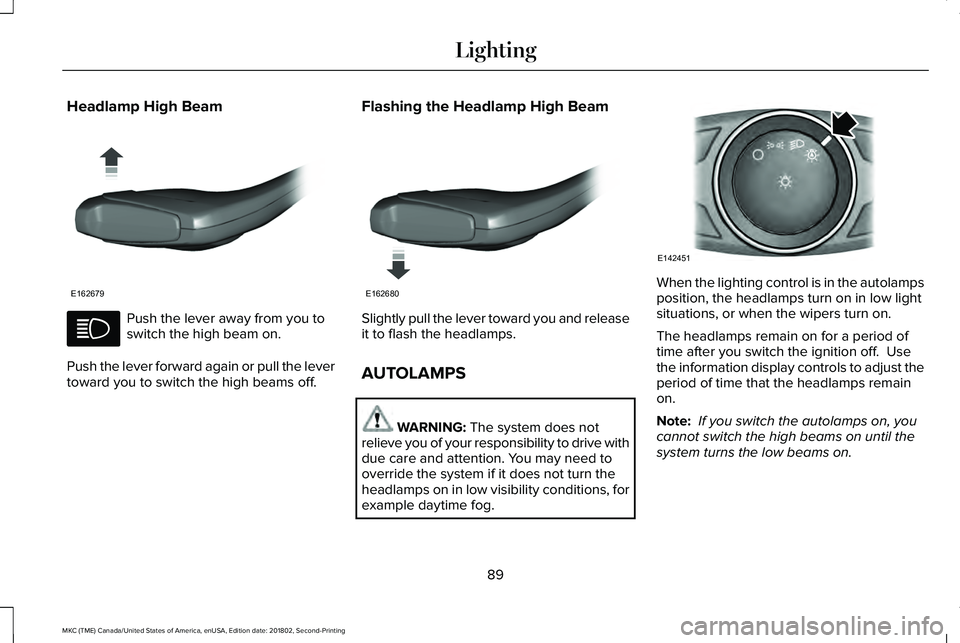
Push the lever away from you toswitch the high beam on.
Push the lever forward again or pull the levertoward you to switch the high beams off.
Flashing the Headlamp High Beam
Slightly pull the lever toward you and releaseit to flash the headlamps.
AUTOLAMPS
WARNING: The system does notrelieve you of your responsibility to drive withdue care and attention. You may need tooverride the system if it does not turn theheadlamps on in low visibility conditions, forexample daytime fog.
When the lighting control is in the autolampsposition, the headlamps turn on in low lightsituations, or when the wipers turn on.
The headlamps remain on for a period oftime after you switch the ignition off. Usethe information display controls to adjust theperiod of time that the headlamps remainon.
Note: If you switch the autolamps on, youcannot switch the high beams on until thesystem turns the low beams on.
89
MKC (TME) Canada/United States of America, enUSA, Edition date: 201802, Second-Printing
LightingE162679 E162680 E142451
Page 94 of 581
Type One - Conventional (Non-Configurable)
The daytime running lamps turn on when:
1. Switching the ignition on.
2. The transmission is not in park (P) forvehicles with automatic transmissions, orreleasing the parking brake for vehicleswith manual transmissions.
3. The lighting control is in the off, parkinglamp or autolamps positions.
4. The headlamps are off.
Type Two - Configurable
Switch the daytime running lamps on or offusing the information display. SeeInformation Displays (page 108).
The daytime running lamps turn on when:
1. The lamps are on in the informationdisplay.
2. Switching the ignition on.
3. The transmission is not in park (P) forvehicles with automatic transmissions, orreleasing the parking brake for vehicleswith manual transmissions.
4. The lighting control is in the autolampsposition.
5. The headlamps are off.
The other lighting control switch positionsdo not turn on the daytime running lamps.
If the daytime running lamps are off in theinformation display, the lamps stay off in allswitch positions.
AUTOMATIC HIGH BEAM
CONTROL (If Equipped)
WARNING: The system does notrelieve you of your responsibility to drive withdue care and attention. You may need tooverride the system if it does not turn thehigh beams on or off.
The system turns on high beams if it is darkenough and no other traffic is present. If itdetects an approaching vehicle’s headlampsor tail lamps, or street lighting ahead, thesystem turns off high beams before they candistract other road users. Low beams remainon.
Note:The system may not operate properlyif the sensor is blocked. Keep the windshieldfree from obstruction or damage.
Note:The system may not operate properlyin cold or inclement conditions. You canswitch on the high beams by overriding thesystem.
Note:If the system detects a blockage, forexample bird droppings, bug splatter, snowor ice, the system goes into low beam modeuntil you clear the blockage. A message mayappear in the information display if thecamera is blocked.
Note:Using much larger tires or equippingvehicle accessories such as snowplows canmodify your vehicle's ride height anddegrade automatic high beam controlperformance.
91
MKC (TME) Canada/United States of America, enUSA, Edition date: 201802, Second-Printing
Lighting
Page 95 of 581
A camera sensor, centrally mounted behindthe windshield of your vehicle, continuouslymonitors conditions to turn the high beamson and off.
Once the system is active, the high beamsturn on if:
•The ambient light level is low enough.
•There is no traffic in front of your vehicle.
•The vehicle speed is greater thanapproximately 32 mph (51 km/h).
The high beams turn off if:
•The ambient light level is high enoughthat high beams are not required.
•The system detects an approachingvehicle's headlamps or tail lamps.
•The vehicle speed falls belowapproximately 27 mph (44 km/h).
•The system detects severe rain, snow orfog.
•The camera is blocked.
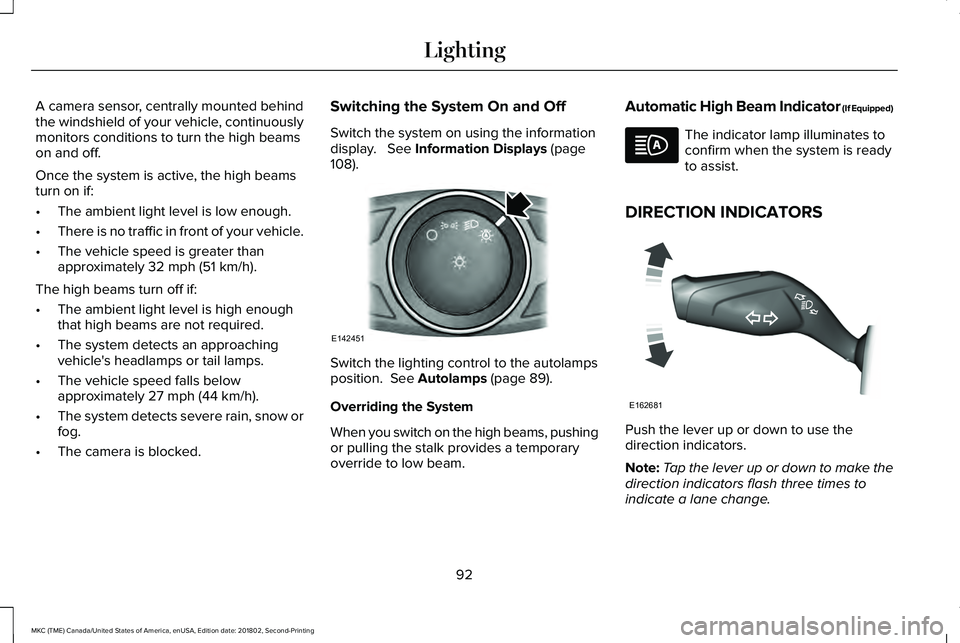
Switching the System On and Off
Switch the system on using the informationdisplay. See Information Displays (page108).
Switch the lighting control to the autolampsposition. See Autolamps (page 89).
Overriding the System
When you switch on the high beams, pushingor pulling the stalk provides a temporaryoverride to low beam.
Automatic High Beam Indicator (If Equipped)
The indicator lamp illuminates toconfirm when the system is readyto assist.
DIRECTION INDICATORS
Push the lever up or down to use thedirection indicators.
Note:Tap the lever up or down to make thedirection indicators flash three times toindicate a lane change.
92
MKC (TME) Canada/United States of America, enUSA, Edition date: 201802, Second-Printing
LightingE142451 E162681
Page 107 of 581
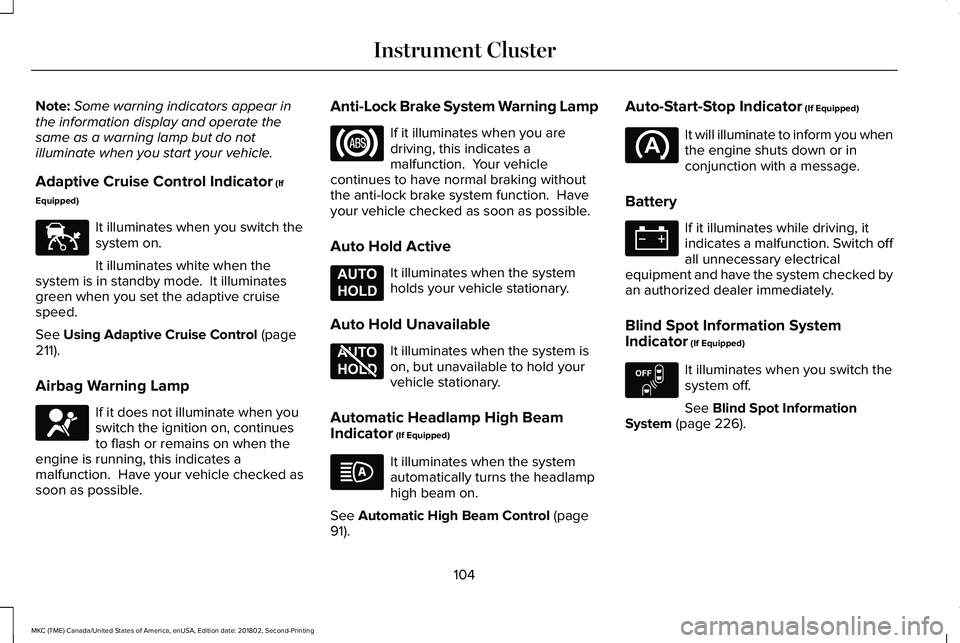
Note:Some warning indicators appear inthe information display and operate thesame as a warning lamp but do notilluminate when you start your vehicle.
Adaptive Cruise Control Indicator (If
Equipped)
It illuminates when you switch thesystem on.
It illuminates white when thesystem is in standby mode. It illuminatesgreen when you set the adaptive cruisespeed.
See Using Adaptive Cruise Control (page211).
Airbag Warning Lamp
If it does not illuminate when youswitch the ignition on, continuesto flash or remains on when theengine is running, this indicates amalfunction. Have your vehicle checked assoon as possible.
Anti-Lock Brake System Warning Lamp
If it illuminates when you aredriving, this indicates amalfunction. Your vehiclecontinues to have normal braking withoutthe anti-lock brake system function. Haveyour vehicle checked as soon as possible.
Auto Hold Active
It illuminates when the systemholds your vehicle stationary.
Auto Hold Unavailable
It illuminates when the system ison, but unavailable to hold yourvehicle stationary.
Automatic Headlamp High BeamIndicator (If Equipped)
It illuminates when the systemautomatically turns the headlamphigh beam on.
See Automatic High Beam Control (page91).
Auto-Start-Stop Indicator (If Equipped)
It will illuminate to inform you whenthe engine shuts down or inconjunction with a message.
Battery
If it illuminates while driving, itindicates a malfunction. Switch offall unnecessary electricalequipment and have the system checked byan authorized dealer immediately.
Blind Spot Information SystemIndicator (If Equipped)
It illuminates when you switch thesystem off.
See Blind Spot InformationSystem (page 226).
104
MKC (TME) Canada/United States of America, enUSA, Edition date: 201802, Second-Printing
Instrument ClusterE144524 E67017 E197933 E197934 E151262
Page 109 of 581
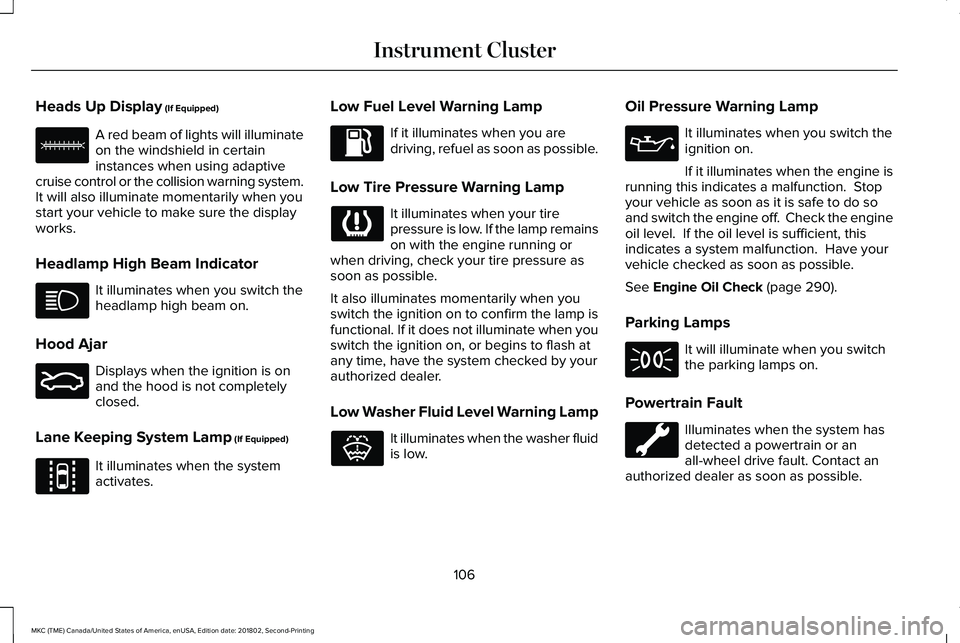
Heads Up Display (If Equipped)
A red beam of lights will illuminateon the windshield in certaininstances when using adaptivecruise control or the collision warning system.It will also illuminate momentarily when youstart your vehicle to make sure the displayworks.
Headlamp High Beam Indicator
It illuminates when you switch theheadlamp high beam on.
Hood Ajar
Displays when the ignition is onand the hood is not completelyclosed.
Lane Keeping System Lamp (If Equipped)
It illuminates when the systemactivates.
Low Fuel Level Warning Lamp
If it illuminates when you aredriving, refuel as soon as possible.
Low Tire Pressure Warning Lamp
It illuminates when your tirepressure is low. If the lamp remainson with the engine running orwhen driving, check your tire pressure assoon as possible.
It also illuminates momentarily when youswitch the ignition on to confirm the lamp isfunctional. If it does not illuminate when youswitch the ignition on, or begins to flash atany time, have the system checked by yourauthorized dealer.
Low Washer Fluid Level Warning Lamp
It illuminates when the washer fluidis low.
Oil Pressure Warning Lamp
It illuminates when you switch theignition on.
If it illuminates when the engine isrunning this indicates a malfunction. Stopyour vehicle as soon as it is safe to do soand switch the engine off. Check the engineoil level. If the oil level is sufficient, thisindicates a system malfunction. Have yourvehicle checked as soon as possible.
See Engine Oil Check (page 290).
Parking Lamps
It will illuminate when you switchthe parking lamps on.
Powertrain Fault
Illuminates when the system hasdetected a powertrain or anall-wheel drive fault. Contact anauthorized dealer as soon as possible.
106
MKC (TME) Canada/United States of America, enUSA, Edition date: 201802, Second-Printing
Instrument ClusterE156133 E159324 E144813 E132353
Page 214 of 581
Switching Cruise Control Off
Note:You erase the set speed when youswitch the system off.
Press OFF when the system is in stand bymode, or switch the ignition off.
USING ADAPTIVE CRUISE
CONTROL (If Equipped)
WARNING: Always pay close attentionto changing road conditions when usingadaptive cruise control. The system does notreplace attentive driving. Failing to payattention to the road may result in a crash,serious injury or death.
WARNING: Do not use the adaptivecruise control when entering or leaving ahighway, on roads with intersections orroundabouts or non-vehicular traffic or roadsthat are winding, slippery, unpaved, or steepslopes.
WARNING: Do not use the system inpoor visibility, for example fog, heavy rain,spray or snow.
WARNING: Do not use the systemwhen towing a trailer with aftermarket trailerbrake controls. Aftermarket trailer brakes willnot function properly when you switch thesystem on because the brakes areelectronically controlled. Failing to do so mayresult in loss of vehicle control, which couldresult in serious injury.
WARNING: Do not use tire sizes otherthan those recommended because this canaffect the normal operation of the system.Failure to do so may result in a loss of vehiclecontrol, which could result in serious injury.
WARNING: Adaptive cruise controlmay not detect stationary or slow movingvehicles below 6 mph (10 km/h).
WARNING: Adaptive cruise controldoes not detect pedestrians or objects in theroad.
WARNING: Adaptive cruise controldoes not detect oncoming vehicles in thesame lane.
WARNING: Adaptive cruise control isnot a crash warning or avoidance system.
Note:It is your responsibility to stay alert,drive safely and be in control of the vehicleat all times.
The system adjusts your vehicle speed tomaintain the set gap between you and thevehicle in front of you in the same lane. Youcan select four gap settings.
The system uses a radar sensor that projectsa beam directly in front of your vehicle.
211
MKC (TME) Canada/United States of America, enUSA, Edition date: 201802, Second-Printing
Cruise Control
Page 304 of 581
4. On the wall or screen, you will observea flat zone of high intensity light locatedat the top of the right hand portion of thebeam pattern. If the top edge of the highintensity light zone is not at the horizontalreference line, you will need to adjust theheadlamp.
5. Locate the vertical adjuster on eachheadlamp. Turn the adjuster eitherclockwise or counterclockwise in orderto aim the headlamp.
6.Close the hood and switch off the lamps.
Horizontal Aim Adjustment
Horizontal aim is not required for this vehicleand is non-adjustable.
REMOVING A HEADLAMP
To gain access to the headlamp securingbolts and to remove the headlamp assembly,you must first remove the front fascia andfront bumper assemblies. We recommendyou see an authorized dealer.
CHANGING A BULB
WARNING: Switch all of the lamps andthe ignition off. Failure to follow this warningcould result in serious personal injury.
WARNING: Bulbs can become hot. Letthe bulb cool down before removing it.Failure to do so could result in personalinjury.
Install in the reverse order unless otherwisestated.
301
MKC (TME) Canada/United States of America, enUSA, Edition date: 201802, Second-Printing
MaintenanceE142465 E171165
Page 569 of 581
Power......................................................................134Recirculated Air....................................................133Right-hand Temperature Control.....................133
Automatic High Beam Control.....................91Automatic High Beam Indicator........................92Switching the System On and Off....................92
Automatic Transmission...............................177Automatic Transmission AdaptiveLearning............................................................182Brake-Shift Interlock Override..........................181If Your Vehicle Gets Stuck In Mud orSnow..................................................................182Push Button Shift Transmission........................177SelectShift Automatic™ Transmission.............179
Automatic Transmission FluidCheck...........................................................296Auto-Start-Stop..............................................163Disabling Auto-Start-Stop..................................164Enabling Auto-Start-Stop...................................163
Autowipers.......................................................85Autowipers Settings.............................................85
Auxiliary Power Points.................................154110 Volt AC Power Point.....................................15412 Volt DC Power Point......................................154USB Port and Power Point Locations.............154
AWDSee: All-Wheel Drive...........................................183
B
BatterySee: Changing the 12V Battery.......................297
Blind Spot Information System.................226Switching the System Off and On..................228System Errors......................................................228Using the Blind Spot InformationSystem..............................................................227
BLISSee: Blind Spot Information System..............226
Body Styling Kits............................................314Bonnet LockSee: Opening and Closing the Hood............287
Booster Seats..................................................28Types of Booster Seats.......................................29
Brake Fluid Check.......................................296Brakes..............................................................188General Information............................................188
Breaking-In......................................................251Bulb Specification Chart.............................363
C
Cabin Air Filter...............................................136Capacities and Specifications - 2.0L.......350Alternative Engine Oil for Extremely ColdClimates...........................................................355
Specifications.......................................................351
Capacities and Specifications - 2.3L.......356Alternative Engine Oil for Extremely ColdClimates...........................................................362Specifications......................................................358
Capacities and Specifications...................344Car WashSee: Cleaning the Exterior...............................306
Catalytic Converter.......................................174On-Board Diagnostics (OBD-II)........................175Readiness for Inspection and Maintenance(I/M) Testing......................................................176
Center Console.............................................156Changing a Bulb............................................301Front Direction Indicator..................................302High Intensity Discharge Headlamp.............302LED Lamps...........................................................302License Plate Lamp...........................................302
Changing a Fuse..........................................284Fuses.....................................................................284
Changing a Road Wheel.............................336Dissimilar Spare Wheel and Tire AssemblyInformation.......................................................337Tire Change Procedure....................................338
Changing the 12V Battery..........................297Changing the Engine Air Filter.................302Changing the Wiper Blades......................299Front Wiper Blades............................................299
566
MKC (TME) Canada/United States of America, enUSA, Edition date: 201802, Second-Printing
Index