ignition LINCOLN MKS 2009 User Guide
[x] Cancel search | Manufacturer: LINCOLN, Model Year: 2009, Model line: MKS, Model: LINCOLN MKS 2009Pages: 323, PDF Size: 2.58 MB
Page 39 of 323
To aid in side window defogging/demisting in cold weather:
1. Select
.
2. Select A/C.
3. Adjust the temperature control to maintain comfort.
4. Set the fan to the highest speed.
5. Direct the outer instrument panel vents toward the side windows.
REAR WINDOW DEFROSTER
R
The rear defroster control is located on the climate control panel and
works to clear the rear window of fog and thin ice.
The ignition must be on to operate the rear window defroster.
The rear defroster turns off automatically after 10 minutes or when the
ignition is turned off. To manually turn off the defroster before
10 minutes have passed, push the control again.
Do not use razor blades or other sharp objects to clean the inside
of the rear window or to remove decals from the inside of the
rear window. This may cause damage to the heated grid lines and
will not be covered by your warranty.
2009 MKS(mks)
Owners Guide (post-2002-fmt)
USA(fus)
Climate Controls
39
Page 41 of 323
The autolamp system also keeps the lights on for a predetermined
amount of time after the ignition is turned off. You can change the
amount of time the lamps stay on by using the programming procedure
that follows:
Note:With autolamps, your vehicle has a headlamps on with windshield
wipers feature. If the windshield wipers are turned on (for a brief period
of time), the exterior lamps will turn on with the headlamp control in the
autolamp position.
Autolamps - Programmable exit delay
Programmable exit delay allows the length of the autolamp exit delay to
be changed.
To program the auto lamp exit time delay:
1. Start with the ignition off and the headlamp control in the autolamp
position.
2. Turn the headlamp switch to off.
3. Turn the ignition on and then off.
4. Turn the headlamp switch to the autolamp position. The headlamps
will turn on.
5. Wait the desired amount of time for the exit delay you want (up to
three minutes), then turn the headlamp switch to off. The headlamps
will turn off.
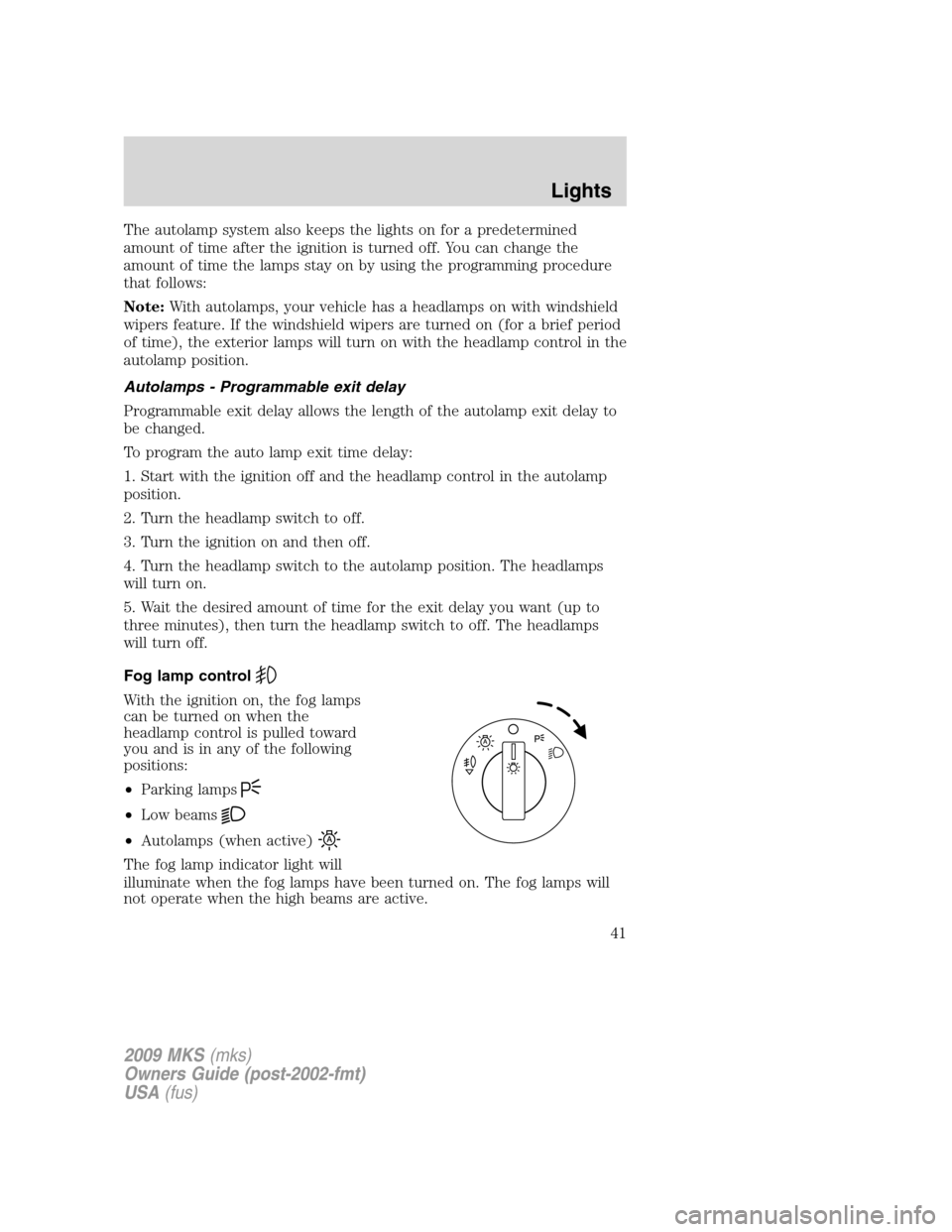
Fog lamp control
With the ignition on, the fog lamps
can be turned on when the
headlamp control is pulled toward
you and is in any of the following
positions:
•Parking lamps
•Low beams
•Autolamps (when active)
The fog lamp indicator light will
illuminate when the fog lamps have been turned on. The fog lamps will
not operate when the high beams are active.
2009 MKS(mks)
Owners Guide (post-2002-fmt)
USA(fus)
Lights
41
Page 45 of 323
Troubleshooting
If the automatic high beam camera becomes blocked, the high beams will
not come on automatically. They will only activate when they are
manually turned on with the multi-function lever.
Typical road dust, dirt and water spots will not affect the automatic high
beam system’s performance.
For significant blockages (e.g. bird dropping, bug splatter, snow, or ice),
the automatic high beam system uses a blocked sensor computer
program. If it detects a blockage, it will be monitored for two minutes. If
no changes are observed, the system will go into low beam mode until
the blockage is cleared.
If it appears that automatic control of the high beams is not functioning,
check the windshield in front of the camera for blockage.
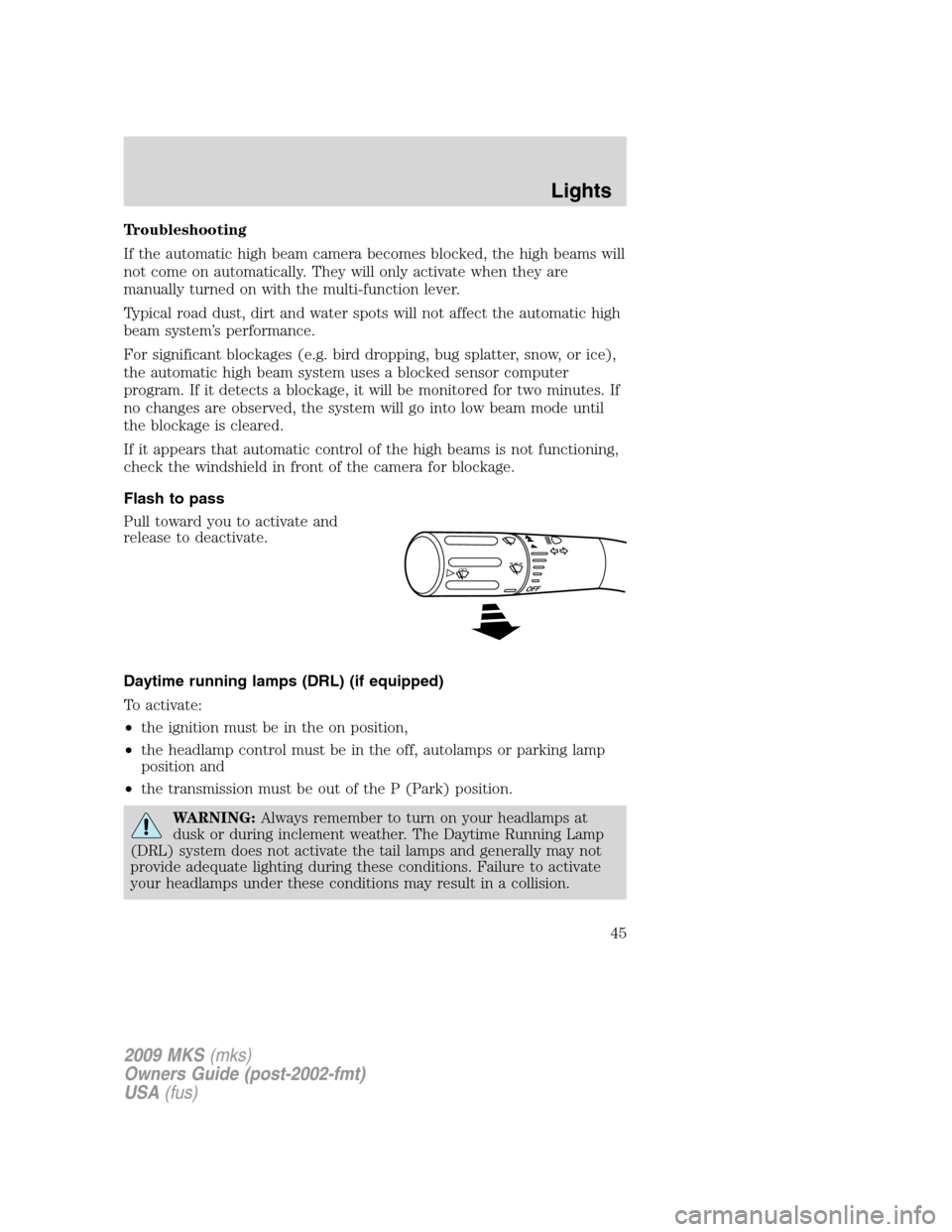
Flash to pass
Pull toward you to activate and
release to deactivate.
Daytime running lamps (DRL) (if equipped)
To activate:
•the ignition must be in the on position,
•the headlamp control must be in the off, autolamps or parking lamp
position and
•the transmission must be out of the P (Park) position.
WARNING:Always remember to turn on your headlamps at
dusk or during inclement weather. The Daytime Running Lamp
(DRL) system does not activate the tail lamps and generally may not
provide adequate lighting during these conditions. Failure to activate
your headlamps under these conditions may result in a collision.
2009 MKS(mks)
Owners Guide (post-2002-fmt)
USA(fus)
Lights
45
Page 48 of 323
INTERIOR LAMPS
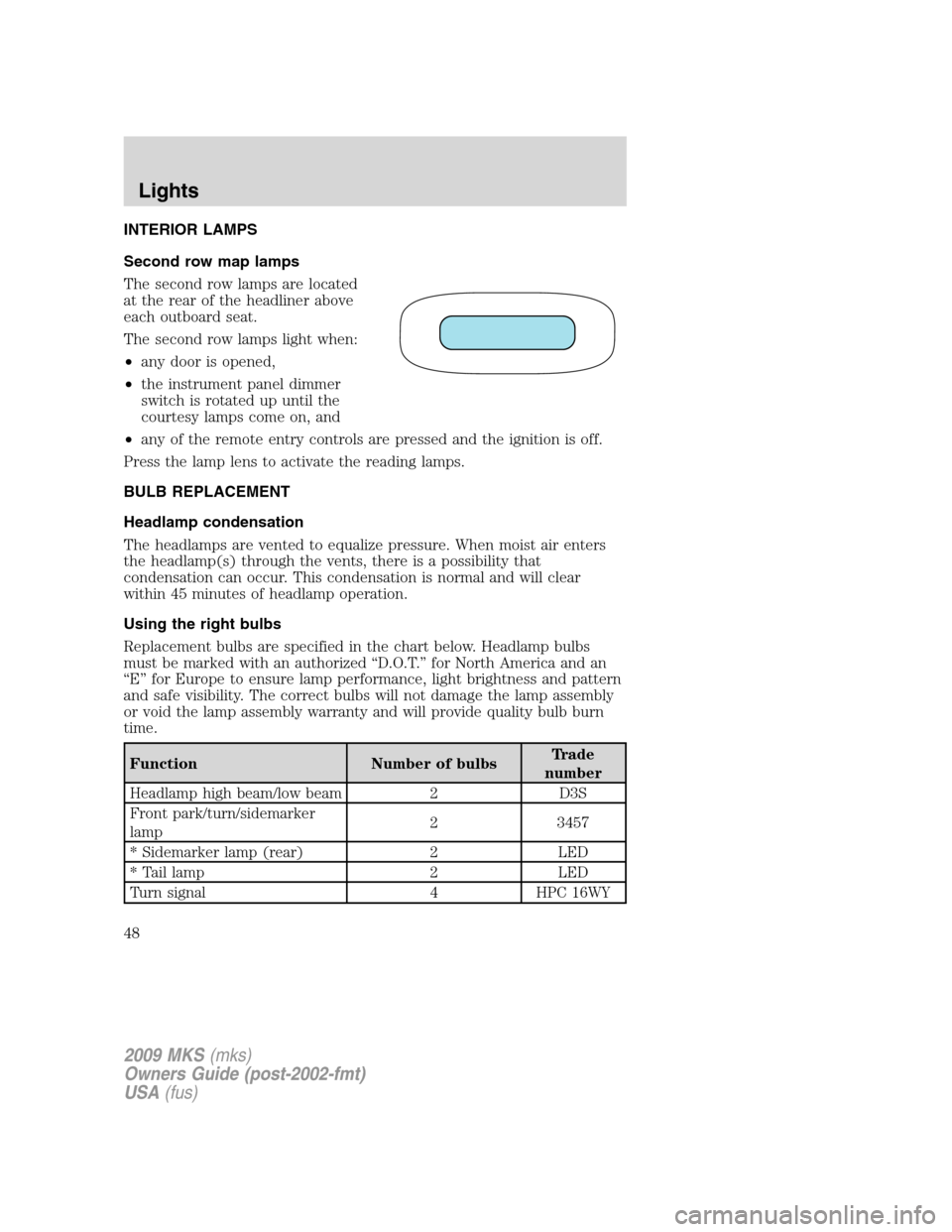
Second row map lamps
The second row lamps are located
at the rear of the headliner above
each outboard seat.
The second row lamps light when:
•any door is opened,
•the instrument panel dimmer
switch is rotated up until the
courtesy lamps come on, and
•any of the remote entry controls are pressed and the ignition is off.
Press the lamp lens to activate the reading lamps.
BULB REPLACEMENT
Headlamp condensation
The headlamps are vented to equalize pressure. When moist air enters
the headlamp(s) through the vents, there is a possibility that
condensation can occur. This condensation is normal and will clear
within 45 minutes of headlamp operation.
Using the right bulbs
Replacement bulbs are specified in the chart below. Headlamp bulbs
must be marked with an authorized “D.O.T.” for North America and an
“E” for Europe to ensure lamp performance, light brightness and pattern
and safe visibility. The correct bulbs will not damage the lamp assembly
or void the lamp assembly warranty and will provide quality bulb burn
time.
Function Number of bulbsTrade
number
Headlamp high beam/low beam 2 D3S
Front park/turn/sidemarker
lamp2 3457
* Sidemarker lamp (rear) 2 LED
* Tail lamp 2 LED
Turn signal 4 HPC 16WY
2009 MKS(mks)
Owners Guide (post-2002-fmt)
USA(fus)
Lights
48
Page 53 of 323
Windshield wiper rainlamp feature
When the windshield wipers are turned on during daylight, and the
headlamp control is in the autolamp position, the exterior lamps will turn
on after a brief delay and will remain on until the wipers are turned off.
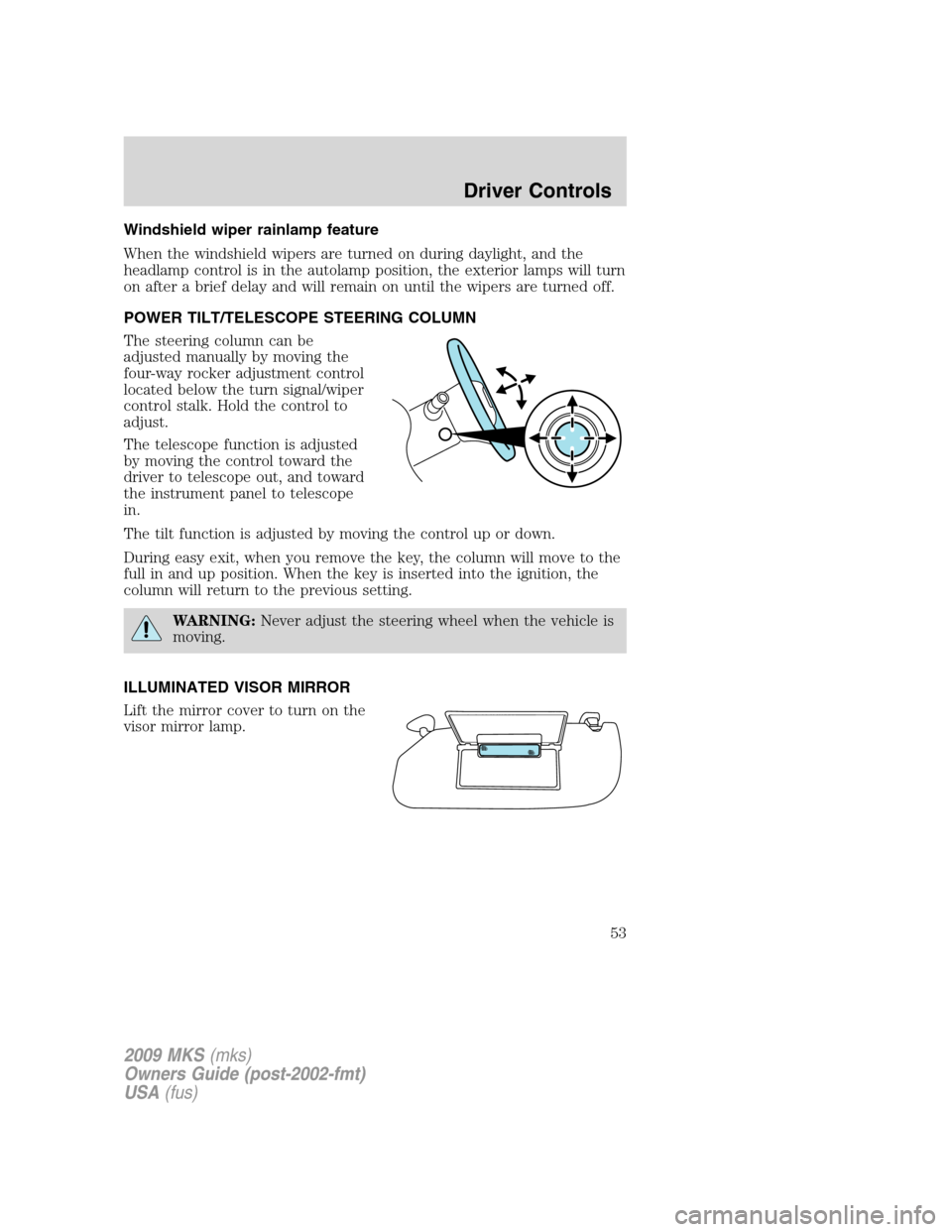
POWER TILT/TELESCOPE STEERING COLUMN
The steering column can be
adjusted manually by moving the
four-way rocker adjustment control
located below the turn signal/wiper
control stalk. Hold the control to
adjust.
The telescope function is adjusted
by moving the control toward the
driver to telescope out, and toward
the instrument panel to telescope
in.
The tilt function is adjusted by moving the control up or down.
During easy exit, when you remove the key, the column will move to the
full in and up position. When the key is inserted into the ignition, the
column will return to the previous setting.
WARNING:Never adjust the steering wheel when the vehicle is
moving.
ILLUMINATED VISOR MIRROR
Lift the mirror cover to turn on the
visor mirror lamp.
2009 MKS(mks)
Owners Guide (post-2002-fmt)
USA(fus)
Driver Controls
53
Page 57 of 323
control on the remote transmitter. Refer to theLocks and Security
chapter for theOpening and closing all windows and moon roof
feature.
Rear Window Buffeting:When one or both of the rear windows are
open, the vehicle may demonstrate a wind throb or buffeting noise. This
noise can be alleviated by lowering a front window approximately two to
three inches.
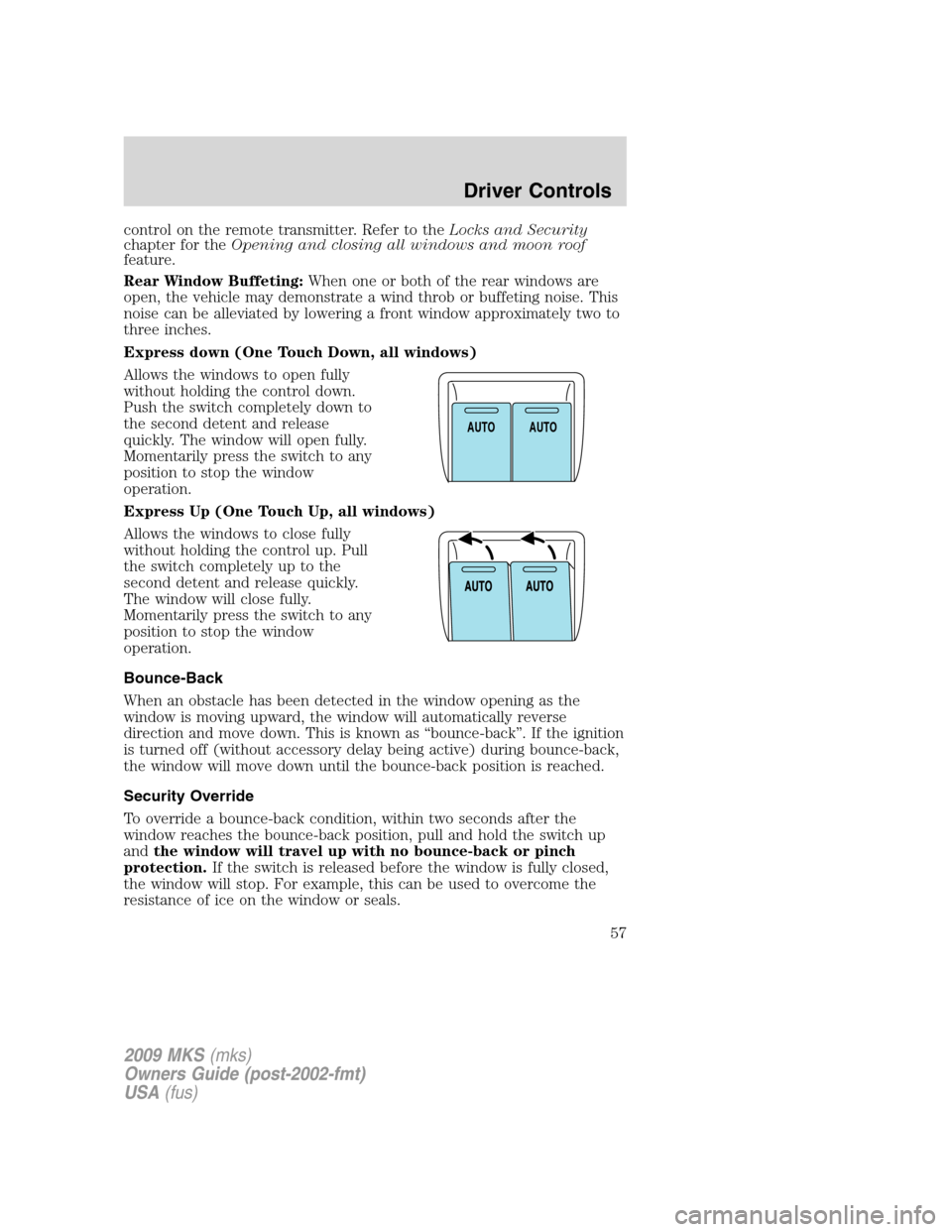
Express down (One Touch Down, all windows)
Allows the windows to open fully
without holding the control down.
Push the switch completely down to
the second detent and release
quickly. The window will open fully.
Momentarily press the switch to any
position to stop the window
operation.
Express Up (One Touch Up, all windows)
Allows the windows to close fully
without holding the control up. Pull
the switch completely up to the
second detent and release quickly.
The window will close fully.
Momentarily press the switch to any
position to stop the window
operation.
Bounce-Back
When an obstacle has been detected in the window opening as the
window is moving upward, the window will automatically reverse
direction and move down. This is known as “bounce-back”. If the ignition
is turned off (without accessory delay being active) during bounce-back,
the window will move down until the bounce-back position is reached.
Security Override
To override a bounce-back condition, within two seconds after the
window reaches the bounce-back position, pull and hold the switch up
andthe window will travel up with no bounce-back or pinch
protection.If the switch is released before the window is fully closed,
the window will stop. For example, this can be used to overcome the
resistance of ice on the window or seals.
AUTOAUTO
2009 MKS(mks)
Owners Guide (post-2002-fmt)
USA(fus)
Driver Controls
57
Page 58 of 323
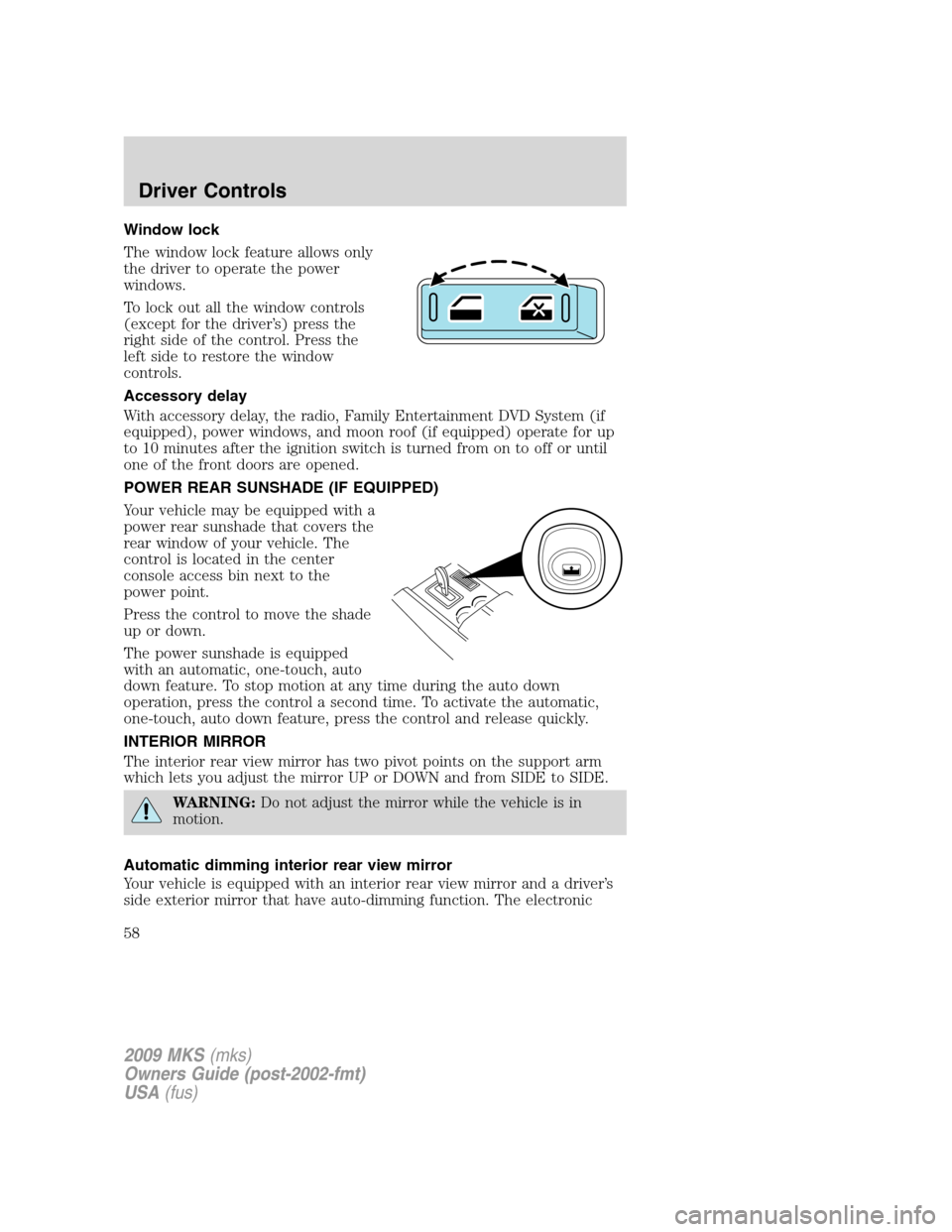
Window lock
The window lock feature allows only
the driver to operate the power
windows.
To lock out all the window controls
(except for the driver’s) press the
right side of the control. Press the
left side to restore the window
controls.
Accessory delay
With accessory delay, the radio, Family Entertainment DVD System (if
equipped), power windows, and moon roof (if equipped) operate for up
to 10 minutes after the ignition switch is turned from on to off or until
one of the front doors are opened.
POWER REAR SUNSHADE (IF EQUIPPED)
Your vehicle may be equipped with a
power rear sunshade that covers the
rear window of your vehicle. The
control is located in the center
console access bin next to the
power point.
Press the control to move the shade
up or down.
The power sunshade is equipped
with an automatic, one-touch, auto
down feature. To stop motion at any time during the auto down
operation, press the control a second time. To activate the automatic,
one-touch, auto down feature, press the control and release quickly.
INTERIOR MIRROR
The interior rear view mirror has two pivot points on the support arm
which lets you adjust the mirror UP or DOWN and from SIDE to SIDE.
WARNING:Do not adjust the mirror while the vehicle is in
motion.
Automatic dimming interior rear view mirror
Your vehicle is equipped with an interior rear view mirror and a driver’s
side exterior mirror that have auto-dimming function. The electronic
2009 MKS(mks)
Owners Guide (post-2002-fmt)
USA(fus)
Driver Controls
58
Page 63 of 323
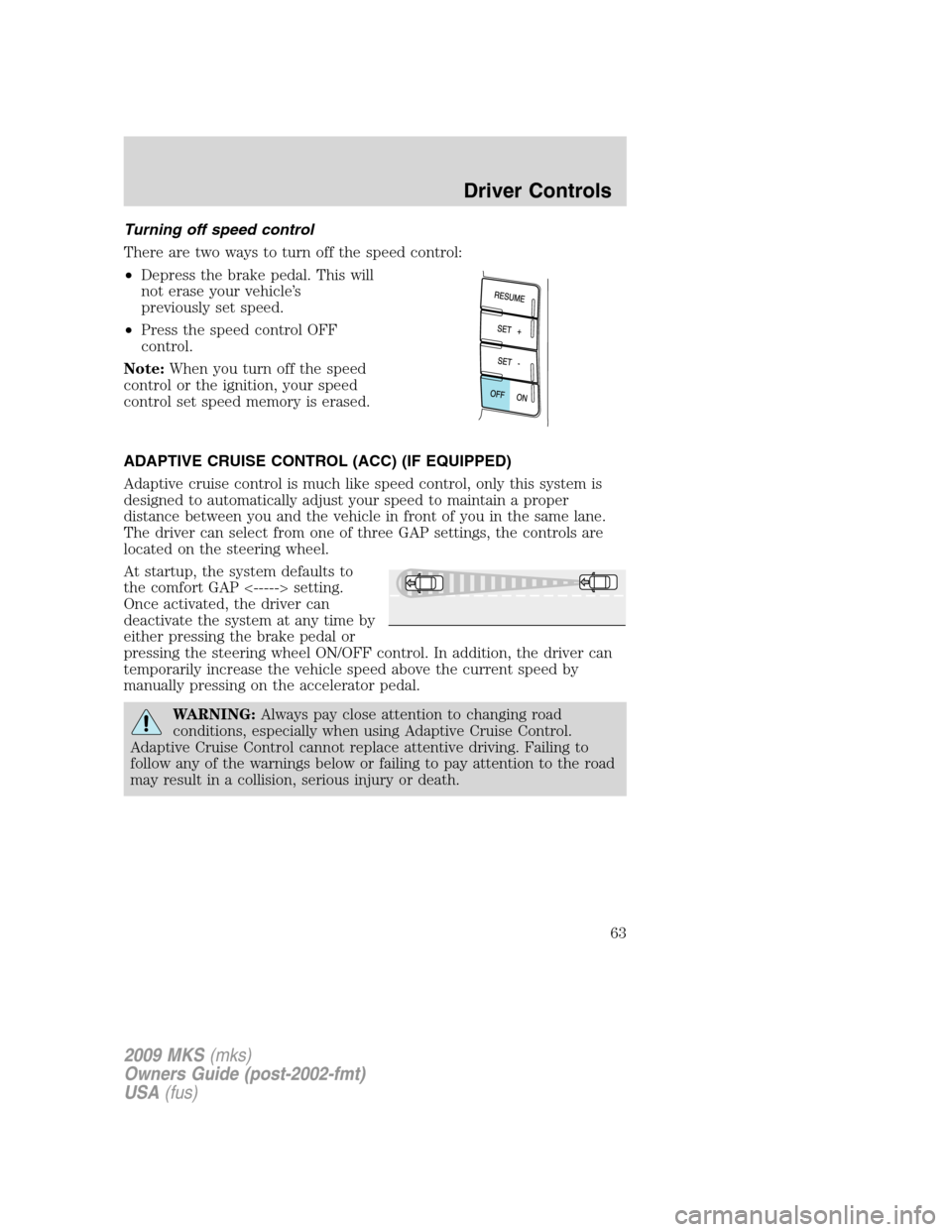
Turning off speed control
There are two ways to turn off the speed control:
•Depress the brake pedal. This will
not erase your vehicle’s
previously set speed.
•Press the speed control OFF
control.
Note:When you turn off the speed
control or the ignition, your speed
control set speed memory is erased.
ADAPTIVE CRUISE CONTROL (ACC) (IF EQUIPPED)
Adaptive cruise control is much like speed control, only this system is
designed to automatically adjust your speed to maintain a proper
distance between you and the vehicle in front of you in the same lane.
The driver can select from one of three GAP settings, the controls are
located on the steering wheel.
At startup, the system defaults to
the comfort GAP <-----> setting.
Once activated, the driver can
deactivate the system at any time by
either pressing the brake pedal or
pressing the steering wheel ON/OFF control. In addition, the driver can
temporarily increase the vehicle speed above the current speed by
manually pressing on the accelerator pedal.
WARNING:Always pay close attention to changing road
conditions, especially when using Adaptive Cruise Control.
Adaptive Cruise Control cannot replace attentive driving. Failing to
follow any of the warnings below or failing to pay attention to the road
may result in a collision, serious injury or death.
2009 MKS(mks)
Owners Guide (post-2002-fmt)
USA(fus)
Driver Controls
63
Page 66 of 323
Note:If the ACC system predicts that its maximum braking level will not
be sufficient, then an audible warning will sound while the ACC
continues to brake. This is accompanied by DRIVER INTERVENE
displayed in the message center. The driver should takeimmediate
action.
Note:The brakes may emit a sound when they are being modulated by
the adaptive cruise control system.
WARNING:Adaptive cruise control only warns of vehicles
detected by the radar sensor. In some cases there may be no
warning or the warning may be delayed. The driver should always
apply the brakes when necessary. Failing to do so may result in a
collision, serious injury or death.
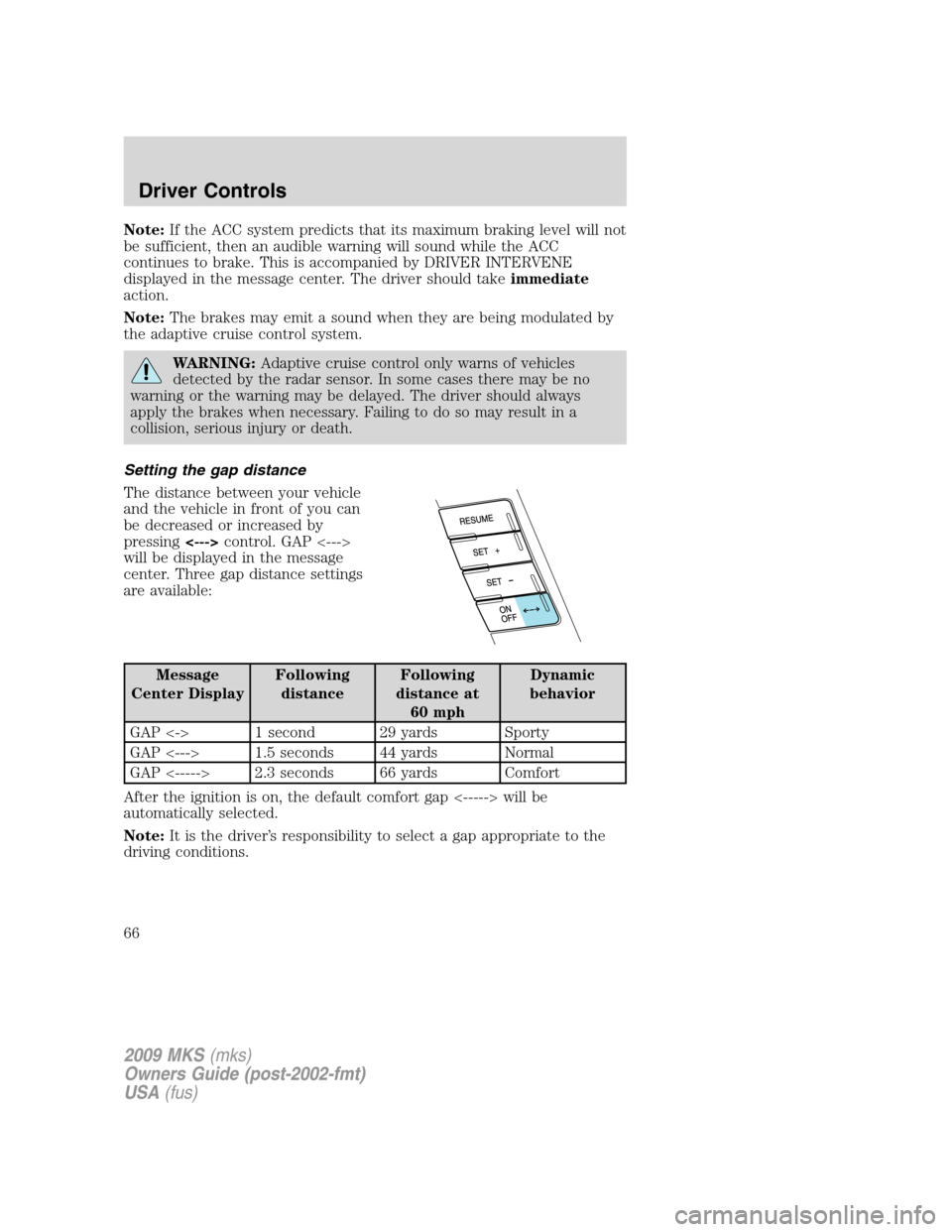
Setting the gap distance
The distance between your vehicle
and the vehicle in front of you can
be decreased or increased by
pressing<--->control. GAP <--->
will be displayed in the message
center. Three gap distance settings
are available:
Message
Center DisplayFollowing
distanceFollowing
distance at
60 mphDynamic
behavior
GAP <-> 1 second 29 yards Sporty
GAP <---> 1.5 seconds 44 yards Normal
GAP <-----> 2.3 seconds 66 yards Comfort
After the ignition is on, the default comfort gap <-----> will be
automatically selected.
Note:It is the driver’s responsibility to select a gap appropriate to the
driving conditions.
2009 MKS(mks)
Owners Guide (post-2002-fmt)
USA(fus)
Driver Controls
66
Page 69 of 323
Turning off cruise control
To turn off the cruise control:
•Press the OFF control.
Note:When you turn off the cruise
control or the ignition, your cruise
control set speed memory is erased.
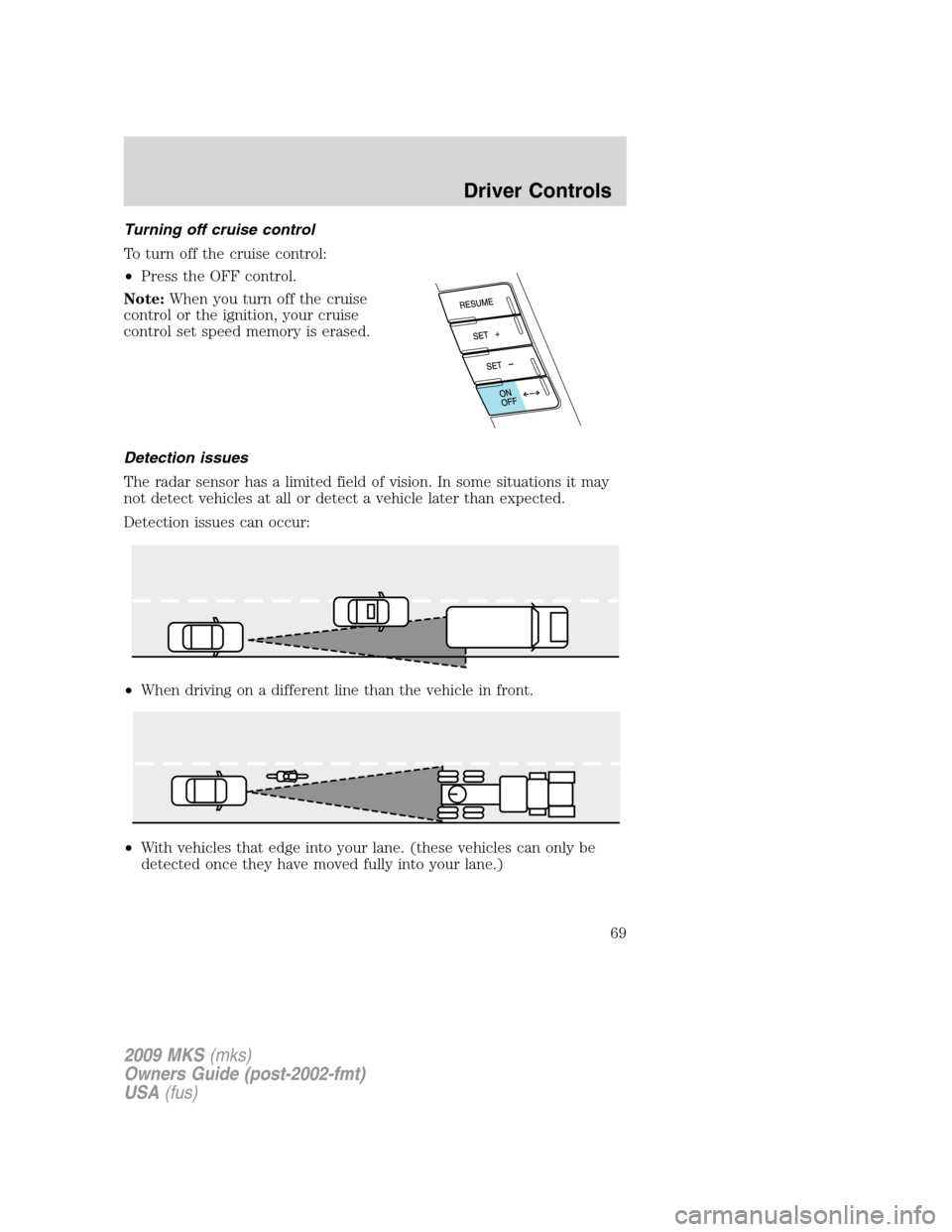
Detection issues
The radar sensor has a limited field of vision. In some situations it may
not detect vehicles at all or detect a vehicle later than expected.
Detection issues can occur:
•When driving on a different line than the vehicle in front.
•With vehicles that edge into your lane. (these vehicles can only be
detected once they have moved fully into your lane.)
2009 MKS(mks)
Owners Guide (post-2002-fmt)
USA(fus)
Driver Controls
69