power LINCOLN MKS 2009 Owner's Manual
[x] Cancel search | Manufacturer: LINCOLN, Model Year: 2009, Model line: MKS, Model: LINCOLN MKS 2009Pages: 323, PDF Size: 2.58 MB
Page 97 of 323
Power door lock switch autolock enable/disable procedure
Before starting, ensure the ignition is off and all vehicle doors are closed.
You must complete Steps 1–5 within 30 seconds or the procedure will
have to be repeated. If the procedure needs to be repeated, wait a
minimum of 30 seconds before beginning again.
1. Turn the ignition on.
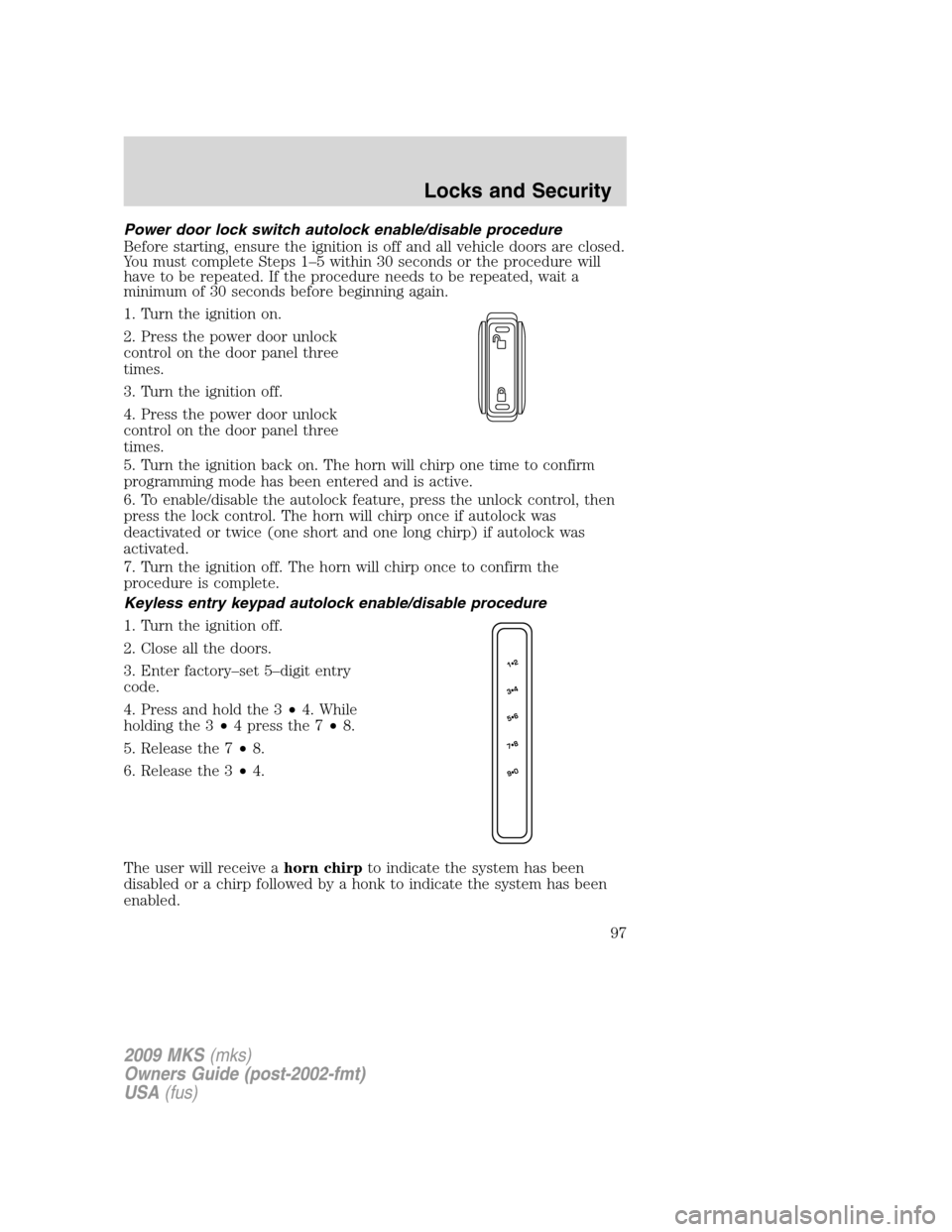
2. Press the power door unlock
control on the door panel three
times.
3. Turn the ignition off.
4. Press the power door unlock
control on the door panel three
times.
5. Turn the ignition back on. The horn will chirp one time to confirm
programming mode has been entered and is active.
6. To enable/disable the autolock feature, press the unlock control, then
press the lock control. The horn will chirp once if autolock was
deactivated or twice (one short and one long chirp) if autolock was
activated.
7. Turn the ignition off. The horn will chirp once to confirm the
procedure is complete.
Keyless entry keypad autolock enable/disable procedure
1. Turn the ignition off.
2. Close all the doors.
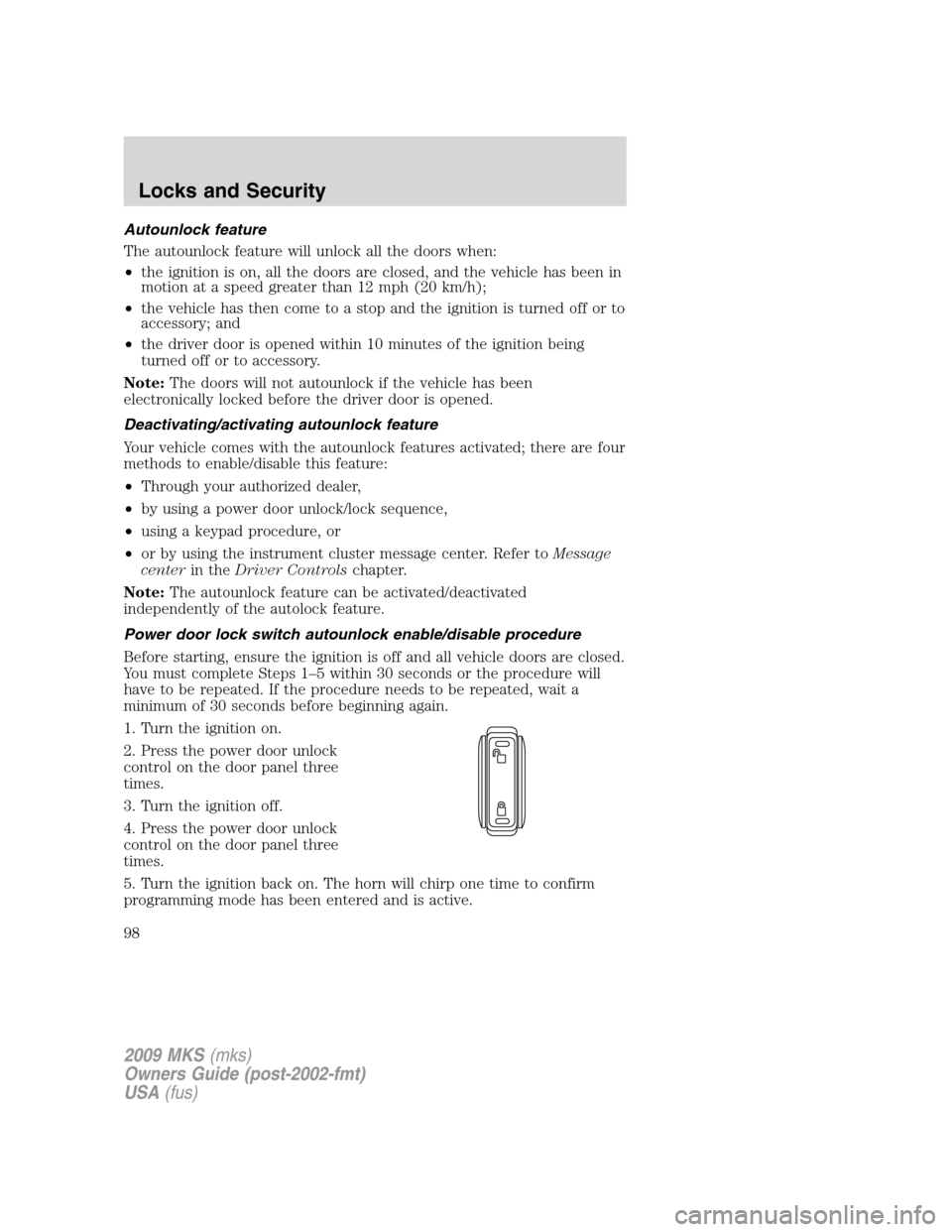
3. Enter factory–set 5–digit entry
code.
4. Press and hold the 3•4. While
holding the 3•4 press the 7•8.
5. Release the 7•8.
6. Release the 3•4.
The user will receive ahorn chirpto indicate the system has been
disabled or a chirp followed by a honk to indicate the system has been
enabled.
2009 MKS(mks)
Owners Guide (post-2002-fmt)
USA(fus)
Locks and Security
97
Page 98 of 323
Autounlock feature
The autounlock feature will unlock all the doors when:
•the ignition is on, all the doors are closed, and the vehicle has been in
motion at a speed greater than 12 mph (20 km/h);
•the vehicle has then come to a stop and the ignition is turned off or to
accessory; and
•the driver door is opened within 10 minutes of the ignition being
turned off or to accessory.
Note:The doors will not autounlock if the vehicle has been
electronically locked before the driver door is opened.
Deactivating/activating autounlock feature
Your vehicle comes with the autounlock features activated; there are four
methods to enable/disable this feature:
•Through your authorized dealer,
•by using a power door unlock/lock sequence,
•using a keypad procedure, or
•or by using the instrument cluster message center. Refer toMessage
centerin theDriver Controlschapter.
Note:The autounlock feature can be activated/deactivated
independently of the autolock feature.
Power door lock switch autounlock enable/disable procedure
Before starting, ensure the ignition is off and all vehicle doors are closed.
You must complete Steps 1–5 within 30 seconds or the procedure will
have to be repeated. If the procedure needs to be repeated, wait a
minimum of 30 seconds before beginning again.
1. Turn the ignition on.
2. Press the power door unlock
control on the door panel three
times.
3. Turn the ignition off.
4. Press the power door unlock
control on the door panel three
times.
5. Turn the ignition back on. The horn will chirp one time to confirm
programming mode has been entered and is active.
2009 MKS(mks)
Owners Guide (post-2002-fmt)
USA(fus)
Locks and Security
98
Page 106 of 323
Memory seats/power mirrors/steering column
The Integrated Keyhead Transmitter IKT or Intelligent Access Key allows
you to recall the memory seat/power mirrors/steering column feature.
Press
on the transmitter or activate the Intelligent Access feature to
automatically move the seat, mirrors and steering column to the desired
memory position.
Note:The seat will not travel to its final position if the key is not in the
ignition (if equipped) and the easy entry feature is enabled.
Activating the memory feature
To activate this feature:
1. Position the seat, mirrors, and steering column to the desired
positions.
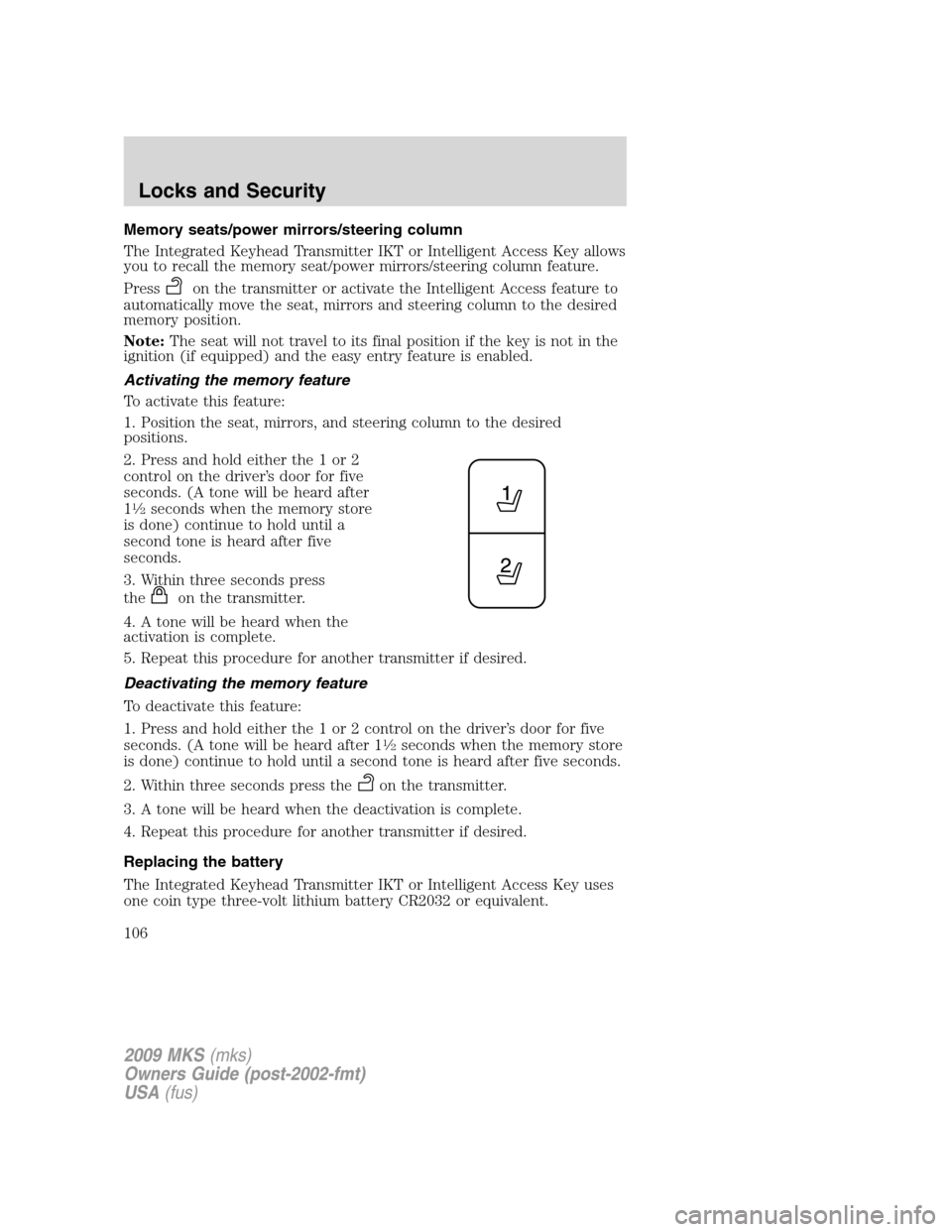
2. Press and hold either the 1 or 2
control on the driver’s door for five
seconds. (A tone will be heard after
1
12seconds when the memory store
is done) continue to hold until a
second tone is heard after five
seconds.
3. Within three seconds press
the
on the transmitter.
4. A tone will be heard when the
activation is complete.
5. Repeat this procedure for another transmitter if desired.
Deactivating the memory feature
To deactivate this feature:
1. Press and hold either the 1 or 2 control on the driver’s door for five
seconds. (A tone will be heard after 1
12seconds when the memory store
is done) continue to hold until a second tone is heard after five seconds.
2. Within three seconds press the
on the transmitter.
3. A tone will be heard when the deactivation is complete.
4. Repeat this procedure for another transmitter if desired.
Replacing the battery
The Integrated Keyhead Transmitter IKT or Intelligent Access Key uses
one coin type three-volt lithium battery CR2032 or equivalent.
2009 MKS(mks)
Owners Guide (post-2002-fmt)
USA(fus)
Locks and Security
106
Page 109 of 323
•thecontrol on the transmitter is pressed, or
•the vehicle is locked using the keyless entry keypad, or
•the vehicle is locked using the key in the driver door cylinder, or
•after 25 seconds of illumination.
The inside lights will not turn off if:
•they have been turned on with the dimmer control, or
•any door is open.
Perimeter lamps illuminated entry
With the remote entry system, the following items will illuminate when
the
control on the transmitter is pressed:
•Headlamps
•Park lamps
•Tail lamps
The lamps will automatically turn off:
•if the ignition switch is turned on, or
•the
control on the transmitter is pressed, or
•the vehicle is locked using the keyless entry keypad, or
•the vehicle is locked using the key in the driver door cylinder, or
•after 25 seconds of illumination.
Note:On some vehicles, the perimeter lamps illuminated entry feature
will not activate in daylight conditions.
Deactivating/activating perimeter lamps illuminated entry
You may enable/disable this feature by having your vehicle serviced by
your authorized dealer.
You may also perform the following power door lock sequence to
enable/disable the perimeter lamps feature.Note:Before starting, ensure
the ignition is off and all vehicle doors are closed. You must complete
Steps 1–5 within 30 seconds or the procedure will have to be repeated. If
the procedure needs to be repeated, wait a minimum of 30 seconds
before beginning again.
2009 MKS(mks)
Owners Guide (post-2002-fmt)
USA(fus)
Locks and Security
109
Page 110 of 323
1. Turn the ignition on.
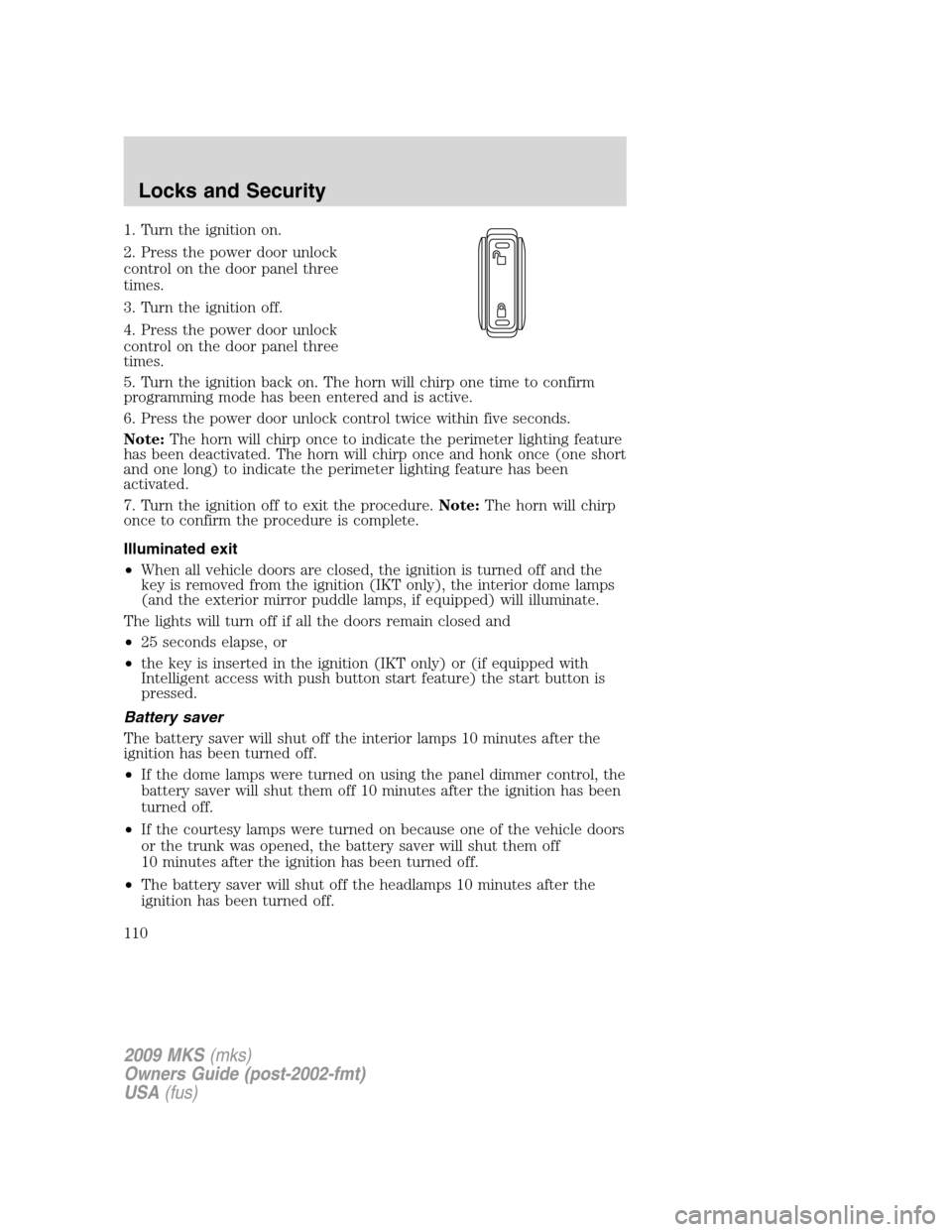
2. Press the power door unlock
control on the door panel three
times.
3. Turn the ignition off.
4. Press the power door unlock
control on the door panel three
times.
5. Turn the ignition back on. The horn will chirp one time to confirm
programming mode has been entered and is active.
6. Press the power door unlock control twice within five seconds.
Note:The horn will chirp once to indicate the perimeter lighting feature
has been deactivated. The horn will chirp once and honk once (one short
and one long) to indicate the perimeter lighting feature has been
activated.
7. Turn the ignition off to exit the procedure.Note:The horn will chirp
once to confirm the procedure is complete.
Illuminated exit
•When all vehicle doors are closed, the ignition is turned off and the
key is removed from the ignition (IKT only), the interior dome lamps
(and the exterior mirror puddle lamps, if equipped) will illuminate.
The lights will turn off if all the doors remain closed and
•25 seconds elapse, or
•the key is inserted in the ignition (IKT only) or (if equipped with
Intelligent access with push button start feature) the start button is
pressed.
Battery saver
The battery saver will shut off the interior lamps 10 minutes after the
ignition has been turned off.
•If the dome lamps were turned on using the panel dimmer control, the
battery saver will shut them off 10 minutes after the ignition has been
turned off.
•If the courtesy lamps were turned on because one of the vehicle doors
or the trunk was opened, the battery saver will shut them off
10 minutes after the ignition has been turned off.
•The battery saver will shut off the headlamps 10 minutes after the
ignition has been turned off.
2009 MKS(mks)
Owners Guide (post-2002-fmt)
USA(fus)
Locks and Security
110
Page 111 of 323
SECURICODE™ KEYLESS ENTRY SYSTEM
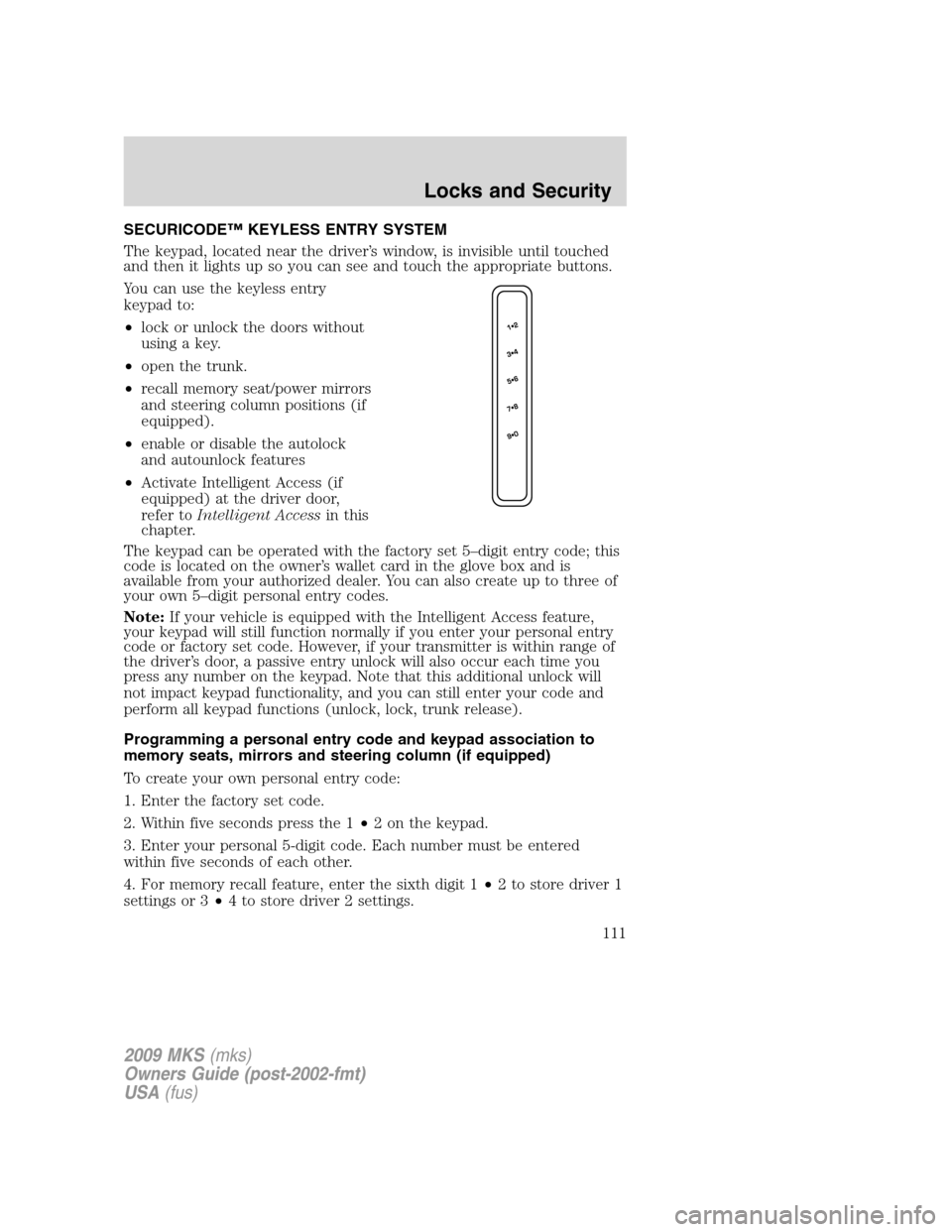
The keypad, located near the driver’s window, is invisible until touched
and then it lights up so you can see and touch the appropriate buttons.
You can use the keyless entry
keypad to:
•lock or unlock the doors without
using a key.
•open the trunk.
•recall memory seat/power mirrors
and steering column positions (if
equipped).
•enable or disable the autolock
and autounlock features
•Activate Intelligent Access (if
equipped) at the driver door,
refer toIntelligent Accessin this
chapter.
The keypad can be operated with the factory set 5–digit entry code; this
code is located on the owner’s wallet card in the glove box and is
available from your authorized dealer. You can also create up to three of
your own 5–digit personal entry codes.
Note:If your vehicle is equipped with the Intelligent Access feature,
your keypad will still function normally if you enter your personal entry
code or factory set code. However, if your transmitter is within range of
the driver’s door, a passive entry unlock will also occur each time you
press any number on the keypad. Note that this additional unlock will
not impact keypad functionality, and you can still enter your code and
perform all keypad functions (unlock, lock, trunk release).
Programming a personal entry code and keypad association to
memory seats, mirrors and steering column (if equipped)
To create your own personal entry code:
1. Enter the factory set code.
2. Within five seconds press the 1•2 on the keypad.
3. Enter your personal 5-digit code. Each number must be entered
within five seconds of each other.
4. For memory recall feature, enter the sixth digit 1•2 to store driver 1
settings or 3•4 to store driver 2 settings.
2009 MKS(mks)
Owners Guide (post-2002-fmt)
USA(fus)
Locks and Security
111
Page 117 of 323
exactly as described below, and perform all steps within 30 seconds of
starting the sequence. If any steps are performed out of sequence, stop
and wait for at least one minute before starting again.
Please read and understand the entire procedure before you begin.
1. Place the new unprogrammed Intelligent Access Key in the pocket
inside the glove box.
2. Press the driver or passenger power door unlock control three times.
3. Press and release the brake pedal one time.
4. Press the driver or passenger power door lock control three times.
5. Press and release the brake pedal one time. The indicator on the
Start/Stop button should begin to rapidly flash, indicating that
programming mode has been entered and two programmed Intelligent
Access Keys have been detected in the vehicle.
6. Within one minute, press the start/stop button. A message will be
displayed on the message center indicating that the new Intelligent
Access Key was programmed. If four Intelligent Access Keys have
already been programmed to your vehicle, you cannot program anymore
and the message MAX # OF FOBS LEARNED will be displayed on the
message center.
7. Remove from glove box pocket and press the
orcontrol on the
newly programmed Intelligent Access Keys to exit programming mode.
8. Verify that the remote entry functions operate (lock, unlock) and that
the vehicle starts with new Intelligent Access Key.
If the Intelligent Access Key has been successfully programmed, it can
be used to activate the Intelligent Access with Push Button Start feature
and can be used to start your vehicle.
PERIMETER ALARM SYSTEM
The perimeter anti-theft system will help protect your vehicle from
unauthorized entry.
If there is any potential perimeter anti-theft problem with your vehicle,
ensureALL Integrated Keyhead Transmitters or Intelligent Access
Keysare brought to the authorized dealer to aid in troubleshooting.
Arming the system
When armed, this system will respond if unauthorized entry is
attempted. When unauthorized entry occurs, the system will flash the
turn signal lamps and will sound the horn.
2009 MKS(mks)
Owners Guide (post-2002-fmt)
USA(fus)
Locks and Security
117
Page 118 of 323
The system is ready to arm whenever the ignition is off. Any of the
following actions will prearm the alarm system:
•Press the
control on the transmitter.
When you press the lock control twice within three seconds on your
transmitter, the horn will chirp once to let you know that all doors, the
hood and the trunk are closed. If any of these are not closed, the horn
will chirp twice to warn you that a door, the hood or the trunk is still
open.
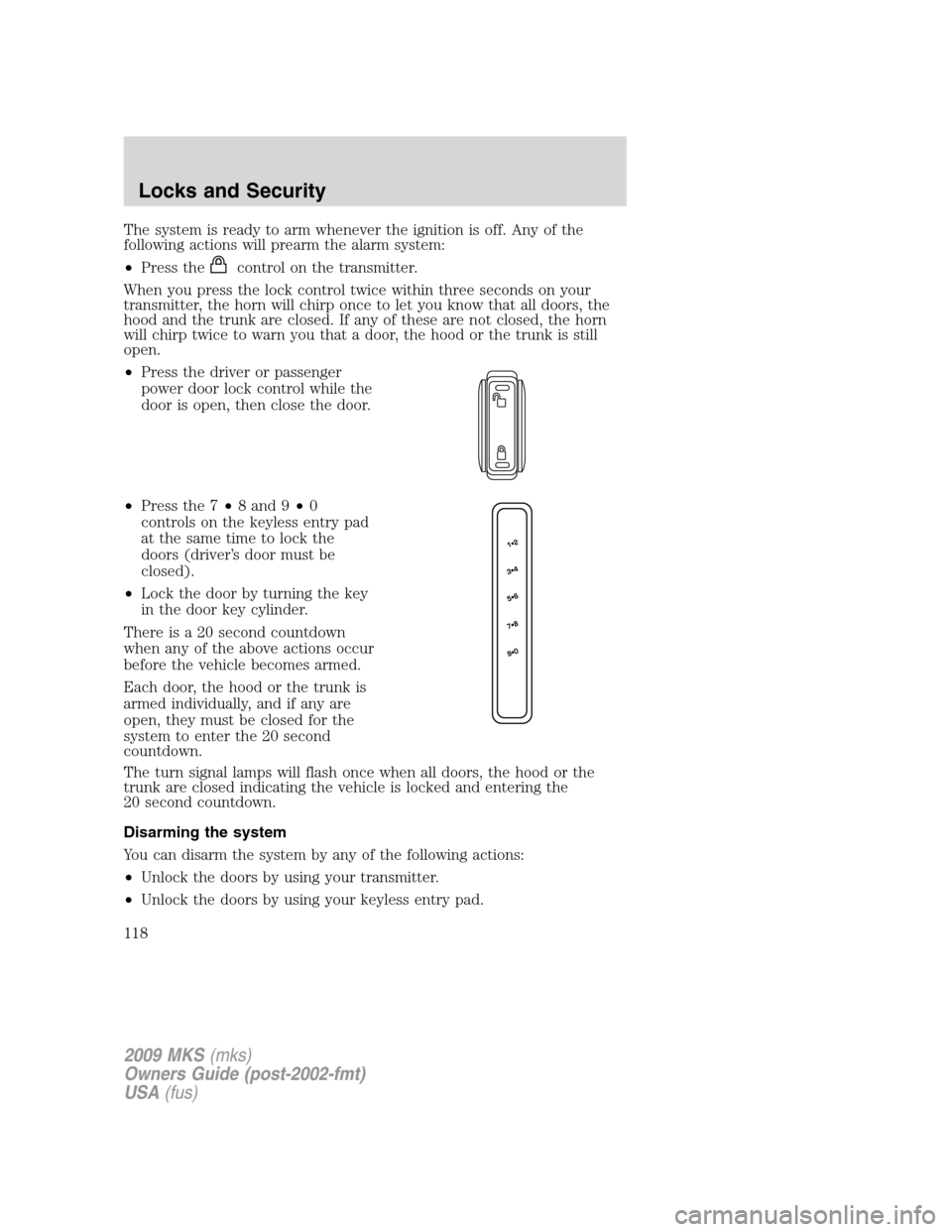
•Press the driver or passenger
power door lock control while the
door is open, then close the door.
•Press the 7•8 and 9•0
controls on the keyless entry pad
at the same time to lock the
doors (driver’s door must be
closed).
•Lock the door by turning the key
in the door key cylinder.
There is a 20 second countdown
when any of the above actions occur
before the vehicle becomes armed.
Each door, the hood or the trunk is
armed individually, and if any are
open, they must be closed for the
system to enter the 20 second
countdown.
The turn signal lamps will flash once when all doors, the hood or the
trunk are closed indicating the vehicle is locked and entering the
20 second countdown.
Disarming the system
You can disarm the system by any of the following actions:
•Unlock the doors by using your transmitter.
•Unlock the doors by using your keyless entry pad.
2009 MKS(mks)
Owners Guide (post-2002-fmt)
USA(fus)
Locks and Security
118
Page 119 of 323
•Unlock the driver door or all doors using the Intelligent Access (if
equipped).
•Unlock the driver’s door with a key. Turn the key toward the rear of
the vehicle to make sure the alarm disarms.
•Turn ignition on.
•Press the
control on the transmitter. This will only shut off the
horn and parking lamps when the alarm is sounding. The alarm system
will still be armed.
Pressing the power door unlock control within the 20 second prearmed
mode will return the vehicle to a disarmed state.
Triggering the anti-theft system
The armed system will be triggered if:
•Any door, the hood or the trunk is opened without using the door key,
keypad, Integrated Keyhead Transmitter or Intelligent Access Key.
•Turn the ignition on with an invalid SecuriLock™ key or IKT (if
equipped).
2009 MKS(mks)
Owners Guide (post-2002-fmt)
USA(fus)
Locks and Security
119
Page 123 of 323
WARNING:To minimize the risk of neck injury in the event of a
crash, head restraints must be installed properly.
Adjusting the front power seat
WARNING:Never adjust the driver’s seat or seatback when the
vehicle is moving.
WARNING:Do not pile cargo higher than the seatbacks to
reduce the risk of injury in a collision or sudden stop.
WARNING:Always drive and ride with your seatback upright
and the lap belt snug and low across the hips.
WARNING:Reclining the seatback can cause an occupant to
slide under the seat’s safety belt, resulting in severe personal
injuries in the event of a collision.
WARNING:Sitting improperly out of position or with the seat
back reclined too far can take off weight from the seat cushion
and affect the decision of the passenger sensing system, resulting in
serious injury or death in a crash. Always sit upright against your
seatback, with your feet on the floor.
WARNING:To reduce the risk of possible serious injury: Do not
hang objects off seat back or stow objects in map pocket (if
equipped) when a child is in the front passenger seat. Do not place
objects underneath the front passenger seat or between the seat and
the center console (if equipped). Check the “passenger airbag off” or
“pass airbag off” indicator lamp for proper airbag status. Refer toFront
passenger sensing systemsection for additional details. Failure to
follow these instructions may interfere with the front passenger seat
sensing system.
The control is located on the outboard side of the seat cushion.
2009 MKS(mks)
Owners Guide (post-2002-fmt)
USA(fus)
Seating and Safety Restraints
123