ignition LINCOLN MKS 2010 User Guide
[x] Cancel search | Manufacturer: LINCOLN, Model Year: 2010, Model line: MKS, Model: LINCOLN MKS 2010Pages: 358, PDF Size: 2.37 MB
Page 32 of 358
Setting the clock
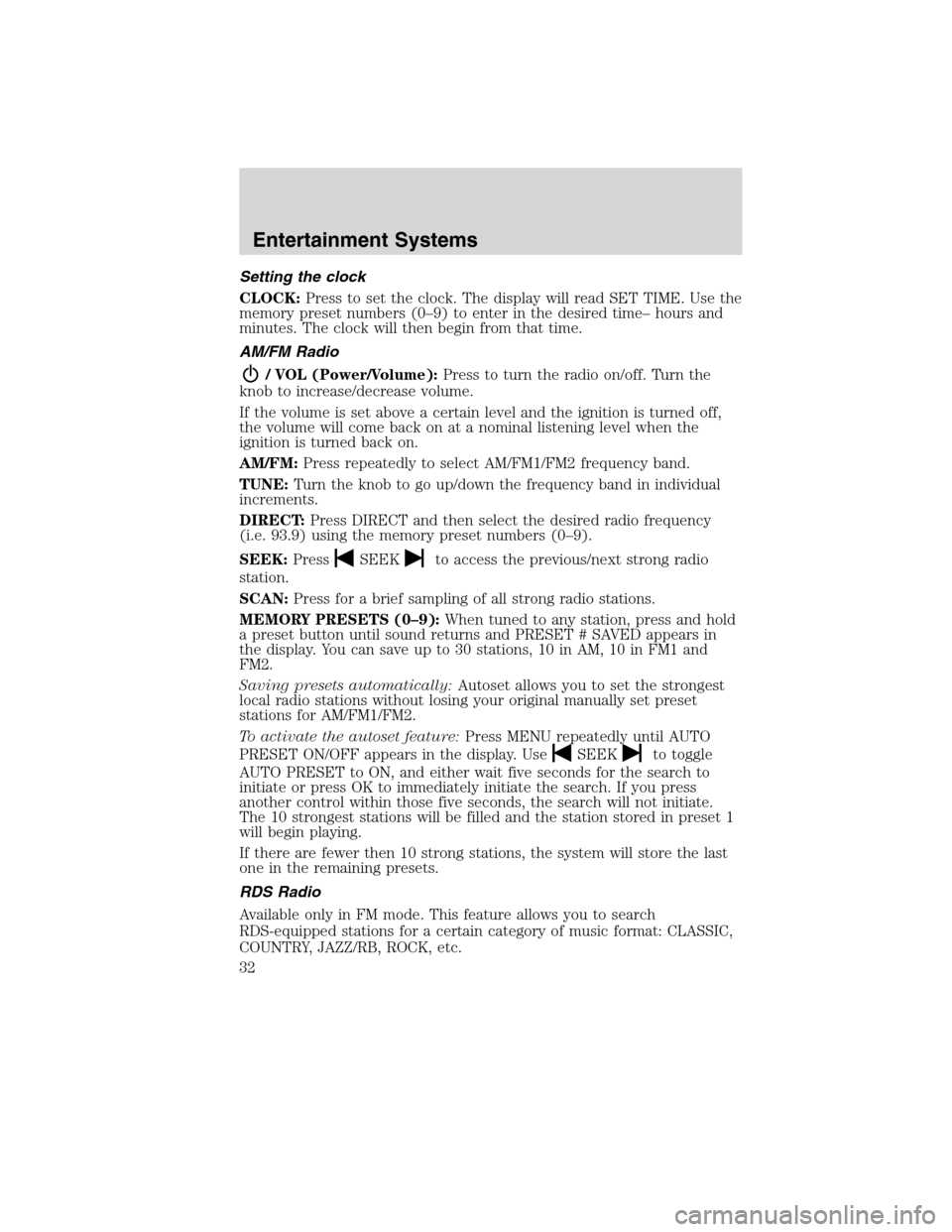
CLOCK:Press to set the clock. The display will read SET TIME. Use the
memory preset numbers (0–9) to enter in the desired time– hours and
minutes. The clock will then begin from that time.
AM/FM Radio
/ VOL (Power/Volume):Press to turn the radio on/off. Turn the
knob to increase/decrease volume.
If the volume is set above a certain level and the ignition is turned off,
the volume will come back on at a nominal listening level when the
ignition is turned back on.
AM/FM:Press repeatedly to select AM/FM1/FM2 frequency band.
TUNE:Turn the knob to go up/down the frequency band in individual
increments.
DIRECT:Press DIRECT and then select the desired radio frequency
(i.e. 93.9) using the memory preset numbers (0–9).
SEEK:Press
SEEKto access the previous/next strong radio
station.
SCAN:Press for a brief sampling of all strong radio stations.
MEMORY PRESETS (0–9):When tuned to any station, press and hold
a preset button until sound returns and PRESET # SAVED appears in
the display. You can save up to 30 stations, 10 in AM, 10 in FM1 and
FM2.
Saving presets automatically:Autoset allows you to set the strongest
local radio stations without losing your original manually set preset
stations for AM/FM1/FM2.
To activate the autoset feature:Press MENU repeatedly until AUTO
PRESET ON/OFF appears in the display. Use
SEEKto toggle
AUTO PRESET to ON, and either wait five seconds for the search to
initiate or press OK to immediately initiate the search. If you press
another control within those five seconds, the search will not initiate.
The 10 strongest stations will be filled and the station stored in preset 1
will begin playing.
If there are fewer then 10 strong stations, the system will store the last
one in the remaining presets.
RDS Radio
Available only in FM mode. This feature allows you to search
RDS-equipped stations for a certain category of music format: CLASSIC,
COUNTRY, JAZZ/RB, ROCK, etc.
Entertainment Systems
32
2010 MKS(mks)
Owners Guide(own2002), 1st Printing
USA(fus)
Page 46 of 358
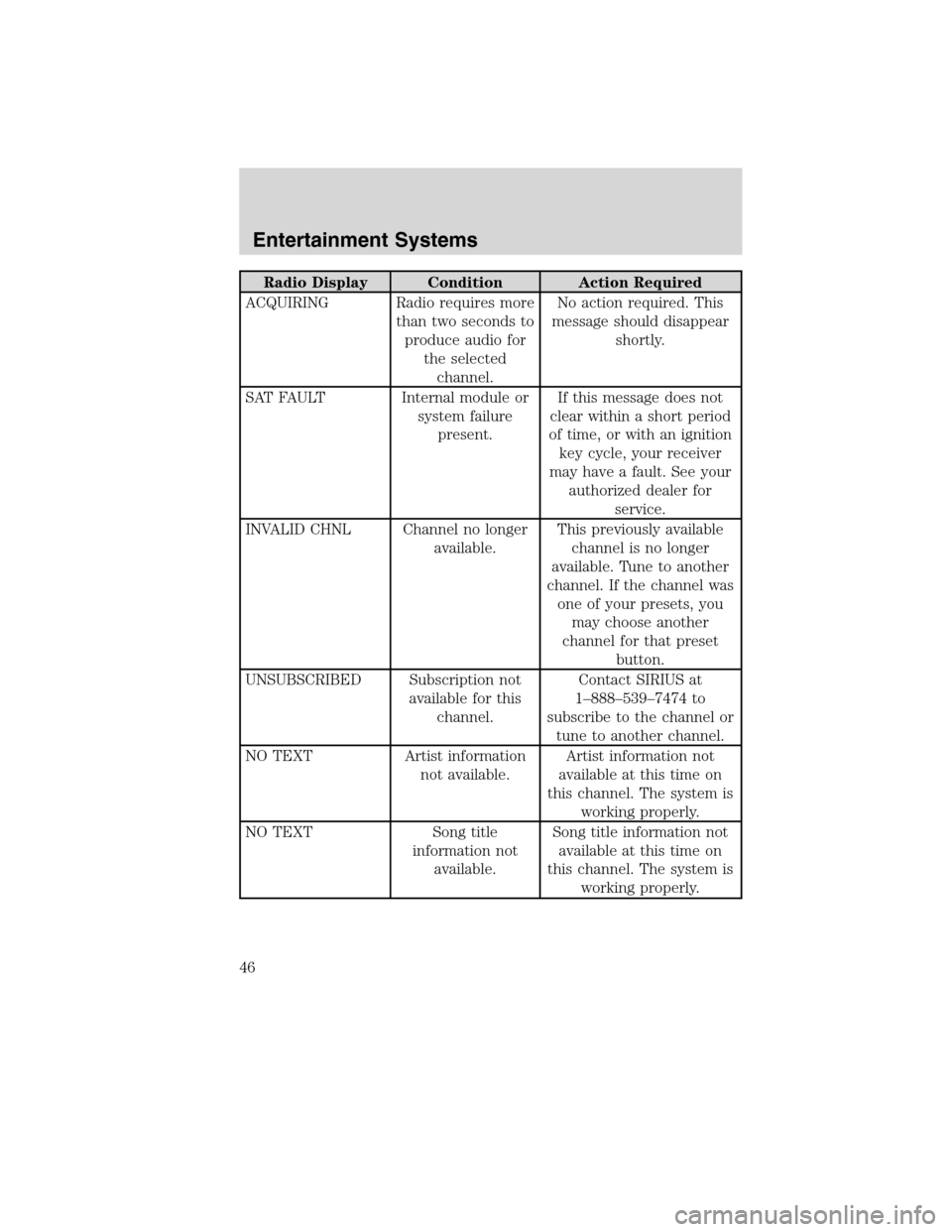
Radio Display Condition Action Required
ACQUIRING Radio requires more
than two seconds to
produce audio for
the selected
channel.No action required. This
message should disappear
shortly.
SAT FAULT Internal module or
system failure
present.If this message does not
clear within a short period
of time, or with an ignition
key cycle, your receiver
may have a fault. See your
authorized dealer for
service.
INVALID CHNL Channel no longer
available.This previously available
channel is no longer
available. Tune to another
channel. If the channel was
one of your presets, you
may choose another
channel for that preset
button.
UNSUBSCRIBED Subscription not
available for this
channel.Contact SIRIUS at
1–888–539–7474 to
subscribe to the channel or
tune to another channel.
NO TEXT Artist information
not available.Artist information not
available at this time on
this channel. The system is
working properly.
NO TEXT Song title
information not
available.Song title information not
available at this time on
this channel. The system is
working properly.
Entertainment Systems
46
2010 MKS(mks)
Owners Guide(own2002), 1st Printing
USA(fus)
Page 49 of 358
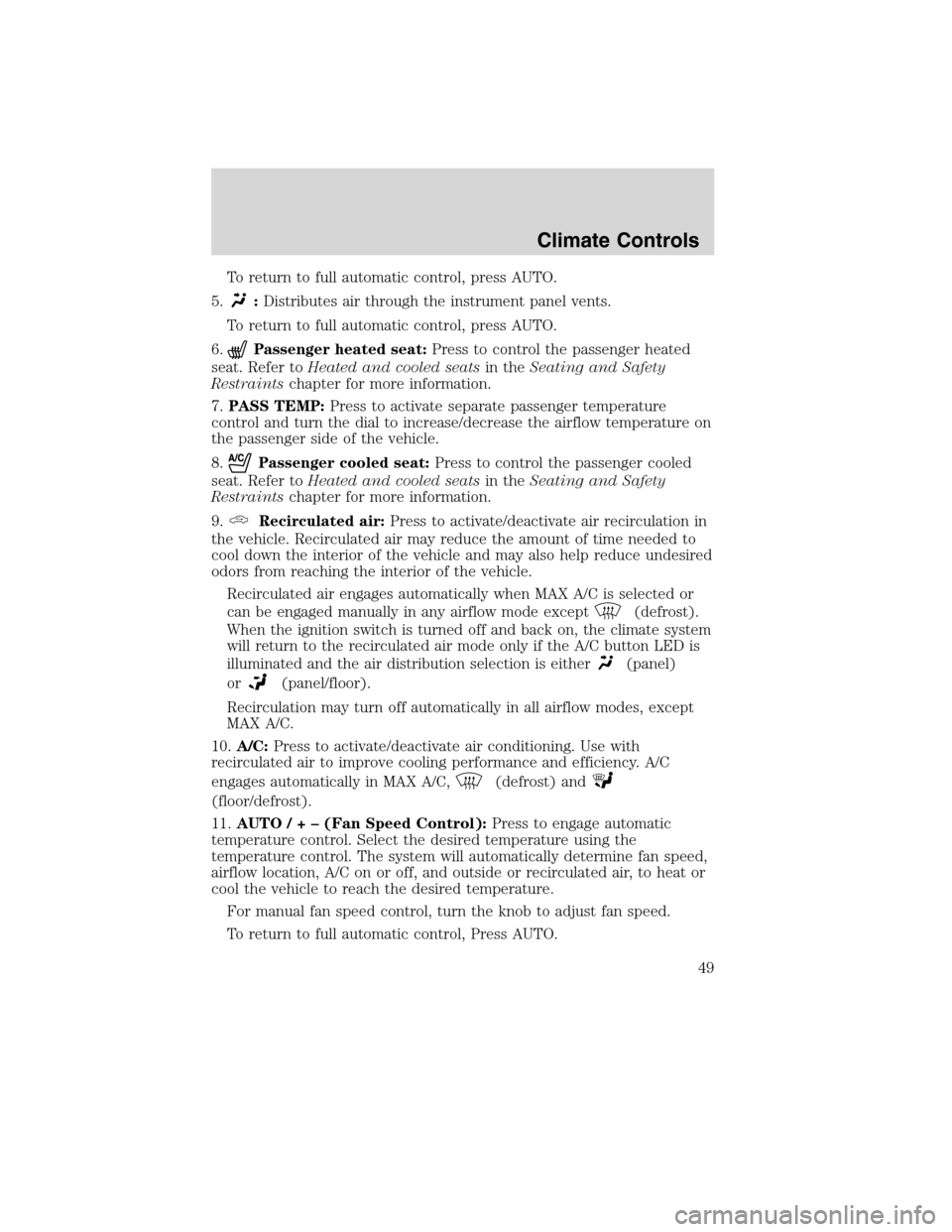
To return to full automatic control, press AUTO.
5.
:Distributes air through the instrument panel vents.
To return to full automatic control, press AUTO.
6.
Passenger heated seat:Press to control the passenger heated
seat. Refer toHeated and cooled seatsin theSeating and Safety
Restraintschapter for more information.
7.PASS TEMP:Press to activate separate passenger temperature
control and turn the dial to increase/decrease the airflow temperature on
the passenger side of the vehicle.
8.
Passenger cooled seat:Press to control the passenger cooled
seat. Refer toHeated and cooled seatsin theSeating and Safety
Restraintschapter for more information.
9.
Recirculated air:Press to activate/deactivate air recirculation in
the vehicle. Recirculated air may reduce the amount of time needed to
cool down the interior of the vehicle and may also help reduce undesired
odors from reaching the interior of the vehicle.
Recirculated air engages automatically when MAX A/C is selected or
can be engaged manually in any airflow mode except
(defrost).
When the ignition switch is turned off and back on, the climate system
will return to the recirculated air mode only if the A/C button LED is
illuminated and the air distribution selection is either
(panel)
or
(panel/floor).
Recirculation may turn off automatically in all airflow modes, except
MAX A/C.
10.A/C:Press to activate/deactivate air conditioning. Use with
recirculated air to improve cooling performance and efficiency. A/C
engages automatically in MAX A/C,
(defrost) and
(floor/defrost).
11.AUTO/ + – (Fan Speed Control):Press to engage automatic
temperature control. Select the desired temperature using the
temperature control. The system will automatically determine fan speed,
airflow location, A/C on or off, and outside or recirculated air, to heat or
cool the vehicle to reach the desired temperature.
For manual fan speed control, turn the knob to adjust fan speed.
To return to full automatic control, Press AUTO.
Climate Controls
49
2010 MKS(mks)
Owners Guide(own2002), 1st Printing
USA(fus)
Page 55 of 358
REAR WINDOW DEFROSTERR
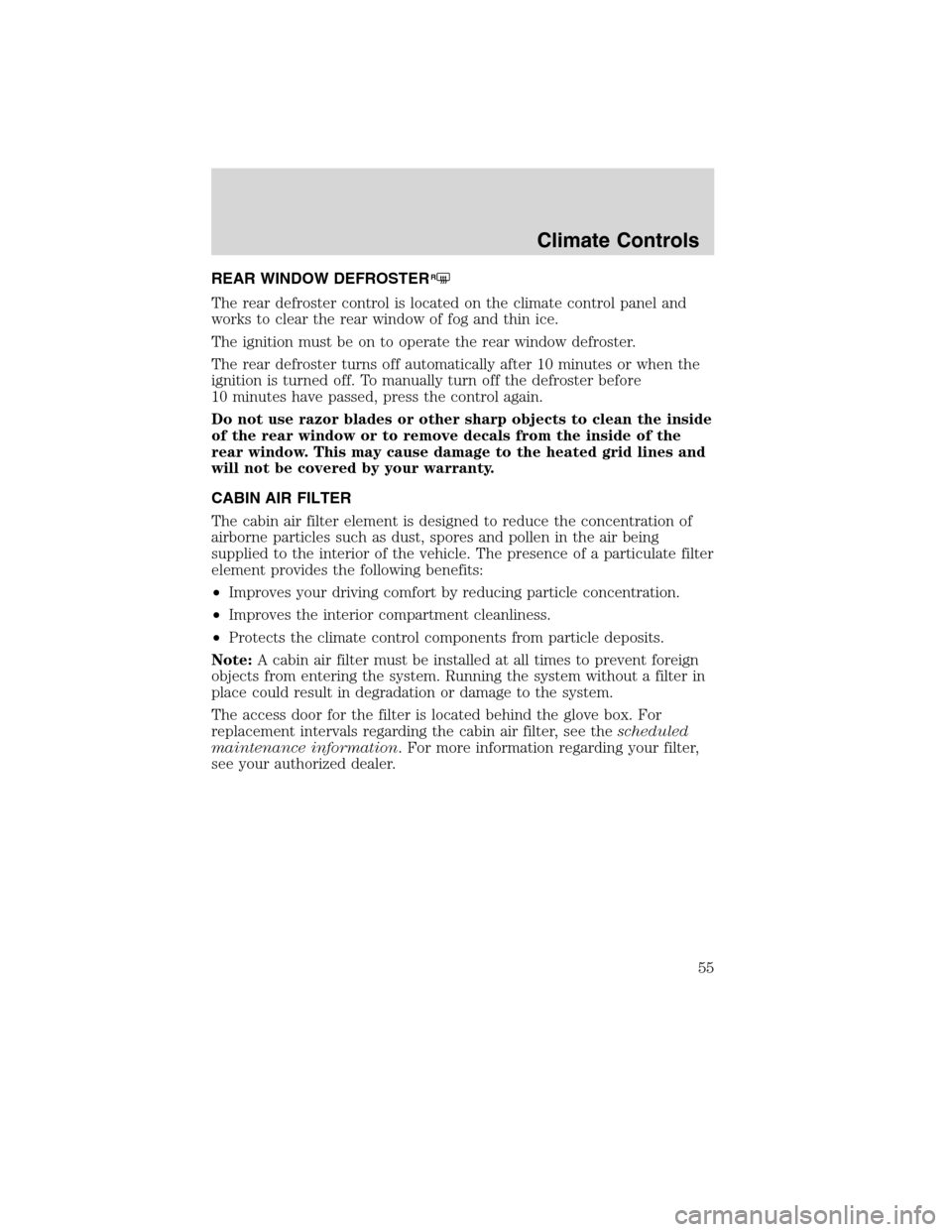
The rear defroster control is located on the climate control panel and
works to clear the rear window of fog and thin ice.
The ignition must be on to operate the rear window defroster.
The rear defroster turns off automatically after 10 minutes or when the
ignition is turned off. To manually turn off the defroster before
10 minutes have passed, press the control again.
Do not use razor blades or other sharp objects to clean the inside
of the rear window or to remove decals from the inside of the
rear window. This may cause damage to the heated grid lines and
will not be covered by your warranty.
CABIN AIR FILTER
The cabin air filter element is designed to reduce the concentration of
airborne particles such as dust, spores and pollen in the air being
supplied to the interior of the vehicle. The presence of a particulate filter
element provides the following benefits:
•Improves your driving comfort by reducing particle concentration.
•Improves the interior compartment cleanliness.
•Protects the climate control components from particle deposits.
Note:A cabin air filter must be installed at all times to prevent foreign
objects from entering the system. Running the system without a filter in
place could result in degradation or damage to the system.
The access door for the filter is located behind the glove box. For
replacement intervals regarding the cabin air filter, see thescheduled
maintenance information. For more information regarding your filter,
see your authorized dealer.
Climate Controls
55
2010 MKS(mks)
Owners Guide(own2002), 1st Printing
USA(fus)
Page 57 of 358
The autolamp system also keeps the lights on for a predetermined
amount of time after the ignition is turned off. You can change the
amount of time the lamps stay on by using the programming procedure
that follows:
Note:With autolamps, your vehicle has a headlamps on with windshield
wipers feature. If the windshield wipers are turned on (for a brief period
of time), the exterior lamps will turn on with the headlamp control in the
autolamp position.
Autolamps - Programmable exit delay
Programmable exit delay allows the length of the autolamp exit delay to
be changed.
To program the auto lamp exit time delay:
1. Start with the ignition off and the headlamp control in the autolamp
position.
2. Turn the headlamp switch to off.
3. Turn the ignition on and then off.
4. Turn the headlamp switch to the autolamp position. The headlamps
will turn on.
5. Wait the desired amount of time for the exit delay you want (up to
three minutes), then turn the headlamps off.
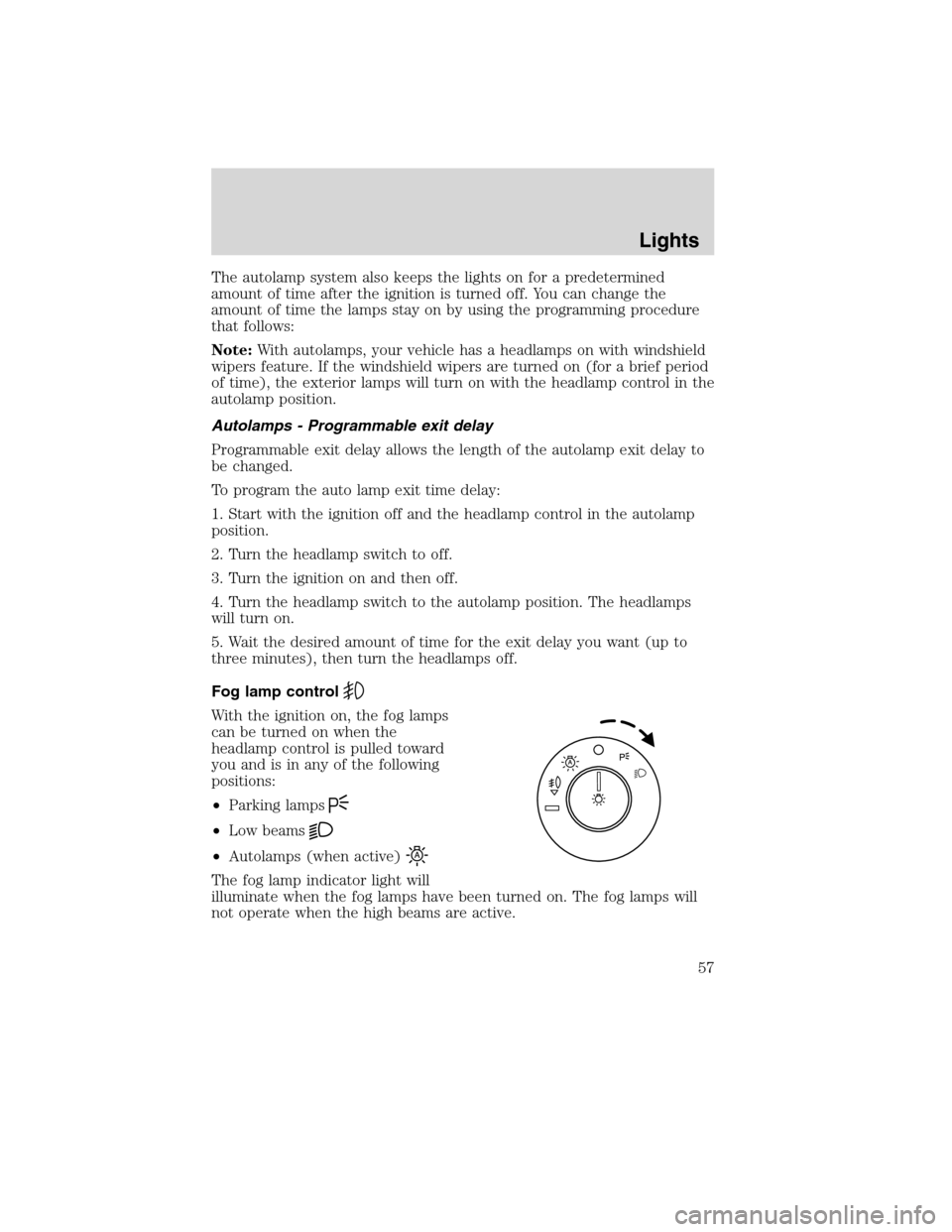
Fog lamp control
With the ignition on, the fog lamps
can be turned on when the
headlamp control is pulled toward
you and is in any of the following
positions:
•Parking lamps
•Low beams
•Autolamps (when active)
The fog lamp indicator light will
illuminate when the fog lamps have been turned on. The fog lamps will
not operate when the high beams are active.
Lights
57
2010 MKS(mks)
Owners Guide(own2002), 1st Printing
USA(fus)
Page 60 of 358
Note:Activating the multi-function lever will put the headlamps in
manual high beam mode (constant or flash-to-pass) until the lever is
returned to the neutral position. To manually override the auto high
beam and go to low beam, the headlamp control must be taken out of
the
(autolamp) position. For severe fog on freeways, or severe fog
in low traffic situations, use of fog lamps is recommended.
Setting auto high beam sensitivity
The automatic high beam system has two sensitivity settings. The default
setting is near. If you would like the high beams to turn off when traffic
is further away, the sensitivity setting can be changed to far. The
procedure is as follows:
Preconditions:
•Vehicle is at a stop.
•Ignition is in the on position.
•The headlamp control is in the
position.
•High-beams are off.
Programming Sequence:
1. Turn the headlamp control from
(on) to(autolamp) three
times within two seconds, ending in
(on).
2. Cycle flash-to-pass three times using the multi-function lever.
3. The high beams will flash momentarily to confirm that the sensitivity
setting has been changed.
Note: The programming sequence will end if either of the following
occur:
•The vehicle speed is not zero.
•The battery voltage is out of normal range.
Troubleshooting
If the automatic high beam camera becomes blocked, the high beams will
not come on automatically. They will only activate when they are
manually turned on with the multi-function lever.
Typical road dust, dirt and water spots will not affect the automatic high
beam system’s performance.
For significant blockages (e.g. bird dropping, bug splatter, snow, or ice),
the automatic high beam system uses a blocked sensor computer
program. If it detects a blockage, it will be monitored for two minutes. If
no changes are observed, the system will go into low beam mode until
the blockage is cleared.
Lights
60
2010 MKS(mks)
Owners Guide(own2002), 1st Printing
USA(fus)
Page 61 of 358
If it appears that automatic control of the high beams is not functioning,
check the windshield in front of the camera for blockage.
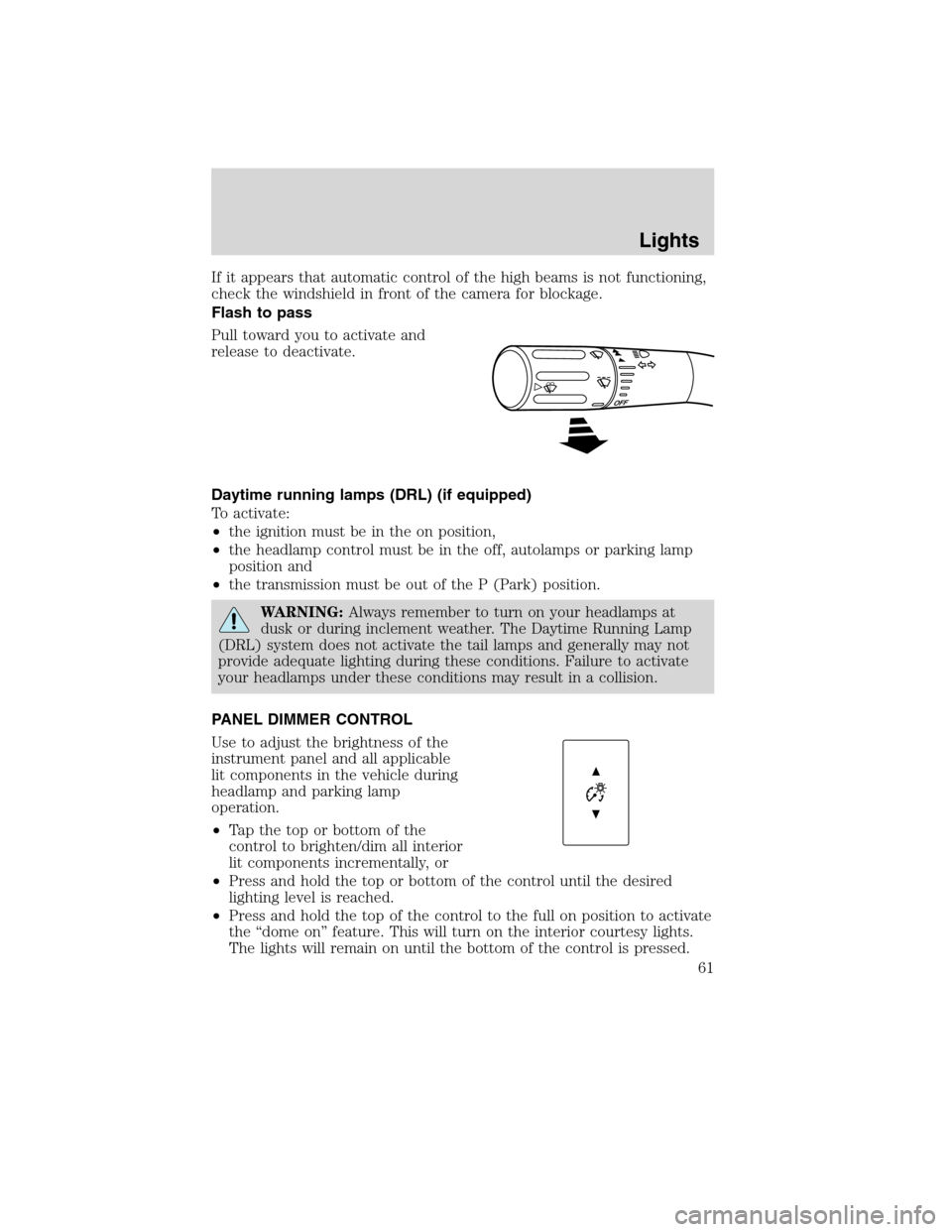
Flash to pass
Pull toward you to activate and
release to deactivate.
Daytime running lamps (DRL) (if equipped)
To activate:
•the ignition must be in the on position,
•the headlamp control must be in the off, autolamps or parking lamp
position and
•the transmission must be out of the P (Park) position.
WARNING:Always remember to turn on your headlamps at
dusk or during inclement weather. The Daytime Running Lamp
(DRL) system does not activate the tail lamps and generally may not
provide adequate lighting during these conditions. Failure to activate
your headlamps under these conditions may result in a collision.
PANEL DIMMER CONTROL
Use to adjust the brightness of the
instrument panel and all applicable
lit components in the vehicle during
headlamp and parking lamp
operation.
•Tapthetoporbottomofthe
control to brighten/dim all interior
lit components incrementally, or
•Press and hold the top or bottom of the control until the desired
lighting level is reached.
•Press and hold the top of the control to the full on position to activate
the “dome on” feature. This will turn on the interior courtesy lights.
The lights will remain on until the bottom of the control is pressed.
Lights
61
2010 MKS(mks)
Owners Guide(own2002), 1st Printing
USA(fus)
Page 63 of 358
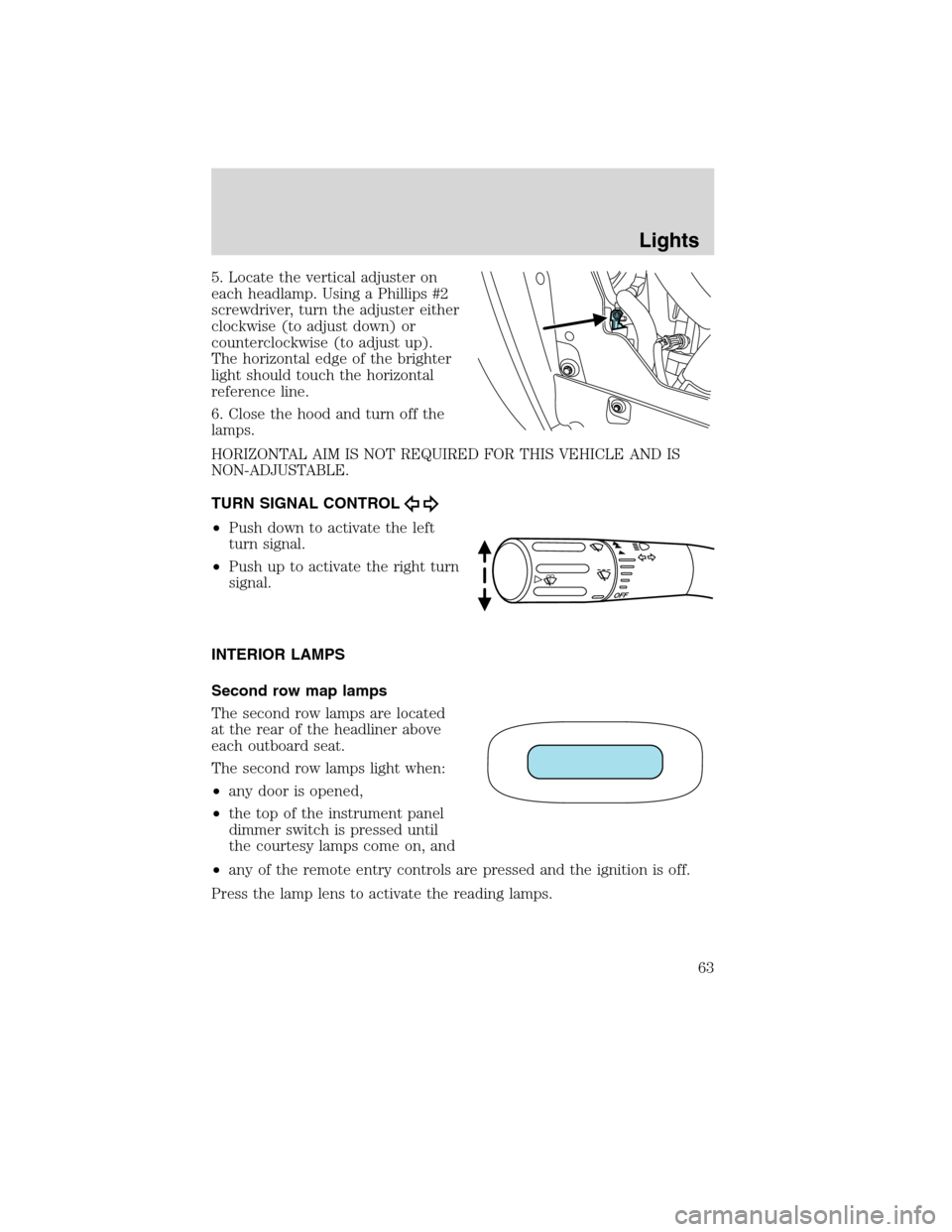
5. Locate the vertical adjuster on
each headlamp. Using a Phillips #2
screwdriver, turn the adjuster either
clockwise (to adjust down) or
counterclockwise (to adjust up).
The horizontal edge of the brighter
light should touch the horizontal
reference line.
6. Close the hood and turn off the
lamps.
HORIZONTAL AIM IS NOT REQUIRED FOR THIS VEHICLE AND IS
NON-ADJUSTABLE.
TURN SIGNAL CONTROL
•Push down to activate the left
turn signal.
•Push up to activate the right turn
signal.
INTERIOR LAMPS
Second row map lamps
The second row lamps are located
at the rear of the headliner above
each outboard seat.
The second row lamps light when:
•any door is opened,
•the top of the instrument panel
dimmer switch is pressed until
the courtesy lamps come on, and
•any of the remote entry controls are pressed and the ignition is off.
Press the lamp lens to activate the reading lamps.
Lights
63
2010 MKS(mks)
Owners Guide(own2002), 1st Printing
USA(fus)
Page 64 of 358
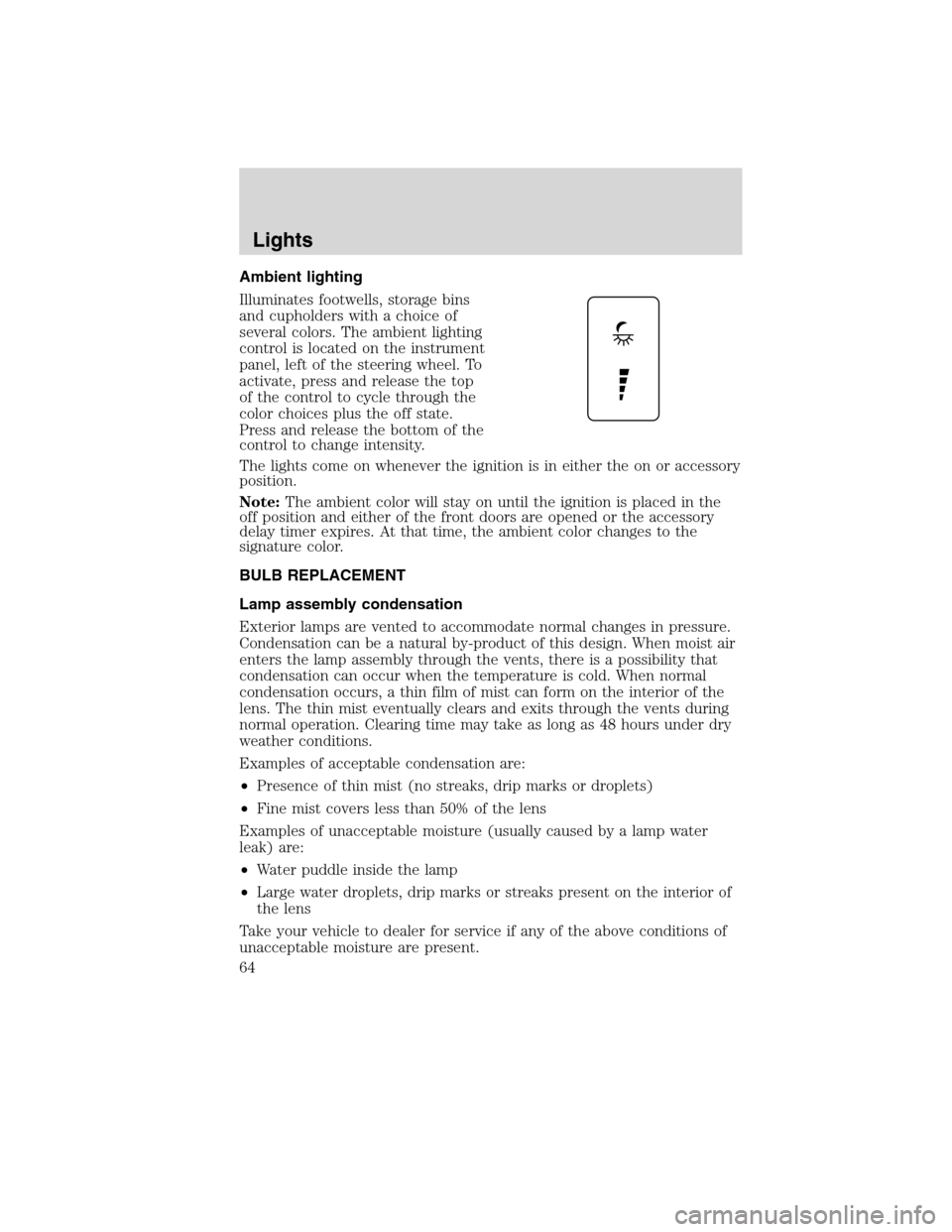
Ambient lighting
Illuminates footwells, storage bins
and cupholders with a choice of
several colors. The ambient lighting
control is located on the instrument
panel, left of the steering wheel. To
activate, press and release the top
of the control to cycle through the
color choices plus the off state.
Press and release the bottom of the
control to change intensity.
The lights come on whenever the ignition is in either the on or accessory
position.
Note:The ambient color will stay on until the ignition is placed in the
off position and either of the front doors are opened or the accessory
delay timer expires. At that time, the ambient color changes to the
signature color.
BULB REPLACEMENT
Lamp assembly condensation
Exterior lamps are vented to accommodate normal changes in pressure.
Condensation can be a natural by-product of this design. When moist air
enters the lamp assembly through the vents, there is a possibility that
condensation can occur when the temperature is cold. When normal
condensation occurs, a thin film of mist can form on the interior of the
lens. The thin mist eventually clears and exits through the vents during
normal operation. Clearing time may take as long as 48 hours under dry
weather conditions.
Examples of acceptable condensation are:
•Presence of thin mist (no streaks, drip marks or droplets)
•Fine mist covers less than 50% of the lens
Examples of unacceptable moisture (usually caused by a lamp water
leak) are:
•Water puddle inside the lamp
•Large water droplets, drip marks or streaks present on the interior of
the lens
Take your vehicle to dealer for service if any of the above conditions of
unacceptable moisture are present.
Lights
64
2010 MKS(mks)
Owners Guide(own2002), 1st Printing
USA(fus)
Page 69 of 358
Courtesy wipe feature:One extra wipe will occur a few seconds after
washing the front window to clear any excess washer fluid remaining on
the windshield.
Note:Do not operate the washer when the washer reservoir is empty.
This may cause the washer pump to overheat. Check the washer fluid
level frequently. Do not operate the wipers when the windshield is dry.
This may scratch the glass, damage the wiper blades and cause the wiper
motor to burn out. Before operating the wiper on a dry windshield,
always use the windshield washer. In freezing weather, be sure the wiper
blades are not frozen to the windshield before operating the wipers.
Windshield wiper rainlamp feature
When the windshield wipers are turned on during daylight, and the
headlamp control is in the autolamp position, the exterior lamps will turn
on after a brief delay and will remain on until the wipers are turned off.
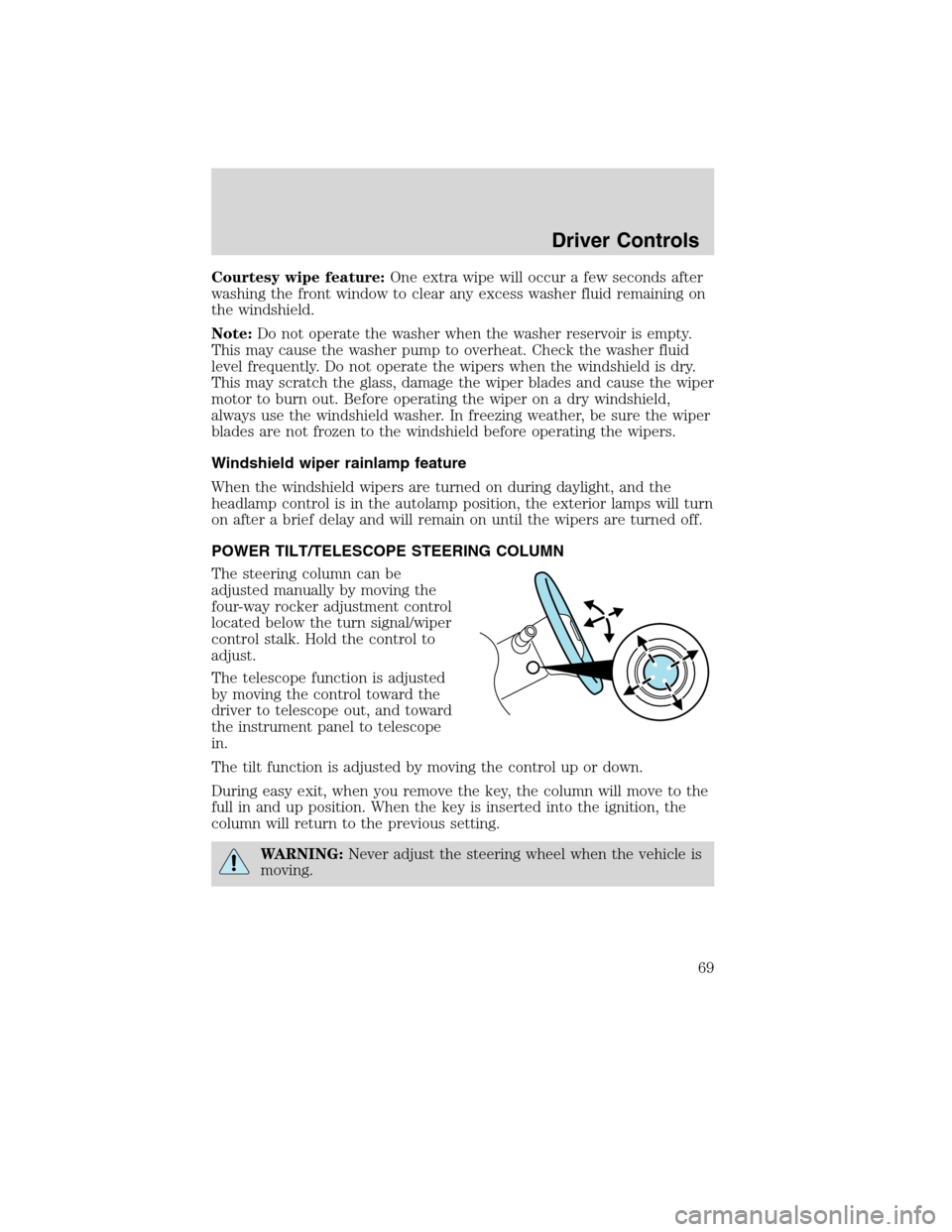
POWER TILT/TELESCOPE STEERING COLUMN
The steering column can be
adjusted manually by moving the
four-way rocker adjustment control
located below the turn signal/wiper
control stalk. Hold the control to
adjust.
The telescope function is adjusted
by moving the control toward the
driver to telescope out, and toward
the instrument panel to telescope
in.
The tilt function is adjusted by moving the control up or down.
During easy exit, when you remove the key, the column will move to the
full in and up position. When the key is inserted into the ignition, the
column will return to the previous setting.
WARNING:Never adjust the steering wheel when the vehicle is
moving.
Driver Controls
69
2010 MKS(mks)
Owners Guide(own2002), 1st Printing
USA(fus)