ambient lighting LINCOLN MKS 2014 Owners Manual
[x] Cancel search | Manufacturer: LINCOLN, Model Year: 2014, Model line: MKS, Model: LINCOLN MKS 2014Pages: 461, PDF Size: 5.98 MB
Page 91 of 461
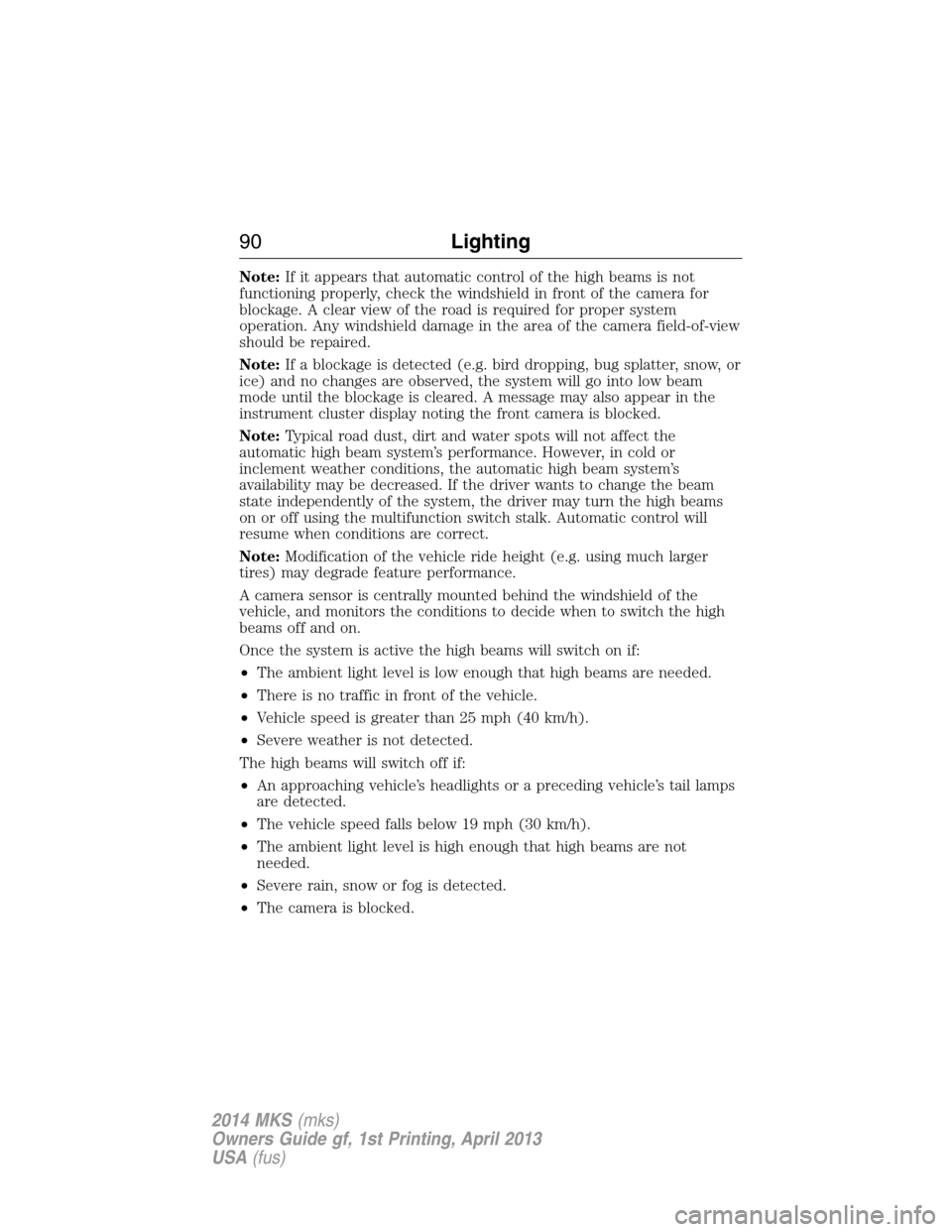
Note:If it appears that automatic control of the high beams is not
functioning properly, check the windshield in front of the camera for
blockage. A clear view of the road is required for proper system
operation. Any windshield damage in the area of the camera field-of-view
should be repaired.
Note:If a blockage is detected (e.g. bird dropping, bug splatter, snow, or
ice) and no changes are observed, the system will go into low beam
mode until the blockage is cleared. A message may also appear in the
instrument cluster display noting the front camera is blocked.
Note:Typical road dust, dirt and water spots will not affect the
automatic high beam system’s performance. However, in cold or
inclement weather conditions, the automatic high beam system’s
availability may be decreased. If the driver wants to change the beam
state independently of the system, the driver may turn the high beams
on or off using the multifunction switch stalk. Automatic control will
resume when conditions are correct.
Note:Modification of the vehicle ride height (e.g. using much larger
tires) may degrade feature performance.
A camera sensor is centrally mounted behind the windshield of the
vehicle, and monitors the conditions to decide when to switch the high
beams off and on.
Once the system is active the high beams will switch on if:
•The ambient light level is low enough that high beams are needed.
•There is no traffic in front of the vehicle.
•Vehicle speed is greater than 25 mph (40 km/h).
•Severe weather is not detected.
The high beams will switch off if:
•An approaching vehicle’s headlights or a preceding vehicle’s tail lamps
are detected.
•The vehicle speed falls below 19 mph (30 km/h).
•The ambient light level is high enough that high beams are not
needed.
•Severe rain, snow or fog is detected.
•The camera is blocked.
90Lighting
2014 MKS(mks)
Owners Guide gf, 1st Printing, April 2013
USA(fus)
Page 395 of 461
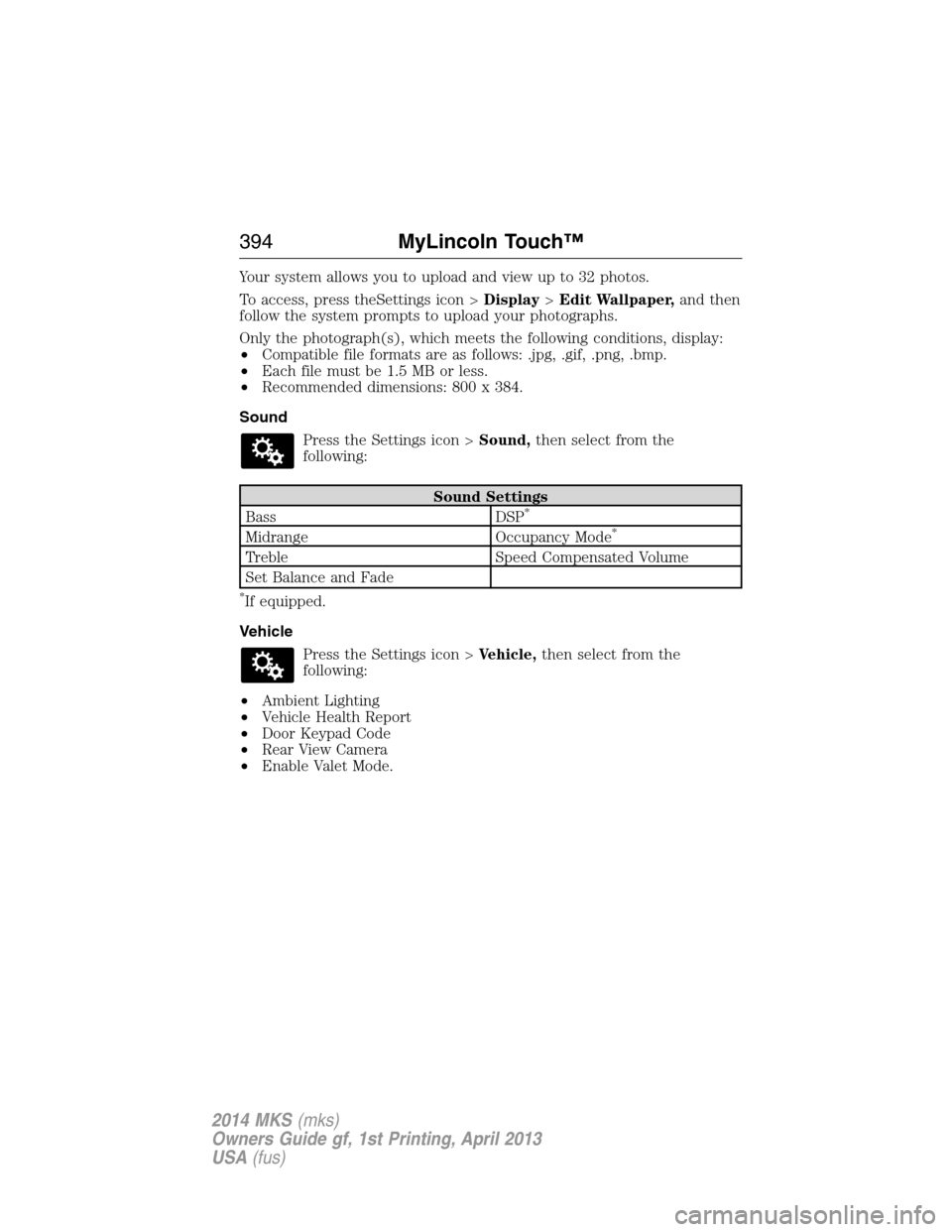
Your system allows you to upload and view up to 32 photos.
To access, press theSettings icon >Display>Edit Wallpaper,and then
follow the system prompts to upload your photographs.
Only the photograph(s), which meets the following conditions, display:
•Compatible file formats are as follows: .jpg, .gif, .png, .bmp.
•Each file must be 1.5 MB or less.
•Recommended dimensions: 800 x 384.
Sound
Press the Settings icon >Sound,then select from the
following:
Sound Settings
Bass DSP*
Midrange Occupancy Mode*
Treble Speed Compensated Volume
Set Balance and Fade
*If equipped.
Vehicle
Press the Settings icon >Vehicle,then select from the
following:
•Ambient Lighting
•Vehicle Health Report
•Door Keypad Code
•Rear View Camera
•Enable Valet Mode.
394MyLincoln Touch™
2014 MKS(mks)
Owners Guide gf, 1st Printing, April 2013
USA(fus)
Page 396 of 461
Ambient Lighting (If Equipped)
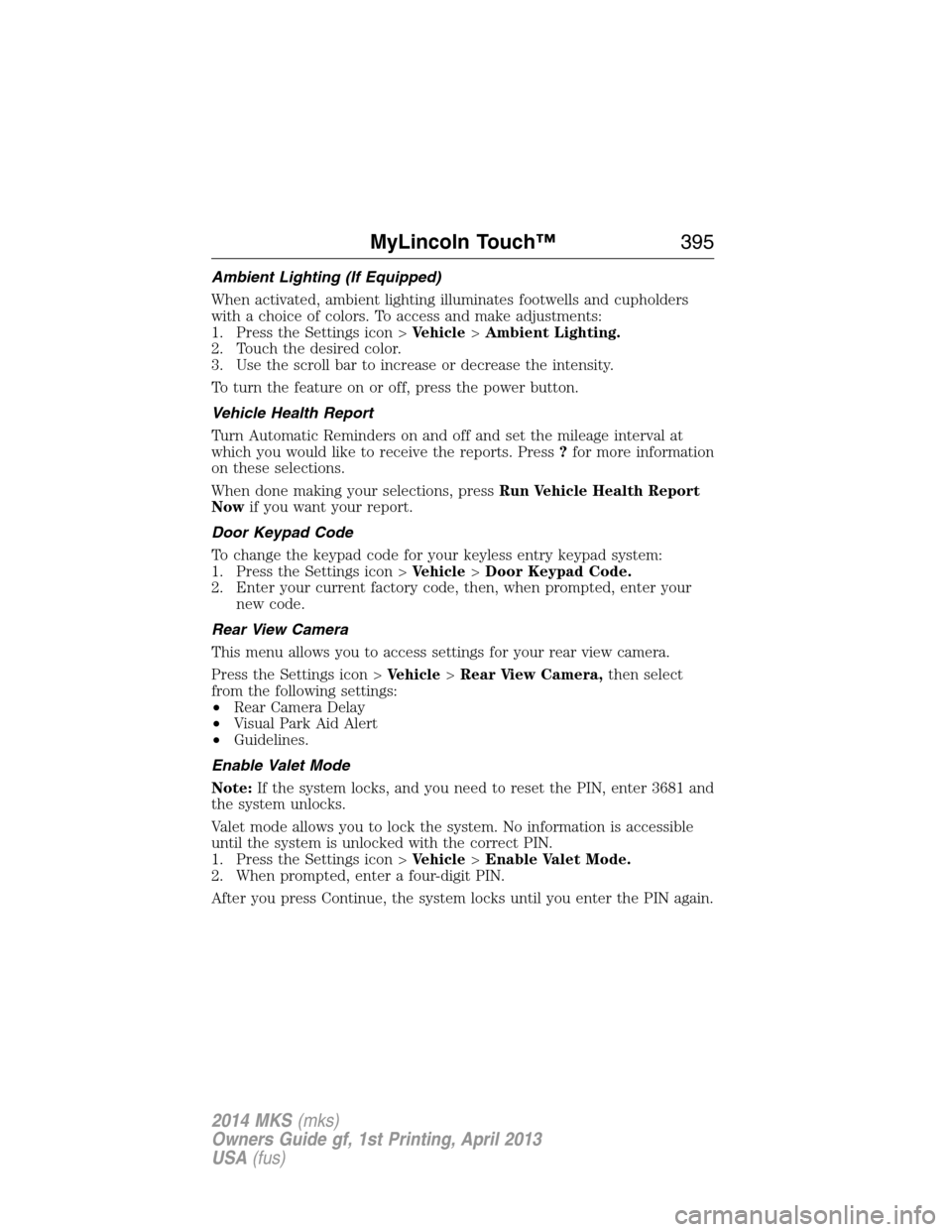
When activated, ambient lighting illuminates footwells and cupholders
with a choice of colors. To access and make adjustments:
1. Press the Settings icon >Vehicle>Ambient Lighting.
2. Touch the desired color.
3. Use the scroll bar to increase or decrease the intensity.
To turn the feature on or off, press the power button.
Vehicle Health Report
Turn Automatic Reminders on and off and set the mileage interval at
which you would like to receive the reports. Press?for more information
on these selections.
When done making your selections, pressRun Vehicle Health Report
Nowif you want your report.
Door Keypad Code
To change the keypad code for your keyless entry keypad system:
1. Press the Settings icon >Vehicle>Door Keypad Code.
2. Enter your current factory code, then, when prompted, enter your
new code.
Rear View Camera
This menu allows you to access settings for your rear view camera.
Press the Settings icon >Vehicle>Rear View Camera,then select
from the following settings:
•Rear Camera Delay
•Visual Park Aid Alert
•Guidelines.
Enable Valet Mode
Note:If the system locks, and you need to reset the PIN, enter 3681 and
the system unlocks.
Valet mode allows you to lock the system. No information is accessible
until the system is unlocked with the correct PIN.
1. Press the Settings icon >Vehicle>Enable Valet Mode.
2. When prompted, enter a four-digit PIN.
After you press Continue, the system locks until you enter the PIN again.
MyLincoln Touch™395
2014 MKS(mks)
Owners Guide gf, 1st Printing, April 2013
USA(fus)
Page 455 of 461
911 Assist™ ..............................388
A
ABS (see Brakes) .....................177
Accessing and using your
USB port ....................................366
Accessing your calendar ..........388
Accessory delay ..........................95
Active Park Assist .....................184
Adaptive Cruise Control ...........195
Adding (pairing) a phone ........374
Airbag supplemental restraint
system ..........................................46
and child safety seats ..............47
description ................................46
disposal ......................................56
driver airbag ..............................46
passenger airbag .......................46
side airbag ...........................46, 51
Air cleaner filter .......280–281, 328
Air filter, cabin ..........................126
All Wheel Drive (AWD),
driving off road .........................170
Ambient mood/lighting .............395
AM/FM .......................................353
Antifreeze
(see Engine coolant) ................267
Anti-lock brake system
(see Brakes) ..............................177
Anti-theft system ..................77, 79
arming the system ..............77, 79
disarming a triggered system ..79
Audio system
Single CD ................................338
Audio system (see Radio) .......338Automatic transmission
driving an automatic
overdrive .................................165
fluid, adding ............................272
fluid, checking ........................272
fluid, refill capacities ..............324
fluid, specification ..................324
Selectshift (SST) ....................166
Auxiliary Input Jack .................362
Auxiliary powerpoint ................145
A/V inputs ..........................339, 371
B
Battery .......................................278
acid, treating emergencies .....278
jumping a disabled battery ....242
maintenance-free ....................278
replacement, specifications ...328
servicing ..................................278
Blind Spot Information
System .......................................210
Booster seats ...............................22
Brakes ........................................177
anti-lock ...................................177
anti-lock brake system (ABS)
warning light ...........................177
brake warning light ................177
fluid, checking and adding ....277
fluid, refill capacities ..............324
fluid, specifications .................324
lubricant specifications ..........324
parking ....................................178
shift interlock ..........................168
trailer .......................................231
C
Capacities for refilling fluids ....324
CD ..............................................338
454Index
2014 MKS(mks)
Owners Guide gf, 1st Printing, April 2013
USA(fus)