engine LINCOLN MKS 2014 Owners Manual
[x] Cancel search | Manufacturer: LINCOLN, Model Year: 2014, Model line: MKS, Model: LINCOLN MKS 2014Pages: 461, PDF Size: 5.98 MB
Page 5 of 461
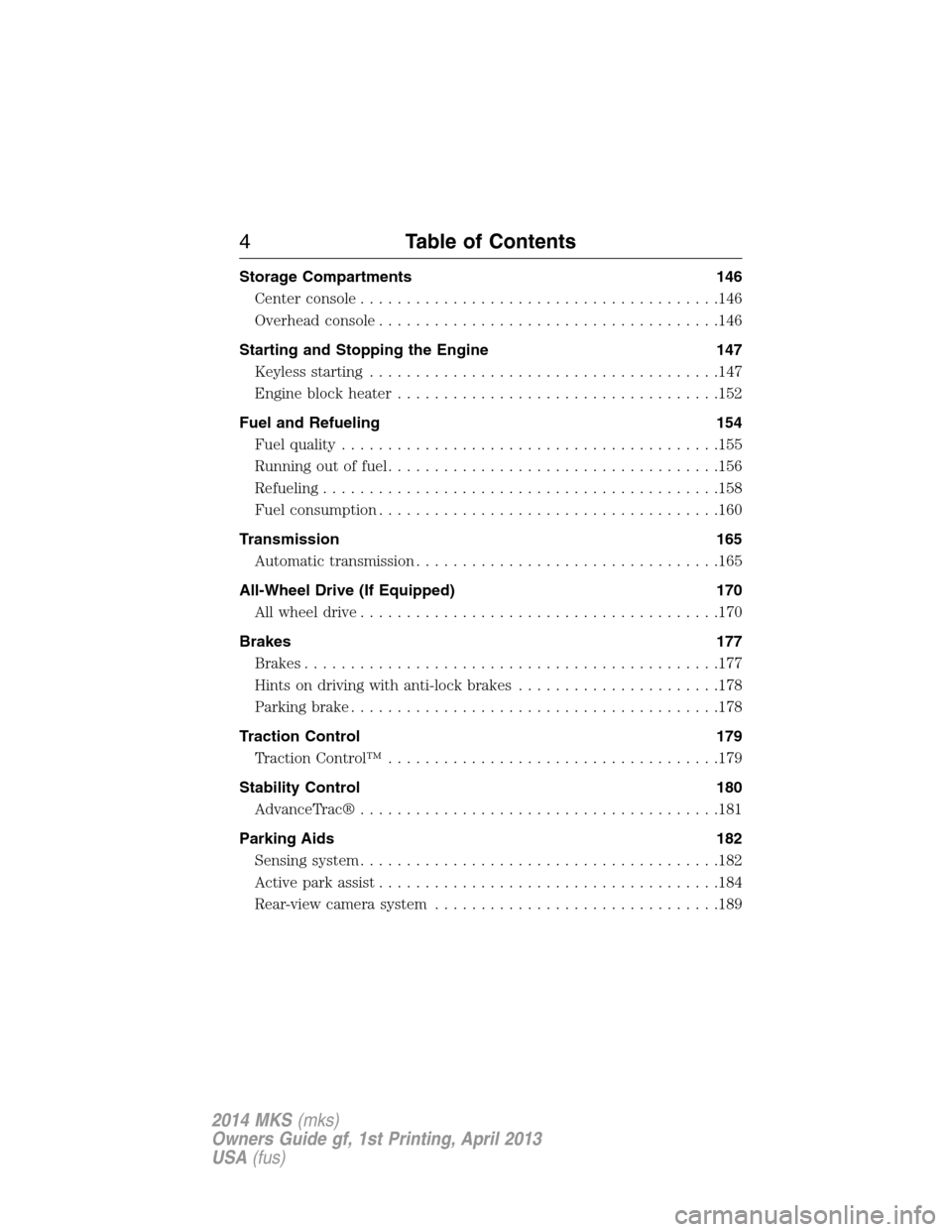
Storage Compartments 146
Center console.......................................146
Overhead console.....................................146
Starting and Stopping the Engine 147
Keyless starting......................................147
Engine block heater...................................152
Fuel and Refueling 154
Fuel quality.........................................155
Running out of fuel....................................156
Refueling...........................................158
Fuel consumption.....................................160
Transmission 165
Automatic transmission.................................165
All-Wheel Drive (If Equipped) 170
All wheel drive.......................................170
Brakes 177
Brakes.............................................177
Hints on driving with anti-lock brakes......................178
Parking brake........................................178
Traction Control 179
TractionControl™ ....................................179
Stability Control 180
AdvanceTrac®.......................................181
Parking Aids 182
Sensing system.......................................182
Active park assist.....................................184
Rear-view camera system...............................189
4Table of Contents
2014 MKS(mks)
Owners Guide gf, 1st Printing, April 2013
USA(fus)
Page 7 of 461
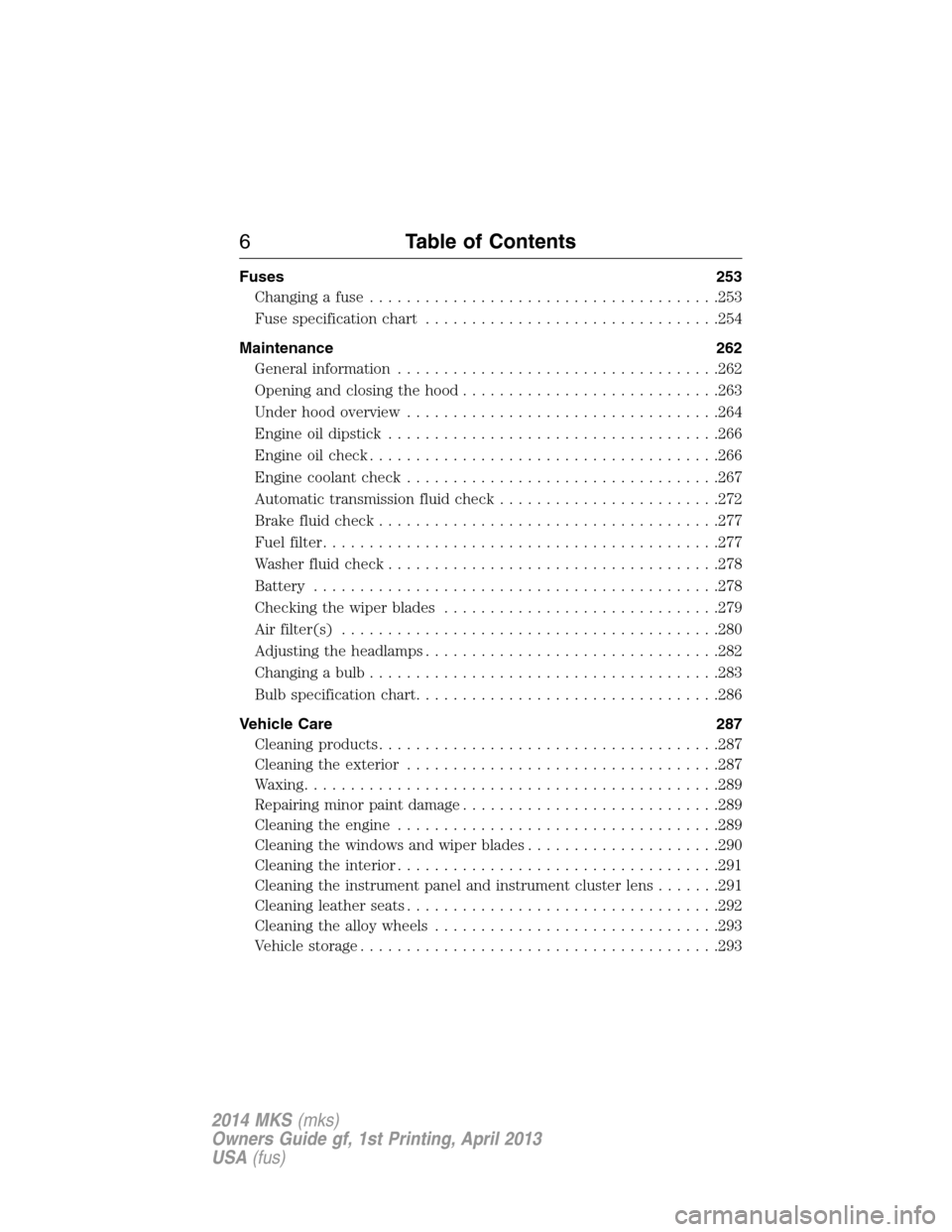
Fuses 253
Changing a fuse......................................253
Fuse specification chart................................254
Maintenance 262
General information...................................262
Opening and closing the hood............................263
Under hood overview..................................264
Engine oil dipstick....................................266
Engine oil check......................................266
Engine coolant check..................................267
Automatic transmission fluid check........................272
Brake fluid check.....................................277
Fuel filter...........................................277
Washer fluid check....................................278
Battery ............................................278
Checking the wiper blades..............................279
Air filter(s).........................................280
Adjusting the headlamps................................282
Changing a bulb......................................283
Bulb specification chart.................................286
Vehicle Care 287
Cleaning products.....................................287
Cleaning the exterior..................................287
Waxing.............................................289
Repairing minor paint damage............................289
Cleaning the engine...................................289
Cleaning the windows and wiper blades.....................290
Cleaning the interior...................................291
Cleaning the instrument panel and instrument cluster lens.......291
Cleaning leather seats..................................292
Cleaning the alloy wheels...............................293
Vehicle storage.......................................293
6Table of Contents
2014 MKS(mks)
Owners Guide gf, 1st Printing, April 2013
USA(fus)
Page 8 of 461
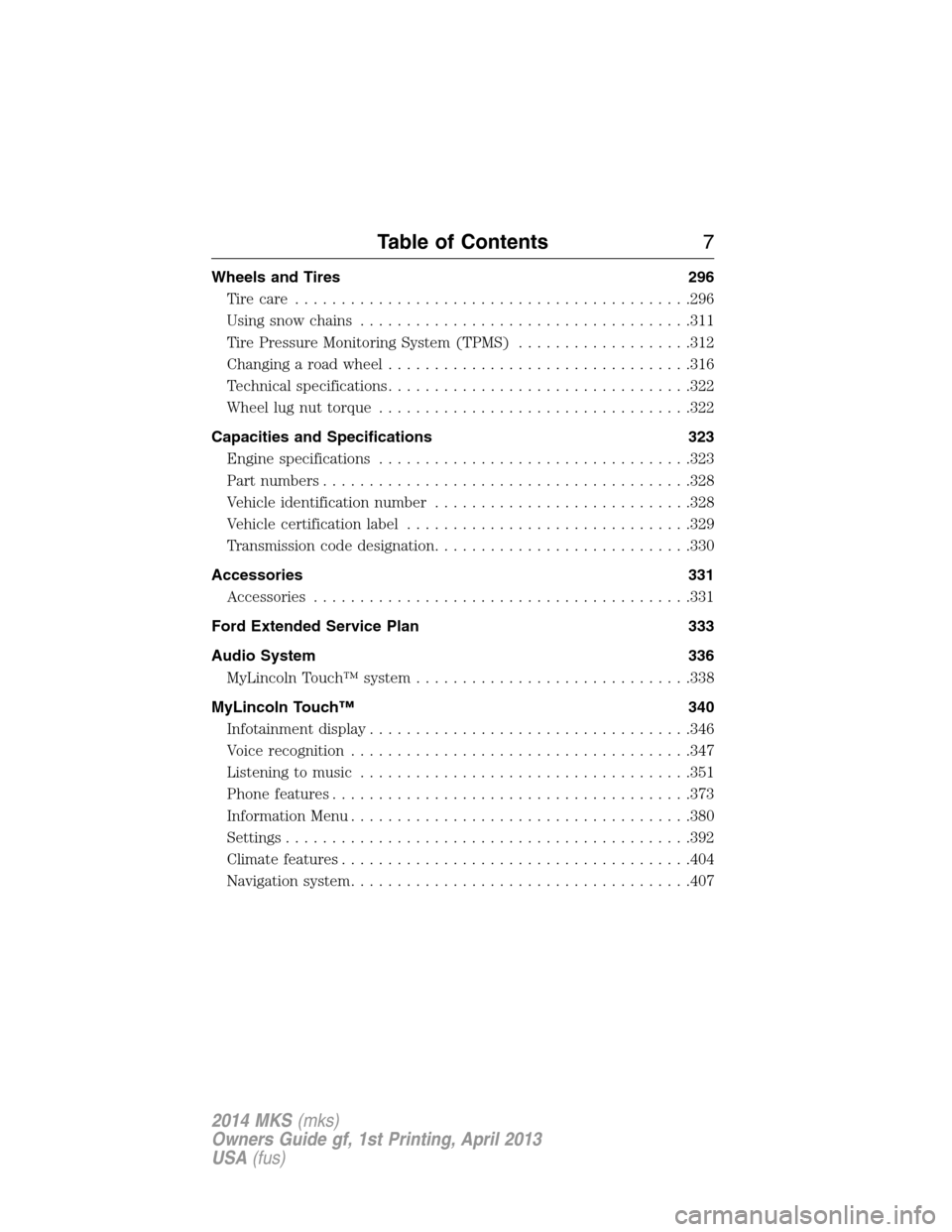
Wheels and Tires 296
Tire care...........................................296
Using snow chains....................................311
Tire Pressure Monitoring System (TPMS)...................312
Changing a road wheel.................................316
Technical specifications.................................322
Wheel lug nut torque..................................322
Capacities and Specifications 323
Engine specifications..................................323
Part numbers........................................328
Vehicle identification number............................328
Vehicle certification label...............................329
Transmission code designation............................330
Accessories 331
Accessories.........................................331
Ford Extended Service Plan 333
Audio System 336
MyLincoln Touch™ system..............................338
MyLincoln Touch™ 340
Infotainment display...................................346
Voice recognition.....................................347
Listening to music....................................351
Phone features.......................................373
Information Menu.....................................380
Settings............................................392
Climatefeatures......................................404
Navigation system.....................................407
Table of Contents7
2014 MKS(mks)
Owners Guide gf, 1st Printing, April 2013
USA(fus)
Page 11 of 461
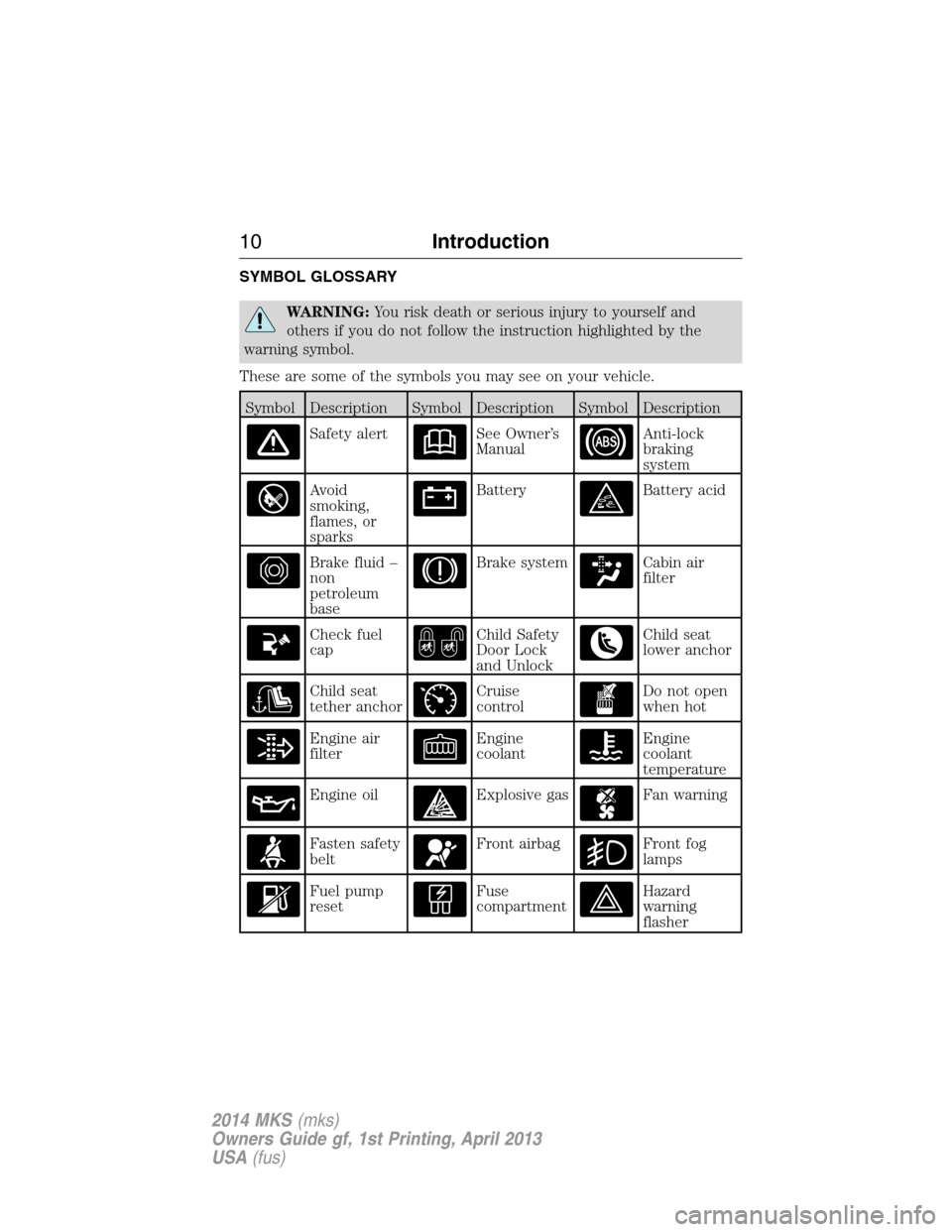
SYMBOL GLOSSARY
WARNING:You risk death or serious injury to yourself and
others if you do not follow the instruction highlighted by the
warning symbol.
These are some of the symbols you may see on your vehicle.
Symbol Description Symbol Description Symbol Description
Safety alertSee Owner’s
ManualAnti-lock
braking
system
Avoid
smoking,
flames, or
sparksBatteryBattery acid
Brake fluid –
non
petroleum
baseBrake systemCabin air
filter
Check fuel
capChild Safety
Door Lock
and UnlockChild seat
lower anchor
Child seat
tether anchorCruise
controlDo not open
when hot
Engine air
filterEngine
coolantEngine
coolant
temperature
Engine oilExplosive gasFan warning
Fasten safety
beltFront airbagFront fog
lamps
Fuel pump
resetFuse
compartmentHazard
warning
flasher
10Introduction
2014 MKS(mks)
Owners Guide gf, 1st Printing, April 2013
USA(fus)
Page 12 of 461
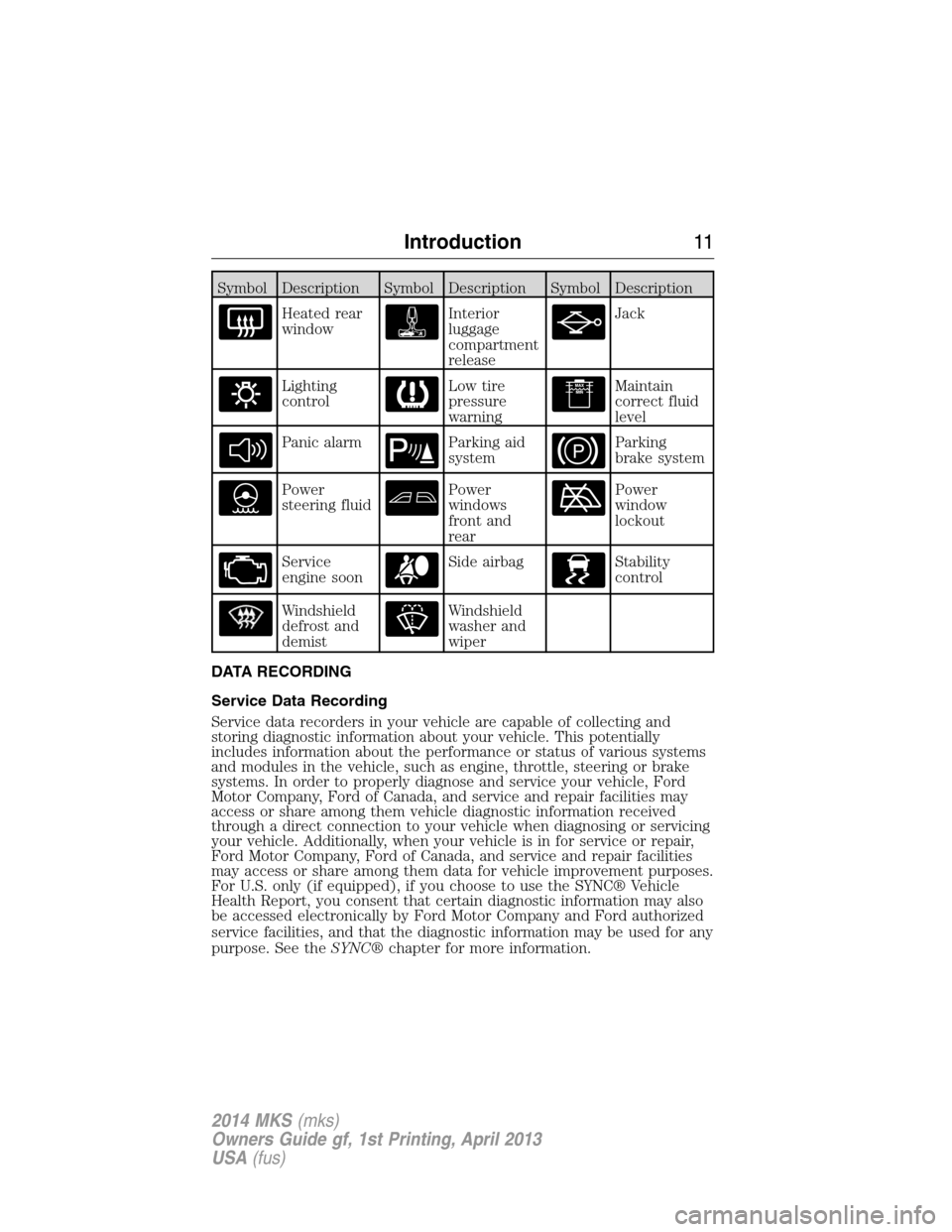
Symbol Description Symbol Description Symbol Description
Heated rear
windowInterior
luggage
compartment
releaseJack
Lighting
controlLow tire
pressure
warningMaintain
correct fluid
level
Panic alarmParking aid
systemParking
brake system
Power
steering fluidPower
windows
front and
rearPower
window
lockout
Service
engine soonSide airbagStability
control
Windshield
defrost and
demistWindshield
washer and
wiper
DATA RECORDING
Service Data Recording
Service data recorders in your vehicle are capable of collecting and
storing diagnostic information about your vehicle. This potentially
includes information about the performance or status of various systems
and modules in the vehicle, such as engine, throttle, steering or brake
systems. In order to properly diagnose and service your vehicle, Ford
Motor Company, Ford of Canada, and service and repair facilities may
access or share among them vehicle diagnostic information received
through a direct connection to your vehicle when diagnosing or servicing
your vehicle. Additionally, when your vehicle is in for service or repair,
Ford Motor Company, Ford of Canada, and service and repair facilities
may access or share among them data for vehicle improvement purposes.
For U.S. only (if equipped), if you choose to use the SYNC® Vehicle
Health Report, you consent that certain diagnostic information may also
be accessed electronically by Ford Motor Company and Ford authorized
service facilities, and that the diagnostic information may be used for any
purpose. See theSYNC®chapter for more information.
Introduction11
2014 MKS(mks)
Owners Guide gf, 1st Printing, April 2013
USA(fus)
Page 14 of 461
Note: Including to the extent that any law pertaining to Event Data
Recorders applies to SYNC® or its features, please note the
following: Once 911 Assist (if equipped) is enabled (set ON), 911
Assist may, through any paired and connected cell phone, disclose
to emergency services that the vehicle has been in a crash involving
the deployment of an airbag or, in certain vehicles, the activation of
the fuel pump shut-off. Certain versions or updates to 911 Assist
may also be capable of being used to electronically or verbally
provide to 911 operators the vehicle location (such as latitude and
longitude), and/or other details about the vehicle or crash or
personal information about the occupants to assist 911 operators
to provide the most appropriate emergency services. If you do not
want to disclose this information, do not activate the 911 Assist
feature. See your SYNC® chapter for more information.
Additionally, when you connect to Traffic, Directions and
Information (if equipped, U.S. only), the service uses GPS
technology and advanced vehicle sensors to collect the vehicle’s
current location, travel direction, and speed (“vehicle travel
information”), only to help provide you with the directions,
traffic reports, or business searches that you request. If you do
not want Ford or its vendors to receive this information, do not
activate the service. Ford Motor Company and the vendors it uses
to provide you with this information do not store your vehicle
travel information. For more information, see Traffic, Directions
and Information, Terms and Conditions. See your SYNC® chapter
for more information.
CALIFORNIA PROPOSITION 65
WARNING:Some constituents of engine exhaust, certain vehicle
components, certain fluids contained in vehicles and certain
products of component wear contain or emit chemicals known to the
State of California to cause cancer and birth defects or other
reproductive harm.
PERCHLORATE MATERIAL
Note:Certain components in your vehicle, such as airbag modules,
safety belt pretensioners, and remote control batteries, may contain
perchlorate material. Special handling may apply for service or vehicle
end of life disposal. See www.dtsc.ca.gov/hazardouswaste/perchlorate for
more information.
Introduction13
2014 MKS(mks)
Owners Guide gf, 1st Printing, April 2013
USA(fus)
Page 42 of 461
Note:You can activate and deactivate the driver and front passenger
Belt-Minder independently. When deactivating or activating one seating
position, do not buckle the other position as this will terminate the
process.
Read Steps1-5thoroughly before proceeding with the programming
procedure.
Note:If you are using MyKey, you cannot disable Belt-Minder. Also, if
the Belt-Minder has been previously disabled, it will be re-enabled during
the use of MyKey. See theMyKeychapter.
You can activate and deactivate this feature by performing the following
procedure:
Before following the procedure, make sure that:
•the parking brake is set.
•the transmission selector lever is in positionP.
•the ignition is off.
•the driver and front passenger safety belts are unbuckled.
1. Switch the ignition on. Do not start the engine.
2. Wait until the safety belt warning light turns off (about one minute).
3. Wait 10 seconds after the safety belt warning light turns off.
•Step 4 must be completed within 20 seconds after the completion of
Step 3.
4. Buckle then unbuckle the safety belt three times at a moderate speed,
ending in the unbuckled state.
•After Step 4, the safety belt warning light will turn on for three
seconds.
5. Within about seven seconds of the light turning off, buckle then
unbuckle the safety belt. The safety belt warning light will blink.
•This will disable the Belt-Minder feature for that seating position if it
is currently enabled.
•This will enable the Belt-Minder feature for that seating position if it is
currently disabled.
Safety Belts41
2014 MKS(mks)
Owners Guide gf, 1st Printing, April 2013
USA(fus)
Page 62 of 461
Remote Start
WARNING:To avoid exhaust fumes, do not use remote start if
your vehicle is parked indoors or areas that are not well
ventilated.
Note:Do not use remote start if your vehicle is low on fuel.
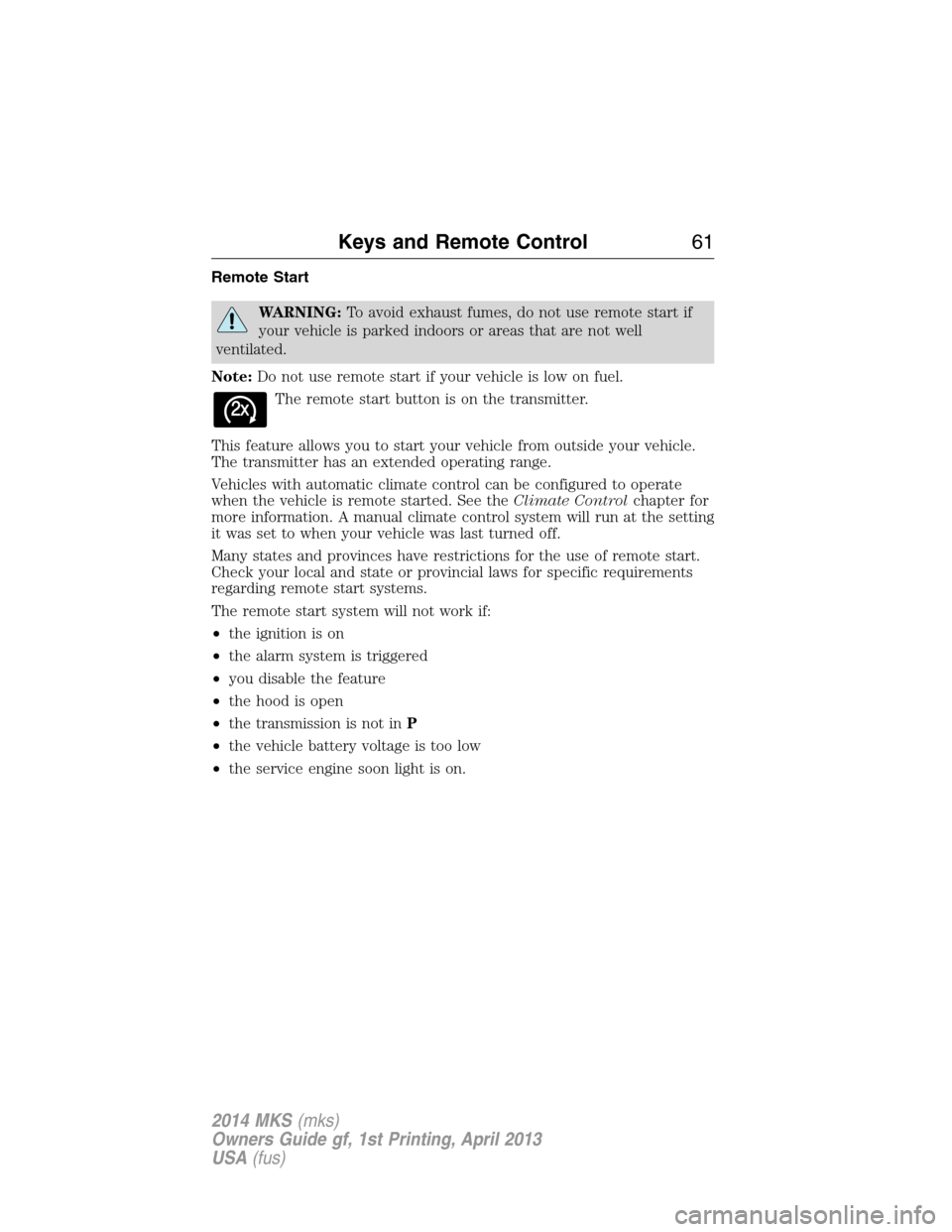
The remote start button is on the transmitter.
This feature allows you to start your vehicle from outside your vehicle.
The transmitter has an extended operating range.
Vehicles with automatic climate control can be configured to operate
when the vehicle is remote started. See theClimate Controlchapter for
more information. A manual climate control system will run at the setting
it was set to when your vehicle was last turned off.
Many states and provinces have restrictions for the use of remote start.
Check your local and state or provincial laws for specific requirements
regarding remote start systems.
The remote start system will not work if:
•the ignition is on
•the alarm system is triggered
•you disable the feature
•the hood is open
•the transmission is not inP
•the vehicle battery voltage is too low
•the service engine soon light is on.
Keys and Remote Control61
2014 MKS(mks)
Owners Guide gf, 1st Printing, April 2013
USA(fus)
Page 65 of 461
PRINCIPLES OF OPERATION
MyKey allows you to program keys with restricted driving modes to
promote good driving habits. All but one of the keys programmed to the
vehicle can be activated with these restricted modes.
Any keys that have not been programmed are referred to as
administrator keys or admin keys. These can be used to:
•create a MyKey
•program configurable MyKey settings
•clear all MyKey features.
When you have programmed a MyKey, you can access the following
information using the information display:
•How many admin keys and MyKeys are programmed to your vehicle.
•The total distance your vehicle has traveled using a MyKey.
Note:All MyKeys are programmed to the same settings. You cannot
program them individually.
Note:For vehicles with intelligent access key (push-button start), when
both a MyKey and an admin intelligent access key (fob) are present, the
admin fob will be recognized to start the vehicle.
Non-configurable Settings
The following settings cannot be changed by an admin key user:
•Belt-Minder. You cannot disable this feature. The audio system will
mute when the front seat occupants’ safety belts are not fastened.
•Early low fuel warning. The low fuel warning is activated earlier, giving
the MyKey user more time to refuel.
•Driver assist features, if equipped on your vehicle, are forced on:
parking aid, blind spot information system (BLIS) with cross traffic
alert, lane departure warning and forward collision warning system.
•Satellite radio adult content restrictions.
Configurable Settings
With an admin key, you can configure certain MyKey settings when you
first create a MyKey and before you recycle the key or restart the
engine. You can also change the settings afterward with an admin key.
•A vehicle speed limit can be set. Warnings will be shown in the display
followed by an audible tone when your vehicle reaches the set speed.
You cannot override the set speed by fully depressing the accelerator
pedal or by setting cruise control.
64MyKey
2014 MKS(mks)
Owners Guide gf, 1st Printing, April 2013
USA(fus)
Page 66 of 461
•Vehicle speed minders of 45, 55 or 65 mph (75, 90 or 105 km/h). Once
you select a speed, it will be shown in the display, followed by an
audible tone when the preselected vehicle speed is exceeded.
•Audio system maximum volume of 45%. A message will be shown in
the display when you attempt to exceed the limited volume. Also, the
speed-sensitive or compensated automatic volume control will be
disabled.
•Always on setting. When this is selected, you will not be able to turn
off AdvanceTrac, 911 Assist or the do not disturb feature (if your
vehicle is equipped with these features).
CREATING A MYKEY
Use the information display to create a MyKey:
1. Insert the key you want to program into the ignition. If your vehicle is
equipped with a push-button start and you do not have a backup slot,
hold the intelligent access key next to the steering column. The correct
position to place your fob is in another chapter. SeeStarting and
Stopping the Engine.
2. Switch the ignition on.
3. Access the main menu on the information display controls, and select
Settings, thenMyKeyby pressingOKor the>button.
4. PressOKor the>button to selectCreate MyKey.
5. When prompted, hold theOKbutton until you see a message
informing you to label this key as a MyKey. The key will be restricted at
the next start.
MyKey is successfully created. Make sure you label it so you can
distinguish it from the admin keys.
You can also program configurable settings for the key(s). Refer to
Programming/Changing Configurable Settings.
Programming/Changing Configurable Settings
Use the information display to access your configurable MyKey settings:
1. Switch the ignition on using an admin key. If your vehicle has
push-button start, place the intelligent access key fob into the backup
slot. The location of your backup slot is in another chapter. SeeStarting
and Stopping the Engine.
2. Access the main menu and selectSettings, thenMyKeyby pressing
OKor the>button.
MyKey65
2014 MKS(mks)
Owners Guide gf, 1st Printing, April 2013
USA(fus)