light LINCOLN MKT 2014 Owners Manual
[x] Cancel search | Manufacturer: LINCOLN, Model Year: 2014, Model line: MKT, Model: LINCOLN MKT 2014Pages: 498, PDF Size: 7.3 MB
Page 381 of 498
Using the Touch-sensitive Controls on Your System
To turn a feature on and off, just touch the graphic with your finger.
To get the best performance from the touch-sensitive controls, keep in
mind:
•Do not press hard on the controls. They are sensitive to light touch.
•Use your bare finger to touch the center of a touch-control graphic.
Touching off-center of the graphic may affect operation of a nearby
control.
•Make sure your hands are clean and dry.
•
Keep metal and other conductive material away from the surface of
the touchscreen as this may cause electronic interference (for example,
inadvertently turning on a feature other than the one you meant to
turn on).
Depending on your vehicle and option package, you may also have these
controls on your bezel:
•Power: Switch the media or climate features off and on.
•VOLand fan slider bars: Slide your finger over the rear slider area to
control the volume of playing media or the climate system fan.
•Seek and Tune buttons: Use as you normally would in media modes.
•Eject: Eject a CD from the entertainment system.
•SOURCE:Touch the word repeatedly to see all available media
modes. The screen does not change, but you see the media change in
the lower left status bar.
•SOUND:Touch the word to access the Sound menu where you can
adjust settings such as: Bass, Treble, Midrange, Balance and Fade,
THX Deep note Demo, DSP (Digital Signal Processing), Occupancy
Mode and Speed Compensated Volume. (Your vehicle may not have
all of these sound options.)
•Hazard flasher: Switch the hazard flashers off and on.
Cleaning the Touchscreen Display
Use a clean, soft cloth such as one used for cleaning glasses. If dirt or
fingerprints are still visible, apply a small amount of alcohol to the cloth.
Do not pour or spray alcohol onto the display. Do not use detergent or
any type of solvent to clean the display.
Support
The SYNC support team is available to help you with any questions you
aren’t able to answer on your own.
Monday-Saturday, 8:30 am-8pm EST
In the United States, call: 1–888–270–1055
380MyLincoln Touch™
2014 MKT(mkt)
Owners Guide gf, 1st Printing, April 2013
USA(fus)
Page 392 of 498
Your voice system allows you to change audio sources with a simple
voice command. For example, if you are listening to music on a USB
device, then want to switch to a satellite radio channel, simply press the
voice button on the steering wheel controls and say the name of the
Sirius station (such as, “the Highway”). The following voice commands
are available at the top level of the voice session no matter which
current audio source you are listening to (such as a USB device or Sirius
satellite radio).Note:This is only available when your MyFord Touch
system language is set to North American English.
“AM <530 - 1710>” “FM <87.7 – 107.9>”
“<530 - 1710>” “<87.7 – 107.9>”
“Sirius <0-223>”
*“
“Play [genre]
“Play [artist]
“Play [album]
“Play
*
*
This command is only usable if you have an active subscription to Sirius
satellite radio.
**The commands that have[]around the word means that the word is
optional. For example, if you say, “Play Metallica”, this is the same as the
voice command, “Play [artist]
AM and FM
Touch theAMorFMtab to listen to the radio.
To change between AM and FM presets, just touch theAMor
FMtab.
Memory Presets
Save a station by pressing and holding one of the memory preset areas.
There is a brief mute while the radio saves the station. Sound returns
when finished.
HD Radio
Touch this button to turn HD Radio on. The light on the button
illuminates when the feature is on. HD Radio allows you to receive radio
broadcasts digitally, where available, providing free, crystal-clear sound.
SeeHD Radio informationlater in this chapter.
MyLincoln Touch™391
2014 MKT(mkt)
Owners Guide gf, 1st Printing, April 2013
USA(fus)
Page 393 of 498
Scan
Touch this button to go to the next strong AM or FM radio station.
The light on the button illuminates when the feature is on.
Options
Sound Settingsallows you to adjust settings for:
•Bass
•Midrange
•Treble
•Balance and Fade
•DSP (Digital Signal Processing)
•Occupancy Mode
•Speed Compensated Volume.
Note:Your vehicle may not have all these sound settings.
Set PTY for Seek/Scanallows you to select a category of music you
would like to search for. You can then choose to either seek or scan for
the stations playing that category.
RDS Text Displayallows you to view the information broadcast by FM
stations.
ASTallows you to have the system automatically store the six strongest
stations in your current location.
TAG Buttonis available when HD Radio is on, and allows you to tag a
song to download later. When you selectOn,TAG appears on-screen
when HD Radio is active. You can touchTA Gto save the information of
the song that is playing. When you plug in your portable music player,
the information transfers, if supported by your device. When you are
connected to iTunes, the tags appear to remind you of the songs you
would like to download. SeeHD Radio informationlater in this chapter.
Direct Tune
Touch this button to manually enter the desired station number. Touch
Enterwhen you are done.
HD Radio™ Information (If Available)
Note:HD Radio broadcasts are not available in all markets.
HD Radio technology is the digital evolution of analog AM/FM radio. Your
system has a special receiver that allows it to receive digital broadcasts
(where available) in addition to the analog broadcasts, it already receives.
Digital broadcasts provide a better sound quality than analog broadcasts
with free, crystal-clear audio and no static or distortion. For more
information, and a guide to available stations and programming, please visit
www.hdradio.com.
392MyLincoln Touch™
2014 MKT(mkt)
Owners Guide gf, 1st Printing, April 2013
USA(fus)
Page 394 of 498
When HD Radio is on and you tune to a station broadcasting HD Radio
technology, you may notice the following indicators on your screen:
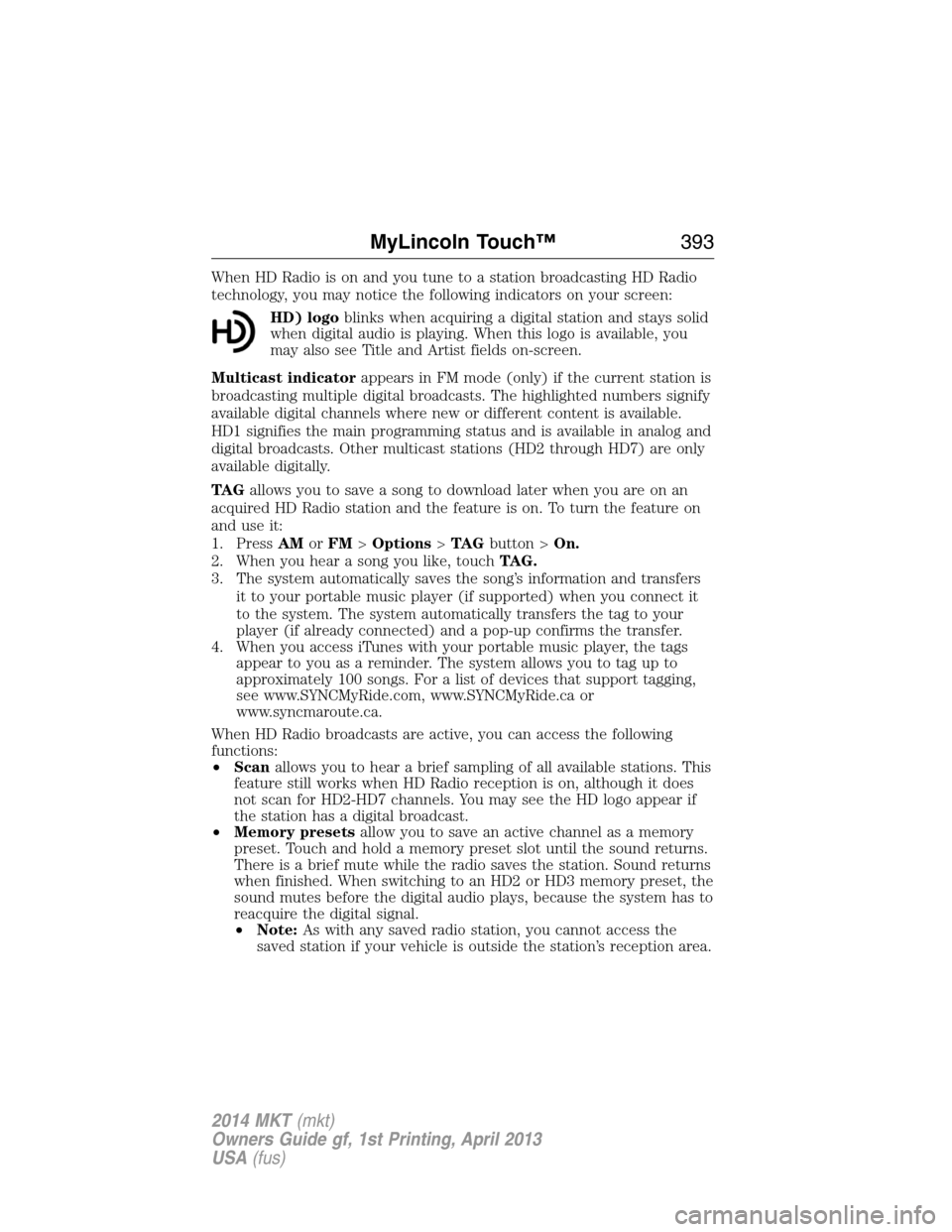
HD) logoblinks when acquiring a digital station and stays solid
when digital audio is playing. When this logo is available, you
may also see Title and Artist fields on-screen.
Multicast indicatorappears in FM mode (only) if the current station is
broadcasting multiple digital broadcasts. The highlighted numbers signify
available digital channels where new or different content is available.
HD1 signifies the main programming status and is available in analog and
digital broadcasts. Other multicast stations (HD2 through HD7) are only
available digitally.
TA Gallows you to save a song to download later when you are on an
acquired HD Radio station and the feature is on. To turn the feature on
and use it:
1. PressAMorFM>Options>TA Gbutton >On.
2. When you hear a song you like, touchTAG.
3. The system automatically saves the song’s information and transfers
it to your portable music player (if supported) when you connect it
to the system. The system automatically transfers the tag to your
player (if already connected) and a pop-up confirms the transfer.
4. When you access iTunes with your portable music player, the tags
appear to you as a reminder. The system allows you to tag up to
approximately 100 songs. For a list of devices that support tagging,
see www.SYNCMyRide.com, www.SYNCMyRide.ca or
www.syncmaroute.ca.
When HD Radio broadcasts are active, you can access the following
functions:
•Scanallows you to hear a brief sampling of all available stations. This
feature still works when HD Radio reception is on, although it does
not scan for HD2-HD7 channels. You may see the HD logo appear if
the station has a digital broadcast.
•Memory presetsallow you to save an active channel as a memory
preset. Touch and hold a memory preset slot until the sound returns.
There is a brief mute while the radio saves the station. Sound returns
when finished. When switching to an HD2 or HD3 memory preset, the
sound mutes before the digital audio plays, because the system has to
reacquire the digital signal.
•Note:As with any saved radio station, you cannot access the
saved station if your vehicle is outside the station’s reception area.
MyLincoln Touch™393
2014 MKT(mkt)
Owners Guide gf, 1st Printing, April 2013
USA(fus)
Page 395 of 498
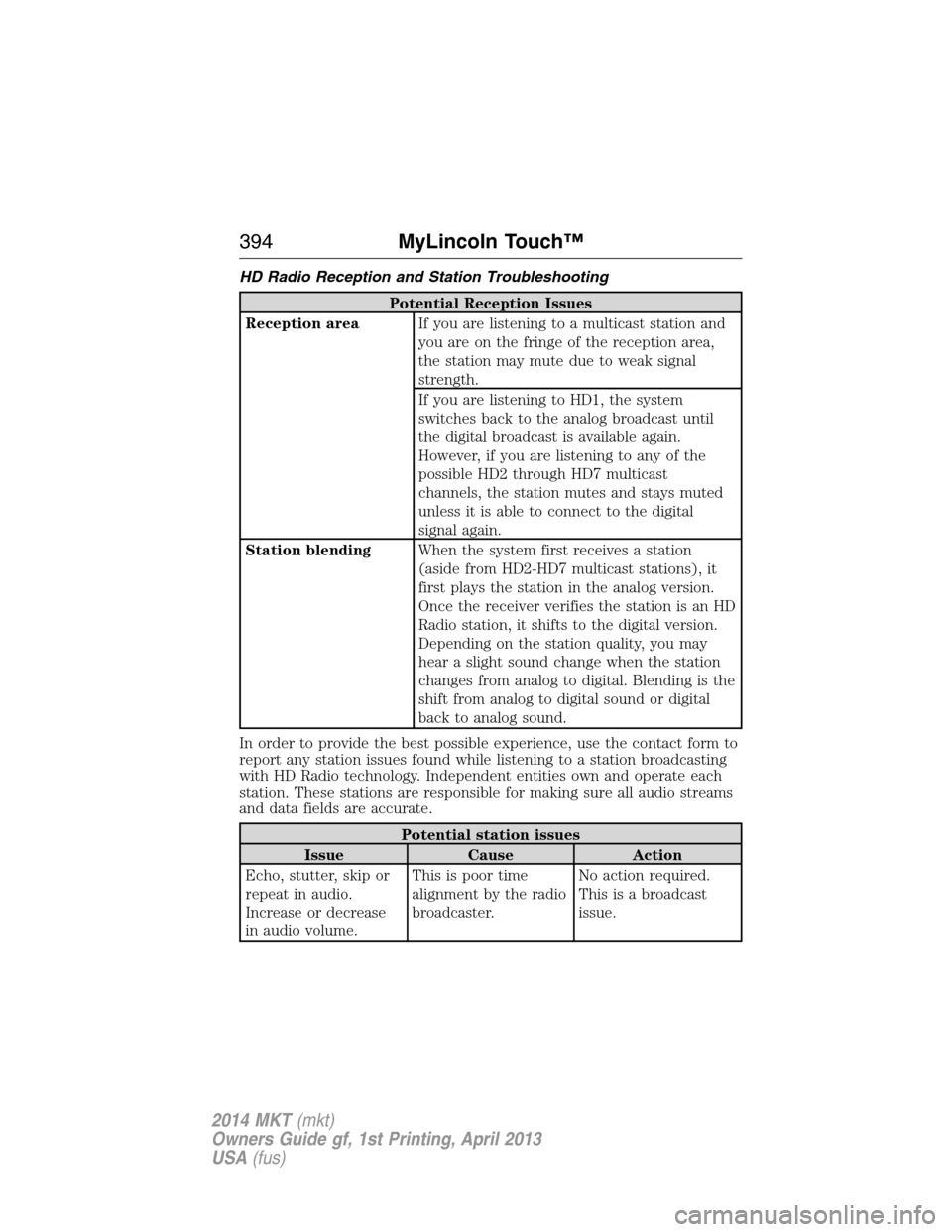
HD Radio Reception and Station Troubleshooting
Potential Reception Issues
Reception areaIf you are listening to a multicast station and
you are on the fringe of the reception area,
the station may mute due to weak signal
strength.
If you are listening to HD1, the system
switches back to the analog broadcast until
the digital broadcast is available again.
However, if you are listening to any of the
possible HD2 through HD7 multicast
channels, the station mutes and stays muted
unless it is able to connect to the digital
signal again.
Station blendingWhen the system first receives a station
(aside from HD2-HD7 multicast stations), it
first plays the station in the analog version.
Once the receiver verifies the station is an HD
Radio station, it shifts to the digital version.
Depending on the station quality, you may
hear a slight sound change when the station
changes from analog to digital. Blending is the
shift from analog to digital sound or digital
back to analog sound.
In order to provide the best possible experience, use the contact form to
report any station issues found while listening to a station broadcasting
with HD Radio technology. Independent entities own and operate each
station. These stations are responsible for making sure all audio streams
and data fields are accurate.
Potential station issues
Issue Cause Action
Echo, stutter, skip or
repeat in audio.
Increase or decrease
in audio volume.This is poor time
alignment by the radio
broadcaster.No action required.
This is a broadcast
issue.
394MyLincoln Touch™
2014 MKT(mkt)
Owners Guide gf, 1st Printing, April 2013
USA(fus)
Page 431 of 498
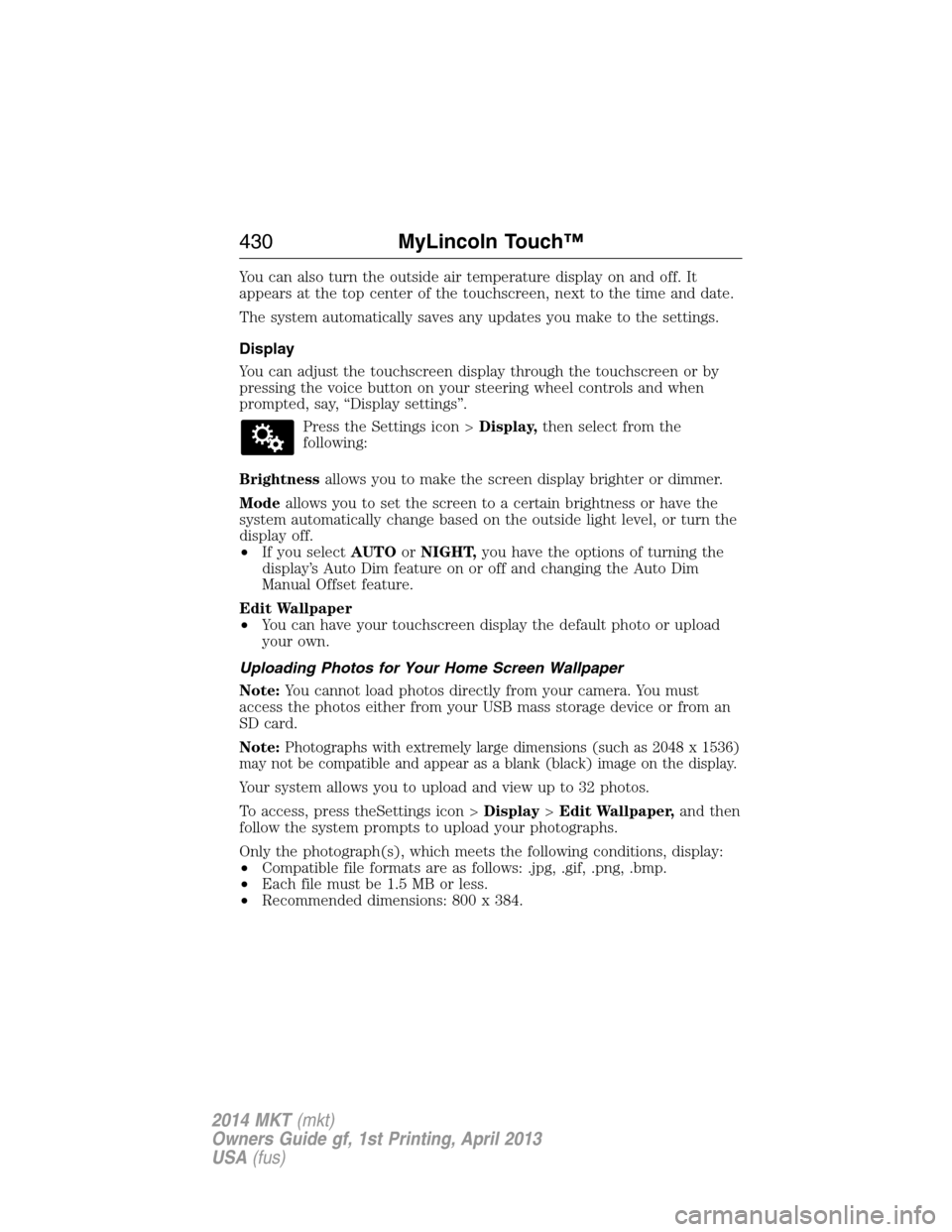
You can also turn the outside air temperature display on and off. It
appears at the top center of the touchscreen, next to the time and date.
The system automatically saves any updates you make to the settings.
Display
You can adjust the touchscreen display through the touchscreen or by
pressing the voice button on your steering wheel controls and when
prompted, say, “Display settings”.
Press the Settings icon >Display,then select from the
following:
Brightnessallows you to make the screen display brighter or dimmer.
Modeallows you to set the screen to a certain brightness or have the
system automatically change based on the outside light level, or turn the
display off.
•If you selectAUTOorNIGHT,you have the options of turning the
display’s Auto Dim feature on or off and changing the Auto Dim
Manual Offset feature.
Edit Wallpaper
•You can have your touchscreen display the default photo or upload
your own.
Uploading Photos for Your Home Screen Wallpaper
Note:You cannot load photos directly from your camera. You must
access the photos either from your USB mass storage device or from an
SD card.
Note:
Photographs with extremely large dimensions (such as 2048 x 1536)
may not be compatible and appear as a blank (black) image on the display.
Your system allows you to upload and view up to 32 photos.
To access, press theSettings icon >Display>Edit Wallpaper,and then
follow the system prompts to upload your photographs.
Only the photograph(s), which meets the following conditions, display:
•Compatible file formats are as follows: .jpg, .gif, .png, .bmp.
•Each file must be 1.5 MB or less.
•Recommended dimensions: 800 x 384.
430MyLincoln Touch™
2014 MKT(mkt)
Owners Guide gf, 1st Printing, April 2013
USA(fus)
Page 432 of 498
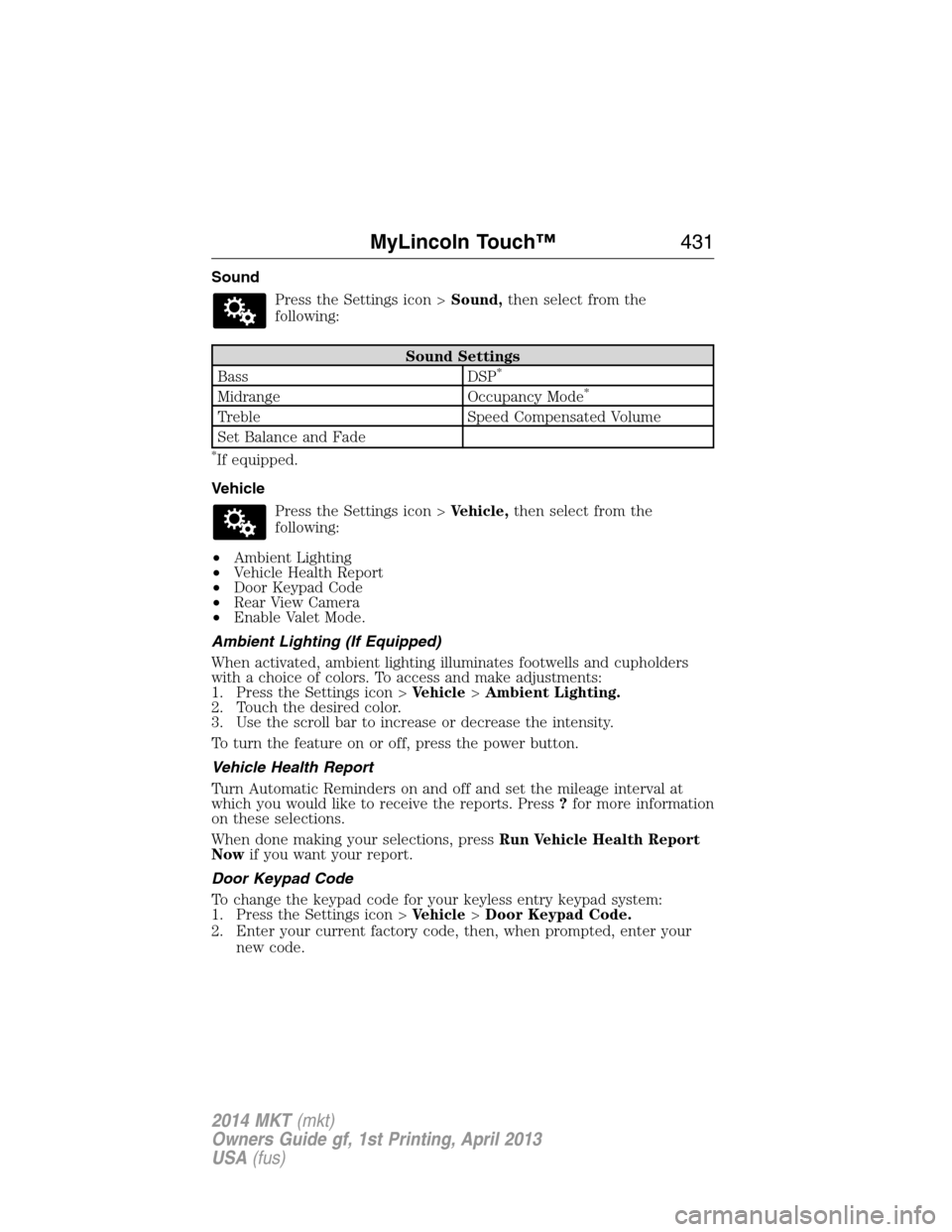
Sound
Press the Settings icon >Sound,then select from the
following:
Sound Settings
Bass DSP*
Midrange Occupancy Mode*
Treble Speed Compensated Volume
Set Balance and Fade
*If equipped.
Vehicle
Press the Settings icon >Vehicle,then select from the
following:
•Ambient Lighting
•Vehicle Health Report
•Door Keypad Code
•Rear View Camera
•Enable Valet Mode.
Ambient Lighting (If Equipped)
When activated, ambient lighting illuminates footwells and cupholders
with a choice of colors. To access and make adjustments:
1. Press the Settings icon >Vehicle>Ambient Lighting.
2. Touch the desired color.
3. Use the scroll bar to increase or decrease the intensity.
To turn the feature on or off, press the power button.
Vehicle Health Report
Turn Automatic Reminders on and off and set the mileage interval at
which you would like to receive the reports. Press?for more information
on these selections.
When done making your selections, pressRun Vehicle Health Report
Nowif you want your report.
Door Keypad Code
To change the keypad code for your keyless entry keypad system:
1. Press the Settings icon >Vehicle>Door Keypad Code.
2. Enter your current factory code, then, when prompted, enter your
new code.
MyLincoln Touch™431
2014 MKT(mkt)
Owners Guide gf, 1st Printing, April 2013
USA(fus)
Page 445 of 498
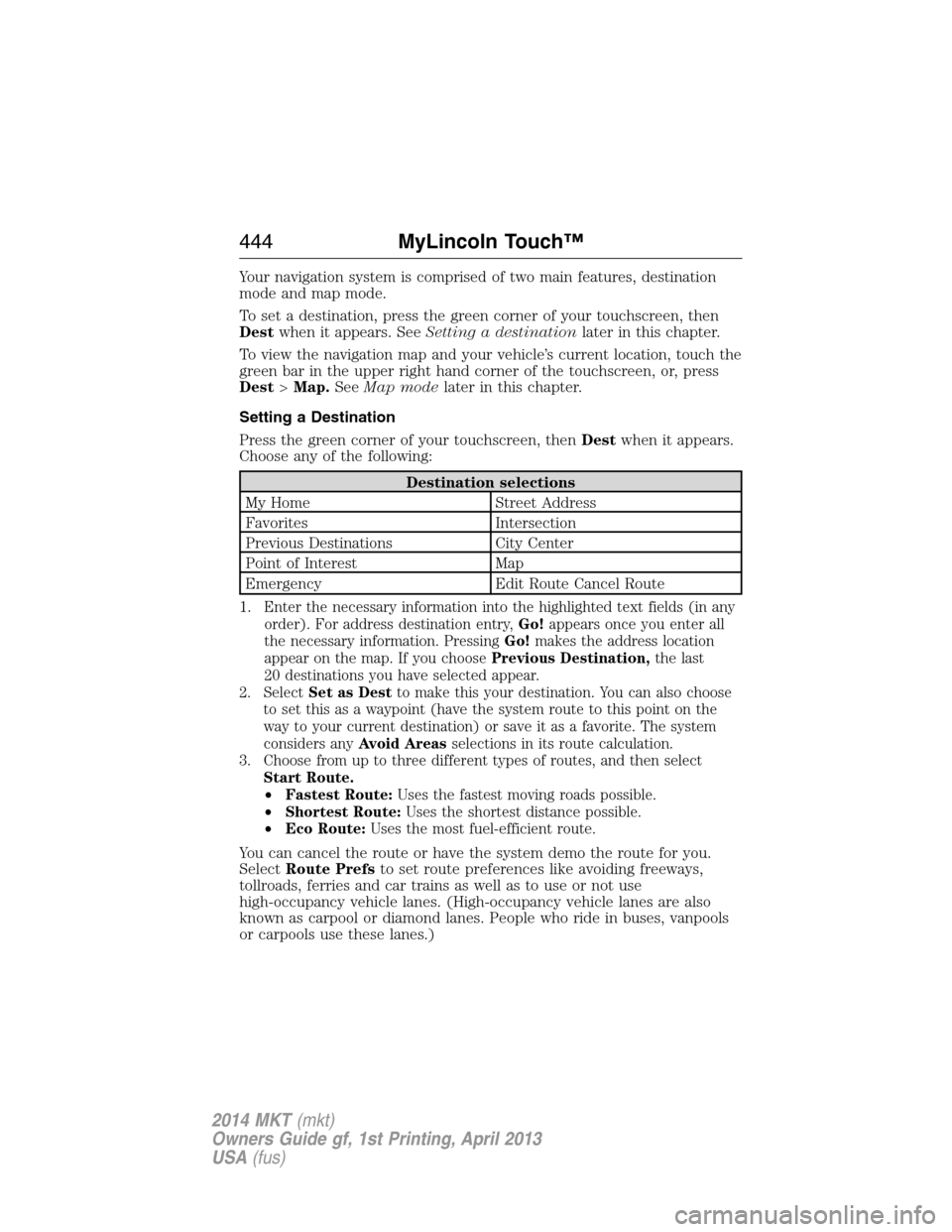
Your navigation system is comprised of two main features, destination
mode and map mode.
To set a destination, press the green corner of your touchscreen, then
Destwhen it appears. SeeSetting a destinationlater in this chapter.
To view the navigation map and your vehicle’s current location, touch the
green bar in the upper right hand corner of the touchscreen, or, press
Dest>Map.SeeMap modelater in this chapter.
Setting a Destination
Press the green corner of your touchscreen, thenDestwhen it appears.
Choose any of the following:
Destination selections
My Home Street Address
Favorites Intersection
Previous Destinations City Center
Point of Interest Map
Emergency Edit Route Cancel Route
1.
Enter the necessary information into the highlighted text fields (in any
order). For address destination entry,Go!appears once you enter all
the necessary information. PressingGo!makes the address location
appear on the map. If you choosePrevious Destination,the last
20 destinations you have selected appear.
2. SelectSet as Destto make this your destination. You can also choose
to set this as a waypoint (have the system route to this point on the
way to your current destination) or save it as a favorite. The system
considers anyAvoid Areasselections in its route calculation.
3. Choose from up to three different types of routes, and then select
Start Route.
•Fastest Route:Uses the fastest moving roads possible.
•Shortest Route:Uses the shortest distance possible.
•Eco Route:Uses the most fuel-efficient route.
You can cancel the route or have the system demo the route for you.
SelectRoute Prefsto set route preferences like avoiding freeways,
tollroads, ferries and car trains as well as to use or not use
high-occupancy vehicle lanes. (High-occupancy vehicle lanes are also
known as carpool or diamond lanes. People who ride in buses, vanpools
or carpools use these lanes.)
444MyLincoln Touch™
2014 MKT(mkt)
Owners Guide gf, 1st Printing, April 2013
USA(fus)
Page 477 of 498
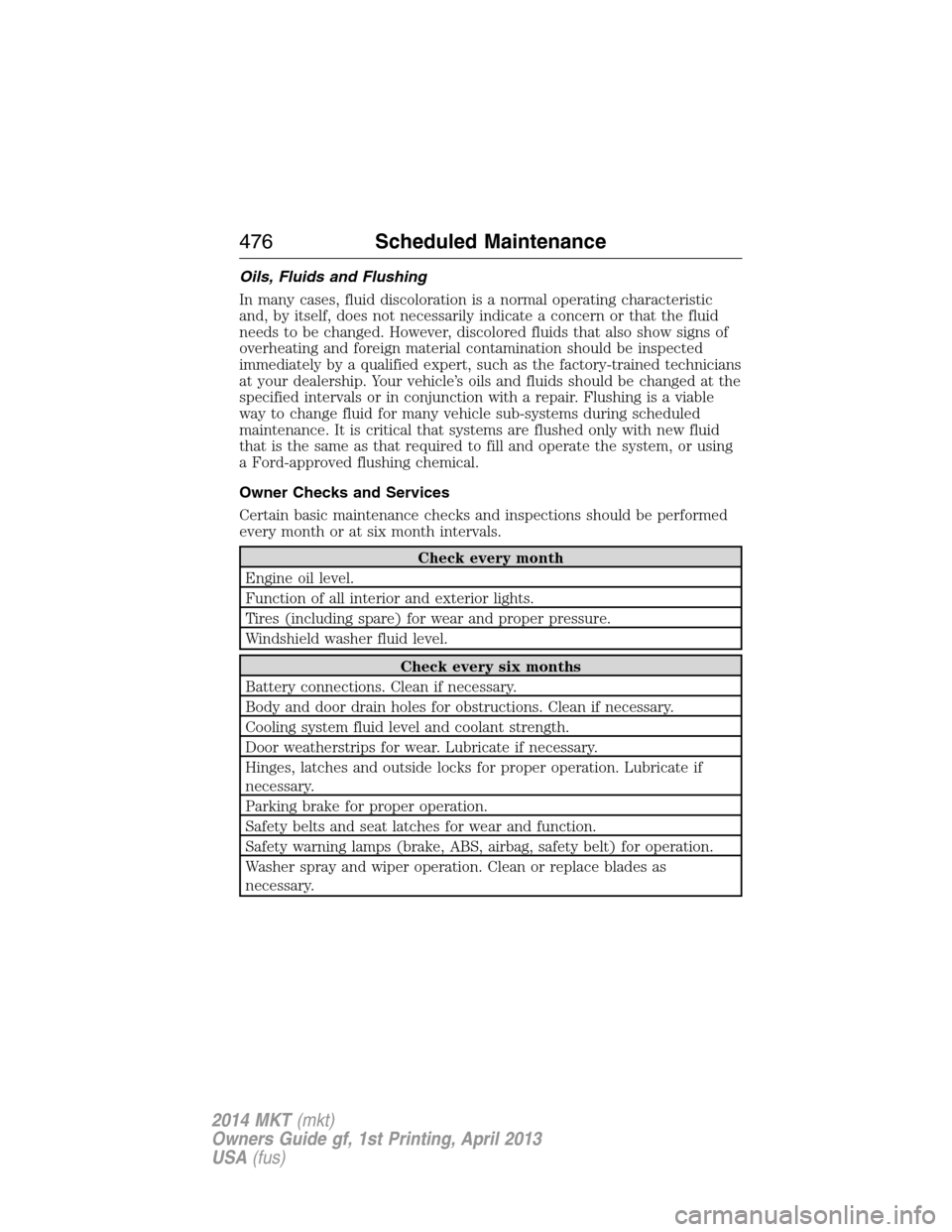
Oils, Fluids and Flushing
In many cases, fluid discoloration is a normal operating characteristic
and, by itself, does not necessarily indicate a concern or that the fluid
needs to be changed. However, discolored fluids that also show signs of
overheating and foreign material contamination should be inspected
immediately by a qualified expert, such as the factory-trained technicians
at your dealership. Your vehicle’s oils and fluids should be changed at the
specified intervals or in conjunction with a repair. Flushing is a viable
way to change fluid for many vehicle sub-systems during scheduled
maintenance. It is critical that systems are flushed only with new fluid
that is the same as that required to fill and operate the system, or using
a Ford-approved flushing chemical.
Owner Checks and Services
Certain basic maintenance checks and inspections should be performed
every month or at six month intervals.
Check every month
Engine oil level.
Function of all interior and exterior lights.
Tires (including spare) for wear and proper pressure.
Windshield washer fluid level.
Check every six months
Battery connections. Clean if necessary.
Body and door drain holes for obstructions. Clean if necessary.
Cooling system fluid level and coolant strength.
Door weatherstrips for wear. Lubricate if necessary.
Hinges, latches and outside locks for proper operation. Lubricate if
necessary.
Parking brake for proper operation.
Safety belts and seat latches for wear and function.
Safety warning lamps (brake, ABS, airbag, safety belt) for operation.
Washer spray and wiper operation. Clean or replace blades as
necessary.
476Scheduled Maintenance
2014 MKT(mkt)
Owners Guide gf, 1st Printing, April 2013
USA(fus)
Page 490 of 498
EXCEPTIONS
There are several exceptions to the Normal Schedule. They are listed
below:
Normal vehicle axle maintenance:Rear axles and power take-off
(PTO) units with synthetic fluid and light-duty trucks equipped with
Ford-design axles are lubricated for life; do not check or change fluid
unless a leak is suspected, service is required or the assembly has been
submerged in water. During long periods of trailer towing with outside
temperatures above 70°F (21°C) and at wide-open throttle for long
periods above 45 mph (72 km/h), non-synthetic rear axle fluids should
be changed every 3000 miles (4800 kilometers) or three months,
whichever comes first. This interval can be waived if the axle is filled
with 75W140 synthetic gear fluid meeting Ford specification
WSL-M2C192-A, part number F1TZ-19580-B or equivalent. Add friction
modifier XL-3 (EST-M2C118-A) or equivalent for complete refill of
Traction-Lok rear axles (seeTechnical specificationsin theCapacities
and Specificationschapter for details).
Police/Taxi/Livery vehicle axle maintenance:Change rear axle fluid
every 100000 miles (160000 kilometers). Rear axle fluid change may be
waived if the axle was filled with 75W140 synthetic gear fluid meeting
Ford specification WSL-M2C192-A, part number FITZ-19580-B or
equivalent. Add four ounces (118 mL) of additive friction modifier XL-3
(EST-M2C118-A) or equivalent for complete refill of Traction-Lok rear
axles. The axle fluid should be changed anytime the axle has been
submerged in water.
California fuel filter replacement:If the vehicle is registered in
California, the California Air Resources Board has determined that the
failure to perform this maintenance item will not nullify the emission
warranty or limit recall liability prior to the completion of the vehicle’s
useful life. Ford Motor Company, however, urges you to have all
recommended maintenance services performed at the specified intervals
and to record all vehicle service.
Class A Motorhome:Change brake fluid every two years.
Hot climate oil change intervals:Vehicles operating in the Middle
East, North Africa, Sub-Saharan Africa or locations with similar climates
using an American Petroleum Institute (API) Certified for Gasoline
Engines (Certification mark) oil of SM or SN quality, the normal oil
change interval is 5000 miles (8000 kilometers).
If the available API SM or SN oils are not available, then the oil change
service interval is 3000 miles (4800 kilometers).
Scheduled Maintenance489
2014 MKT(mkt)
Owners Guide gf, 1st Printing, April 2013
USA(fus)