instrument cluster LINCOLN MKT 2019 User Guide
[x] Cancel search | Manufacturer: LINCOLN, Model Year: 2019, Model line: MKT, Model: LINCOLN MKT 2019Pages: 575, PDF Size: 4.66 MB
Page 180 of 575
SelectShift in sport (S):
•Provides a permanent manual gearselection where full control of gearselection is required.
To exit SelectShift mode shift thetransmission into another gear (for example,drive [D]).
Upshift to the recommended shift speedsaccording to the following chart:
Upshifts when accelerating (recommended forbest fuel economy)
Shift from:
15 mph (24 km/h)1 - 2
25 mph (40 km/h)2 - 3
40 mph (64 km/h)3 - 4
45 mph (72 km/h)4 - 5
50 mph (80 km/h)5 - 6
The instrument cluster displays your currentlyselected gear. If a gear is requested but notavailable due to vehicle conditions (lowspeed, too high engine speed for requestedgear selection), the current gear will flashthree times.
Note:At full accelerator pedal travel, thetransmission automatically downshifts formaximum performance.
Note:In low traction conditions, you can pullaway in second gear using SelectShift. Toperform this operation, select drive (D) orsport (S) mode and press the + toggle (ifequipped) or pull the + paddle (if equipped)until 2 is displayed on the cluster. Yourvehicle is now ready to move in 2nd gear.
Brake-Shift Interlock
WARNING: Do not drive your vehicleuntil you verify that the brake lamps areworking.
WARNING: When doing thisprocedure, you need to take thetransmission out of park (P) which meansyour vehicle can roll freely. To avoidunwanted vehicle movement, always fullyapply the parking brake prior to doing thisprocedure. Use wheels chocks ifappropriate.
WARNING: If the parking brake isfully released, but the brake warning lampremains illuminated, the brakes may notbe working properly. Have your vehiclechecked as soon as possible.
Note:For some markets this feature will bedisabled.
Your vehicle is equipped with a brake-shiftinterlock feature that prevents moving thegearshift lever from park (P) when the ignitionis in the on position and the brake pedal isnot pressed.
177
MKT (TP4) , enUSA, Edition date: 201803, Second-Printing
Transmission
Page 191 of 575
It illuminates when you engage theparking brake and the ignition ison.
If it illuminates when your vehicleis moving, make sure the parkingbrake is disengaged. If the parking brake isdisengaged, this indicates low brake fluidlevel or a brake system fault. Have yourvehicle checked as soon as possible.
It also momentarily illuminates when youswitch the ignition on to confirm the lamp isfunctional. If it does not illuminate when youswitch the ignition on, or begins to flash atany time, have the system checked by anauthorized dealer.
HINTS ON DRIVING WITH ANTI-
LOCK BRAKES
The anti-lock braking system does noteliminate the risks when:
•You drive too closely to the vehicle infront of you.
•Your vehicle is hydroplaning.
•You take corners too fast.
•The road surface is poor.
Note: If the system activates, the brakepedal may pulse and may travel further. Maintain pressure on the brake pedal. Youmay also hear a noise from the system. Thisis normal.
PARKING BRAKE
WARNING: Always set the parkingbrake fully and make sure the transmissionis locked in park (P). Failure to set theparking brake and engage park couldresult in vehicle roll-away, propertydamage or bodily injury.
To set the parking brake, press the parkingbrake pedal down to its fullest extent. Thebrake warning lamp in the instrument clusterwill illuminate and remains illuminated untilthe parking brake is released.
To release the parking brake, press theparking brake pedal down again.
If you are parking your vehicle on a grade orwith a trailer, press and hold the brake pedaldown, then set the parking brake. There maybe a little vehicle movement as the parkingbrake sets to hold the vehicle's weight. Thisis normal and should be no reason forconcern. If needed, press and hold theservice brake pedal down, then tryreapplying the parking brake. Chock thewheels if required. If the parking brakecannot hold the weight of the vehicle, theparking brake may need to be serviced orthe vehicle may be overloaded.
188
MKT (TP4) , enUSA, Edition date: 201803, Second-Printing
BrakesE270480
Page 278 of 575
Protected ComponentsFuse RatingFuse or Relay Number
Not used (spare).20A20
Extended power module.10A21
Horn relay.20A22
Steering wheel control module logic.15A23Instrument cluster.
Steering wheel control module.15A24Datalink.
Not used (spare).15A25
Push button ignition switch.5A26
Intelligent access module power.20A27
Not used (spare).15A28
Radio.20A29
Front park lamps.15A30Trailer tow relay for park lamps.Front side markers.
Trailer tow brake controller.5A31
Smart window motors.15A32Master window and mirror switch.
275
MKT (TP4) , enUSA, Edition date: 201803, Second-Printing
Fuses
Page 290 of 575
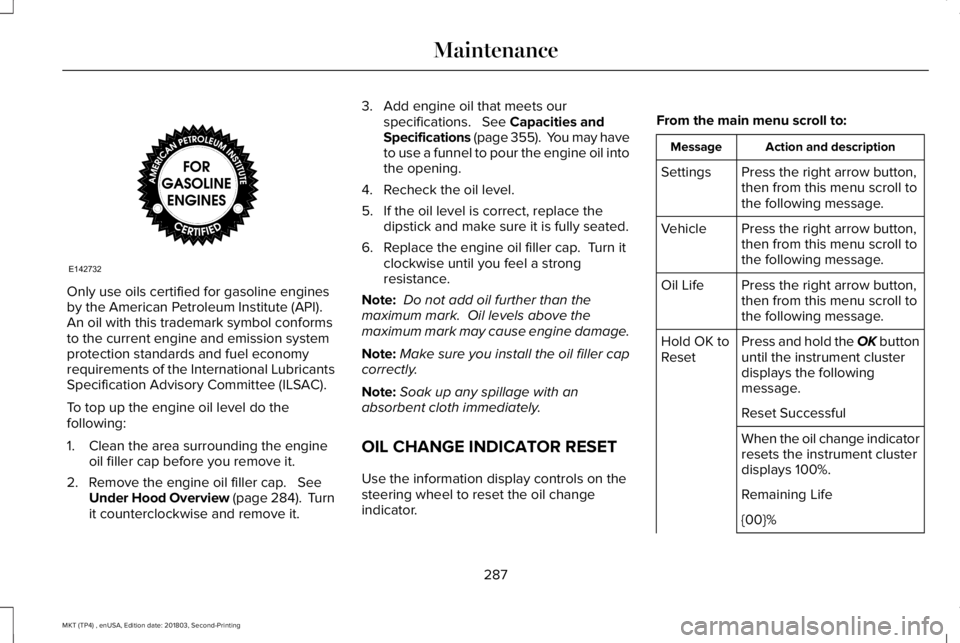
Only use oils certified for gasoline enginesby the American Petroleum Institute (API). An oil with this trademark symbol conformsto the current engine and emission systemprotection standards and fuel economyrequirements of the International LubricantsSpecification Advisory Committee (ILSAC).
To top up the engine oil level do thefollowing:
1. Clean the area surrounding the engineoil filler cap before you remove it.
2. Remove the engine oil filler cap. SeeUnder Hood Overview (page 284). Turnit counterclockwise and remove it.
3. Add engine oil that meets ourspecifications. See Capacities andSpecifications (page 355). You may haveto use a funnel to pour the engine oil intothe opening.
4. Recheck the oil level.
5. If the oil level is correct, replace thedipstick and make sure it is fully seated.
6. Replace the engine oil filler cap. Turn itclockwise until you feel a strongresistance.
Note: Do not add oil further than themaximum mark. Oil levels above themaximum mark may cause engine damage.
Note:Make sure you install the oil filler capcorrectly.
Note:Soak up any spillage with anabsorbent cloth immediately.
OIL CHANGE INDICATOR RESET
Use the information display controls on thesteering wheel to reset the oil changeindicator.
From the main menu scroll to:
Action and descriptionMessage
Press the right arrow button,then from this menu scroll tothe following message.
Settings
Press the right arrow button,then from this menu scroll tothe following message.
Vehicle
Press the right arrow button,then from this menu scroll tothe following message.
Oil Life
Press and hold the OK buttonuntil the instrument clusterdisplays the followingmessage.
Hold OK toReset
Reset Successful
When the oil change indicatorresets the instrument clusterdisplays 100%.
Remaining Life
{00}%
287
MKT (TP4) , enUSA, Edition date: 201803, Second-Printing
MaintenanceE142732
Page 291 of 575
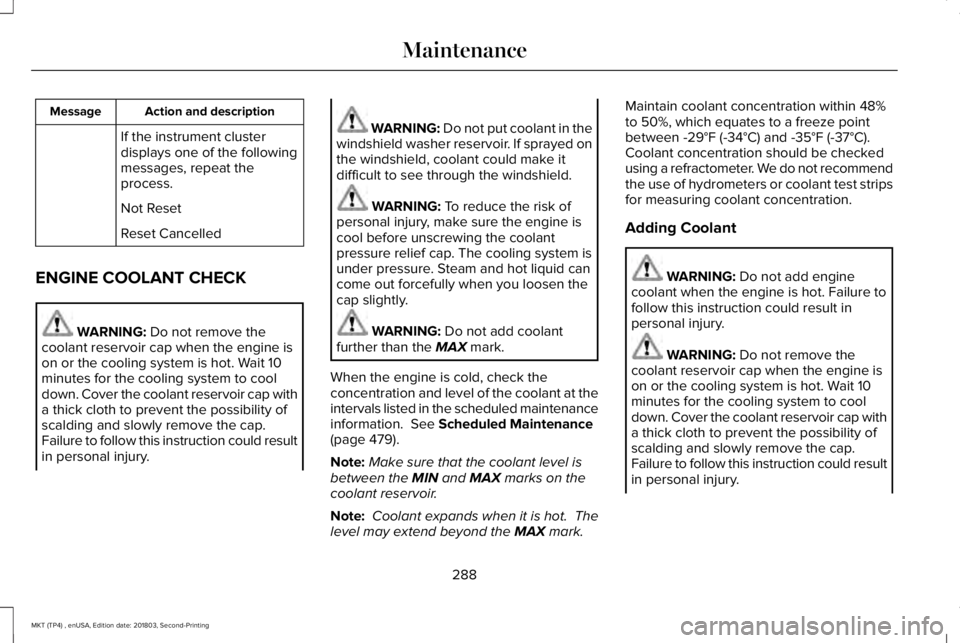
Action and descriptionMessage
If the instrument clusterdisplays one of the followingmessages, repeat theprocess.
Not Reset
Reset Cancelled
ENGINE COOLANT CHECK
WARNING: Do not remove thecoolant reservoir cap when the engine ison or the cooling system is hot. Wait 10minutes for the cooling system to cooldown. Cover the coolant reservoir cap witha thick cloth to prevent the possibility ofscalding and slowly remove the cap.Failure to follow this instruction could resultin personal injury.
WARNING: Do not put coolant in thewindshield washer reservoir. If sprayed onthe windshield, coolant could make itdifficult to see through the windshield.
WARNING: To reduce the risk ofpersonal injury, make sure the engine iscool before unscrewing the coolantpressure relief cap. The cooling system isunder pressure. Steam and hot liquid cancome out forcefully when you loosen thecap slightly.
WARNING: Do not add coolantfurther than the MAX mark.
When the engine is cold, check theconcentration and level of the coolant at theintervals listed in the scheduled maintenanceinformation. See Scheduled Maintenance(page 479).
Note:Make sure that the coolant level isbetween the MIN and MAX marks on thecoolant reservoir.
Note: Coolant expands when it is hot. Thelevel may extend beyond the MAX mark.
Maintain coolant concentration within 48%to 50%, which equates to a freeze pointbetween -29°F (-34°C) and -35°F (-37°C).Coolant concentration should be checkedusing a refractometer. We do not recommendthe use of hydrometers or coolant test stripsfor measuring coolant concentration.
Adding Coolant
WARNING: Do not add enginecoolant when the engine is hot. Failure tofollow this instruction could result inpersonal injury.
WARNING: Do not remove thecoolant reservoir cap when the engine ison or the cooling system is hot. Wait 10minutes for the cooling system to cooldown. Cover the coolant reservoir cap witha thick cloth to prevent the possibility ofscalding and slowly remove the cap.Failure to follow this instruction could resultin personal injury.
288
MKT (TP4) , enUSA, Edition date: 201803, Second-Printing
Maintenance
Page 312 of 575
CLEANING THE INSTRUMENT
PANEL AND INSTRUMENT
CLUSTER LENS
WARNING: Do not use chemicalsolvents or strong detergents whencleaning the steering wheel or instrumentpanel to avoid contamination of the airbagsystem.
Note:Follow the same procedure ascleaning leather seats for cleaning leatherinstrument panels and leather interior trimsurfaces. See Cleaning Leather Seats (page309).
Clean the instrument panel and cluster lenswith a clean, damp and soft cloth, then usea clean, dry and soft cloth to dry these areas.
•Avoid cleaners or polishes that increasethe gloss of the upper portion of theinstrument panel. The dull finish in thisarea helps protect you from undesirablewindshield reflection.
•Do not use any household cleaningproducts or glass cleaners as these maydamage the finish of the instrumentpanel, interior trim and cluster lens.
•Wash or wipe your hands clean if youhave been in contact with certainproducts such as insect repellent andsuntan lotion to avoid possible damageto the interior painted surfaces.
•Do not allow air fresheners and handsanitizers to spill onto interior surfaces.If a spill occurs, wipe off immediately.Your warranty may not cover thesedamages.
If a staining liquid like coffee or juice hasbeen spilled on the instrument panel or oninterior trim surfaces:
1.Wipe up spilled liquid using a clean, softcloth as quickly as possible.
2. Use Motorcraft Premium Leather andVinyl Cleaner or a commercially availableleather cleaning product for automotiveinteriors. Test any cleaner or stainremover on an inconspicuous area.
3. Alternatively, wipe the surface with aclean, soft cloth and a mild soap andwater solution. Dry the area with a clean,soft cloth.
4.If necessary, apply more soap and watersolution or cleaning product to a clean,soft cloth and press it onto the soiledarea. Allow this to set at roomtemperature for 30 minutes.
5. Remove the soaked cloth, then with aclean, damp cloth, use a rubbing motionfor 60 seconds on the soiled area.
6. Dry the area with a clean, soft cloth.
CLEANING LEATHER SEATS
Note:Follow the same procedure ascleaning leather seats for cleaning leatherinstrument panels and leather interior trimsurfaces.
309
MKT (TP4) , enUSA, Edition date: 201803, Second-Printing
Vehicle Care
Page 475 of 575
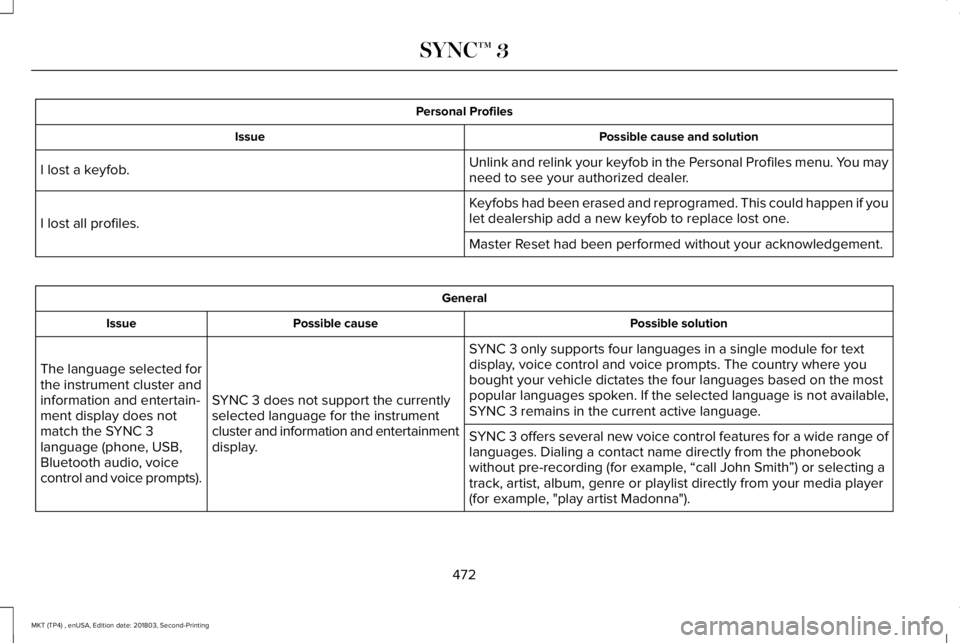
Personal Profiles
Possible cause and solutionIssue
Unlink and relink your keyfob in the Personal Profiles menu. You mayneed to see your authorized dealer.I lost a keyfob.
Keyfobs had been erased and reprogramed. This could happen if youlet dealership add a new keyfob to replace lost one.I lost all profiles.
Master Reset had been performed without your acknowledgement.
General
Possible solutionPossible causeIssue
SYNC 3 only supports four languages in a single module for textdisplay, voice control and voice prompts. The country where youbought your vehicle dictates the four languages based on the mostpopular languages spoken. If the selected language is not available,SYNC 3 remains in the current active language.SYNC 3 does not support the currentlyselected language for the instrumentcluster and information and entertainmentdisplay.
The language selected forthe instrument cluster andinformation and entertain-ment display does notmatch the SYNC 3language (phone, USB,Bluetooth audio, voicecontrol and voice prompts).
SYNC 3 offers several new voice control features for a wide range oflanguages. Dialing a contact name directly from the phonebookwithout pre-recording (for example, “call John Smith”) or selecting atrack, artist, album, genre or playlist directly from your media player(for example, "play artist Madonna").
472
MKT (TP4) , enUSA, Edition date: 201803, Second-Printing
SYNC™ 3
Page 566 of 575
Changing the 12V Battery..........................295Changing the Engine Air Filter..................301Changing the Wiper Blades.......................297Front Wiper Blades............................................298Rear Window Wiper Blade...............................298
Checking MyKey System Status.................66MyKey Distance....................................................66Number of Admin Keys.......................................66Number of MyKeys...............................................66
Checking the Wiper Blades.......................297Child Restraint and SeatbeltMaintenance..................................................46Child Restraint Positioning...........................35Child Safety.......................................................18General Information..............................................18
Child Safety Locks..........................................37Left-Hand Side.......................................................37Right-Hand Side....................................................37
Cleaning Leather Seats..............................309Cleaning Products........................................303Materials...............................................................303
Cleaning the Engine....................................306Cleaning the Exterior..................................304Cleaning the Headlamps..................................304Exterior Chrome Parts.......................................305Exterior Plastic Parts..........................................305Stripes or Graphics............................................305Underbody...........................................................305
Under Hood.........................................................305
Cleaning the Instrument Panel andInstrument Cluster Lens...........................309Cleaning the Interior....................................307Cleaning Black Label or PresidentialInterior...............................................................307
Cleaning the Wheels....................................310Cleaning the Windows and WiperBlades...........................................................306Clearing All MyKeys.......................................66Climate.............................................................410Climate Control..............................................125Climate Controlled Seats.............................147Cooled Seats........................................................148Heated Seats........................................................147
Collision Warning System..........................226PRINCIPLE OF OPERATION............................226
Coolant CheckSee: Engine Coolant Check............................288
Crash Sensors and Airbag Indicator..........57Creating a MyKey...........................................65Programming and Changing ConfigurableSettings...............................................................65
Cross Traffic Alert.........................................222False Alerts..........................................................225Switching the System Off and On..................225System Errors......................................................225
System Lights, Messages and AudibleAlerts.................................................................224System Limitations.............................................224Using the System...............................................222
Cruise Control...................................................81Principle of Operation.......................................203
Cruise controlSee: Using Cruise Control...............................203
Customer Assistance..................................254
D
Data Recording................................................10Event Data Recording...........................................10Service Data Recording.......................................10
Daytime Running Lamps...............................89Direction Indicators........................................92Doors and Locks.............................................68Drive Control.................................................229Lincoln Drive Control........................................229
Driver Alert......................................................212Using Driver Alert................................................213
Driver and Passenger Airbags....................50Children and Airbags............................................51Proper Driver and Front Passenger SeatingAdjustment..........................................................51
Driving Aids....................................................212Driving Hints..................................................245
563
MKT (TP4) , enUSA, Edition date: 201803, Second-Printing
Index
Page 569 of 575
I
In California (U.S. Only)...............................255Information Display Control.........................82Information Displays.....................................105General Information............................................105
Information Messages..................................112Adaptive Cruise Control.....................................113AdvanceTrac™........................................................113Alarm........................................................................114Automatic Engine Shutdown.............................114AWD.........................................................................115Battery and Charging System...........................116Blind Spot Information and Cross Traffic AlertSystem................................................................117Brake System.........................................................117Collision Warning System..................................118Doors and Locks...................................................118Fuel..........................................................................119Keys and Intelligent Access...............................119Lane Keeping System........................................120Maintenance.........................................................120MyKey......................................................................121Park Aid..................................................................122Power Steering....................................................123Seats.......................................................................123Tire Pressure Monitoring System....................124Traction Control...................................................124
Transmission.........................................................124
Installing Child Restraints.............................20Child Seats.............................................................20Using Lap and Shoulder Belts...........................20Using Lower Anchors and Tethers forCHildren (LATCH).............................................26Using Tether Straps..............................................28
Instrument Cluster........................................100Instrument Lighting Dimmer........................88Instrument Panel Overview...........................16Interior Lamps..................................................92Third Row Dome Lamps......................................92
Interior Mirror...................................................97Auto-Dimming Mirror............................................97Second Row Illuminated Vanity Mirror............97
Introduction.........................................................7
J
Jump Starting the Vehicle..........................250Connecting the Jumper Cables.....................250Jump Starting.......................................................251Preparing Your Vehicle.....................................250Removing the Jumper Cables........................252
K
Keyless Entry.....................................................71SECURICODE™ Keyless Entry Keypad..............71
Keyless Starting.............................................158Ignition Modes.....................................................158
Keys and Remote Controls..........................59
L
Lane Keeping System..................................214Switching the System On and Off...................215
Liftgate...............................................................74Lighting Control..............................................86Flashing the Headlamp High Beam.................87Headlamp High Beam.........................................87
Lighting..............................................................86General Information.............................................86
Lincoln Automotive Financial Services......12Lincoln Protect..............................................476Lincoln Protect (CANADA ONLY)....................477Lincoln Protect Extended Service Plans (U.S.Only)..................................................................476
Load Carrying.................................................231Load Limit.......................................................232Special Loading Instructions for Owners ofPick-up Trucks and Utility-typeVehicles............................................................236
566
MKT (TP4) , enUSA, Edition date: 201803, Second-Printing
Index