instrument panel LINCOLN MKT 2019 Owner's Manual
[x] Cancel search | Manufacturer: LINCOLN, Model Year: 2019, Model line: MKT, Model: LINCOLN MKT 2019Pages: 575, PDF Size: 4.66 MB
Page 371 of 575
against the use of any hand-held devicewhile driving and encourage the use ofvoice-operated systems when possible.Make sure you are aware of all applicablelocal laws that may affect the use ofelectronic devices while driving.
The media hub may be on the instrumentpanel or center console.
The media hub may contain one or more ofthe following inputs:
See USB Port (page 367).
368
MKT (TP4) , enUSA, Edition date: 201803, Second-Printing
Audio System
Page 380 of 575
Note:If your vehicle is not equipped withnavigation, compass appears in the displayinstead of navigation. If you press the rightarrow to go into the compass menu, you cansee the compass graphic. The compassdisplays the direction in which the vehicle istraveling, not true direction (for example, ifthe vehicle is traveling west, the middle ofthe compass graphic displays west; northdisplays to the left of west though its truedirection is to the right of west).
Using the Controls on the SteeringWheel
Depending on your vehicle and optionpackage, you can use different controls onyour steering wheel to interact with thetouchscreen system in different ways.
VOL: Control the volume of audio output.
Mute: Mute the audio output.
Voice: Press to start a voice session. Pressagain to stop the voice prompt andimmediately begin speaking. Press and holdto end a voice session.
SEEK NEXT:
•While in radio mode, press to seekbetween memory presets.
•While in USB, Bluetooth Audio or CDmode, press to seek between songs orpress and hold to fast seek.
SEEK PREVIOUS:
•While in radio mode, press to seekbetween memory presets.
•While in USB, Bluetooth Audio or CDmode, press to seek between songs orpress and hold to fast seek.
PHONE ACCEPT: Press to answer a call orswitch between calls.
PHONE REJECT: Press to end a call or rejectan incoming call.
Note:On some models, SEEK NEXT may becombined with PHONE REJECT and SEEKPREVIOUS may be combined with PHONEACCEPT.
M: Touch the control repeatedly to switchbetween media sources (modes).
See Steering Wheel (page 80).
Using Your Bezel Controls
Depending on your vehicle and optionpackage, you may also have these controlson your instrument panel:
•Power: Switch the audio system on andoff.
•VOL: Control the volume of playingaudio.
•Seek and Tune: Use as you normallywould in audio modes.
•Eject: Eject a CD from the audio system.
•SOURCE or MEDIA: Press repeatedly toadvance through available media modes.
•SOUND: Press to access the Soundmenu where you can adjust sound andother audio settings.
•1-6: Press and hold to store or press toselect an AM, FM or SIRIUS memorypreset. See Audio System (page 364).
377
MKT (TP4) , enUSA, Edition date: 201803, Second-Printing
SYNC™ 3
Page 413 of 575
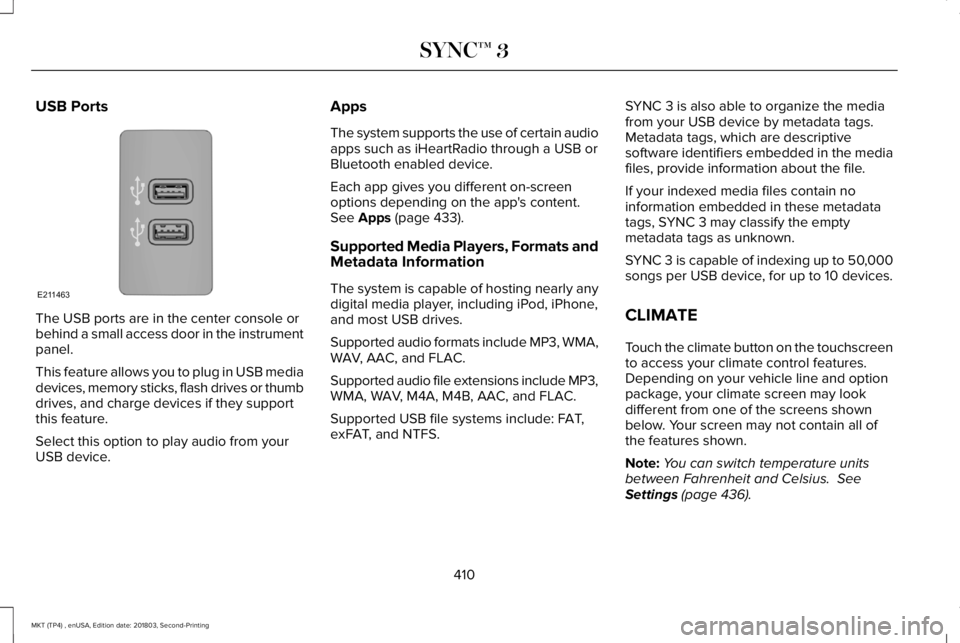
USB Ports
The USB ports are in the center console orbehind a small access door in the instrumentpanel.
This feature allows you to plug in USB mediadevices, memory sticks, flash drives or thumbdrives, and charge devices if they supportthis feature.
Select this option to play audio from yourUSB device.
Apps
The system supports the use of certain audioapps such as iHeartRadio through a USB orBluetooth enabled device.
Each app gives you different on-screenoptions depending on the app's content.See Apps (page 433).
Supported Media Players, Formats andMetadata Information
The system is capable of hosting nearly anydigital media player, including iPod, iPhone,and most USB drives.
Supported audio formats include MP3, WMA,WAV, AAC, and FLAC.
Supported audio file extensions include MP3,WMA, WAV, M4A, M4B, AAC, and FLAC.
Supported USB file systems include: FAT,exFAT, and NTFS.
SYNC 3 is also able to organize the mediafrom your USB device by metadata tags.Metadata tags, which are descriptivesoftware identifiers embedded in the mediafiles, provide information about the file.
If your indexed media files contain noinformation embedded in these metadatatags, SYNC 3 may classify the emptymetadata tags as unknown.
SYNC 3 is capable of indexing up to 50,000songs per USB device, for up to 10 devices.
CLIMATE
Touch the climate button on the touchscreento access your climate control features.Depending on your vehicle line and optionpackage, your climate screen may lookdifferent from one of the screens shownbelow. Your screen may not contain all ofthe features shown.
Note:You can switch temperature unitsbetween Fahrenheit and Celsius. SeeSettings (page 436).
410
MKT (TP4) , enUSA, Edition date: 201803, Second-Printing
SYNC™ 3E211463
Page 416 of 575
Passenger heated and climatecontrolled seats:H
Touch the heated seat icon toadjust the heated seat off and on(if equipped).
Touch the climate-controlled seaticon to adjust theclimate-controlled seat off and on(if equipped).
Fan speed: Touch up or down toincrease or decrease the volumeof air circulated in your vehicle.
I
Rear: A pop up appears on thescreen to display the rear controloptions.
J
Touch the power icon to switch therear climate control functions offand on.
Touch Rear Control to allow therear seat passengers to adjust therear climate settings. Touch itagain to prevent the rear seatpassengers from adjusting thesettings. Rear Controlautomatically turns off when youuse the touchscreen to adjust therear climate settings.
If your vehicle has automaticclimate controls, select Auto toconnect the rear climate settingsto the Auto settings of the driver.
Touch the up and down arrows toadjust the temperature.
Manual airflow distributioncontrols: Select these controlsindividually or together to directthe air flow to the desired area.
K
Panel: Distributes air through theinstrument panel vents.
Floor: Distributes air through thedemister vents, floor vents and rearseat floor vents.
A/C: A pop-up appears on thescreen to display the airconditioning options.
L
MAX A/C: Touch to cool yourvehicle with recirculated air. Touchagain for normal A/C operation.MAX A/C distributes air throughinstrument panel vents and mayhelp reduce odors from enteringyour vehicle. MAX A/C is moreeconomical and efficient thannormal A/C mode.
A/C: Touch to switch the airconditioning on or off. Use A/Cwith recirculated air to improvecooling performance andefficiency. A/C engagesautomatically in MAX A/C, defrostand footwell/defrost.
Recirculated air: Touch to switchthe recirculated air on or off whichmay reduce the amount of timeneeded to cool down the interiorand help reduce odors fromreaching the interior. Recirculated
413
MKT (TP4) , enUSA, Edition date: 201803, Second-Printing
SYNC™ 3
Page 566 of 575
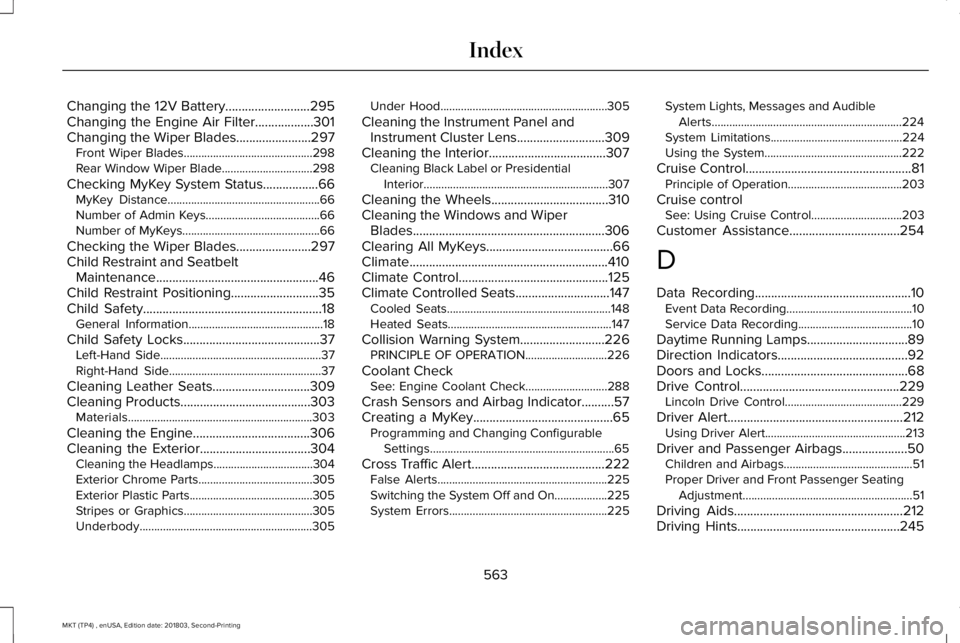
Changing the 12V Battery..........................295Changing the Engine Air Filter..................301Changing the Wiper Blades.......................297Front Wiper Blades............................................298Rear Window Wiper Blade...............................298
Checking MyKey System Status.................66MyKey Distance....................................................66Number of Admin Keys.......................................66Number of MyKeys...............................................66
Checking the Wiper Blades.......................297Child Restraint and SeatbeltMaintenance..................................................46Child Restraint Positioning...........................35Child Safety.......................................................18General Information..............................................18
Child Safety Locks..........................................37Left-Hand Side.......................................................37Right-Hand Side....................................................37
Cleaning Leather Seats..............................309Cleaning Products........................................303Materials...............................................................303
Cleaning the Engine....................................306Cleaning the Exterior..................................304Cleaning the Headlamps..................................304Exterior Chrome Parts.......................................305Exterior Plastic Parts..........................................305Stripes or Graphics............................................305Underbody...........................................................305
Under Hood.........................................................305
Cleaning the Instrument Panel andInstrument Cluster Lens...........................309Cleaning the Interior....................................307Cleaning Black Label or PresidentialInterior...............................................................307
Cleaning the Wheels....................................310Cleaning the Windows and WiperBlades...........................................................306Clearing All MyKeys.......................................66Climate.............................................................410Climate Control..............................................125Climate Controlled Seats.............................147Cooled Seats........................................................148Heated Seats........................................................147
Collision Warning System..........................226PRINCIPLE OF OPERATION............................226
Coolant CheckSee: Engine Coolant Check............................288
Crash Sensors and Airbag Indicator..........57Creating a MyKey...........................................65Programming and Changing ConfigurableSettings...............................................................65
Cross Traffic Alert.........................................222False Alerts..........................................................225Switching the System Off and On..................225System Errors......................................................225
System Lights, Messages and AudibleAlerts.................................................................224System Limitations.............................................224Using the System...............................................222
Cruise Control...................................................81Principle of Operation.......................................203
Cruise controlSee: Using Cruise Control...............................203
Customer Assistance..................................254
D
Data Recording................................................10Event Data Recording...........................................10Service Data Recording.......................................10
Daytime Running Lamps...............................89Direction Indicators........................................92Doors and Locks.............................................68Drive Control.................................................229Lincoln Drive Control........................................229
Driver Alert......................................................212Using Driver Alert................................................213
Driver and Passenger Airbags....................50Children and Airbags............................................51Proper Driver and Front Passenger SeatingAdjustment..........................................................51
Driving Aids....................................................212Driving Hints..................................................245
563
MKT (TP4) , enUSA, Edition date: 201803, Second-Printing
Index
Page 569 of 575
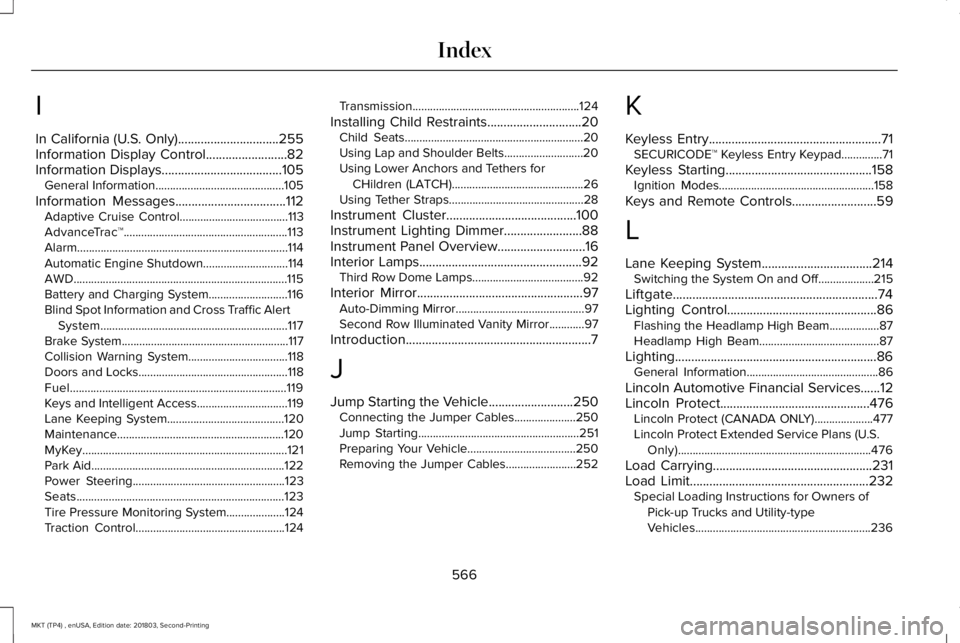
I
In California (U.S. Only)...............................255Information Display Control.........................82Information Displays.....................................105General Information............................................105
Information Messages..................................112Adaptive Cruise Control.....................................113AdvanceTrac™........................................................113Alarm........................................................................114Automatic Engine Shutdown.............................114AWD.........................................................................115Battery and Charging System...........................116Blind Spot Information and Cross Traffic AlertSystem................................................................117Brake System.........................................................117Collision Warning System..................................118Doors and Locks...................................................118Fuel..........................................................................119Keys and Intelligent Access...............................119Lane Keeping System........................................120Maintenance.........................................................120MyKey......................................................................121Park Aid..................................................................122Power Steering....................................................123Seats.......................................................................123Tire Pressure Monitoring System....................124Traction Control...................................................124
Transmission.........................................................124
Installing Child Restraints.............................20Child Seats.............................................................20Using Lap and Shoulder Belts...........................20Using Lower Anchors and Tethers forCHildren (LATCH).............................................26Using Tether Straps..............................................28
Instrument Cluster........................................100Instrument Lighting Dimmer........................88Instrument Panel Overview...........................16Interior Lamps..................................................92Third Row Dome Lamps......................................92
Interior Mirror...................................................97Auto-Dimming Mirror............................................97Second Row Illuminated Vanity Mirror............97
Introduction.........................................................7
J
Jump Starting the Vehicle..........................250Connecting the Jumper Cables.....................250Jump Starting.......................................................251Preparing Your Vehicle.....................................250Removing the Jumper Cables........................252
K
Keyless Entry.....................................................71SECURICODE™ Keyless Entry Keypad..............71
Keyless Starting.............................................158Ignition Modes.....................................................158
Keys and Remote Controls..........................59
L
Lane Keeping System..................................214Switching the System On and Off...................215
Liftgate...............................................................74Lighting Control..............................................86Flashing the Headlamp High Beam.................87Headlamp High Beam.........................................87
Lighting..............................................................86General Information.............................................86
Lincoln Automotive Financial Services......12Lincoln Protect..............................................476Lincoln Protect (CANADA ONLY)....................477Lincoln Protect Extended Service Plans (U.S.Only)..................................................................476
Load Carrying.................................................231Load Limit.......................................................232Special Loading Instructions for Owners ofPick-up Trucks and Utility-typeVehicles............................................................236
566
MKT (TP4) , enUSA, Edition date: 201803, Second-Printing
Index