Nut LINCOLN MKX 2008 User Guide
[x] Cancel search | Manufacturer: LINCOLN, Model Year: 2008, Model line: MKX, Model: LINCOLN MKX 2008Pages: 328, PDF Size: 2.62 MB
Page 94 of 328
Selectable features
Reset
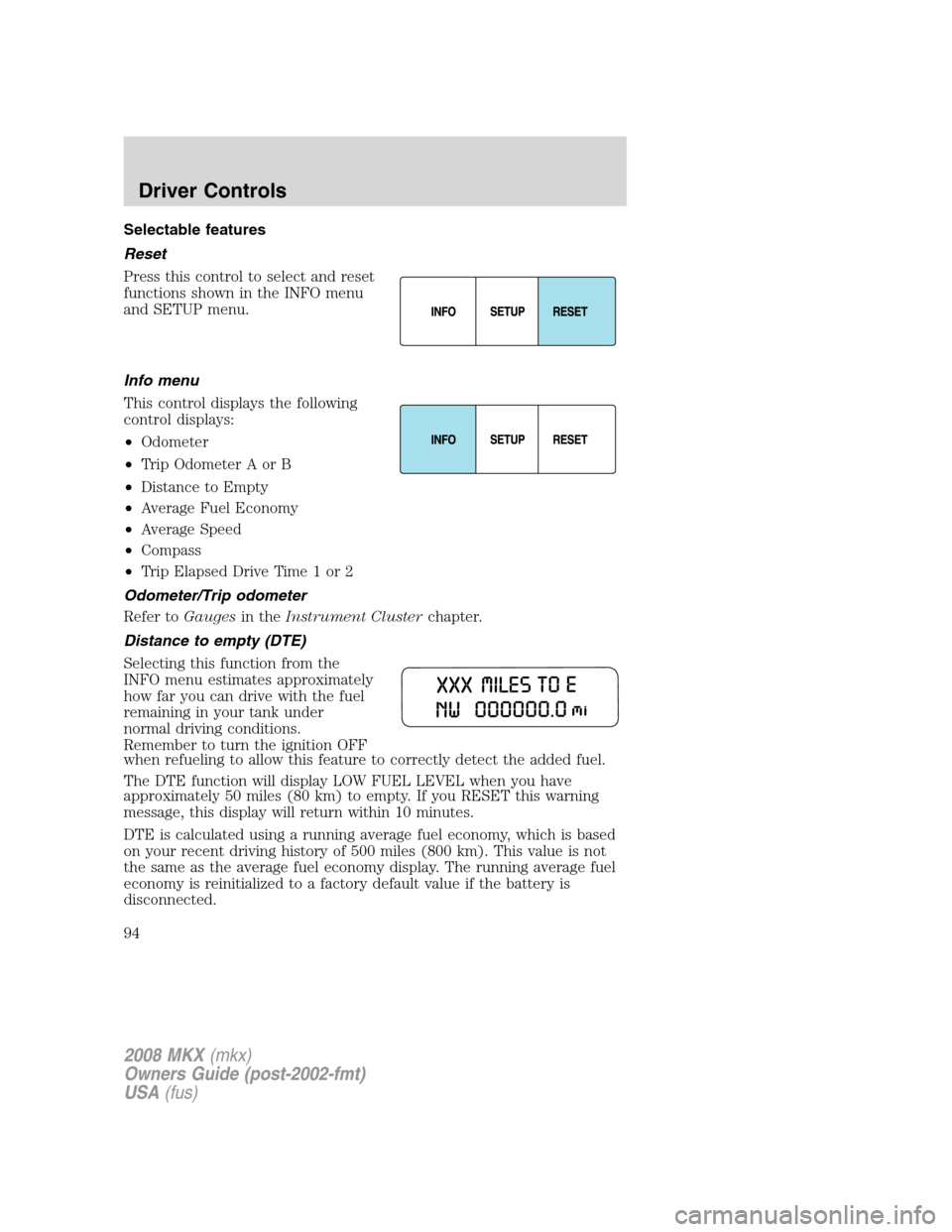
Press this control to select and reset
functions shown in the INFO menu
and SETUP menu.
Info menu
This control displays the following
control displays:
•Odometer
•Trip Odometer A or B
•Distance to Empty
•Average Fuel Economy
•Average Speed
•Compass
•Trip Elapsed Drive Time 1 or 2
Odometer/Trip odometer
Refer toGaugesin theInstrument Clusterchapter.
Distance to empty (DTE)
Selecting this function from the
INFO menu estimates approximately
how far you can drive with the fuel
remaining in your tank under
normal driving conditions.
Remember to turn the ignition OFF
when refueling to allow this feature to correctly detect the added fuel.
The DTE function will display LOW FUEL LEVEL when you have
approximately 50 miles (80 km) to empty. If you RESET this warning
message, this display will return within 10 minutes.
DTE is calculated using a running average fuel economy, which is based
on your recent driving history of 500 miles (800 km). This value is not
the same as the average fuel economy display. The running average fuel
economy is reinitialized to a factory default value if the battery is
disconnected.
2008 MKX(mkx)
Owners Guide (post-2002-fmt)
USA(fus)
Driver Controls
94
Page 98 of 328
•Power Liftgate (if equipped)
•Easy entry/exit seat (if equipped)
•Reverse sensing system (Park Assist) (if equipped)
•Language
System check
Selecting this function from the
SETUP menu causes the message
center to cycle through each of the
systems being monitored. For each
of the monitored systems, the
message center will indicate either an OK message or a warning message
for two to four seconds.
Pressing the RESET control cycles the message center through each of
the systems being monitored.
The sequence of the system check report is as follows:
1. DOORS CLOSED
2. ENGINE TEMPERATURE
3. OIL PRESSURE
4. BRAKE FLUID LEVEL
5. WASHER FLUID LEVEL
6. FUEL LEVEL
7. DISTANCE TO EMPTY
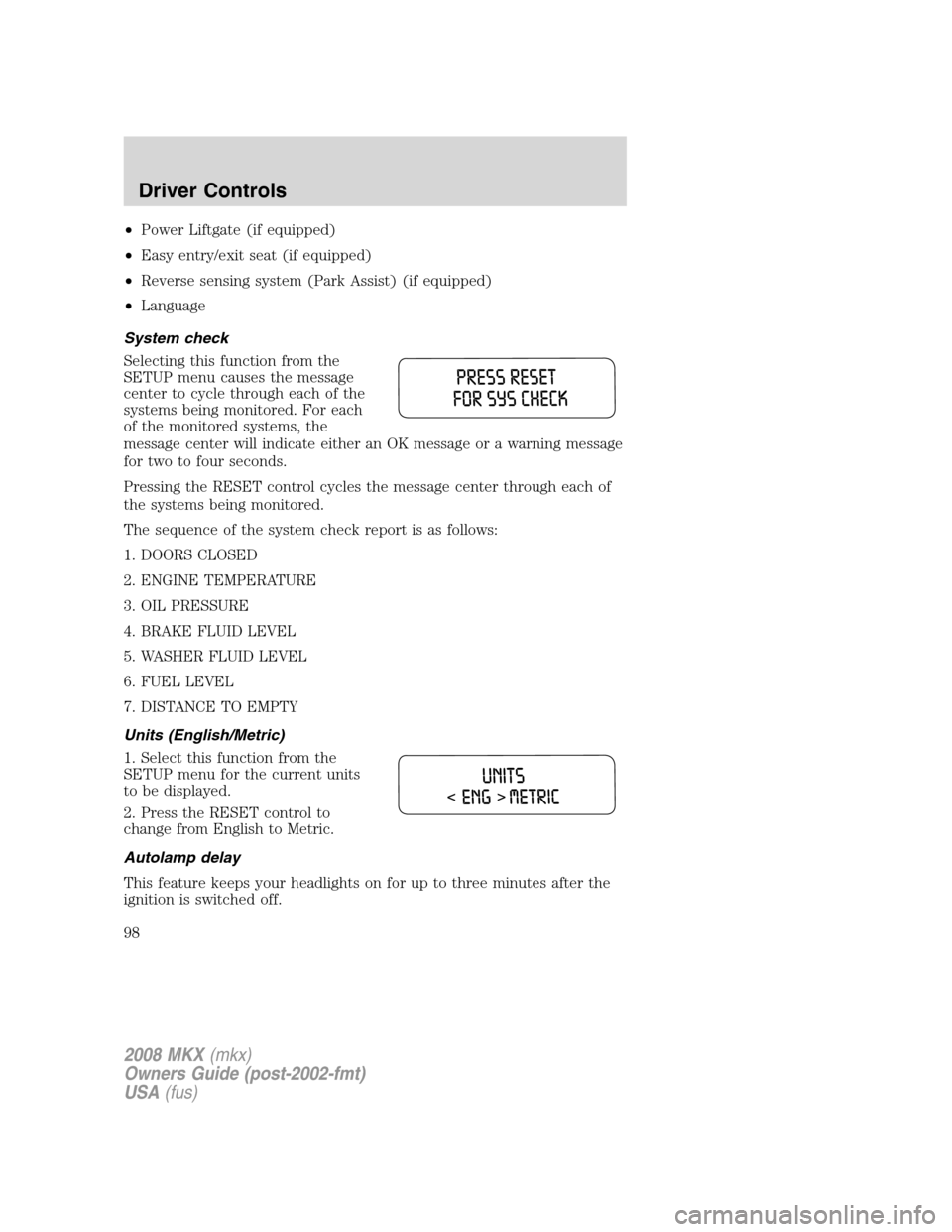
Units (English/Metric)
1. Select this function from the
SETUP menu for the current units
to be displayed.
2. Press the RESET control to
change from English to Metric.
Autolamp delay
This feature keeps your headlights on for up to three minutes after the
ignition is switched off.
2008 MKX(mkx)
Owners Guide (post-2002-fmt)
USA(fus)
Driver Controls
98
Page 99 of 328
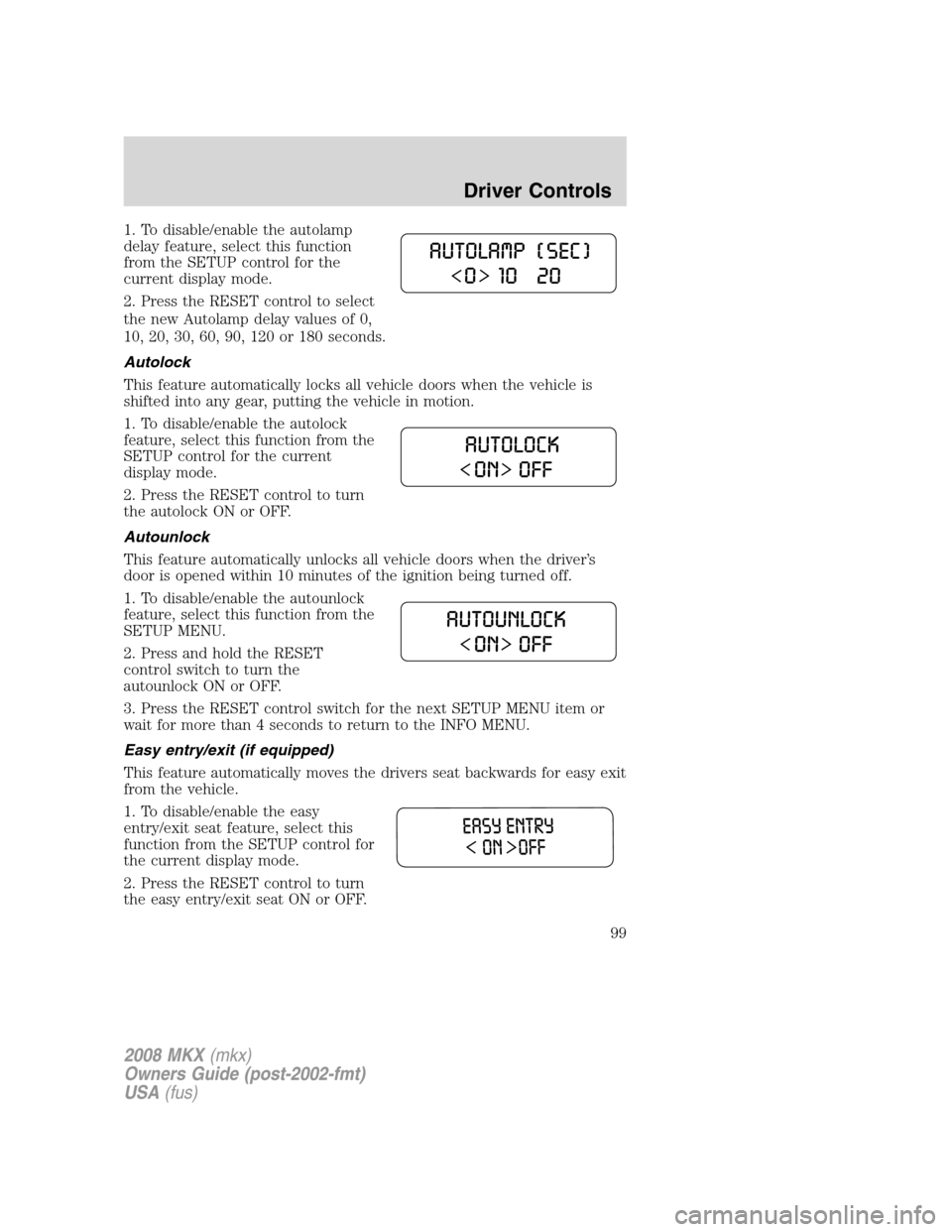
1. To disable/enable the autolamp
delay feature, select this function
from the SETUP control for the
current display mode.
2. Press the RESET control to select
the new Autolamp delay values of 0,
10, 20, 30, 60, 90, 120 or 180 seconds.
Autolock
This feature automatically locks all vehicle doors when the vehicle is
shifted into any gear, putting the vehicle in motion.
1. To disable/enable the autolock
feature, select this function from the
SETUP control for the current
display mode.
2. Press the RESET control to turn
the autolock ON or OFF.
Autounlock
This feature automatically unlocks all vehicle doors when the driver’s
door is opened within 10 minutes of the ignition being turned off.
1. To disable/enable the autounlock
feature, select this function from the
SETUP MENU.
2. Press and hold the RESET
control switch to turn the
autounlock ON or OFF.
3. Press the RESET control switch for the next SETUP MENU item or
wait for more than 4 seconds to return to the INFO MENU.
Easy entry/exit (if equipped)
This feature automatically moves the drivers seat backwards for easy exit
from the vehicle.
1. To disable/enable the easy
entry/exit seat feature, select this
function from the SETUP control for
the current display mode.
2. Press the RESET control to turn
the easy entry/exit seat ON or OFF.
2008 MKX(mkx)
Owners Guide (post-2002-fmt)
USA(fus)
Driver Controls
99
Page 101 of 328
In the event of a multiple warning situation, the message center will
cycle the display to show all warnings by displaying each one for several
seconds.
The message center will display the last selected feature if there are no
more warning messages. This allows you to use the full functionality of
the message center after you acknowledge the warning by pressing the
RESET control and clearing the warning message.
Warning messages that have been reset are divided into three categories:
•They will not disappear until a condition is changed.
•They will reappear on the display ten minutes from the reset.
•They will not reappear until an ignition LOCK/OFF-ON cycle has been
completed.
This acts as a reminder that these warning conditions still exist within
the vehicle.
Warnings Status
Driver door ajar Warning cannot be reset (PLEASE
CLOSE DOOR) will be displayed
Passenger door ajar
Rear left door ajar
Rear right door ajar
Park brake engaged RELEASE PARK BRAKE will be
displayed
Low fuel level Warning returns after 10 minutes
Check brake system
Low brake fluid level Warning returns after the ignition key
is turned from LOCK/OFF to RUN
Liftgate ajar
Low tire pressure
Tire pressure monitor fault
Tire pressure sensor fault
Compass data error
Integrated key programming
statusMaximum number of Integrated Keys
exceeded
DRIVER DOOR AJAR.Displayed when the driver’s door is not
completely closed.
PASSENGER DOOR AJAR.Displayed when the passenger side door is
not completely closed.
2008 MKX(mkx)
Owners Guide (post-2002-fmt)
USA(fus)
Driver Controls
101
Page 113 of 328
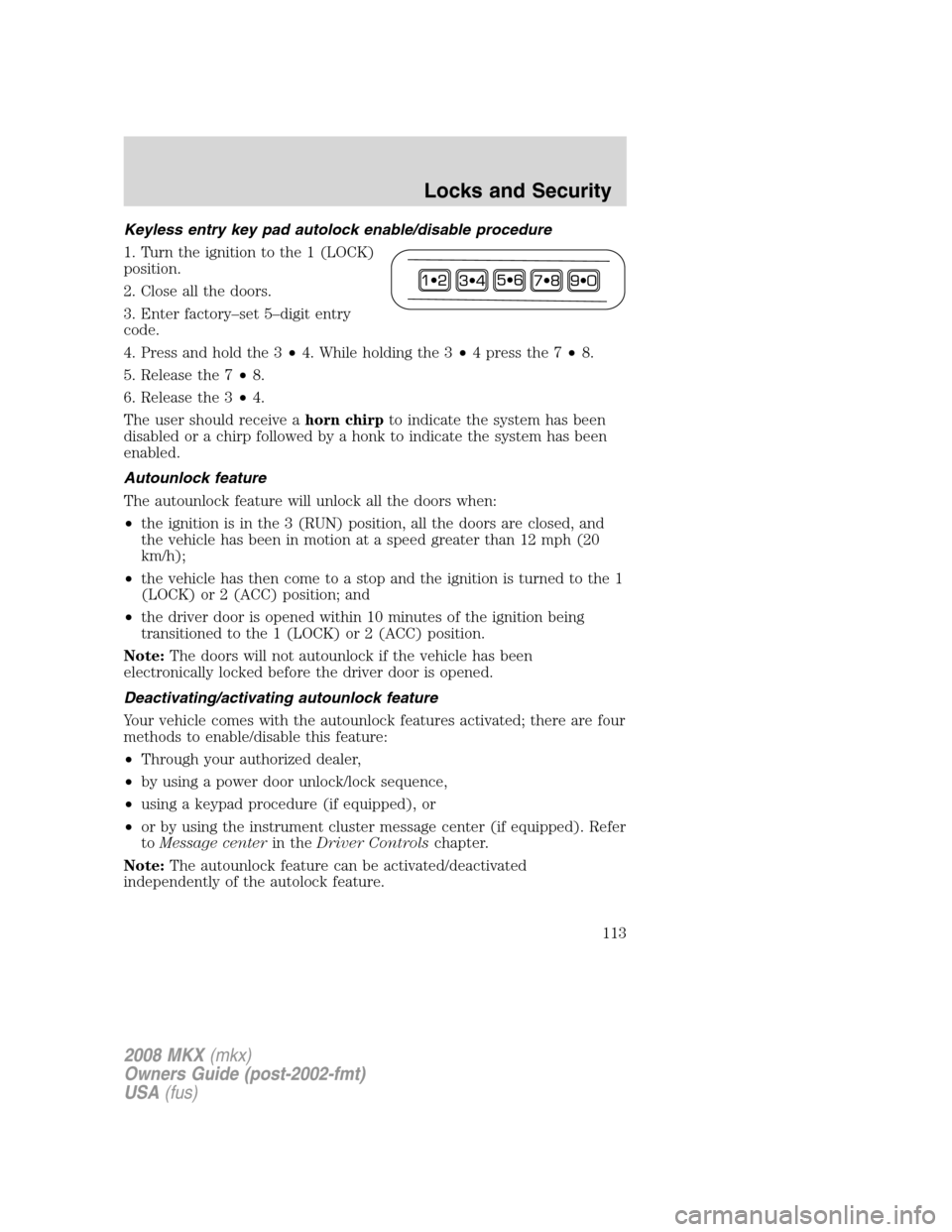
Keyless entry key pad autolock enable/disable procedure
1. Turn the ignition to the 1 (LOCK)
position.
2. Close all the doors.
3. Enter factory–set 5–digit entry
code.
4. Press and hold the 3•4. While holding the 3•4 press the 7•8.
5. Release the 7•8.
6. Release the 3•4.
The user should receive ahorn chirpto indicate the system has been
disabled or a chirp followed by a honk to indicate the system has been
enabled.
Autounlock feature
The autounlock feature will unlock all the doors when:
•the ignition is in the 3 (RUN) position, all the doors are closed, and
the vehicle has been in motion at a speed greater than 12 mph (20
km/h);
•the vehicle has then come to a stop and the ignition is turned to the 1
(LOCK) or 2 (ACC) position; and
•the driver door is opened within 10 minutes of the ignition being
transitioned to the 1 (LOCK) or 2 (ACC) position.
Note:The doors will not autounlock if the vehicle has been
electronically locked before the driver door is opened.
Deactivating/activating autounlock feature
Your vehicle comes with the autounlock features activated; there are four
methods to enable/disable this feature:
•Through your authorized dealer,
•by using a power door unlock/lock sequence,
•using a keypad procedure (if equipped), or
•or by using the instrument cluster message center (if equipped). Refer
toMessage centerin theDriver Controlschapter.
Note:The autounlock feature can be activated/deactivated
independently of the autolock feature.
2008 MKX(mkx)
Owners Guide (post-2002-fmt)
USA(fus)
Locks and Security
113
Page 117 of 328
The IKT allows you to:
•remotely unlock the vehicle doors.
•remotely lock all the vehicle doors.
•remotely open the power liftgate (if equipped).
•activate the personal alarm.
•arm and disarm the perimeter anti-theft system.
•operate the illuminated entry feature.
The remote entry lock/unlock feature operates in any ignition position
except while the key is held in the 4 (START) position. The panic
feature operates with the key in the 1 (LOCK) position.
If there are problems with the remote entry system, make sure to take
ALL Integrated Keyhead Transmitterswith you to the authorized
dealer in order to aid in troubleshooting the problem.
Unlocking the doors/two stage unlock
1. Pressand release to unlock the driver’s door.Note:The interior
lamps will illuminate.
2. Press
and release again within three seconds to unlock all the
doors.
The remote entry system activates the illuminated entry feature; this
feature turns on the lamps for 25 seconds or until the ignition is turned
to the 3 (RUN) position.
The inside lights will not turn off if:
•they have been turned on using the dimmer control or
•any door is open.
The battery saver feature will turn off the interior lamps 10 minutes after
the ignition is turned to the 1 (LOCK) position.
Two stage unlocking may be disabled or re-enabled by simultaneously
pressing the
andcontrols on the IKT for four seconds (disabling
two stage unlock allows all vehicle doors to unlock simultaneously). The
turn lamps will flash twice to indicate that two-stage unlock was enabled
or disabled.
Opening front windows and panoramic roof (if equipped)
Pressand hold for more than two seconds in order to begin opening
the two front windows and venting the panoramic roof (if equipped).
2008 MKX(mkx)
Owners Guide (post-2002-fmt)
USA(fus)
Locks and Security
117
Page 118 of 328
•Thecontrol can then be released and the windows and panoramic
roof will complete the opening operation.
•If any other remote entry transmitter control is pressed during the
opening operation, both windows and panoramic roof movement will
stop.
Note:The ignition must be in the 1 (LOCK) position and the accessory
delay feature must be not activated in order for this feature to operate.
Locking the doors
1. Pressand release to lock all the doors. The turn lamps will flash.
2. Press
and release again within three seconds to confirm that all
the doors are closed.Note:The doors will lock again, the horn will chirp
and the turn lamps will flash once if all the doors and liftgate are closed.
Note:If any door or the liftgate is not closed, or if the hood is not
closed in vehicles equipped with the perimeter alarm feature, the horn
will chirp twice and the lamps will not flash.
Opening the power liftgate (if equipped)
Presstwice within 3 seconds to fully unlatch and open the liftgate.
Make sure all persons are clear of the liftgate area before using
power liftgate control.
In order to fully lower and latch the liftgate, press the control twice.
If the liftgate stops mid travel, it may have detected an obstacle, Check
to ensure the liftgate swing zone is free from obstruction and reset the
power assist by manually closing the liftgate. Normal operation can then
be resumed.
Make sure the liftgate is closed to prevent exhaust fumes from
being drawn into the vehicle. This will also prevent passengers
and cargo from falling out. If you must drive with the liftgate open,
keep the vents open so outside air comes into the vehicle.
Car finder
Press
twice within three seconds. The horn will chirp and the turn
lamps will flash. It is recommended that this method be used to locate
your vehicle, rather than using the panic alarm.
Sounding a panic alarm
Press
to activate the alarm. The horn will sound and the turn lamps
will flash for a maximum of 3 minutes. Press again or turn the ignition to
the 3 (RUN) position to deactivate, or wait for the alarm to timeout in 3
minutes.
2008 MKX(mkx)
Owners Guide (post-2002-fmt)
USA(fus)
Locks and Security
118
Page 122 of 328
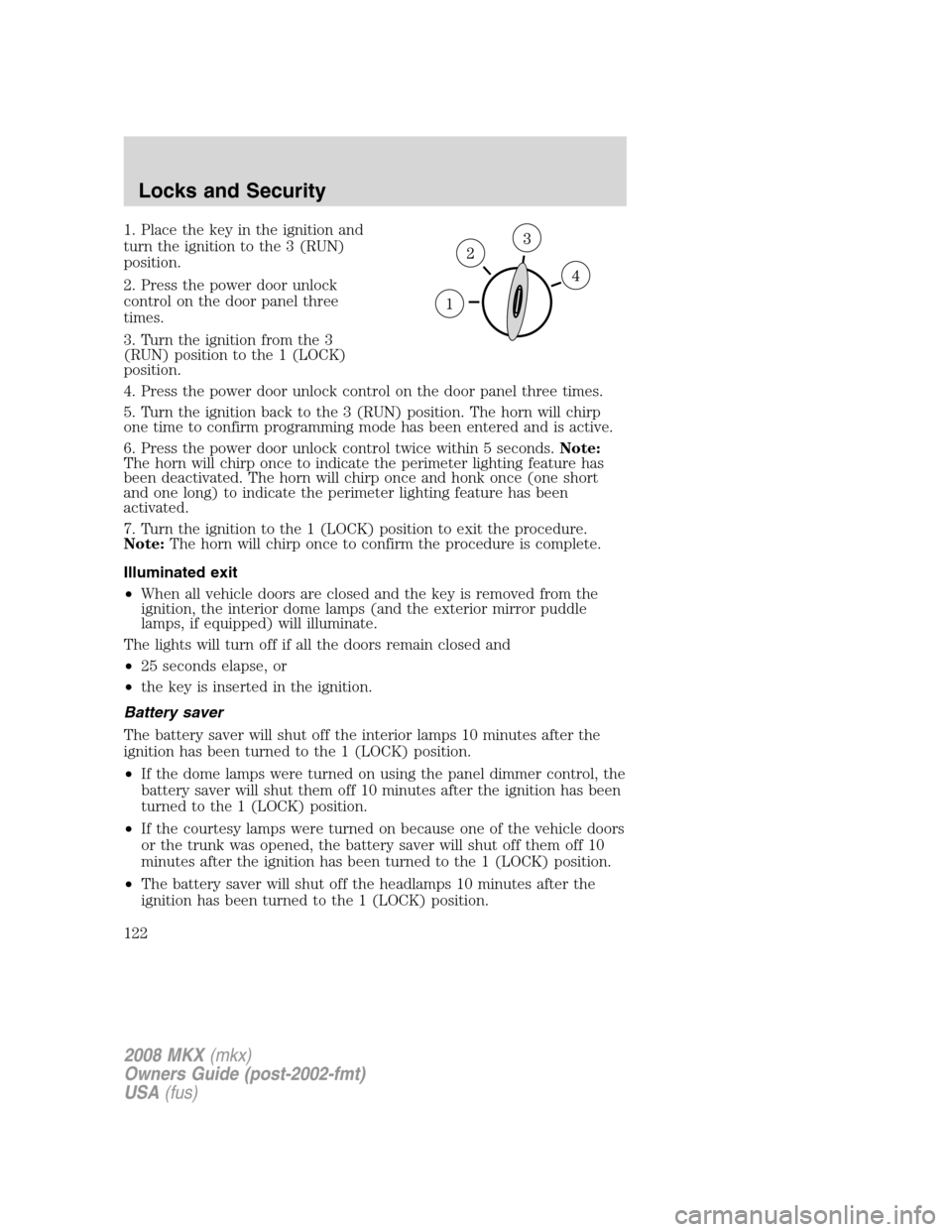
1. Place the key in the ignition and
turn the ignition to the 3 (RUN)
position.
2. Press the power door unlock
control on the door panel three
times.
3. Turn the ignition from the 3
(RUN) position to the 1 (LOCK)
position.
4. Press the power door unlock control on the door panel three times.
5. Turn the ignition back to the 3 (RUN) position. The horn will chirp
one time to confirm programming mode has been entered and is active.
6. Press the power door unlock control twice within 5 seconds.Note:
The horn will chirp once to indicate the perimeter lighting feature has
been deactivated. The horn will chirp once and honk once (one short
and one long) to indicate the perimeter lighting feature has been
activated.
7. Turn the ignition to the 1 (LOCK) position to exit the procedure.
Note:The horn will chirp once to confirm the procedure is complete.
Illuminated exit
•When all vehicle doors are closed and the key is removed from the
ignition, the interior dome lamps (and the exterior mirror puddle
lamps, if equipped) will illuminate.
The lights will turn off if all the doors remain closed and
•25 seconds elapse, or
•the key is inserted in the ignition.
Battery saver
The battery saver will shut off the interior lamps 10 minutes after the
ignition has been turned to the 1 (LOCK) position.
•If the dome lamps were turned on using the panel dimmer control, the
battery saver will shut them off 10 minutes after the ignition has been
turned to the 1 (LOCK) position.
•If the courtesy lamps were turned on because one of the vehicle doors
or the trunk was opened, the battery saver will shut off them off 10
minutes after the ignition has been turned to the 1 (LOCK) position.
•The battery saver will shut off the headlamps 10 minutes after the
ignition has been turned to the 1 (LOCK) position.
2008 MKX(mkx)
Owners Guide (post-2002-fmt)
USA(fus)
Locks and Security
122
Page 124 of 328
Erasing personal code
1. Enter the factory set 5–digit code.
2. Within five seconds, press the 1•2 on the keypad and release.
3. Press and hold the 1•2 for two seconds. This must be done within
five seconds of completing Step 2.
All personal codes are now erased and only the factory set 5–digit code
will work.
Anti-scan feature
If the wrong code has been entered 7 times (35 consecutive button
presses), the keypad will go into an anti-scan mode. This mode disables
the keypad for one minute and the keypad lamp will flash.
The anti-scan feature will turn off after:
•one minute of keypad inactivity.
•pressing the UNLOCK
control on the remote entry transmitter
portion of your Integrated Keyhead Transmitter.
•the ignition is turned to the 3 (RUN) position.
Unlocking and locking the doors using keyless entry
To unlock the driver’s door,enter the factory set 5-digit code or your
personal code. Each number must be pressed within five seconds of each
other. The interior lamps will illuminate.Note:If the two-stage unlocking
feature is disabled, all doors will unlock; for more information regarding
two-stage unlocking, refer to theTwo stage unlockingsection earlier in
this chapter.
To unlock all doors,enter the factory set code or your personal code,
then press the 3•4 control within five seconds.
To lock all doors,press the 7•8 and the 9•0 at the same time (with
the driver’s door closed). Youdo notneed to enter the keypad code
first.
SECURILOCK™ PASSIVE ANTI-THEFT SYSTEM
SecuriLock™ passive anti-theft system is an engine immobilization
system. This system is designed to help prevent the engine from being
started unless acoded Integrated Keyhead Transmitter (IKT)
programmed to your vehicleis used. The use of the wrong type of
coded key may lead to a “no-start” condition.
2008 MKX(mkx)
Owners Guide (post-2002-fmt)
USA(fus)
Locks and Security
124
Page 134 of 328
Easy-entry/easy-exit feature
This feature automatically moves the driver’s seat rearward 2 inches
(5 cm) when:
•the transmission is in N (Neutral) or P (Park)
•the key is removed from the ignition cylinder
The seat will move forward (to the original position) when:
•the transmission is in N (Neutral) or P (Park)
•the key is placed in the ignition cylinder
Heated and cooled seats
Heated seats
Persons who are unable to feel pain to the skin because of
advanced age, chronic illness, diabetes, spinal cord injury,
medication, alcohol use, exhaustion, or other physical conditions, must
exercise care when using the seat heater. The seat heater may cause
burns even at low temperatures, especially if used for long periods of
time. Do not place anything on the seat that insulates against heat,
such as a blanket or cushion, because this may cause the seat heater
to overheat. Do not puncture the seat with pins, needles, or other
pointed objects because this may damage the heating element which
may cause the seat heater to overheat. An overheated seat may cause
serious personal injury.
Note:Do not do the following:
•Place heavy objects on the seat
•Operate the seat heater if water or any other liquid is spilled on the
seat. Allow the seat to dry thoroughly.
The heated seats will only function when the engine is running.
To operate the heated seats:
Press once to activate the high heat
setting (3 indicator lights). Continue
pressing to scroll through the other
settings; medium heat (2 indicator
lights), low heat (1 indicator light) or off.
The heated seats will turn off after 15 minutes.
If the vehicle falls below 350 RPMs while the heated seats are on, the
feature will turn itself off and will need to be reactivated.
Cooled seats
The cooled seats will only function when the engine is running.
2008 MKX(mkx)
Owners Guide (post-2002-fmt)
USA(fus)
Seating and Safety Restraints
134