turn LINCOLN MKX 2014 User Guide
[x] Cancel search | Manufacturer: LINCOLN, Model Year: 2014, Model line: MKX, Model: LINCOLN MKX 2014Pages: 455, PDF Size: 6.1 MB
Page 56 of 455
Children 12 years old and under should always be properly restrained in
the rear seats. The Safety Canopy will not interfere with children
restrained using a properly installed child or booster seat because it is
designed to inflate downward from the headliner above the doors along
the side window opening.
The design and development of the Safety Canopy included
recommended testing procedures that were developed by a group of
automotive safety experts known as the Side Airbag Technical Working
Group. These recommended testing procedures help reduce the risk of
injuries related to the deployment of side airbags (including the Safety
Canopy).
CRASH SENSORS AND AIRBAG INDICATOR
WARNING:Modifying or adding equipment to the front end of
your vehicle (including frame, bumper, front end body structure
and tow hooks) may affect the performance of the airbag system,
increasing the risk of injury. Do not modify the front end of your
vehicle.
Your vehicle has a collection of crash and occupant sensors which
provide information to the restraints control module. The restraints
control module deploys (activates) the front safety belt pretensioners,
driver airbag, passenger airbag, seat mounted side airbags, and the
Safety Canopy. Based on the type of accident (frontal impact, side
impact or rollover) the restraints control module will deploy the
appropriate safety devices.
The restraints control module also monitors the readiness of the above
safety devices plus the crash and occupant sensors. The readiness of the
safety system is indicated by a warning indicator light in the instrument
cluster or by a backup tone if the warning light is not working. See the
Instrument Clusterchapter. Routine maintenance of the airbag is not
required.
A difficulty with the system is indicated by one or more of the following:
•The readiness light will either flash or stay lit.
•The readiness light will not illuminate immediately after the
ignition is turned on.
•A series of five beeps will be heard. The tone pattern will repeat
periodically until the problem or light are repaired.
Supplementary Restraints System55
2014 MKX(mkx)
Owners Guide gf, 2nd Printing, March 2014
USA(fus)
Page 61 of 455
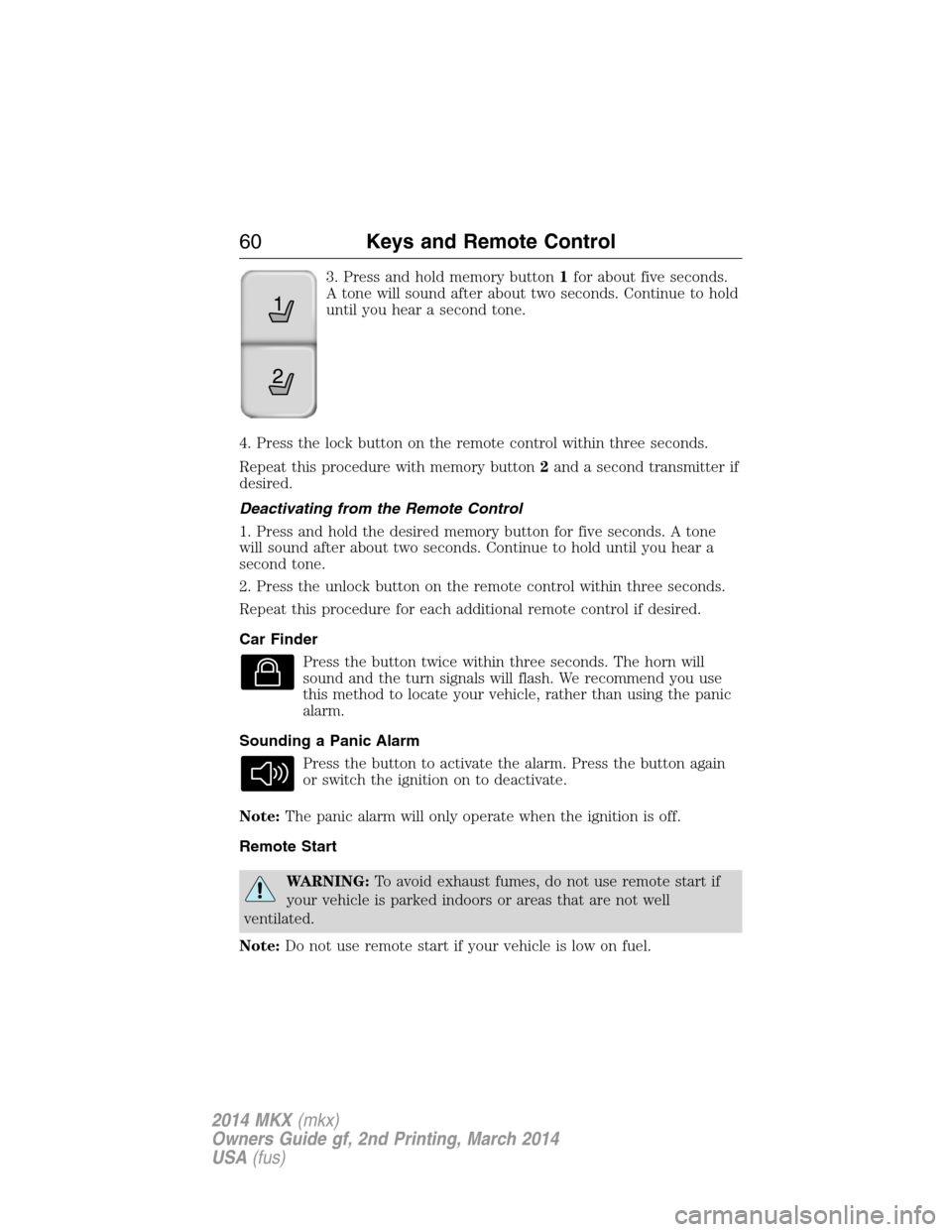
3. Press and hold memory button1for about five seconds.
A tone will sound after about two seconds. Continue to hold
until you hear a second tone.
4. Press the lock button on the remote control within three seconds.
Repeat this procedure with memory button2and a second transmitter if
desired.
Deactivating from the Remote Control
1. Press and hold the desired memory button for five seconds. A tone
will sound after about two seconds. Continue to hold until you hear a
second tone.
2. Press the unlock button on the remote control within three seconds.
Repeat this procedure for each additional remote control if desired.
Car Finder
Press the button twice within three seconds. The horn will
sound and the turn signals will flash. We recommend you use
this method to locate your vehicle, rather than using the panic
alarm.
Sounding a Panic Alarm
Press the button to activate the alarm. Press the button again
or switch the ignition on to deactivate.
Note:The panic alarm will only operate when the ignition is off.
Remote Start
WARNING:To avoid exhaust fumes, do not use remote start if
your vehicle is parked indoors or areas that are not well
ventilated.
Note:Do not use remote start if your vehicle is low on fuel.
21
60Keys and Remote Control
2014 MKX(mkx)
Owners Guide gf, 2nd Printing, March 2014
USA(fus)
Page 62 of 455
The remote start button is on the transmitter.
This feature allows you to start your vehicle from outside your vehicle.
The transmitter has an extended operating range.
Vehicles with automatic climate control can be configured to operate
when the vehicle is remote started. See theClimate Controlchapter for
more information. A manual climate control system will run at the setting
it was set to when your vehicle was last turned off.
Many states and provinces have restrictions for the use of remote start.
Check your local and state or provincial laws for specific requirements
regarding remote start systems.
The remote start system will not work if:
•the ignition is on
•the alarm system is triggered
•you disable the feature
•the hood is open
•the transmission is not inP
•the vehicle battery voltage is too low
•the service engine soon light is on.
Remote Starting the Vehicle
Note:You must press each button within three seconds of each other.
Your vehicle will not remote start and the horn will not sound if you do
not follow this sequence.
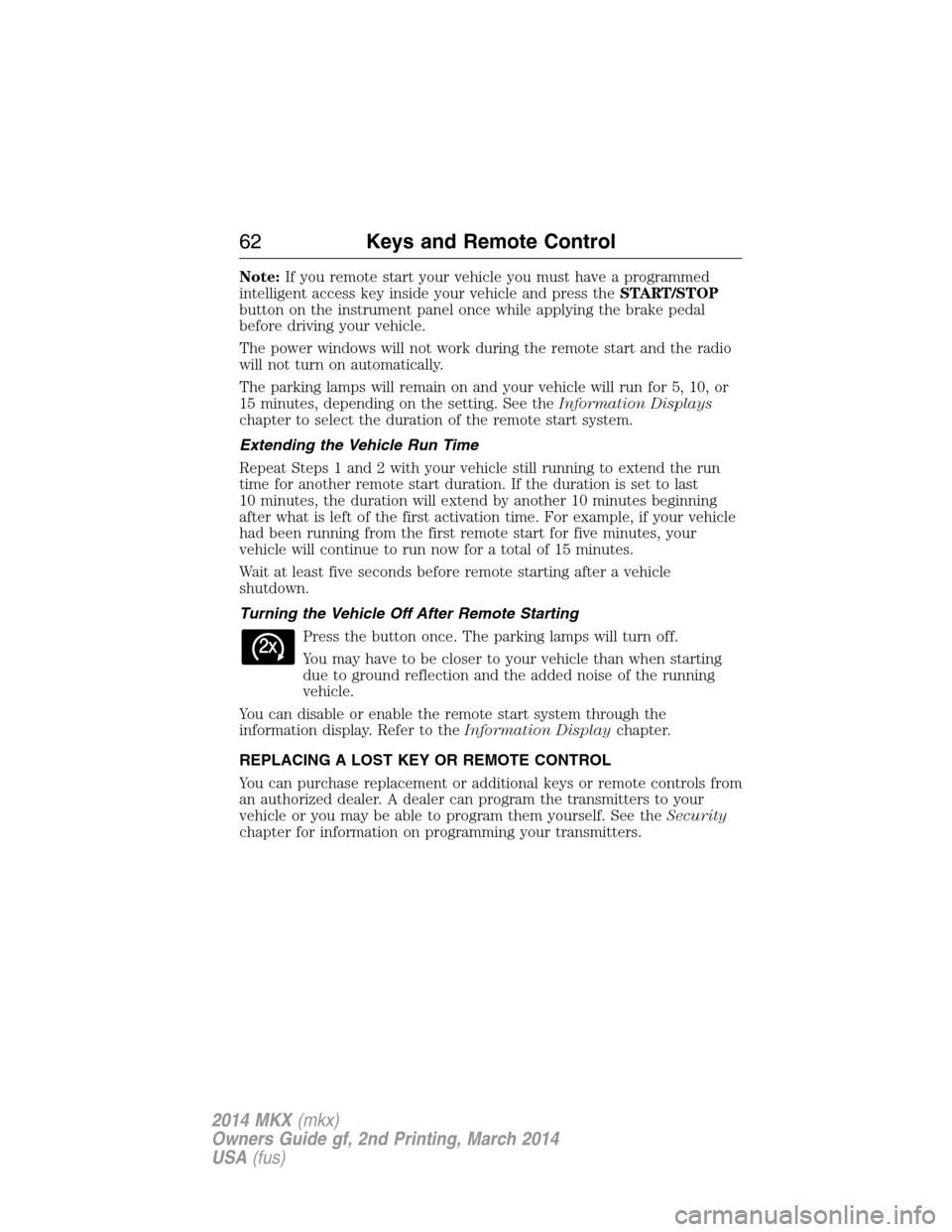
The label on your transmitter
details the starting procedure.
To remote start your vehicle:
1. Press the lock button to lock all the doors.
2. Press the remote start button twice. The exterior lamps will flash
twice.
The horn will sound if the system fails to start.
Keys and Remote Control61
2014 MKX(mkx)
Owners Guide gf, 2nd Printing, March 2014
USA(fus)
Page 63 of 455
Note:If you remote start your vehicle you must have a programmed
intelligent access key inside your vehicle and press theSTART/STOP
button on the instrument panel once while applying the brake pedal
before driving your vehicle.
The power windows will not work during the remote start and the radio
will not turn on automatically.
The parking lamps will remain on and your vehicle will run for 5, 10, or
15 minutes, depending on the setting. See theInformation Displays
chapter to select the duration of the remote start system.
Extending the Vehicle Run Time
Repeat Steps 1 and 2 with your vehicle still running to extend the run
time for another remote start duration. If the duration is set to last
10 minutes, the duration will extend by another 10 minutes beginning
after what is left of the first activation time. For example, if your vehicle
had been running from the first remote start for five minutes, your
vehicle will continue to run now for a total of 15 minutes.
Wait at least five seconds before remote starting after a vehicle
shutdown.
Turning the Vehicle Off After Remote Starting
Press the button once. The parking lamps will turn off.
You may have to be closer to your vehicle than when starting
due to ground reflection and the added noise of the running
vehicle.
You can disable or enable the remote start system through the
information display. Refer to theInformation Displaychapter.
REPLACING A LOST KEY OR REMOTE CONTROL
You can purchase replacement or additional keys or remote controls from
an authorized dealer. A dealer can program the transmitters to your
vehicle or you may be able to program them yourself. See theSecurity
chapter for information on programming your transmitters.
62Keys and Remote Control
2014 MKX(mkx)
Owners Guide gf, 2nd Printing, March 2014
USA(fus)
Page 65 of 455
•Vehicle speed minders of 45, 55 or 65 mph (75, 90 or 105 km/h). Once
you select a speed, it will be shown in the display, followed by an
audible tone when the preselected vehicle speed is exceeded.
•Audio system maximum volume of 45%. A message will be shown in
the display when you attempt to exceed the limited volume. Also, the
speed-sensitive or compensated automatic volume control will be
disabled.
•Always on setting. When this is selected, you will not be able to turn
off AdvanceTrac (if your vehicle is equipped with this feature).
CREATING A MYKEY
Use the information display to create a MyKey:
1. Insert the key you want to program into the ignition. If your vehicle is
equipped with a push-button start, put the intelligent access key in the
backup slot. The location of your backup slot is in another chapter. See
Starting and Stopping the Engine.
2. Switch the ignition on.
3. Access the main menu on the information display controls, and select
Settings, thenMyKeyby pressingOKor the>button.
4. PressOKor the>button to selectCreate MyKey.
5. When prompted, hold theOKbutton until you see a message
informing you to label this key as a MyKey. The key will be restricted at
the next start.
MyKey is successfully created. Make sure you label it so you can
distinguish it from the admin keys.
You can also program configurable settings for the key(s). See
Programming/Changing Configurable Settings.
Programming/Changing Configurable Settings
Use the information display to access your configurable MyKey settings:
1. Switch the ignition on using an admin key. If your vehicle has
push-button start, place the intelligent access key fob into the backup
slot. The location of your backup slot is in another chapter. SeeStarting
and Stopping the Engine.
2. Access the main menu and selectSettings, thenMyKeyby pressing
OKor the>button.
3. Use the arrow buttons to get to a configurable feature.
4. PressOKor>to scroll through settings.
64MyKey
2014 MKX(mkx)
Owners Guide gf, 2nd Printing, March 2014
USA(fus)
Page 66 of 455
5. PressOKor>to make a selection.
Note:You can clear or change your MyKey settings at any time during
the same key cycle as you created the MyKey. Once you have switched
the engine off, however, you will need an admin key to change or clear
your MyKey settings.
CLEARING ALL MYKEYS
You can clear all MyKeys within the same key cycle as you created the
MyKey. If you switch your ignition off, however, you will need to use an
admin key to clear your MyKeys.
Note:When you clear your MyKeys, you remove all restrictions and
return all MyKeys to their original admin key status at once.
To clear all MyKeys of all MyKey settings, use the information display to
do the following:
1. Access the main menu and selectSettings, thenMyKey.
2. Scroll toClear Alland press theOKbutton.
3. Hold theOKbutton untilALL MYKEYS CLEAREDdisplays .
CHECKING MYKEY SYSTEM STATUS
You can find information about your programmed MyKeys by using the
information display.
MYKEY DISTANCE
Tracks the distance when drivers use a MyKey. The only way to delete
the accumulated distance is by using an admin key to clear your MyKey.
If the distance does not accumulate as expected, then the intended user
is not using the MyKey, or an admin key user recently cleared and then
recreated a MyKey.
NUMBER OF MYKEY(S)
Indicates the number of MyKeys programmed to your vehicle. Use this
feature to detect how many MyKeys you have for your vehicle and
determine when a MyKey has been deleted.
NUMBER OF ADMIN KEY(S)
Indicates how many admin keys are programmed to your vehicle. Use
this feature to determine how many unrestricted keys you have for your
vehicle, and detect if an additional MyKey has been programmed.
MyKey65
2014 MKX(mkx)
Owners Guide gf, 2nd Printing, March 2014
USA(fus)
Page 68 of 455
LOCKING AND UNLOCKING
You can use the power door lock control or the remote control to lock
and unlock your vehicle.
Power Door Locks
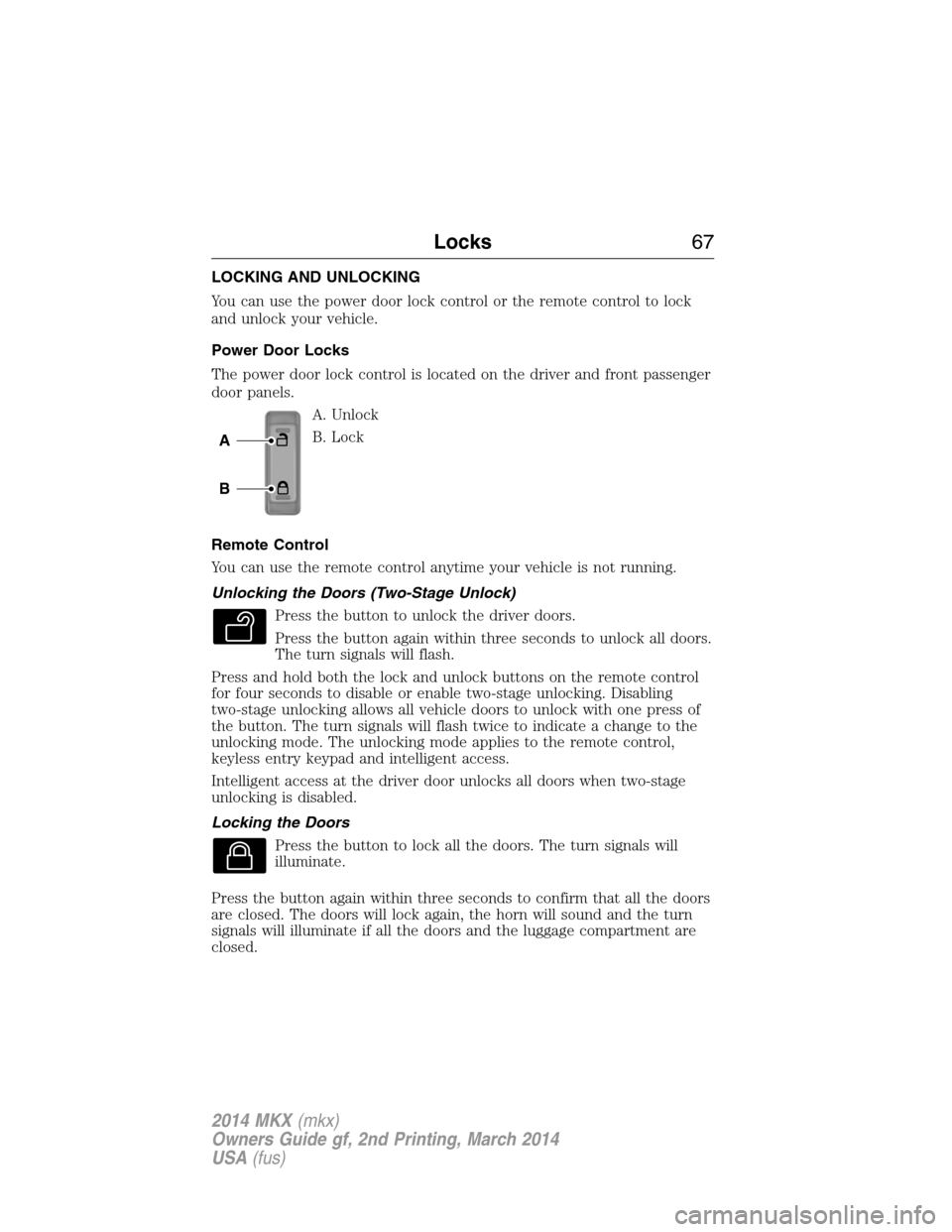
The power door lock control is located on the driver and front passenger
door panels.
A. Unlock
B. Lock
Remote Control
You can use the remote control anytime your vehicle is not running.
Unlocking the Doors (Two-Stage Unlock)
Press the button to unlock the driver doors.
Press the button again within three seconds to unlock all doors.
The turn signals will flash.
Press and hold both the lock and unlock buttons on the remote control
for four seconds to disable or enable two-stage unlocking. Disabling
two-stage unlocking allows all vehicle doors to unlock with one press of
the button. The turn signals will flash twice to indicate a change to the
unlocking mode. The unlocking mode applies to the remote control,
keyless entry keypad and intelligent access.
Intelligent access at the driver door unlocks all doors when two-stage
unlocking is disabled.
Locking the Doors
Press the button to lock all the doors. The turn signals will
illuminate.
Press the button again within three seconds to confirm that all the doors
are closed. The doors will lock again, the horn will sound and the turn
signals will illuminate if all the doors and the luggage compartment are
closed.
A
B
Locks67
2014 MKX(mkx)
Owners Guide gf, 2nd Printing, March 2014
USA(fus)
Page 71 of 455
Autounlock Feature (If Enabled)
The autounlock feature unlocks all the doors when:
•the ignition is on, all the doors are closed, and your vehicle has been
in motion at a speed greater than 12 mph (20 km/h);
•your vehicle has then come to a stop and you switch the off ignition
or to accessory; and
•you open the driver door within 10 minutes of switching the ignition
off or to accessory.
Note:The doors will not autounlock if you electronically lock your
vehicle after you switch the ignition off and before you open the driver
door.
Enabling or Disabling
Note:You can enable or disable the autolock and autounlock features
independently of each other.
You can enable or disable these features:
•through an authorized dealer
•using the information display.
Illuminated Entry
The interior lamps and select exterior lamps illuminate when you use the
intelligent access key or the keyless entry keypad to unlock your vehicle.
The system will turn off the lights if:
•you switch the ignition on
•you press the lock button on the remote control
•you lock your vehicle using the keyless entry keypad
•they have been on for 25 seconds.
The lights will not turn off if:
•you have turned them on with the dimmer control
•any door is open.
70Locks
2014 MKX(mkx)
Owners Guide gf, 2nd Printing, March 2014
USA(fus)
Page 72 of 455
Illuminated Exit
The interior lamps and select exterior lamps illuminate when all doors
are closed and the ignition is turned off.
The lights turn off if all the doors remain closed and:
•25 seconds elapse
•you press theSTART/STOPbutton.
Battery Saver
If you leave the courtesy lamps, dome lamps or headlamps on, the
battery saver shuts them off 10 minutes after you switch the ignition off.
Accessory Mode Battery Saver for Intelligent Access Keys
If you leave your vehicle in the run ignition state, it will shut off once it
detects a certain amount of battery drain or after 45 minutes.
LIFTGATE
WARNING:Do not allow people to travel in any area of your
vehicle that does not have seats and safety belts. Riding in a
cargo area, inside or outside of the vehicle, is extremely dangerous. In a
crash, people riding in these areas are more likely to be seriously
injured or killed. Make sure everyone in your vehicle is in a seat and
using a safety belt correctly. Failure to follow this warning could result
in serious personal injury or death.
Power Liftgate
WARNING:Make sure all persons are clear of the power liftgate
area before using the power liftgate control.
WARNING:Keep keys out of the reach of children. Do not allow
children to operate the power liftgate, or to play near to an open
or moving power liftgate.
Note:Cycling the ignition while the liftgate is power closing and is near
the latch may cause the liftgate to reverse to full open position. Make
sure you close the liftgate before operating or moving the vehicle,
especially in an enclosure, like a garage or a parking structure. You could
damage the liftgate or its components.
Locks71
2014 MKX(mkx)
Owners Guide gf, 2nd Printing, March 2014
USA(fus)
Page 77 of 455
Tips:
•Do not set a code that uses five of the same number.
•Do not use five numbers in sequential order.
•The factory-set code will work even if you have set your own personal
code.
Erasing a Personal Code
1. Enter the factory-set 5-digit code.
2. Press and release1•2on the keypad within five seconds.
3. Press and hold1•2for two seconds. This must be done within five
seconds of completing Step 2.
All personal codes are now erased and only the factory-set 5-digit code
will work.
Anti-Scan Feature
The keypad will go into an anti-scan mode if you enter the wrong code
seven times (35 consecutive button presses). This mode disables the
keypad for one minute and the keypad lamp will flash.
The anti-scan feature will turn off after:
•one minute of keypad inactivity
•pressing the unlock button on the remote control
•switching the ignition on
•unlocking the vehicle using intelligent access.
Unlocking and Locking the Doors
To unlock the driver door:Enter the factory-set 5-digit code or your
personal code. You must press each number within five seconds of each
other. The interior lamps will illuminate.Note:All doors will unlock if
the two-stage unlocking feature is disabled. Refer toLocking and
Unlockingearlier in this chapter.
To unlock all doors:Enter the factory-set code or your personal code,
then press3•4within five seconds.
To lock all doors:Press and hold7•8and9•0at the same time with
the driver door closed. You do not need to enter the keypad code first.
76Locks
2014 MKX(mkx)
Owners Guide gf, 2nd Printing, March 2014
USA(fus)