instrument panel LINCOLN MKX 2014 Owner's Manual
[x] Cancel search | Manufacturer: LINCOLN, Model Year: 2014, Model line: MKX, Model: LINCOLN MKX 2014Pages: 455, PDF Size: 6.1 MB
Page 365 of 455
WARNING:Store the portable music player in a secure location,
such as the center console or the glove box, when your vehicle is
in motion. Hard objects may become projectiles in a crash or sudden
stop, which may increase the risk of serious injury. The audio extension
cable must be long enough to allow the portable music player to be
safely stored while your vehicle is moving.
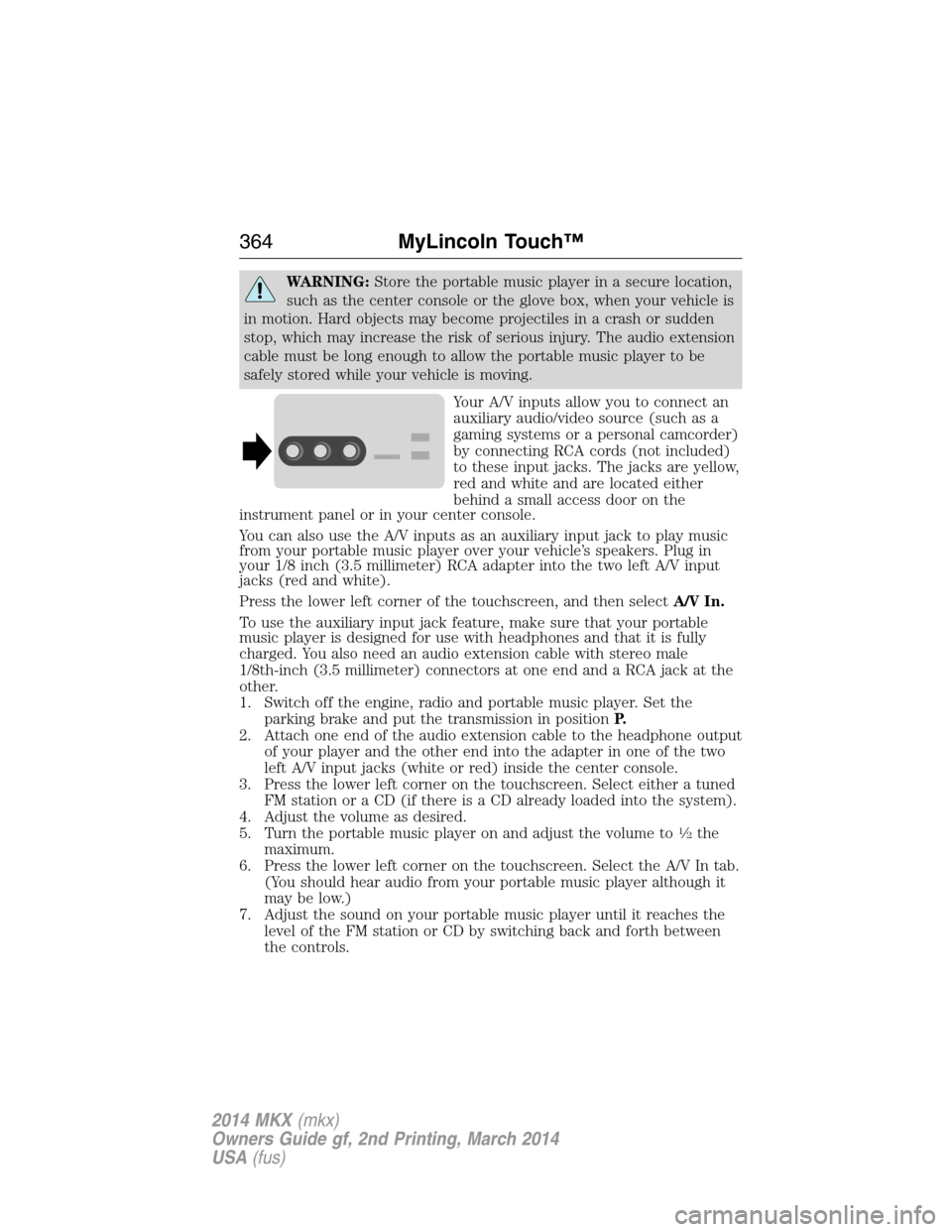
Your A/V inputs allow you to connect an
auxiliary audio/video source (such as a
gaming systems or a personal camcorder)
by connecting RCA cords (not included)
to these input jacks. The jacks are yellow,
red and white and are located either
behind a small access door on the
instrument panel or in your center console.
You can also use the A/V inputs as an auxiliary input jack to play music
from your portable music player over your vehicle’s speakers. Plug in
your 1/8 inch (3.5 millimeter) RCA adapter into the two left A/V input
jacks (red and white).
Press the lower left corner of the touchscreen, and then selectA/V In.
To use the auxiliary input jack feature, make sure that your portable
music player is designed for use with headphones and that it is fully
charged. You also need an audio extension cable with stereo male
1/8th-inch (3.5 millimeter) connectors at one end and a RCA jack at the
other.
1. Switch off the engine, radio and portable music player. Set the
parking brake and put the transmission in positionP.
2. Attach one end of the audio extension cable to the headphone output
of your player and the other end into the adapter in one of the two
left A/V input jacks (white or red) inside the center console.
3. Press the lower left corner on the touchscreen. Select either a tuned
FM station or a CD (if there is a CD already loaded into the system).
4. Adjust the volume as desired.
5. Turn the portable music player on and adjust the volume to
12the
maximum.
6. Press the lower left corner on the touchscreen. Select the A/V In tab.
(You should hear audio from your portable music player although it
may be low.)
7. Adjust the sound on your portable music player until it reaches the
level of the FM station or CD by switching back and forth between
the controls.
364MyLincoln Touch™
2014 MKX(mkx)
Owners Guide gf, 2nd Printing, March 2014
USA(fus)
Page 387 of 455
You can also turn the outside air temperature display on and off. It
appears at the top center of the touchscreen, next to the time and date.
The system automatically saves any updates you make to the settings.
Display
You can adjust the touchscreen display through the touchscreen or by
pressing the voice button on your steering wheel controls and when
prompted, say, “Display settings”.
Press the Settings icon >Display,to access and make
adjustments using the touchscreen.
•Brightnessallows you to make the screen display brighter or
dimmer.
•Auto DIM, when set toOn,lets you use the Auto Dim Manual Offset
feature. When set toOff,screen brightness does not change.
•Modeallows you to set the screen to a certain brightness or have the
system automatically change based on the outside light level, or turn
the display off.
•If you selectAUTOorNIGHT,you have the options of turning
the display’s Auto Dim feature on or off and changing the Auto
Dim Manual Offset feature.
•Auto Dim Manual Offsetallows you to adjust screen dimming as
the outside lighting conditions change from day to night. This feature
also allows you to adjust screen brightness using the instrument panel
dimming control.
Edit Wallpaper
•You can have your touchscreen display the default photo or upload
your own.
Uploading Photos for Your Home Screen Wallpaper
Note:You cannot load photos directly from your camera. You must
access the photos either from your USB mass storage device or from an
SD card.
Note:Photographs with extremely large dimensions (such as 2048 x
1536) may not be compatible and appear as a blank (black) image on the
display.
Your system allows you to upload and view up to 32 photos.
To access, press the Settings icon >Display>Edit Wallpaper,and
then follow the system prompts to upload your photographs.
386MyLincoln Touch™
2014 MKX(mkx)
Owners Guide gf, 2nd Printing, March 2014
USA(fus)
Page 399 of 455
E.MAX A/C:Touch to cool your vehicle with recirculated air. Touch
again for normal A/C operation. MAX A/C:
•Distributes air through instrument panel vents.
•Is more economical and efficient than normal A/C mode.
•May help reduce odors from entering your vehicle.
F.A/C:Touch to turn the air conditioning on or off.
•Use with recirculated air to improve cooling performance and
efficiency.
•Engages automatically in MAX A/C, defrost and floor/defrost.
G.AUTO:Touch to engage automatic operation, then set the
temperature using the temperature control. The system automatically
controls:
•Fan speed
•Airflow distribution
•A/Conoroff
•Outside or recirculated air.
H.Rear defroster:Touch to turn the rear window defroster and heated
mirrors.
I.Defrost:Touch to clear the windshield of fog and thin ice. Touch
again to return to the previous airflow selection. When on, defrost:
•Provides outside air to reduce window fogging.
•Distributes air through the windshield defroster vents and demister
vents.
J.Manual controls:Select any of the following airflow distribution
modes:
•Floor and Defrost:Distributes air through the windshield defroster
vents, demister vents, floor vents and rear seat floor vents, and
provides outside air to reduce window fogging.
•Panel:Distributes air through the instrument panel vents.
•Panel and Floor:Distributes air through the instrument panel vents,
demister vents, floor vents and rear seat floor vents.
•Floor:Distributes air through the demister vents, floor vents and
rear seat floor vents.
K.Driver settings:Depending on your vehicle and option package, you
may have the following features:
•Touch+or–to adjust the temperature.
•If your vehicle is equipped with heated seats, touch the heated seat
icon to control the heated seat. See theSeatschapter.
•If your vehicle is equipped with cooled seats, touch the cooled seat
icon to control the cooled seat. See theSeatschapter.
398MyLincoln Touch™
2014 MKX(mkx)
Owners Guide gf, 2nd Printing, March 2014
USA(fus)
Page 450 of 455
Cargo management system ......206
Cargo net ...................................205
CD ..............................................330
CD player ..........................328, 358
CD voice commands .................358
Cell phone use ............................15
Changing a tire .........................308
Child safety restraints ..........28, 30
Child safety seats
attaching with tether straps ....30
automatic locking mode
(retractor) .................................36
LATCH .......................................28
Child safety seats - booster
seats .............................................22
Cleaning the touchscreen ........335
Cleaning your vehicle ...............276
engine compartment ..............278
instrument panel ....................280
interior .....................................280
plastic parts ............................277
washing ....................................276
waxing .....................................278
wheels ......................................282
wiper blades ............................279
Climate voice commands .........399
Clock ..................................330, 385
Collision Warning System .........200
Console ......................................144
overhead ..................................144
Coolant ......................................256
checking and adding ..............256
refill capacities ........................317
specifications ..........................317
Cross Traffic Alert ....................195
Cruise control ...........................185Customer Assistance ................228
Ford Extended Service
Plan ..........................................325
Getting roadside assistance ...228
Getting the service you
need .........................................234
Ordering additional owner’s
literature .................................240
Utilizing the
Mediation/Arbitration
Program ...................................238
D
Defrost .......................................122
rear window ............................124
Dipstick
automatic transmission
fluid ..........................................261
engine oil .................................255
Display settings .........................386
Driving under special
conditions ..................165, 167, 170
sand .........................................168
snow and ice ...........................171
through water .................169, 226
Dual automatic temperature
control (DATC) .........................122
E
Electronic message center .......107
Electronic stability control ......178
Emergencies, roadside
jump-starting ..........................230
running out of fuel .................153
Emergency brake (see Parking
brake) ........................................174
Emission control system ..........157
End user license agreement ....412
Index449
2014 MKX(mkx)
Owners Guide gf, 2nd Printing, March 2014
USA(fus)
Page 452 of 455
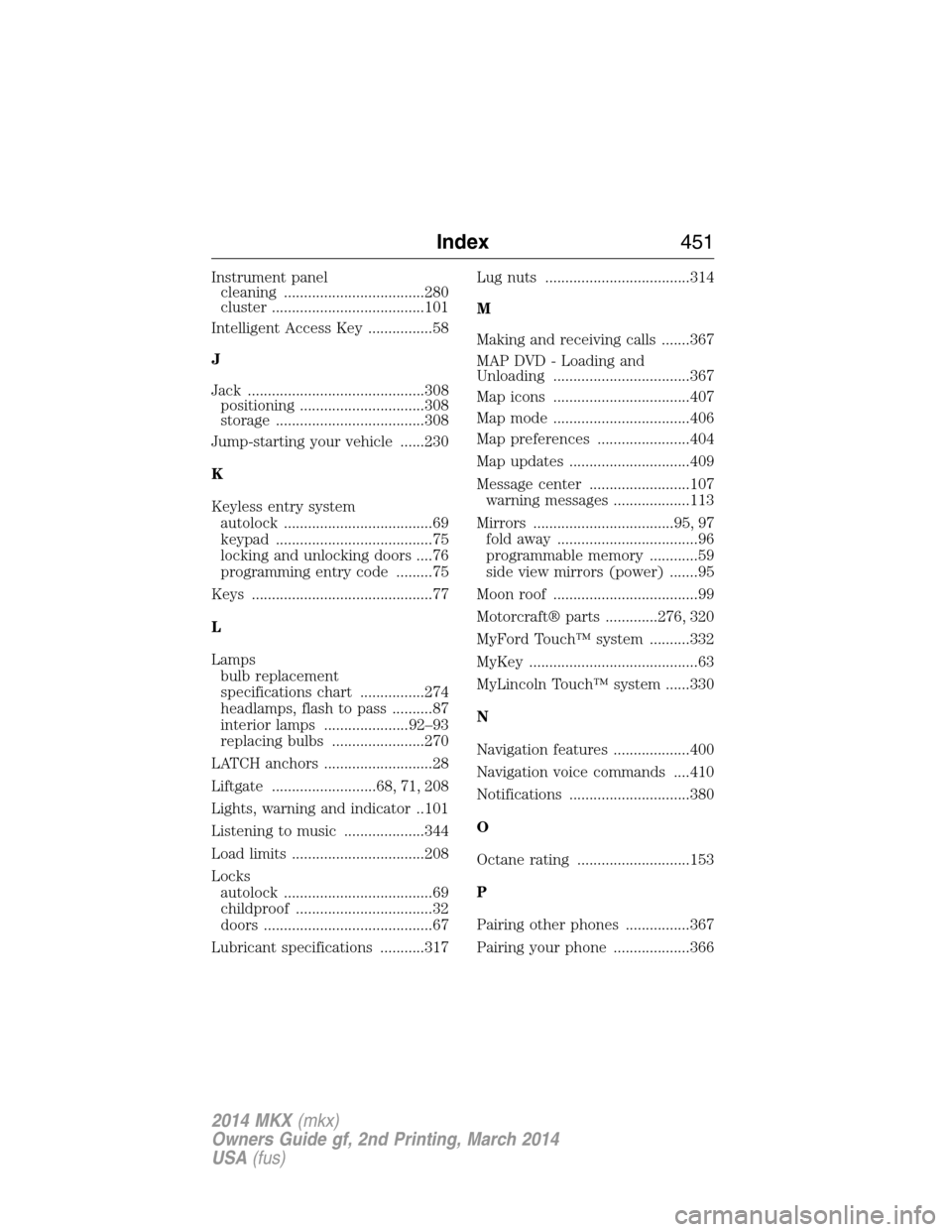
Instrument panel
cleaning ...................................280
cluster ......................................101
Intelligent Access Key ................58
J
Jack ............................................308
positioning ...............................308
storage .....................................308
Jump-starting your vehicle ......230
K
Keyless entry system
autolock .....................................69
keypad .......................................75
locking and unlocking doors ....76
programming entry code .........75
Keys .............................................77
L
Lamps
bulb replacement
specifications chart ................274
headlamps, flash to pass ..........87
interior lamps .....................92–93
replacing bulbs .......................270
LATCH anchors ...........................28
Liftgate ..........................68, 71, 208
Lights, warning and indicator ..101
Listening to music ....................344
Load limits .................................208
Locks
autolock .....................................69
childproof ..................................32
doors ..........................................67
Lubricant specifications ...........317Lug nuts ....................................314
M
Making and receiving calls .......367
MAP DVD - Loading and
Unloading ..................................367
Map icons ..................................407
Map mode ..................................406
Map preferences .......................404
Map updates ..............................409
Message center .........................107
warning messages ...................113
Mirrors ...................................95, 97
fold away ...................................96
programmable memory ............59
side view mirrors (power) .......95
Moon roof ....................................99
Motorcraft® parts .............276, 320
MyFord Touch™ system ..........332
MyKey ..........................................63
MyLincoln Touch™ system ......330
N
Navigation features ...................400
Navigation voice commands ....410
Notifications ..............................380
O
Octane rating ............................153
P
Pairing other phones ................367
Pairing your phone ...................366
Index451
2014 MKX(mkx)
Owners Guide gf, 2nd Printing, March 2014
USA(fus)