center console LINCOLN MKZ 2013 User Guide
[x] Cancel search | Manufacturer: LINCOLN, Model Year: 2013, Model line: MKZ, Model: LINCOLN MKZ 2013Pages: 474, PDF Size: 3.79 MB
Page 387 of 474
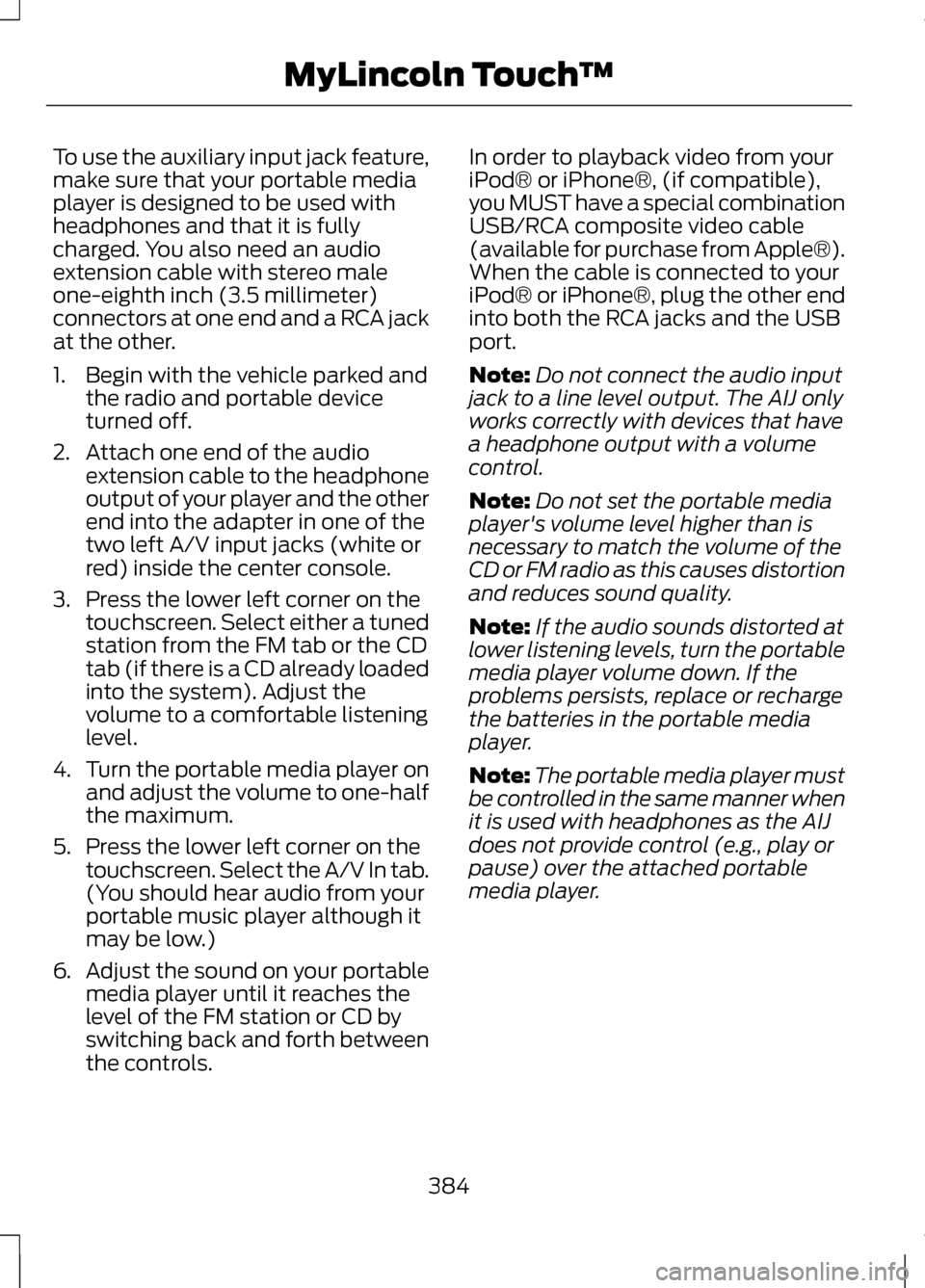
To use the auxiliary input jack feature,
make sure that your portable media
player is designed to be used with
headphones and that it is fully
charged. You also need an audio
extension cable with stereo male
one-eighth inch (3.5 millimeter)
connectors at one end and a RCA jack
at the other.
1. Begin with the vehicle parked and
the radio and portable device
turned off.
2. Attach one end of the audio extension cable to the headphone
output of your player and the other
end into the adapter in one of the
two left A/V input jacks (white or
red) inside the center console.
3. Press the lower left corner on the touchscreen. Select either a tuned
station from the FM tab or the CD
tab (if there is a CD already loaded
into the system). Adjust the
volume to a comfortable listening
level.
4. Turn the portable media player on
and adjust the volume to one-half
the maximum.
5. Press the lower left corner on the touchscreen. Select the A/V In tab.
(You should hear audio from your
portable music player although it
may be low.)
6. Adjust the sound on your portable
media player until it reaches the
level of the FM station or CD by
switching back and forth between
the controls. In order to playback video from your
iPod® or iPhone®, (if compatible),
you MUST have a special combination
USB/RCA composite video cable
(available for purchase from Apple®).
When the cable is connected to your
iPod® or iPhone®, plug the other end
into both the RCA jacks and the USB
port.
Note:
Do not connect the audio input
jack to a line level output. The AIJ only
works correctly with devices that have
a headphone output with a volume
control.
Note: Do not set the portable media
player's volume level higher than is
necessary to match the volume of the
CD or FM radio as this causes distortion
and reduces sound quality.
Note: If the audio sounds distorted at
lower listening levels, turn the portable
media player volume down. If the
problems persists, replace or recharge
the batteries in the portable media
player.
Note: The portable media player must
be controlled in the same manner when
it is used with headphones as the AIJ
does not provide control (e.g., play or
pause) over the attached portable
media player.
384
MyLincoln Touch
™
Page 463 of 474
B
Blind Spot Monitor..............................212
Blind Spot Information System
(BLIS®) with Cross Traffic
Alert........................................................... 212
Booster Seats..........................................18
Types of Booster Seats.............................19
Brake Fluid Check...............................276
Brakes.......................................................177 General Information.................................177
Breaking-In............................................235
Bulb Specification Chart.................283
C
Cabin Air Filter
......................................129
California Proposition 65.....................11
Capacities and Specifications.......325
Technical Specifications.......................329
Car Wash See: Cleaning the Exterior....................284
Center Console
....................................149
Changing a Bulb.................................282
Lamp Assembly Condensation..........282
Replacing Bulbs.......................................282
Changing a Fuse
..................................251
Fuses............................................................. 251
Changing a Road Wheel...................319 Dissimilar Spare Wheel and Tire
Assembly Information.......................320
Stowing the flat tire................................323
Tire Change Procedure...........................321
Changing the 12V Battery.................277
Changing the Engine Air Filter - 2.0L EcoBoost™/3.7L.............................280
........................................................................\
280
2.0L EcoBoost Engine...........................280
3.7L Engine................................................. 280
Changing the Wiper Blades............279
Checking MyKey System Status.....................................................60 Checking the Wiper Blades............279
Child Restraint and Safety Belt
Maintenance........................................40
Child Safety
..............................................15
General Information...................................15
Child Safety Locks................................29 Left-Hand Side........................................... 29
Right-Hand Side........................................30
Child Seat Positioning
..........................17
Cleaning Leather Seats...................288
Cleaning Products.............................284
Cleaning the Alloy Wheels.............289
Cleaning the Engine
..........................286
Cleaning the Exterior........................284 Cleaning Plastic Exterior Parts...........285
Exterior Chrome.......................................285
Underbody................................................. 285
Cleaning the Instrument Panel and Instrument Cluster Lens
................287
Cleaning the Interior..........................287
Cleaning the Windows and Wiper Blades..................................................286
Clearing All MyKeys
.............................59
Climate..................................................403 Climate Control Voice
Commands........................................... 405
Climate Control
....................................126
Coolant Check See: Engine Coolant Check - 2.0L
EcoBoost™/3.7L.................................268
Crash Sensors and Airbag Indicator..................................................51
Creating a MyKey..................................59 Programming/Changing Optional
Settings..................................................... 59
Cruise Control
.........................................77
Principle of Operation.............................195
Type 1............................................................... 77
Type 2.............................................................. 77
Cruise Control See: Using Cruise Control......................195
Customer Assistance
........................243
460
Index