light LINCOLN MKZ HYBRID 2013 Repair Manual
[x] Cancel search | Manufacturer: LINCOLN, Model Year: 2013, Model line: MKZ HYBRID, Model: LINCOLN MKZ HYBRID 2013Pages: 475, PDF Size: 3.89 MB
Page 214 of 475
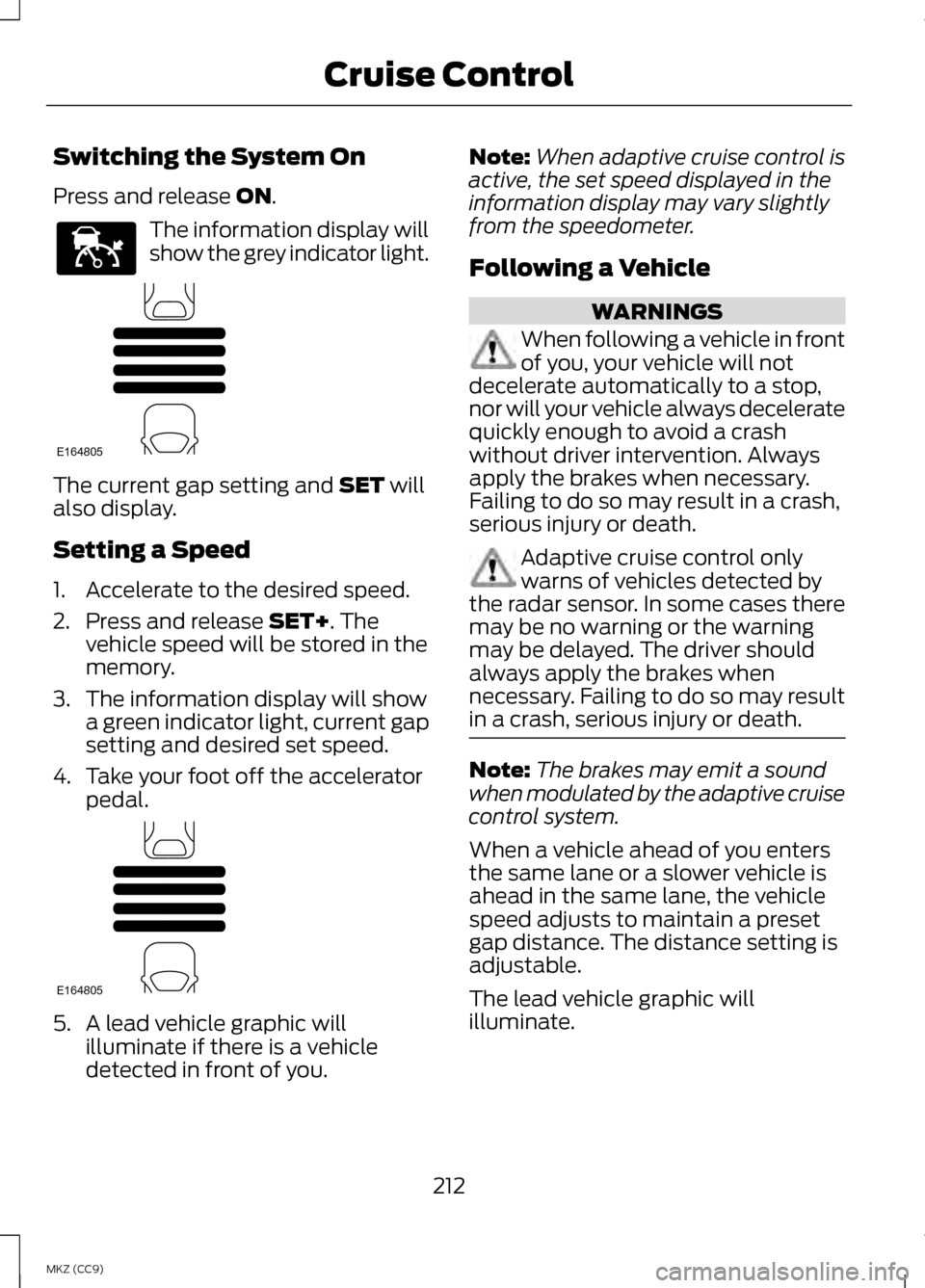
Switching the System On
Press and release ON.
The information display will
show the grey indicator light.
The current gap setting and
SET will
also display.
Setting a Speed
1. Accelerate to the desired speed.
2. Press and release
SET+. The
vehicle speed will be stored in the
memory.
3. The information display will show a green indicator light, current gap
setting and desired set speed.
4. Take your foot off the accelerator pedal. 5. A lead vehicle graphic will
illuminate if there is a vehicle
detected in front of you. Note:
When adaptive cruise control is
active, the set speed displayed in the
information display may vary slightly
from the speedometer.
Following a Vehicle WARNINGS
When following a vehicle in front
of you, your vehicle will not
decelerate automatically to a stop,
nor will your vehicle always decelerate
quickly enough to avoid a crash
without driver intervention. Always
apply the brakes when necessary.
Failing to do so may result in a crash,
serious injury or death. Adaptive cruise control only
warns of vehicles detected by
the radar sensor. In some cases there
may be no warning or the warning
may be delayed. The driver should
always apply the brakes when
necessary. Failing to do so may result
in a crash, serious injury or death. Note:
The brakes may emit a sound
when modulated by the adaptive cruise
control system.
When a vehicle ahead of you enters
the same lane or a slower vehicle is
ahead in the same lane, the vehicle
speed adjusts to maintain a preset
gap distance. The distance setting is
adjustable.
The lead vehicle graphic will
illuminate.
212
MKZ (CC9) Cruise ControlE144529 E164805 E164805
Page 216 of 475
Adaptive cruise control, distance between vehicle settings
Dynamic beha-
vior
Distance gap
Time gap,
seconds
Graphic
display, bars indicatedbetweenvehicles
Set speed
yd (m)
mph ( km/h)
Sport
31 yd (28 m)
1
1
62 mph
(100 km/h)
Normal
43 yd (39 m)
1.4
2
62 mph
(100 km/h)
Normal
55 yd (50 m)
1.8
3
62 mph
(100 km/h)
Comfort
67 yd (61 m)
2.2
4
62 mph
(100 km/h)
Each time you start the vehicle, the
system will select the last chosen gap
for the current driver.
Disengaging the System
Press the brake pedal or press CNCL.
The last set speed will display in grey
but will not erase.
Overriding the System WARNING
Whenever the driver is overriding
the system by pressing the
accelerator pedal, the system will not
automatically apply the brakes to
maintain separation from any vehicle
ahead. You can override the set speed and
gap distance by pressing the
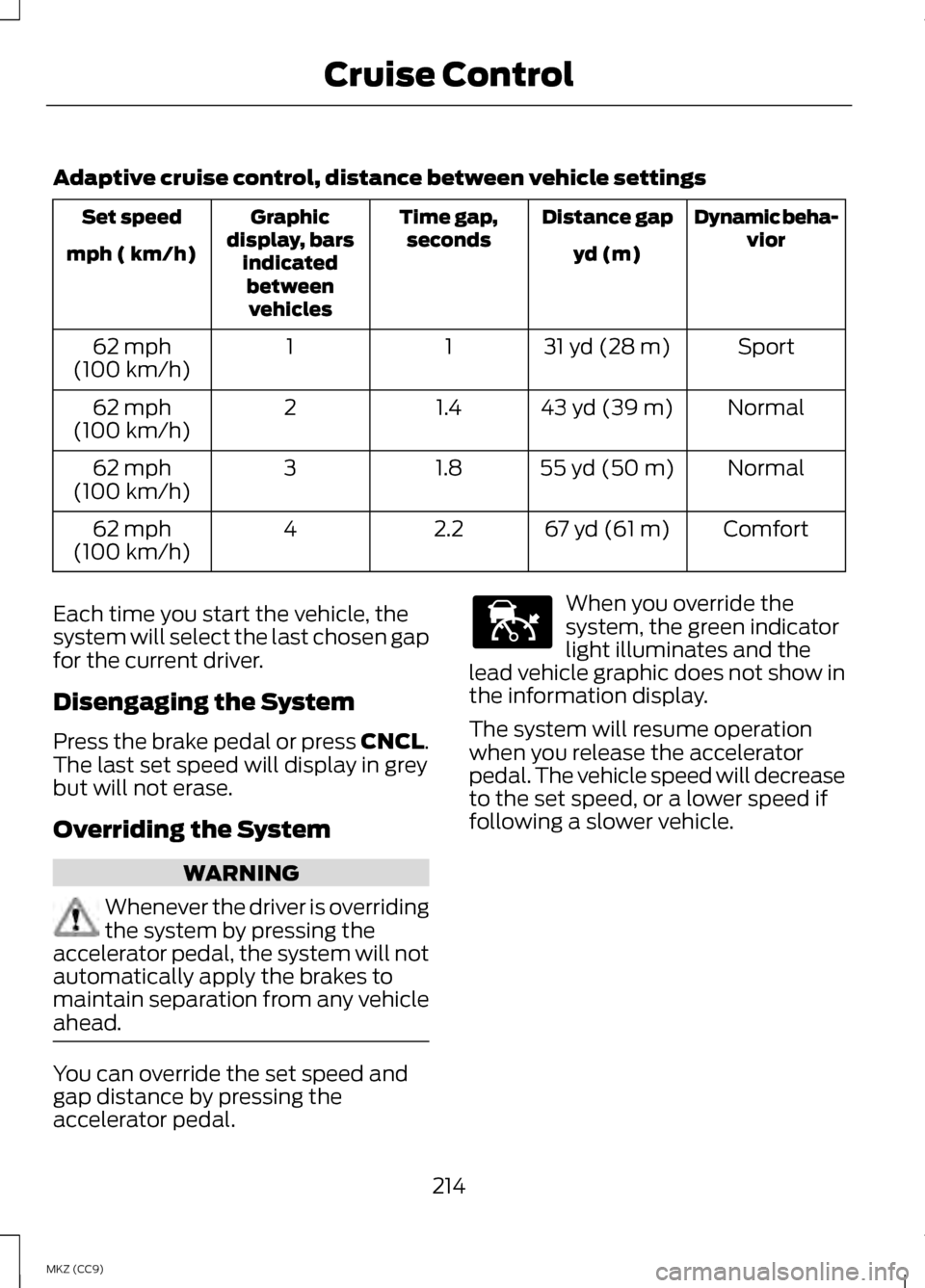
accelerator pedal. When you override the
system, the green indicator
light illuminates and the
lead vehicle graphic does not show in
the information display.
The system will resume operation
when you release the accelerator
pedal. The vehicle speed will decrease
to the set speed, or a lower speed if
following a slower vehicle.
214
MKZ (CC9) Cruise ControlE144529
Page 220 of 475
You can manually change from
adaptive cruise control to normal
cruise control through the information
display.
The cruise control indicator
light replaces the adaptive
cruise control indicator light
if you select normal cruise control. The
gap setting will not display, the
system will not automatically respond
to lead vehicles and automatic
braking will activate. The system
defaults to adaptive cruise control
when you start the vehicle.
ECO Cruise Control
This feature saves vehicle energy by
relaxing acceleration compared to
standard cruise control. For example,
your vehicle may temporarily lose
speed when going uphill. ECO will
appear in the information display
when you activate ECO cruise control.
It can be switched on or off in the
information display. See
General
Information (page 103).
218
MKZ (CC9) Cruise ControlE71340
Page 222 of 475
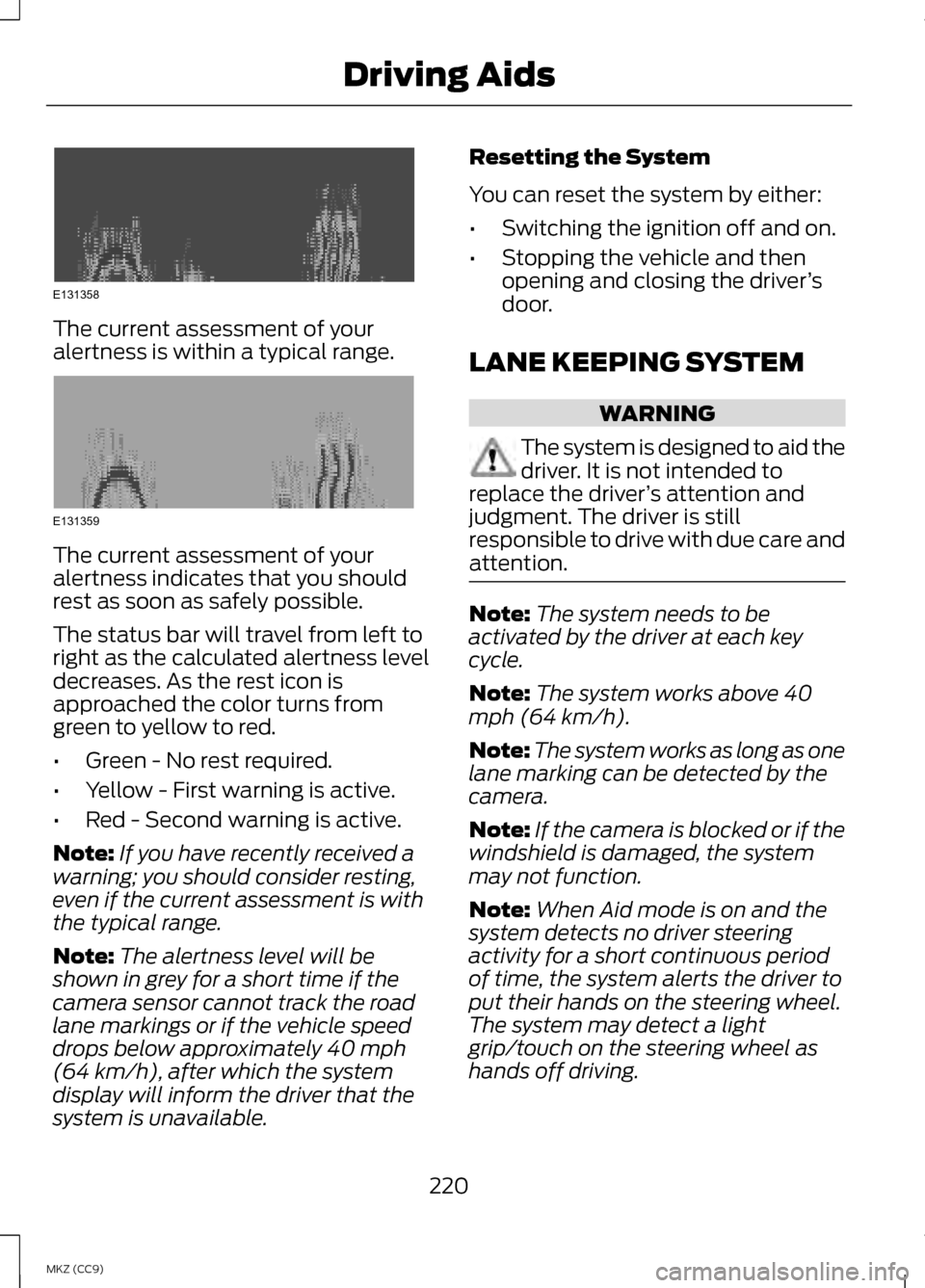
The current assessment of your
alertness is within a typical range.
The current assessment of your
alertness indicates that you should
rest as soon as safely possible.
The status bar will travel from left to
right as the calculated alertness level
decreases. As the rest icon is
approached the color turns from
green to yellow to red.
•
Green - No rest required.
• Yellow - First warning is active.
• Red - Second warning is active.
Note: If you have recently received a
warning; you should consider resting,
even if the current assessment is with
the typical range.
Note: The alertness level will be
shown in grey for a short time if the
camera sensor cannot track the road
lane markings or if the vehicle speed
drops below approximately 40 mph
(64 km/h), after which the system
display will inform the driver that the
system is unavailable. Resetting the System
You can reset the system by either:
•
Switching the ignition off and on.
• Stopping the vehicle and then
opening and closing the driver ’s
door.
LANE KEEPING SYSTEM WARNING
The system is designed to aid the
driver. It is not intended to
replace the driver ’s attention and
judgment. The driver is still
responsible to drive with due care and
attention. Note:
The system needs to be
activated by the driver at each key
cycle.
Note: The system works above 40
mph (64 km/h).
Note: The system works as long as one
lane marking can be detected by the
camera.
Note: If the camera is blocked or if the
windshield is damaged, the system
may not function.
Note: When Aid mode is on and the
system detects no driver steering
activity for a short continuous period
of time, the system alerts the driver to
put their hands on the steering wheel.
The system may detect a light
grip/touch on the steering wheel as
hands off driving.
220
MKZ (CC9) Driving AidsE131358 E131359
Page 225 of 475
•
the vehicle is in a dynamic
maneuver
• the road has no or poor lane
markings in the camera
field-of-view
• the camera is obscured or unable
to detect the lane markings due to
environmental conditions (e.g.
significant sun angles or shadows,
snow, heavy rain, fog), traffic
conditions (e.g. following a large
vehicle that is blocking or
shadowing the lane), or vehicle
conditions (e.g. poor headlamp
illumination).
See Troubleshooting for additional
information. Green: Indicates that the system is
available or ready to provide a
warning or intervention, on the
indicated side(s).
Yellow: Indicates that the system is
providing or has just provided a lane
keeping aid intervention.
Red: Indicates that the system is
providing or has just provided a lane
keeping alert warning.
The system can be temporarily
suppressed at any time by the
following:
•
Quick braking
• Fast acceleration
• Using the turn signal indicator
• Evasive steering maneuver
Troubleshooting Why is the feature not available (line markings are gray) when I can see the
lane markings on the road?
Vehicle speed is outside the operational range of the feature
Sun is shining directly into the camera lens
Quick intentional lane change
Staying too close to the lane marking
Driving at high speeds in curves
Previous feature activation happened within the last one second
Ambiguous lane markings (mainly in construction zones)
Rapid transition from light to dark or vice versa
Sudden offset in lane markings
ABS or AdvanceTrac activation
223
MKZ (CC9) Driving Aids
Page 229 of 475
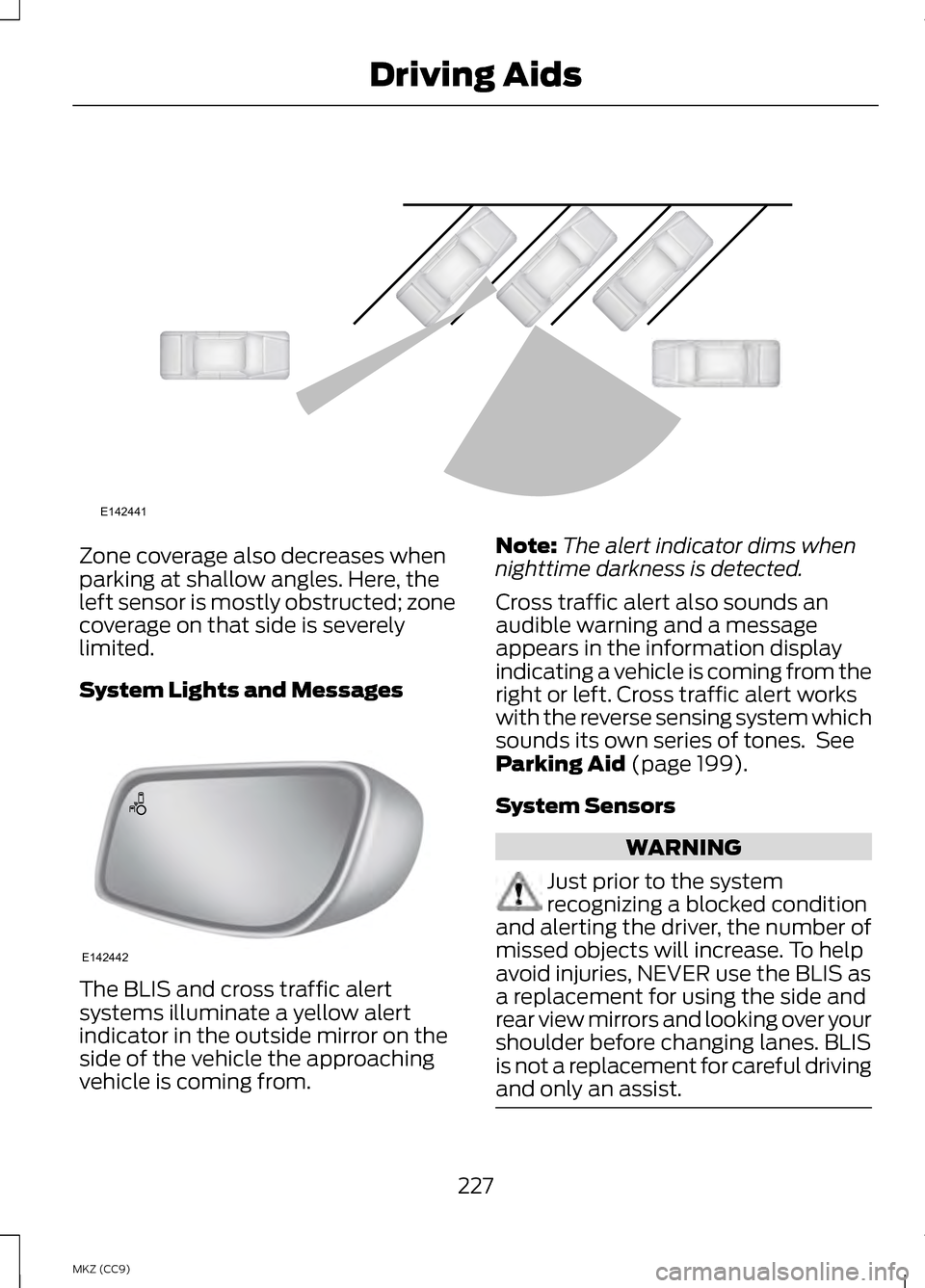
Zone coverage also decreases when
parking at shallow angles. Here, the
left sensor is mostly obstructed; zone
coverage on that side is severely
limited.
System Lights and Messages
The BLIS and cross traffic alert
systems illuminate a yellow alert
indicator in the outside mirror on the
side of the vehicle the approaching
vehicle is coming from. Note:
The alert indicator dims when
nighttime darkness is detected.
Cross traffic alert also sounds an
audible warning and a message
appears in the information display
indicating a vehicle is coming from the
right or left. Cross traffic alert works
with the reverse sensing system which
sounds its own series of tones. See
Parking Aid (page 199).
System Sensors WARNING
Just prior to the system
recognizing a blocked condition
and alerting the driver, the number of
missed objects will increase. To help
avoid injuries, NEVER use the BLIS as
a replacement for using the side and
rear view mirrors and looking over your
shoulder before changing lanes. BLIS
is not a replacement for careful driving
and only an assist. 227
MKZ (CC9) Driving AidsE142441 E142442
Page 232 of 475
COLLISION WARNING
SYSTEM
PRINCIPLE OF OPERATION (If
Equipped) WARNINGS
This system is designed to be a
supplementary driving aid. It is
not intended to replace the driver ’s
attention, and judgment, or the need
to apply the brakes. This system does
NOT activate the brakes
automatically. Failure to press the
brake pedal to activate the brakes
may result in a collision. The collision warning system
with brake support cannot help
prevent all collisions. Do not rely on
this system to replace driver judgment
and the need to maintain distance
and speed. Note:
The system does not detect,
warn or respond to potential collisions
with vehicles to the rear or sides of the
vehicle.
Note: The collision warning system is
active at speeds above approximately
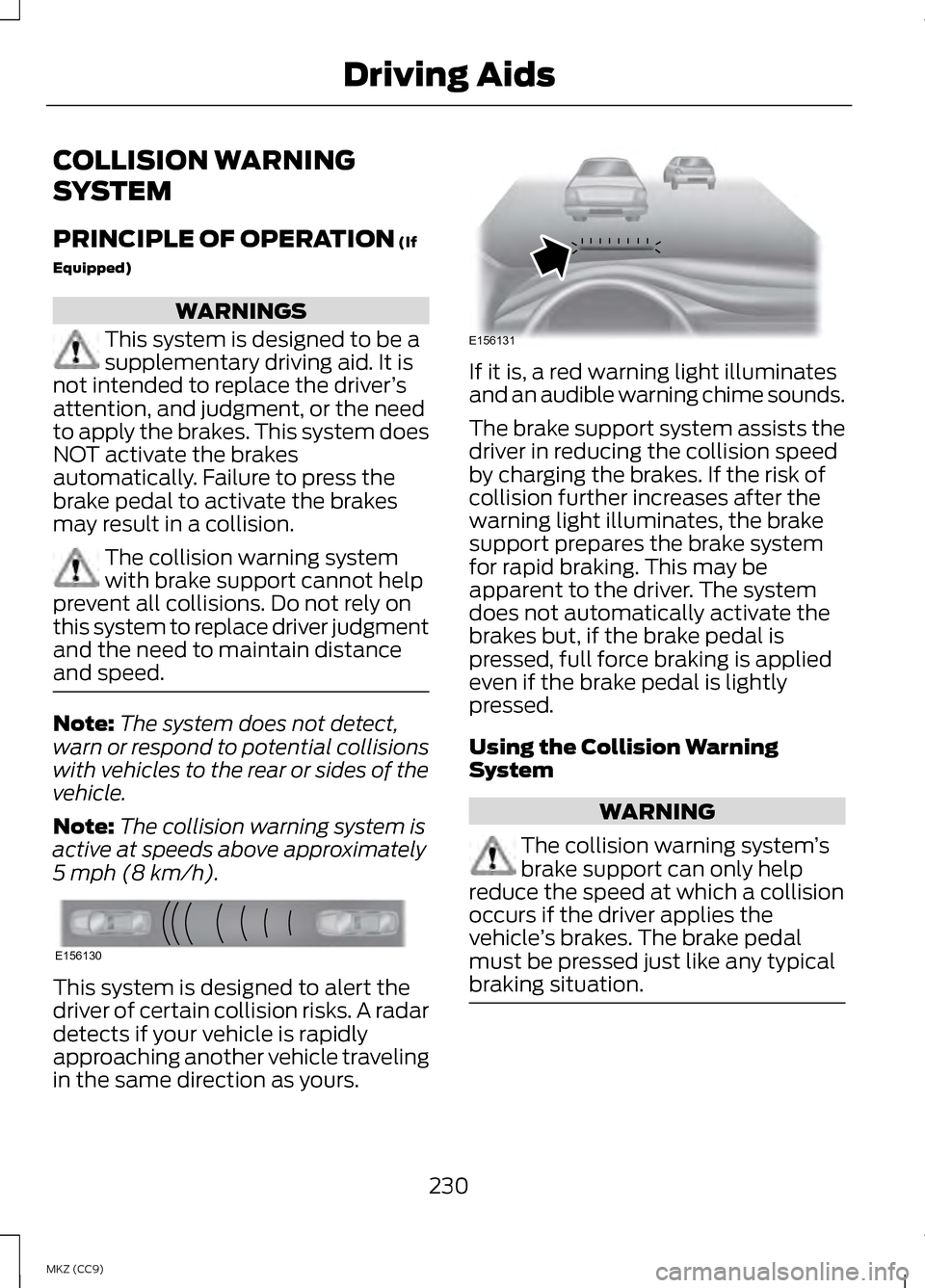
5 mph (8 km/h). This system is designed to alert the
driver of certain collision risks. A radar
detects if your vehicle is rapidly
approaching another vehicle traveling
in the same direction as yours. If it is, a red warning light illuminates
and an audible warning chime sounds.
The brake support system assists the
driver in reducing the collision speed
by charging the brakes. If the risk of
collision further increases after the
warning light illuminates, the brake
support prepares the brake system
for rapid braking. This may be
apparent to the driver. The system
does not automatically activate the
brakes but, if the brake pedal is
pressed, full force braking is applied
even if the brake pedal is lightly
pressed.
Using the Collision Warning
System
WARNING
The collision warning system
’s
brake support can only help
reduce the speed at which a collision
occurs if the driver applies the
vehicle ’s brakes. The brake pedal
must be pressed just like any typical
braking situation. 230
MKZ (CC9) Driving AidsE156130 E156131
Page 249 of 475
BREAKING-IN
You need to break in new tires for
approximately 300 miles (480
kilometers). During this time, your
vehicle may exhibit some unusual
driving characteristics. The engine also
needs to break in. Avoid hard
accelerations and driving too fast for
the first 1000 miles (1600 kilometers).
If possible, avoid carrying heavy loads
up steep grades during the break-in
period.
ECONOMICAL DRIVING
Fuel economy is affected by several
things such as how you drive, the
conditions you drive under and how
you maintain your vehicle.
There are some things to keep in mind
that may improve your fuel economy:
•
Accelerate and slow down in a
smooth, moderate fashion.
• Drive at steady speeds.
• Anticipate stops; slowing down
may eliminate the need to stop.
• Combine errands and minimize
stop-and-go driving.
•When running errands, go to
the furthest destination first
and then work your way back
home.
• Close the windows for high-speed
driving.
• Drive at reasonable speeds.
(Traveling at 65 mph/105 kph uses
about 15% less fuel than traveling
at 75 mph/121 kph). •
Keep the tires properly inflated and
use only the recommended size.
• Use the recommended engine oil.
• Perform all regularly scheduled
maintenance.
There are also some things you may
want to avoid doing because they
reduce your fuel economy:
• Avoid sudden or hard
accelerations.
• Avoid revving the engine before
turning off the car.
• Avoid long idle periods.
• Do not warm up your vehicle on
cold mornings.
• Reduce the use of air conditioning
and heat.
• Avoid using speed control in hilly
terrain.
• Do not rest your foot on the brake
pedal while driving.
• Avoid carrying unnecessary weight
(approximately 1 mpg [0.4
kilometers/liter] is lost for every
400 lbs [180 kilograms] of weight
carried).
• Avoid adding particular
accessories to your vehicle (e.g.
bug deflectors, rollbars/light bars,
running boards, ski racks).
• Avoid driving with the wheels out
of alignment.
DRIVING THROUGH WATER
Note: Driving through deep water
above the recommended levels can
cause vehicle damage.
247
MKZ (CC9) Driving Hints
Page 250 of 475
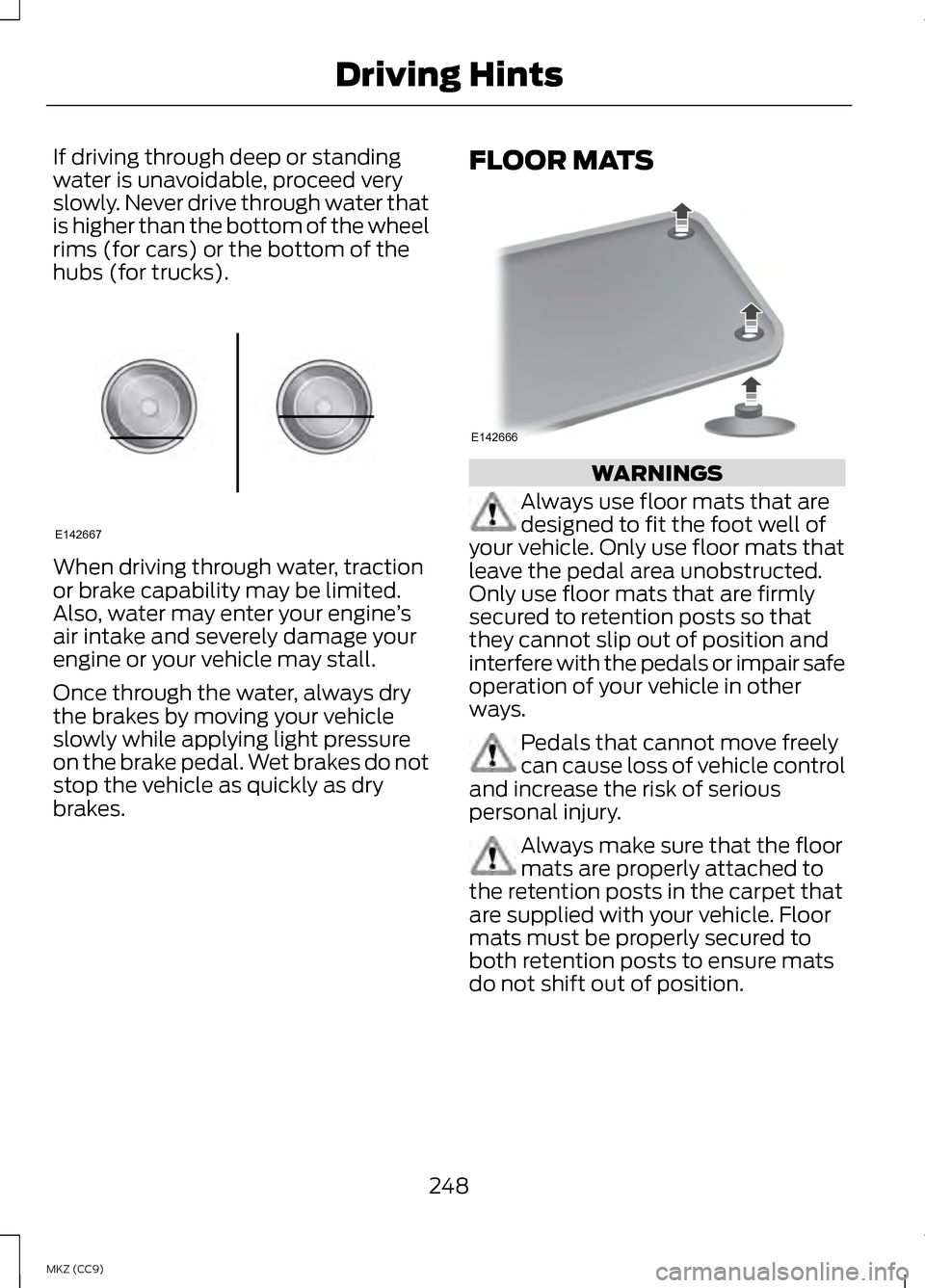
If driving through deep or standing
water is unavoidable, proceed very
slowly. Never drive through water that
is higher than the bottom of the wheel
rims (for cars) or the bottom of the
hubs (for trucks).
When driving through water, traction
or brake capability may be limited.
Also, water may enter your engine
’s
air intake and severely damage your
engine or your vehicle may stall.
Once through the water, always dry
the brakes by moving your vehicle
slowly while applying light pressure
on the brake pedal. Wet brakes do not
stop the vehicle as quickly as dry
brakes. FLOOR MATS WARNINGS
Always use floor mats that are
designed to fit the foot well of
your vehicle. Only use floor mats that
leave the pedal area unobstructed.
Only use floor mats that are firmly
secured to retention posts so that
they cannot slip out of position and
interfere with the pedals or impair safe
operation of your vehicle in other
ways. Pedals that cannot move freely
can cause loss of vehicle control
and increase the risk of serious
personal injury. Always make sure that the floor
mats are properly attached to
the retention posts in the carpet that
are supplied with your vehicle. Floor
mats must be properly secured to
both retention posts to ensure mats
do not shift out of position.
248
MKZ (CC9) Driving HintsE142667 E142666
Page 258 of 475
Vehicle Information and General
Safety Practices
•
Know the make and model of your
vehicle.
• Review the owner ’s manual and
become familiar with your vehicle ’s
safety information and
recommended safety practices.
• Do not attempt to repair damaged
electric and hybrid-electric
vehicles yourself. Contact an
authorized Ford Dealer or vehicle
manufacturer representative for
service.
Crashes
A crash or impact significant enough
to require an emergency response for
conventional vehicles would also
require the same response for an
electric or hybrid-electric vehicle.
If possible
• Move your car to a safe, nearby
location and remain on the scene.
• Roll down the windows before
shutting your vehicle off.
• Place your vehicle in Park, set the
parking brake, turn off the vehicle,
activate the hazard lights, and
move your key(s) at least 16 feet
(5 meters) away from the vehicle. Always
•
Call 911 if assistance is needed and
advise that an electric or
hybrid-electric vehicle is involved.
• Do not touch exposed electrical
components or the engine
compartment, as a shock hazard
may exist.
• Avoid contact with leaking fluids
and gases, and remain out of the
way of oncoming traffic until
emergency responders arrive.
• When emergency responders
arrive, tell them that the vehicle
involved is an electric vehicle or
hybrid vehicle.
Fires
As with any vehicle, call 911
immediately if you see sparks, smoke
or flames coming from the vehicle.
• Exit the vehicle immediately.
• Advise 911 that an electric or
hybrid-electric vehicle is involved.
• As with any vehicle fire, do not
inhale smoke, vapors or gas from
the vehicle, as they may be
hazardous.
• Remain a safe distance upwind
and uphill from the vehicle fire.
• Stay out of the roadway and stay
out of the way of any oncoming
traffic while awaiting the arrival of
emergency responders.
256
MKZ (CC9) Roadside Emergencies