lights LINCOLN MKZ HYBRID 2017 Owner's Guide
[x] Cancel search | Manufacturer: LINCOLN, Model Year: 2017, Model line: MKZ HYBRID, Model: LINCOLN MKZ HYBRID 2017Pages: 546, PDF Size: 5.12 MB
Page 414 of 546

Driver temperature: Touch up or down to adjust the temperature.
A
AUTO:
Touch the button to switch on automatic operation. Select the desired tem\
perature using the temperature control. The
system adjusts fan speed, air distribution, air conditioning operation, \
and selects outside air or recirculated air to heat or cool the
vehicle in order to maintain the desired temperature.
B
Defrost:
A pop up appears on the screen to display the defrost options.
C
MAX Defrost: Touch the button to maximize defrosting. Air flows through the windshield\
vents, the fan automatically adjusts to the
highest speed and the driver and passenger temperatures are set to HI. Y\
ou can use this setting to defog or clear a thin covering
of ice from the windshield. The heated rear window also automatically tu\
rns on when you select MAX Defrost.
Defrost:
Distributes air through the windshield defroster vents and demister vent\
s.
Heated rear window:
Turns the heated rear window on and off. See Heated Windows and Mirrors (page 141).
Power:
Touch the button to switch the system on and off. Switching off the climate control system prevents outside air from enteri\
ng
the vehicle.
D
DUAL:
This button lights up when the passenger controls are active. To switch the off and link the passenger temperature to the
driver temperature, touch the DUAL button.
E
Note:
the passenger side temperature and the DUAL indication automatically turn on when you or your passenger adjust th\
e
passenger temperature.
Passenger temperature:
Touch up or down to adjust the temperature.
F
Fan speed:
Touch up or down to increase or decrease the volume of air that circulate\
s in your vehicle.
G
Note:
You cannot adjust the fan speed when the system is set to AUTO or MAX A/C.
A/C:
A pop-up appears on the screen to display the air conditioning options.\
H
411
MKZ Hybrid (CC9) Hybrid Electric Vehicle (HEV), Canada/United States of America, enUSA, First Printing SYNC™ 3
Page 425 of 546
instead of repeating the same icon, in order
to reduce clutter. When you select the box
on the map, a pop-up appears indicating how
many POIs are in this location. Select the pop
up to see a list of the available POIs. You can
scroll through and select POIs from this list.
If your vehicle is low on charge or fuel,
station icons automatically display on the
map.
If you have subscribed to SiriusXM Traffic
and Travel Link (where available), traffic flow
will be indicated on the map by green (clear),
yellow (slowing), and red (stopped) road
highlights. Traffic flow is indicated where the
information is available and varies across the
US.
You can choose to display traffic icons on
the map representing twelve different types
of incidents. See Settings (page 442).
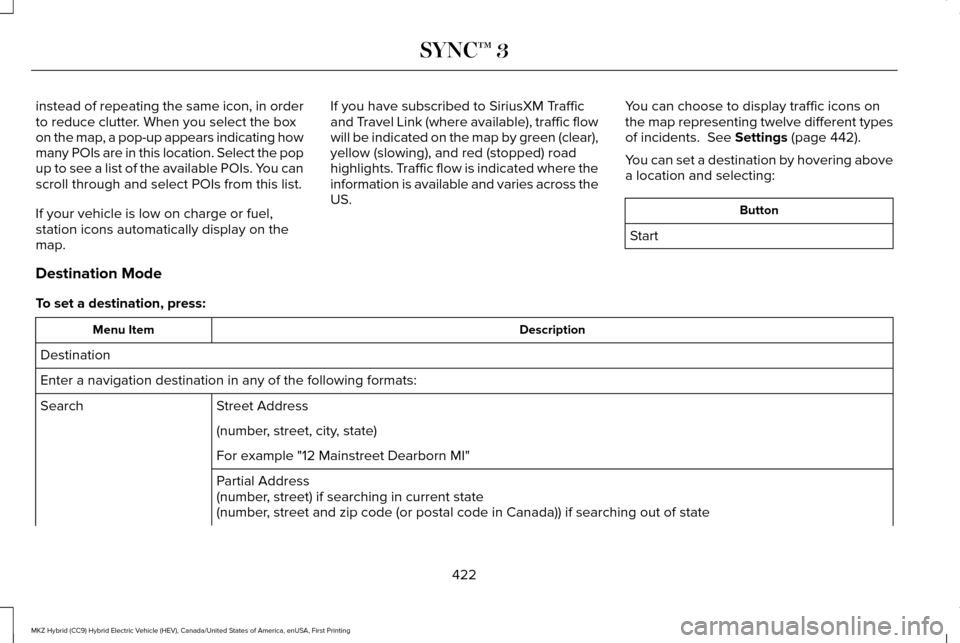
You can set a destination by hovering above
a location and selecting: Button
Start
Destination Mode
To set a destination, press: Description
Menu Item
Destination
Enter a navigation destination in any of the following formats: Street Address
Search
(number, street, city, state)
For example "12 Mainstreet Dearborn MI"
Partial Address
(number, street) if searching in current state
(number, street and zip code (or postal code in Canada)) if searching out of\
state
422
MKZ Hybrid (CC9) Hybrid Electric Vehicle (HEV), Canada/United States of America, enUSA, First Printing SYNC™ 3
Page 438 of 546

Description
Item
Callout
Includes all power usage from the low voltage accessories such as the cl\
imate control
fan, headlights and heated seats. The higher the power usage is from the\
se
accessories, the larger the circle around the node. This node illuminates anytime the
vehicle is on since there is always some low level power in use.
2
Other
E
Includes the power usage from the high-voltage climate control component\
s such
as the electric A/C compressor and the electric heater (Energi only). \
The higher the
power usage is from these components, the larger the circle around this \
node.
2,3
Climate
F
Represents your high-voltage battery. A circle illuminates around the node when the
high-voltage battery is receiving power from regenerative braking or eng\
ine charging.
The higher the power going into the high-voltage battery, the larger the circle around
this node.
Battery
G
Represents the fuel tank in the vehicle.
Fuel
H
Shows flow from the fuel tank to the engine when the engine is on and us\
ing fuel
(there are some cases where the engine is on, but not using any fuel).\
When the
engine is on, but not using fuel, the engine node is active, but the fuel flow path is
off. An example of this is when your foot is off the accelerator pedal and \
the vehicle
is traveling at a high speed.
Fuel-to-Engine Flow
I
Provides you with the reason(s) the gasoline engine is on. When the ga\
soline engine
is off, this display does not appear. Engine On due to reasons displayed by the system
are in a chart following this list.
Engine On due to:
J
435
MKZ Hybrid (CC9) Hybrid Electric Vehicle (HEV), Canada/United States of America, enUSA, First Printing SYNC™ 3
Page 439 of 546

Description
Item
Callout
Shows the direction of power flow between the engine and the electric mo\
tor. The
direction indicates if the engine is providing power to the high-voltage\
electrical
system, or if the high-voltage electrical system is providing power to c\
ontrol or start
the engine.
Motor-to-Engine Flow
K
Represents the gasoline engine. It illuminates only when the gasoline engine is on.
The higher the engine power is, the larger the circle around this node.
Engine
L
Shows the direction of the power flow between the engine and the wheels.\
Engine-to-Wheels Flow
M
Represents the power going to the wheels. The higher the wheel power is, \
the larger
the circle around this node. When the engine is off, drive power displays in blue.
When the engine is on, drive power displays in grey.
Drive
N
1 The battery-to-motor flow includes battery
power the vehicle is using for acceleration.
It does not include energy the vehicle is
using for accessories (such as air
conditioning, headlights and radio). This
screen displays accessories and climate
usage separately. 2
Accessories indicates electrical power
demands from your vehicle ’s accessory
systems. Accessories use power but do not
contribute to making the vehicle move. The
power flow displays power usage from the
climate control system and other accessories
separately. 3
The climate control system may determine
A/C is necessary even when you turn it off.
In this case, you may see some climate
power when the A/C is off.
436
MKZ Hybrid (CC9) Hybrid Electric Vehicle (HEV), Canada/United States of America, enUSA, First Printing SYNC™ 3
Page 484 of 546
Make sure to change your vehicle
’s oils and
fluids at the specified intervals or in
conjunction with a repair. Flushing is a viable
way to change fluid for many vehicle
sub-systems during scheduled maintenance. It is critical that systems are flushed only with
new fluid that is the same as that required
to fill and operate the system or using a
Ford-approved flushing chemical.
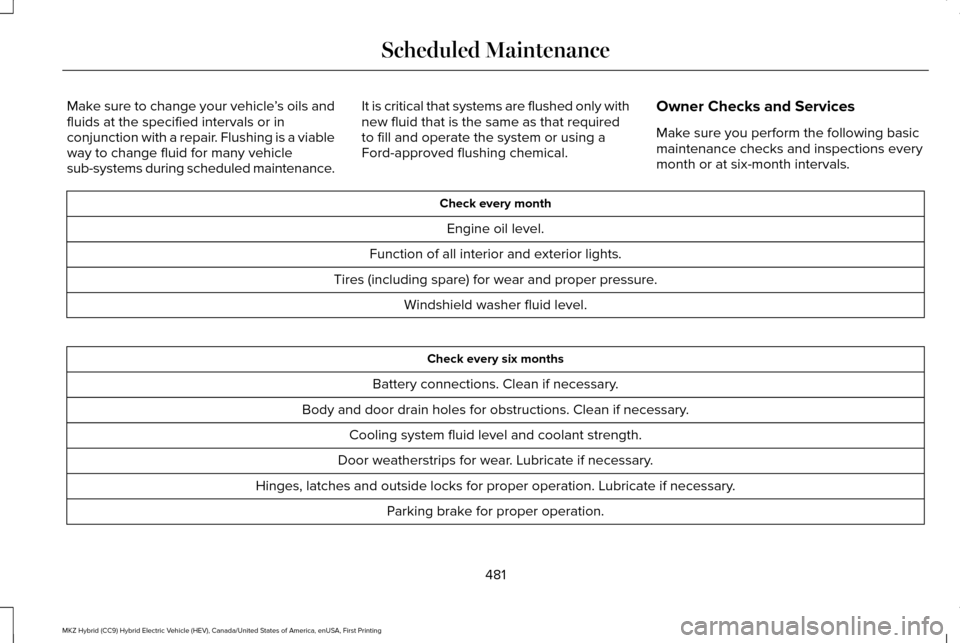
Owner Checks and Services
Make sure you perform the following basic
maintenance checks and inspections every
month or at six-month intervals. Check every month
Engine oil level.
Function of all interior and exterior lights.
Tires (including spare) for wear and proper pressure. Windshield washer fluid level. Check every six months
Battery connections. Clean if necessary.
Body and door drain holes for obstructions. Clean if necessary. Cooling system fluid level and coolant strength.
Door weatherstrips for wear. Lubricate if necessary.
Hinges, latches and outside locks for proper operation. Lubricate if necessary. Parking brake for proper operation.
481
MKZ Hybrid (CC9) Hybrid Electric Vehicle (HEV), Canada/United States of America, enUSA, First Printing Scheduled Maintenance
Page 538 of 546
System Errors......................................................243
System Lights, Messages and Audible
Alerts.................................................................242
System Limitations.............................................242
Using the System...............................................239
Cruise Control..................................................79
Principle of Operation........................................221
Type 1.......................................................................79
Type 2......................................................................79
Cruise control See: Using Cruise Control................................221
Customer Assistance
..................................268
D
Data Recording
..................................................9
Event Data Recording...........................................10
Service Data Recording.........................................9
Daytime Running Lamps...............................86 Type 1 - Conventional
(Non-Configurable)..........................................86
Type 2 - Configurable..........................................86
Direction Indicators........................................89 Lane Change..........................................................89
Drive Control
..................................................247
LINCOLN DRIVE CONTROL.............................247
Driver Alert......................................................231 Using Driver Alert................................................231 Driver and Passenger Airbags....................44
Children and Airbags...........................................45
Proper Driver and Front Passenger Seating
Adjustment.........................................................45
Driver and Passenger Knee Airbags.........49
Driving Aids
.....................................................231
Driving Hints..................................................256
Driving Through Water
...............................256
DRL See: Daytime Running Lamps...........................86
E
Economical Driving
......................................256
EcoSelect..........................................................171
Electric Parking Brake..................................196 Applying the electric parking brake...............
196
Applying the electric parking brake when the vehicle is moving............................................197
Battery With No Charge....................................198
Releasing the electric parking brake.............198
Electric Vehicle Information
........................431
Power.....................................................................433
Emission Control System
............................184
On-Board Diagnostics (OBD-II)........................185
Readiness for Inspection/Maintenance (I/M)
Testing...............................................................185 End User License Agreement..................509
VEHICLE SOFTWARE END USER LICENSE
AGREEMENT (EULA) ....................................509
Engine Block Heater....................................166 Using the Engine Block Heater.......................167
Engine Coolant Check................................300 Adding Coolant....................................................301
Coolant Change..................................................303
Engine Coolant Temperature
Management...................................................304
Fail-Safe Cooling................................................303
Recycled Coolant...............................................302
Severe Climates.................................................303
Engine Immobilizer See: Passive Anti-Theft System.........................74
Engine Oil Check.........................................299 Adding Engine Oil..............................................299
Engine Oil Dipstick......................................299
Engine Specifications
..................................354
Entertainment................................................396 AM/FM Radio.......................................................398
Apps.......................................................................409
Bluetooth Stereo or USB..................................407
CD (If equipped).................................................406
HD Radio ™ Information (If Available)..............402
SIRIUS® Satellite Radio (If Activated).............398
Sources.................................................................397
535
MKZ Hybrid (CC9) Hybrid Electric Vehicle (HEV), Canada/United States of America, enUSA, First Printing Index
Page 545 of 546
U
Under Hood Overview................................297
Unique Driving Characteristics..................168
Universal Garage Door Opener................155
HomeLink Wireless Control System...............155
Using Adaptive Cruise Control.................222 Automatic Cancellation.....................................227
Blocked Sensor..................................................229
Canceling the Set Speed.................................227
Changing the Set Speed..................................226
Detection Issues.................................................227
Following a Vehicle............................................224
Following a Vehicle to a Complete
Stop...................................................................225
Hilly Condition Usage........................................227
Overriding the System......................................226
Resuming the Set Speed..................................227
Setting the Adaptive Cruise Speed...............224
Setting the Adaptive Cruise Speed When Your Vehicle is Stationary......................................224
Setting the Gap Distance.................................225
Switching Adaptive Cruise Control Off.........227
Switching Adaptive Cruise Control On.........223
Switching to Normal Cruise Control..............230
System Not Available........................................229
Using Cruise Control....................................221 Switching Cruise Control Off...........................222 Switching Cruise Control On............................221
Using MyKey With Remote Start Systems..........................................................62
Using Snow Chains
......................................346
Using Stability Control................................204
Using Summer Tires....................................345
Using Traction Control
.................................201
Switching the System Off..................................201
System Indicator Lights and Messages.........201
Using a Switch.....................................................201
Using the Information Display Controls........201
Using Voice Recognition............................385 Audio Voice Commands...................................387
Climate Voice Commands................................388
Mobile App Voice Commands........................392
Navigation Voice Commands...........................
391
Phone Voice Commands..................................388
SiriusXM Traffic and Travel Link Voice Commands......................................................393
Voice Settings Commands...............................394
Utilizing the Mediation/Arbitration Program (Canada Only)..............................................271
V
Vehicle Care
...................................................314
General Information............................................314
Vehicle Certification Label
.........................356 Vehicle Identification Number..................356
Vehicle Storage
.............................................321
Battery...................................................................322
Body........................................................................\
321
Brakes...................................................................322
Cooling system...................................................322
Engine...................................................................322
Fuel system..........................................................322
General..................................................................321
Miscellaneous.....................................................322
Removing Vehicle From Storage
...................322
Tires.......................................................................322
Ventilation See: Climate Control..........................................138
VIN See: Vehicle Identification Number...............356
Voice Control...................................................79
W
Warning Lamps and Indicators..................103 Adaptive Cruise Control....................................103
Anti-Lock Braking System.................................
103
Autohold Active...................................................103
Autohold Unavailable.........................................103
Battery....................................................................103
Blind Spot Monitor..............................................103
Brake System.......................................................104
542
MKZ Hybrid (CC9) Hybrid Electric Vehicle (HEV), Canada/United States of America, enUSA, First Printing Index