light LINCOLN MKZ HYBRID 2019 Manual PDF
[x] Cancel search | Manufacturer: LINCOLN, Model Year: 2019, Model line: MKZ HYBRID, Model: LINCOLN MKZ HYBRID 2019Pages: 575, PDF Size: 4.77 MB
Page 233 of 575
Keep the front of your vehicle free of dirt,metal badges or objects. Vehicle frontprotectors and aftermarket lights may alsoblock the sensor.
Possible Causes and Actions for This Message Displaying:
ActionCause
Clean the grille surface in front of the radar or remove the objectcausing the obstruction.The surface of the radar is dirty or obstructed.
Wait a short time. It may take several minutes for the radar to detectthat it is free from obstruction.The surface of the radar is clean but the message remains in thedisplay.
Do not use the system in these conditions because it may not detectany vehicles ahead.Heavy rain or snow is interfering with the radar signals.
Do not use the system in these conditions because it may not detectany vehicles ahead.Water, snow or ice on the surface of the road may interfere with theradar signals.
Wait a short time or switch to normal cruise control.You are in a desert or remote area with no other vehicles and noroadside objects.
Due to the nature of radar technology, it is possible to get a blockage warning with no actual block. A false blocked condition either selfclears, or clears after you restart your vehicle.
230
MKZ Hybrid (CC9) Hybrid Electric Vehicle (HEV), Canada/United States of America, enUSA, Edition date: 201805, First-Printing
Cruise Control
Page 234 of 575
Switching to Normal Cruise Control
WARNING: Normal cruise control willnot brake when your vehicle is approachingslower vehicles. Always be aware of whichmode you have selected and apply thebrakes when necessary.
The cruise control indicator lightreplaces the adaptive cruisecontrol indicator light if you selectnormal cruise control. The gap setting doesnot display, and the system does not respondto lead vehicles. Automatic braking remainsactive to maintain set speed.
You can change from adaptive cruise controlto normal cruise control through theinformation display.
Switching to ECO Cruise
Using cruise control with ECO Cruiseswitched on may change the operation ofthe system. This feature saves vehicleenergy by relaxing acceleration comparedto standard cruise control. For example, yourvehicle may temporarily lose speed whengoing uphill.
For Energi vehicles, you can switch on ECOCruise using the information display.
For Hybrid vehicles, press ECO on the centerconsole.
For additional information, refer to ECOCruise and EcoSelect. See EcoSelect (page173).
231
MKZ Hybrid (CC9) Hybrid Electric Vehicle (HEV), Canada/United States of America, enUSA, Edition date: 201805, First-Printing
Cruise ControlE71340
Page 237 of 575
•Switching the ignition off and on.
•Stopping the vehicle and then openingand closing the driver’s door.
LANE KEEPING SYSTEM (If Equipped)
WARNING: You are responsible forcontrolling your vehicle at all times. Thesystem is designed to be an aid and doesnot relieve you of your responsibility to drivewith due care and attention. Failure to followthis instruction could result in the loss ofcontrol of your vehicle, personal injury ordeath.
WARNING: Always drive with due careand attention when using and operating thecontrols and features on your vehicle.
WARNING: In cold and severe weatherconditions the system may not function. Rain,snow and spray can all limit sensorperformance.
WARNING: The system will not operateif the sensor cannot track the road lanemarkings.
WARNING: The sensor may incorrectlytrack lane markings as other structures orobjects. This can result in a false or missedwarning.
WARNING: Large contrasts in outsidelighting can limit sensor performance.
WARNING: The system may notoperate properly if the sensor is blocked.Keep the windshield free from obstruction.
WARNING: If damage occurs in theimmediate area surrounding the sensor, haveyour vehicle checked as soon as possible.
WARNING: The system may notcorrectly operate if your vehicle is fitted witha suspension kit not approved by us.
Note:The system works above 40 mph(64 km/h).
Note:The system works as long as thecamera can detect one lane marking.
Note:When aid mode is on and the systemdetects no steering activity for a short period,the system alerts you to put your hands onthe steering wheel. The system may detecta light grip or touch on the steering wheelas hands off driving.
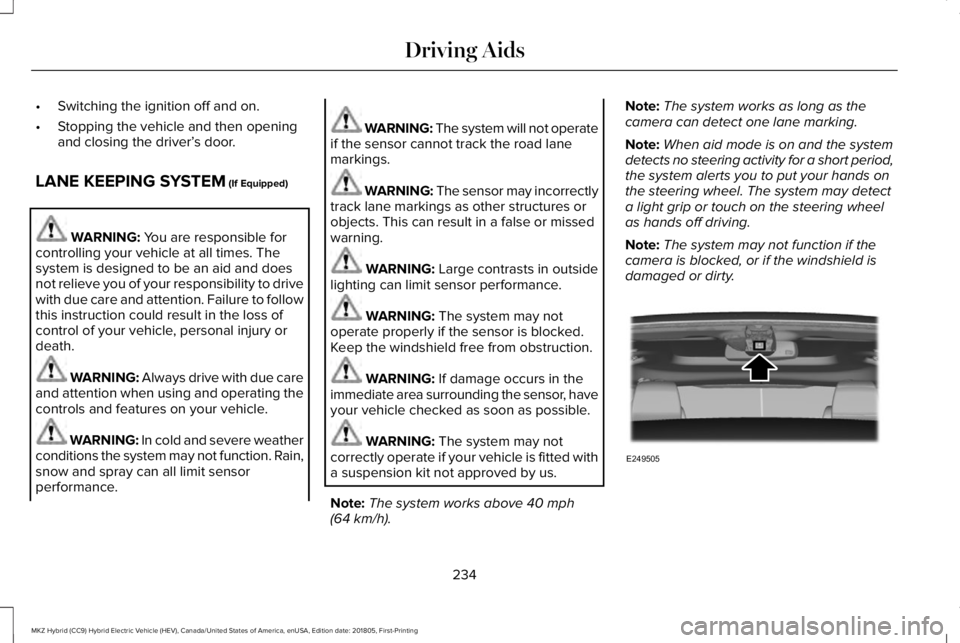
Note:The system may not function if thecamera is blocked, or if the windshield isdamaged or dirty.
234
MKZ Hybrid (CC9) Hybrid Electric Vehicle (HEV), Canada/United States of America, enUSA, Edition date: 201805, First-Printing
Driving AidsE249505
Page 241 of 575
Why is the feature not available (line markings are gray) when I can see the lane markings on the road?
Rapid transition from light to dark, or from dark to light.
Sudden offset in lane markings.
ABS or AdvanceTrac™ is active.
There is a camera blockage due to dirt, grime, fog, frost or water on the windshield.
You are driving too close to the vehicle in front of you.
Transitioning between no lane markings to lane markings or vice versa.
There is standing water on the road.
Faint lane markings, for example partial yellow lane markings on concrete roads.
Lane width is too narrow or too wide.
The camera has not been calibrated after a windshield replacement.
Driving on tight roads or on uneven roads.
238
MKZ Hybrid (CC9) Hybrid Electric Vehicle (HEV), Canada/United States of America, enUSA, Edition date: 201805, First-Printing
Driving Aids
Page 243 of 575
The system is designed to detect vehiclesthat may have entered the blind spot zone(A). The detection area is on both sides ofyour vehicle, extending rearward from theexterior mirrors to approximately 13 ft (4 m)beyond the rear bumper.
Note:The system does not prevent contactwith other vehicles. It is not designed todetect parked vehicles, pedestrians, animalsor other infrastructures.
Using the Blind Spot InformationSystem
Vehicles with Automatic Transmission
The system turns on when all of the followingoccur:
•You start your vehicle.
•You shift into drive (D).
•The vehicle speed is greater than 6 mph(10 km/h).
Note:The system does not operate in park(P) or reverse (R).
Vehicles with Manual Transmission
The system turns on when all of the followingoccur:
•You start your vehicle.
•The vehicle speed is greater than 6 mph(10 km/h).
Note:The system does not operate inreverse (R).
System Lights and Messages
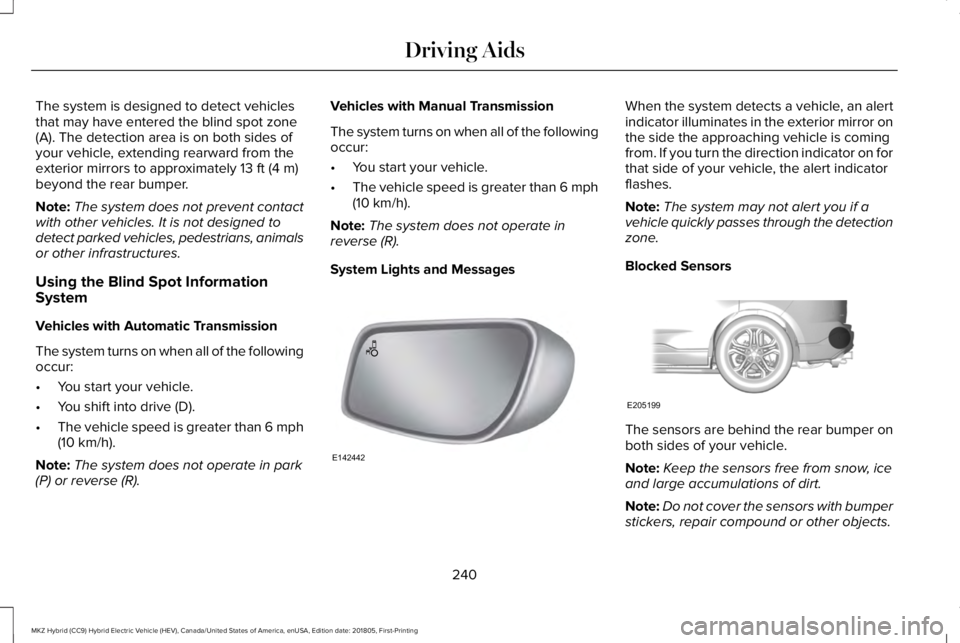
When the system detects a vehicle, an alertindicator illuminates in the exterior mirror onthe side the approaching vehicle is comingfrom. If you turn the direction indicator on forthat side of your vehicle, the alert indicatorflashes.
Note:The system may not alert you if avehicle quickly passes through the detectionzone.
Blocked Sensors
The sensors are behind the rear bumper onboth sides of your vehicle.
Note:Keep the sensors free from snow, iceand large accumulations of dirt.
Note:Do not cover the sensors with bumperstickers, repair compound or other objects.
240
MKZ Hybrid (CC9) Hybrid Electric Vehicle (HEV), Canada/United States of America, enUSA, Edition date: 201805, First-Printing
Driving AidsE142442 E205199
Page 247 of 575
System Lights, Messages and AudibleAlerts
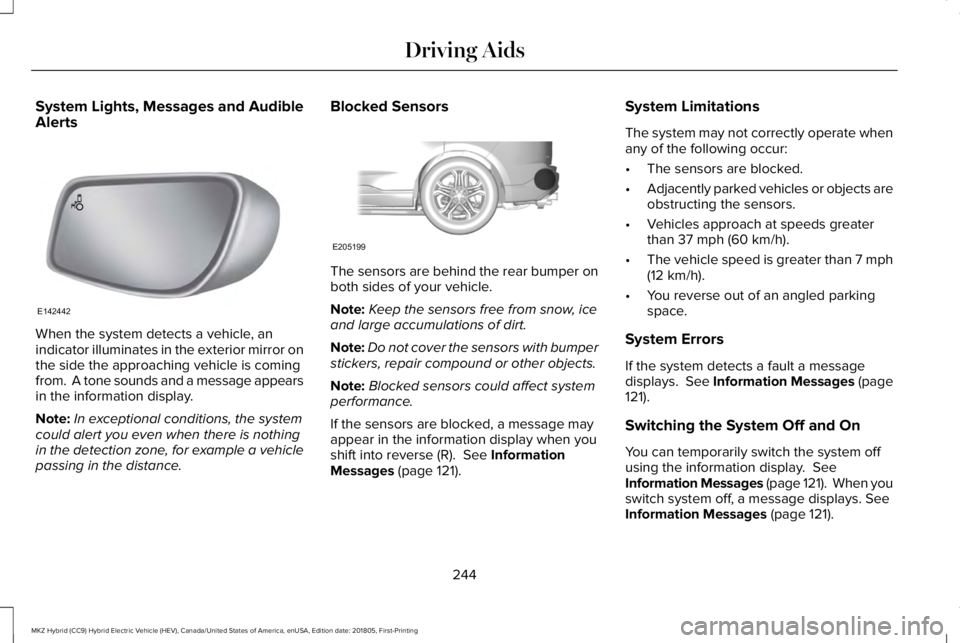
When the system detects a vehicle, anindicator illuminates in the exterior mirror onthe side the approaching vehicle is comingfrom. A tone sounds and a message appearsin the information display.
Note:In exceptional conditions, the systemcould alert you even when there is nothingin the detection zone, for example a vehiclepassing in the distance.
Blocked Sensors
The sensors are behind the rear bumper onboth sides of your vehicle.
Note:Keep the sensors free from snow, iceand large accumulations of dirt.
Note:Do not cover the sensors with bumperstickers, repair compound or other objects.
Note:Blocked sensors could affect systemperformance.
If the sensors are blocked, a message mayappear in the information display when youshift into reverse (R). See InformationMessages (page 121).
System Limitations
The system may not correctly operate whenany of the following occur:
•The sensors are blocked.
•Adjacently parked vehicles or objects areobstructing the sensors.
•Vehicles approach at speeds greaterthan 37 mph (60 km/h).
•The vehicle speed is greater than 7 mph(12 km/h).
•You reverse out of an angled parkingspace.
System Errors
If the system detects a fault a messagedisplays. See Information Messages (page121).
Switching the System Off and On
You can temporarily switch the system offusing the information display. SeeInformation Messages (page 121). When youswitch system off, a message displays. SeeInformation Messages (page 121).
244
MKZ Hybrid (CC9) Hybrid Electric Vehicle (HEV), Canada/United States of America, enUSA, Edition date: 201805, First-Printing
Driving AidsE142442 E205199
Page 249 of 575
Note:A high crown in the road or highcrosswinds may also make the steeringseem to wander or pull.
Adaptive Learning
The electronic power steering systemadaptive learning helps correct roadirregularities and improves overall handlingand steering feel. It communicates with thebrake system to help operate advancedstability control and accident avoidancesystems. Additionally, whenever the batteryis disconnected or a new battery installed,you must drive your vehicle a short distancebefore the system relearns the strategy andreactivates all systems.
PRE-COLLISION ASSIST (If Equipped)
WARNING: You are responsible forcontrolling your vehicle at all times. Thesystem is designed to be an aid and doesnot relieve you of your responsibility to drivewith due care and attention. Failure to followthis instruction could result in the loss ofcontrol of your vehicle, personal injury ordeath.
WARNING: The system does not detectvehicles that are driving in a differentdirection, pedestrians at night, cyclists oranimals. Failure to take care may result inthe loss of control of your vehicle, seriouspersonal injury or death.
WARNING: The system does notoperate during hard acceleration or steering.Failure to take care may lead to a crash orpersonal injury.
WARNING: The system may fail oroperate with reduced function during coldand severe weather conditions. Snow, ice,rain, spray and fog can adversely affect thesystem. Keep the front camera and radar freeof snow and ice. Failure to take care mayresult in the loss of control of your vehicle,serious personal injury or death.
WARNING: In situations where thevehicle camera has limited detectioncapability, this may reduce systemperformance. These situations include butare not limited to direct or low sunlight,vehicles at night without tail lights,unconventional vehicle types, pedestrianswith complex backgrounds, runningpedestrians, partly obscured pedestrians, orpedestrians that the system cannotdistinguish from a group. Failure to take caremay result in the loss of control of yourvehicle, serious personal injury or death.
246
MKZ Hybrid (CC9) Hybrid Electric Vehicle (HEV), Canada/United States of America, enUSA, Edition date: 201805, First-Printing
Driving Aids
Page 250 of 575
WARNING: The system cannot helpprevent all crashes. Do not rely on thissystem to replace driver judgment and theneed to maintain a safe distance and speed.
Using the Pre-Collision Assist System
The Pre-Collision Assist system is active atspeeds above approximately 3 mph (5 km/h)and pedestrian detection is active at speedsup to 50 mph (80 km/h).
If your vehicle is rapidly approaching anotherstationary vehicle, a vehicle traveling in thesame direction as yours, or a pedestrianwithin your driving path, the system isdesigned to provide three levels offunctionality:
1. Alert
2. Brake Support
3. Active Braking
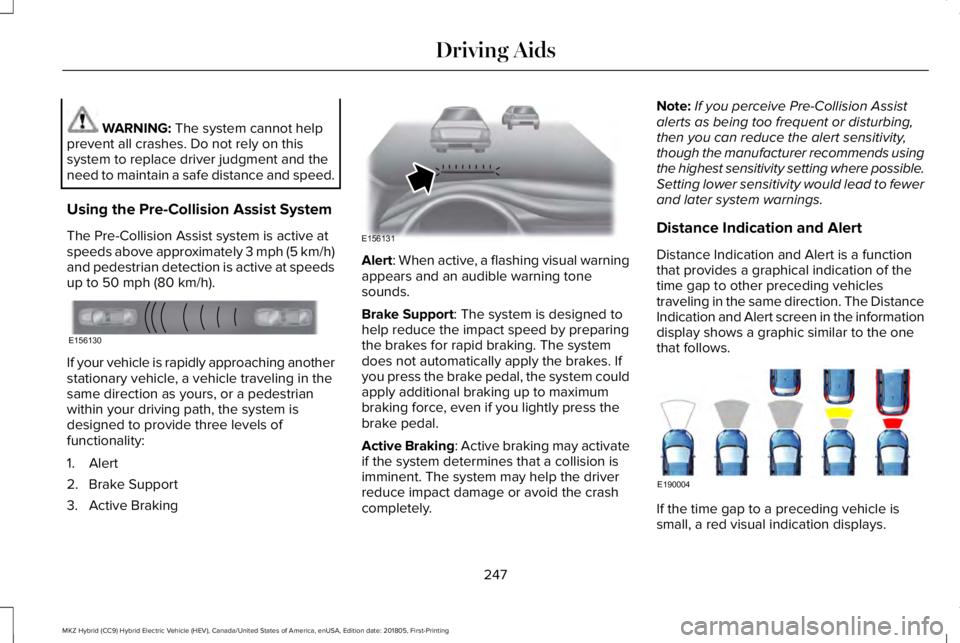
Alert: When active, a flashing visual warningappears and an audible warning tonesounds.
Brake Support: The system is designed tohelp reduce the impact speed by preparingthe brakes for rapid braking. The systemdoes not automatically apply the brakes. Ifyou press the brake pedal, the system couldapply additional braking up to maximumbraking force, even if you lightly press thebrake pedal.
Active Braking: Active braking may activateif the system determines that a collision isimminent. The system may help the driverreduce impact damage or avoid the crashcompletely.
Note:If you perceive Pre-Collision Assistalerts as being too frequent or disturbing,then you can reduce the alert sensitivity,though the manufacturer recommends usingthe highest sensitivity setting where possible.Setting lower sensitivity would lead to fewerand later system warnings.
Distance Indication and Alert
Distance Indication and Alert is a functionthat provides a graphical indication of thetime gap to other preceding vehiclestraveling in the same direction. The DistanceIndication and Alert screen in the informationdisplay shows a graphic similar to the onethat follows.
If the time gap to a preceding vehicle issmall, a red visual indication displays.
247
MKZ Hybrid (CC9) Hybrid Electric Vehicle (HEV), Canada/United States of America, enUSA, Edition date: 201805, First-Printing
Driving AidsE156130 E156131 E190004
Page 262 of 575
BREAKING-IN
You need to break in new tires forapproximately 300 mi (480 km). During thistime, your vehicle may exhibit some unusualdriving characteristics. The engine alsoneeds to break in. Avoid hard accelerationsand driving too fast for the first 1,000 mi(1,600 km). If possible, avoid carrying heavyloads up steep grades during the break-inperiod.
ECONOMICAL DRIVING
Fuel economy is affected by several thingssuch as how you drive, the conditions youdrive under and how you maintain yourvehicle.
There are some things to keep in mind thatmay improve your fuel economy:
•Accelerate and slow down in a smooth,moderate fashion.
•Drive at steady speeds.
•Anticipate stops; slowing down mayeliminate the need to stop.
•Combine errands and minimizestop-and-go driving (When runningerrands, go to the furthest destinationfirst and then work your way back home).
•Close the windows for high-speeddriving.
•Drive at reasonable speeds.
•Keep the tires properly inflated and useonly the recommended size.
•Use the recommended engine oil.
•Perform all regularly scheduledmaintenance.
There are also some things you may want toavoid doing because they reduce your fueleconomy:
•Avoid sudden or hard accelerations.
•Avoid revving the engine before turningoff the car.
•Avoid long idle periods.
•Do not warm up your vehicle on coldmornings.
•Reduce the use of air conditioning andheat.
•Avoid using speed control in hilly terrain.
•Do not rest your foot on the brake pedalwhile driving.
•Avoid carrying unnecessary weight.
•Avoid adding particular accessories toyour vehicle (e.g. bug deflectors,rollbars/light bars, running boards, skiracks).
•Avoid driving with the wheels out ofalignment.
DRIVING THROUGH WATER
WARNING: Do not drive throughflowing or deep water as you may losecontrol of your vehicle.
Note:Driving through standing water cancause vehicle damage.
Note:Engine damage can occur if waterenters the air filter.
Before driving through standing water, checkthe depth. Never drive through water that ishigher than the bottom of the front rockerarea of your vehicle.
259
MKZ Hybrid (CC9) Hybrid Electric Vehicle (HEV), Canada/United States of America, enUSA, Edition date: 201805, First-Printing
Driving Hints
Page 263 of 575
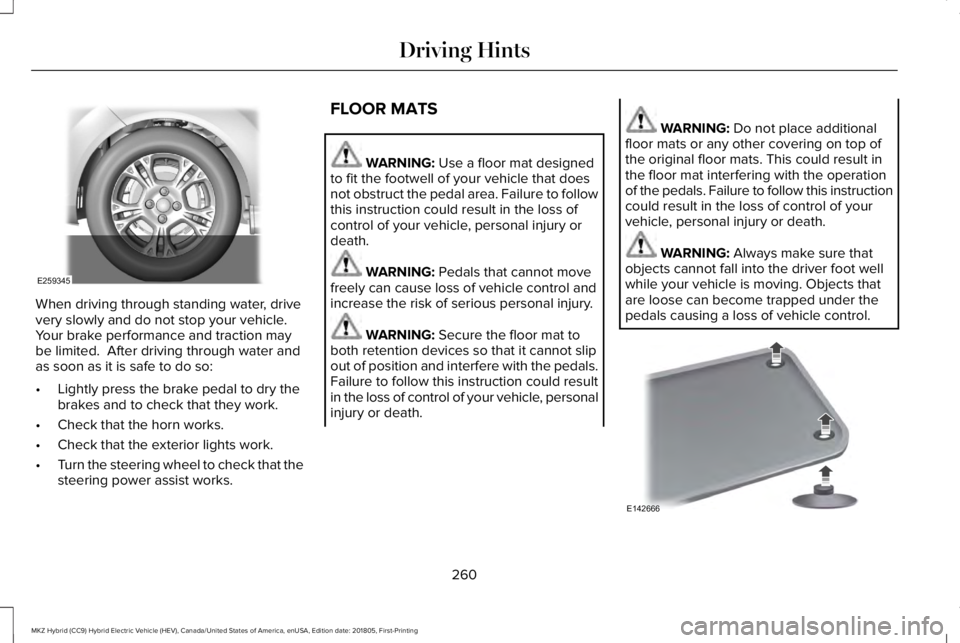
When driving through standing water, drivevery slowly and do not stop your vehicle. Your brake performance and traction maybe limited. After driving through water andas soon as it is safe to do so:
•Lightly press the brake pedal to dry thebrakes and to check that they work.
•Check that the horn works.
•Check that the exterior lights work.
•Turn the steering wheel to check that thesteering power assist works.
FLOOR MATS
WARNING: Use a floor mat designedto fit the footwell of your vehicle that doesnot obstruct the pedal area. Failure to followthis instruction could result in the loss ofcontrol of your vehicle, personal injury ordeath.
WARNING: Pedals that cannot movefreely can cause loss of vehicle control andincrease the risk of serious personal injury.
WARNING: Secure the floor mat toboth retention devices so that it cannot slipout of position and interfere with the pedals.Failure to follow this instruction could resultin the loss of control of your vehicle, personalinjury or death.
WARNING: Do not place additionalfloor mats or any other covering on top ofthe original floor mats. This could result inthe floor mat interfering with the operationof the pedals. Failure to follow this instructioncould result in the loss of control of yourvehicle, personal injury or death.
WARNING: Always make sure thatobjects cannot fall into the driver foot wellwhile your vehicle is moving. Objects thatare loose can become trapped under thepedals causing a loss of vehicle control.
260
MKZ Hybrid (CC9) Hybrid Electric Vehicle (HEV), Canada/United States of America, enUSA, Edition date: 201805, First-Printing
Driving HintsE259345 E142666