warning light LINCOLN NAUTILUS 2020 Workshop Manual
[x] Cancel search | Manufacturer: LINCOLN, Model Year: 2020, Model line: NAUTILUS, Model: LINCOLN NAUTILUS 2020Pages: 596, PDF Size: 5.88 MB
Page 360 of 596
Notice to Crossover Vehicle Owners
Crossover vehicles handle differently
than passenger cars in the various
driving conditions that you encountered
on streets, highways and off-road.
Crossover vehicles are not designed for
cornering at speeds as high as
passenger cars any more than low-slung
sports cars are designed to perform
satisfactorily under off-road conditions.
Crossover vehicles have a significantly
higher rollover rate than other types of
vehicles. To reduce this risk of serious
injury or death from a rollover or other
crash you must:
•
Avoid sharp turns and abrupt
maneuvers.
• Drive at safe speeds for the
conditions.
• Keep tires properly inflated.
• Never overload or improperly load
your vehicle.
• Make sure every passenger is
properly restrained. WARNING: In a rollover crash, an
unbelted person is significantly more
likely to die than a person wearing a
seatbelt.
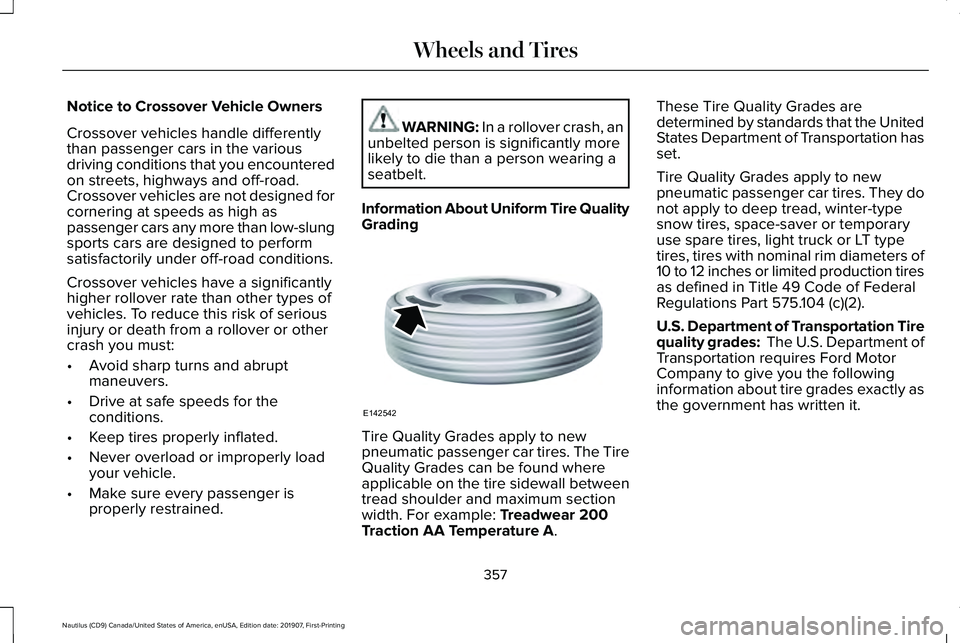
Information About Uniform Tire Quality
Grading Tire Quality Grades apply to new
pneumatic passenger car tires. The Tire
Quality Grades can be found where
applicable on the tire sidewall between
tread shoulder and maximum section
width. For example: Treadwear 200
Traction AA Temperature A. These Tire Quality Grades are
determined by standards that the United
States Department of Transportation has
set.
Tire Quality Grades apply to new
pneumatic passenger car tires. They do
not apply to deep tread, winter-type
snow tires, space-saver or temporary
use spare tires, light truck or LT type
tires, tires with nominal rim diameters of
10 to 12 inches or limited production tires
as defined in Title 49 Code of Federal
Regulations Part 575.104 (c)(2).
U.S. Department of Transportation Tire
quality grades: The U.S. Department of
Transportation requires Ford Motor
Company to give you the following
information about tire grades exactly as
the government has written it.
357
Nautilus (CD9) Canada/United States of America, enUSA, Edition date: 201907, First-Printing Wheels and TiresE142542
Page 367 of 596
A. T: Indicates a type of tire, designated
by the Tire and Rim Association, that is
intended for temporary service on cars,
sport-utility vehicles, minivans and light
trucks.
B.
145: Indicates the nominal width of
the tire in millimeters from sidewall edge
to sidewall edge. In general, the larger
the number, the wider the tire.
C.
80: Indicates the aspect ratio, which
gives the tire's ratio of height to width.
Numbers of 70 or lower indicate a short
sidewall.
D.
D: Indicates a diagonal type tire.
R:
Indicates a radial type tire.
E.
16: Indicates the wheel or rim
diameter in inches. If you change your
wheel size, you will have to purchase
new tires to match the new wheel
diameter. Location of the Tire Label
You will find a Tire Label containing tire
inflation pressure by tire size and other
important information located on the
B-Pillar or the edge of the driver’
s door.
Inflating Your Tires
Safe operation of your vehicle requires
that your tires are properly inflated.
Remember that a tire can lose up to half
of its air pressure without appearing flat.
Every day before you drive, check your
tires. If one looks lower than the others,
use a tire gauge to check pressure of all
tires and adjust if required.
At least once a month and before long
trips, inspect each tire and check the tire
pressure with a tire gauge (including
spare, if equipped). Inflate all tires to the
inflation pressure recommended by Ford
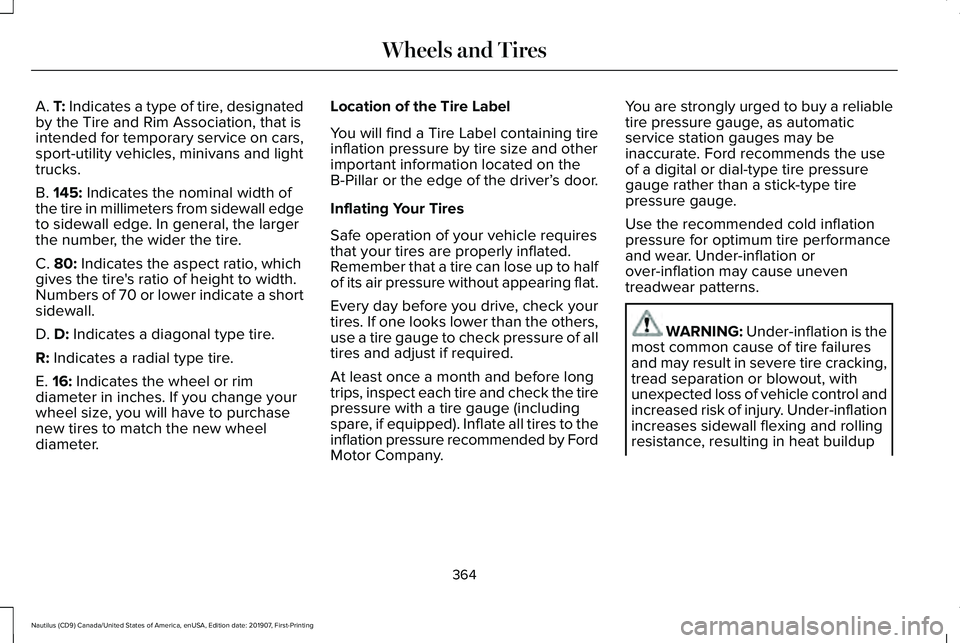
Motor Company. You are strongly urged to buy a reliable
tire pressure gauge, as automatic
service station gauges may be
inaccurate. Ford recommends the use
of a digital or dial-type tire pressure
gauge rather than a stick-type tire
pressure gauge.
Use the recommended cold inflation
pressure for optimum tire performance
and wear. Under-inflation or
over-inflation may cause uneven
treadwear patterns.
WARNING: Under-inflation is the
most common cause of tire failures
and may result in severe tire cracking,
tread separation or blowout, with
unexpected loss of vehicle control and
increased risk of injury. Under-inflation
increases sidewall flexing and rolling
resistance, resulting in heat buildup
364
Nautilus (CD9) Canada/United States of America, enUSA, Edition date: 201907, First-Printing Wheels and Tires
Page 376 of 596
Changing Tires With a Tire Pressure
Monitoring System
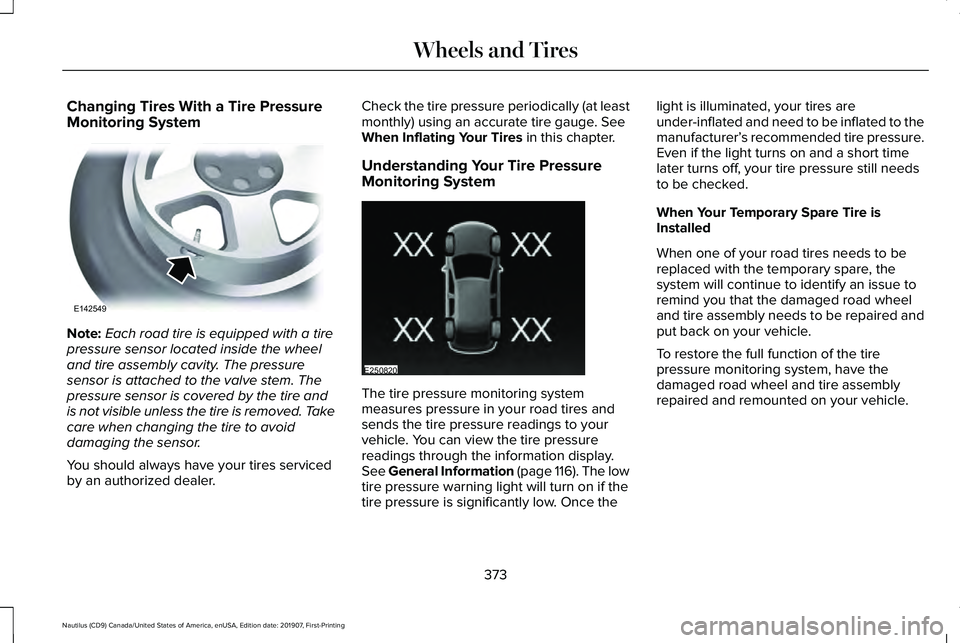
Note:
Each road tire is equipped with a tire
pressure sensor located inside the wheel
and tire assembly cavity. The pressure
sensor is attached to the valve stem. The
pressure sensor is covered by the tire and
is not visible unless the tire is removed. Take
care when changing the tire to avoid
damaging the sensor.
You should always have your tires serviced
by an authorized dealer. Check the tire pressure periodically (at least
monthly) using an accurate tire gauge. See
When Inflating Your Tires in this chapter.
Understanding Your Tire Pressure
Monitoring System The tire pressure monitoring system
measures pressure in your road tires and
sends the tire pressure readings to your
vehicle. You can view the tire pressure
readings through the information display.
See General Information (page 116). The low
tire pressure warning light will turn on if the
tire pressure is significantly low. Once thelight is illuminated, your tires are
under-inflated and need to be inflated to the
manufacturer’
s recommended tire pressure.
Even if the light turns on and a short time
later turns off, your tire pressure still needs
to be checked.
When Your Temporary Spare Tire is
Installed
When one of your road tires needs to be
replaced with the temporary spare, the
system will continue to identify an issue to
remind you that the damaged road wheel
and tire assembly needs to be repaired and
put back on your vehicle.
To restore the full function of the tire
pressure monitoring system, have the
damaged road wheel and tire assembly
repaired and remounted on your vehicle.
373
Nautilus (CD9) Canada/United States of America, enUSA, Edition date: 201907, First-Printing Wheels and TiresE142549 E250820
Page 378 of 596
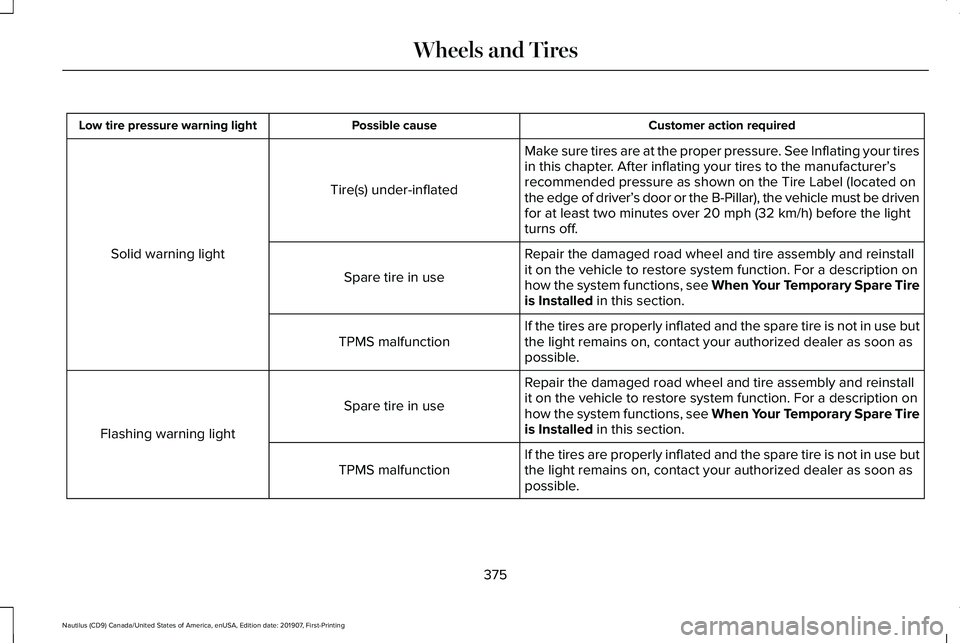
Customer action required
Possible cause
Low tire pressure warning light
Make sure tires are at the proper pressure. See Inflating your tires
in this chapter. After inflating your tires to the manufacturer’s
recommended pressure as shown on the Tire Label (located on
the edge of driver’ s door or the B-Pillar), the vehicle must be driven
for at least two minutes over 20 mph (32 km/h) before the light
turns off.
Tire(s) under-inflated
Solid warning light Repair the damaged road wheel and tire assembly and reinstall
it on the vehicle to restore system function. For a description on
how the system functions, see When Your Temporary Spare Tire
is Installed
in this section.
Spare tire in use
If the tires are properly inflated and the spare tire is not in use but
the light remains on, contact your authorized dealer as soon as
possible.
TPMS malfunction
Repair the damaged road wheel and tire assembly and reinstall
it on the vehicle to restore system function. For a description on
how the system functions, see When Your Temporary Spare Tire
is Installed
in this section.
Spare tire in use
Flashing warning light If the tires are properly inflated and the spare tire is not in use but
the light remains on, contact your authorized dealer as soon as
possible.
TPMS malfunction
375
Nautilus (CD9) Canada/United States of America, enUSA, Edition date: 201907, First-Printing Wheels and Tires
Page 379 of 596
When Inflating Your Tires
WARNING: Do not use the tire
pressure displayed in the information
display as a tire pressure gauge. Failure to
follow this instruction could result in
personal injury or death.
When putting air into your tires (such as at a
gas station or in your garage), the tire
pressure monitoring system may not respond
immediately to the air added to your tires.
It may take up to two minutes of driving over
20 mph (32 km/h) for the light to turn off after
you have filled your tires to the
recommended inflation pressure.
How Temperature Affects Your Tire
Pressure
The tire pressure monitoring system monitors
tire pressure in each pneumatic tire. While
driving in a normal manner, a typical
passenger tire inflation pressure may
increase about
2–4 psi (14–28 kPa) from a
cold start situation. If the vehicle is stationary
overnight with the outside temperature significantly lower than the daytime
temperature, the tire pressure may decrease
about
3 psi (21 kPa) for a drop of 30°F (17°C)
in ambient temperature. This lower pressure
value may be detected by the tire pressure
monitoring system as being significantly
lower than the recommended inflation
pressure and activate the system warning
light for low tire pressure. If the low tire
pressure warning light is on, visually check
each tire to verify that no tire is flat. If one or
more tires are flat, repair as necessary.
Check the air pressure in the road tires. If
any tire is under-inflated, carefully drive the
vehicle to the nearest location where air can
be added to the tires. Inflate all the tires to
the recommended inflation pressure.
CHANGING A ROAD WHEEL WARNING:
If the tire pressure
monitor sensor becomes damaged it may
not function. Note:
The use of tire sealant may damage
your tire pressure monitoring system and
should only be used in roadside
emergencies. If you must use a sealant, use
the Tire Mobility Kit sealant. Replace the tire
pressure monitoring system sensor and
valve stem on the wheel by an authorized
dealer after use of the sealant.
Note: The tire pressure monitoring system
indicator light will illuminate when the spare
tire is in use. To restore the full function of
the monitoring system, all road wheels
equipped with tire pressure monitoring
sensors must be mounted on the vehicle.
If you get a flat tire while driving, do not apply
the brake heavily. Instead, gradually
decrease your speed. Hold the steering
wheel firmly and slowly move to a safe place
on the side of the road.
376
Nautilus (CD9) Canada/United States of America, enUSA, Edition date: 201907, First-Printing Wheels and Tires
Page 582 of 596
3
360 Degree Camera....................................231
Camera Views.....................................................232
Front Camera.......................................................233
Side Camera........................................................233
9
911 Assist...........................................................56
A
A/C See: Climate Control..........................................142
About This Manual
............................................7
ABS See: Brakes..........................................................204
ABS driving hints See: Hints on Driving With Anti-Lock
Brakes...............................................................205
Accessories...................................................490
Accessories See: Replacement Parts Recommendation.....15
ACC See: Using Adaptive Cruise Control - Vehicles
With: Adaptive Cruise Control With Lane
Centering.........................................................235 Active Park Assist........................................220
Using Active Park Assist....................................221
Adaptive Headlamps
.....................................97
Speed Dependent Lamps...................................97
Static Bending Lamps..........................................97
Adjusting the Headlamps...........................338 Vertical Aim Adjustment...................................338
Adjusting the Steering Wheel - Vehicles With: Manual Adjustable Steering
Column...........................................................85
Adjusting the Steering Wheel - Vehicles With: Power Adjustable Steering
Column...........................................................85
End of Travel Position..........................................86
Memory Feature....................................................86
AFS See: Adaptive Headlamps..................................97
Airbag Disposal
...............................................55
Air Conditioning See: Climate Control..........................................142
Air Filter See: Changing the Engine Air Filter - 2.0L...340
See: Changing the Engine Air Filter - 2.7L.....341
Alarm See: Anti-Theft Alarm...........................................84
All-Wheel Drive
..............................................199
Ambient Lighting............................................99 Adjusting the Brightness...................................100 Changing the Color..............................................99
Switching Ambient Lighting Off......................100
Switching Ambient Lighting On........................99
Anti-Theft Alarm
..............................................84
Arming the Alarm..................................................84
Disarming the Alarm............................................84
Appendices...................................................528
Apps .................................................................
468
SiriusXM Traffic and Travel Link.....................469
Using Apps on an Android Device................469
Using Apps on an iOS Device........................
468
Using Mobile Navigation on an Android Device...............................................................469
At a Glance
........................................................19
Audible Warnings and Indicators...............115 Headlamps On Warning Chime........................115
Keyless Warning Alert.........................................115
Parking Brake On Warning Chime...................115
Audio Control
..................................................86
You can operate the following functions with
the control:.........................................................87
Audio System
.................................................418
General Information............................................418
Audio Unit
.......................................................419
Adjusting the Volume.........................................419
Changing Radio Stations..................................420
Ejecting the CD...................................................420
Inserting a CD.....................................................420
579
Nautilus (CD9) Canada/United States of America, enUSA, Edition date: 201907, First-Printing Index
Page 592 of 596
Reporting Safety Defects (Canada
Only)...............................................................301
Reporting Safety Defects (U.S. Only).......301
Resuming the Set Speed...........................235
Roadside Assistance...................................288 Vehicles Sold in Canada: Getting Roadside
Assistance.......................................................289
Vehicles sold in the United States: Getting Roadside Assistance.....................................288
Vehicles Sold in the United States: Using Roadside Assistance.....................................288
Roadside Emergencies
...............................288
Roof Racks and Load Carriers...................272
Running-In See: Breaking-In.................................................285
Running Out of Fuel.....................................183 Adding Fuel From a Portable Fuel
Container..........................................................183
Filling a Portable Fuel Container.....................183
S
Safety Canopy™
...............................................52
Safety Precautions.........................................181
Satellite Radio...............................................424 Satellite Radio Electronic Serial Number
(ESN)..................................................................425
Satellite Radio Reception Factors..................424 SiriusXM Satellite Radio Service....................425
Troubleshooting..................................................426
Scheduled Maintenance Record..............507
Scheduled Maintenance............................495
Seatbelt Extensions
........................................43
Seatbelt Height Adjustment.........................39
Seatbelt Reminder
...........................................41
Belt-Minder™............................................................41
Seatbelts...........................................................36 Principle of Operation..........................................36
Seatbelt Warning Lamp and Indicator Chime..............................................................40
Conditions of operation......................................40
Seats.................................................................147
Security.............................................................82
Settings............................................................471 911 Assist................................................................471
Ambient Lighting................................................472
Audio.......................................................................471
Automatic Updates.............................................471
Bluetooth...............................................................471
Charge Settings...................................................471
Clock.......................................................................471
Display....................................................................471
Driver Assist..........................................................471
General...................................................................471
Lincoln Way...........................................................471
Message Center.................................................472 Mobile Apps..........................................................471
Multi Contour Seats...........................................472
Navigation.............................................................471
Personal Profiles.................................................472
Phone......................................................................471
Seats......................................................................472
Sound......................................................................471
Valet Mode...........................................................472
Vehicle....................................................................471
Voice Control........................................................471
Setting the Cruise Control Speed............234 Changing the Set Speed..................................234
Side Airbags
......................................................51
Side Sensing System...................................218 Object Distance Indicator.................................219
Sitting in the Correct Position.....................147
Snow Chains See: Using Snow Chains..................................
370
Spare Wheel See: Changing a Road Wheel.........................376
Special Notices
................................................15
New Vehicle Limited Warranty...........................15
Notice to Owners of Pickup Trucks and Utility
Type Vehicles.....................................................16
On Board Diagnostics Data Link Connector...........................................................16
Special Instructions...............................................15
Using Your Vehicle as an Ambulance..............
16
589
Nautilus (CD9) Canada/United States of America, enUSA, Edition date: 201907, First-Printing Index
Page 595 of 596
Using Traction Control.................................210
Switching the System Off..................................210
System Indicator Lights and Messages.........210
Using a Switch.....................................................210
Using Voice Recognition.............................431 Apps.......................................................................440
Automatic Blower Motor Speed
Reduction.........................................................442
Climate..................................................................435
Entertainment
......................................................433
General..................................................................432
Navigation............................................................438
Phone....................................................................436
SiriusXM Traffic and Travel Link.......................441
Voice Settings......................................................441
Utilizing the Mediation/Arbitration Program (Canada Only)
.............................................297
V
Vehicle Care
..................................................343
General Information...........................................343
Vehicle Certification Label
.........................389
Vehicle Identification Number..................389
Vehicle Storage.............................................351 Body........................................................................\
351
Brakes...................................................................352
Cooling system...................................................352 Disconnecting Your 12 Volt Battery...............
352
Engine....................................................................351
Fuel system..........................................................352
General..................................................................351
Miscellaneous.....................................................352
Removing Vehicle From Storage...................352
Tires.......................................................................352
Ventilation See: Climate Control..........................................142
VIN See: Vehicle Identification Number...............
389
Voice Control
...................................................87
W
Warning Lamps and Indicators....................111 Adaptive Cruise Control Indicator....................111
Adaptive Steering..................................................111
Airbag Warning Lamp...........................................111
Anti-Lock Brake System Warning Lamp.........112
Auto Hold Active..................................................112
Auto Hold Unavailable........................................112
Automatic High Beam Control..........................
112
Auto Start-Stop......................................................112
Battery.....................................................................112
Blind Spot Information System Indicator........112
Brake System Warning Lamp............................
112
Cruise Control Indicator......................................113 Direction Indicator................................................113
Door Ajar.................................................................113
Electric Park Brake...............................................113
Engine Coolant Temperature Warning
Lamp....................................................................113
Fasten Rear Seatbelt...........................................113
Fasten Seatbelt Warning Lamp.........................113
Front Fog Lamp Indicator...................................113
Headlamp High Beam Indicator.......................113
Hill Start Assist......................................................113
Hood Ajar...............................................................113
Liftgate Ajar............................................................114
Low Beam Malfunction Warning.......................114
Low Fuel Level Warning Lamp..........................114
Low Tire Pressure Warning Lamp....................114
Low Washer Fluid Level Warning Lamp..........114
Oil Pressure Warning Lamp...............................114
Parking Lamps.......................................................114
Powertrain Fault....................................................114
Rear Fog Lamp Indicator....................................114
Service Engine Soon...........................................114
Stability Control and Traction Control Indicator.............................................................115
Stability Control and Traction Control Off Warning Lamp...................................................115
Washer Fluid Check.....................................335
592
Nautilus (CD9) Canada/United States of America, enUSA, Edition date: 201907, First-Printing Index