radio LINCOLN NAUTILUS 2021 User Guide
[x] Cancel search | Manufacturer: LINCOLN, Model Year: 2021, Model line: NAUTILUS, Model: LINCOLN NAUTILUS 2021Pages: 579, PDF Size: 6.9 MB
Page 186 of 579
WHAT IS THE WIRELESS
ACCESSORY CHARGER
Wireless Charging P
ad
The wireless accessory charger allows you
to charge one compatible Qi wireless
charging device on the charging area.
WIRELESS ACCESSORY CHARGER
PRECAUTIONS
WARNING: Wireless charging
devices can affect the operation of
implanted medical devices, including
cardiac pacemakers. If you have any
implanted medical devices, we recommend
that you consult with your physician. Tests on this equipment show that it
complies with part 18 of the FCC Rules.
•
This equipment generates, uses and can
radiate radio frequency energy and may
cause harmful interference to radio
communications. There is no guarantee
that the interference will not occur in a
particular installation. If this equipment
does cause harmful interference to radio
or television reception, please consult
the dealer.
• This product is not end-user serviceable. WARNING: Changes or modifications
not expressively approved by the party
responsible for compliance could void the
user's authority to operate the equipment.
The term "IC:" before the radio certification
number only signifies that Industry Canada
technical specifications were met. This device complies with Industry Canada
licence-exempt RSS standard(s). Operation
is subject to:
•
This device may not cause interference.
• This device must accept any interference,
including interference that may cause
undesired operation of the device.
Keep the charging area clean and remove
foreign objects prior to charging a device.
Do not place items with a magnetic strip, for
example passports, parking tickets or credit
cards, near the charging area when charging
a device. Damage may occur to the magnetic
strip.
Do not place metal objects, for example
remote controls, coins and candy wrappers,
on or near the charging area when charging
a device. Metal objects may heat up and
degrade the charging performance, in
addition to causing error messages and
interruptions in charging.
Note: During charging, the device and the
charger could heat up, this is normal. If the
battery gets hotter than usual, the device
may stop charging.
182
2021 Nautilus (CD9) Canada/United States of America, enUSA, Edition date: 202011, First-Printing Wireless Accessory Charger
(If Equipped)
Page 190 of 579
STARTING AND STOPPING THE
ENGINE – PRECAUTIONS
WARNING: Extended idling at high
engine speeds can produce very high
temperatures in the engine and exhaust
system, creating the risk of fire or other
damage. WARNING:
Do not park, idle or drive
your vehicle on dry grass or other dry
ground cover. The emission system heats
up the engine compartment and exhaust
system, creating the risk of fire. WARNING:
Do not start the engine
in a closed garage or in other enclosed
areas. Exhaust fumes are toxic. Always
open the garage door before you start the
engine. Failure to follow this instruction
could result in personal injury or death. WARNING:
Do not use starting fluid,
for example ether, in the air intake system.
Such fluid could cause immediate
explosive damage to the engine and
possible personal injury. WARNING: Exhaust leaks may result
in entry of harmful and potentially lethal
fumes into the passenger compartment. If
you smell exhaust fumes inside your
vehicle, have your vehicle inspected
immediately. Do not drive if you smell
exhaust fumes.
The powertrain control system meets all
Canadian interference-causing equipment
standard requirements regulating the
impulse electrical field or radio noise.
If you stop your vehicle and leave the engine
idling for long periods, we recommend that
you do one of the following:
• Open the windows at least
1 in (2.5 cm).
• Set your climate control to outside air. PUSH BUTTON IGNITION SWITCH
Switching the Ignition Off
When the ignition is on or in accessory mode,
press the push button ignition switch once
without your foot on the brake pedal.
Switching the Ignition to Accessory
Mode
When the ignition is off, press the push
button ignition switch once without your foot
on the brake pedal.
All electrical circuits and accessories are
operational and the warning lamps and
indicators illuminate.
186
2021 Nautilus (CD9) Canada/United States of America, enUSA, Edition date: 202011, First-Printing Starting and Stopping the EngineE321258
Page 334 of 579
Protected Components
Fuse Rating
Fuse or Relay Number
Left-hand rear door module.
30 A
27
Right-hand rear door module.
30 A
28
Enhanced central gateway power - OBD connector.
15 A
29
Not used (spare).
5 A
30
Radio transceiver module.
10 A
31
Multi-function display.
Integrated control panel.
Radio.
20 A
32
Not used.
–
33
Run-start bus (fuse 17, 18, 21, 22, 35, 36, 37, circuit breaker 38).
30 A
34
Passenger airbag deactivation indicator.
5 A
35
Rear heated seat module.
15 A
36
Suspension module.
Heated steering wheel.
20 A
37
Auto-dimming interior mirror.
Automatic high beam and lane departure mirror module.
Parking assist control module.
Circuit breaker.
30 A
38
330
2021 Nautilus (CD9) Canada/United States of America, enUSA, Edition date: 202011, First-Printing Fuses
Page 351 of 579
If you disconnect or replace the battery and
your vehicle has an automatic transmission,
it must relearn its adaptive strategy. Because
of this, the transmission may shift firmly when
first driven. This is normal operation while
the transmission fully updates its operation
to optimum shift feel.
Remove and Reinstall the Battery
To disconnect or remove the battery, do the
following:
1. Apply the parking brake and switch the
ignition off.
2. Switch all electrical equipment off, for example lights and radio.
3. Wait a minimum of two minutes before disconnecting the battery.
Note: The engine management system has
a power hold function and remains powered
for a period of time after you switch the
ignition off. This is to allow diagnostic and
adaptive tables to be stored. Disconnecting
the battery without waiting can cause
damage not covered by the vehicle
Warranty. 4. Disconnect the negative battery cable
terminal.
5. Disconnect the positive battery cable terminal.
6. Remove the battery securing clamp.
7. Remove the battery.
8. To install, reverse the removal procedure.
Note: Before reconnecting the battery, make
sure the ignition remains switched off.
Note: Make sure the battery cable terminals
are fully tightened.
Note: After cleaning or replacing the battery,
make sure you reinstall the battery cover or
shield.
If you disconnect or replace the vehicle
battery, you must reset the following
features:
• Window bounce-back. See Windows
(page 130).
• Clock Settings.
• Pre-set radio stations.
• Steering Angle Sensor. Note:
To calibrate the steering angle sensor,
drive the vehicle above
30 mph (50 km/h)
for a minimum of 1.2 mi (2 km). Make sure to
drive straight ahead for a minimum of 30
seconds. Several vehicle functions are
disabled and a warning light could appear
until the sensor is calibrated.
Battery Management System
The battery management system monitors
battery conditions and takes actions to
extend battery life. If excessive battery drain
is detected, the system temporarily disables
some of the following features:
• Heated rear window.
• Heated seats.
• Climate control.
• Heated steering wheel.
• Audio unit.
• Navigation system.
A message may appear in the information
display to alert you that battery protection
actions are active.
347
2021 Nautilus (CD9) Canada/United States of America, enUSA, Edition date: 202011, First-Printing Maintenance
Page 390 of 579
Please note that the TPMS is not a substitute
for proper tire maintenance, and it is the
driver’
s responsibility to maintain correct tire
pressure, even if under-inflation has not
reached the level to trigger illumination of
the TPMS low tire pressure telltale.
Your vehicle has also been equipped with a
TPMS malfunction indicator to indicate when
the system is not operating properly. The
TPMS malfunction indicator is combined with
the low tire pressure telltale. When the
system detects a malfunction, the telltale will
flash for approximately one minute and then
remain continuously illuminated. This
sequence will continue upon subsequent
vehicle start-ups as long as the malfunction
exists.
When the malfunction indicator is illuminated,
the system may not be able to detect or
signal low tire pressure as intended. TPMS
malfunctions may occur for a variety of
reasons, including the installation of
replacement or alternate tires or wheels on
the vehicle that prevent the TPMS from functioning properly. Always check the TPMS
malfunction telltale after replacing one or
more tires or wheels on your vehicle to
ensure that the replacement or alternate tires
and wheels allow the TPMS to continue to
function properly. WARNING: Changes or modifications
not expressively approved by the party
responsible for compliance could void the
user's authority to operate the equipment.
The term "IC:" before the radio certification
number only signifies that Industry Canada
technical specifications were met.
This device complies with Part 15 of the FCC
Rules and with License exempt RSS
Standards of Industry Canada. Operation is
subject to the following two conditions:
1. This device may not cause harmful interference, and
2. This device must accept any interference
received, including interference that may
cause undesired operation. TIRE PRESSURE MONITORING
SYSTEM PRECAUTIONS WARNING: The tire pressure
monitoring system is not a substitute for
manually checking tire pressures. You
should periodically check tire pressures
using a pressure gauge. Failure to correctly
maintain tire pressures could increase the
risk of tire failure, loss of control, vehicle
rollover and personal injury. WARNING:
Do not use the tire
pressure displayed in the information
display as a tire pressure gauge. Failure to
follow this instruction could result in
personal injury or death.
Note: The use of tire sealants can damage
the tire pressure monitoring system.
386
2021 Nautilus (CD9) Canada/United States of America, enUSA, Edition date: 202011, First-Printing Tire Pressure Monitoring System
Page 429 of 579
SETTING THE CLOCK AND DATE
1. Press Settings on the touchscreen.
2. Press
Clock Settings.
3. Set the time.
Note: The
AM and PM options are not
available if 24-hour mode is on.
Switching Automatic Time Updates On
and Off
1. Press
Settings on the touchscreen.
2. Press
Clock Settings.
3. Switch
Automatic time zone update on
or off.
AM/FM RADIO
AM/FM Radio Limitations
The further you travel from an AM or FM
station, the weaker the signal and the weaker
the reception. Hills, mountains, tall buildings, bridges,
tunnels, freeway overpasses, parking
garages, dense tree foliage and
thunderstorms can interfere with the
reception.
When you pass a ground-based broadcast
repeating tower, a stronger signal may
overtake a weaker one and result in the
audio system muting.
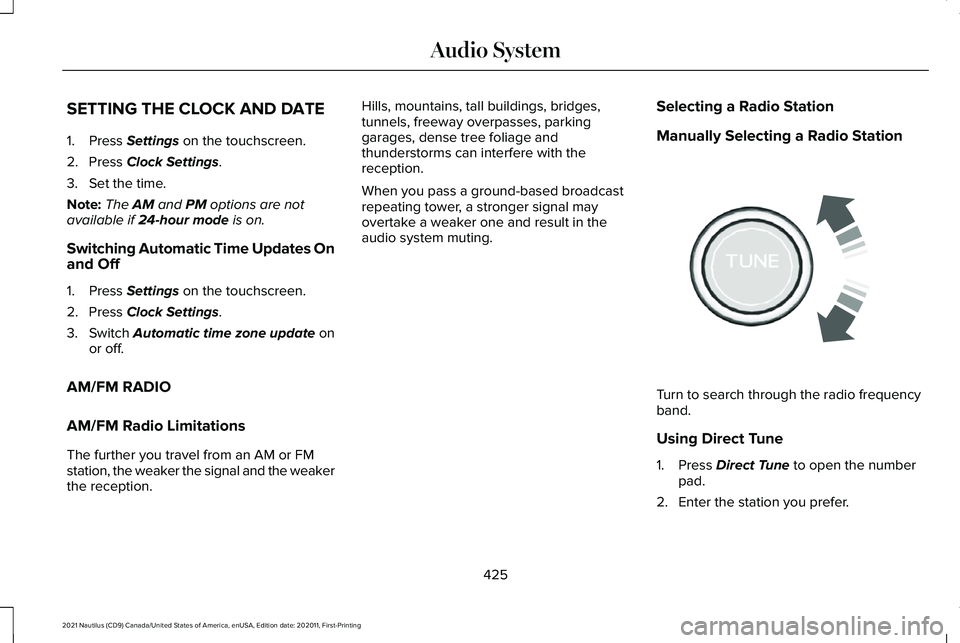
Selecting a Radio Station
Manually Selecting a Radio Station Turn to search through the radio frequency
band.
Using Direct Tune
1. Press
Direct Tune to open the number
pad.
2. Enter the station you prefer.
425
2021 Nautilus (CD9) Canada/United States of America, enUSA, Edition date: 202011, First-Printing Audio SystemE270235
Page 430 of 579
Note:
You can only enter a valid station for
the audio source you are currently listening
to.
Using Seek Press either button. The system
stops at the first station it finds in
that direction.
Using the Station List
1. Press Browse.
Note: Available on FM radio only.
2. Press a station.
SWITCHING THE DISPLAY ON AND
OFF
Audio Unit Press the button. Touchscreen
To switch the display off:
1. Press
Settings on the touchscreen.
2. Press
Display Settings.
3. Press
Display Off.
Note: The display defaults to on each time
you switch your vehicle on.
To switch the display on, press anywhere on
the touchscreen.
DIGITAL RADIO
What Is Digital Radio
HD Radio ™ technology is the digital evolution
of analog AM/FM radio.
For additional information, visit
www .HDR adio . com .HD Radio Technology is manufactured under
license from iBiquity Digital Corporation and
foreign patents. HD Radio and the HD and
HD Radio logos are proprietary trademarks
of DTS. The vehicle manufacturer and DTS
are not responsible for the content sent using
HD Radio technology. Content may be
changed, added or deleted at any time at
the station owner's discretion.
How Does Digital Radio Work
Your system has a special receiver that
allows it to receive digital broadcasts in
addition to analog broadcasts.
HD1 signifies the main programming status
and is available in both analog and digital
broadcasts. Other multicast stations are only
available digitally and could contain new or
different content.
Note:
When the system first receives an HD1
station, it plays the station in the analog
version until it verifies the station is an HD
Radio station. Then it shifts to the digital
version.
426
2021 Nautilus (CD9) Canada/United States of America, enUSA, Edition date: 202011, First-Printing Audio System E272035
Page 431 of 579
Note:
There is an audio mute delay when
switching to an HD2 or HD3 station because
the system has to reacquire and decode the
digital signal.
Digital Radio Limitations
If you are outside the reception area, the
system could not work.
If you are on the fringe of the reception area,
the station could mute due to weak signal
strength.
Note: If you are listening to HD1, the system
changes back to the analog broadcast until
the digital broadcast is available again. If
you are listening to any other multicast
channels, the station mutes and stays muted
unless it is able to connect to the digital
signal again.
Depending on the station quality, you could
hear a slight sound change when the station
changes between analog and digital audio.
You cannot access a saved HD station if your
vehicle is outside the station ’s reception
area. Switching Digital Radio Reception On
and Off
1. Press Settings on the touchscreen.
2. Press
Radio Settings.
3. Switch
AM HD Radio or FM HD Radio
on or off.
Digital Radio Indicators
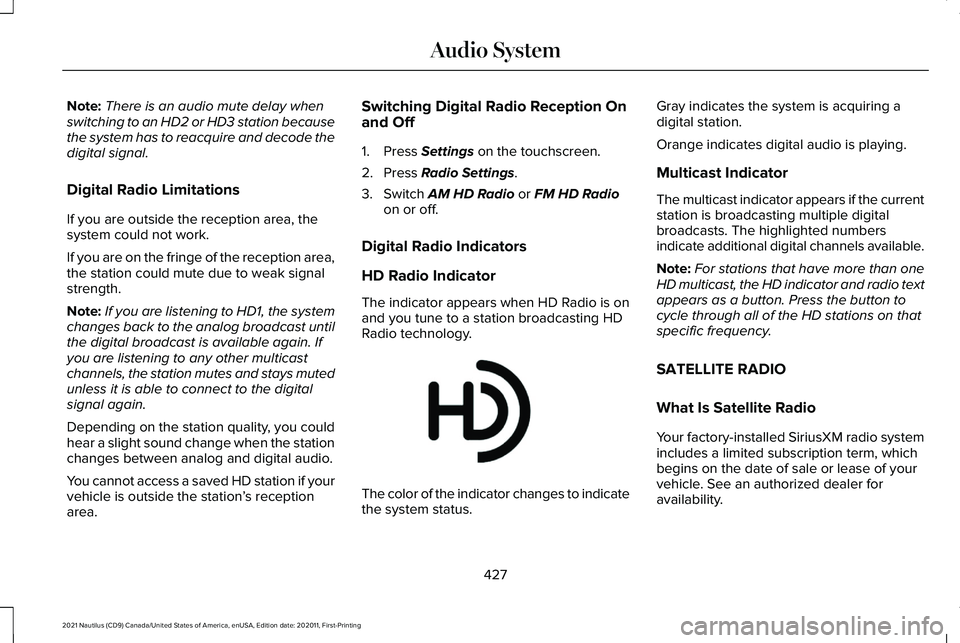
HD Radio Indicator
The indicator appears when HD Radio is on
and you tune to a station broadcasting HD
Radio technology. The color of the indicator changes to indicate
the system status.Gray indicates the system is acquiring a
digital station.
Orange indicates digital audio is playing.
Multicast Indicator
The multicast indicator appears if the current
station is broadcasting multiple digital
broadcasts. The highlighted numbers
indicate additional digital channels available.
Note:
For stations that have more than one
HD multicast, the HD indicator and radio text
appears as a button. Press the button to
cycle through all of the HD stations on that
specific frequency.
SATELLITE RADIO
What Is Satellite Radio
Your factory-installed SiriusXM radio system
includes a limited subscription term, which
begins on the date of sale or lease of your
vehicle. See an authorized dealer for
availability.
427
2021 Nautilus (CD9) Canada/United States of America, enUSA, Edition date: 202011, First-Printing Audio SystemE142616
Page 432 of 579
For additional information about extended
subscription terms, visit www
.Sirius XM. com
in the United States, www .Sirius XM. ca in
Canada, or call SiriusXM at 1-888-539-7474.
Note: SiriusXM reserves the unrestricted
right to change, rearrange, add or delete
programming including canceling, moving
or adding particular channels, and its prices,
at any time, with or without notice to you.
Neither SiriusXM and its affiliates nor Ford
Motor Company and its affiliates will be
liable to you or any third party for any such
modification, suspension or termination.
Satellite Radio Limitations
For optimal reception performance, keep the
antenna clear of snow and ice build-up and
keep luggage and other material as far away
from the antenna as possible.
Hills, mountains, tall buildings, bridges,
tunnels, freeway overpasses, parking
garages, dense tree foliage and
thunderstorms can interfere with your
reception. When you pass a ground-based
broadcast-repeating tower, a stronger signal
may overtake a weaker one and could result
in the audio system muting. Your display
could show an error message to indicate the
interference.
Locating the Satellite Radio
Identification Number
1. Select SiriusXM as the audio source.
2. Tune to channel 0.
Selecting a Channel
Manually Selecting a Channel
Press the button to find the
previous or next available satellite
radio station.
Using Direct Tune
1. Press
Direct Tune to open the number
pad. 2. Enter the channel you prefer.
Using Seek Press either button.
Using the Channel List
1. Press
Browse.
2. Select a channel.
Satellite Radio Settings
Subscription
Your subscription status is displayed. You
can subscribe or manage your subscription
directly from the touchscreen.
Listener Add/Switch
You can create up to five listener profiles per
SiriusXM account. Each listener profile can
be personalized with a name and profile
image.
428
2021 Nautilus (CD9) Canada/United States of America, enUSA, Edition date: 202011, First-Printing Audio SystemE328569 E328570
Page 433 of 579
Note:
Requires a trial or active subscription
to use.
Note: A default profile is available when no
listener profiles are created.
SiriusXM Favorites
SiriusXM Favorites are shown for the active
listener profile. While you are listening to
SiriusXM, you can save favorites by:
• Tapping the currently tuned channel or
show logo on the SiriusXM audio screen.
A favorite icon appears next to the logo
when it is saved as a favorite.
• Tuning to a channel or show you want to
save as a favorite. Navigate to the
SiriusXM Favorites screen and press the
Add Current button. The currently tuned
channel or show is saved as a favorite.
• Saving a radio preset. This saves the
currently tuned SiriusXM channel or show
as a favorite.
Note: Requires a trial or active subscription
to use. Listening History
Listening history is a list of recently listened
to SiriusXM content and is shown for the
active listener profile. You can view, manage
and reset the listening history using the
controls on the touchscreen.
Note:
Requires a trial or active subscription
to use.
Listener Settings
Listener settings apply to the active listener
profile.
Note: Requires a trial or active subscription
to use.
Note: A default profile is available when no
listener profiles are created.
Help and Support
You can contact SiriusXM Customer Care
directly from SYNC and view information
required to manage your SiriusXM account. Replaying the Audio
You can replay approximately 45 minutes of
audio as long as you remain tuned to the
current channel. Changing channels erases
the previous audio.
Setting an Alert
Set a notification for the current
song, artist, or sports team by
pressing the icon. The system
alerts you when it plays again on any
channel. Selecting this button allows you to
enable and edit alerts.
Note: Notifications can be switched on or
off and edited in the satellite radio settings.
IDENTIFYING THE AUDIO UNIT 429
2021 Nautilus (CD9) Canada/United States of America, enUSA, Edition date: 202011, First-Printing Audio SystemE343640 E286905