Lock LINCOLN NAVIGATOR 2008 Owner's Guide
[x] Cancel search | Manufacturer: LINCOLN, Model Year: 2008, Model line: NAVIGATOR, Model: LINCOLN NAVIGATOR 2008Pages: 352, PDF Size: 3.01 MB
Page 124 of 352
KEYS
One key operates all the locks and starts the vehicle. Always carry a
spare key with you in case of an emergency.
Your keys are programmed to your vehicle; using a non-programmed key
will not permit your vehicle to start. If you lose your authorized dealer
supplied keys, replacement keys are available through your authorized
dealer. Refer to theSecuriLock™ passive anti-theft systemsection
later in this chapter for more information.
POWER DOOR LOCKS
If the door does not unlock when the control is pressed, refer to the
Power door lock disable featuresection in this chapter.
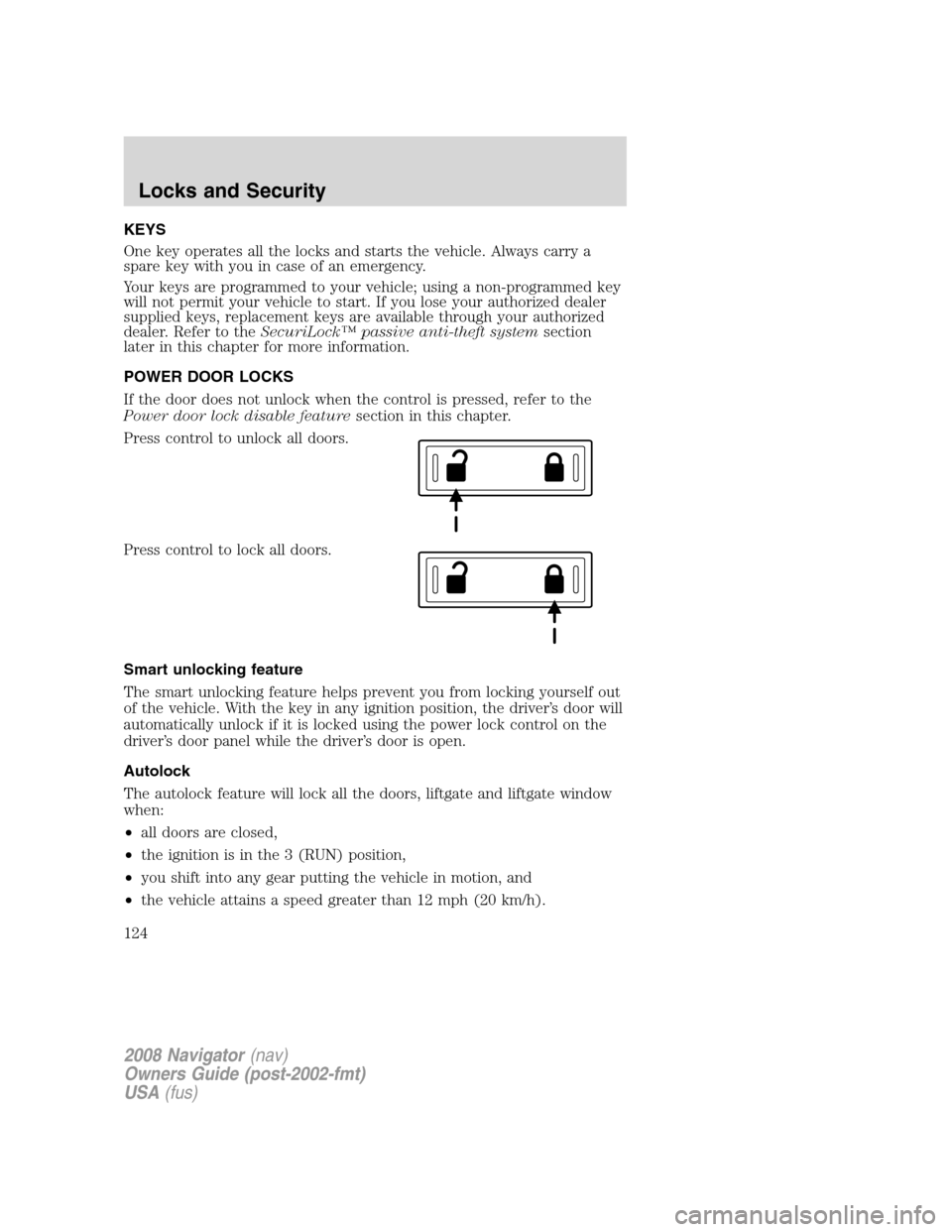
Press control to unlock all doors.
Press control to lock all doors.
Smart unlocking feature
The smart unlocking feature helps prevent you from locking yourself out
of the vehicle. With the key in any ignition position, the driver’s door will
automatically unlock if it is locked using the power lock control on the
driver’s door panel while the driver’s door is open.
Autolock
The autolock feature will lock all the doors, liftgate and liftgate window
when:
•all doors are closed,
•the ignition is in the 3 (RUN) position,
•you shift into any gear putting the vehicle in motion, and
•the vehicle attains a speed greater than 12 mph (20 km/h).
2008 Navigator(nav)
Owners Guide (post-2002-fmt)
USA(fus)
Locks and Security
124
Page 125 of 352
The autolock feature repeats when:
•any door is opened then closed while the ignition is in the 3 (RUN)
position and the vehicle speed is 9 mph (15 km/h) or lower, and
•the vehicle attains a speed greater than 12 mph (20 km/h).
Deactivating/activating autolock
Your vehicle comes with the autolock feature enabled. There are four
methods to enable/disable this feature:
•Through your authorized dealer, or
•Performing the power door lock control procedure,
•Performing the keyless entry key pad (if equipped) procedure, or
•Performing the message center (if equipped) procedure.
Before following the activation or deactivation procedures, make sure
that the anti-theft system is not armed, ignition is in the 1 (OFF/LOCK)
position, and all vehicle doors, liftgate and liftgate window are closed.
Power door unlock/lock procedure
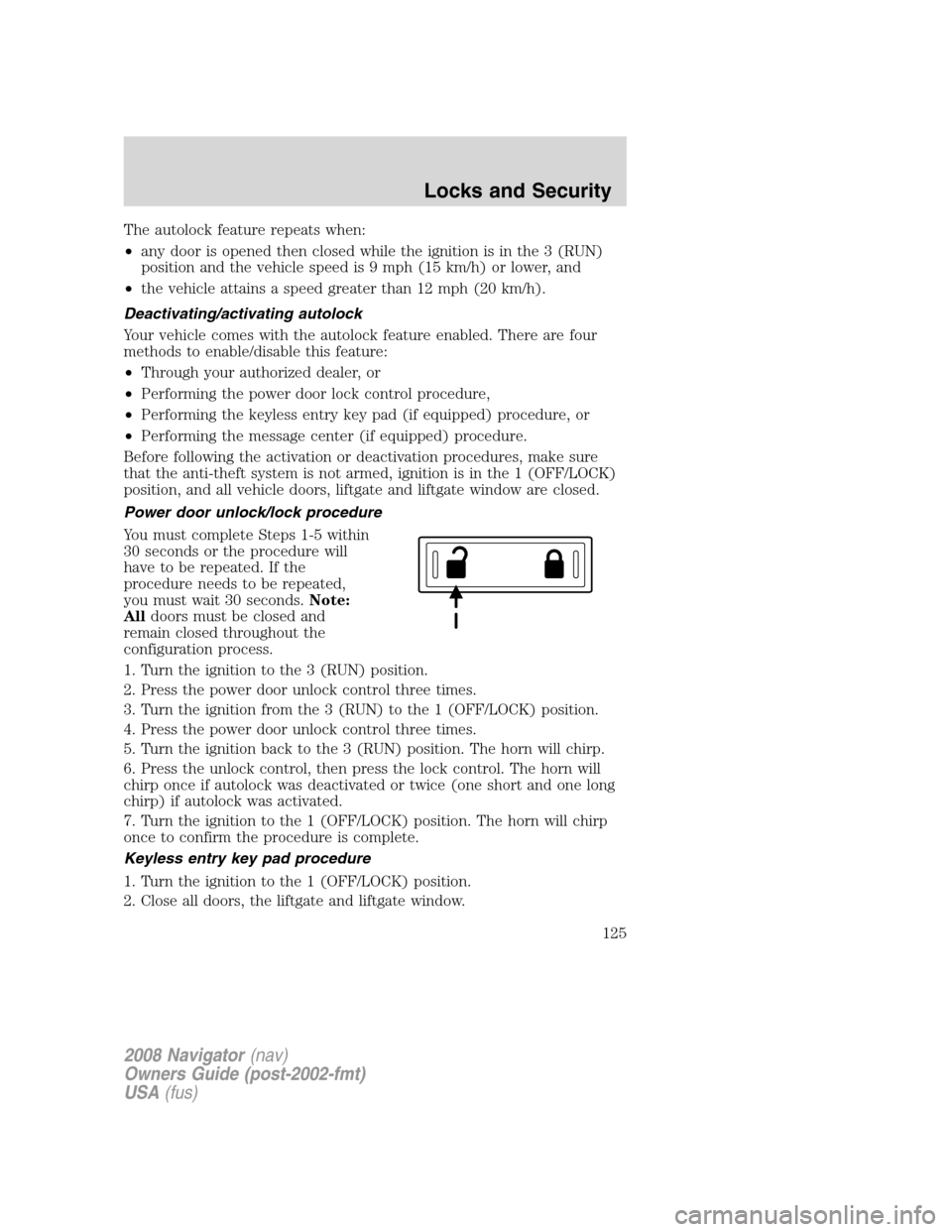
You must complete Steps 1-5 within
30 seconds or the procedure will
have to be repeated. If the
procedure needs to be repeated,
you must wait 30 seconds.Note:
Alldoors must be closed and
remain closed throughout the
configuration process.
1. Turn the ignition to the 3 (RUN) position.
2. Press the power door unlock control three times.
3. Turn the ignition from the 3 (RUN) to the 1 (OFF/LOCK) position.
4. Press the power door unlock control three times.
5. Turn the ignition back to the 3 (RUN) position. The horn will chirp.
6. Press the unlock control, then press the lock control. The horn will
chirp once if autolock was deactivated or twice (one short and one long
chirp) if autolock was activated.
7. Turn the ignition to the 1 (OFF/LOCK) position. The horn will chirp
once to confirm the procedure is complete.
Keyless entry key pad procedure
1. Turn the ignition to the 1 (OFF/LOCK) position.
2. Close all doors, the liftgate and liftgate window.
2008 Navigator(nav)
Owners Guide (post-2002-fmt)
USA(fus)
Locks and Security
125
Page 126 of 352
3. Enter 5–digit entry code
4. Press and hold the 3•4. While holding the 3•4 press the 7•8.
5. Release the 7•8.
6. Release the 3•4.
The user should receive a horn chirp to indicate the system has been
disabled or a chirp followed by a honk to indicate the system has been
enabled.
Message center procedure
For information on activating/deactivating the autolock feature using the
vehicle’s message center (if equipped), refer toMessage center
information in theDriver Controlschapter.
Autounlock feature
The autounlock feature will unlock all the doors, liftgate, and liftgate
window when:
•the ignition is in the 3 (RUN) position, all the doors are closed, and
the vehicle has been in motion at a speed greater than 12 mph
(20 km/h);
•the vehicle has then come to a stop and the ignition is turned to the 1
(LOCK) or 2 (ACC) position; and
•the driver door is opened within 10 minutes of the ignition being
transitioned to the 1 (LOCK) or 2 (ACC) position.
Note:The doors will not autounlock if the vehicle has been
electronically locked before the driver door is opened.
Deactivating/activating autounlock feature
Your vehicle comes with the autounlock features activated; there are four
methods to enable/disable this feature:
•Through your authorized dealer,
•by using a power door unlock/lock sequence,
•using a keypad procedure (if equipped), or
•or by using the instrument cluster message center (if equipped). Refer
toMessage centerin theDriver Controlschapter.
Note:The autounlock feature can be activated/deactivated
independently of the autolock feature.
Power door lock switch autounlock enable/disable procedure
Before starting, ensure the ignition is in the 1 (LOCK) position and all
vehicle doors are closed. You must complete Steps 1–5 within 30 seconds
2008 Navigator(nav)
Owners Guide (post-2002-fmt)
USA(fus)
Locks and Security
126
Page 127 of 352
or the procedure will have to be repeated. If the procedure needs to be
repeated, wait a minimum of 30 seconds before beginning again.
1. Place the key in the ignition and
turn the ignition to the 3 (RUN)
position.
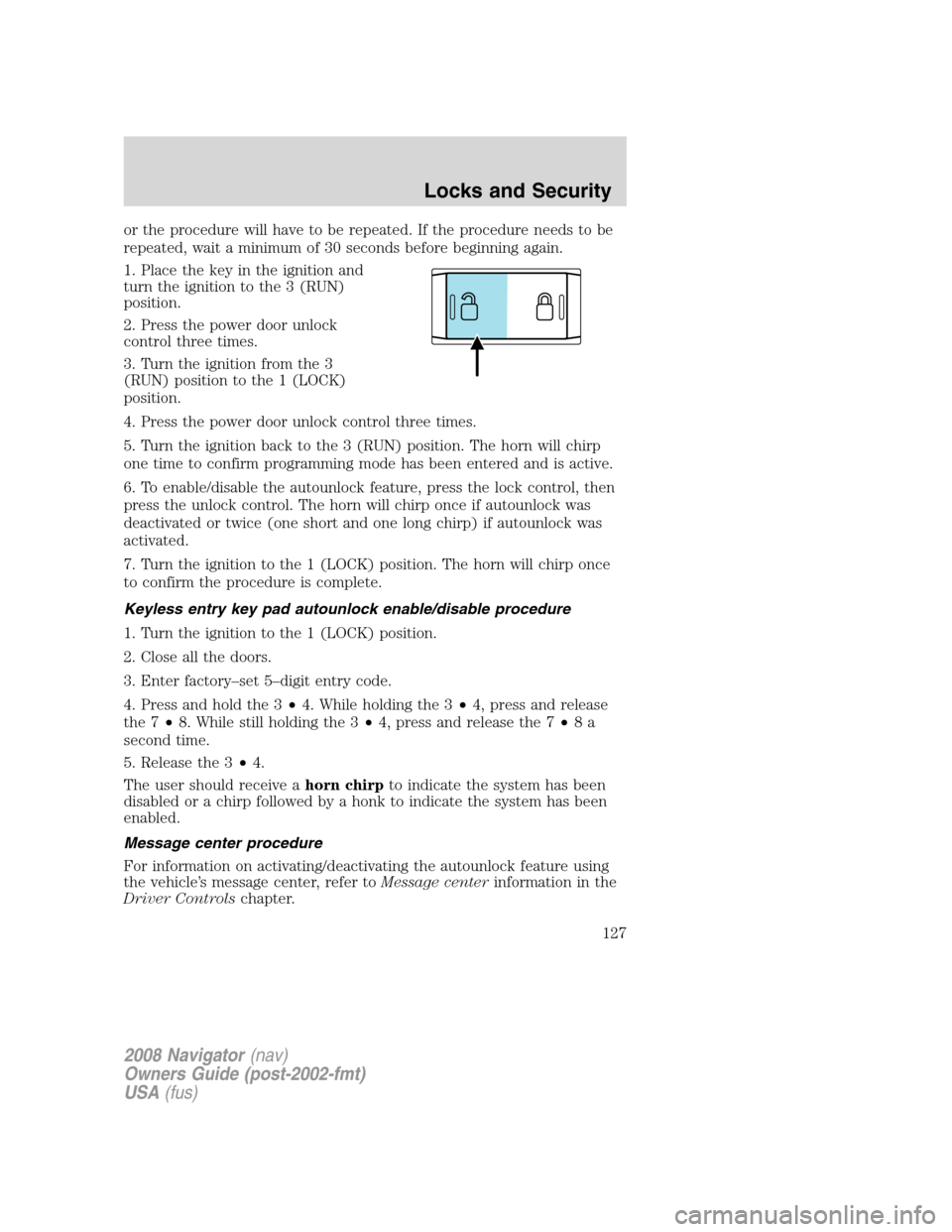
2. Press the power door unlock
control three times.
3. Turn the ignition from the 3
(RUN) position to the 1 (LOCK)
position.
4. Press the power door unlock control three times.
5. Turn the ignition back to the 3 (RUN) position. The horn will chirp
one time to confirm programming mode has been entered and is active.
6. To enable/disable the autounlock feature, press the lock control, then
press the unlock control. The horn will chirp once if autounlock was
deactivated or twice (one short and one long chirp) if autounlock was
activated.
7. Turn the ignition to the 1 (LOCK) position. The horn will chirp once
to confirm the procedure is complete.
Keyless entry key pad autounlock enable/disable procedure
1. Turn the ignition to the 1 (LOCK) position.
2. Close all the doors.
3. Enter factory–set 5–digit entry code.
4. Press and hold the 3•4. While holding the 3•4, press and release
the 7•8. While still holding the 3•4, press and release the 7•8a
second time.
5. Release the 3•4.
The user should receive ahorn chirpto indicate the system has been
disabled or a chirp followed by a honk to indicate the system has been
enabled.
Message center procedure
For information on activating/deactivating the autounlock feature using
the vehicle’s message center, refer toMessage centerinformation in the
Driver Controlschapter.
2008 Navigator(nav)
Owners Guide (post-2002-fmt)
USA(fus)
Locks and Security
127
Page 128 of 352
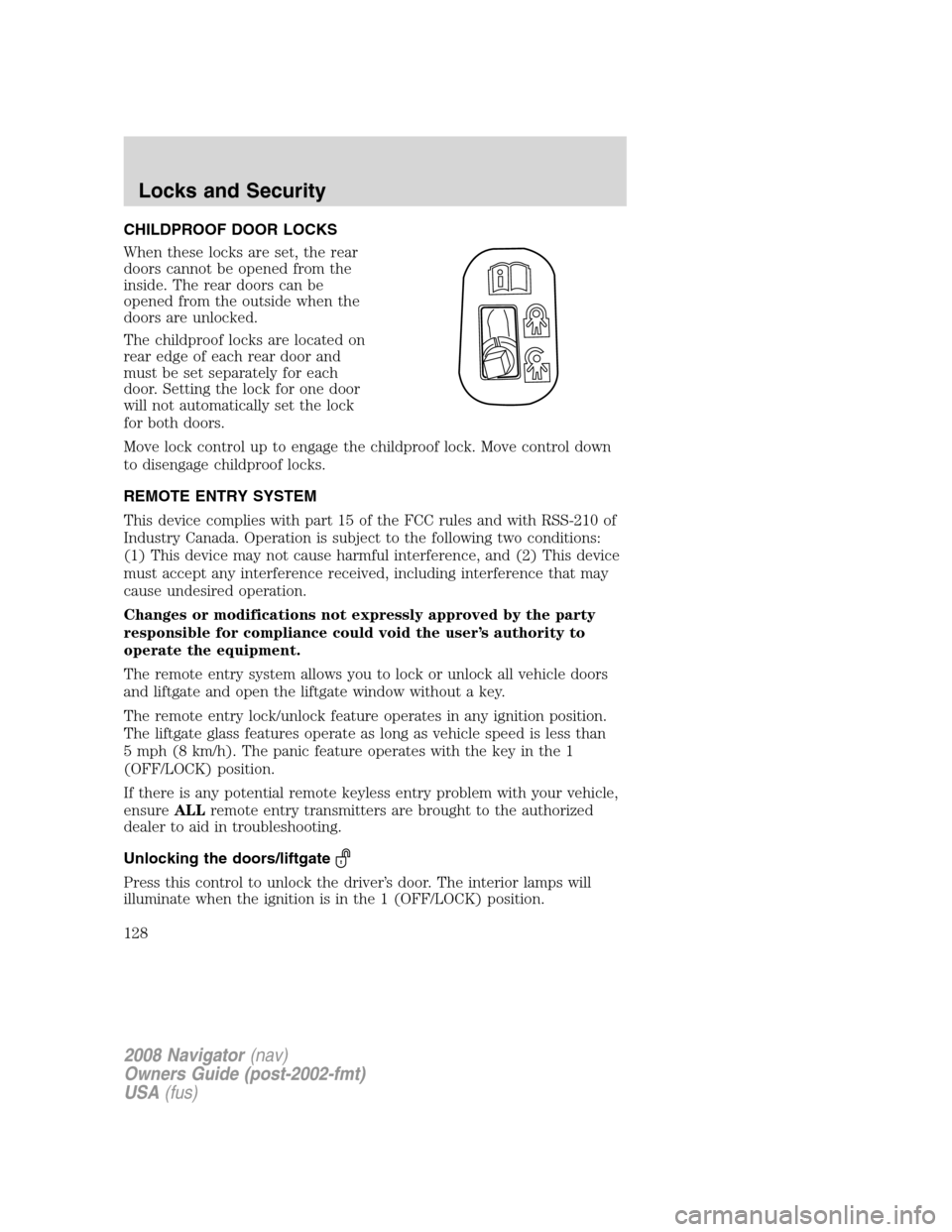
CHILDPROOF DOOR LOCKS
When these locks are set, the rear
doors cannot be opened from the
inside. The rear doors can be
opened from the outside when the
doors are unlocked.
The childproof locks are located on
rear edge of each rear door and
must be set separately for each
door. Setting the lock for one door
will not automatically set the lock
for both doors.
Move lock control up to engage the childproof lock. Move control down
to disengage childproof locks.
REMOTE ENTRY SYSTEM
This device complies with part 15 of the FCC rules and with RSS-210 of
Industry Canada. Operation is subject to the following two conditions:
(1) This device may not cause harmful interference, and (2) This device
must accept any interference received, including interference that may
cause undesired operation.
Changes or modifications not expressly approved by the party
responsible for compliance could void the user’s authority to
operate the equipment.
The remote entry system allows you to lock or unlock all vehicle doors
and liftgate and open the liftgate window without a key.
The remote entry lock/unlock feature operates in any ignition position.
The liftgate glass features operate as long as vehicle speed is less than
5 mph (8 km/h). The panic feature operates with the key in the 1
(OFF/LOCK) position.
If there is any potential remote keyless entry problem with your vehicle,
ensureALLremote entry transmitters are brought to the authorized
dealer to aid in troubleshooting.
Unlocking the doors/liftgate
Press this control to unlock the driver’s door. The interior lamps will
illuminate when the ignition is in the 1 (OFF/LOCK) position.
2008 Navigator(nav)
Owners Guide (post-2002-fmt)
USA(fus)
Locks and Security
128
Page 129 of 352
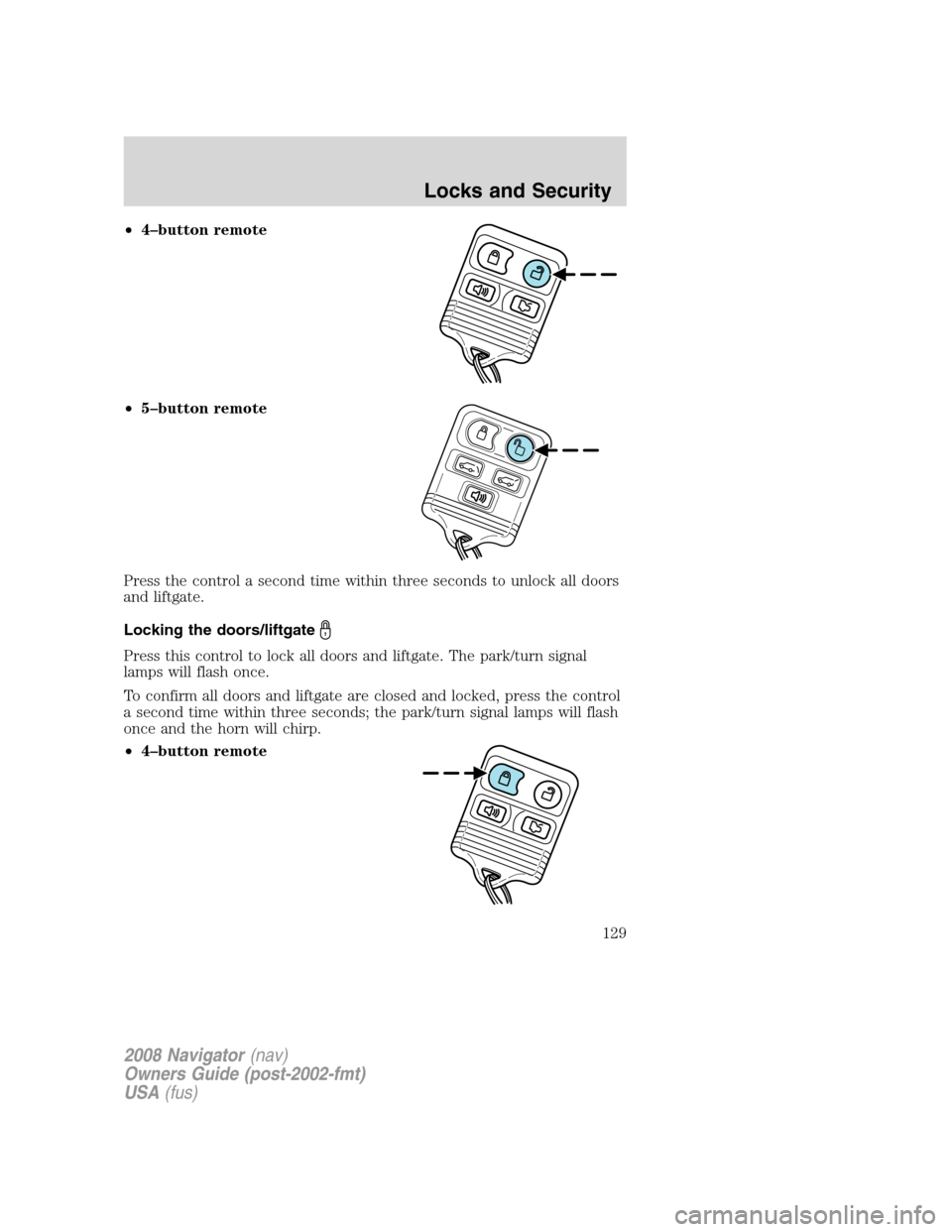
•4–button remote
•5–button remote
Press the control a second time within three seconds to unlock all doors
and liftgate.
Locking the doors/liftgate
Press this control to lock all doors and liftgate. The park/turn signal
lamps will flash once.
To confirm all doors and liftgate are closed and locked, press the control
a second time within three seconds; the park/turn signal lamps will flash
once and the horn will chirp.
•4–button remote
2008 Navigator(nav)
Owners Guide (post-2002-fmt)
USA(fus)
Locks and Security
129
Page 130 of 352
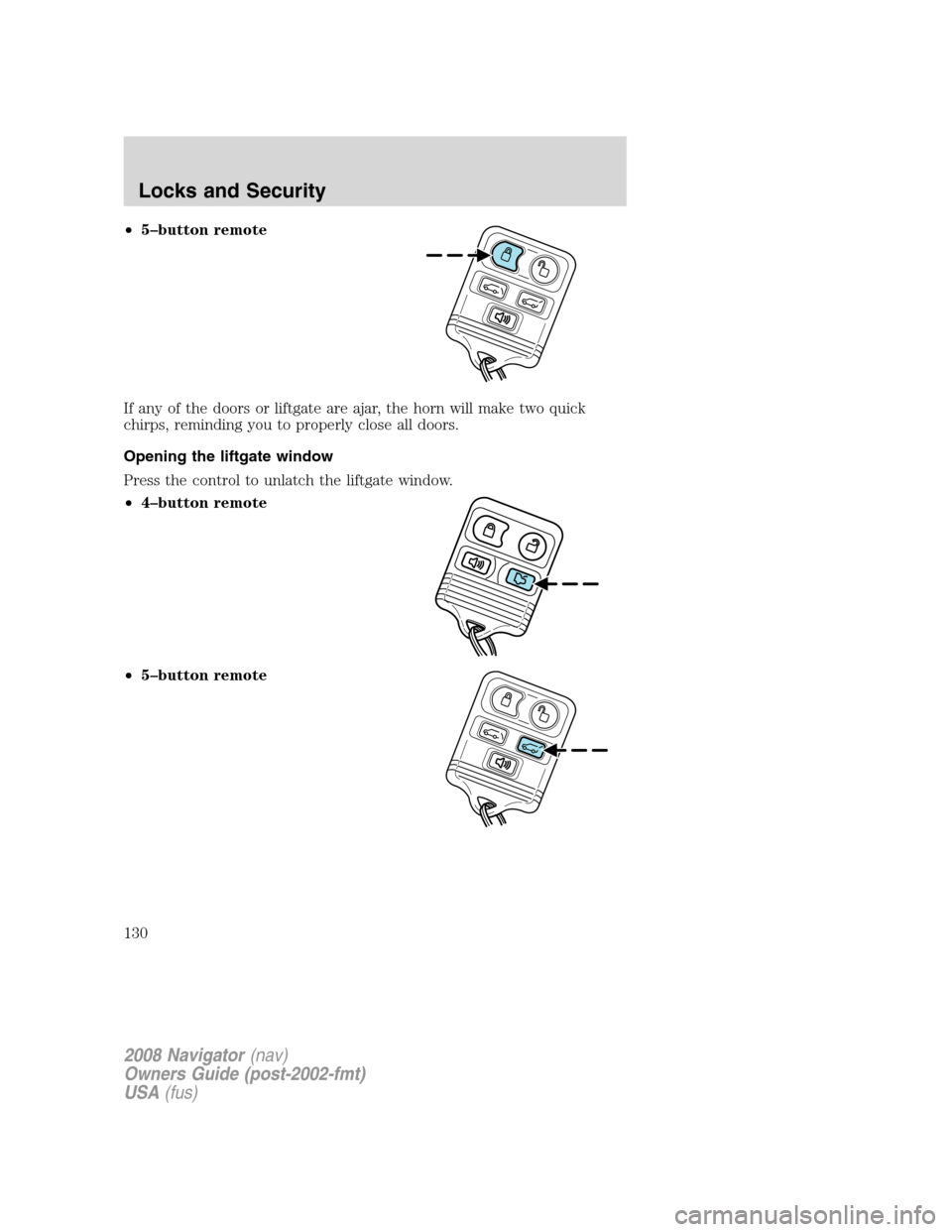
•5–button remote
If any of the doors or liftgate are ajar, the horn will make two quick
chirps, reminding you to properly close all doors.
Opening the liftgate window
Press the control to unlatch the liftgate window.
•4–button remote
•5–button remote
2008 Navigator(nav)
Owners Guide (post-2002-fmt)
USA(fus)
Locks and Security
130
Page 131 of 352
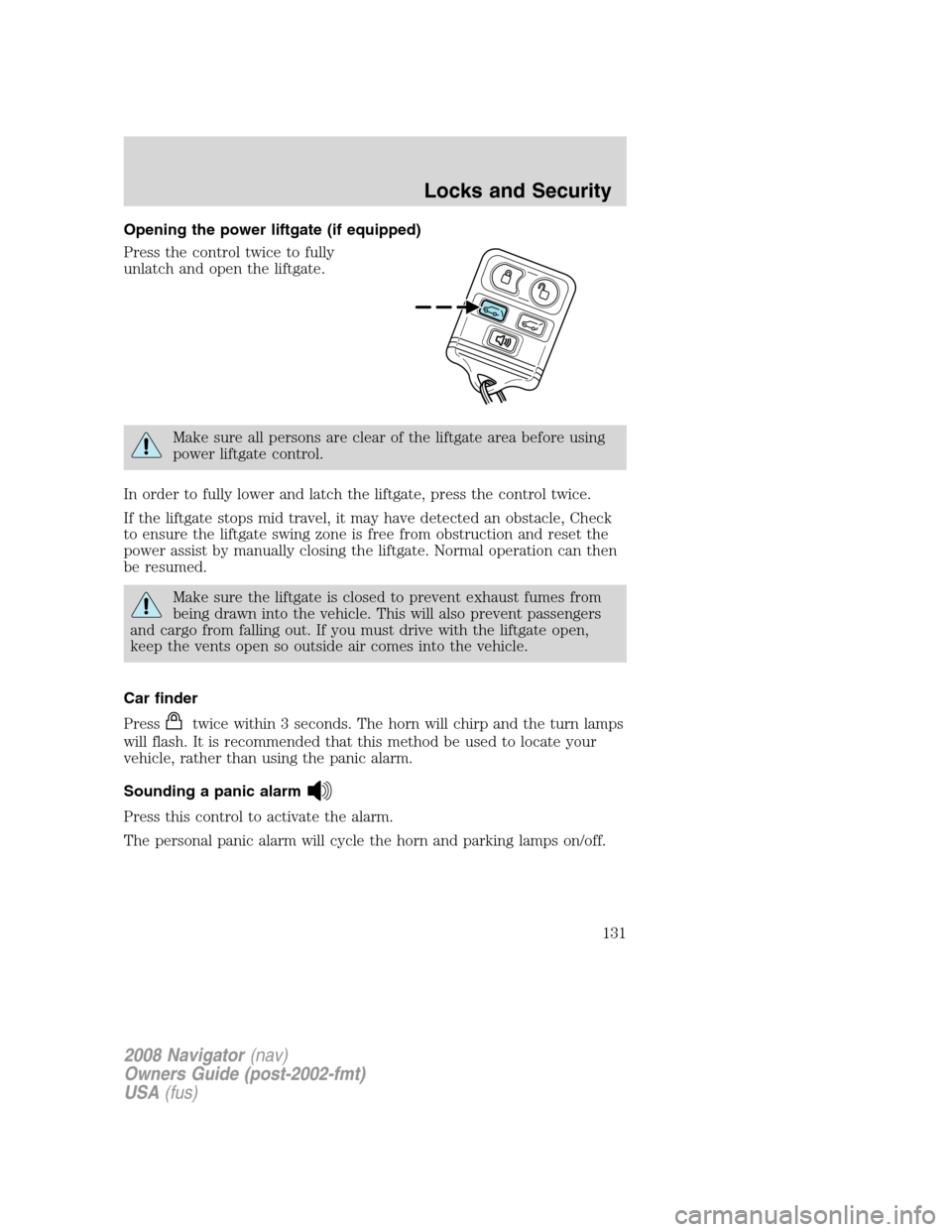
Opening the power liftgate (if equipped)
Press the control twice to fully
unlatch and open the liftgate.
Make sure all persons are clear of the liftgate area before using
power liftgate control.
In order to fully lower and latch the liftgate, press the control twice.
If the liftgate stops mid travel, it may have detected an obstacle, Check
to ensure the liftgate swing zone is free from obstruction and reset the
power assist by manually closing the liftgate. Normal operation can then
be resumed.
Make sure the liftgate is closed to prevent exhaust fumes from
being drawn into the vehicle. This will also prevent passengers
and cargo from falling out. If you must drive with the liftgate open,
keep the vents open so outside air comes into the vehicle.
Car finder
Press
twice within 3 seconds. The horn will chirp and the turn lamps
will flash. It is recommended that this method be used to locate your
vehicle, rather than using the panic alarm.
Sounding a panic alarm
Press this control to activate the alarm.
The personal panic alarm will cycle the horn and parking lamps on/off.
2008 Navigator(nav)
Owners Guide (post-2002-fmt)
USA(fus)
Locks and Security
131
Page 132 of 352
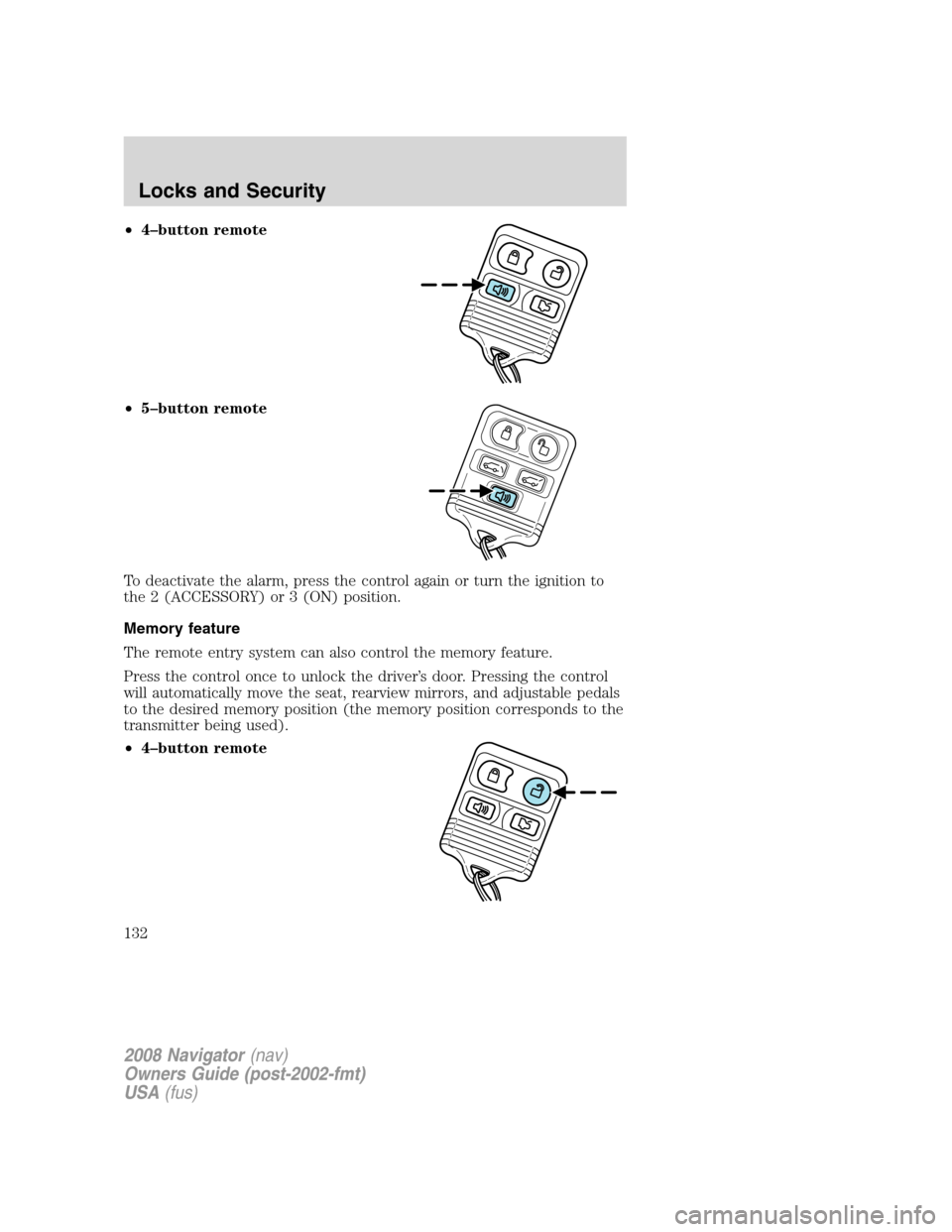
•4–button remote
•5–button remote
To deactivate the alarm, press the control again or turn the ignition to
the 2 (ACCESSORY) or 3 (ON) position.
Memory feature
The remote entry system can also control the memory feature.
Press the control once to unlock the driver’s door. Pressing the control
will automatically move the seat, rearview mirrors, and adjustable pedals
to the desired memory position (the memory position corresponds to the
transmitter being used).
•4–button remote
2008 Navigator(nav)
Owners Guide (post-2002-fmt)
USA(fus)
Locks and Security
132
Page 133 of 352
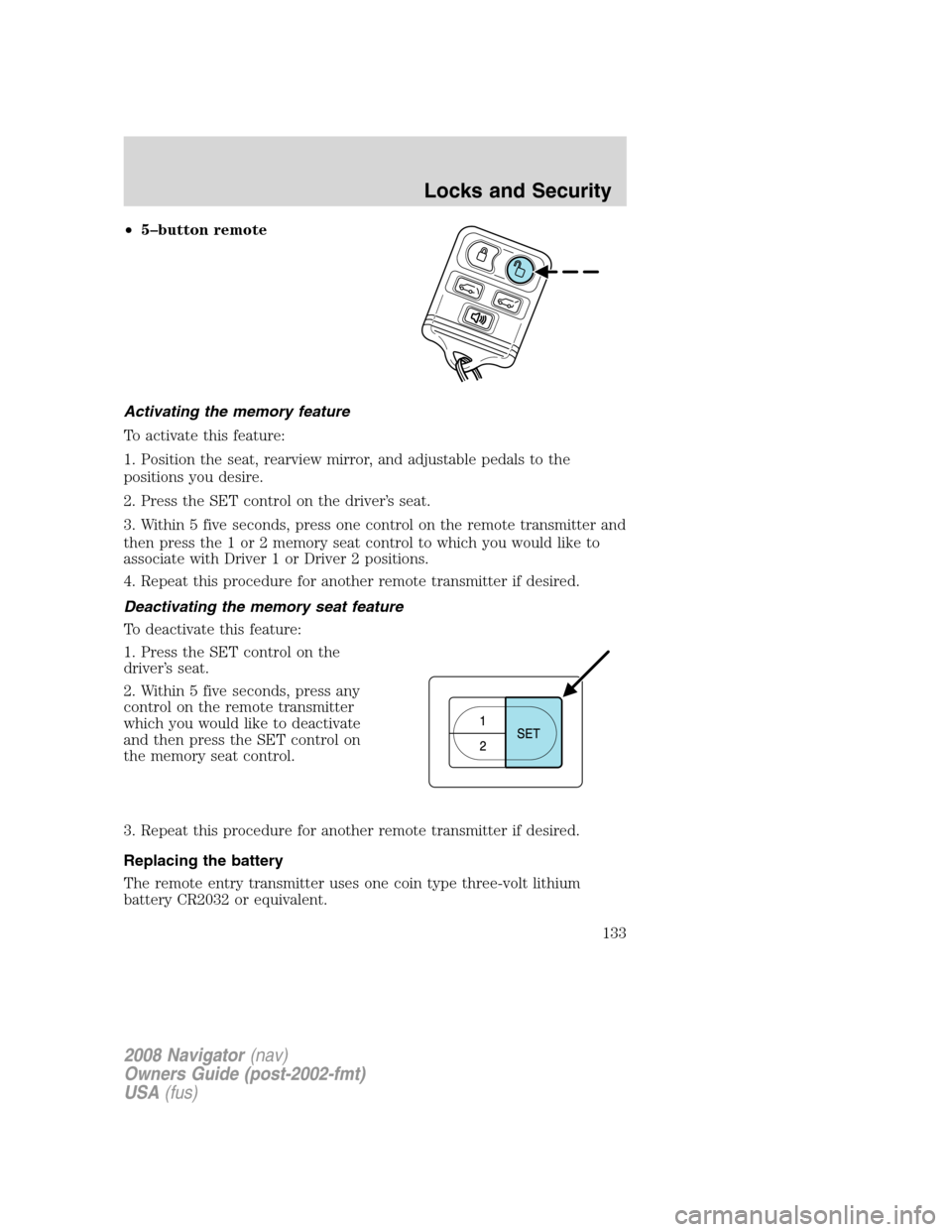
•5–button remote
Activating the memory feature
To activate this feature:
1. Position the seat, rearview mirror, and adjustable pedals to the
positions you desire.
2. Press the SET control on the driver’s seat.
3. Within 5 five seconds, press one control on the remote transmitter and
then press the 1 or 2 memory seat control to which you would like to
associate with Driver 1 or Driver 2 positions.
4. Repeat this procedure for another remote transmitter if desired.
Deactivating the memory seat feature
To deactivate this feature:
1. Press the SET control on the
driver’s seat.
2. Within 5 five seconds, press any
control on the remote transmitter
which you would like to deactivate
and then press the SET control on
the memory seat control.
3. Repeat this procedure for another remote transmitter if desired.
Replacing the battery
The remote entry transmitter uses one coin type three-volt lithium
battery CR2032 or equivalent.
2008 Navigator(nav)
Owners Guide (post-2002-fmt)
USA(fus)
Locks and Security
133