ECO mode LINCOLN NAVIGATOR 2009 Owner's Manual
[x] Cancel search | Manufacturer: LINCOLN, Model Year: 2009, Model line: NAVIGATOR, Model: LINCOLN NAVIGATOR 2009Pages: 375, PDF Size: 3.09 MB
Page 115 of 375
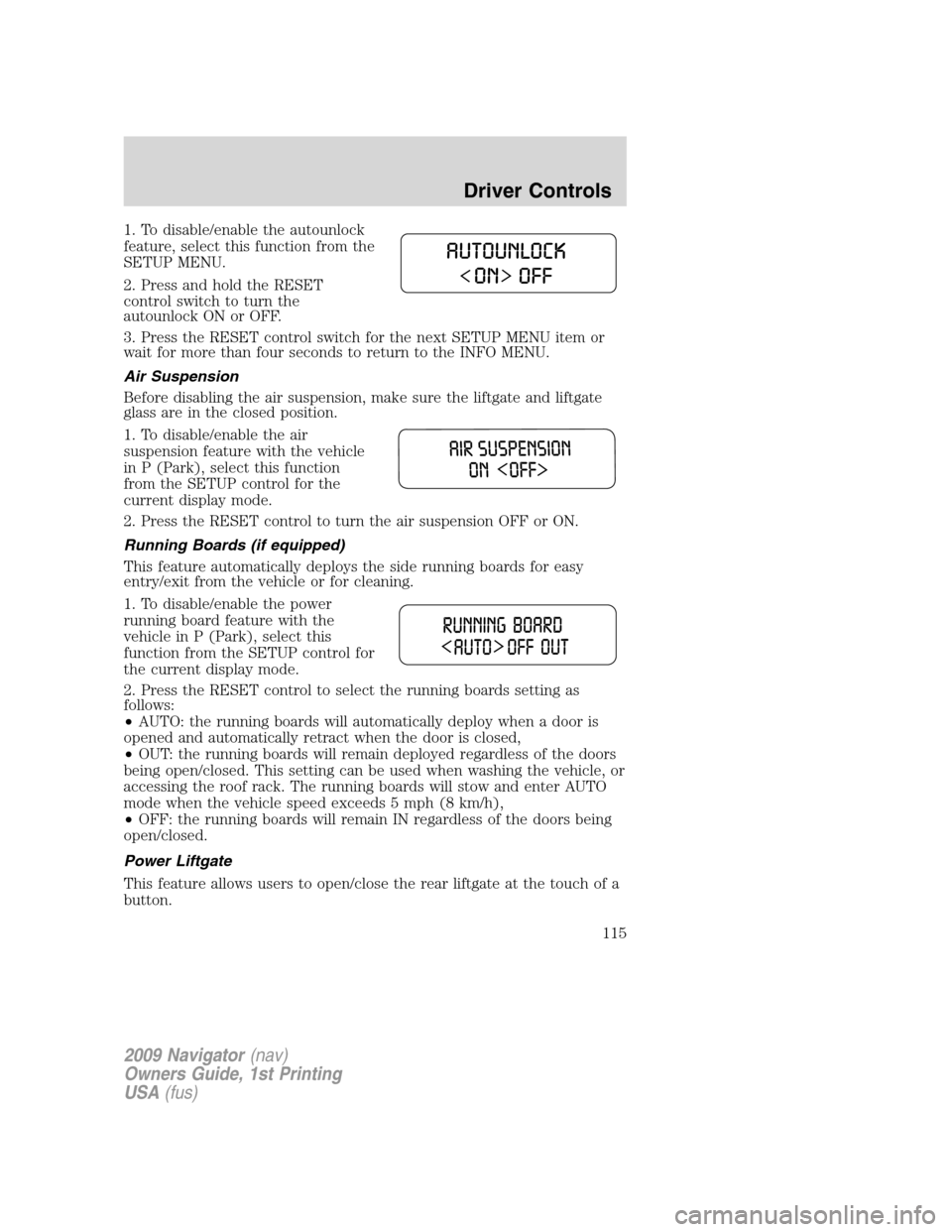
1. To disable/enable the autounlock
feature, select this function from the
SETUP MENU.
2. Press and hold the RESET
control switch to turn the
autounlock ON or OFF.
3. Press the RESET control switch for the next SETUP MENU item or
wait for more than four seconds to return to the INFO MENU.
Air Suspension
Before disabling the air suspension, make sure the liftgate and liftgate
glass are in the closed position.
1. To disable/enable the air
suspension feature with the vehicle
in P (Park), select this function
from the SETUP control for the
current display mode.
2. Press the RESET control to turn the air suspension OFF or ON.
Running Boards (if equipped)
This feature automatically deploys the side running boards for easy
entry/exit from the vehicle or for cleaning.
1. To disable/enable the power
running board feature with the
vehicle in P (Park), select this
function from the SETUP control for
the current display mode.
2. Press the RESET control to select the running boards setting as
follows:
•AUTO: the running boards will automatically deploy when a door is
opened and automatically retract when the door is closed,
•OUT: the running boards will remain deployed regardless of the doors
being open/closed. This setting can be used when washing the vehicle, or
accessing the roof rack. The running boards will stow and enter AUTO
mode when the vehicle speed exceeds 5 mph (8 km/h),
•OFF: the running boards will remain IN regardless of the doors being
open/closed.
Power Liftgate
This feature allows users to open/close the rear liftgate at the touch of a
button.
2009 Navigator(nav)
Owners Guide, 1st Printing
USA(fus)
Driver Controls
115
Page 118 of 375
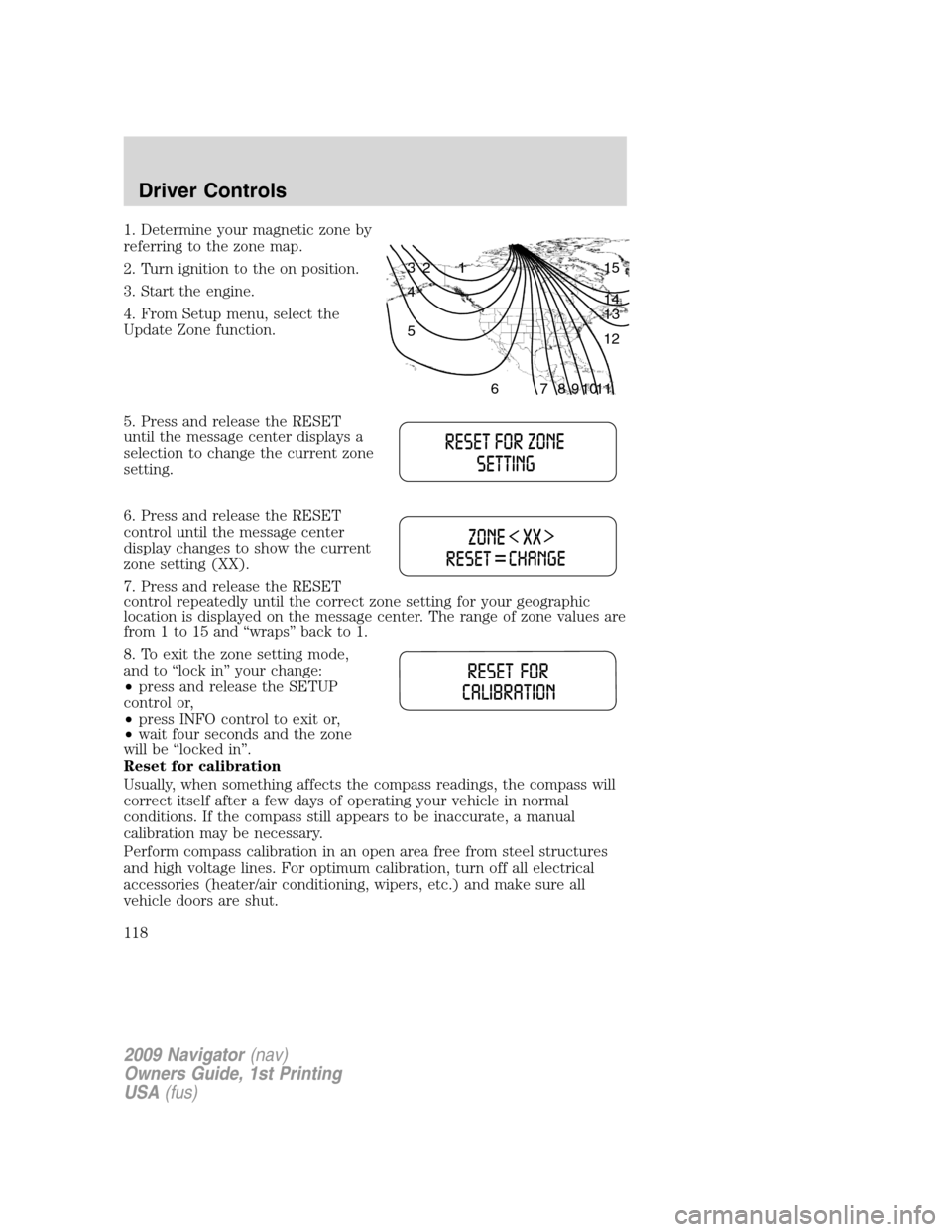
1. Determine your magnetic zone by
referring to the zone map.
2. Turn ignition to the on position.
3. Start the engine.
4. From Setup menu, select the
Update Zone function.
5. Press and release the RESET
until the message center displays a
selection to change the current zone
setting.
6. Press and release the RESET
control until the message center
display changes to show the current
zone setting (XX).
7. Press and release the RESET
control repeatedly until the correct zone setting for your geographic
location is displayed on the message center. The range of zone values are
from 1 to 15 and “wraps” back to 1.
8. To exit the zone setting mode,
and to “lock in” your change:
•press and release the SETUP
control or,
•press INFO control to exit or,
•wait four seconds and the zone
will be “locked in”.
Reset for calibration
Usually, when something affects the compass readings, the compass will
correct itself after a few days of operating your vehicle in normal
conditions. If the compass still appears to be inaccurate, a manual
calibration may be necessary.
Perform compass calibration in an open area free from steel structures
and high voltage lines. For optimum calibration, turn off all electrical
accessories (heater/air conditioning, wipers, etc.) and make sure all
vehicle doors are shut.
1 2 3
4
5
6 7 8 9 101112 13 14 15
2009 Navigator(nav)
Owners Guide, 1st Printing
USA(fus)
Driver Controls
118
Page 125 of 375
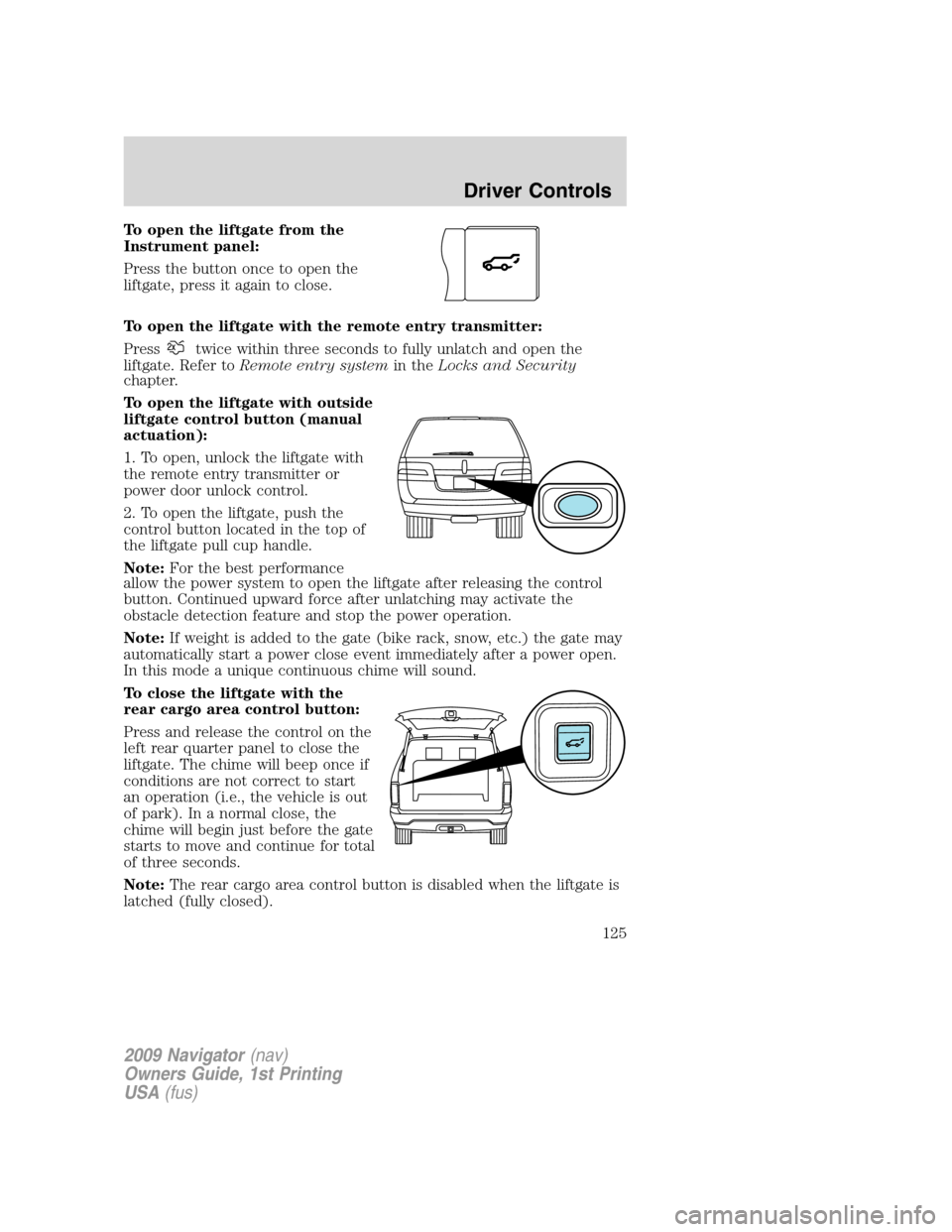
To open the liftgate from the
Instrument panel:
Press the button once to open the
liftgate, press it again to close.
To open the liftgate with the remote entry transmitter:
Press
twice within three seconds to fully unlatch and open the
liftgate. Refer toRemote entry systemin theLocks and Security
chapter.
To open the liftgate with outside
liftgate control button (manual
actuation):
1. To open, unlock the liftgate with
the remote entry transmitter or
power door unlock control.
2. To open the liftgate, push the
control button located in the top of
the liftgate pull cup handle.
Note:For the best performance
allow the power system to open the liftgate after releasing the control
button. Continued upward force after unlatching may activate the
obstacle detection feature and stop the power operation.
Note:If weight is added to the gate (bike rack, snow, etc.) the gate may
automatically start a power close event immediately after a power open.
In this mode a unique continuous chime will sound.
To close the liftgate with the
rear cargo area control button:
Press and release the control on the
left rear quarter panel to close the
liftgate. The chime will beep once if
conditions are not correct to start
an operation (i.e., the vehicle is out
of park). In a normal close, the
chime will begin just before the gate
starts to move and continue for total
of three seconds.
Note:The rear cargo area control button is disabled when the liftgate is
latched (fully closed).
2009 Navigator(nav)
Owners Guide, 1st Printing
USA(fus)
Driver Controls
125
Page 136 of 375
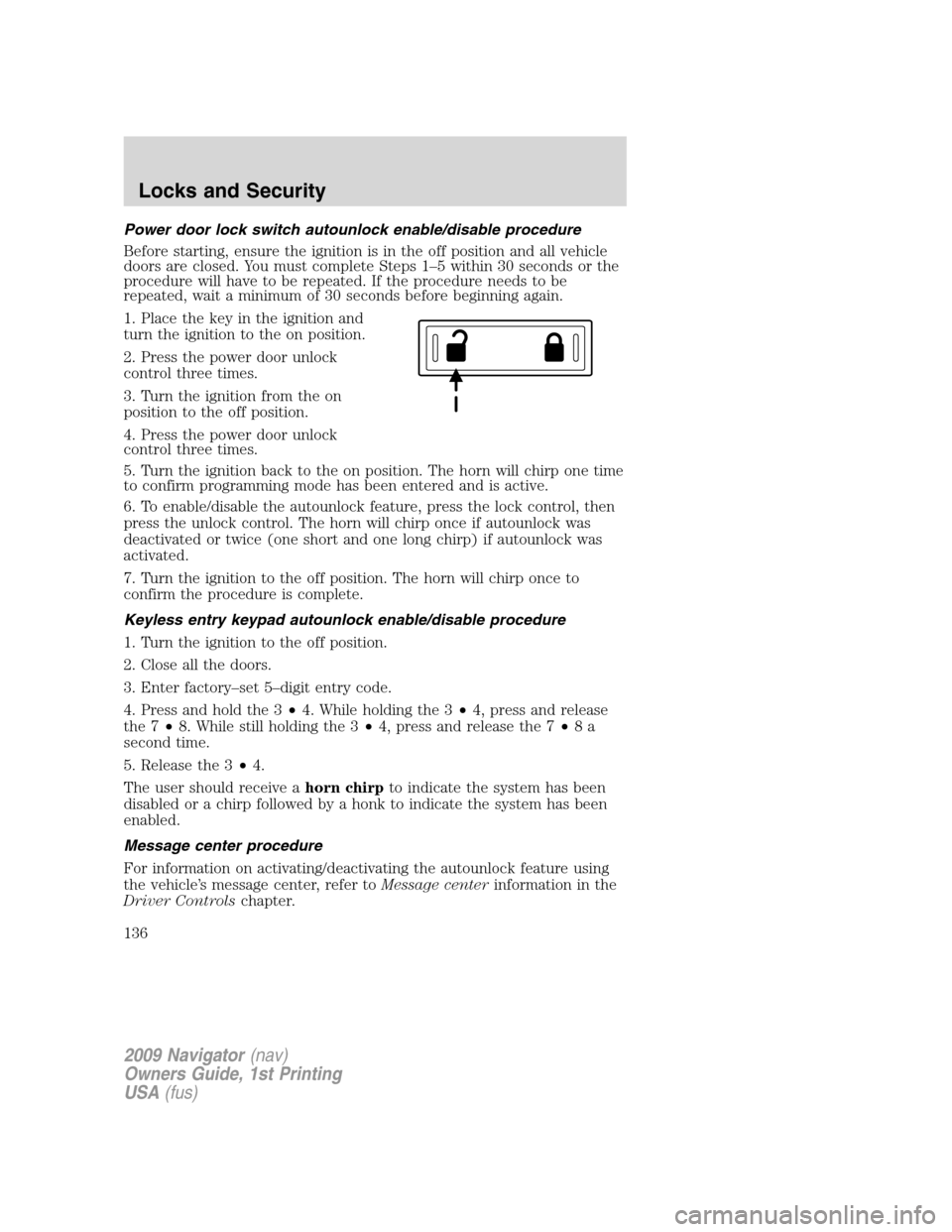
Power door lock switch autounlock enable/disable procedure
Before starting, ensure the ignition is in the off position and all vehicle
doors are closed. You must complete Steps 1–5 within 30 seconds or the
procedure will have to be repeated. If the procedure needs to be
repeated, wait a minimum of 30 seconds before beginning again.
1. Place the key in the ignition and
turn the ignition to the on position.
2. Press the power door unlock
control three times.
3. Turn the ignition from the on
position to the off position.
4. Press the power door unlock
control three times.
5. Turn the ignition back to the on position. The horn will chirp one time
to confirm programming mode has been entered and is active.
6. To enable/disable the autounlock feature, press the lock control, then
press the unlock control. The horn will chirp once if autounlock was
deactivated or twice (one short and one long chirp) if autounlock was
activated.
7. Turn the ignition to the off position. The horn will chirp once to
confirm the procedure is complete.
Keyless entry keypad autounlock enable/disable procedure
1. Turn the ignition to the off position.
2. Close all the doors.
3. Enter factory–set 5–digit entry code.
4. Press and hold the 3•4. While holding the 3•4, press and release
the 7•8. While still holding the 3•4, press and release the 7•8a
second time.
5. Release the 3•4.
The user should receive ahorn chirpto indicate the system has been
disabled or a chirp followed by a honk to indicate the system has been
enabled.
Message center procedure
For information on activating/deactivating the autounlock feature using
the vehicle’s message center, refer toMessage centerinformation in the
Driver Controlschapter.
2009 Navigator(nav)
Owners Guide, 1st Printing
USA(fus)
Locks and Security
136
Page 143 of 375
•the Integrated Keyhead Transmitter lock control is pressed, or
•the vehicle is locked using the keyless entry keypad, or
•after 25 seconds of illumination.
Note:On some vehicles, the perimeter lamps illuminated entry feature
will not activate in daylight conditions.
Deactivating/activating perimeter lamps illuminated entry
You may enable/disable this feature by having your vehicle serviced by
your authorized dealer.
You may also perform the following power door lock sequence to
enable/disable the perimeter lamps feature.Note:Before starting, ensure
the ignition is in the off position and all vehicle doors are closed. You
must complete Steps 1–5 within 30 seconds or the procedure will have
to be repeated. If the procedure needs to be repeated, wait a minimum
of 30 seconds before beginning again.
1. Place the key in the ignition and turn the ignition to the on position.
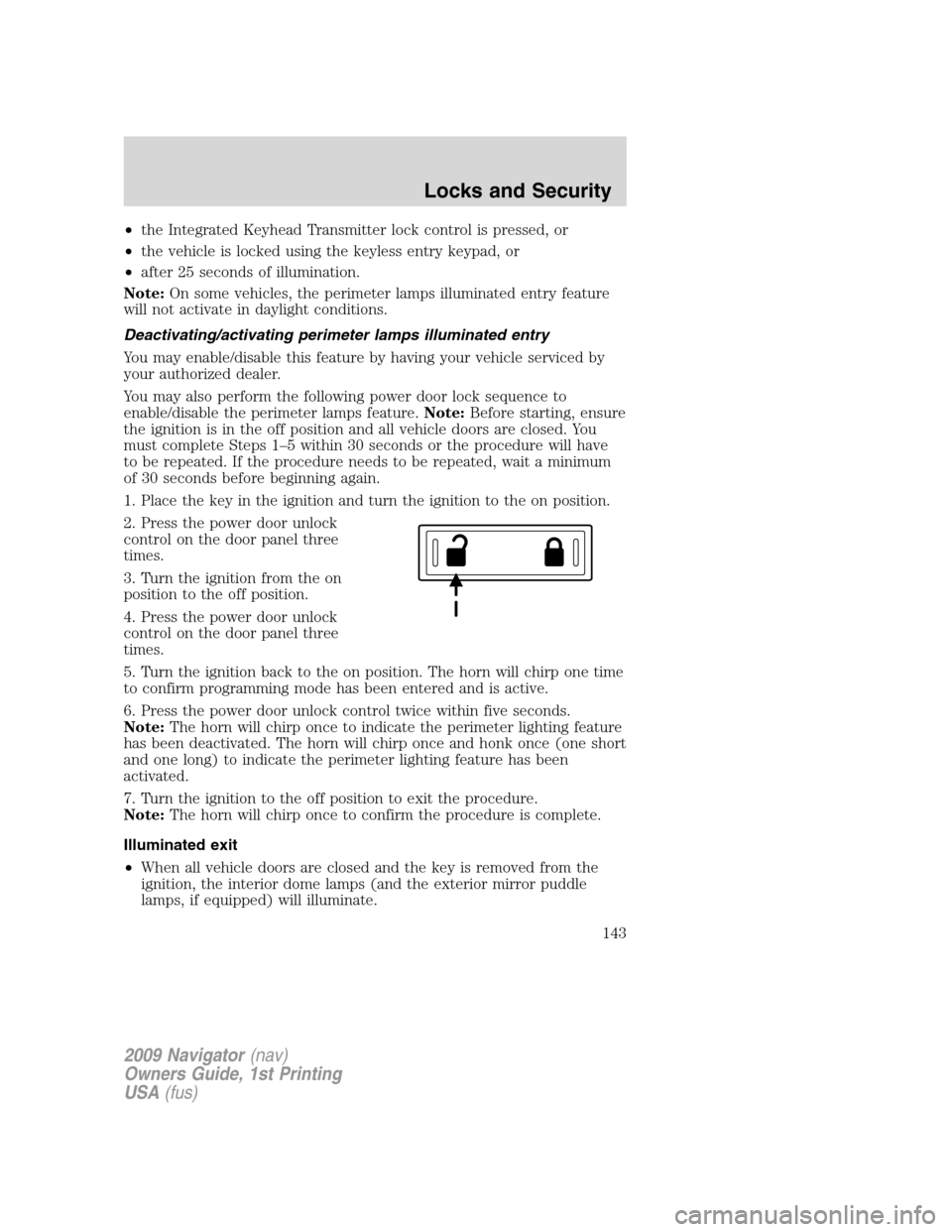
2. Press the power door unlock
control on the door panel three
times.
3. Turn the ignition from the on
position to the off position.
4. Press the power door unlock
control on the door panel three
times.
5. Turn the ignition back to the on position. The horn will chirp one time
to confirm programming mode has been entered and is active.
6. Press the power door unlock control twice within five seconds.
Note:The horn will chirp once to indicate the perimeter lighting feature
has been deactivated. The horn will chirp once and honk once (one short
and one long) to indicate the perimeter lighting feature has been
activated.
7. Turn the ignition to the off position to exit the procedure.
Note:The horn will chirp once to confirm the procedure is complete.
Illuminated exit
•When all vehicle doors are closed and the key is removed from the
ignition, the interior dome lamps (and the exterior mirror puddle
lamps, if equipped) will illuminate.
2009 Navigator(nav)
Owners Guide, 1st Printing
USA(fus)
Locks and Security
143
Page 145 of 375
4. Three unique personal entry codes can be stored:
•Pressing 1•2 assigns driver 1 settings.
•Pressing 3•4 assigns driver 2 settings.
•Pressing 5•6, 7•8, or 9•0 assigns Driver 3 settings.
5. The doors will again lock then unlock to confirm that your personal
entry code has been programmed to the module.
•Do not use five numbers in sequential order.
•The factory set code will work even if you have set your own personal
code.
Erasing personal code
1. Enter the factory set 5–digit code.
2. Within five seconds, press the 1•2 on the keypad and release.
3. Press and hold the 1•2 for two seconds. This must be done within
five seconds of completing Step 2.
Your personal code is now erased and only the factory set 5–digit code
will work.
Anti-scan feature
If the wrong code has been entered seven times (35 consecutive button
presses), the keypad will go into an anti-scan mode. This mode disables
the keypad for one minute and the keypad lamp will flash.
The anti-scan feature will turn off after:
•one minute of keypad inactivity,
•pressing the
control on the remote entry transmitter,
•or the ignition position changes.
Unlocking and locking the doors and liftgate using keyless entry
To unlock the driver’s door,enter the factory set 5-digit code or your
personal code. Each number must be pressed within five seconds of each
other. The interior lamps will illuminate.
To unlock all doors and liftgate,press the 3•4 control within five
seconds of entering the factory set 5-digit code or your personal code.
To lock all doors and liftgate,press the 7•8 and the 9•0atthe
same time.Note:The driver’s door must be closed. Youdo notneed to
enter the keypad code first.
To open the liftglass,press the 5•6 after entering the factory set
5-digit code or your personal code.
2009 Navigator(nav)
Owners Guide, 1st Printing
USA(fus)
Locks and Security
145
Page 151 of 375
•If using a key in the driver’s door to unlock the vehicle, a chime will
sound when you open the door and you will have 12 seconds to
disarm the alarm system using any of the actions above, otherwise the
alarm will trigger.
Pressing the power door unlock control within the 20 second prearmed
mode will return the vehicle to a disarmed state.
Triggering the anti-theft system
The armed system will be triggered if:
•Any door, the hood or the liftgate is opened without using the keypad
or the remote entry transmitter portion of your IKT.
•The ignition is turned to the on position with an invalid
unprogrammed SecuriLock™ key or IKT.
2009 Navigator(nav)
Owners Guide, 1st Printing
USA(fus)
Locks and Security
151
Page 157 of 375
Memory seat/power mirrors/adjustable pedals/steering column
This system allows automatic
positioning of the driver seat,
outside rearview mirrors, adjustable
pedals, and steering column to two
programmable positions.
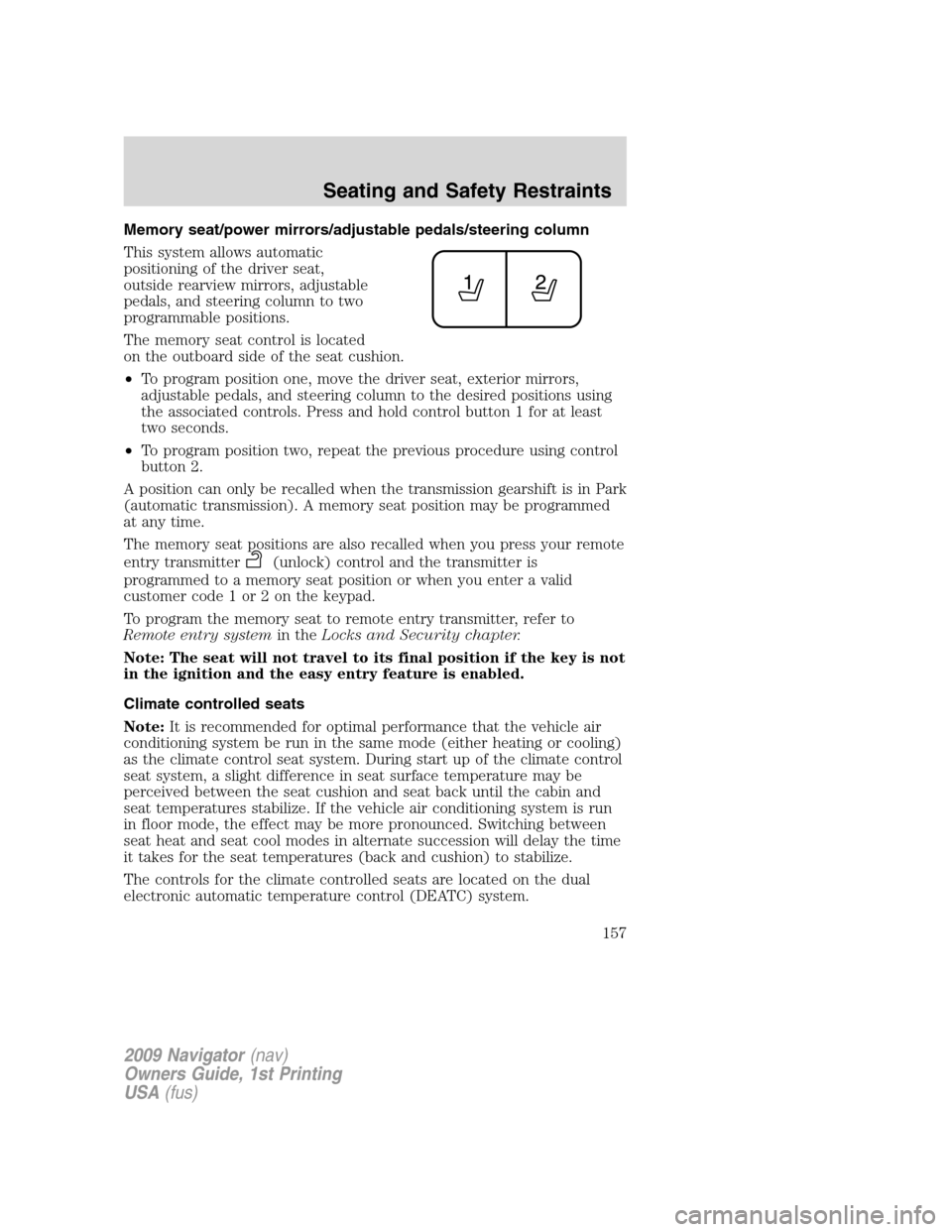
The memory seat control is located
on the outboard side of the seat cushion.
•To program position one, move the driver seat, exterior mirrors,
adjustable pedals, and steering column to the desired positions using
the associated controls. Press and hold control button 1 for at least
two seconds.
•To program position two, repeat the previous procedure using control
button 2.
A position can only be recalled when the transmission gearshift is in Park
(automatic transmission). A memory seat position may be programmed
at any time.
The memory seat positions are also recalled when you press your remote
entry transmitter
(unlock) control and the transmitter is
programmed to a memory seat position or when you enter a valid
customer code 1 or 2 on the keypad.
To program the memory seat to remote entry transmitter, refer to
Remote entry systemin theLocks and Security chapter.
Note: The seat will not travel to its final position if the key is not
in the ignition and the easy entry feature is enabled.
Climate controlled seats
Note:It is recommended for optimal performance that the vehicle air
conditioning system be run in the same mode (either heating or cooling)
as the climate control seat system. During start up of the climate control
seat system, a slight difference in seat surface temperature may be
perceived between the seat cushion and seat back until the cabin and
seat temperatures stabilize. If the vehicle air conditioning system is run
in floor mode, the effect may be more pronounced. Switching between
seat heat and seat cool modes in alternate succession will delay the time
it takes for the seat temperatures (back and cushion) to stabilize.
The controls for the climate controlled seats are located on the dual
electronic automatic temperature control (DEATC) system.
2009 Navigator(nav)
Owners Guide, 1st Printing
USA(fus)
Seating and Safety Restraints
157
Page 164 of 375
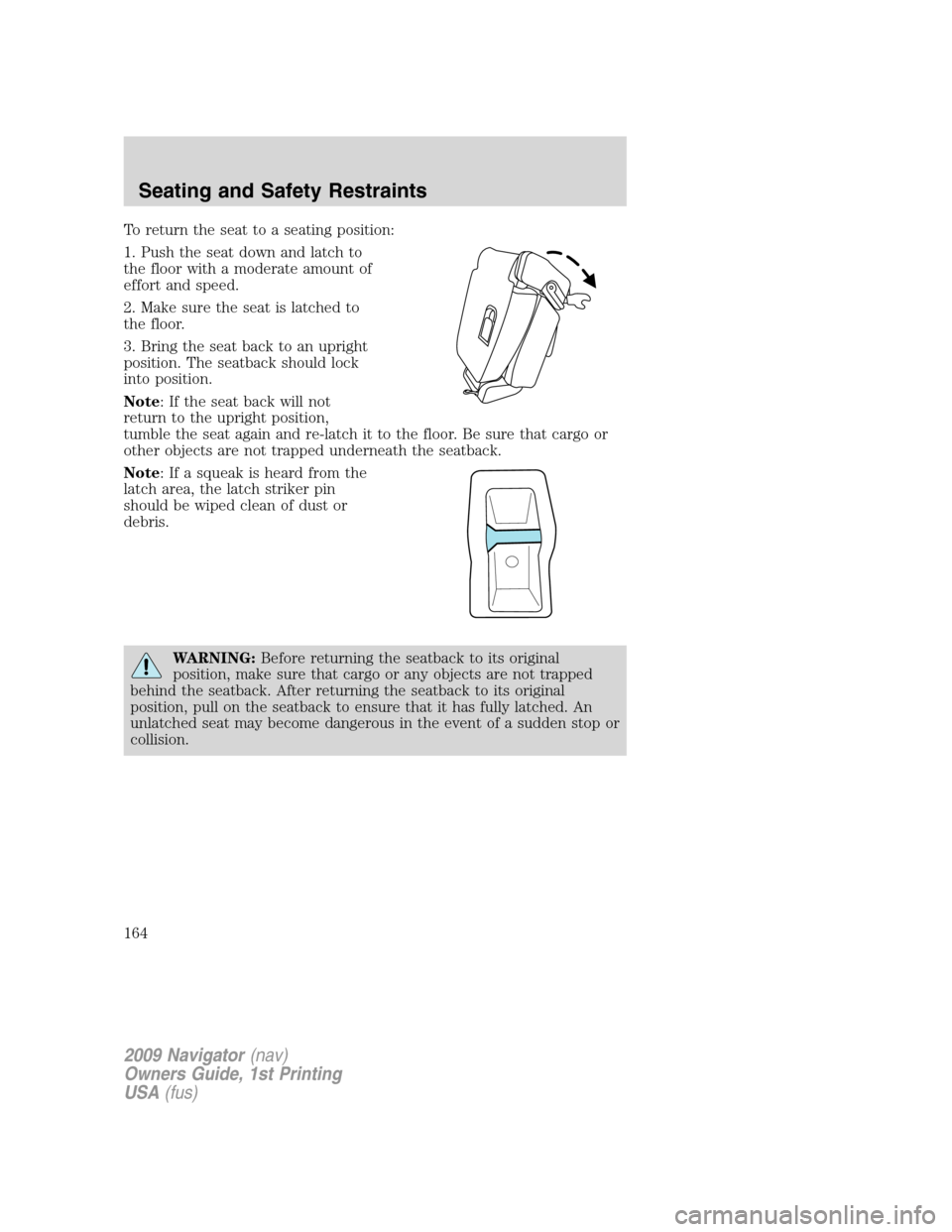
To return the seat to a seating position:
1. Push the seat down and latch to
the floor with a moderate amount of
effort and speed.
2. Make sure the seat is latched to
the floor.
3. Bring the seat back to an upright
position. The seatback should lock
into position.
Note: If the seat back will not
return to the upright position,
tumble the seat again and re-latch it to the floor. Be sure that cargo or
other objects are not trapped underneath the seatback.
Note: If a squeak is heard from the
latch area, the latch striker pin
should be wiped clean of dust or
debris.
WARNING:Before returning the seatback to its original
position, make sure that cargo or any objects are not trapped
behind the seatback. After returning the seatback to its original
position, pull on the seatback to ensure that it has fully latched. An
unlatched seat may become dangerous in the event of a sudden stop or
collision.
2009 Navigator(nav)
Owners Guide, 1st Printing
USA(fus)
Seating and Safety Restraints
164
Page 168 of 375
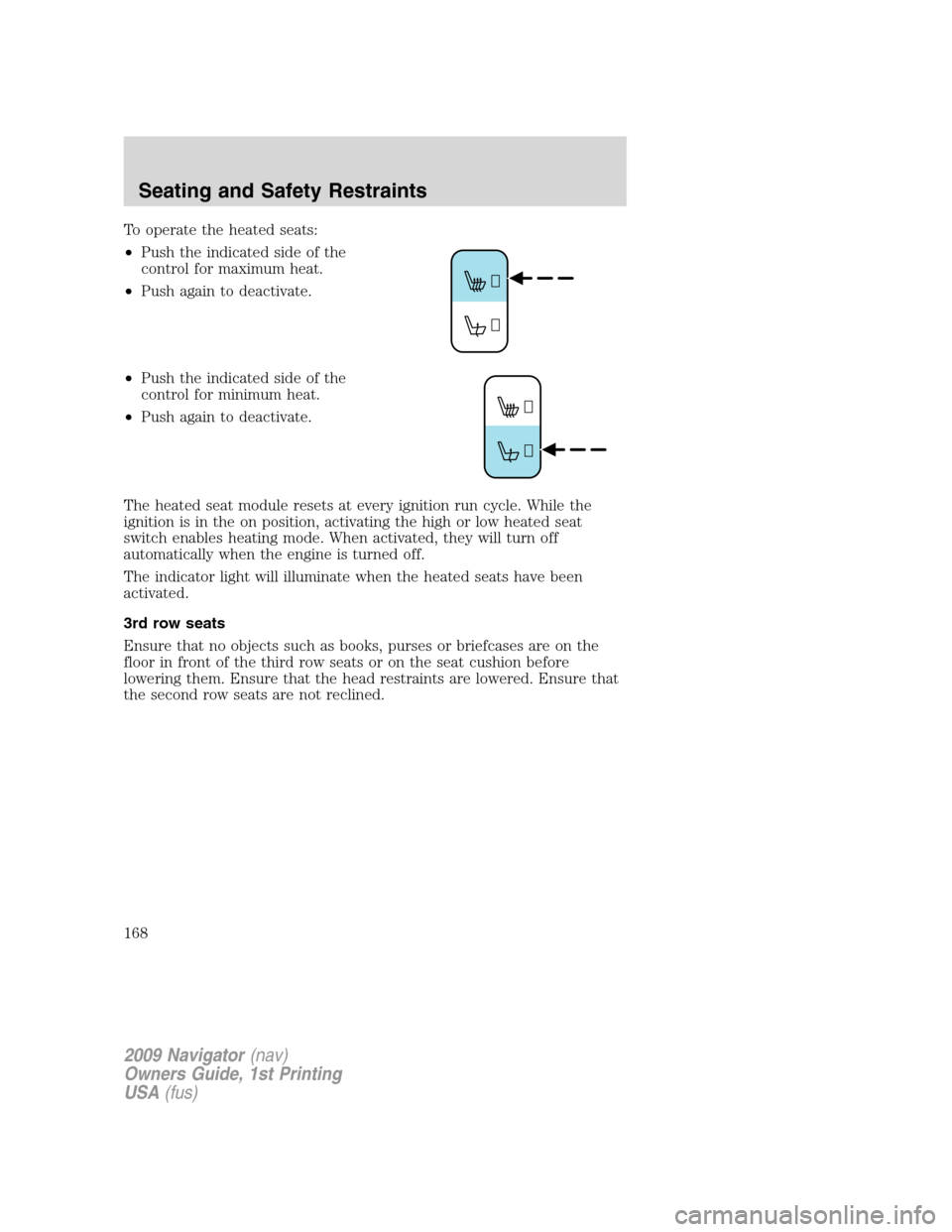
To operate the heated seats:
•Push the indicated side of the
control for maximum heat.
•Push again to deactivate.
•Push the indicated side of the
control for minimum heat.
•Push again to deactivate.
The heated seat module resets at every ignition run cycle. While the
ignition is in the on position, activating the high or low heated seat
switch enables heating mode. When activated, they will turn off
automatically when the engine is turned off.
The indicator light will illuminate when the heated seats have been
activated.
3rd row seats
Ensure that no objects such as books, purses or briefcases are on the
floor in front of the third row seats or on the seat cushion before
lowering them. Ensure that the head restraints are lowered. Ensure that
the second row seats are not reclined.
2009 Navigator(nav)
Owners Guide, 1st Printing
USA(fus)
Seating and Safety Restraints
168