window LINCOLN NAVIGATOR 2010 User Guide
[x] Cancel search | Manufacturer: LINCOLN, Model Year: 2010, Model line: NAVIGATOR, Model: LINCOLN NAVIGATOR 2010Pages: 385, PDF Size: 2.96 MB
Page 100 of 385
On vehicles with memory feature, to prevent damage to the steering
column, the steering column is designed to set a stopping position just
short of the end of the column position. If the steering column
encounters an object while moving up or down, a new stopping position
will be set. To reset the steering column to its normal stopping position:
•After encountering the new stopping position, press the steering
column control again to override.
•Continue pressing the control until it reaches the end of the column
position.
•A new soft stop will be automatically set. The next time the steering
column is tilted it will stop just short of the end of the column
position.
ILLUMINATED VISOR MIRROR (IF EQUIPPED)
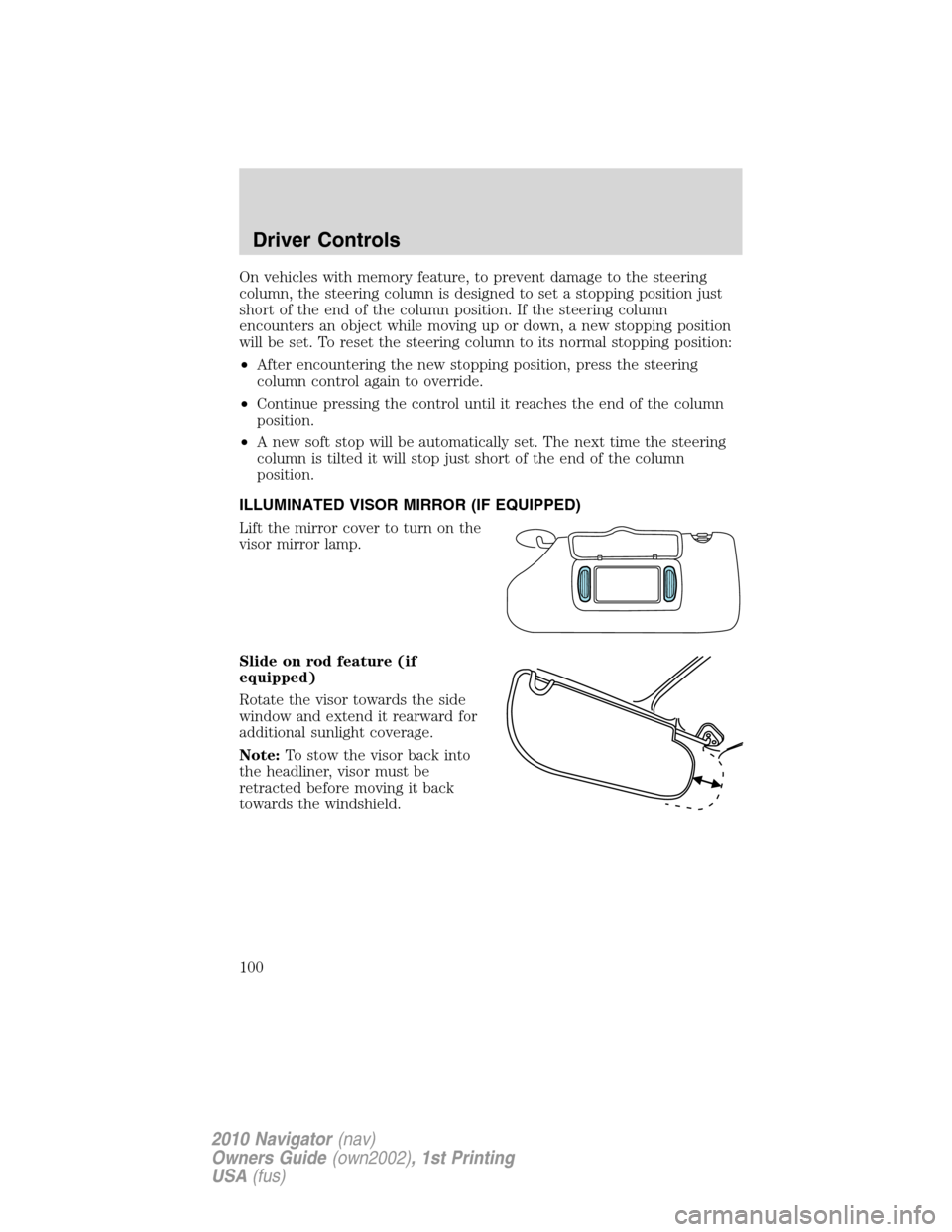
Lift the mirror cover to turn on the
visor mirror lamp.
Slide on rod feature (if
equipped)
Rotate the visor towards the side
window and extend it rearward for
additional sunlight coverage.
Note:To stow the visor back into
the headliner, visor must be
retracted before moving it back
towards the windshield.
Driver Controls
100
2010 Navigator(nav)
Owners Guide(own2002), 1st Printing
USA(fus)
Page 102 of 385
Power quarter rear windows
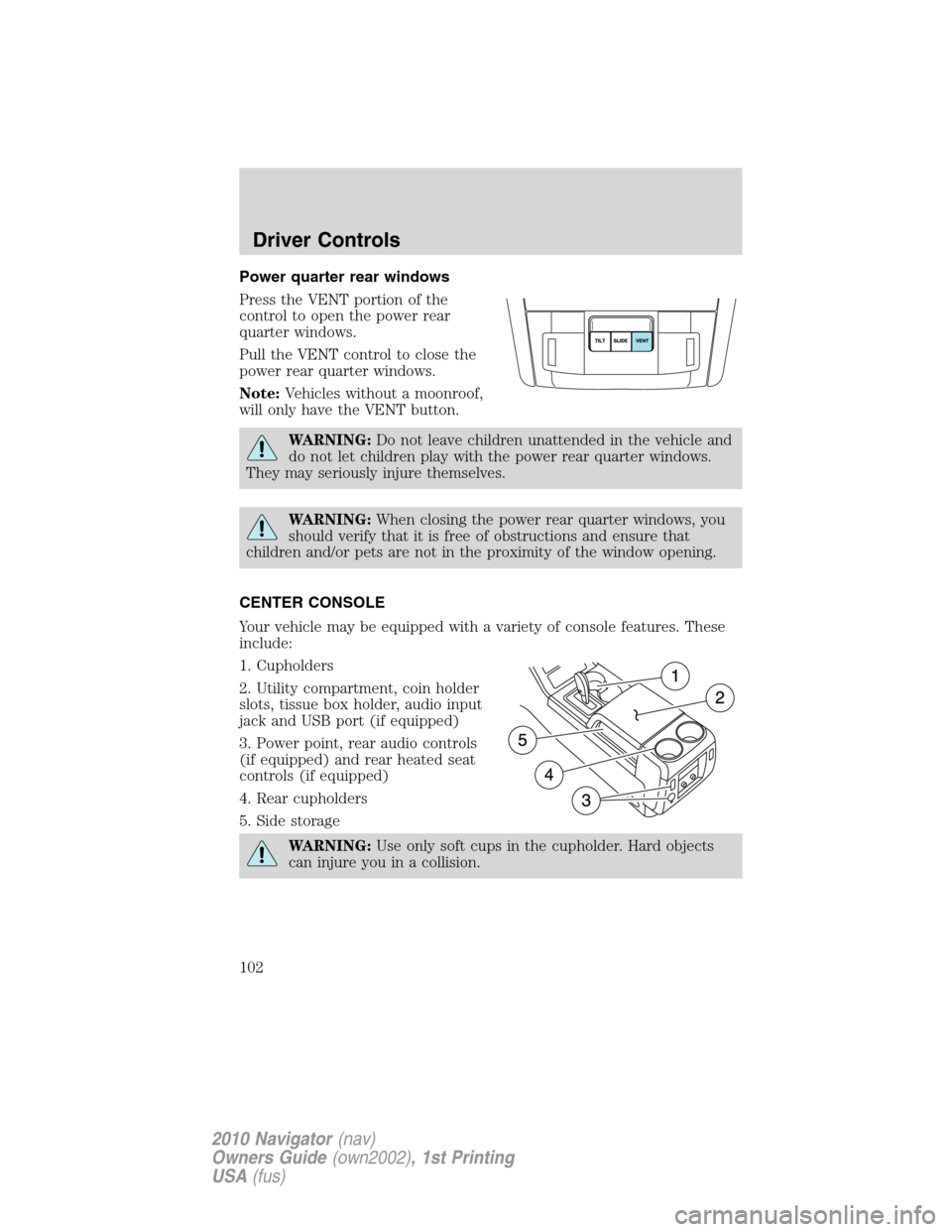
Press the VENT portion of the
control to open the power rear
quarter windows.
Pull the VENT control to close the
power rear quarter windows.
Note:Vehicles without a moonroof,
will only have the VENT button.
WARNING:Do not leave children unattended in the vehicle and
do not let children play with the power rear quarter windows.
They may seriously injure themselves.
WARNING:When closing the power rear quarter windows, you
should verify that it is free of obstructions and ensure that
children and/or pets are not in the proximity of the window opening.
CENTER CONSOLE
Your vehicle may be equipped with a variety of console features. These
include:
1. Cupholders
2. Utility compartment, coin holder
slots, tissue box holder, audio input
jack and USB port (if equipped)
3. Power point, rear audio controls
(if equipped) and rear heated seat
controls (if equipped)
4. Rear cupholders
5. Side storage
WARNING:Use only soft cups in the cupholder. Hard objects
can injure you in a collision.
Driver Controls
102
2010 Navigator(nav)
Owners Guide(own2002), 1st Printing
USA(fus)
Page 104 of 385
POWER WINDOWS
WARNING:Do not leave children unattended in the vehicle and
do not let children play with the power windows. They may
seriously injure themselves.
WARNING:When closing the power windows, you should verify
they are free of obstructions and ensure that children and/or
pets are not in the proximity of the window openings.
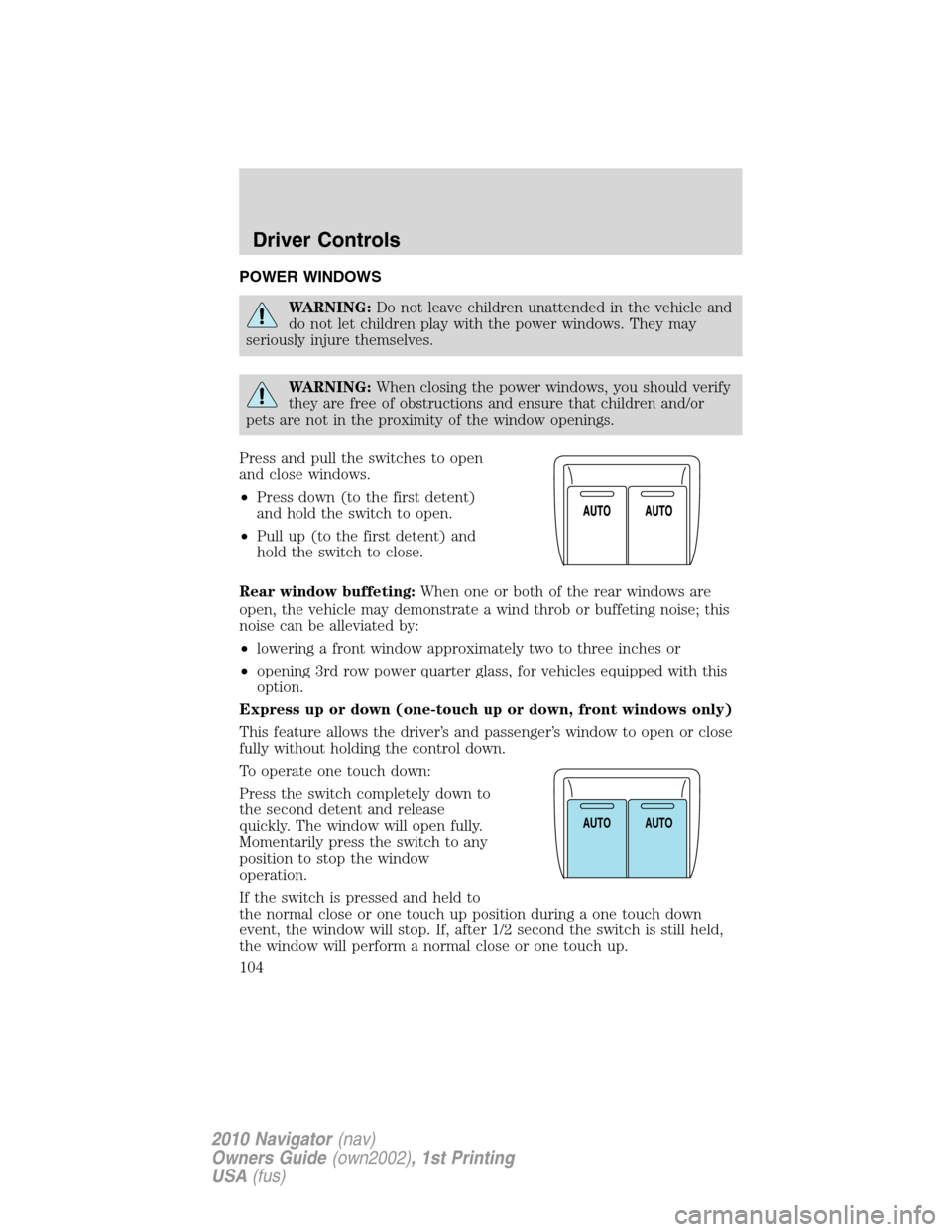
Press and pull the switches to open
and close windows.
•Press down (to the first detent)
and hold the switch to open.
•Pull up (to the first detent) and
hold the switch to close.
Rear window buffeting:When one or both of the rear windows are
open, the vehicle may demonstrate a wind throb or buffeting noise; this
noise can be alleviated by:
•lowering a front window approximately two to three inches or
•opening 3rd row power quarter glass, for vehicles equipped with this
option.
Express up or down (one-touch up or down, front windows only)
This feature allows the driver’s and passenger’s window to open or close
fully without holding the control down.
To operate one touch down:
Press the switch completely down to
the second detent and release
quickly. The window will open fully.
Momentarily press the switch to any
position to stop the window
operation.
If the switch is pressed and held to
the normal close or one touch up position during a one touch down
event, the window will stop. If, after 1/2 second the switch is still held,
the window will perform a normal close or one touch up.
A
U
T
OA
U
T
O
Driver Controls
104
2010 Navigator(nav)
Owners Guide(own2002), 1st Printing
USA(fus)
Page 105 of 385
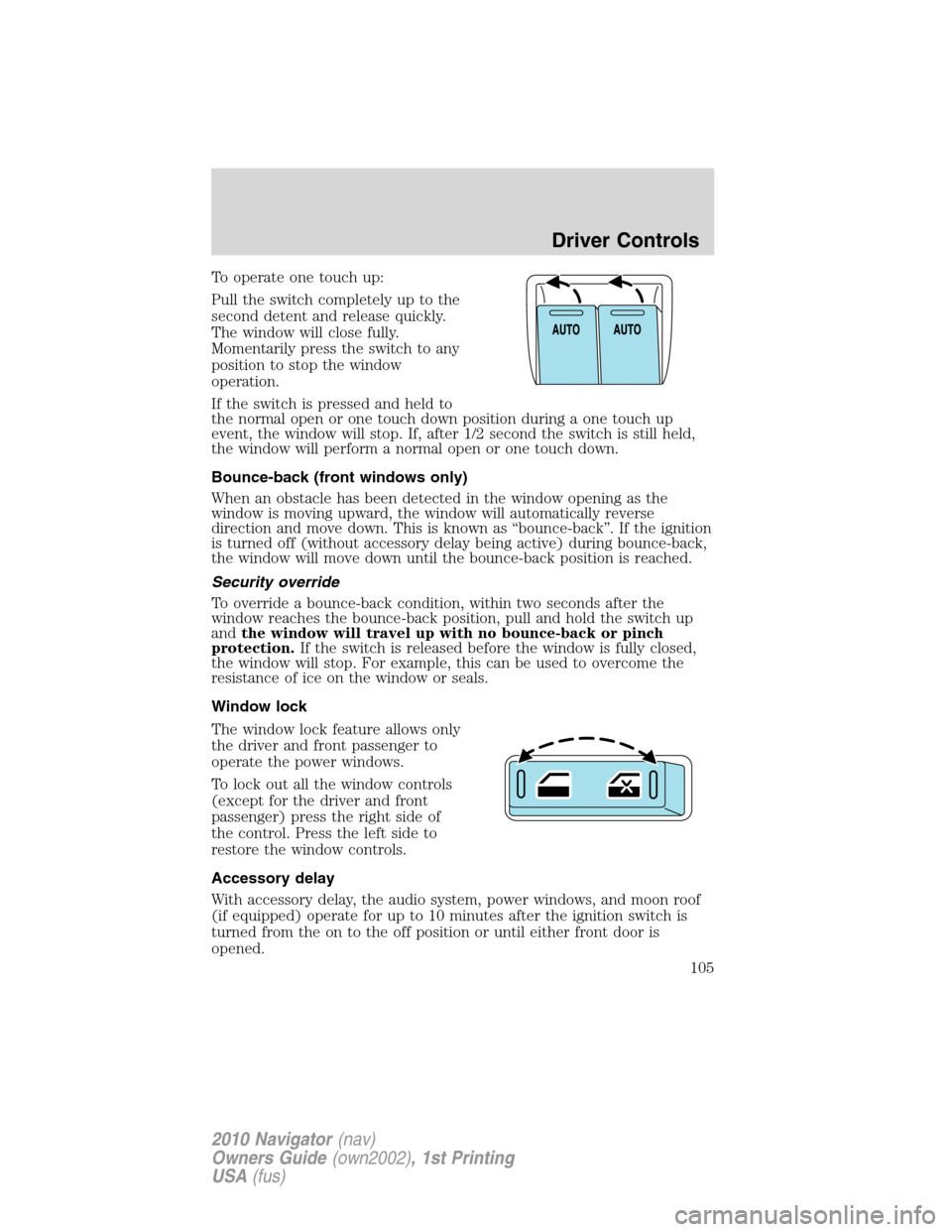
To operate one touch up:
Pull the switch completely up to the
second detent and release quickly.
The window will close fully.
Momentarily press the switch to any
position to stop the window
operation.
If the switch is pressed and held to
the normal open or one touch down position during a one touch up
event, the window will stop. If, after 1/2 second the switch is still held,
the window will perform a normal open or one touch down.
Bounce-back (front windows only)
When an obstacle has been detected in the window opening as the
window is moving upward, the window will automatically reverse
direction and move down. This is known as “bounce-back”. If the ignition
is turned off (without accessory delay being active) during bounce-back,
the window will move down until the bounce-back position is reached.
Security override
To override a bounce-back condition, within two seconds after the
window reaches the bounce-back position, pull and hold the switch up
andthe window will travel up with no bounce-back or pinch
protection.If the switch is released before the window is fully closed,
the window will stop. For example, this can be used to overcome the
resistance of ice on the window or seals.
Window lock
The window lock feature allows only
the driver and front passenger to
operate the power windows.
To lock out all the window controls
(except for the driver and front
passenger) press the right side of
the control. Press the left side to
restore the window controls.
Accessory delay
With accessory delay, the audio system, power windows, and moon roof
(if equipped) operate for up to 10 minutes after the ignition switch is
turned from the on to the off position or until either front door is
opened.
Driver Controls
105
2010 Navigator(nav)
Owners Guide(own2002), 1st Printing
USA(fus)
Page 108 of 385
Note:10 or more switch activations within one minute, or repeated
folding/unfolding of the mirrors while holding the switch rearward during
full travel, may cause the system to disable the fold/unfold function to
protect motors from overheating. Should this occur, wait approximately
three minutes with the vehicle running and up to 10 minutes with the
vehicle off, for the system to reset and for function to return to normal.
Heated outside mirrors
Both mirrors are heated automatically to remove ice, mist and fog when
the rear window defrost is activated.
Do not remove ice from the mirrors with a scraper or attempt to
readjust the mirror glass if it is frozen in place. These actions
could cause damage to the glass and mirrors.
Do not clean the housing or glass of any mirror with harsh
abrasives, fuel or other petroleum-based cleaning products.
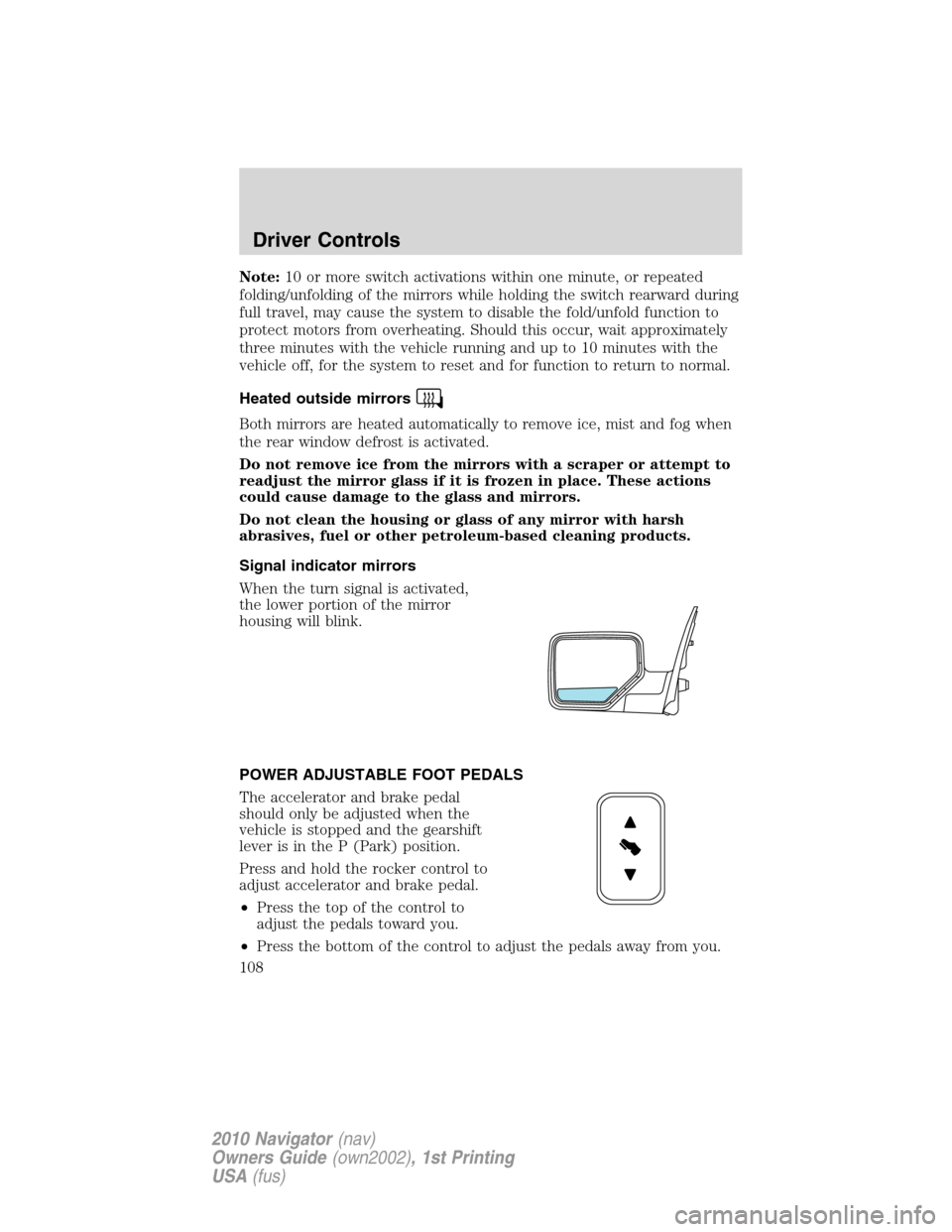
Signal indicator mirrors
When the turn signal is activated,
the lower portion of the mirror
housing will blink.
POWER ADJUSTABLE FOOT PEDALS
The accelerator and brake pedal
should only be adjusted when the
vehicle is stopped and the gearshift
lever is in the P (Park) position.
Press and hold the rocker control to
adjust accelerator and brake pedal.
•Press the top of the control to
adjust the pedals toward you.
•Press the bottom of the control to adjust the pedals away from you.
Driver Controls
108
2010 Navigator(nav)
Owners Guide(own2002), 1st Printing
USA(fus)
Page 129 of 385
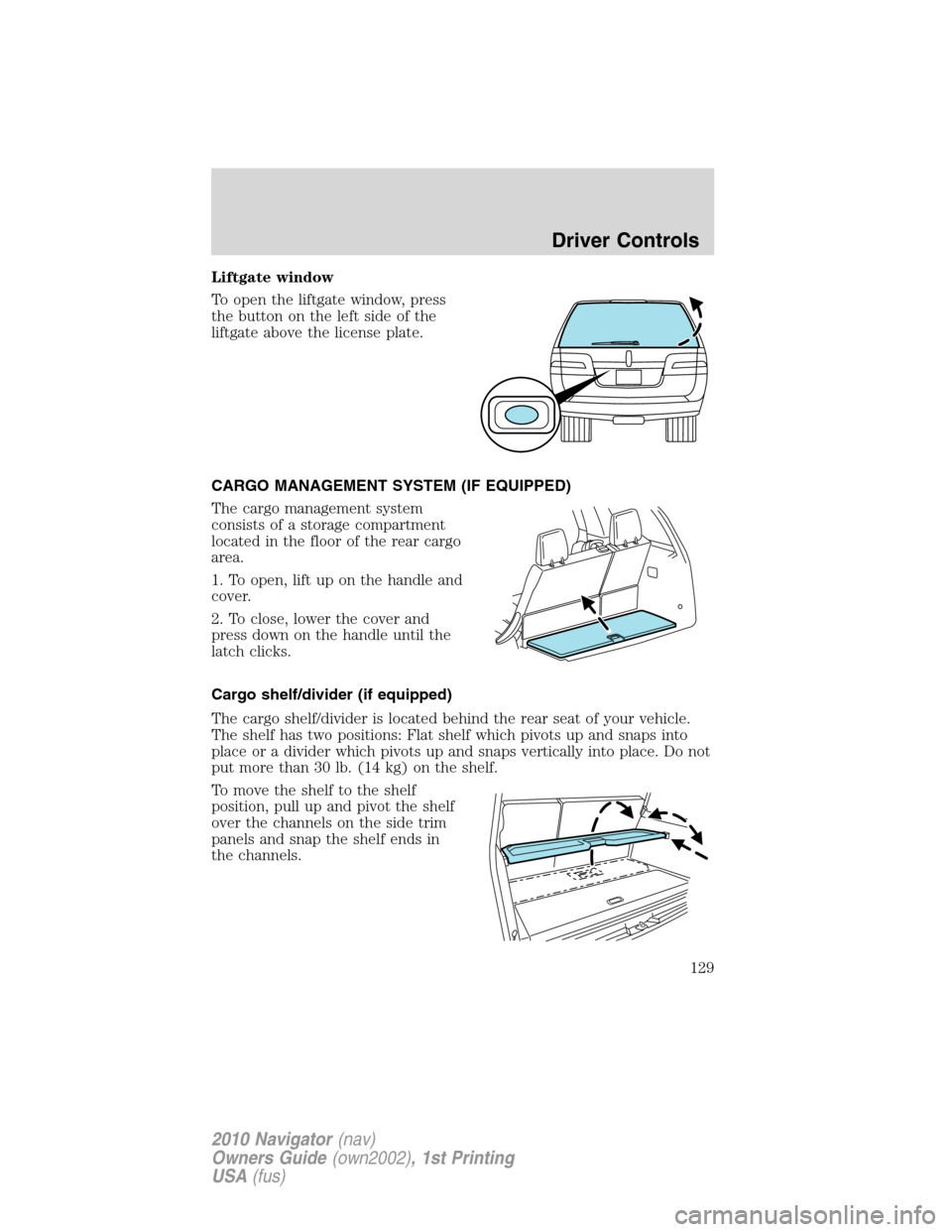
Liftgate window
To open the liftgate window, press
the button on the left side of the
liftgate above the license plate.
CARGO MANAGEMENT SYSTEM (IF EQUIPPED)
The cargo management system
consists of a storage compartment
located in the floor of the rear cargo
area.
1. To open, lift up on the handle and
cover.
2. To close, lower the cover and
press down on the handle until the
latch clicks.
Cargo shelf/divider (if equipped)
The cargo shelf/divider is located behind the rear seat of your vehicle.
The shelf has two positions: Flat shelf which pivots up and snaps into
place or a divider which pivots up and snaps vertically into place. Do not
put more than 30 lb. (14 kg) on the shelf.
To move the shelf to the shelf
position, pull up and pivot the shelf
over the channels on the side trim
panels and snap the shelf ends in
the channels.
Driver Controls
129
2010 Navigator(nav)
Owners Guide(own2002), 1st Printing
USA(fus)
Page 133 of 385
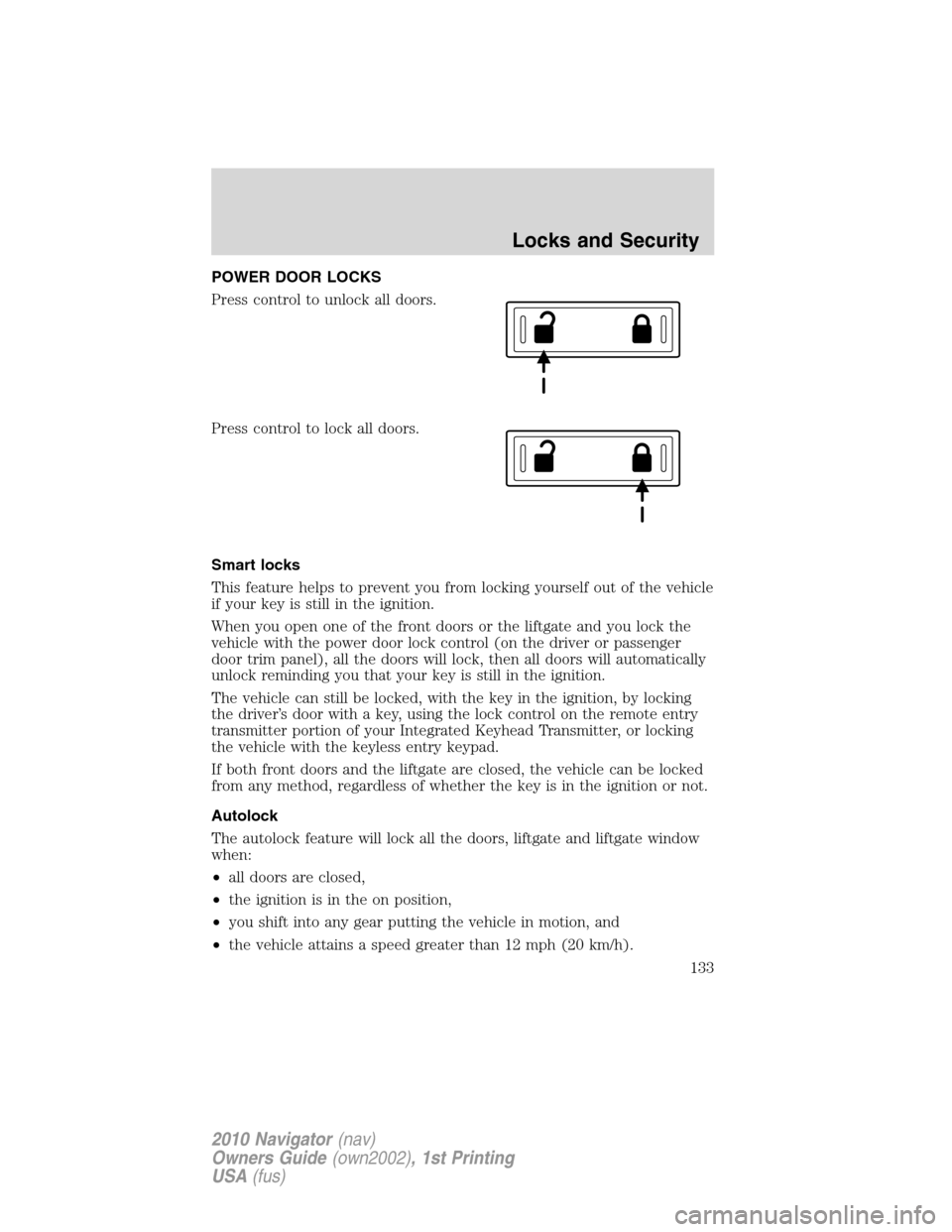
POWER DOOR LOCKS
Press control to unlock all doors.
Press control to lock all doors.
Smart locks
This feature helps to prevent you from locking yourself out of the vehicle
if your key is still in the ignition.
When you open one of the front doors or the liftgate and you lock the
vehicle with the power door lock control (on the driver or passenger
door trim panel), all the doors will lock, then all doors will automatically
unlock reminding you that your key is still in the ignition.
The vehicle can still be locked, with the key in the ignition, by locking
the driver’s door with a key, using the lock control on the remote entry
transmitter portion of your Integrated Keyhead Transmitter, or locking
the vehicle with the keyless entry keypad.
If both front doors and the liftgate are closed, the vehicle can be locked
from any method, regardless of whether the key is in the ignition or not.
Autolock
The autolock feature will lock all the doors, liftgate and liftgate window
when:
•all doors are closed,
•the ignition is in the on position,
•you shift into any gear putting the vehicle in motion, and
•the vehicle attains a speed greater than 12 mph (20 km/h).
Locks and Security
133
2010 Navigator(nav)
Owners Guide(own2002), 1st Printing
USA(fus)
Page 134 of 385
The autolock feature repeats when:
•any door is opened then closed while the ignition is in the on position
and the vehicle speed is 9 mph (15 km/h) or lower, and
•the vehicle attains a speed greater than 12 mph (20 km/h).
Deactivating/activating autolock
Your vehicle comes with the autolock feature enabled. There are four
methods to enable/disable this feature:
•Through your authorized dealer, or
•Performing the power door lock control procedure,
•Performing the keyless entry keypad (if equipped) procedure, or
•Performing the message center (if equipped) procedure.
Before following the activation or deactivation procedures, make sure
that the anti-theft system is not armed, ignition is in the off position, and
all vehicle doors, liftgate and liftgate window are closed.
Power door unlock/lock procedure
You must complete Steps 1-5 within 30 seconds or the procedure will
have to be repeated. If the procedure needs to be repeated, you must
wait 30 seconds.Note: Alldoors must be closed and remain closed
throughout the configuration process.
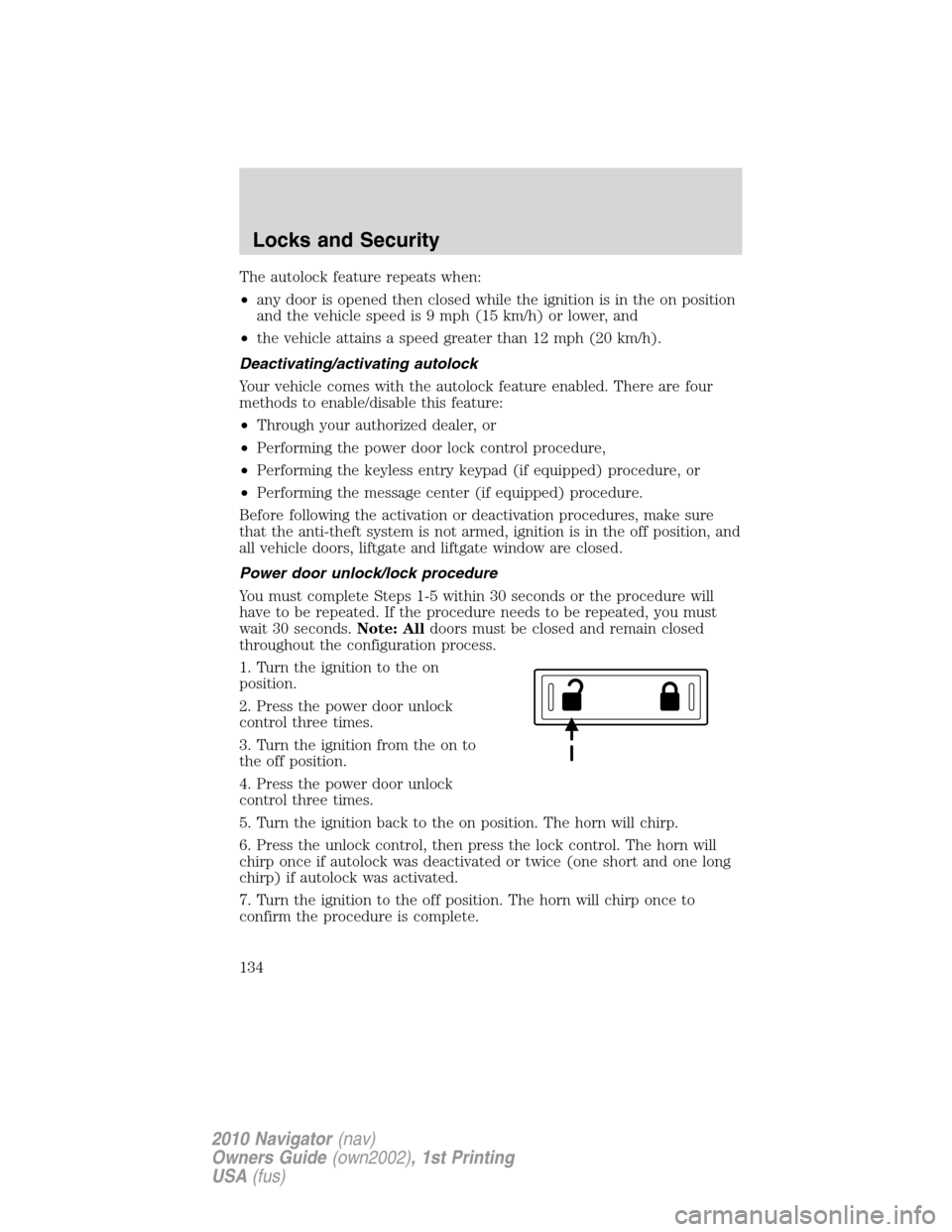
1. Turn the ignition to the on
position.
2. Press the power door unlock
control three times.
3. Turn the ignition from the on to
the off position.
4. Press the power door unlock
control three times.
5. Turn the ignition back to the on position. The horn will chirp.
6. Press the unlock control, then press the lock control. The horn will
chirp once if autolock was deactivated or twice (one short and one long
chirp) if autolock was activated.
7. Turn the ignition to the off position. The horn will chirp once to
confirm the procedure is complete.
Locks and Security
134
2010 Navigator(nav)
Owners Guide(own2002), 1st Printing
USA(fus)
Page 135 of 385
Keyless entry keypad procedure
1. Turn the ignition to the off position.
2. Close all doors, the liftgate and liftgate window.
3. Enter 5–digit entry code
4. Press and hold the 3•4. While holding the 3•4pressthe7•8.
5. Release the 7•8.
6. Release the 3•4.
The user should receive a horn chirp to indicate the system has been
disabled or a chirp followed by a honk to indicate the system has been
enabled.
Message center procedure
For information on activating/deactivating the autolock feature using the
vehicle’s message center, refer toMessage centerinformation in the
Instrument clusterchapter.
Autounlock feature
The autounlock feature will unlock all the doors, liftgate, and liftgate
window when:
•the ignition is in the on position, all the doors are closed, and the
vehicle has been in motion at a speed greater than 12 mph (20 km/h);
•the vehicle has then come to a stop and the ignition is turned to the
off or accessory position; and
•the driver door is opened within 10 minutes of the ignition being
transitioned to the off or accessory position.
Note:The doors will not autounlock if the vehicle has been
electronically locked before the driver door is opened.
Deactivating/activating autounlock feature
Your vehicle comes with the autounlock features activated; there are four
methods to enable/disable this feature:
•Through your authorized dealer,
•by using a power door unlock/lock sequence,
•using a keypad procedure (if equipped), or
•by using the instrument cluster message center (if equipped). Refer to
Message centerin theInstrument Clusterchapter.
Note:The autounlock feature can be activated/deactivated
independently of the autolock feature.
Locks and Security
135
2010 Navigator(nav)
Owners Guide(own2002), 1st Printing
USA(fus)
Page 138 of 385
The typical operating range for your IKT is approximately 33 feet
(10 meters). A decrease in operating range could be caused by:
•weather conditions,
•nearby radio towers,
•structures around the vehicle, or
•other vehicles parked next to your vehicle.
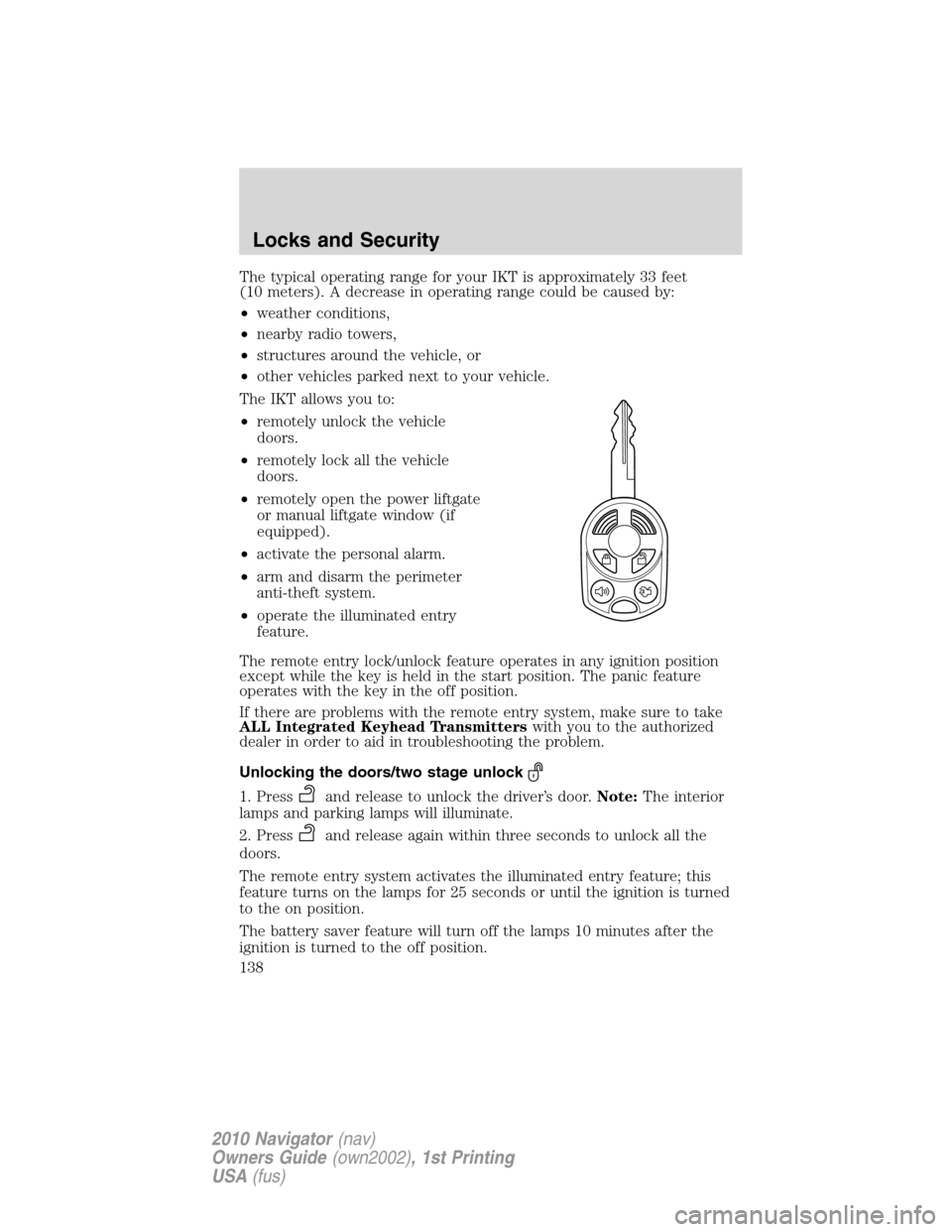
The IKT allows you to:
•remotely unlock the vehicle
doors.
•remotely lock all the vehicle
doors.
•remotely open the power liftgate
or manual liftgate window (if
equipped).
•activate the personal alarm.
•arm and disarm the perimeter
anti-theft system.
•operate the illuminated entry
feature.
The remote entry lock/unlock feature operates in any ignition position
except while the key is held in the start position. The panic feature
operates with the key in the off position.
If there are problems with the remote entry system, make sure to take
ALL Integrated Keyhead Transmitterswith you to the authorized
dealer in order to aid in troubleshooting the problem.
Unlocking the doors/two stage unlock
1. Pressand release to unlock the driver’s door.Note:The interior
lamps and parking lamps will illuminate.
2. Press
and release again within three seconds to unlock all the
doors.
The remote entry system activates the illuminated entry feature; this
feature turns on the lamps for 25 seconds or until the ignition is turned
to the on position.
The battery saver feature will turn off the lamps 10 minutes after the
ignition is turned to the off position.
Locks and Security
138
2010 Navigator(nav)
Owners Guide(own2002), 1st Printing
USA(fus)