sat nav LINCOLN NAVIGATOR 2015 Owner's Guide
[x] Cancel search | Manufacturer: LINCOLN, Model Year: 2015, Model line: NAVIGATOR, Model: LINCOLN NAVIGATOR 2015Pages: 475, PDF Size: 5.13 MB
Page 406 of 475
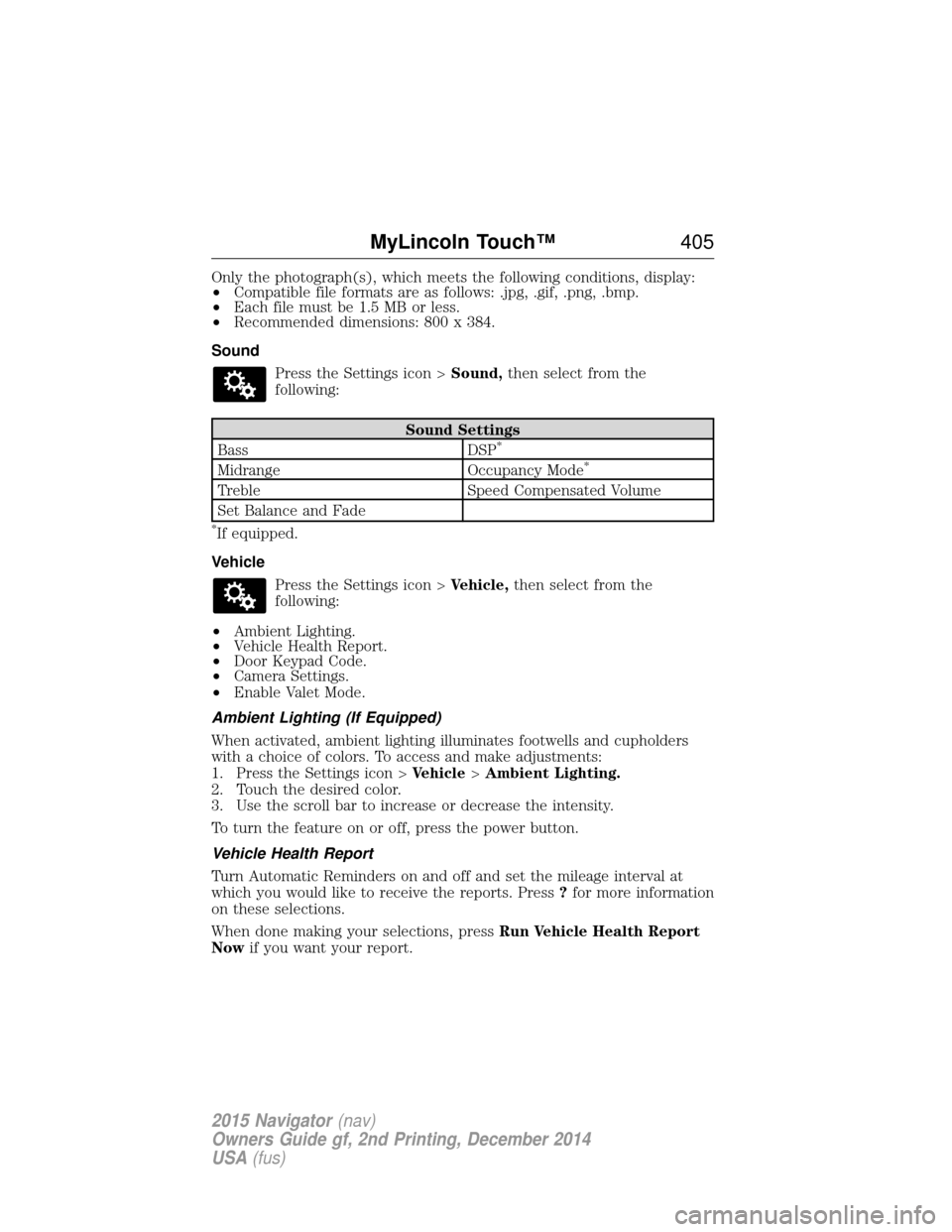
Only the photograph(s), which meets the following conditions, display:
•Compatible file formats are as follows: .jpg, .gif, .png, .bmp.
• Each file must be 1.5 MB or less.
• Recommended dimensions: 800 x 384.
Sound Press the Settings icon > Sound,then select from the
following:
Sound Settings
Bass DSP*
Midrange Occupancy Mode*
TrebleSpeed Compensated Volume
Set Balance and Fade
*If equipped.
Vehicle Press the Settings icon > Vehicle,then select from the
following:
• Ambient Lighting.
• Vehicle Health Report.
• Door Keypad Code.
• Camera Settings.
• Enable Valet Mode.
Ambient Lighting (If Equipped)
When activated, ambient lighting illuminates footwells and cupholders
with a choice of colors. To access and make adjustments:
1. Press the Settings icon > Vehicle>Ambient Lighting.
2. Touch the desired color.
3. Use the scroll bar to increase or decrease the intensity.
To turn the feature on or off, press the power button.
Vehicle Health Report
Turn Automatic Reminders on and off and set the mileage interval at
which you would like to receive the reports. Press ?for more information
on these selections.
When done making your selections, press Run Vehicle Health Report
Now if you want your report.
MyLincoln Touch™ 405
2015 Navigator(nav)
Owners Guide gf, 2nd Printing, December 2014
USA (fus)
Page 415 of 475
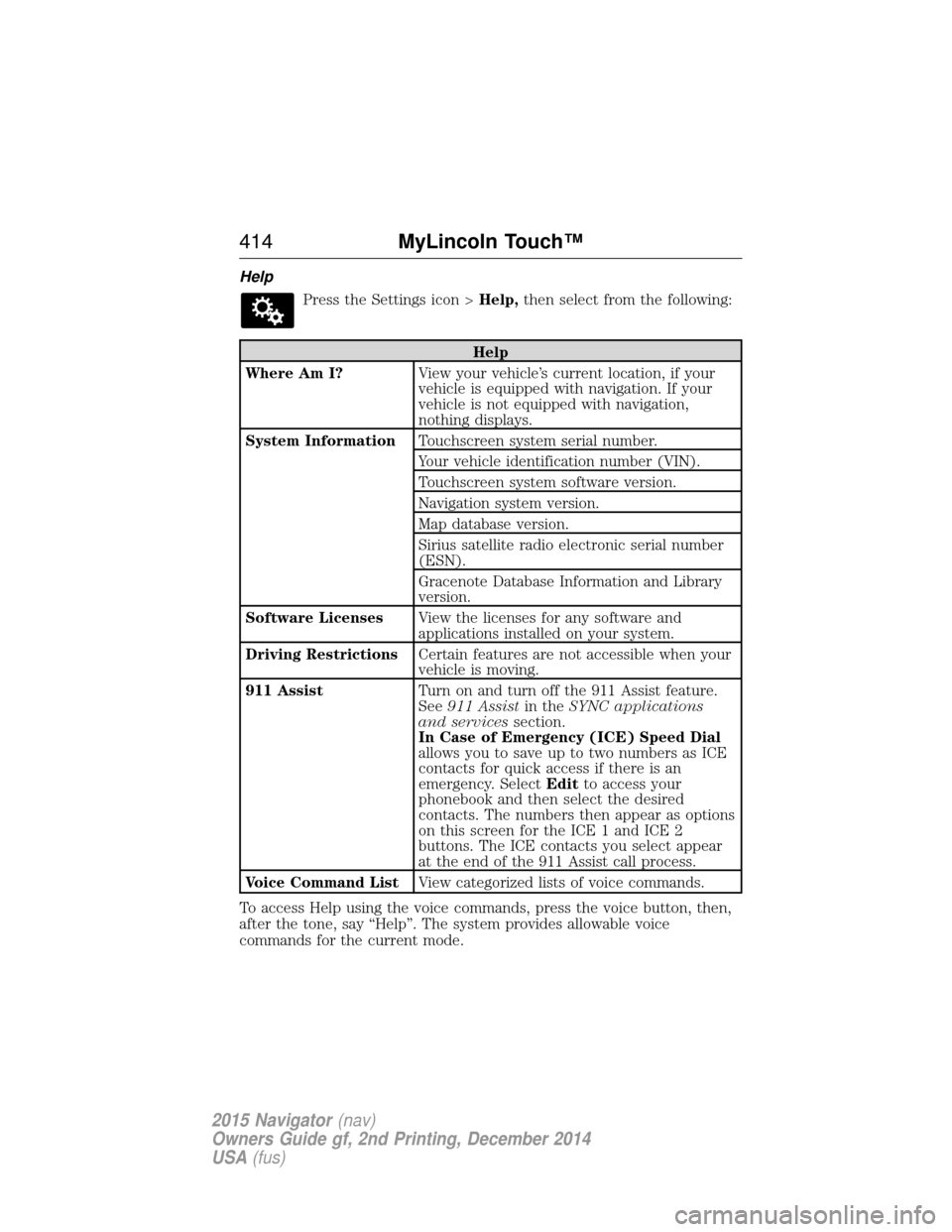
HelpPress the Settings icon > Help,then select from the following:
Help
Where Am I? View your vehicle’s current location, if your
vehicle is equipped with navigation. If your
vehicle is not equipped with navigation,
nothing displays.
System Information Touchscreen system serial number.
Your vehicle identification number (VIN).
Touchscreen system software version.
Navigation system version.
Map database version.
Sirius satellite radio electronic serial number
(ESN).
Gracenote Database Information and Library
version.
Software Licenses View the licenses for any software and
applications installed on your system.
Driving Restrictions Certain features are not accessible when your
vehicle is moving.
911 Assist Turn on and turn off the 911 Assist feature.
See911 Assist in theSYNC applications
and services section.
In Case of Emergency (ICE) Speed Dial
allows you to save up to two numbers as ICE
contacts for quick access if there is an
emergency. Select Editto access your
phonebook and then select the desired
contacts. The numbers then appear as options
on this screen for the ICE 1 and ICE 2
buttons. The ICE contacts you select appear
at the end of the 911 Assist call process.
Voice Command List View categorized lists of voice commands.
To access Help using the voice commands, press the voice button, then,
after the tone, say “Help”. The system provides allowable voice
commands for the current mode.
414 MyLincoln Touch™
2015 Navigator(nav)
Owners Guide gf, 2nd Printing, December 2014
USA (fus)
Page 428 of 475
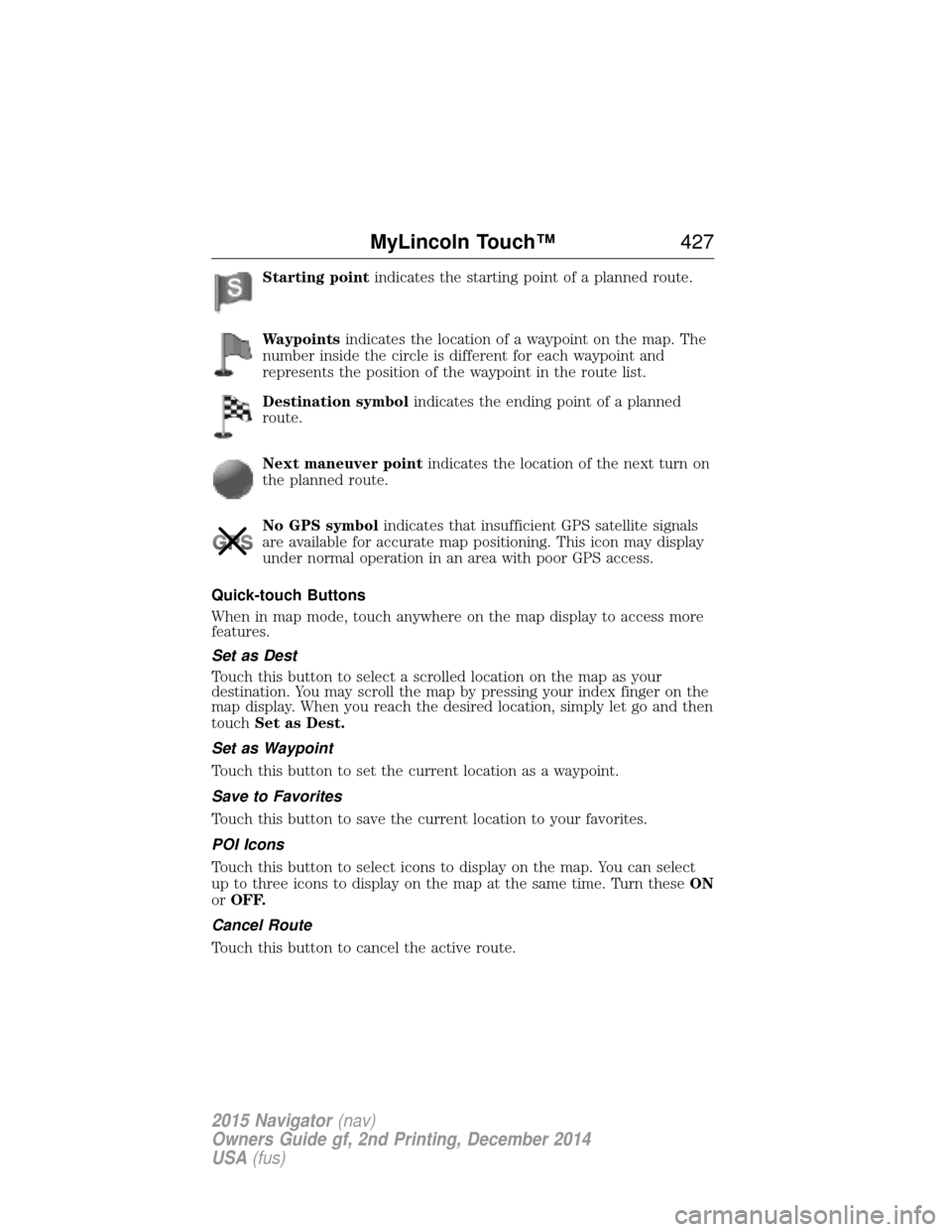
Starting pointindicates the starting point of a planned route.
Waypoints indicates the location of a waypoint on the map. The
number inside the circle is different for each waypoint and
represents the position of the waypoint in the route list.
Destination symbol indicates the ending point of a planned
route.
Next maneuver point indicates the location of the next turn on
the planned route.
No GPS symbol indicates that insufficient GPS satellite signals
are available for accurate map positioning. This icon may display
under normal operation in an area with poor GPS access.
Quick-touch Buttons
When in map mode, touch anywhere on the map display to access more
features.
Set as Dest
Touch this button to select a scrolled location on the map as your
destination. You may scroll the map by pressing your index finger on the
map display. When you reach the desired location, simply let go and then
touch Set as Dest.
Set as Waypoint
Touch this button to set the current location as a waypoint.
Save to Favorites
Touch this button to save the current location to your favorites.
POI Icons
Touch this button to select icons to display on the map. You can select
up to three icons to display on the map at the same time. Turn these ON
or OFF.
Cancel Route
Touch this button to cancel the active route.
MyLincoln Touch™ 427
2015 Navigator(nav)
Owners Guide gf, 2nd Printing, December 2014
USA (fus)
Page 451 of 475
GENERAL MAINTENANCE INFORMATION
Why Maintain Your Vehicle?
Carefully following the maintenance schedule helps protect against major
repair expenses resulting from neglect or inadequate maintenance and
may help to increase the value of your vehicle when you sell or trade it.
Keep all receipts for completed maintenance with your vehicle.
We have established regular maintenance intervals for your vehicle based
upon rigorous testing. It is important that you have your vehicle serviced
at the proper times. These intervals serve two purposes; one is to
maintain the reliability of your vehicle and the second is to keep your
cost of owning your vehicle down.
It is your responsibility to have all scheduled maintenance performed and
to make sure that the materials used meet the specifications identified in
theCapacities and Specifications chapter of this owner’s manual.
Failure to perform scheduled maintenance invalidates warranty coverage
on parts affected by the lack of maintenance.
Why Maintain Your Vehicle at Your Dealership?
Factory-Trained Technicians
Service technicians participate in extensive factory-sponsored
certification training to help them become experts on the operation of
your vehicle. Ask your dealership about the training and certification
their technicians have received.
Genuine Ford and Motorcraft® Replacement Parts
Dealerships stock Ford, Motorcraft and Ford-authorized branded
re-manufactured replacement parts. These parts meet or exceed our
specifications. Parts installed at your dealership carry a nationwide
24-month or unlimited miles (kilometers) parts and labor limited warranty.
If you do not use Ford authorized parts they may not meet our
specifications and depending on the part, it could affect emissions
compliance.
Convenience
Many dealerships have extended evening and Saturday hours to make
your service visit more convenient and they offer one stop shopping.
They can perform any services that are required on your vehicle, from
general maintenance to collision repairs.
Note: Not all dealers have extended hours or body shops. Please contact
your dealer for details.
450 Scheduled Maintenance
2015 Navigator (nav)
Owners Guide gf, 2nd Printing, December 2014
USA (fus)
Page 474 of 475
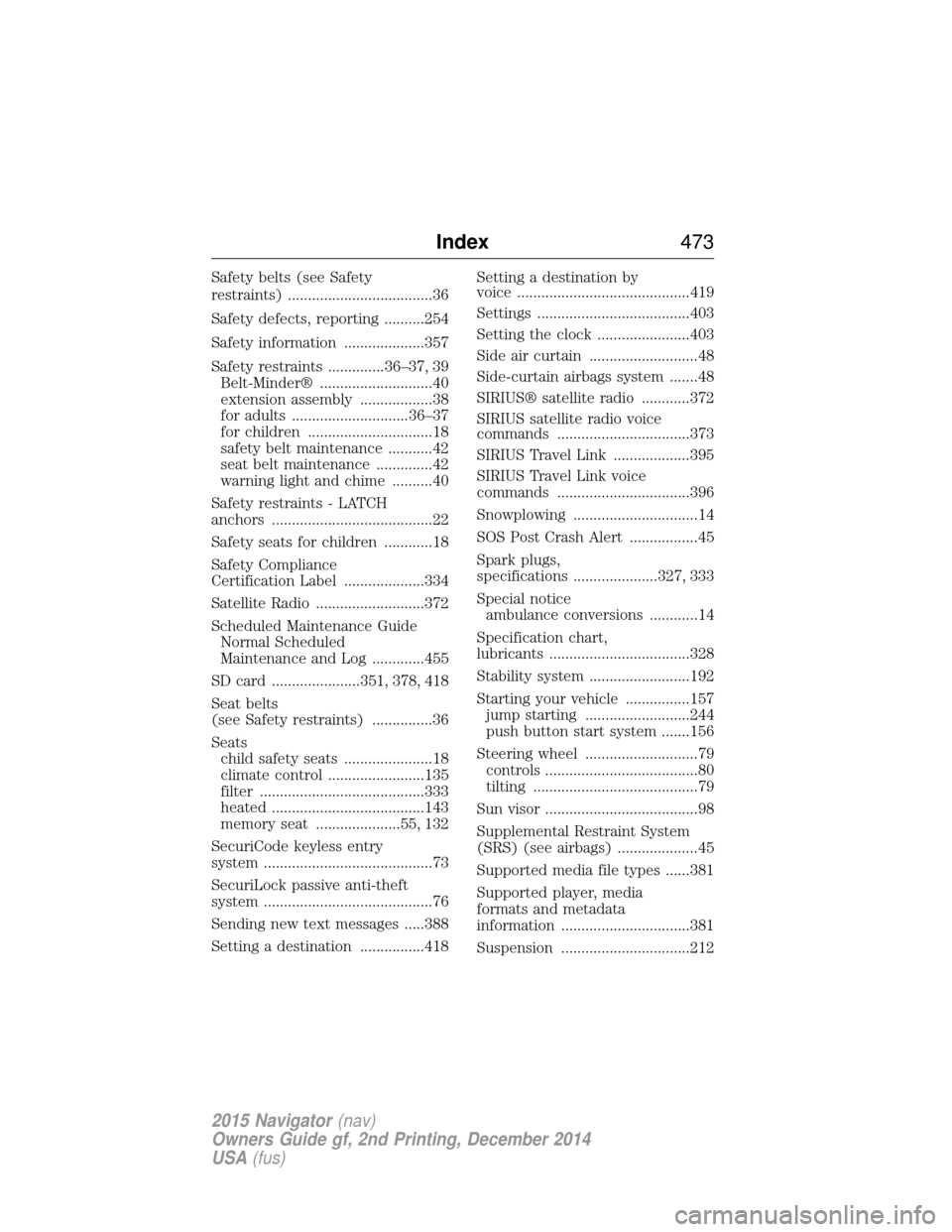
Safety belts (see Safety
restraints) ....................................36
Safety defects, reporting ..........254
Safety information ....................357
Safety restraints ..............36–37, 39Belt-Minder® ............................40
extension assembly ..................38
for adults .............................36–37
for children ...............................18
safety belt maintenance ...........42
seat belt maintenance ..............42
warning light and chime ..........40
Safety restraints - LATCH
anchors ........................................22
Safety seats for children ............18
Safety Compliance
Certification Label ....................334
Satellite Radio ...........................372
Scheduled Maintenance Guide Normal Scheduled
Maintenance and Log .............455
SD card ......................351, 378, 418
Seat belts
(see Safety restraints) ...............36
Seats child safety seats ......................18
climate control ........................135
filter .........................................333
heated ......................................143
memory seat .....................55, 132
SecuriCode keyless entry
system ..........................................73
SecuriLock passive anti-theft
system ..........................................76
Sending new text messages .....388
Setting a destination ................418 Setting a destination by
voice ...........................................419
Settings ......................................403
Setting the clock .......................403
Side air curtain ...........................48
Side-curtain airbags system .......48
SIRIUS® satellite radio ............372
SIRIUS satellite radio voice
commands .................................373
SIRIUS Travel Link ...................395
SIRIUS Travel Link voice
commands .................................396
Snowplowing ...............................14
SOS Post Crash Alert .................45
Spark plugs,
specifications .....................327, 333
Special notice
ambulance conversions ............14
Specification chart,
lubricants ...................................328
Stability system .........................192
Starting your vehicle ................157 jump starting ..........................244
push button start system .......156
Steering wheel ............................79 controls ......................................80
tilting .........................................79
Sun visor ......................................98
Supplemental Restraint System
(SRS) (see airbags) ....................45
Supported media file types ......381
Supported player, media
formats and metadata
information ................................381
Suspension ................................212
Index 473
2015 Navigator(nav)
Owners Guide gf, 2nd Printing, December 2014
USA (fus)