lights LINCOLN NAVIGATOR 2017 Owner's Manual
[x] Cancel search | Manufacturer: LINCOLN, Model Year: 2017, Model line: NAVIGATOR, Model: LINCOLN NAVIGATOR 2017Pages: 532, PDF Size: 3.9 MB
Page 408 of 532
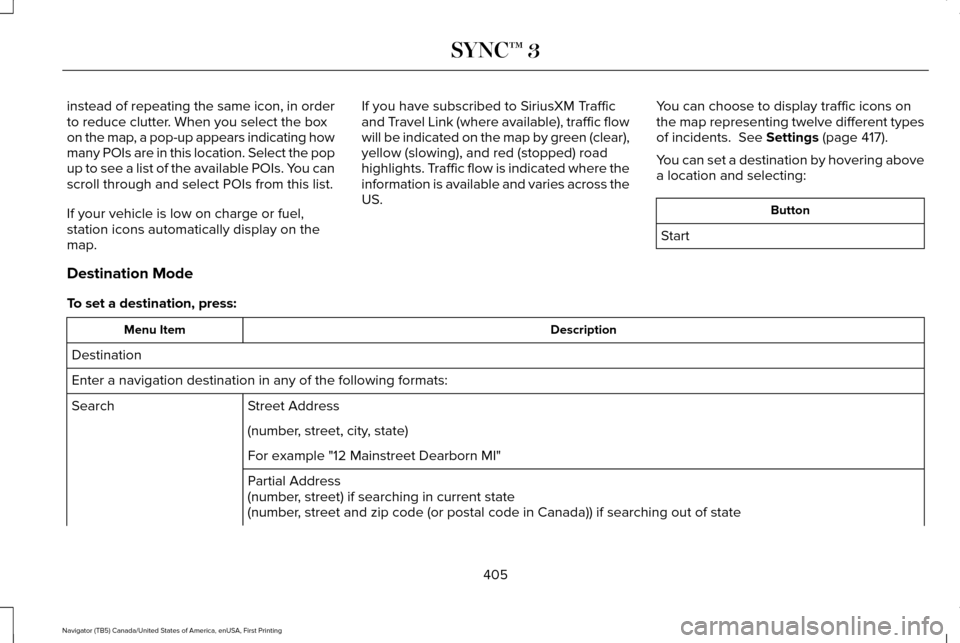
instead of repeating the same icon, in order
to reduce clutter. When you select the box
on the map, a pop-up appears indicating how
many POIs are in this location. Select the pop
up to see a list of the available POIs. You can
scroll through and select POIs from this list.
If your vehicle is low on charge or fuel,
station icons automatically display on the
map.
If you have subscribed to SiriusXM Traffic
and Travel Link (where available), traffic flow
will be indicated on the map by green (clear),
yellow (slowing), and red (stopped) road
highlights. Traffic flow is indicated where the
information is available and varies across the
US.
You can choose to display traffic icons on
the map representing twelve different types
of incidents. See Settings (page 417).
You can set a destination by hovering above
a location and selecting: Button
Start
Destination Mode
To set a destination, press: Description
Menu Item
Destination
Enter a navigation destination in any of the following formats: Street Address
Search
(number, street, city, state)
For example "12 Mainstreet Dearborn MI"
Partial Address
(number, street) if searching in current state
(number, street and zip code (or postal code in Canada)) if searching out of\
state
405
Navigator (TB5) Canada/United States of America, enUSA, First Printing SYNC™ 3
Page 461 of 532
Make sure to change your vehicle
’s oils and
fluids at the specified intervals or in
conjunction with a repair. Flushing is a viable
way to change fluid for many vehicle
sub-systems during scheduled maintenance. It is critical that systems are flushed only with
new fluid that is the same as that required
to fill and operate the system or using a
Ford-approved flushing chemical.
Owner Checks and Services
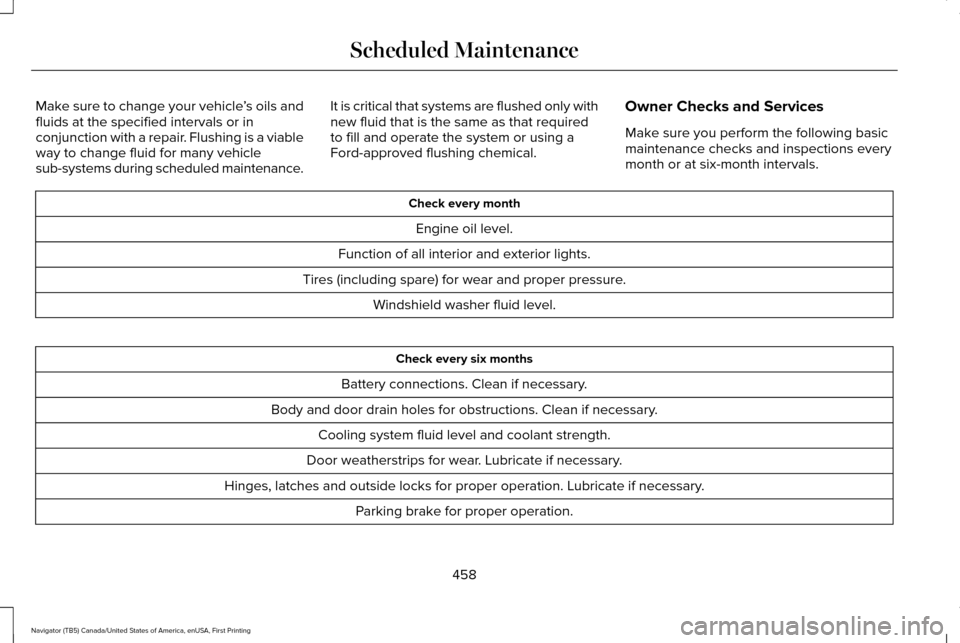
Make sure you perform the following basic
maintenance checks and inspections every
month or at six-month intervals. Check every month
Engine oil level.
Function of all interior and exterior lights.
Tires (including spare) for wear and proper pressure. Windshield washer fluid level. Check every six months
Battery connections. Clean if necessary.
Body and door drain holes for obstructions. Clean if necessary. Cooling system fluid level and coolant strength.
Door weatherstrips for wear. Lubricate if necessary.
Hinges, latches and outside locks for proper operation. Lubricate if necessary. Parking brake for proper operation.
458
Navigator (TB5) Canada/United States of America, enUSA, First Printing Scheduled Maintenance
Page 531 of 532
U
Under Hood Overview................................264
Universal Garage Door Opener................145
HomeLink Wireless Control System...............145
USB Port..........................................................347
Using Cruise Control....................................199
Switching Cruise Control Off..........................200
Switching Cruise Control On and Off............199
Using Four-Wheel Drive
...............................174
4WD Indicator Lights..........................................174
4WD Switch Positions.........................................174
Driving Off-Road With Truck and Utility
Vehicles.............................................................176
How Your Vehicle Differs From Other Vehicles.............................................................176
Using Hill Descent Control..........................191 Principle of Operation.........................................
191
Using Hill Descent Control................................191
Using MyKey With Remote Start Systems..........................................................59
Using Power Running Boards......................72 Automatic Power Deploy....................................72
Automatic Power Stow........................................72
Bounce-back..........................................................73
Enabling and Disabling........................................72
Manual Power Deploy.........................................72
Using Snow Chains.......................................312 Using Stability Control.................................188
Stability Control and Traction Control with Roll
Stability Control™ (RSC™)................................188
Using Traction Control.................................185 Switching the System Off .................................185
System Indicator Lights and Messages.........
185
Using Voice Recognition............................367 Audio Voice Commands...................................369
Climate Voice Commands................................370
Mobile App Voice Commands.........................374
Navigation Voice Commands..........................373
Phone Voice Commands...................................371
SiriusXM Traffic and Travel Link Voice
Commands.......................................................375
Voice Settings Commands...............................376
Utilizing the Mediation/Arbitration Program (Canada Only)
..............................................241
V
Vehicle Care
..................................................285
General Information...........................................285
Vehicle Certification Label
.........................330
Vehicle Identification Number..................330
Vehicle Storage............................................293
Battery...................................................................294
Body.......................................................................293
Brakes...................................................................294 Cooling system...................................................294
Engine...................................................................293
Fuel system..........................................................293
General.................................................................293
Miscellaneous.....................................................294
Removing Vehicle From Storage...................294
Tires.......................................................................294
Ventilation See: Climate Control..........................................122
VIN See: Vehicle Identification Number...............330
Voice Control
...................................................78
Type One.................................................................78
Type Two.................................................................79
W
Warning Lamps and Indicators
....................98
4X2........................................................................\
...101
4X4 Auto.................................................................101
4X4 HIGH...............................................................101
Anti-Lock Braking System..................................98
Battery.....................................................................98
Brake System.........................................................98
Cruise Control........................................................98
Direction Indicator................................................98
Door Ajar.................................................................99
Engine Coolant Temperature............................99
528
Navigator (TB5) Canada/United States of America, enUSA, First Printing Index