remote start LINCOLN NAVIGATOR 2019 Owner's Manual
[x] Cancel search | Manufacturer: LINCOLN, Model Year: 2019, Model line: NAVIGATOR, Model: LINCOLN NAVIGATOR 2019Pages: 645, PDF Size: 5.02 MB
Page 405 of 645
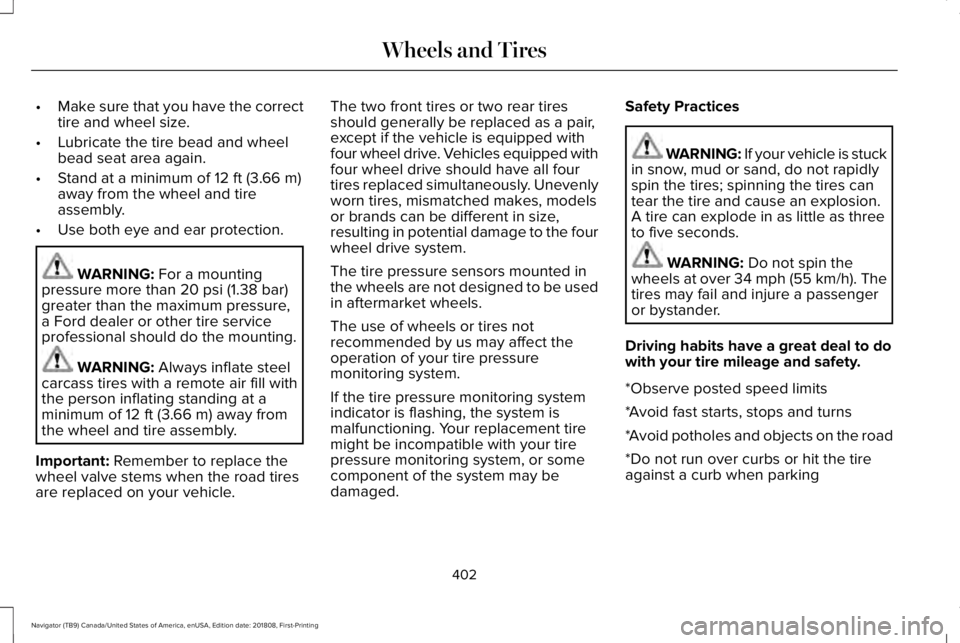
•Make sure that you have the correcttire and wheel size.
•Lubricate the tire bead and wheelbead seat area again.
•Stand at a minimum of 12 ft (3.66 m)away from the wheel and tire
assembly.
•Use both eye and ear protection.
WARNING: For a mountingpressure more than 20 psi (1.38 bar)greater than the maximum pressure,a Ford dealer or other tire serviceprofessional should do the mounting.
WARNING: Always inflate steelcarcass tires with a remote air fill withthe person inflating standing at aminimum of 12 ft (3.66 m) away fromthe wheel and tire assembly.
Important: Remember to replace thewheel valve stems when the road tiresare replaced on your vehicle.
The two front tires or two rear tiresshould generally be replaced as a pair,except if the vehicle is equipped withfour wheel drive. Vehicles equipped withfour wheel drive should have all fourtires replaced simultaneously. Unevenlyworn tires, mismatched makes, modelsor brands can be different in size,resulting in potential damage to the fourwheel drive system.
The tire pressure sensors mounted inthe wheels are not designed to be usedin aftermarket wheels.
The use of wheels or tires notrecommended by us may affect theoperation of your tire pressuremonitoring system.
If the tire pressure monitoring system
indicator is flashing, the system ismalfunctioning. Your replacement tiremight be incompatible with your tirepressure monitoring system, or somecomponent of the system may bedamaged.
Safety Practices
WARNING: If your vehicle is stuckin snow, mud or sand, do not rapidlyspin the tires; spinning the tires cantear the tire and cause an explosion.A tire can explode in as little as threeto five seconds.
WARNING: Do not spin thewheels at over 34 mph (55 km/h). Thetires may fail and injure a passengeror bystander.
Driving habits have a great deal to dowith your tire mileage and safety.
*Observe posted speed limits
*Avoid fast starts, stops and turns
*Avoid potholes and objects on the road
*Do not run over curbs or hit the tireagainst a curb when parking
402
Navigator (TB9) Canada/United States of America, enUSA, Edition date: 201808, First-Printing
Wheels and Tires
Page 457 of 645
Website
www.syncmaroute.ca
Lincoln Connect with Lincoln Way (If
Equipped)
With a Lincoln Connect-equipped vehicle,you can use Lincoln Way® to track yourvehicle’s location and remotely accessvehicle features such as start, lock andunlock and vehicle status including fuel leveland approximate mileage. You can alsoschedule specific times to remotely start yourvehicle so it’s ready to hit the road as soonas you are. Lincoln Way® is available througha free download via the Apple App Store®or Google Play™. Message and data ratesmay apply. Services may be limited by mobilephone network coverage area.
•FCC: LHJ-FAN
•IC: 2807E-FAN
Updating Your System
You can choose to download the updateonto a USB drive or use Wi-Fi to deliverautomatic updates.
USB Updates
To use the USB update you need to log intoyour owner account and visit the SYNCsoftware update page.
Website
www.owner.lincoln.comwww.syncmyride.cawww.syncmaroute.ca
The website notifies you if an update isavailable. You can then select to downloadthe update.
You will need an empty USB drive. Pleasecheck the website for minimumrequirements. Once you have inserted theUSB drive into your computer, choose to startthe download. Follow the instructionsprovided to download the files to the USBdrive.
The installation of most files occurs in thebackground, and does not interrupt your useof the system. Navigation updates cannot beinstalled in the background, because the filesare too large.
To install the update in your vehicle, removeanything that is plugged in the USB ports onthe media hub and plug in the USB drivecontaining the update. When the USB driveis plugged in, the installation should beginimmediately. After a successful installation,the update is available the next time thevehicle is started.
Please reference the website for any furtheractions.
Updating Over Wi-Fi
To update your System over Wi-Fi yourvehicle must be within the range of a Wi-Fiaccess point. Data rates may apply.
454
Navigator (TB9) Canada/United States of America, enUSA, Edition date: 201808, First-Printing
SYNC™ 3
Page 542 of 645
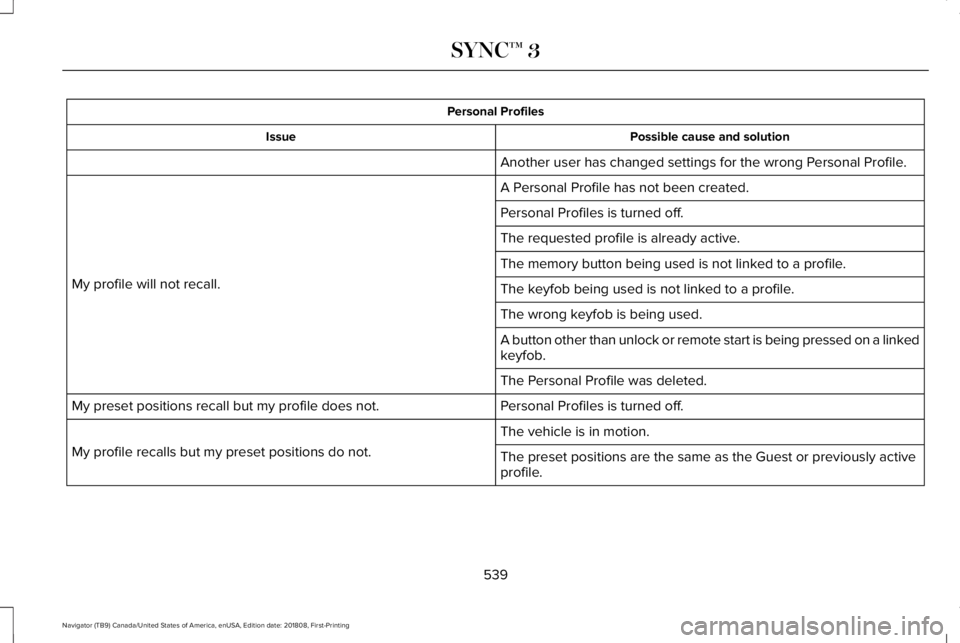
Personal Profiles
Possible cause and solutionIssue
Another user has changed settings for the wrong Personal Profile.
A Personal Profile has not been created.
My profile will not recall.
Personal Profiles is turned off.
The requested profile is already active.
The memory button being used is not linked to a profile.
The keyfob being used is not linked to a profile.
The wrong keyfob is being used.
A button other than unlock or remote start is being pressed on a linkedkeyfob.
The Personal Profile was deleted.
Personal Profiles is turned off.My preset positions recall but my profile does not.
The vehicle is in motion.
My profile recalls but my preset positions do not.The preset positions are the same as the Guest or previously activeprofile.
539
Navigator (TB9) Canada/United States of America, enUSA, Edition date: 201808, First-Printing
SYNC™ 3
Page 545 of 645
For a complete listing of the accessories thatare available for your vehicle, please contactyour authorized dealer or visit the onlinestore web site:
Web Address (United States)
www.Accessories.Lincoln.com
Web Address (Canada)
www.LincolnCanada.com
Lincoln Motor Company will repair or replaceany properly authorized dealer-installedLincoln Original Accessory found to bedefective in factory-supplied materials orworkmanship during the warranty period, aswell as any component damaged by thedefective accessories.
Lincoln Motor Company will warrant yourLincoln Original Accessory through thewarranty that provides the greatest benefit:
•24 months, unlimited mileage.
•The remainder of your new vehiclelimited warranty.
Contact an authorized dealer for details anda copy of the warranty.
Exterior Style
•Side window deflectors*.
•Splash guards.
Interior Style
•Floor mats.
•Rear seat entertainment system*.
Lifestyle
•Ash cup or coin holder.
•Cargo organization and management.
•Portable audio speaker*.
•Roof rack and carriers*.
•SUV camping tent*.
•Trailer hitches, wiring harnesses andaccessories.
Peace of Mind
•Car cover*.
•Remote start.
•Roadside assistance kits*.
•Vehicle security.
•Wheel locks.
•Window sunscreen*.
*Lincoln Licensed Accessory. The accessorymanufacturer designs, develops andtherefore warrants Lincoln LicensedAccessories, and does not design or testthese accessories to Lincoln Motor Companyengineering requirements. Contact anauthorized Lincoln dealer for the accessorymanufacturer's limited warranty details andrequest a copy of the Lincoln LicensedAccessories product limited warranty fromthe accessory manufacturer.
542
Navigator (TB9) Canada/United States of America, enUSA, Edition date: 201808, First-Printing
Accessories
Page 638 of 645
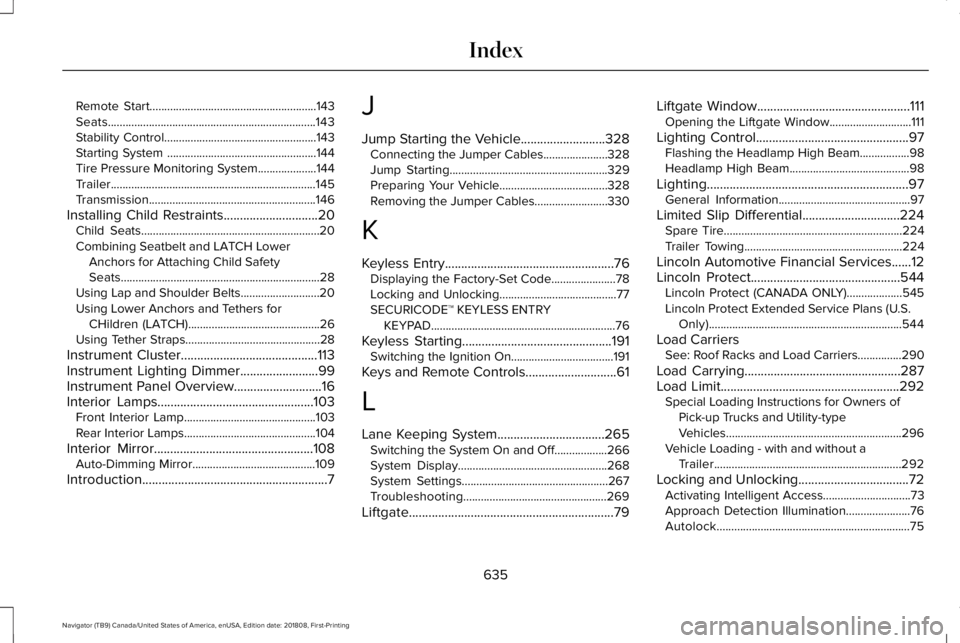
Remote Start.........................................................143Seats.......................................................................143Stability Control....................................................143Starting System ...................................................144Tire Pressure Monitoring System....................144Trailer......................................................................145Transmission.........................................................146
Installing Child Restraints.............................20Child Seats.............................................................20Combining Seatbelt and LATCH LowerAnchors for Attaching Child SafetySeats....................................................................28Using Lap and Shoulder Belts...........................20Using Lower Anchors and Tethers forCHildren (LATCH).............................................26Using Tether Straps..............................................28
Instrument Cluster..........................................113Instrument Lighting Dimmer........................99Instrument Panel Overview...........................16Interior Lamps................................................103Front Interior Lamp.............................................103Rear Interior Lamps.............................................104
Interior Mirror.................................................108Auto-Dimming Mirror..........................................109
Introduction.........................................................7
J
Jump Starting the Vehicle..........................328Connecting the Jumper Cables......................328Jump Starting......................................................329Preparing Your Vehicle.....................................328Removing the Jumper Cables.........................330
K
Keyless Entry....................................................76Displaying the Factory-Set Code......................78Locking and Unlocking........................................77SECURICODE™ KEYLESS ENTRYKEYPAD...............................................................76
Keyless Starting..............................................191Switching the Ignition On...................................191
Keys and Remote Controls............................61
L
Lane Keeping System.................................265Switching the System On and Off..................266System Display...................................................268System Settings..................................................267Troubleshooting.................................................269
Liftgate...............................................................79
Liftgate Window...............................................111Opening the Liftgate Window............................111
Lighting Control...............................................97Flashing the Headlamp High Beam.................98Headlamp High Beam.........................................98
Lighting..............................................................97General Information.............................................97
Limited Slip Differential..............................224Spare Tire.............................................................224Trailer Towing......................................................224
Lincoln Automotive Financial Services......12Lincoln Protect..............................................544Lincoln Protect (CANADA ONLY)...................545Lincoln Protect Extended Service Plans (U.S.Only)..................................................................544
Load CarriersSee: Roof Racks and Load Carriers...............290
Load Carrying................................................287Load Limit.......................................................292Special Loading Instructions for Owners ofPick-up Trucks and Utility-typeVehicles............................................................296Vehicle Loading - with and without aTrailer................................................................292
Locking and Unlocking..................................72Activating Intelligent Access..............................73Approach Detection Illumination......................76Autolock..................................................................75
635
Navigator (TB9) Canada/United States of America, enUSA, Edition date: 201808, First-Printing
Index
Page 641 of 645
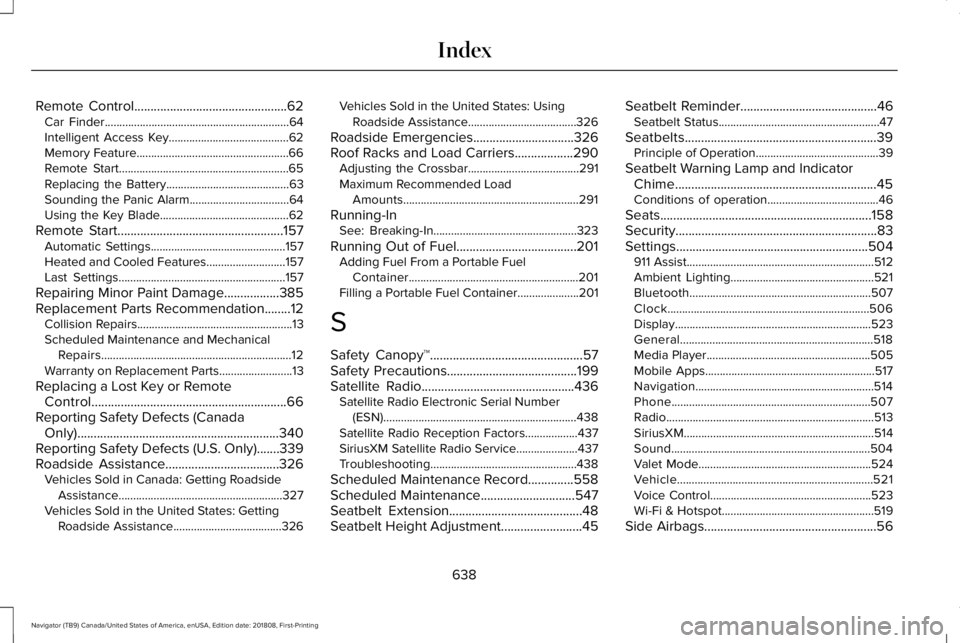
Remote Control...............................................62Car Finder...............................................................64Intelligent Access Key.........................................62Memory Feature....................................................66Remote Start..........................................................65Replacing the Battery..........................................63Sounding the Panic Alarm..................................64Using the Key Blade............................................62
Remote Start...................................................157Automatic Settings..............................................157Heated and Cooled Features...........................157Last Settings.........................................................157
Repairing Minor Paint Damage.................385Replacement Parts Recommendation........12Collision Repairs.....................................................13Scheduled Maintenance and MechanicalRepairs.................................................................12Warranty on Replacement Parts.........................13
Replacing a Lost Key or RemoteControl............................................................66Reporting Safety Defects (CanadaOnly)..............................................................340Reporting Safety Defects (U.S. Only).......339Roadside Assistance...................................326Vehicles Sold in Canada: Getting RoadsideAssistance........................................................327Vehicles Sold in the United States: GettingRoadside Assistance.....................................326
Vehicles Sold in the United States: UsingRoadside Assistance.....................................326
Roadside Emergencies...............................326Roof Racks and Load Carriers..................290Adjusting the Crossbar......................................291Maximum Recommended LoadAmounts............................................................291
Running-InSee: Breaking-In.................................................323
Running Out of Fuel.....................................201Adding Fuel From a Portable FuelContainer..........................................................201Filling a Portable Fuel Container.....................201
S
Safety Canopy™...............................................57Safety Precautions........................................199Satellite Radio...............................................436Satellite Radio Electronic Serial Number(ESN)..................................................................438Satellite Radio Reception Factors..................437SiriusXM Satellite Radio Service.....................437Troubleshooting..................................................438
Scheduled Maintenance Record..............558Scheduled Maintenance.............................547Seatbelt Extension.........................................48Seatbelt Height Adjustment.........................45
Seatbelt Reminder..........................................46Seatbelt Status.......................................................47
Seatbelts...........................................................39Principle of Operation..........................................39
Seatbelt Warning Lamp and IndicatorChime..............................................................45Conditions of operation......................................46
Seats.................................................................158Security..............................................................83Settings...........................................................504911 Assist................................................................512Ambient Lighting.................................................521Bluetooth..............................................................507Clock.....................................................................506Display...................................................................523General..................................................................518Media Player........................................................505Mobile Apps..........................................................517Navigation.............................................................514Phone....................................................................507Radio.......................................................................513SiriusXM.................................................................514Sound....................................................................504Valet Mode...........................................................524Vehicle...................................................................521Voice Control.......................................................523Wi-Fi & Hotspot....................................................519
Side Airbags.....................................................56
638
Navigator (TB9) Canada/United States of America, enUSA, Edition date: 201808, First-Printing
Index
Page 643 of 645
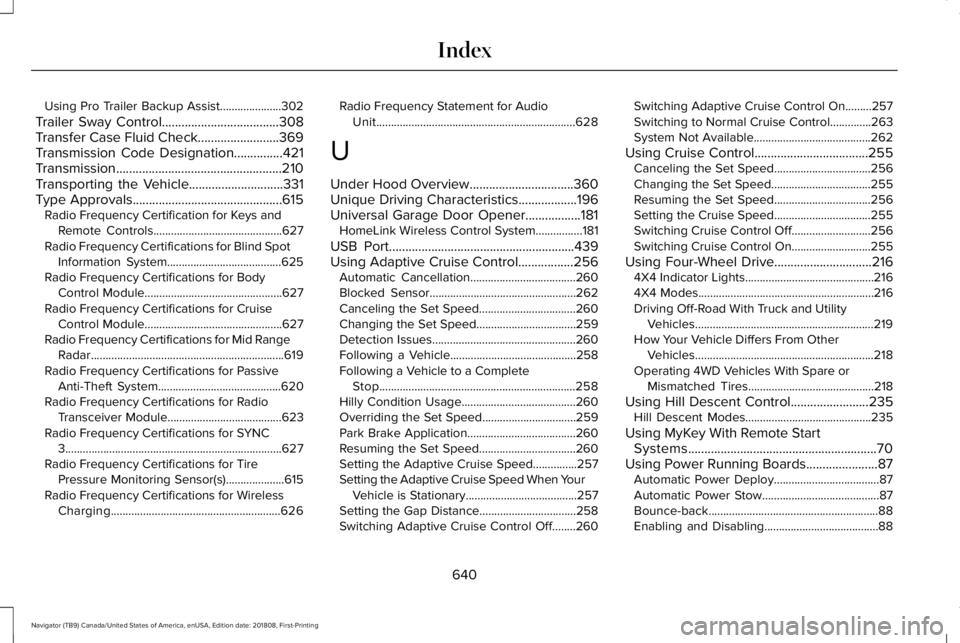
Using Pro Trailer Backup Assist.....................302
Trailer Sway Control....................................308Transfer Case Fluid Check.........................369Transmission Code Designation...............421Transmission...................................................210Transporting the Vehicle.............................331Type Approvals..............................................615Radio Frequency Certification for Keys andRemote Controls............................................627Radio Frequency Certifications for Blind SpotInformation System.......................................625Radio Frequency Certifications for BodyControl Module...............................................627Radio Frequency Certifications for CruiseControl Module...............................................627Radio Frequency Certifications for Mid RangeRadar..................................................................619Radio Frequency Certifications for PassiveAnti-Theft System..........................................620Radio Frequency Certifications for RadioTransceiver Module.......................................623Radio Frequency Certifications for SYNC3..........................................................................627Radio Frequency Certifications for TirePressure Monitoring Sensor(s)....................615Radio Frequency Certifications for WirelessCharging..........................................................626
Radio Frequency Statement for AudioUnit....................................................................628
U
Under Hood Overview................................360Unique Driving Characteristics..................196Universal Garage Door Opener.................181HomeLink Wireless Control System................181
USB Port.........................................................439Using Adaptive Cruise Control.................256Automatic Cancellation....................................260Blocked Sensor..................................................262Canceling the Set Speed.................................260Changing the Set Speed..................................259Detection Issues.................................................260Following a Vehicle...........................................258Following a Vehicle to a CompleteStop...................................................................258Hilly Condition Usage.......................................260Overriding the Set Speed................................259Park Brake Application.....................................260Resuming the Set Speed.................................260Setting the Adaptive Cruise Speed...............257Setting the Adaptive Cruise Speed When YourVehicle is Stationary......................................257Setting the Gap Distance.................................258Switching Adaptive Cruise Control Off........260
Switching Adaptive Cruise Control On.........257Switching to Normal Cruise Control..............263System Not Available........................................262
Using Cruise Control...................................255Canceling the Set Speed.................................256Changing the Set Speed..................................255Resuming the Set Speed.................................256Setting the Cruise Speed.................................255Switching Cruise Control Off...........................256Switching Cruise Control On...........................255
Using Four-Wheel Drive..............................2164X4 Indicator Lights............................................2164X4 Modes............................................................216Driving Off-Road With Truck and UtilityVehicles.............................................................219How Your Vehicle Differs From OtherVehicles.............................................................218Operating 4WD Vehicles With Spare orMismatched Tires...........................................218
Using Hill Descent Control........................235Hill Descent Modes...........................................235
Using MyKey With Remote StartSystems..........................................................70Using Power Running Boards......................87Automatic Power Deploy....................................87Automatic Power Stow........................................87Bounce-back..........................................................88Enabling and Disabling.......................................88
640
Navigator (TB9) Canada/United States of America, enUSA, Edition date: 201808, First-Printing
Index