audio LINCOLN NAVIGATOR 2019 Repair Manual
[x] Cancel search | Manufacturer: LINCOLN, Model Year: 2019, Model line: NAVIGATOR, Model: LINCOLN NAVIGATOR 2019Pages: 645, PDF Size: 5.02 MB
Page 633 of 645
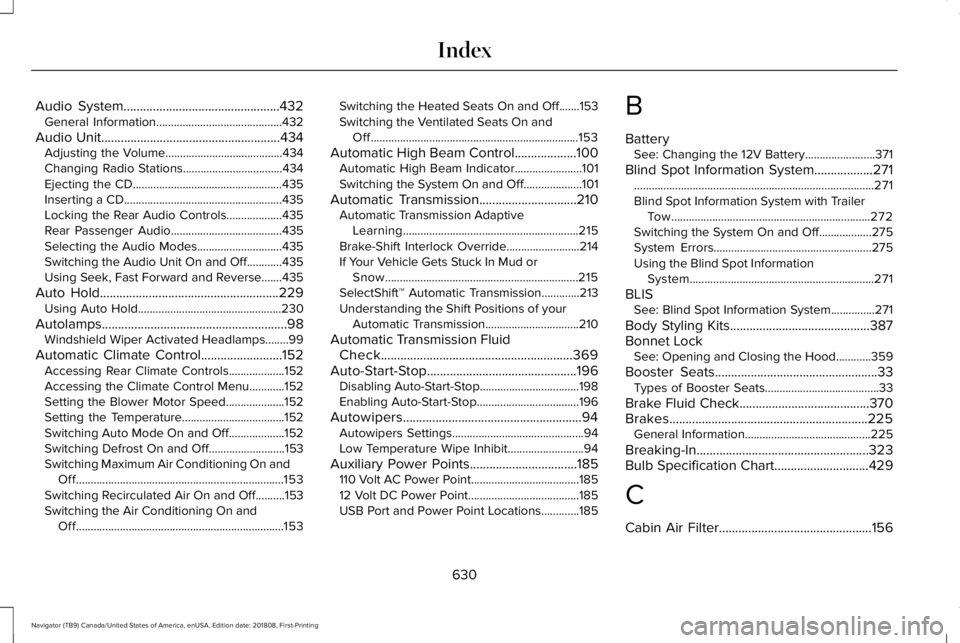
Audio System................................................432General Information...........................................432
Audio Unit.......................................................434Adjusting the Volume........................................434Changing Radio Stations..................................434Ejecting the CD...................................................435Inserting a CD......................................................435Locking the Rear Audio Controls...................435Rear Passenger Audio......................................435Selecting the Audio Modes.............................435Switching the Audio Unit On and Off............435Using Seek, Fast Forward and Reverse.......435
Auto Hold.......................................................229Using Auto Hold.................................................230
Autolamps.........................................................98Windshield Wiper Activated Headlamps........99
Automatic Climate Control.........................152Accessing Rear Climate Controls...................152Accessing the Climate Control Menu............152Setting the Blower Motor Speed....................152Setting the Temperature...................................152Switching Auto Mode On and Off...................152Switching Defrost On and Off..........................153Switching Maximum Air Conditioning On andOff.......................................................................153Switching Recirculated Air On and Off..........153Switching the Air Conditioning On andOff.......................................................................153
Switching the Heated Seats On and Off.......153Switching the Ventilated Seats On andOff.......................................................................153
Automatic High Beam Control...................100Automatic High Beam Indicator.......................101Switching the System On and Off....................101
Automatic Transmission..............................210Automatic Transmission AdaptiveLearning............................................................215Brake-Shift Interlock Override.........................214If Your Vehicle Gets Stuck In Mud orSnow..................................................................215SelectShift™ Automatic Transmission.............213Understanding the Shift Positions of yourAutomatic Transmission................................210
Automatic Transmission FluidCheck...........................................................369Auto-Start-Stop..............................................196Disabling Auto-Start-Stop..................................198Enabling Auto-Start-Stop...................................196
Autowipers.......................................................94Autowipers Settings.............................................94Low Temperature Wipe Inhibit..........................94
Auxiliary Power Points.................................185110 Volt AC Power Point.....................................18512 Volt DC Power Point......................................185USB Port and Power Point Locations.............185
B
BatterySee: Changing the 12V Battery........................371
Blind Spot Information System..................271..................................................................................271Blind Spot Information System with TrailerTow....................................................................272Switching the System On and Off..................275System Errors......................................................275Using the Blind Spot InformationSystem...............................................................271
BLISSee: Blind Spot Information System...............271
Body Styling Kits...........................................387Bonnet LockSee: Opening and Closing the Hood............359
Booster Seats..................................................33Types of Booster Seats.......................................33
Brake Fluid Check........................................370Brakes.............................................................225General Information...........................................225
Breaking-In.....................................................323Bulb Specification Chart.............................429
C
Cabin Air Filter...............................................156
630
Navigator (TB9) Canada/United States of America, enUSA, Edition date: 201808, First-Printing
Index
Page 643 of 645
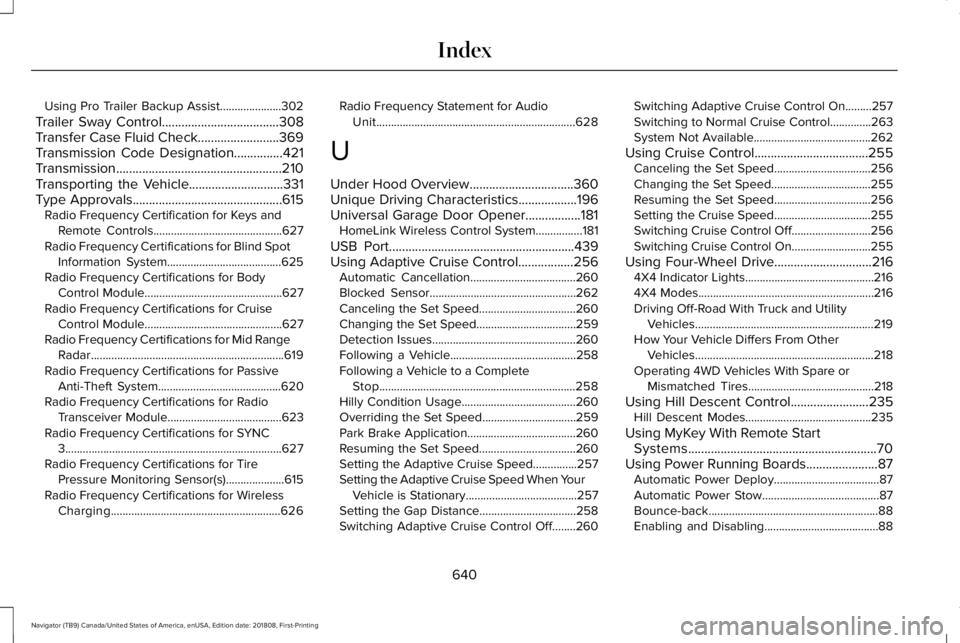
Using Pro Trailer Backup Assist.....................302
Trailer Sway Control....................................308Transfer Case Fluid Check.........................369Transmission Code Designation...............421Transmission...................................................210Transporting the Vehicle.............................331Type Approvals..............................................615Radio Frequency Certification for Keys andRemote Controls............................................627Radio Frequency Certifications for Blind SpotInformation System.......................................625Radio Frequency Certifications for BodyControl Module...............................................627Radio Frequency Certifications for CruiseControl Module...............................................627Radio Frequency Certifications for Mid RangeRadar..................................................................619Radio Frequency Certifications for PassiveAnti-Theft System..........................................620Radio Frequency Certifications for RadioTransceiver Module.......................................623Radio Frequency Certifications for SYNC3..........................................................................627Radio Frequency Certifications for TirePressure Monitoring Sensor(s)....................615Radio Frequency Certifications for WirelessCharging..........................................................626
Radio Frequency Statement for AudioUnit....................................................................628
U
Under Hood Overview................................360Unique Driving Characteristics..................196Universal Garage Door Opener.................181HomeLink Wireless Control System................181
USB Port.........................................................439Using Adaptive Cruise Control.................256Automatic Cancellation....................................260Blocked Sensor..................................................262Canceling the Set Speed.................................260Changing the Set Speed..................................259Detection Issues.................................................260Following a Vehicle...........................................258Following a Vehicle to a CompleteStop...................................................................258Hilly Condition Usage.......................................260Overriding the Set Speed................................259Park Brake Application.....................................260Resuming the Set Speed.................................260Setting the Adaptive Cruise Speed...............257Setting the Adaptive Cruise Speed When YourVehicle is Stationary......................................257Setting the Gap Distance.................................258Switching Adaptive Cruise Control Off........260
Switching Adaptive Cruise Control On.........257Switching to Normal Cruise Control..............263System Not Available........................................262
Using Cruise Control...................................255Canceling the Set Speed.................................256Changing the Set Speed..................................255Resuming the Set Speed.................................256Setting the Cruise Speed.................................255Switching Cruise Control Off...........................256Switching Cruise Control On...........................255
Using Four-Wheel Drive..............................2164X4 Indicator Lights............................................2164X4 Modes............................................................216Driving Off-Road With Truck and UtilityVehicles.............................................................219How Your Vehicle Differs From OtherVehicles.............................................................218Operating 4WD Vehicles With Spare orMismatched Tires...........................................218
Using Hill Descent Control........................235Hill Descent Modes...........................................235
Using MyKey With Remote StartSystems..........................................................70Using Power Running Boards......................87Automatic Power Deploy....................................87Automatic Power Stow........................................87Bounce-back..........................................................88Enabling and Disabling.......................................88
640
Navigator (TB9) Canada/United States of America, enUSA, Edition date: 201808, First-Printing
Index
Page 644 of 645
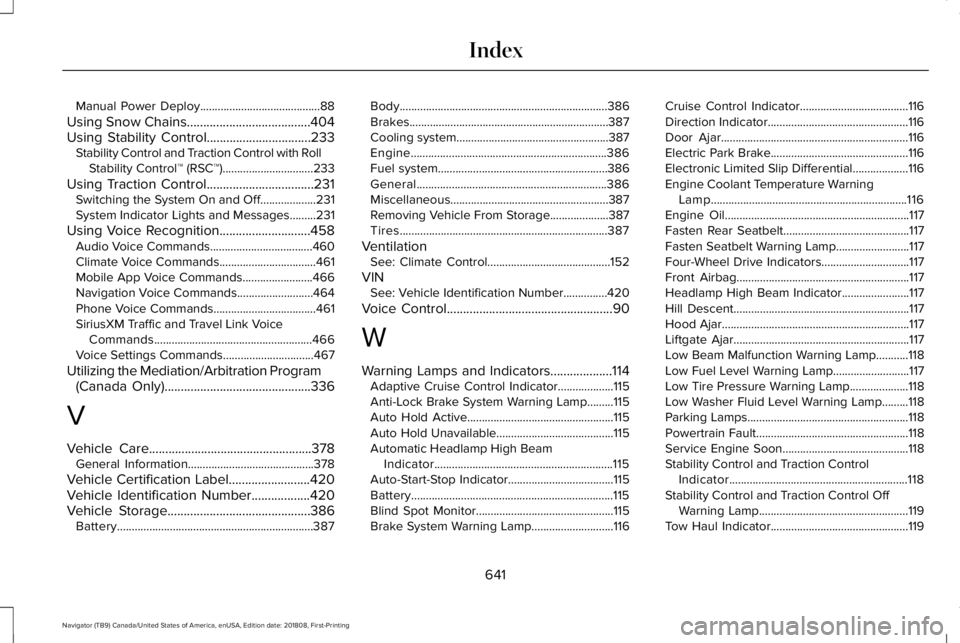
Manual Power Deploy.........................................88
Using Snow Chains......................................404Using Stability Control................................233Stability Control and Traction Control with RollStability Control™ (RSC™)...............................233
Using Traction Control.................................231Switching the System On and Off...................231System Indicator Lights and Messages.........231
Using Voice Recognition............................458Audio Voice Commands...................................460Climate Voice Commands.................................461Mobile App Voice Commands........................466Navigation Voice Commands..........................464Phone Voice Commands...................................461SiriusXM Traffic and Travel Link VoiceCommands......................................................466Voice Settings Commands...............................467
Utilizing the Mediation/Arbitration Program(Canada Only).............................................336
V
Vehicle Care..................................................378General Information...........................................378
Vehicle Certification Label.........................420Vehicle Identification Number..................420Vehicle Storage............................................386Battery...................................................................387
Body.......................................................................386Brakes....................................................................387Cooling system....................................................387Engine...................................................................386Fuel system..........................................................386General.................................................................386Miscellaneous......................................................387Removing Vehicle From Storage....................387Tires.......................................................................387
VentilationSee: Climate Control..........................................152
VINSee: Vehicle Identification Number...............420
Voice Control...................................................90
W
Warning Lamps and Indicators...................114Adaptive Cruise Control Indicator...................115Anti-Lock Brake System Warning Lamp.........115Auto Hold Active..................................................115Auto Hold Unavailable........................................115Automatic Headlamp High BeamIndicator.............................................................115Auto-Start-Stop Indicator....................................115Battery.....................................................................115Blind Spot Monitor...............................................115Brake System Warning Lamp............................116
Cruise Control Indicator.....................................116Direction Indicator................................................116Door Ajar................................................................116Electric Park Brake...............................................116Electronic Limited Slip Differential...................116Engine Coolant Temperature WarningLamp...................................................................116Engine Oil...............................................................117Fasten Rear Seatbelt...........................................117Fasten Seatbelt Warning Lamp.........................117Four-Wheel Drive Indicators..............................117Front Airbag...........................................................117Headlamp High Beam Indicator.......................117Hill Descent............................................................117Hood Ajar................................................................117Liftgate Ajar............................................................117Low Beam Malfunction Warning Lamp...........118Low Fuel Level Warning Lamp..........................117Low Tire Pressure Warning Lamp....................118Low Washer Fluid Level Warning Lamp.........118Parking Lamps.......................................................118Powertrain Fault....................................................118Service Engine Soon...........................................118Stability Control and Traction ControlIndicator.............................................................118Stability Control and Traction Control OffWarning Lamp...................................................119Tow Haul Indicator...............................................119
641
Navigator (TB9) Canada/United States of America, enUSA, Edition date: 201808, First-Printing
Index