brakes LINCOLN NAVIGATOR 2020 Service Manual
[x] Cancel search | Manufacturer: LINCOLN, Model Year: 2020, Model line: NAVIGATOR, Model: LINCOLN NAVIGATOR 2020Pages: 622, PDF Size: 6.47 MB
Page 335 of 622
Points to Remember
Note:
Do not attempt removal of the trailer
brake controller without consulting the
Workshop Manual. Damage to the unit may
result.
• Adjust gain setting before using the
trailer brake controller for the first time.
• Adjust gain setting, using the procedure
above, whenever road, weather and
trailer or vehicle loading conditions
change from when the gain was initially
set.
• Only use the manual control lever for
proper adjustment of the gain during
trailer setup. Misuse, such as application
during trailer sway, could cause instability
of trailer or tow vehicle.
• Avoid towing in adverse weather
conditions. The trailer brake controller
does not provide anti-lock control of the
trailer wheels. Trailer wheels can lock up
on slippery surfaces, resulting in reduced
stability of trailer and tow vehicle. •
The trailer brake controller is equipped
with a feature that reduces output at
vehicle speeds below 11 mph (18 km/h)
so trailer and vehicle braking is not jerky
or harsh. This feature is only available
when applying the brakes using your
vehicle's brake pedal, not the controller.
• The controller interacts with the brake
control system and powertrain control
system of your vehicle to provide the
best performance on different road
conditions.
• Your vehicle's brake system and the
trailer brake system work independently
of each other. Changing the gain setting
on the controller does not affect the
operation of your vehicle's brakes
whether you attach a trailer or not. •
When you switch the engine off, the
controller output is disabled and the
display and module shut down. The
controller module and display turn on
when you switch the ignition on.
• The trailer brake controller is only a
factory-installed or dealer-installed item.
Lincoln is not responsible for warranty or
performance of the controller due to
misuse or customer installation.
Trailer Lamps WARNING: Never connect any trailer
lamp wiring to the vehicle's tail lamp wiring;
this may damage the electrical system
resulting in fire. Contact your authorized
dealer as soon as possible for assistance
in proper trailer tow wiring installation.
Additional electrical equipment may be
required.
Trailer lamps are required on most towed
vehicles. Make sure all running lights, brake
lights, turn signals and hazard lights are
working.
332
Navigator (TB9) Canada/United States of America, enUSA, Edition date: 201907, Second-Printing Towing
Page 336 of 622
Before Towing a Trailer
Practice turning, stopping and backing up to
get the feel of your vehicle-trailer
combination before starting on a trip. When
turning, make wider turns so the trailer
wheels clear curbs and other obstacles.
When Towing a Trailer
•
Do not drive faster than 70 mph
(113 km/h) during the first 500 mi
(800 km).
• Do not make full-throttle starts.
• Check your hitch, electrical connections
and trailer wheel lug nuts thoroughly after
you have traveled
50 mi (80 km).
• When stopped in congested or heavy
traffic during hot weather, place the
transmission in park (P) to aid engine and
transmission cooling and to help A/C
performance.
• Turn off the speed control when carrying
heavy loads or in hilly terrain. The speed
control may turn off automatically when
you are towing on long, steep grades. •
Shift to a lower gear when driving down
a long or steep hill. Do not apply the
brakes continuously, as they may
overheat and become less effective.
• If your transmission has a Grade Assist
or Tow/Haul feature, use this feature
when towing. This provides engine
braking and helps eliminate excessive
transmission shifting for optimum fuel
economy and transmission cooling.
• If your vehicle has AdvanceTrac with
RSC, this system may turn on during
typical cornering maneuvers with a
heavily loaded trailer. This is normal.
Turning the corner at a slower speed
while towing may reduce this tendency.
• If your vehicle has Adaptive suspension,
you can select NORMAL or SPORT drive
control modes for better experience
when towing a trailer.
See Information
Displays (page 133). •
If you are towing a trailer frequently in
hot weather, hilly conditions, at the gross
combined weight rating (or any
combination of these factors), consider
refilling your rear axle with synthetic gear
lubricant (if the axle is not already filled
with it).
See Capacities and
Specifications (page 435).
• Allow more distance for stopping with a
trailer attached. Anticipate stops and
brake gradually.
• Avoid parking on a grade. However, if
you must park on a grade:
1. Turn the steering wheel to point your vehicle tires away from traffic flow.
2. Set your vehicle parking brake.
3. Place the transmission in park (P).
4. Place wheel chocks in the front and back
of the trailer wheels.
Note: Chocks are not included with your
vehicle.
333
Navigator (TB9) Canada/United States of America, enUSA, Edition date: 201907, Second-Printing Towing
Page 341 of 622
•
Do not rest your foot on the brake pedal
while driving.
• Avoid carrying unnecessary weight.
• Avoid adding particular accessories to
your vehicle (e.g. bug deflectors,
rollbars/light bars, running boards, ski
racks).
• Avoid driving with the wheels out of
alignment.
BREAKING-IN
You need to break in new tires for
approximately 300 mi (480 km). During this
time, your vehicle may exhibit some unusual
driving characteristics.
Avoid driving too fast during the first 1,000 mi
(1,600 km)
. Vary your speed frequently and
change up through the gears early. Do not
labor the engine.
Do not tow during the first
1,000 mi
(1,600 km). DRIVING THROUGH WATER WARNING:
Do not drive through
flowing or deep water as you may lose
control of your vehicle.
Note: Driving through standing water can
cause vehicle damage.
Note: Engine damage can occur if water
enters the air filter.
Before driving through standing water, check
the depth. Never drive through water that is
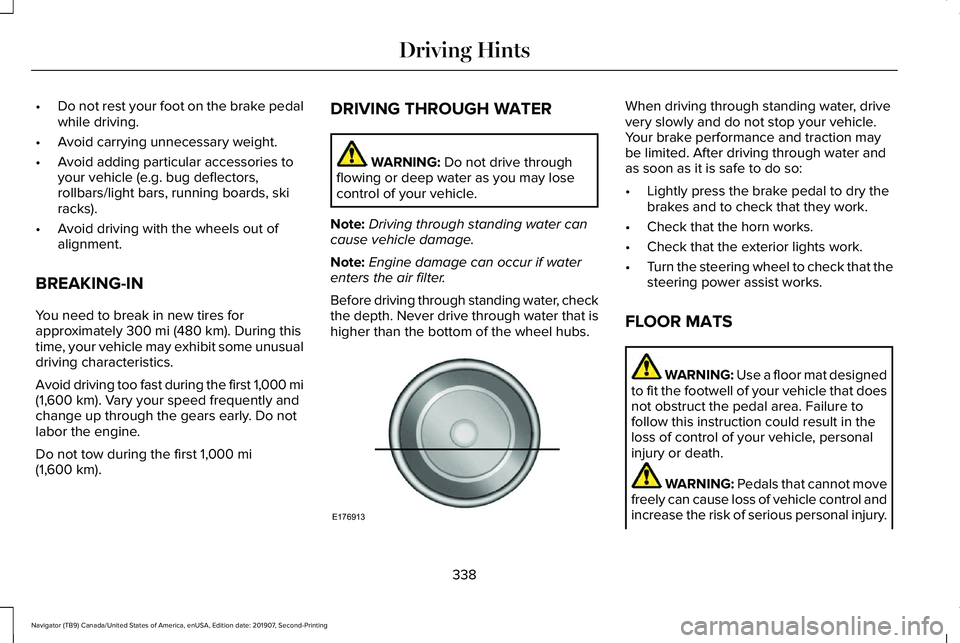
higher than the bottom of the wheel hubs. When driving through standing water, drive
very slowly and do not stop your vehicle.
Your brake performance and traction may
be limited. After driving through water and
as soon as it is safe to do so:
•
Lightly press the brake pedal to dry the
brakes and to check that they work.
• Check that the horn works.
• Check that the exterior lights work.
• Turn the steering wheel to check that the
steering power assist works.
FLOOR MATS WARNING:
Use a floor mat designed
to fit the footwell of your vehicle that does
not obstruct the pedal area. Failure to
follow this instruction could result in the
loss of control of your vehicle, personal
injury or death. WARNING:
Pedals that cannot move
freely can cause loss of vehicle control and
increase the risk of serious personal injury.
338
Navigator (TB9) Canada/United States of America, enUSA, Edition date: 201907, Second-Printing Driving HintsE176913
Page 405 of 622
Fuel system
•
Fill the fuel tank with high-quality fuel
until the first automatic shutoff of the fuel
pump nozzle.
Cooling system
• Protect against freezing temperatures.
• When removing your vehicle from
storage, check coolant fluid level.
Confirm that there are no cooling system
leaks and that fluid is at the
recommended level.
Disconnecting Your 12 Volt Battery
• Check and recharge as necessary. Keep
connections clean.
• If storing your vehicle for more than 30
days without recharging the battery, we
recommend that you disconnect the
battery cables to maintain battery charge
for quick starting.
Note: It is necessary to reset memory
features if you disconnect the battery cables. Plugging in Your HYBRID
We recommend the following options for
your plug-in vehicle (PHEV) :
•
Leave your vehicle plugged in. The 12
volt battery maintains power if left
plugged in. However, this periodically
uses electricity from the household
outlet.
• Connect a battery charger to your 12 volt
battery and leave it on a continuous, slow
charge.
• Disconnect the 12 volt battery. If your 12
volt battery is located in the luggage
compartment, do not fully shut the
luggage compartment after
disconnecting the 12 volt battery. Only
leave the luggage compartment open if
your vehicle is stored in a locked
location.
Brakes
• Make sure the brakes and parking brake
release fully. Tires
•
Maintain recommended air pressure.
Miscellaneous
• Make sure all linkages, cables, levers and
pins under your vehicle are covered with
grease to prevent rust.
• Move vehicles at least 25 ft (7.5 m) every
15 days to lubricate working parts and
prevent corrosion.
Removing Vehicle From Storage
When your vehicle is ready to come out of
storage, do the following:
• Wash your vehicle to remove any dirt or
grease film build-up on window surfaces.
• Check windshield wipers for any
deterioration.
• Check under the hood for any foreign
material that may have collected during
storage such as mice or squirrel nests.
• Check the exhaust for any foreign
material that may have collected during
storage.
402
Navigator (TB9) Canada/United States of America, enUSA, Edition date: 201907, Second-Printing Vehicle Care
Page 417 of 622
and internal damage to the tire. It also
may result in unnecessary tire stress,
irregular wear, loss of vehicle control
and accidents. A tire can lose up to
half of its air pressure and not appear
to be flat!
Always inflate your tires to the our
recommended inflation pressure even
if it is less than the maximum inflation
pressure information found on the tire.
Our recommended tire inflation pressure
is found on the Safety Compliance
Certification Label or Tire Label (affixed
to either the door hinge pillar, door-latch
post, or the door edge that meets the
door-latch post, next to the driver's
seating position), or Tire Label located
on the B-pillar or the edge of the driver's
door. Failure to follow the tire pressure
recommendations can cause uneven
treadwear patterns and adversely affect
the way your vehicle handles. Note:
Do not reduce tire pressure to
change the ride characteristics of the
vehicle. If you do not maintain the
inflation pressure at the levels specified
by us, your vehicle may experience a
condition known as shimmy. Shimmy is
a severe vibration and oscillation in the
steering wheel after the vehicle travels
over a bump or dip in the road that does
not dampen out by itself. Shimmy may
result from significant under-inflation of
the tires, improper tires (load range, size,
or type), or vehicle modifications such
as lift-kits. In the event that your vehicle
experiences shimmy, you should slowly
reduce speed by either lifting off the
accelerator pedal or lightly applying the
brakes. The shimmy will cease as the
vehicle speed decreases.
Maximum Inflation Pressure is the tire
manufacturer's maximum permissible
pressure and the pressure at which the
maximum load can be carried by the tire.
This pressure is normally higher than the
manufacturer’ s recommended cold
inflation pressure which can be found
on the Safety Compliance Certification Label (affixed to either the door hinge
pillar, door-latch post, or the door edge
that meets the door-latch post, next to
the driver's seating position), or Tire
Label located on the B-pillar or the edge
of the driver's door. The cold inflation
pressure should never be set lower than
the recommended pressure on the
Safety Compliance Certification Label
or Tire Label.
When weather temperature changes
occur, tire inflation pressures also
change. A 10°F (6°C) temperature drop
can cause a corresponding drop of 1 psi
(7 kPa) in inflation pressure. Check your
tire pressures frequently and adjust
them to the proper pressure which can
be found on the Safety Compliance
Certification Label or Tire Label.
To check the pressure in your tire(s):
1. Make sure the tires are cool, meaning
they are not hot from driving even a
mile.
414
Navigator (TB9) Canada/United States of America, enUSA, Edition date: 201907, Second-Printing Wheels and Tires
Page 608 of 622
3
360 Degree Camera...................................264
Advanced Camera Views................................266
Automatic 360 Degree Camera
Activation.........................................................265
Camera Views.....................................................265
Front Camera......................................................266
Keep Out Zone...................................................266
Side Camera........................................................267
4
4WD See: Four-Wheel Drive......................................228
9
911 Assist...........................................................67
A
A/C See: Climate Control..........................................165
About This Manual
............................................9
ABS See: Brakes..........................................................237 ABS driving hints
See: Hints on Driving With Anti-Lock
Brakes...............................................................238
Accessories...................................................532
Accessories See: Replacement Parts Recommendation......17
ACC See: Using Adaptive Cruise Control.............269
Active Park Assist
.........................................253
Using Active Park Assist...................................255
Adaptive Headlamps
.....................................112
Speed Dependent Lamps..................................112
Adjustable Pedals.........................................104
Adjusting the Headlamps
..........................389
Horizontal Aim Adjustment..............................390
Vertical Aim Adjustment...................................389
Adjusting the Pedals....................................104
Adjusting the Steering Wheel....................100 End of Travel Position........................................100
Memory Feature..................................................100
AFS See: Adaptive Headlamps.................................112
Airbag Disposal
...............................................66
Air Conditioning See: Climate Control..........................................165
Air Filter See: Changing the Engine Air Filter..............
379 Alarm
See: Anti-Theft Alarm..........................................96
Ambient Lighting
............................................114
Adjusting the Brightness....................................115
Changing the Color.............................................115
Switching Ambient Lighting Off........................115
Switching Ambient Lighting On........................115
Anti-Theft Alarm..............................................96 Arming the Alarm..................................................96
Disarming the Alarm.............................................97
Using the System..................................................96
Appendices...................................................569
Apps.................................................................510 SiriusXM Traffic and Travel Link........................511
Using Apps on an Android Device..................
511
Using Apps on an iOS Device.........................510
Using Mobile Navigation on an Android Device.................................................................511
At a Glance........................................................21
Audible Warnings and Indicators..............132 Headlamps On Warning Chime
.......................132
Keyless Warning Alert........................................132
Parking Brake On Warning Chime..................132
Audio Control
..................................................101
You can operate the following functions with
the control:........................................................101
Audio System................................................460 General Information...........................................460
605
Navigator (TB9) Canada/United States of America, enUSA, Edition date: 201907, Second-Printing Index
Page 609 of 622
Audio Unit.......................................................461
Adjusting the Volume.........................................461
Changing Radio Stations...................................461
Locking the Rear Audio Controls...................462
Rear Passenger Audio Controls - Vehicles
with: Second Row Center Console...........463
Rear Seat Audio Controls - Vehicles without: Second Row Center Console.....................462
Selecting the Audio Modes.............................462
Switching the Audio Unit On and Off............462
Using Seek, Fast Forward and Reverse.......462
Auto Hold
........................................................241
Using Auto Hold.................................................242
Autolamps........................................................110 Windshield Wiper Activated Headlamps.......110
Automatic Climate Control
.........................165
Accessing Rear Climate Controls...................165
Accessing the Climate Control Menu............165
Setting the Blower Motor Speed....................165
Setting the Temperature...................................165
Switching Auto Mode On and Off...................
165
Switching Defrost On and Off..........................166
Switching Maximum Air Conditioning On and Off.......................................................................167
Switching Recirculated Air On and Off..........167
Switching the Air Conditioning On and Off.......................................................................166
Switching the Heated Seats On and Off.......
167 Switching the Ventilated Seats On and
Off.......................................................................167
Automatic High Beam Control
....................116
Automatic High Beam Control Indicators.......................................................117
Automatic Transmission
.............................222
Automatic Transmission Adaptive
Learning............................................................227
Brake-Shift Interlock Override........................226
If Your Vehicle Gets Stuck In Mud or Snow.................................................................227
SelectShift™ Automatic Transmission............225
Understanding the Shift Positions of your Automatic Transmission...............................222
Automatic Transmission Fluid Check............................................................384
Auto-Start-Stop.............................................208 Disabling Auto-Start-Stop.................................210
Enabling Auto-Start-Stop..................................208
Autowipers......................................................106 Autowipers Settings...........................................106
Auxiliary Power Points
..................................197
110 Volt AC Power Point.....................................197
12 Volt DC Power Point......................................197
USB Port and Power Point Locations.............197 B
Battery
See: Changing the 12V Battery.......................
387
Blind Spot Information System.................284 ........................................................................\
.........284
Blind Spot Information System with Trailer
Tow....................................................................285
Switching the System On and Off..................288
System Errors......................................................288
Using the Blind Spot Information System..............................................................284
BLIS See: Blind Spot Information System..............284
Body Styling Kits...........................................403
Bonnet Lock See: Opening and Closing the Hood............
373
Booster Seats..................................................39 Types of Booster Seats.......................................39
Brake Fluid Check
........................................385
Brake Fluid Service Interval.............................386
Brakes ..............................................................
237
General Information...........................................237
Breaking-In.....................................................338
Bulb Specification Chart
.............................450
606
Navigator (TB9) Canada/United States of America, enUSA, Edition date: 201907, Second-Printing Index
Page 613 of 622
Sources.................................................................485
Supported Media Players, Formats and
Metadata Information....................................497
USB Ports..............................................................497
Environment.....................................................20
EPB See: Electric Parking Brake.............................238
Essential Towing Checks............................326
Before Towing a Trailer.....................................333
Hitches..................................................................327
Integrated Trailer Brake Controller................329
Launching or Retrieving a Boat or Personal
Watercraft (PWC)............................................334
Safety Chains......................................................328
Trailer Brakes.......................................................329
Trailer Hitch Cover.............................................326
Trailer Lamps.......................................................332
Trailer Towing Connector (Vehicles with a Trailer Towing Package and 7–Pin
Connector).......................................................326
When Towing a Trailer.......................................333
Event Data Recording See: Data Recording.............................................12
Export Unique Options
...................................19
Exterior Mirrors...............................................119 360-Degree Camera...........................................121
Auto-Dimming Feature.......................................121
Auto-Folding Mirrors..........................................120 Blind Spot Monitor...............................................121
Fold-Away Exterior Mirrors...............................120
Heated Exterior Mirrors......................................121
Lincoln Welcome Mat..........................................121
Memory Mirrors.....................................................121
Power Exterior Mirrors........................................119
Signal Indicator Mirrors.......................................121
F
Fastening the Seatbelts
................................46
Rear Inflatable Seatbelt.......................................50
Seatbelt Locking Modes.....................................48
Using Seatbelts During Pregnancy..................48
Flat Tire See: Changing a Road Wheel.........................
426
Floor Mats
.......................................................338
Fog Lamps - Front See: Front Fog Lamps.........................................112
Foot Pedals See: Adjusting the Pedals.................................104
Four-Wheel Drive
.........................................228
Front Fog Lamps............................................112 Front Fog Lamp Indicator...................................112
Switching the Front Fog Lamps On or
Off........................................................................\
112
Front Parking Aid
.........................................250
Object Distance Indicator.................................251 Front Passenger Sensing System..............60
Fuel and Refueling.........................................211
Fuel Consumption
.........................................217
Advertised Capacity...........................................217
Fuel Economy.......................................................217
Fuel Filler Funnel Location.........................212
Fuel Filter.........................................................391
Fuel Quality
.....................................................212
Choosing the Right Fuel....................................212
Fuel Shutoff
.....................................................341
Fuses...............................................................356
Fuse Specification Chart............................356 Engine Compartment Fuse Box.....................356
Passenger Compartment Fuse Box...............365
G
Garage Door Opener...................................193
Garage Door Opener See: Universal Garage Door Opener.............193
Gauges.............................................................126 Engine Coolant Temperature Gauge.............127
Fuel Gauge............................................................127
Left and Right Information Group....................127
Status Bar..............................................................127
Gearbox See: Transmission..............................................222
610
Navigator (TB9) Canada/United States of America, enUSA, Edition date: 201907, Second-Printing Index
Page 614 of 622
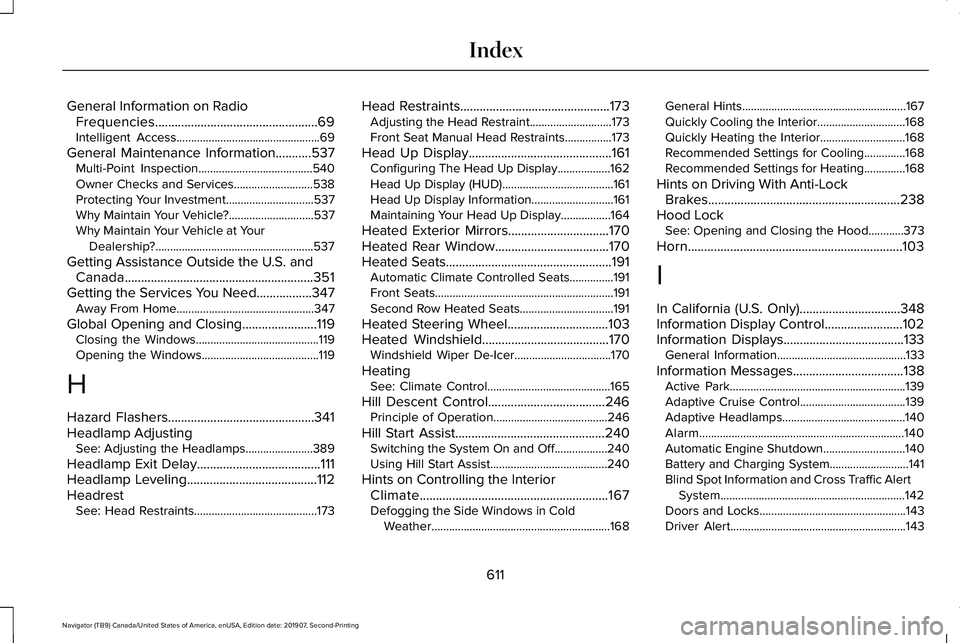
General Information on Radio
Frequencies..................................................69
Intelligent Access.................................................69
General Maintenance Information...........537 Multi-Point Inspection.......................................540
Owner Checks and Services...........................538
Protecting Your Investment..............................537
Why Maintain Your Vehicle?.............................537
Why Maintain Your Vehicle at Your
Dealership?......................................................537
Getting Assistance Outside the U.S. and Canada..........................................................351
Getting the Services You Need.................347 Away From Home...............................................347
Global Opening and Closing.......................119 Closing the Windows..........................................119
Opening the Windows........................................119
H
Hazard Flashers.............................................341
Headlamp Adjusting See: Adjusting the Headlamps.......................389
Headlamp Exit Delay......................................111
Headlamp Leveling
........................................112
Headrest See: Head Restraints..........................................173 Head Restraints
..............................................173
Adjusting the Head Restraint............................173
Front Seat Manual Head Restraints................173
Head Up Display
............................................161
Configuring The Head Up Display..................162
Head Up Display (HUD)......................................161
Head Up Display Information............................161
Maintaining Your Head Up Display.................164
Heated Exterior Mirrors...............................170
Heated Rear Window
...................................170
Heated Seats...................................................191 Automatic Climate Controlled Seats...............191
Front Seats.............................................................191
Second Row Heated Seats................................191
Heated Steering Wheel...............................103
Heated Windshield.......................................170 Windshield Wiper De-Icer.................................170
Heating See: Climate Control..........................................165
Hill Descent Control....................................246 Principle of Operation.......................................246
Hill Start Assist..............................................240 Switching the System On and Off..................240
Using Hill Start Assist........................................240
Hints on Controlling the Interior Climate..........................................................167
Defogging the Side Windows in Cold Weather.............................................................168 General Hints........................................................167
Quickly Cooling the Interior..............................168
Quickly Heating the Interior.............................168
Recommended Settings for Cooling..............168
Recommended Settings for Heating..............168
Hints on Driving With Anti-Lock Brakes...........................................................238
Hood Lock See: Opening and Closing the Hood............
373
Horn..................................................................103
I
In California (U.S. Only)...............................348
Information Display Control........................102
Information Displays
.....................................133
General Information............................................133
Information Messages..................................138 Active Park............................................................139
Adaptive Cruise Control....................................139
Adaptive Headlamps..........................................140
Alarm......................................................................140
Automatic Engine Shutdown............................140
Battery and Charging System...........................
141
Blind Spot Information and Cross Traffic Alert System...............................................................142
Doors and Locks..................................................143
Driver Alert............................................................143
611
Navigator (TB9) Canada/United States of America, enUSA, Edition date: 201907, Second-Printing Index
Page 621 of 622
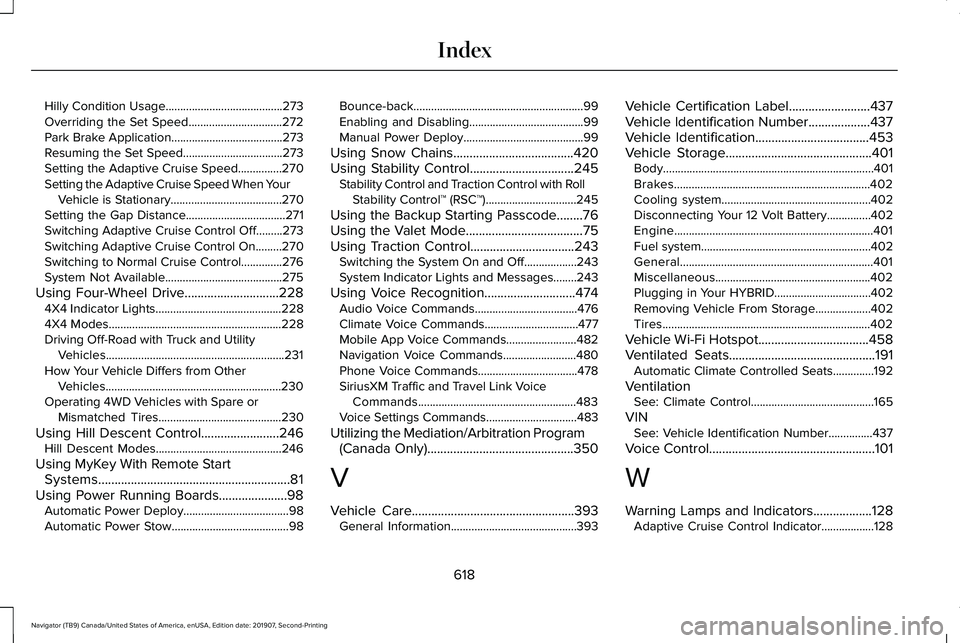
Hilly Condition Usage........................................273
Overriding the Set Speed................................272
Park Brake Application......................................273
Resuming the Set Speed..................................273
Setting the Adaptive Cruise Speed...............270
Setting the Adaptive Cruise Speed When Your
Vehicle is Stationary......................................270
Setting the Gap Distance..................................271
Switching Adaptive Cruise Control Off.........273
Switching Adaptive Cruise Control On.........270
Switching to Normal Cruise Control..............276
System Not Available........................................275
Using Four-Wheel Drive.............................228 4X4 Indicator Lights ...........................................228
4X4 Modes...........................................................228
Driving Off-Road with Truck and Utility Vehicles.............................................................231
How Your Vehicle Differs from Other Vehicles............................................................230
Operating 4WD Vehicles with Spare or Mismatched Tires..........................................230
Using Hill Descent Control........................246 Hill Descent Modes...........................................246
Using MyKey With Remote Start Systems...........................................................81
Using Power Running Boards.....................98 Automatic Power Deploy....................................98
Automatic Power Stow........................................98 Bounce-back..........................................................99
Enabling and Disabling.......................................99
Manual Power Deploy.........................................99
Using Snow Chains.....................................420
Using Stability Control................................245 Stability Control and Traction Control with Roll
Stability Control™ (RSC™)...............................245
Using the Backup Starting Passcode........76
Using the Valet Mode....................................75
Using Traction Control................................243 Switching the System On and Off..................243
System Indicator Lights and Messages........243
Using Voice Recognition
............................474
Audio Voice Commands...................................476
Climate Voice Commands................................477
Mobile App Voice Commands........................482
Navigation Voice Commands.........................480
Phone Voice Commands..................................478
SiriusXM Traffic and Travel Link Voice
Commands......................................................483
Voice Settings Commands...............................483
Utilizing the Mediation/Arbitration Program (Canada Only)
.............................................350
V
Vehicle Care
..................................................393
General Information...........................................393 Vehicle Certification Label.........................437
Vehicle Identification Number
...................437
Vehicle Identification...................................453
Vehicle Storage.............................................401 Body........................................................................\
401
Brakes...................................................................402
Cooling system...................................................402
Disconnecting Your 12 Volt Battery...............402
Engine....................................................................401
Fuel system..........................................................402
General..................................................................401
Miscellaneous.....................................................402
Plugging in Your HYBRID.................................
402
Removing Vehicle From Storage...................402
Tires.......................................................................402
Vehicle Wi-Fi Hotspot
..................................458
Ventilated Seats.............................................191 Automatic Climate Controlled Seats..............192
Ventilation See: Climate Control..........................................165
VIN See: Vehicle Identification Number...............437
Voice Control
...................................................101
W
Warning Lamps and Indicators..................128 Adaptive Cruise Control Indicator..................128
618
Navigator (TB9) Canada/United States of America, enUSA, Edition date: 201907, Second-Printing Index