phone LINCOLN NAVIGATOR 2023 Service Manual
[x] Cancel search | Manufacturer: LINCOLN, Model Year: 2023, Model line: NAVIGATOR, Model: LINCOLN NAVIGATOR 2023Pages: 660, PDF Size: 14.04 MB
Page 629 of 660
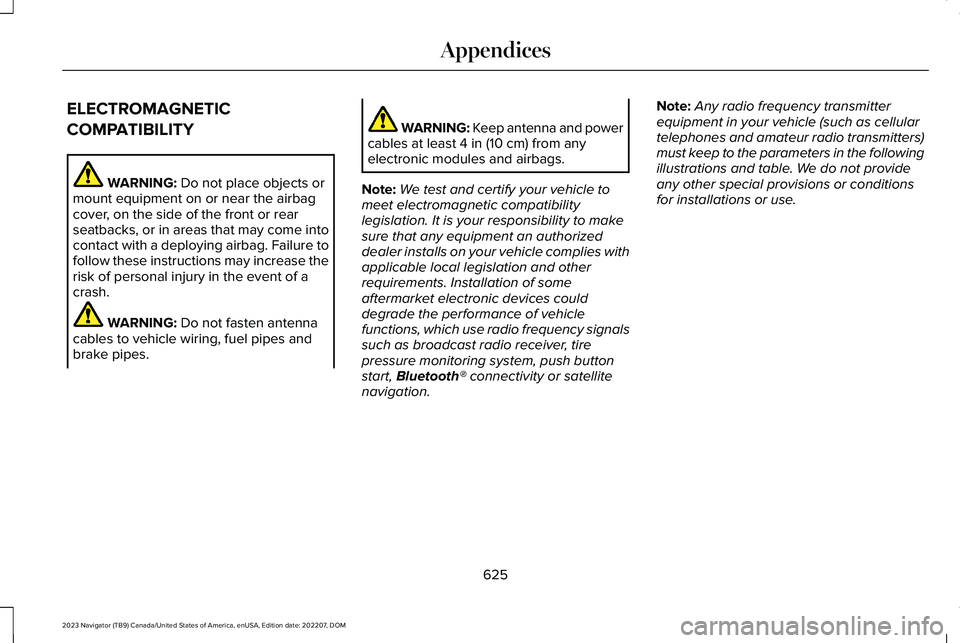
ELECTROMAGNETIC
COMPATIBILITY
WARNING: Do not place objects ormount equipment on or near the airbagcover, on the side of the front or rearseatbacks, or in areas that may come intocontact with a deploying airbag. Failure tofollow these instructions may increase therisk of personal injury in the event of acrash.
WARNING: Do not fasten antennacables to vehicle wiring, fuel pipes andbrake pipes.
WARNING: Keep antenna and powercables at least 4 in (10 cm) from anyelectronic modules and airbags.
Note:We test and certify your vehicle tomeet electromagnetic compatibilitylegislation. It is your responsibility to makesure that any equipment an authorizeddealer installs on your vehicle complies withapplicable local legislation and otherrequirements. Installation of someaftermarket electronic devices coulddegrade the performance of vehiclefunctions, which use radio frequency signalssuch as broadcast radio receiver, tirepressure monitoring system, push buttonstart, Bluetooth® connectivity or satellitenavigation.
Note:Any radio frequency transmitterequipment in your vehicle (such as cellulartelephones and amateur radio transmitters)must keep to the parameters in the followingillustrations and table. We do not provideany other special provisions or conditionsfor installations or use.
625
2023 Navigator (TB9) Canada/United States of America, enUSA, Edition date: 202207, DOMAppendices
Page 640 of 660
Cold Weather Precautions.........................384Connected Navigation.................................517Connected Vehicle.......................................481Connected Vehicle – Troubleshooting.........482Connecting the Vehicle to a MobileNetwork.............................................................481
Connected Vehicle Data...............................27Connected Vehicle Limitations..................481Connected Vehicle Requirements............481Connected Vehicle –Troubleshooting.........................................482Connected Vehicle – Frequently AskedQuestions.........................................................482
Connecting a Bluetooth® Device...............511Connecting a Trailer....................................346Connecting a Trailer – Troubleshooting.......348Hitches..................................................................345
Connecting a Trailer Precautions.............345Connecting a Trailer –Troubleshooting.........................................348Connecting a Trailer – InformationMessages.........................................................348
Connecting the Vehicle to a MobileNetwork.........................................................481Connecting Lincoln Way to the Modem........481Enabling and Disabling the Modem...............481What Is the Modem.............................................481
Connecting the Vehicle to a Wi-FiNetwork........................................................482Connecting Your Phone.............................505Contacting Us...................................................17Cooling System Capacity andSpecification.................................................471Crash and Breakdown Information..........389Automatic Crash Shutoff..................................393Jump Starting the Vehicle................................390Post-Crash Alert System...................................392Post Impact Braking...........................................393Recovery Towing................................................394
Crash Sensors and Airbag Indicator..........68Creating a MyKey...........................................83Creating a Personal Profile.........................515Creating a Vehicle Wi-Fi Hotspot.............484Cross Traffic Alert..........................................317Cross Traffic Alert – Troubleshooting...........320
Cross Traffic Alert Indicators......................319Cross Traffic Alert Limitations....................318Cross Traffic Alert Precautions...................317Cross Traffic Alert –Troubleshooting.........................................320Cross Traffic Alert – InformationMessages.........................................................320
Customer Information..................................541Radio Frequency Certification Labels...........545
Customizing the Instrument ClusterDisplay...........................................................150
D
Data Privacy.....................................................24Department of Transportation Uniform TireQuality Grades............................................437Deploying and Stowing the Power RunningBoards.............................................................111Digital Radio..................................................489Digital Radio Indicators.....................................490Digital Radio Limitations...................................490How Does Digital Radio Work........................490Switching Digital Radio Reception On andOff......................................................................490What Is Digital Radio.........................................489
Directing the Flow of Air.............................160Disposing of Airbags.....................................69Distance Alert................................................327Adjusting the Sensitivity of DistanceAlert...................................................................327What Is Distance Alert.......................................327
Distance Indication......................................325Distance Indication Indicator...........................326Switching Distance Indication On andOff......................................................................326What Is Distance Indication.............................325
636
2023 Navigator (TB9) Canada/United States of America, enUSA, Edition date: 202207, DOMIndex
Page 647 of 660
Lane Keeping System – InformationMessages.........................................................308
Launching or Retrieving a Boat or PersonalWatercraft.....................................................351Liftgate...............................................................98Closing the Liftgate............................................100Liftgate – Troubleshooting................................104Opening the Liftgate............................................98
Liftgate Obstacle Detection.......................103Liftgate Precautions.......................................98Liftgate – Troubleshooting.........................104Liftgate – Frequently Asked Questions........105Liftgate – Information Messages.....................104Liftgate – Warning Lamps.................................104
Lincoln Personal Assistant..........................501Lincoln Personal Assistant – Frequently AskedQuestions.........................................................501Lincoln Personal Assistant Settings...............501Using Lincoln Personal Assistant....................501
Lincoln Protect..............................................526Linking or Unlinking a Personal Profile toa Remote Control.......................................516Live Traffic.......................................................517Switching Live Traffic On and Off....................517What Is Live Traffic..............................................517
Load Carrying................................................336Roof Rack.............................................................340
Load Carrying Precautions........................336
Loading Your Trailer.....................................350Locating the 360 Degree Cameras.........262Locating the Blind Spot Information SystemSensors.........................................................312Locating the Brake Fluid Reservoir.........232Locating the Cross Traffic AlertSensors.........................................................318Locating the Fuel Filler Funnel..................212Locating the Keyless Entry Keypad............93Locating the Memory FunctionButtons..........................................................186Locating the Power Outlets........................195Locating the Pre-Collision AssistSensors........................................................324Locating the Safety ComplianceCertification Labels....................................337Locating the Tire label.................................437Locating the USB Ports................................193Locating the Wireless AccessoryCharger.........................................................198Locating Your Vehicle....................................73Locking the Rear Window Controls..........135Luggage Compartment................................341Luggage Compartment Precautions........341
M
Maintenance...................................................414Engine Air Filter..................................................423Engine Oil..............................................................417Exterior Bulbs......................................................428Interior Bulbs.......................................................428
Maintenance Precautions...........................414Making and Receiving a Phone Call.......507Manually Releasing the Electric ParkingBrake.............................................................235Manually Shifting Gears...............................221Shifting Using the Paddle Shifters..................221
Manual Seats..................................................175Accessing the Third Row Seats.......................178Adjusting the Head Restraint...........................176Adjusting the Seat Backrest..............................177Folding the Seat Backrest.................................177Head Restraint Components............................175Installing the Head Restraint............................176Moving the Seat Backward andForward.............................................................176Removing the Head Restraint..........................176Unfolding the Seats............................................178
Massage Seats...............................................172Adjusting the Massage Seat Settings............172Massage Seat Limitations.................................172
643
2023 Navigator (TB9) Canada/United States of America, enUSA, Edition date: 202207, DOMIndex
Page 649 of 660
P
Parking Aid Indicators.................................259Parking Aid Precautions.............................255Parking Aids..................................................255Front Parking Aid................................................257Parking Aids – Troubleshooting.....................259Rear Parking Aid.................................................256Side Parking Aid.................................................258
Parking Aids – Troubleshooting...............259Parking Aids – Information Messages..........259
Passive Anti-Theft System..........................106How Does the Passive Anti-Theft SystemWork...................................................................106What Is the Passive Anti-Theft System..........106
Perchlorate....................................................590Performing a System Reset.......................523Personalized Settings...................................151Personal Profiles............................................515Personal Safety System Components......60Personal Safety System™..............................60Phone as a Key Limitations..........................78Phone as a Key................................................78Phone as a Key – Troubleshooting..................80
Phone as a Key – Troubleshooting............80Phone as a Key – Frequently AskedQuestions...........................................................80
Phone Menu..................................................505
Phone..............................................................505Phone Precautions......................................505Playing and Pausing the AudioSource..........................................................497Playing Media Using Bluetooth®................511Playing Media Using the USB Port...........193Playing or Pausing the AudioSource..........................................................486Post-Crash Alert System.............................392How Does the Post-Crash Alert SystemWork..................................................................392Post-Crash Alert System Limitations.............392Switching the Post-Crash Alert SystemOff......................................................................393What Is the Post-Crash Alert System............392
Post Impact Braking.....................................393How Does Post Impact Braking Work...........393Overriding Post Impact Braking......................393Post Impact Braking Indicators.......................393Post Impact Braking Limitations.....................393
Power Outlet Indicators...............................197Power Outlet Limitations.............................196Power Outlet..................................................195Power Outlet Precautions...........................195Power Running Board Precautions...........110Power Running Board Settings..................110
Power Running Boards.................................110Power Running Boards –Troubleshooting................................................111
Power Running Boards –Troubleshooting............................................111Power Running Boards – Frequently AskedQuestions............................................................111
Power Seats....................................................168Adjusting the Head Restraint...........................168Adjusting the Lumbar Support.........................172Adjusting the Seat Backrest..............................171Adjusting the Seat Cushion..............................170Adjusting the Seat Height.................................172Folding the Seat Backrest................................180Head Restraint Components............................168Installing the Head Restraint............................169Moving the Seat Backward andForward.............................................................170Removing the Head Restraint..........................169Unfolding the Seat Backrest.............................181
Pre-Collision Assist Limitations.................322Pre-Collision Assist Precautions................321Pre-Collision Assist.......................................321Automatic Emergency Braking.......................327Distance Alert......................................................327Distance Indication............................................325Evasive Steering Assist.....................................327Pre-Collision Assist – Troubleshooting.........328
645
2023 Navigator (TB9) Canada/United States of America, enUSA, Edition date: 202207, DOMIndex
Page 650 of 660
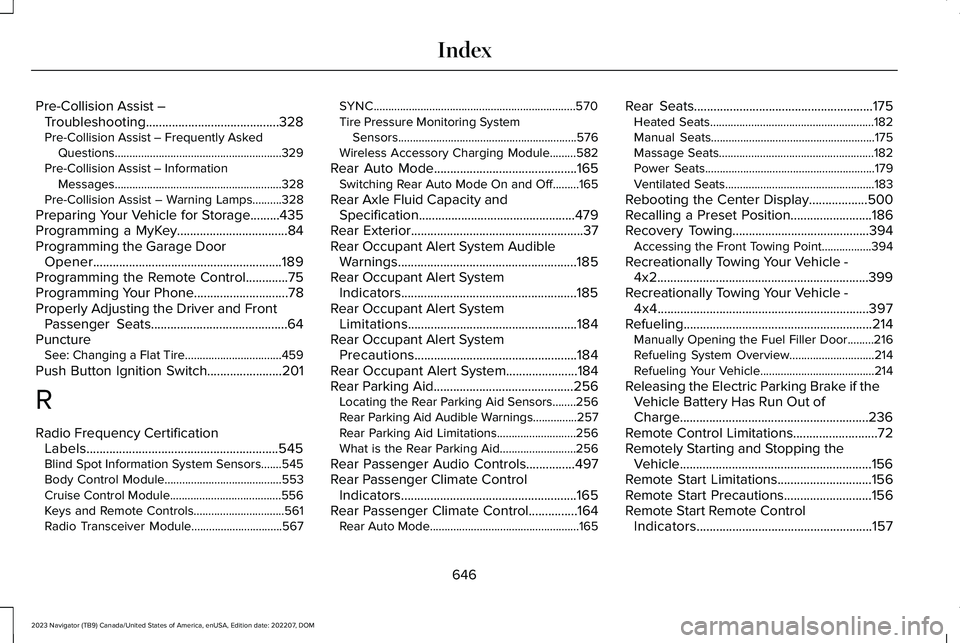
Pre-Collision Assist –Troubleshooting.........................................328Pre-Collision Assist – Frequently AskedQuestions.........................................................329Pre-Collision Assist – InformationMessages.........................................................328Pre-Collision Assist – Warning Lamps..........328
Preparing Your Vehicle for Storage.........435Programming a MyKey..................................84Programming the Garage DoorOpener..........................................................189Programming the Remote Control.............75Programming Your Phone.............................78Properly Adjusting the Driver and FrontPassenger Seats..........................................64PunctureSee: Changing a Flat Tire.................................459
Push Button Ignition Switch.......................201
R
Radio Frequency CertificationLabels...........................................................545Blind Spot Information System Sensors.......545Body Control Module........................................553Cruise Control Module......................................556Keys and Remote Controls...............................561Radio Transceiver Module...............................567
SYNC.....................................................................570Tire Pressure Monitoring SystemSensors.............................................................576Wireless Accessory Charging Module.........582
Rear Auto Mode............................................165Switching Rear Auto Mode On and Off.........165
Rear Axle Fluid Capacity andSpecification................................................479Rear Exterior.....................................................37Rear Occupant Alert System AudibleWarnings.......................................................185Rear Occupant Alert SystemIndicators......................................................185Rear Occupant Alert SystemLimitations....................................................184Rear Occupant Alert SystemPrecautions..................................................184Rear Occupant Alert System......................184Rear Parking Aid...........................................256Locating the Rear Parking Aid Sensors........256Rear Parking Aid Audible Warnings...............257Rear Parking Aid Limitations...........................256What is the Rear Parking Aid..........................256
Rear Passenger Audio Controls...............497Rear Passenger Climate ControlIndicators......................................................165Rear Passenger Climate Control...............164Rear Auto Mode...................................................165
Rear Seats.......................................................175Heated Seats........................................................182Manual Seats........................................................175Massage Seats.....................................................182Power Seats..........................................................179Ventilated Seats...................................................183
Rebooting the Center Display..................500Recalling a Preset Position.........................186Recovery Towing..........................................394Accessing the Front Towing Point.................394
Recreationally Towing Your Vehicle -4x2.................................................................399Recreationally Towing Your Vehicle -4x4.................................................................397Refueling..........................................................214Manually Opening the Fuel Filler Door.........216Refueling System Overview.............................214Refueling Your Vehicle.......................................214
Releasing the Electric Parking Brake if theVehicle Battery Has Run Out ofCharge..........................................................236Remote Control Limitations..........................72Remotely Starting and Stopping theVehicle...........................................................156Remote Start Limitations.............................156Remote Start Precautions...........................156Remote Start Remote ControlIndicators......................................................157
646
2023 Navigator (TB9) Canada/United States of America, enUSA, Edition date: 202207, DOMIndex
Page 657 of 660
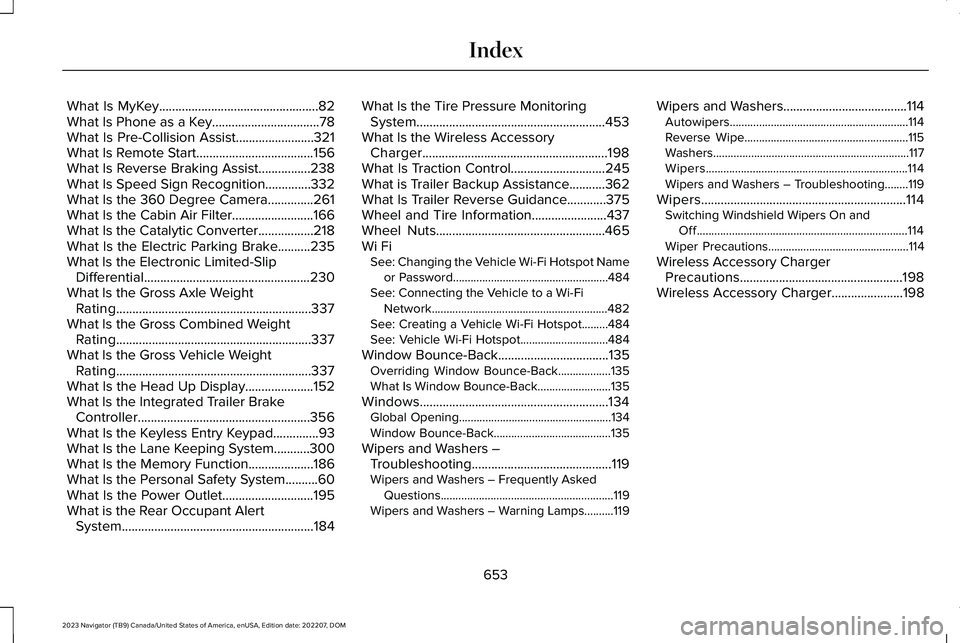
What Is MyKey.................................................82What Is Phone as a Key.................................78What Is Pre-Collision Assist........................321What Is Remote Start....................................156What Is Reverse Braking Assist................238What Is Speed Sign Recognition..............332What Is the 360 Degree Camera..............261What Is the Cabin Air Filter.........................166What Is the Catalytic Converter.................218What Is the Electric Parking Brake..........235What Is the Electronic Limited-SlipDifferential...................................................230What Is the Gross Axle WeightRating............................................................337What Is the Gross Combined WeightRating............................................................337What Is the Gross Vehicle WeightRating............................................................337What Is the Head Up Display.....................152What Is the Integrated Trailer BrakeController.....................................................356What Is the Keyless Entry Keypad..............93What Is the Lane Keeping System...........300What Is the Memory Function....................186What Is the Personal Safety System..........60What Is the Power Outlet............................195What is the Rear Occupant AlertSystem...........................................................184
What Is the Tire Pressure MonitoringSystem..........................................................453What Is the Wireless AccessoryCharger.........................................................198What Is Traction Control.............................245What is Trailer Backup Assistance...........362What Is Trailer Reverse Guidance............375Wheel and Tire Information.......................437Wheel Nuts....................................................465Wi FiSee: Changing the Vehicle Wi-Fi Hotspot Nameor Password.....................................................484See: Connecting the Vehicle to a Wi-FiNetwork............................................................482See: Creating a Vehicle Wi-Fi Hotspot.........484See: Vehicle Wi-Fi Hotspot..............................484
Window Bounce-Back..................................135Overriding Window Bounce-Back..................135What Is Window Bounce-Back.........................135
Windows..........................................................134Global Opening....................................................134Window Bounce-Back........................................135
Wipers and Washers –Troubleshooting...........................................119Wipers and Washers – Frequently AskedQuestions...........................................................119Wipers and Washers – Warning Lamps..........119
Wipers and Washers......................................114Autowipers.............................................................114Reverse Wipe........................................................115Washers...................................................................117Wipers.....................................................................114Wipers and Washers – Troubleshooting........119
Wipers...............................................................114Switching Windshield Wipers On andOff........................................................................114Wiper Precautions................................................114
Wireless Accessory ChargerPrecautions..................................................198Wireless Accessory Charger......................198
653
2023 Navigator (TB9) Canada/United States of America, enUSA, Edition date: 202207, DOMIndex