display LINCOLN TOWN CAR 1997 User Guide
[x] Cancel search | Manufacturer: LINCOLN, Model Year: 1997, Model line: TOWN CAR, Model: LINCOLN TOWN CAR 1997Pages: 305, PDF Size: 2.68 MB
Page 32 of 305
27
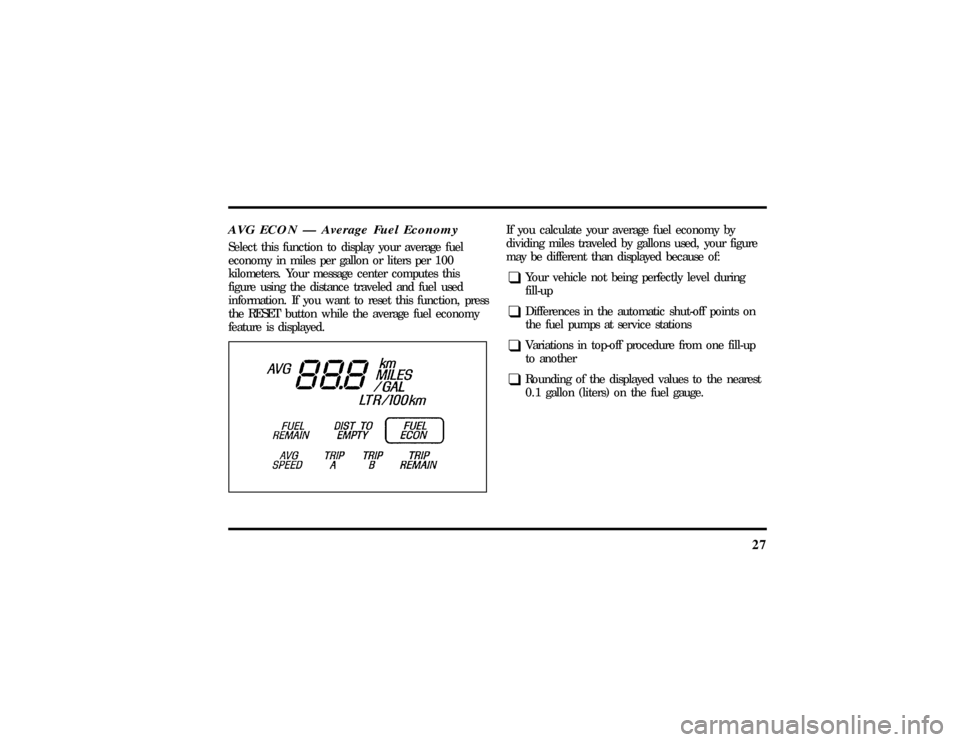
AVG ECON Ð Average Fuel EconomySelect this function to display your average fuel
economy in miles per gallon or liters per 100
kilometers. Your message center computes this
figure using the distance traveled and fuel used
information. If you want to reset this function, press
the RESET button while the average fuel economy
feature is displayed.
If you calculate your average fuel economy by
dividing miles traveled by gallons used, your figure
may be different than displayed because of:q
Your vehicle not being perfectly level during
fill-up
q
Differences in the automatic shut-off points on
the fuel pumps at service stations
q
Variations in top-off procedure from one fill-up
to another
q
Rounding of the displayed values to the nearest
0.1 gallon (liters) on the fuel gauge.
File:03fnist.ex
Update:Mon Jun 17 13:46:47 1996
Page 33 of 305
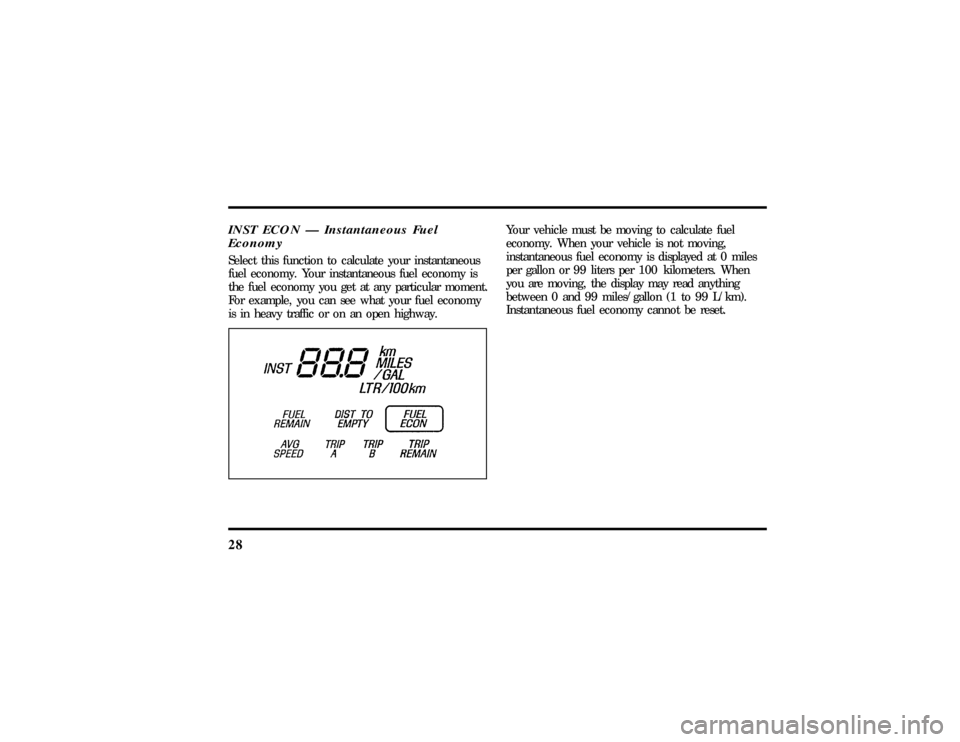
28INST ECON Ð Instantaneous Fuel
EconomySelect this function to calculate your instantaneous
fuel economy. Your instantaneous fuel economy is
the fuel economy you get at any particular moment.
For example, you can see what your fuel economy
is in heavy traffic or on an open highway.
Your vehicle must be moving to calculate fuel
economy. When your vehicle is not moving,
instantaneous fuel economy is displayed at 0 miles
per gallon or 99 liters per 100 kilometers. When
you are moving, the display may read anything
between 0 and 99 miles/gallon (1 to 99 L/km).
Instantaneous fuel economy cannot be reset.
File:03fnist.ex
Update:Mon Jun 17 13:46:47 1996
Page 34 of 305
29
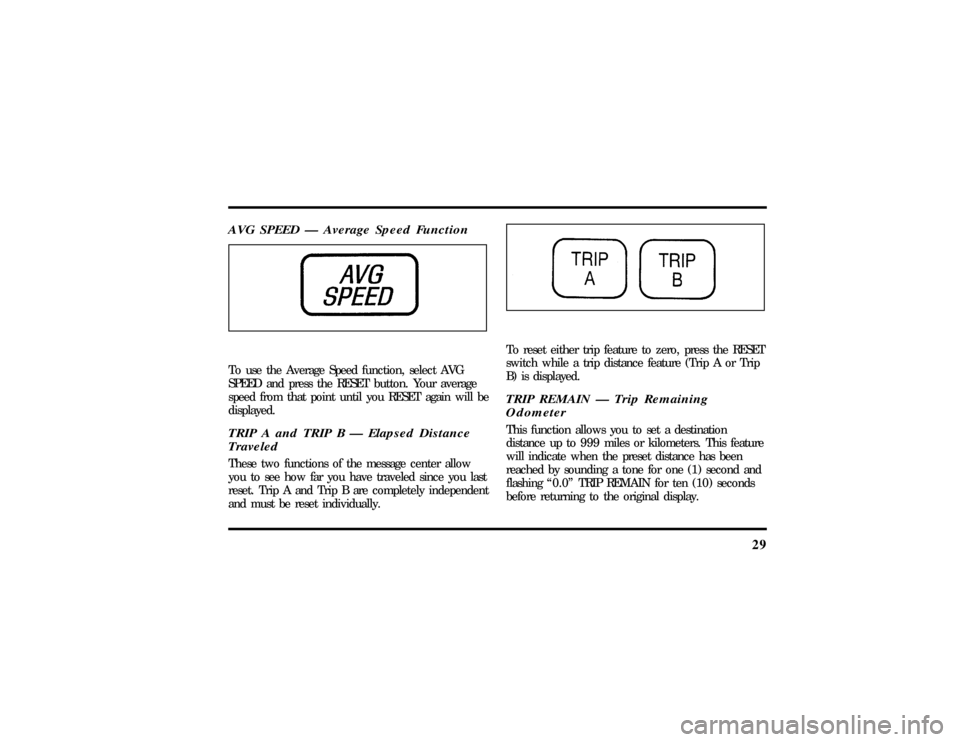
AVG SPEED Ð Average Speed FunctionTo use the Average Speed function, select AVG
SPEED and press the RESET button. Your average
speed from that point until you RESET again will be
displayed.TRIP A and TRIP B Ð Elapsed Distance
TraveledThese two functions of the message center allow
you to see how far you have traveled since you last
reset. Trip A and Trip B are completely independent
and must be reset individually.
To reset either trip feature to zero, press the RESET
switch while a trip distance feature (Trip A or Trip
B) is displayed.TRIP REMAIN Ð Trip Remaining
OdometerThis function allows you to set a destination
distance up to 999 miles or kilometers. This feature
will indicate when the preset distance has been
reached by sounding a tone for one (1) second and
flashing ª0.0º TRIP REMAIN for ten (10) seconds
before returning to the original display.
File:03fnist.ex
Update:Mon Jun 17 13:46:47 1996
Page 35 of 305
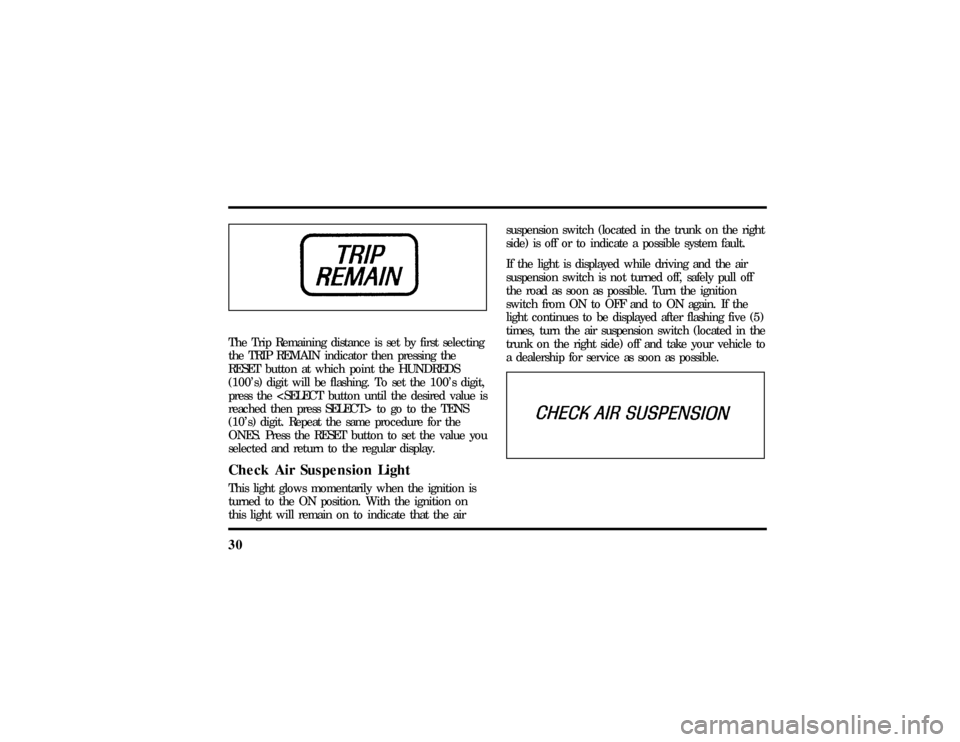
30The Trip Remaining distance is set by first selecting
the TRIP REMAIN indicator then pressing the
RESET button at which point the HUNDREDS
(100's) digit will be flashing. To set the 100's digit,
press the
reached then press SELECT> to go to the TENS
(10's) digit. Repeat the same procedure for the
ONES. Press the RESET button to set the value you
selected and return to the regular display.Check Air Suspension LightThis light glows momentarily when the ignition is
turned to the ON position. With the ignition on
this light will remain on to indicate that the airsuspension switch (located in the trunk on the right
side) is off or to indicate a possible system fault.
If the light is displayed while driving and the air
suspension switch is not turned off, safely pull off
the road as soon as possible. Turn the ignition
switch from ON to OFF and to ON again. If the
light continues to be displayed after flashing five (5)
times, turn the air suspension switch (located in the
trunk on the right side) off and take your vehicle to
a dealership for service as soon as possible.
File:03fnist.ex
Update:Mon Jun 17 13:46:47 1996
Page 42 of 305

37
1. Select a band, then select a frequency.
2. Press one of the memory buttons and hold
until the sound returns and the lamp above the
memory button lights up. That memory button
is now set.
3. Follow the above steps for each memory preset
button.Using the Automatic Memory Store feature
(ªAUTOSETº)If the memory buttons have been set, either by
using the Auto Memory Load feature or if you have
set them manually, the system is prepared to let
you use a convenient feature calledAutomatic
Memory Store.
With Auto Memory Store, you can continually set
strong stations into your memory buttons without
losing your originally set stations. Your radio will
automatically set your memory buttons to the strong
local stations.Activate Auto Memory Store by pushing the
ªAUTOSETº button once. Your radio will set the
first six strong stations of the band you are in (AM,
FM1 or FM2) into the memory buttons. The display
will flash ªAUTOº and display the autoset icon ªAº
while the stations are being set in the memory
buttons.
NOTE: If there are less than six strong stations in
the frequency band, the remaining unfilled buttons
will store the last strong station detected on the
band. After all stations have been filled, the radio
will begin playing the station stored on memory
button 1.
To deactivate the Auto Memory Store mode and
return to the manually-set memory button stations,
simply push the ªAUTOSETº button. Display will
show ªAUTOº then ªOFFº. The next time Auto
Memory Store is activated on that band, the radio
will store the next set of six strong stations.
File:04fnast.ex
Update:Thu Jun 20 15:13:21 1996
Page 44 of 305

39
Using the Digital Signal Processing
(DSP) FeaturePush the ª(
aDSP
b)º button to activate the
feature. The display will indicate which signal mode
is in effect. To change the signal mode press either
the left (
b) or right (
a) side of the selector
button (located under the ª(
aDSP
b)º button).
The following signal modes may be selected:
1. ªHALLº Ð Rectangular concert hall capacity of
about 2,000.
2. ªCHURCHº Ð Church with a high vault.
3. ªJAZZº Ð Jazz club with clearly reflected
sounds.
4. ªSTADIUMº Ð Outdoor stadium with a
capacity of about 30,000.
5. ªNEWSº Ð ªVoice-onlyº type of sound with a
limited audio band.To deactivate the DSP feature, press the
ª(
aDSP
b)º button again.
Delayed Accessory Feature
(If Equipped)If the ignition is turned off while the radio is on,
the radio will continue to play for up to ten
minutes or until a door is opened.Speaker LocationsThe Premium Analog system is equipped with four
speakers: one in each of the front doors and two in
the package tray.
The Ford JBL sound system is equipped with a total
of nine speakers: two in each of the front doors and
four in the package tray along with one subwoofer
speaker in the package tray.
File:04fnast.ex
Update:Thu Jun 20 15:13:21 1996
Page 45 of 305

40Your AntennaAntennas for both AM and FM reception are hidden
in the back glass of your vehicle. There is an
internal antenna module that will switch between
AM and FM, when bands are changed, for
maximum reception performance.
NOTE:Do not attempt to adapt any other type of
antenna system to your audio system.Using the Controls of Your Cassette
Tape PlayerNOTE:Radio power must be on to use the cassette
tape player.How to insert a tapeYour cassette tape player is equipped with power
loading. Once you insert a tape and push slightly
(with theopen edge to the right), the loading
mechanism draws the tape the rest of the way inand play will begin after a momentary tape
tightening process. Display indicates ªTAPEº while
tape is playing.
If the player is in the tape mode but not in play,
pressing the ªTAPEº button will activate play. If the
ªTAPEº button is pressed with no tape inserted, the
display will flash ªNO TAPEº.
How to locate a desired track on the tapeThere are six ways to quickly locate a desired
selection on the tape. You can use the fast forward,
rewind, Blank Skip, ªSEEKº, ªSCANº or ªSIDE 1-2º
functions. Following are brief descriptions of each:q
Fast forwarding the tape
To fast forward the tape, press the ªFFº button.
The radio will play while the tape is in fast
forward. The light above the ªFFº button will blink
while in the fast forward mode. Press ªFFº again or
press the ªTAPEº button to stop fast forwarding. At
the end of the tape, the direction automatically
reverses and plays the other side of the tape.
File:04fnast.ex
Update:Thu Jun 20 15:13:21 1996
Page 47 of 305

42How to eject the tapeTo stop the tape and eject the cassette, press the
ªEJECTº button. The tape will eject only when in
the tape mode. The cassettecannotbe ejected
when the radio is playing an ªAMº or ªFMº
station. The system will revert to radio mode when
the cassette is ejected.How to store the tapePress the ªAMº, ªFM1/FM2º, or the ªBANDº
button located on the Redundant Control switch on
your steering wheel (if equipped) while a tape is
loaded.Using the DolbyHB noise reduction
featureNOTE:Noise reduction system manufactured under
license from Dolby Labs Licensing Corporation.
ªDolbyº and double-D symbol are trademarks of
Dolby Laboratories Licensing Corporation.Push thekbutton to activate. When activated,
the light above thekbutton will be illuminated.
Tape error messagesYour cassette tape player is equipped to diagnose
certain problems you may experience. Error codes
are as follows:
TD E1 Ð Radio tries to change sides of tape 3
times in a 10 second span. Push ªEJECTº and try
another tape. If problem persists, refer problem to
qualified personnel for service.
TD E2 Ð Tape eject failure. Radio tries to eject
tape and it will not eject. Push ªEJECTº to eject
tape. If the tape will not eject, refer problem to
qualified personnel for service.
TD E3 Ð Loading error. Push ªEJECTº to eject
tape. Reload tape. If the same error code appears in
the display, try another tape.
File:04fnast.ex
Update:Thu Jun 20 15:13:21 1996
Page 52 of 305

47
How to begin CD Changer playNOTE:Radio power must be on to operate the
Compact Disc Changer.
Push the ªCDº button to begin CD play. The
10-CD Changer will automatically begin playing the
first track (selection) of the first disc loaded in the
unit. The display will indicate CD-## for disc
number and TRK-## for track number.How to change the disc being playedWhen in the CD mode, you can change discs by
pressing the ªTUNE DISCSº button. Play will begin
on the first track of the selected disc.
Pressing the right (
a) side of the button will select
the next disc. Pressing the left (
b) side of the
button will select the previous disc.If either button is pressed and held, the CD
Changer will continue fast-forwarding or reversing
through the discs in the disc magazine. During
these functions, the display will indicate the disc
number.
How to change the track being playedPress the right (
a) side of the ªSEEKº button to
seek forward to the next track of current disc. If
the button is held and the last track is reached, the
disc changer will automatically begin playing the
last track of the current disc. After the last track
has been completed, the disc changer advances to
the next disc and begins play of track 1. The
display indicates the track number while seeking.
Press the left (
b) side of the ªSEEKº button to
seek in reverse to the previous track on the current
disc.
Pressing the ªFFº button will fast forward through
the current track. Pressing the ªREWº button will
rewind through the current track.
File:04fnast.ex
Update:Thu Jun 20 15:13:21 1996
Page 57 of 305

52When the radio waves are reflected off objects or
structures, the reflected signal cancels the normal
signal, causing the antenna to pick up noise and
distortion. Cancellation effects are most prominent
in metropolitan areas, but also can become quite
severe in hilly terrain and depressed roadways.
To minimize these conditions, a stereo/mono blend
circuit has been incorporated into this system. This
feature automatically switches a weak stereo signal
to a clearer monaural signal, which improves the
quality of reception.
Several sources of static are normal conditions on
AM frequencies. These can be caused by power
lines, electric fences, traffic lights and
thunderstorms.
Another reception phenomenon isStrong Signal
Capture and Overload. This can occur when
listening to a weak station and when passing
another broadcast tower. The close station may
capture the more distant station, although thedisplayed frequency does not change. While passing
the tower, the station may switch back and forth a
few times before returning to the original station.
When several broadcast towers are present
(common in metropolitan areas), several stations
may overload the receiver, resulting in considerable
station changing, mixing and distortion.
Automatic gain control circuitry for both AM and
FM bands has been incorporated into this system to
reduce strong signal capture and overload.
All About Radio FrequenciesThe Federal Communications Commission (FCC)
and the Canadian Radio Telecommunications
Commission (CRTC) establish the frequencies that
AM and FM radio stations may use for their
broadcasts. The allowable frequencies are, AM: 530,
540...1600, 1610 kHz in 10 kHz steps; FM: 87.9,
88.1...107.7, 107.9 MHz in 0.2 MHz steps.
File:04fnast.ex
Update:Thu Jun 20 15:13:21 1996