Reset LINCOLN TOWN CAR 1997 Owners Manual
[x] Cancel search | Manufacturer: LINCOLN, Model Year: 1997, Model line: TOWN CAR, Model: LINCOLN TOWN CAR 1997Pages: 305, PDF Size: 2.68 MB
Page 24 of 305

19
Compass Display (If Equipped)The Compass can display direction indicated by N,
S, E, W, NE, NW, SE and SW. The sensor for the
compass display is located on the back side of the
rear view mirror. The Compass can be set to one of
15 geographic zones.
To set the ZONE, first locate the compass module
on the center rear view mirror post. Press and hold
the reset button located on top of the compass
module until the display in the message center
changes to show the current zone setting (1-15).
Release the reset button and press it agian
repeatedly until the current zone is displayed (see
zone map). After 10 seconds the display will return
to normal. Your zone will then be updated.The Compass is continually self-calibrating and
should not require calibration, however a
manual-calibrating mode can be initiated.
NOTE:Compass calibration requires that the
vehicle be driven 2-3 mph (3-5 km/h) in at least
two 360 degree circles. A safe location free of
vehicle and pedestrian traffic will be required. To
manually calibrate the compass, locate the reset
button on the top side of the compass module.
Press and hold the reset button until the Compass
display indicates ªCIRCLE SLOWLYº. Once the
button has been released, slowly drive the vehicle
in circles until the ªCIRCLE SLOWLYº indicator
disappears. This may require several complete
circles.
File:03fnist.ex
Update:Mon Jun 17 13:46:47 1996
Page 27 of 305
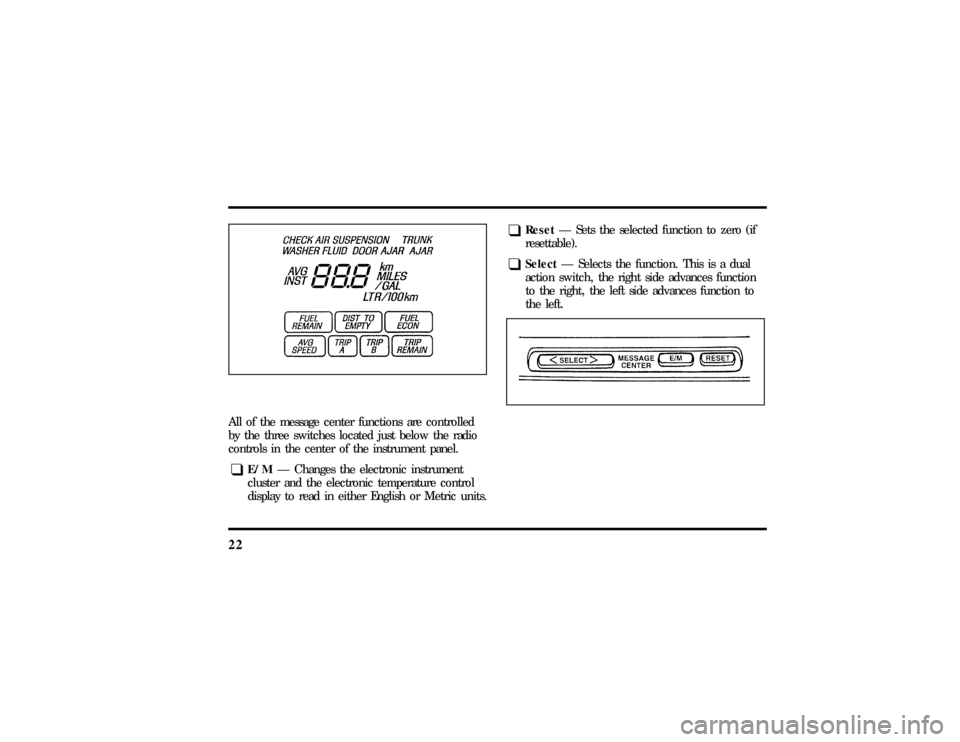
22All of the message center functions are controlled
by the three switches located just below the radio
controls in the center of the instrument panel.q
E/MÐ Changes the electronic instrument
cluster and the electronic temperature control
display to read in either English or Metric units.
q
ResetÐ Sets the selected function to zero (if
resettable).
q
SelectÐ Selects the function. This is a dual
action switch, the right side advances function
to the right, the left side advances function to
the left.
File:03fnist.ex
Update:Mon Jun 17 13:46:47 1996
Page 28 of 305
23
How to use the message centerTo reset any function:
1. Push either the right or left side of the SELECT
button to choose the function you would like
to set.
2. Push the RESET button and the selected
message center function will be reset to zero.
(The only functions which can be reset to zero
are: AVG ECON, TRIP A or TRIP B, and AVG
SPEED.)
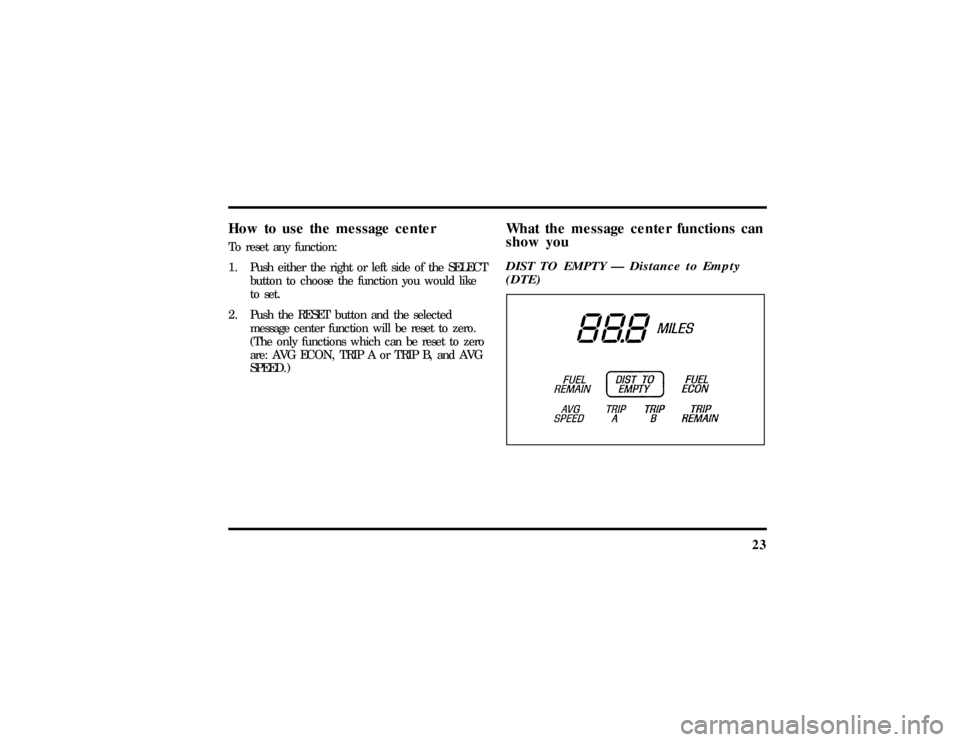
What the message center functions can
show youDIST TO EMPTY Ð Distance to Empty
(DTE)
File:03fnist.ex
Update:Mon Jun 17 13:46:47 1996
Page 32 of 305
27
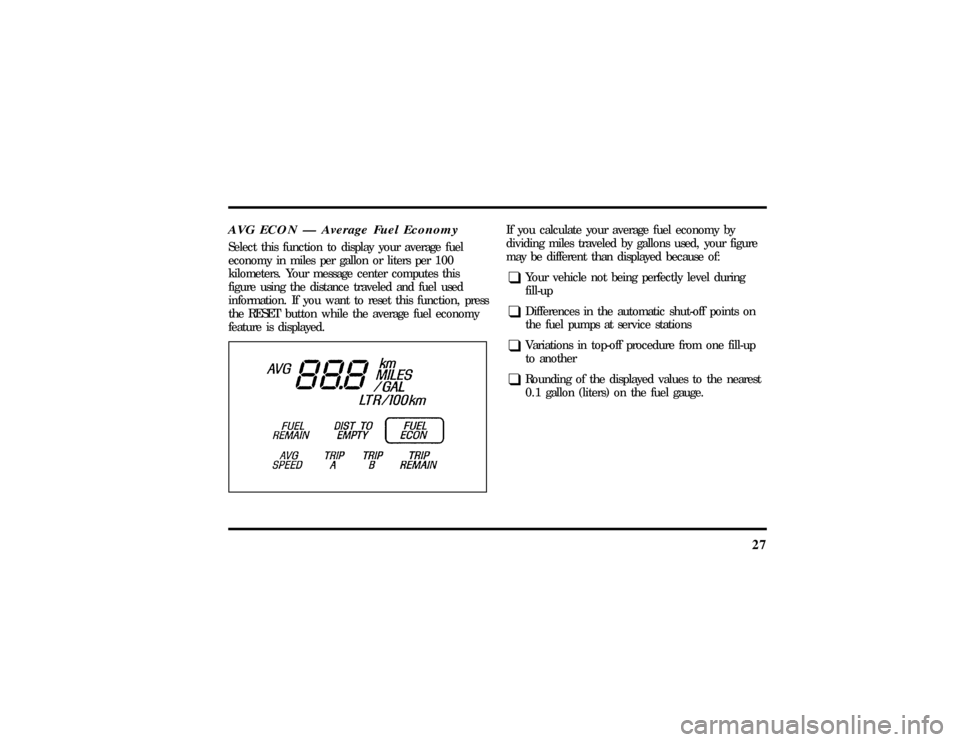
AVG ECON Ð Average Fuel EconomySelect this function to display your average fuel
economy in miles per gallon or liters per 100
kilometers. Your message center computes this
figure using the distance traveled and fuel used
information. If you want to reset this function, press
the RESET button while the average fuel economy
feature is displayed.
If you calculate your average fuel economy by
dividing miles traveled by gallons used, your figure
may be different than displayed because of:q
Your vehicle not being perfectly level during
fill-up
q
Differences in the automatic shut-off points on
the fuel pumps at service stations
q
Variations in top-off procedure from one fill-up
to another
q
Rounding of the displayed values to the nearest
0.1 gallon (liters) on the fuel gauge.
File:03fnist.ex
Update:Mon Jun 17 13:46:47 1996
Page 33 of 305
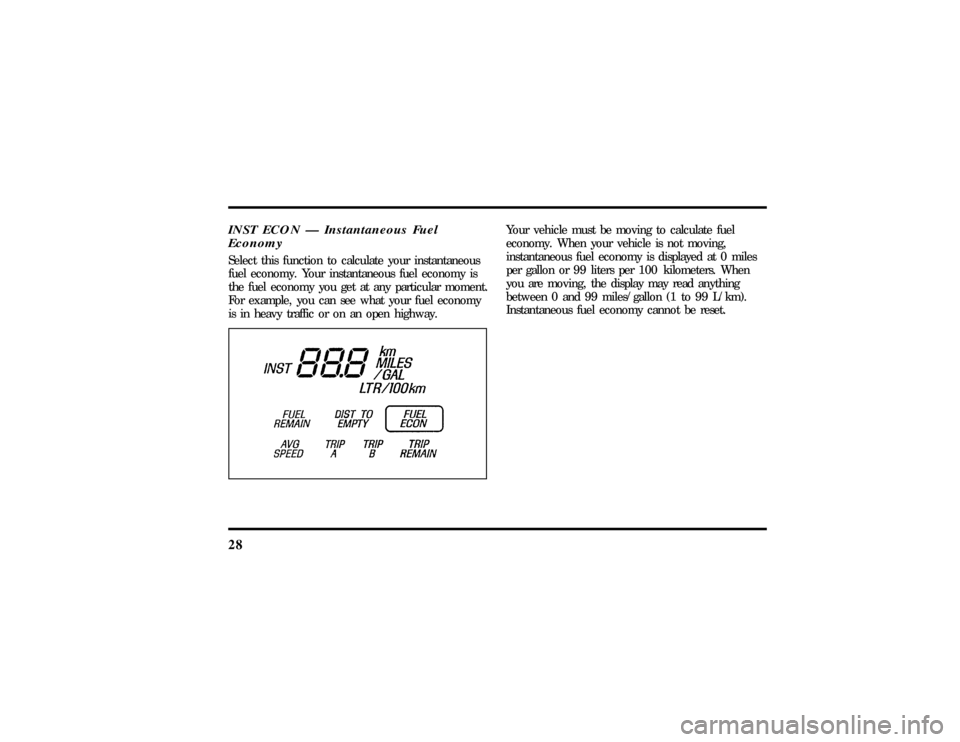
28INST ECON Ð Instantaneous Fuel
EconomySelect this function to calculate your instantaneous
fuel economy. Your instantaneous fuel economy is
the fuel economy you get at any particular moment.
For example, you can see what your fuel economy
is in heavy traffic or on an open highway.
Your vehicle must be moving to calculate fuel
economy. When your vehicle is not moving,
instantaneous fuel economy is displayed at 0 miles
per gallon or 99 liters per 100 kilometers. When
you are moving, the display may read anything
between 0 and 99 miles/gallon (1 to 99 L/km).
Instantaneous fuel economy cannot be reset.
File:03fnist.ex
Update:Mon Jun 17 13:46:47 1996
Page 34 of 305
29
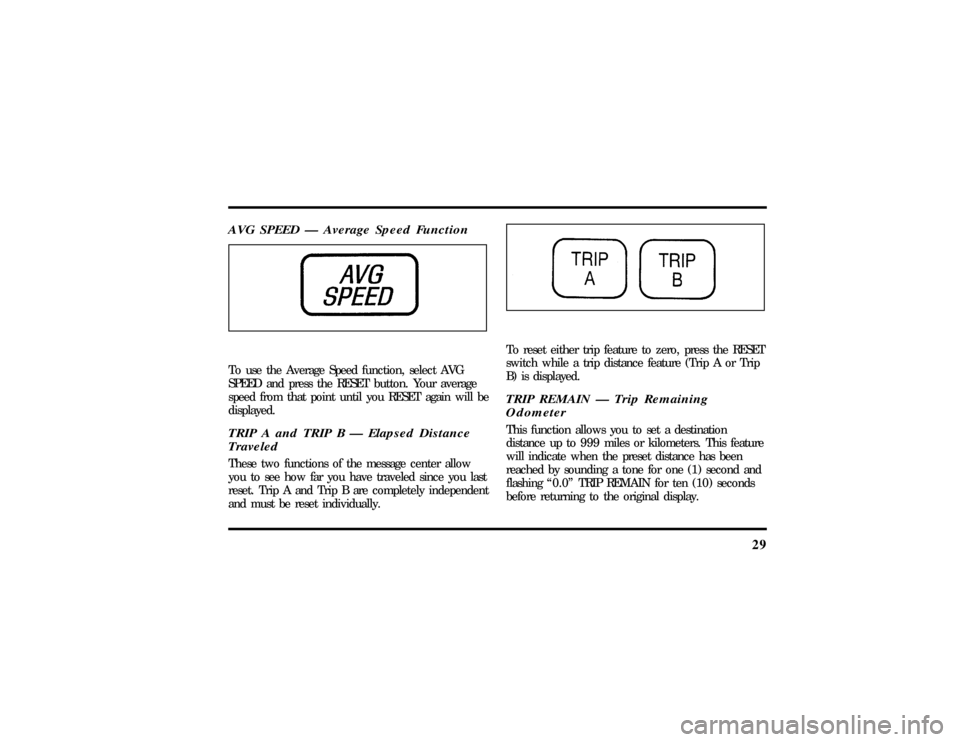
AVG SPEED Ð Average Speed FunctionTo use the Average Speed function, select AVG
SPEED and press the RESET button. Your average
speed from that point until you RESET again will be
displayed.TRIP A and TRIP B Ð Elapsed Distance
TraveledThese two functions of the message center allow
you to see how far you have traveled since you last
reset. Trip A and Trip B are completely independent
and must be reset individually.
To reset either trip feature to zero, press the RESET
switch while a trip distance feature (Trip A or Trip
B) is displayed.TRIP REMAIN Ð Trip Remaining
OdometerThis function allows you to set a destination
distance up to 999 miles or kilometers. This feature
will indicate when the preset distance has been
reached by sounding a tone for one (1) second and
flashing ª0.0º TRIP REMAIN for ten (10) seconds
before returning to the original display.
File:03fnist.ex
Update:Mon Jun 17 13:46:47 1996
Page 35 of 305
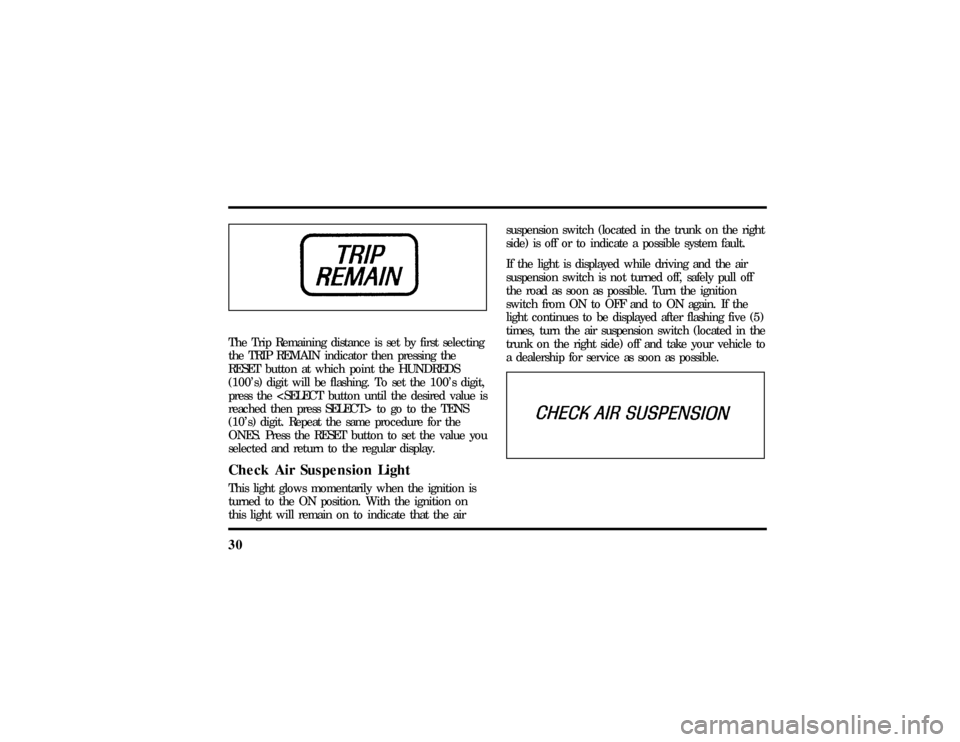
30The Trip Remaining distance is set by first selecting
the TRIP REMAIN indicator then pressing the
RESET button at which point the HUNDREDS
(100's) digit will be flashing. To set the 100's digit,
press the
reached then press SELECT> to go to the TENS
(10's) digit. Repeat the same procedure for the
ONES. Press the RESET button to set the value you
selected and return to the regular display.Check Air Suspension LightThis light glows momentarily when the ignition is
turned to the ON position. With the ignition on
this light will remain on to indicate that the airsuspension switch (located in the trunk on the right
side) is off or to indicate a possible system fault.
If the light is displayed while driving and the air
suspension switch is not turned off, safely pull off
the road as soon as possible. Turn the ignition
switch from ON to OFF and to ON again. If the
light continues to be displayed after flashing five (5)
times, turn the air suspension switch (located in the
trunk on the right side) off and take your vehicle to
a dealership for service as soon as possible.
File:03fnist.ex
Update:Mon Jun 17 13:46:47 1996
Page 40 of 305

35
Luxury Audio SystemUsing the Controls on Your New RadioHow to turn the radio on and offPress the ªVOL/PUSH ONº knob to turn the radio
on. Press again to turn it off.How to adjust the volumeTurn the ªVOL/PUSH ONº knob clockwise to
increase the volume and counter-clockwise to
decrease the volume.
Volume may also be controlled by the Redundant
Control Switch located on your steering wheel (if
equipped). PressAon the ªVOLº button to
increase the volume andBon the ªVOLº button
to decrease the volume.NOTE:If the volume is set above a certain level
when the ignition is turned off, the volume level
will reset to a ªnominalº listening level when the
ignition switch is turned back on. However, if the
radio is turned off with the ªVOL/PUSH ONº knob,
the volume will not reset and will stay at the same
level when the radio is turned back on.
Selecting the AM or FM frequency bandPush the ªAMº or ªFM1/FM2º button to select the
desired frequency band. Pushing the ªFM1/FM2º
button more than once will alternate between FM1
and FM2. These functions are used with the
memory preset buttons described underHow to
tune radio stations.
You may also select AM, FM1 or FM2 by
depressing the ªBANDº button located on the
Redundant Control Switch on your steering wheel
(if equipped).
File:04fnast.ex
Update:Thu Jun 20 15:13:21 1996
Page 41 of 305

36How to tune radio stationsThere are four ways for you to tune in a particular
station. You can use the ªTUNEº, ªSEEKº, ªSCANº
or memory buttons.q
Using the ªTUNEº function
You can change the frequency up or down one
increment at a time by pressing and releasing either
the left
bor right
aside of the ªTUNEº or
ªTUNE DISCSº button. To change frequencies
quickly, press and hold down either the right or left
side of the button.
Manual tuning adjusts your radio to any allowable
broadcast frequency, whether or not a station is
present on that frequency. (SeeAll About Radio
Frequenciesin this section.)
q
Using the ªSEEKº function
Press the right
aside of the ªSEEKº button to
select the next listenable station up the frequency
band. Press the left
bside of the button to select
the next listenable station down the frequency
band. By holding the button down, listenable
stations can be passed over to reach the desired
station.
q
Using the ªSCANº function
Pressing the ªSCANº button will begin the scan
mode up the frequency band, stopping on each
listenable station for approximately five seconds.
To stop the scan mode on the presently sampled
station, press the ªSCANº button again.
q
Setting the station MEMORY PRESET buttons
Your radio is equipped with 6 station memory
buttons. These buttons can be used to select up
to 6 preset AM stations and 12 FM stations (6
in FM1 and 6 in FM2)
File:04fnast.ex
Update:Thu Jun 20 15:13:21 1996
Page 42 of 305

37
1. Select a band, then select a frequency.
2. Press one of the memory buttons and hold
until the sound returns and the lamp above the
memory button lights up. That memory button
is now set.
3. Follow the above steps for each memory preset
button.Using the Automatic Memory Store feature
(ªAUTOSETº)If the memory buttons have been set, either by
using the Auto Memory Load feature or if you have
set them manually, the system is prepared to let
you use a convenient feature calledAutomatic
Memory Store.
With Auto Memory Store, you can continually set
strong stations into your memory buttons without
losing your originally set stations. Your radio will
automatically set your memory buttons to the strong
local stations.Activate Auto Memory Store by pushing the
ªAUTOSETº button once. Your radio will set the
first six strong stations of the band you are in (AM,
FM1 or FM2) into the memory buttons. The display
will flash ªAUTOº and display the autoset icon ªAº
while the stations are being set in the memory
buttons.
NOTE: If there are less than six strong stations in
the frequency band, the remaining unfilled buttons
will store the last strong station detected on the
band. After all stations have been filled, the radio
will begin playing the station stored on memory
button 1.
To deactivate the Auto Memory Store mode and
return to the manually-set memory button stations,
simply push the ªAUTOSETº button. Display will
show ªAUTOº then ªOFFº. The next time Auto
Memory Store is activated on that band, the radio
will store the next set of six strong stations.
File:04fnast.ex
Update:Thu Jun 20 15:13:21 1996