homelink LINCOLN TOWN CAR 2001 Owners Manual
[x] Cancel search | Manufacturer: LINCOLN, Model Year: 2001, Model line: TOWN CAR, Model: LINCOLN TOWN CAR 2001Pages: 240, PDF Size: 1.92 MB
Page 67 of 240
HOMELINKTUNIVERSAL TRANSCEIVER (IF EQUIPPED)
The HomeLinktUniversal Transceiver, located on the driver's visor,
provides a convenient way to replace up to three hand-held transmitters
with a single built-in device. This feature will learn the radio frequency
codes of most current transmitters to operate garage doors, entry gates,
security systems, entry door locks, and home or office lighting.
When programming your HomeLinktUniversal Transceiver, to a
garage door or gate be sure that people and objects are out of
the way to prevent potential harm or damage.
Do not use the HomeLinktUniversal Transceiver with any garage door
opener that lacks safety stop and reverse features as required by U.S.
federal safety standards (this includes any garage door opener model
manufactured before April 1, 1982). A garage door which cannot detect
an object, signaling the door to stop and reverse, does not meet current
U.S. federal safety standards. For more information on this matter, call
toll-free: 1±800±355±3515 or on the Internet atHomeLink.jci.com.
Programming
Do not program the HomeLinktUniversal Transceiver with the
vehicle parked in the garage.
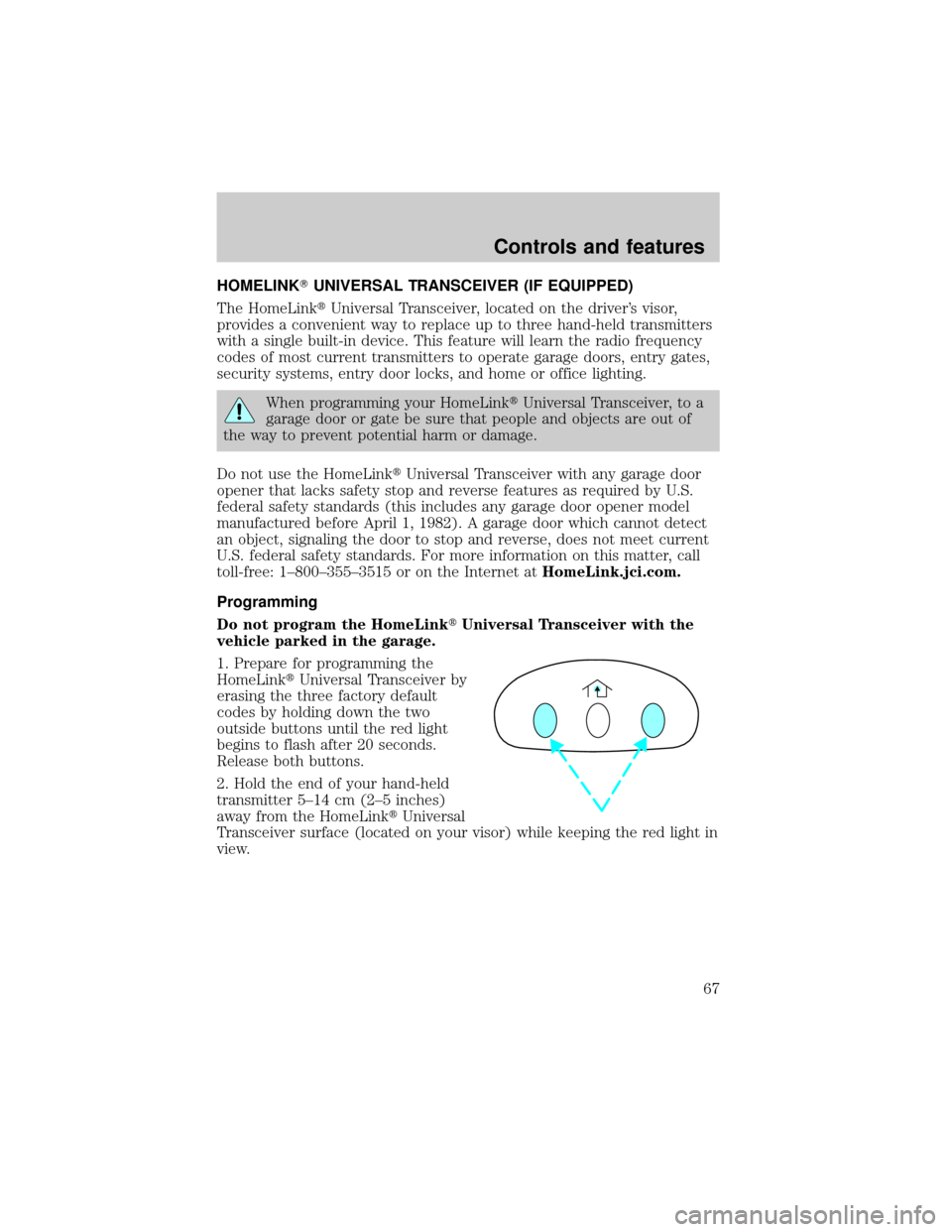
1. Prepare for programming the
HomeLinktUniversal Transceiver by
erasing the three factory default
codes by holding down the two
outside buttons until the red light
begins to flash after 20 seconds.
Release both buttons.
2. Hold the end of your hand-held
transmitter 5±14 cm (2±5 inches)
away from the HomeLinktUniversal
Transceiver surface (located on your visor) while keeping the red light in
view.
Controls and features
67
Page 68 of 240
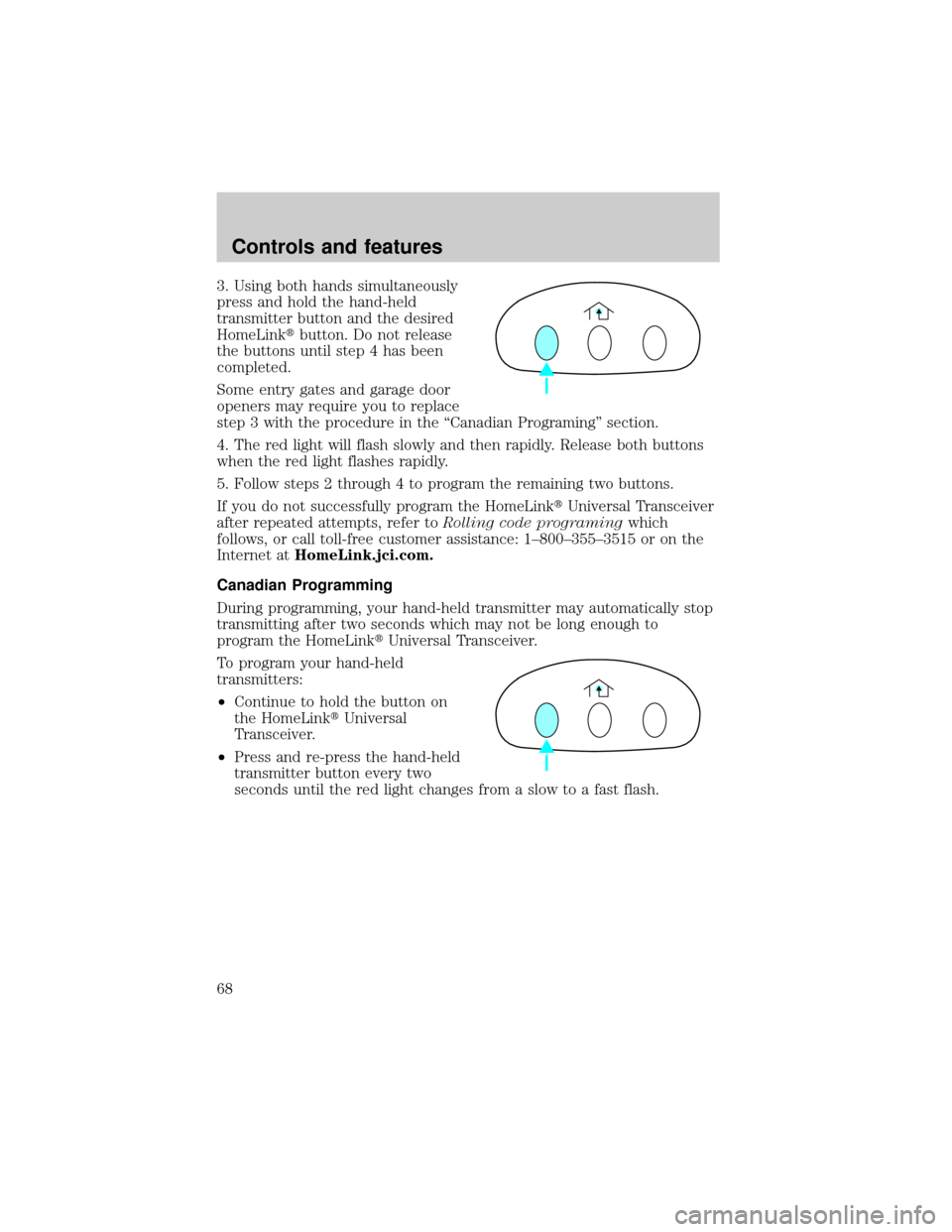
3. Using both hands simultaneously
press and hold the hand-held
transmitter button and the desired
HomeLinktbutton. Do not release
the buttons until step 4 has been
completed.
Some entry gates and garage door
openers may require you to replace
step 3 with the procedure in the ªCanadian Programingº section.
4. The red light will flash slowly and then rapidly. Release both buttons
when the red light flashes rapidly.
5. Follow steps 2 through 4 to program the remaining two buttons.
If you do not successfully program the HomeLinktUniversal Transceiver
after repeated attempts, refer toRolling code programingwhich
follows, or call toll-free customer assistance: 1±800±355±3515 or on the
Internet atHomeLink.jci.com.
Canadian Programming
During programming, your hand-held transmitter may automatically stop
transmitting after two seconds which may not be long enough to
program the HomeLinktUniversal Transceiver.
To program your hand-held
transmitters:
²Continue to hold the button on
the HomeLinktUniversal
Transceiver.
²Press and re-press the hand-held
transmitter button every two
seconds until the red light changes from a slow to a fast flash.
Controls and features
68
Page 69 of 240
Operating the HomeLinkTUniversal Transceiver
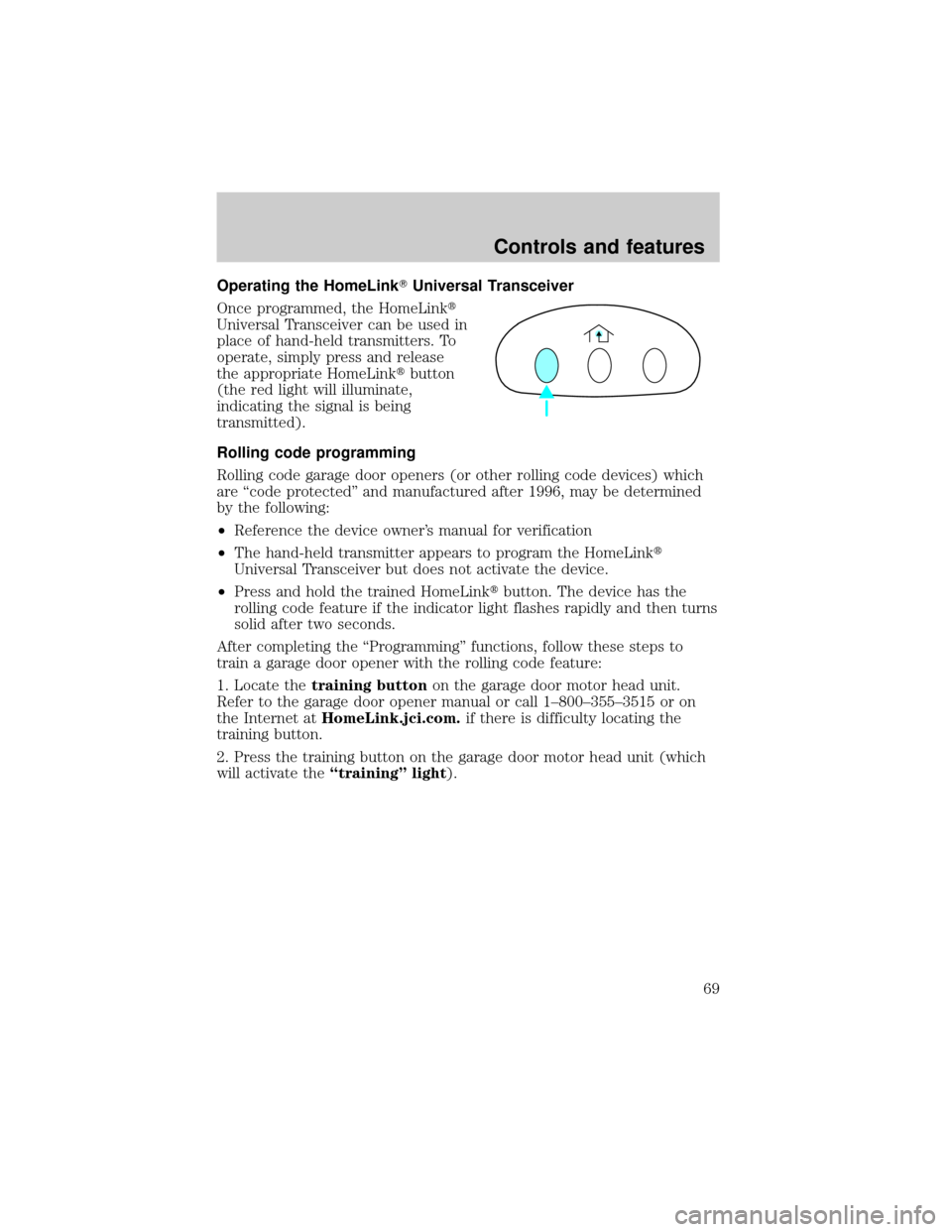
Once programmed, the HomeLinkt
Universal Transceiver can be used in
place of hand-held transmitters. To
operate, simply press and release
the appropriate HomeLinktbutton
(the red light will illuminate,
indicating the signal is being
transmitted).
Rolling code programming
Rolling code garage door openers (or other rolling code devices) which
are ªcode protectedº and manufactured after 1996, may be determined
by the following:
²Reference the device owner's manual for verification
²The hand-held transmitter appears to program the HomeLinkt
Universal Transceiver but does not activate the device.
²Press and hold the trained HomeLinktbutton. The device has the
rolling code feature if the indicator light flashes rapidly and then turns
solid after two seconds.
After completing the ªProgrammingº functions, follow these steps to
train a garage door opener with the rolling code feature:
1. Locate thetraining buttonon the garage door motor head unit.
Refer to the garage door opener manual or call 1±800±355±3515 or on
the Internet atHomeLink.jci.com.if there is difficulty locating the
training button.
2. Press the training button on the garage door motor head unit (which
will activate theªtrainingº light).
Controls and features
69
Page 70 of 240
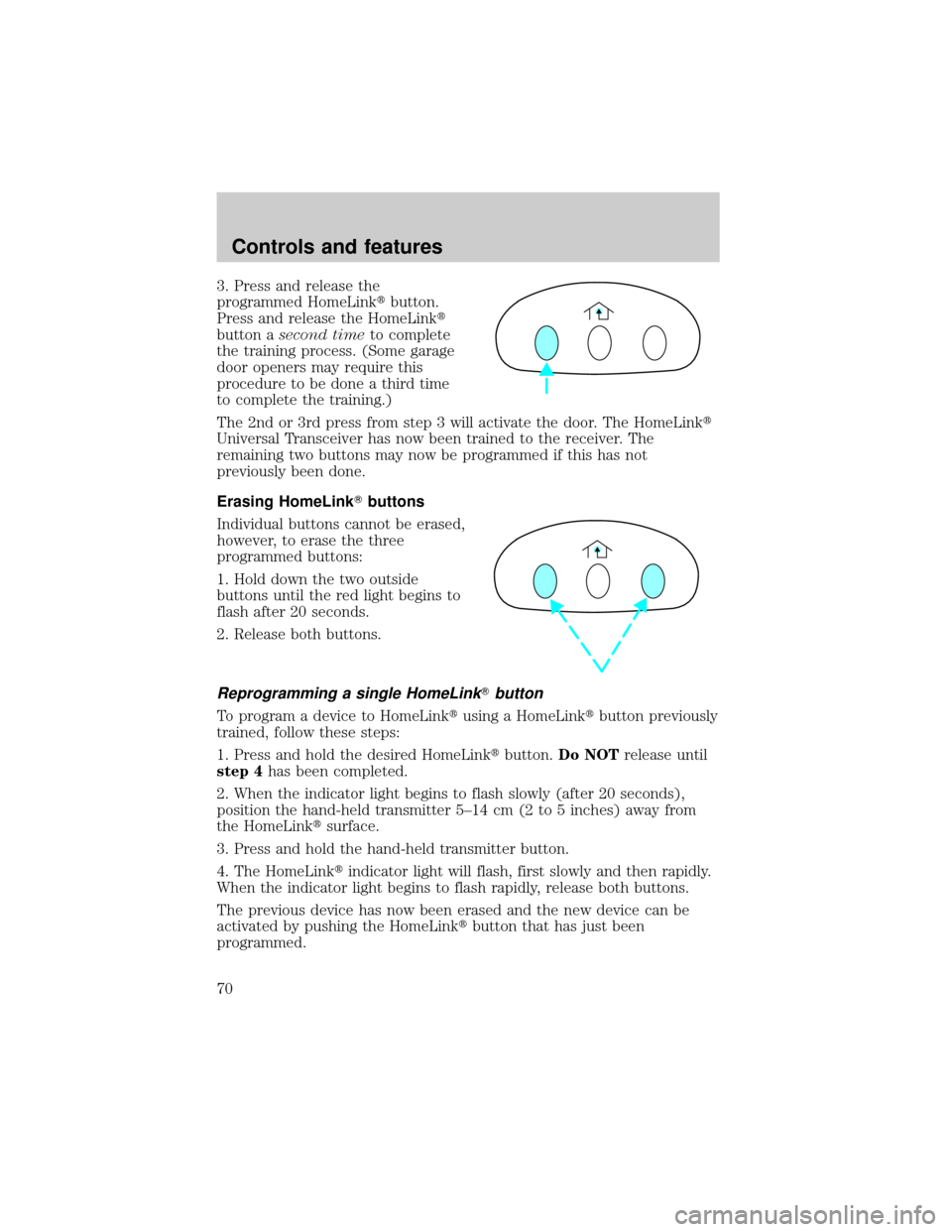
3. Press and release the
programmed HomeLinktbutton.
Press and release the HomeLinkt
button asecond timeto complete
the training process. (Some garage
door openers may require this
procedure to be done a third time
to complete the training.)
The 2nd or 3rd press from step 3 will activate the door. The HomeLinkt
Universal Transceiver has now been trained to the receiver. The
remaining two buttons may now be programmed if this has not
previously been done.
Erasing HomeLinkTbuttons
Individual buttons cannot be erased,
however, to erase the three
programmed buttons:
1. Hold down the two outside
buttons until the red light begins to
flash after 20 seconds.
2. Release both buttons.
Reprogramming a single HomeLinkTbutton
To program a device to HomeLinktusing a HomeLinktbutton previously
trained, follow these steps:
1. Press and hold the desired HomeLinktbutton.Do NOTrelease until
step 4has been completed.
2. When the indicator light begins to flash slowly (after 20 seconds),
position the hand-held transmitter 5±14 cm (2 to 5 inches) away from
the HomeLinktsurface.
3. Press and hold the hand-held transmitter button.
4. The HomeLinktindicator light will flash, first slowly and then rapidly.
When the indicator light begins to flash rapidly, release both buttons.
The previous device has now been erased and the new device can be
activated by pushing the HomeLinktbutton that has just been
programmed.
Controls and features
70
Page 227 of 240

Vehicle Security
Styled wheel locks
Vehicle security systems
Comfort and convenience
Cargo nets
Cargo organizers
Engine block heaters
Travel equipment
Cell phone holder
Floor mounted console organizer
Inside rear view mirror (Electrochromic with compass and temperature
display)
HomeLinkt
Protection and appearance equipment
Air bag anti-theft locks
Car covers
Carpet floor mats
Door edge guards
Emergency kit
First aid kit
Flat splash guards
Front end cover (full)
Molded splash guards
Styled hood deflector
Underbody lighting
Universal floor mats
For maximum vehicle performance, keep the following information in
mind when adding accessories or equipment to your vehicle:
²When adding accessories, equipment, passengers and luggage to your
vehicle, do not exceed the total weight capacity of the vehicle or of
Customer assistance
227
Page 234 of 240

aiming ..............................204±206
autolamp system .......................25
bulb specifications ..................204
daytime running lights .............26
flash to pass ..............................26
high beam ...........................11, 26
replacing bulbs .......................199
turning on and off ..............25±26
warning chime ..........................15
Heating ........................................27
HomeLink universal
transceiver (see Garage door
opener) ............................67, 69±70
Hood ..........................................165
I
Ignition .........................59, 215±216
Infant seats
(see Safety seats) .....................119
Inspection/maintenance (I/M)
testing ........................................198
Instrument panel
cleaning ...................................210
cluster ..................................8, 210
lighting up panel and
interior .......................................25
location of components ..............8
J
Jack ............................................154
positioning ...............................154
storage .....................................154
Jump-starting your vehicle ......158
K
Keyless entry system .................85autolock .....................................83
keypad .......................................85
programming entry code .........86
Keys .................................60, 88, 90
key in ignition chime ...............15
positions of the ignition ...........59
L
Lamps
autolamp system .......................25
bulb replacement
specifications chart ................204
cargo lamps ...............................25
daytime running light ...............26
headlamps ...........................25±26
headlamps, flash to pass ..........26
instrument panel, dimming .....25
interior lamps ...................71, 203
replacing bulbs .......199, 202±203
Lane change indicator (see
Turn signal) .................................60
Lights, warning and indicator ......8
air bag ..........................................9
air suspension ...........................13
anti-lock brakes (ABS) ....10, 131
brake ..........................................10
charging system ........................11
cruise indicator .........................14
door ajar ....................................12
fuel cap light .............................10
high beam .................................11
liftgate ajar ................................12
low coolant ................................12
low washer fluid .......................14
oil pressure ...............................11
safety belt ...................................9
service engine soon ....................8
speed control ............................65
traction control system ............13
Index
234