warning MAZDA MODEL 3 5-DOOR 2017 Repair Manual
[x] Cancel search | Manufacturer: MAZDA, Model Year: 2017, Model line: MODEL 3 5-DOOR, Model: MAZDA MODEL 3 5-DOOR 2017Pages: 612
Page 116 of 612
3–40
Before Driving
Windows
*Some models.
Moonroof *
The moonroof can be opened or closed
electrically only when the ignition is
switched ON.
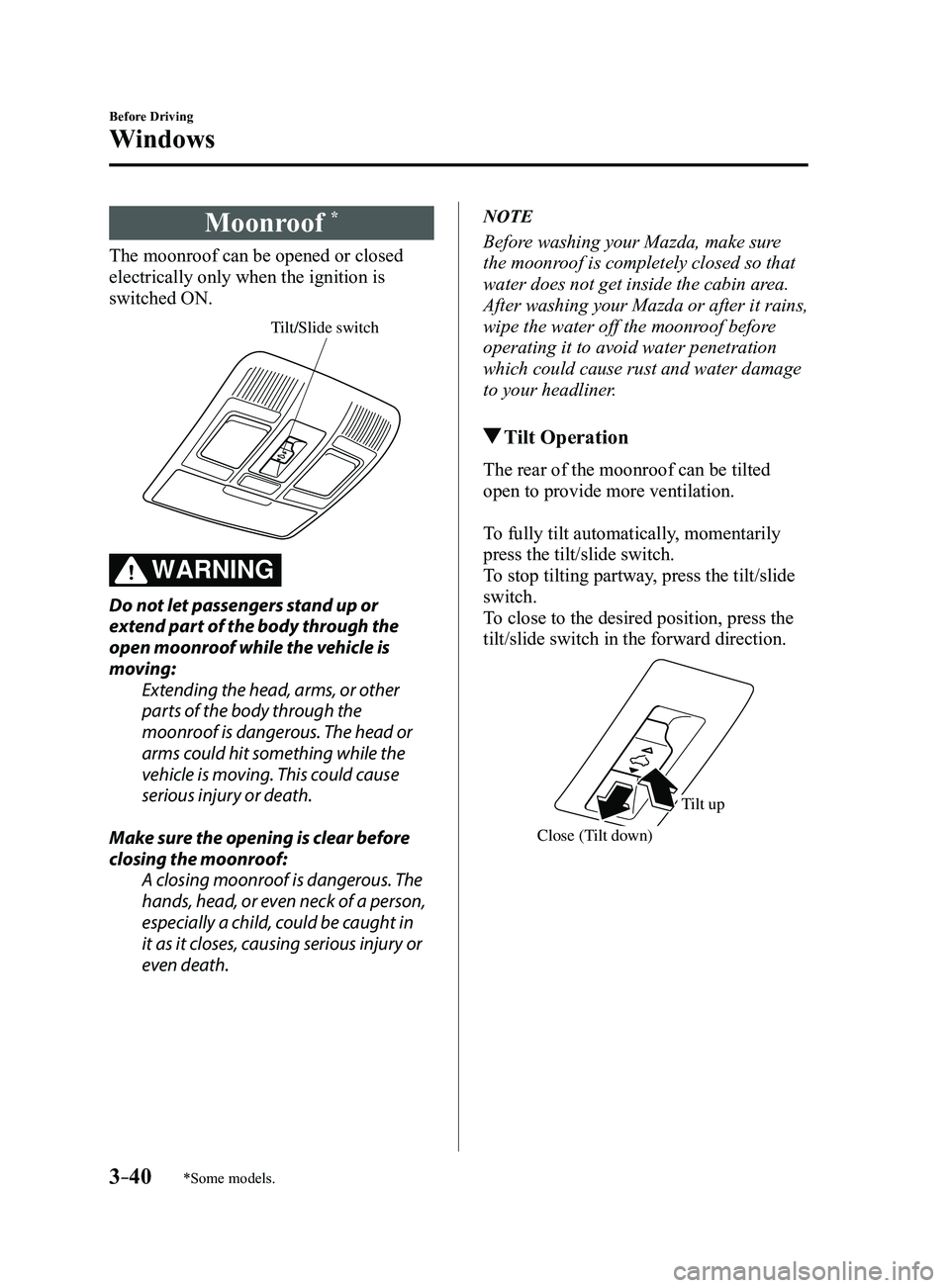
Tilt/Slide switch
WARNING
Do not let passengers stand up or
extend part of the body through the
open moonroof while the vehicle is
moving:Extending the head, arms, or other
parts of the body through the
moonroof is dangerous. The head or
arms could hit something while the
vehicle is moving. This could cause
serious injury or death.
Make sure the opening is clear before
closing the moonroof: A closing moonroof is dangerous. The
hands, head, or even neck of a person,
especially a child, could be caught in
it as it closes, causing serious injury or
even death.
NOTE
Before washing your Mazda, make sure
the moonroof is completely closed so that
water does not get inside the cabin area.
After washing your Mazda or after it rains,
wipe the water off the moonroof before
operating it to avoid water penetration
which could cause rust and water damage
to your headliner.
Tilt Operation
The rear of the moonroof can be tilted
open to provide more ventilation.
To fully tilt automatically, momentarily
press the tilt/slide switch.
To stop tilting partway, press the tilt/slide
switch.
To close to the desired position, press the
tilt/slide switch in the forward direction.
Close (Tilt down)
Tilt up
Mazda3_8FL6-EA-16F_Edition2.indb 402016/08/10 17:35:35
Page 120 of 612
3–44
Before Driving
Security System
*Some models.
Theft-Deterrent System*
If the theft-deterrent system detects an
inappropriate entry into the vehicle,
which could result in the vehicle or its
contents being stolen, the alarm alerts the
surrounding area of an abnormality by
sounding the horn and flashing the hazard
warning lights.
The system will not function unless it's
properly armed. So when you leave the
vehicle, follow the arming procedure
correctly.
Operation
System triggering conditions
The horn sounds intermittently and the
hazard warning lights flash for about 30
seconds when the system is triggered by
any one of the following:
Unlocking a door with the key, door
lock switch, or an inside door-lock knob. Forcing open a door, the hood or the
liftgate/trunk lid. Opening the hood by operating the hood
release handle. Switching the ignition ON without using
the push button start.
If the system is triggered again, the lights
and horn will activate until the driver's
door is unlocked with the transmitter.
(With the advanced keyless function)
The lights and horn can also be
deactivated by pressing the request switch
on a door.
NOTE
If the battery goes dead while the theft-
deterrent system is armed, the horn will
activate and the hazard warning lights
will flash when the battery is charged or
replaced.
How to Arm the System
1. Close the windows and the moonroof *
securely.
2. Switch the ignition OFF .
3. Make sure the hood, the doors, and the
liftgate/trunk lid are closed.
4. Press the lock button on the transmitter
or lock the driver's door from the
outside with the auxiliary key.
The hazard warning lights will flash
once.
The following method will also arm the
theft-deterrent system:
Press the door-lock switch “” while
any door is open and then close all of
the doors.
(With the advanced keyless function)
Press a request switch.
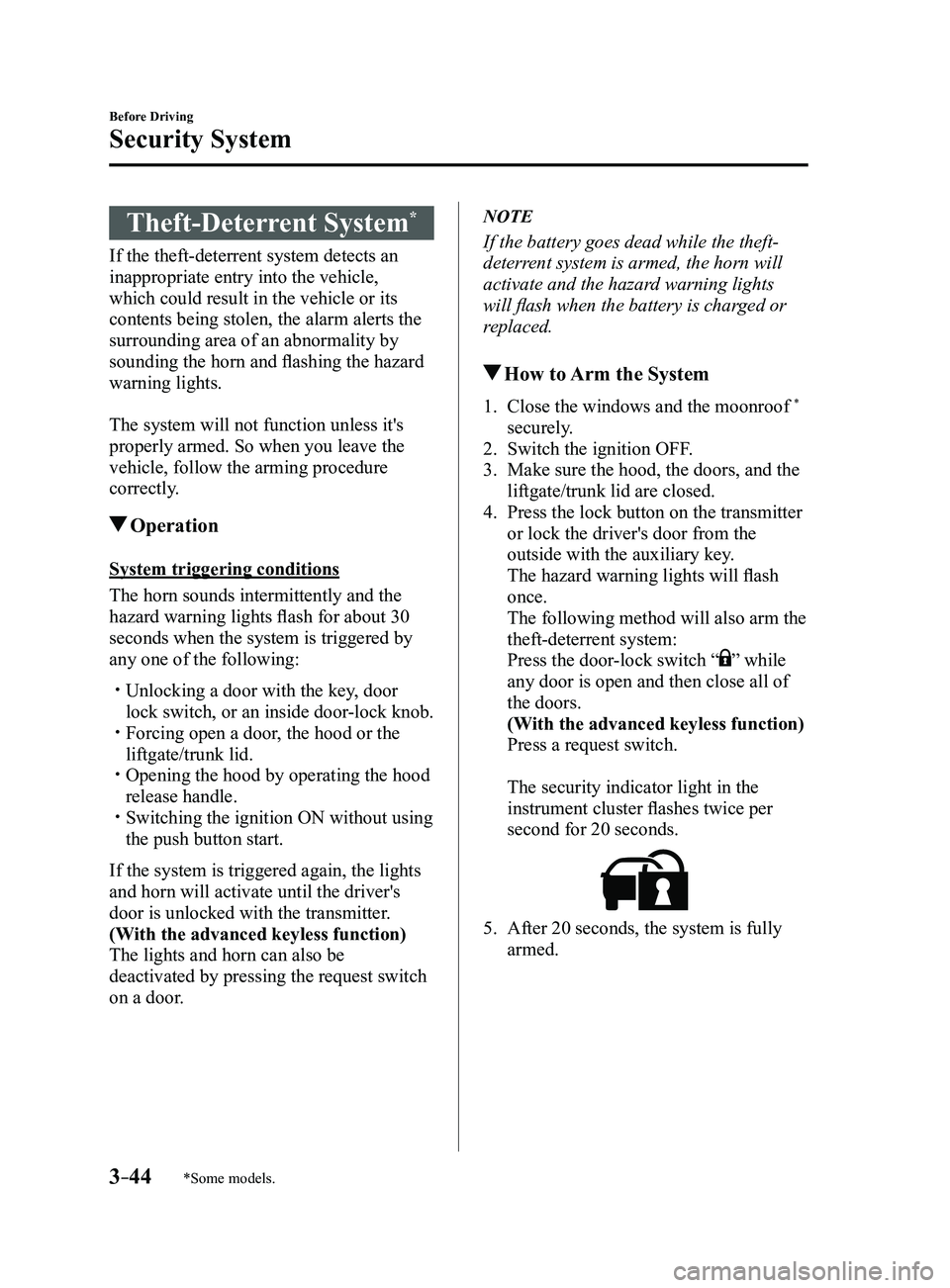
The security indicator light in the
instrument cluster flashes twice per
second for 20 seconds.
5. After 20 seconds, the system is fully
armed.
Mazda3_8FL6-EA-16F_Edition2.indb 442016/08/10 17:35:37
Page 121 of 612
3–45
Before Driving
Security System
NOTE
The theft-deterrent system can also be
armed by activating the auto relock
function with all the doors, the liftgate/
trunk lid and the hood closed.
Refer to Transmitter on page 3-5. The system will disarm if one of the
following operations takes place within
20 seconds after pressing the lock
button:
Unlocking any door . Opening any door. Opening the hood. Switching the ignition ON.
To rearm the system, do the arming
procedure again. When the doors ar e locked by pressing
the lock button on the transmitter
or using the auxiliary key while the
theft-deterrent system is armed, the
hazard warning lights will flash once to
indicate that the system is armed.
To Turn Off an Armed System
An armed system can be turned off using
any one of the following methods:
Pressing the unlock button on the
transmitter. Starting the engine with the push button
start. (With the advanced keyless function)
Pressing a request switch on the doors.
The hazard warning lights will flash twice.
NOTE
When the doors are unlocked by pressing
the unlock button on the transmitter while
the theft-deterrent system is turned off, the
hazard warning lights will flash twice to
indicate that the system is turned off.
To Stop the Alarm
A triggered alarm can be turned off using
any one of the following methods:
Pressing the unlock button on the
transmitter. Starting the engine with the push button
start. (With the advanced keyless function)
Pressing a request switch on the doors. Pressing the electric liftgate/trunk lid
opener while the key is being carried.
The hazard warning lights will flash twice.
Mazda3_8FL6-EA-16F_Edition2.indb 452016/08/10 17:35:37
Page 122 of 612
3–46
Before Driving
Driving Tips
Break-In Period
No special break-in is necessary, but a
few precautions in the first 1,000 km
(600 miles) may add to the performance,
economy, and life of the vehicle.
Do not race the engine. Do not maintain one constant speed,
either slow or fast, for a long period of
time.
Do not drive constantly at full-throttle or
high engine rpm for extended periods of
time.
Avoid unnecessary hard stops. Avoid full-throttle starts.
Saving Fuel and
Protection of the
Environment
How you operate your Mazda determines
how far it will travel on a tank of fuel. Use
these suggestions to help save fuel and
reduce CO2.
Avoid long warm-ups. Once the engine
runs smoothly, begin driving. Avoid fast starts. Drive at lower speeds. Anticipate when to apply the brakes
(avoid sudden braking). Follow the maintenance schedule
(page 6-4) and have an Authorized
Mazda Dealer perform inspections and
servicing.
Use the air conditioner only when
necessary. Slow down on rough roads. Keep the tires properly inflated. Do not carry unnecessary weight. Do not rest your foot on the brake pedal
while driving. Keep the wheels in correct alignment. Keep windows closed at high speeds. Slow down when driving in crosswinds
and headwinds.
WARNING
Never stop the engine when going down
a hill: Stopping the engine when going
down a hill is dangerous. This causes
the loss of power steering and power
brake control, and may cause damage
to the drivetrain. Any loss of steering
or braking control could cause an
accident.
Mazda3_8FL6-EA-16F_Edition2.indb 462016/08/10 17:35:38
Page 123 of 612
3–47
Before Driving
Driving Tips
Hazardous Driving
WARNING
Be extremely careful if it is necessary to
downshift on slippery surfaces:Downshifting into lower gear
while driving on slippery surfaces is
dangerous. The sudden change in tire
speed could cause the tires to skid. This
could lead to loss of vehicle control
and an accident.
When driving on ice or in water, snow,
mud, sand, or similar hazards:
Be cautious and allow extra distance for
braking. Avoid sudden braking and sudden
maneuvering. Do not pump the brakes. Continue to
press down on the brake pedal.
Refer to Antilock Brake System (ABS)
on page 4-68. If you get stuck, select a lower gear and
accelerate slowly. Do not spin the front
wheels.
For more traction in starting on slippery
surfaces such as ice or packed snow,
use sand, rock salt, chains, carpeting, or
other nonslip material under the front
wheels.
NOTE
Use snow chains only on the front wheels.
Floor Mat
We recommend the use of Genuine
Mazda floor mats.
WARNING
Make sure the floor mats are secured
with the grommets or the retainers to
prevent them from bunching up under
the foot pedals (Driver's side): Using a floor mat that is not secured is
dangerous as it will interfere with the
accelerator and brake pedal operation
(driver's side), which could result in an
accident.
Only use a floor mat which conforms
to the shape of the floor on the driver's
side and make sure it is oriented
correctly.
Secure the floor mat using the
grommets or retainers.
There are various ways to secure floor
mats depending on the type used,
therefore secure the mat according to
the type.
After installing the floor mat, make
sure that it does not slide from side
to side or back and forth, and that
there is sufficient clearance with the
accelerator and brake pedals on the
driver's side.
After removing the floor mat for
cleaning or some other reason, always
securely reinstall it while paying
attention to the precautions just
mentioned.
Mazda3_8FL6-EA-16F_Edition2.indb 472016/08/10 17:35:38
Page 124 of 612
3–48
Before Driving
Driving Tips
Do not install two floor mats, one on top
of the other, on the driver's side:Installing two floor mats, one on top
of the other, on the driver's side is
dangerous as the retention pins can
only keep one floor mat from sliding
forward.
Loose floor mat(s) will interfere with
the foot pedals and could result in an
accident.
When using an all weather mat for
winter, always remove the original
floor mat.
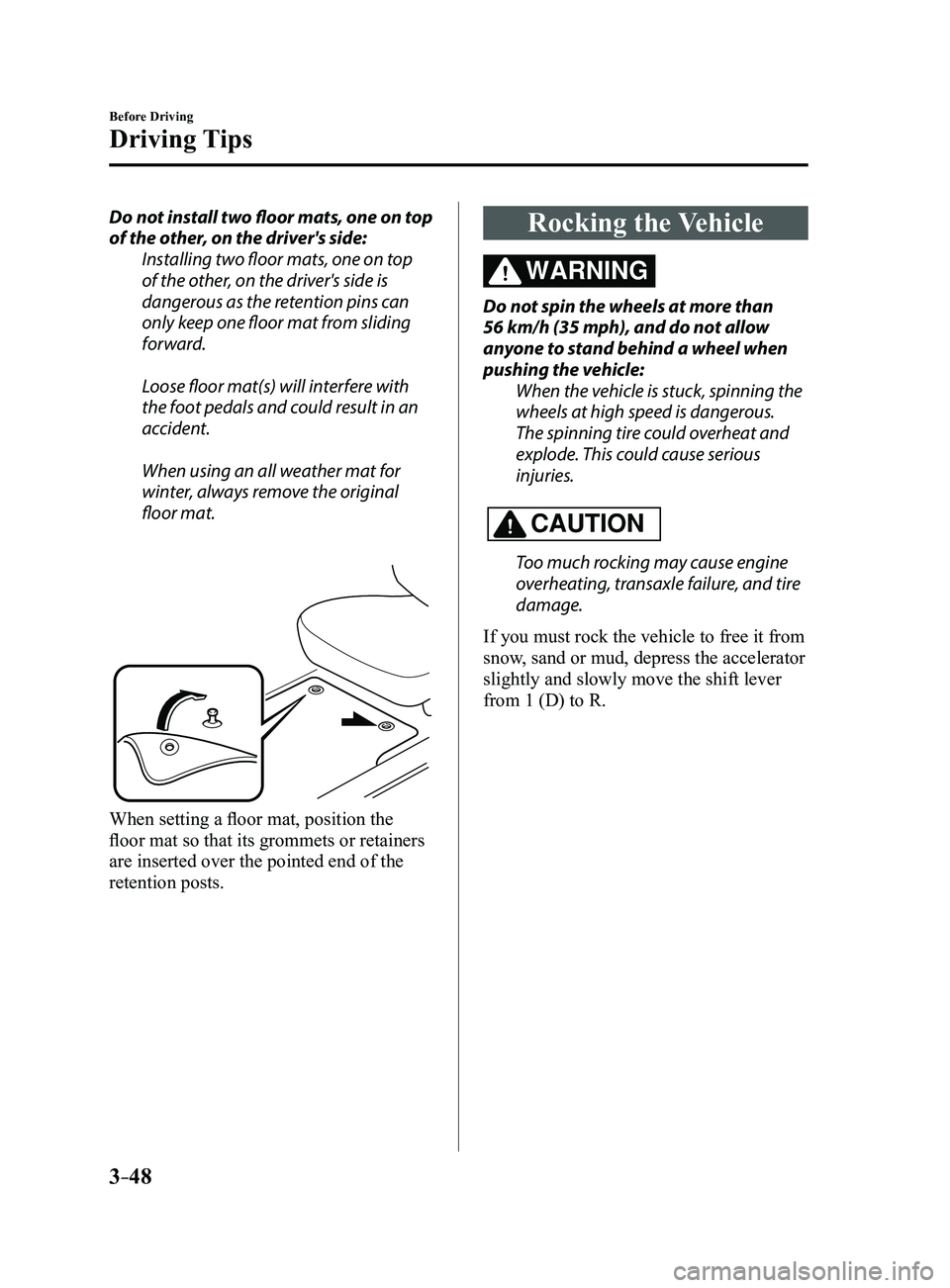
When setting a floor mat, position the
floor mat so that its grommets or retainers
are inserted over the pointed end of the
retention posts.
Rocking the Vehicle
WARNING
Do not spin the wheels at more than
56 km/h (35 mph), and do not allow
anyone to stand behind a wheel when
pushing the vehicle:When the vehicle is stuck, spinning the
wheels at high speed is dangerous.
The spinning tire could overheat and
explode. This could cause serious
injuries.
CAUTION
Too much rocking may cause engine
overheating, transaxle failure, and tire
damage.
If you must rock the vehicle to free it from
snow, sand or mud, depress the accelerator
slightly and slowly move the shift lever
from 1 (D) to R.
Mazda3_8FL6-EA-16F_Edition2.indb 482016/08/10 17:35:38
Page 126 of 612
3–50
Before Driving
Driving Tips
Except Mexico (18–inch wheel vehicle)
The vehicle is originally equipped with
all season radials designed to be used all
year around. In some extreme climates you
may find it necessary to replace them with
snow tires during the winter months to
further improve traction on snow and ice
covered roads.
Mexico (18–inch wheel vehicle)
The vehicle is originally equipped with
summer tires designed for optimum
traction on wet and dry roads. If your
vehicle is to be used on snow and ice
covered roads, Mazda recommends that
you replace the tires originally equipped
on your vehicle with snow tires during the
winter months.
WARNING
Use only the same size and type tires
(snow, radial, or non-radial) on all four
wheels:Using tires different in size or type is
dangerous. Your vehicle's handling
could be greatly affected and result in
an accident.
CAUTION
Check local regulations before using
studded tires.
Tire Chains
Check local regulations before using tire
chains.
CAUTION
Chains may a ffect handling. Do not go faster than 50 km/h (30 mph)
or the chain manufacturer's
recommended limit, whichever is lower.
Drive carefully and avoid bumps, holes,
and sharp turns. Avoid locked-wheel braking. Do not use chains on a temporary spare
tire; it may result in damage to the
vehicle and to the tire.
Do not use chains on roads that are free
of snow or ice. The tires and chains could
be damaged.
Chains may scr atch or chip aluminum
wheels.
NOTE
The tire pressure monitoring system may
not function correctly when using tire
chains.
Install the chains on the front tires only.
Do not use chains on the rear tires.
Please consult an Authorized Mazda
Dealer.
Installing the chains
1. If your vehicle is equipped with wheel
covers remove them, otherwise the
chain bands will scratch them.
2. Secure the chains on the front tires as
tightly as possible.
Always follow the chain manufacturer's
instructions.
3. Retighten the chains after driving
1/2—1 km (1/4—1/2 mile).
Mazda3_8FL6-EA-16F_Edition2.indb 502016/08/10 17:35:39
Page 127 of 612
3–51
Before Driving
Driving Tips
Driving In Flooded Area
WARNING
Dry off brakes that have become
wet by driving slowly, releasing the
accelerator pedal and lightly applying
the brakes several times until the brake
performance returns to normal:Driving with wet brakes is dangerous.
Increased stopping distance or the
vehicle pulling to one side when
braking could result in a serious
accident. Light braking will indicate
whether the brakes have been affected.
CAUTION
Do not drive the vehicle on flooded
roads as it could cause short circuiting
of electrical/electronic parts, or
engine damage or stalling from
water absorption. If the vehicle has
been immersed in water, consult an
Authorized Mazda Dealer.
Overloading
WARNING
Be careful not to overload your vehicle:
The gross axle weight rating (GAWR)
and the gross vehicle weight rating
(GVWR) of the vehicle are on the
Motor Vehicle Safety Standard Label
on the driver's door frame. Exceeding
these ratings can cause an accident
or vehicle damage. You can estimate
the weight of the load by weighing the
items (or people) before putting them
in the vehicle.
Mazda3_8FL6-EA-16F_Edition2.indb 512016/08/10 17:35:39
Page 131 of 612
4–1
*Some models.
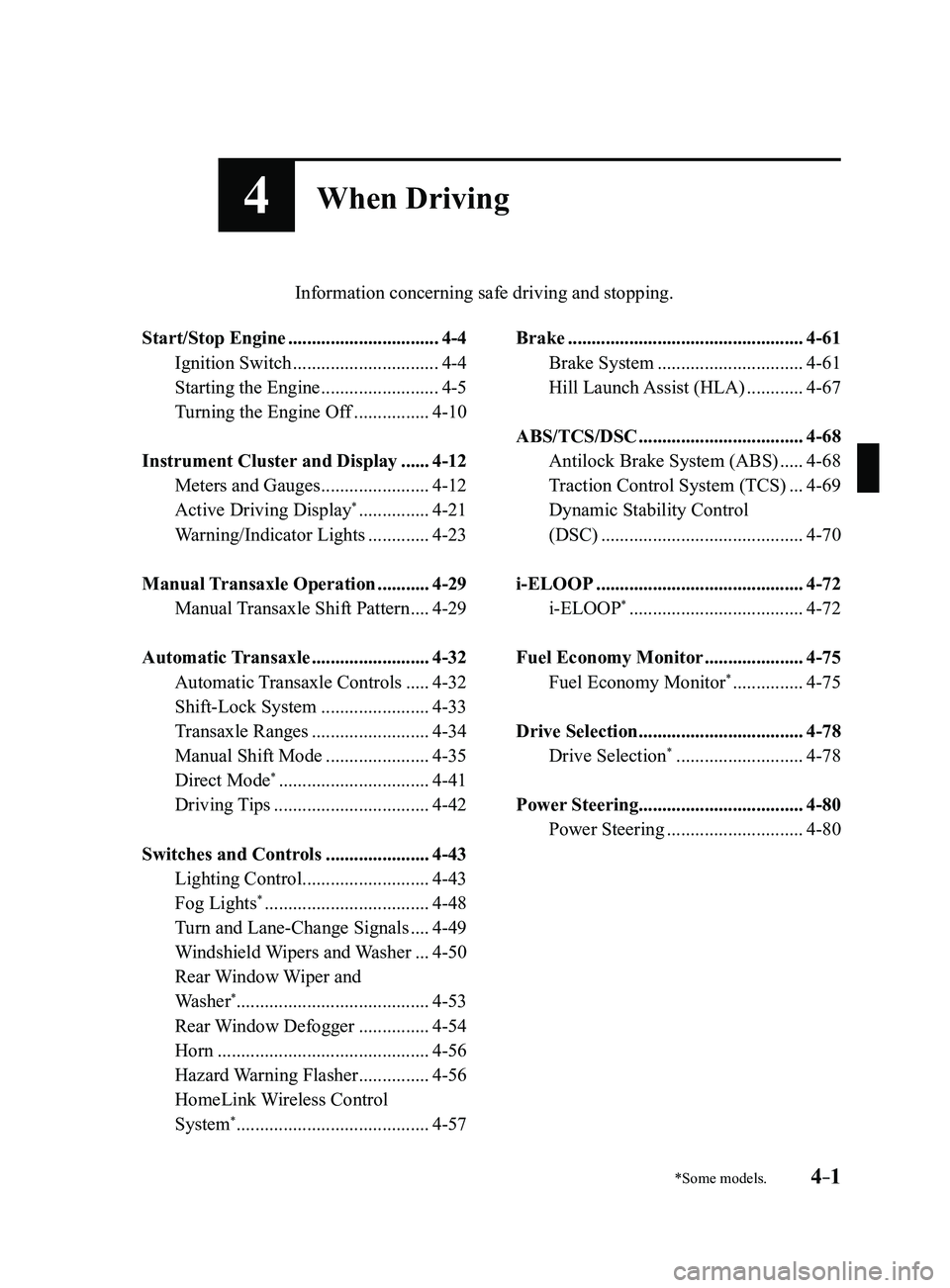
4When Driving
Information concerning safe driving and stopping.
Start/Stop Engine ................................4-4
Ignition Switch ...............................4-4
Starting the Engine .........................4-5
Turning the Engine Off ................4-10
Instrument Cluster and Display ......4-12
Meters and Gauges .......................4-12
Active Driving Display* ...............4-21
Warning/Indicator Lights .............4-23
Manual Transaxle Operation ...........4-29
Manual Transaxle Shift Pattern ....4-29
Automatic Transaxle .........................4-32
Automatic Transaxle Controls .....4-32
Shift-Lock System .......................4-33
Transaxle Ranges .........................4-34
Manual Shift Mode ......................4-35
Direct Mode* ................................4-41
Driving Tips .................................4-42
Switches and Controls ......................4-43
Lighting Control ...........................4-43
Fog Lights* ...................................4-48
Turn and Lane-Change Signals ....4-49
Windshield Wipers and Washer ...4-50
Rear Window Wiper and
Washer*.........................................4-53
Rear Window Defogger ...............4-54
Horn .............................................4-56
Hazard Warning Flasher ...............4-56
HomeLink Wireless Control
System* .........................................4-57
Brake ..................................................4-61
Brake System ...............................4-61
Hill Launch Assist (HLA) ............4-67
ABS/TCS/DSC ...................................4-68
Antilock Brake System (ABS) .....4-68
Traction Control System (TCS) ...4-69
Dynamic Stability Control
(DSC)
...........................................4-70
i-ELOOP ............................................4-72
i-ELOOP* .....................................4-72
Fuel Economy Monitor .....................4-75
Fuel Economy Monitor* ...............4-75
Drive Selection ...................................4-78
Drive Selection* ...........................4-78
Power Steering ...................................4-80
Power Steering .............................4-80
Mazda3_8FL6-EA-16F_Edition2.indb 12016/08/10 17:35:40
Page 132 of 612
4–2*Some models.
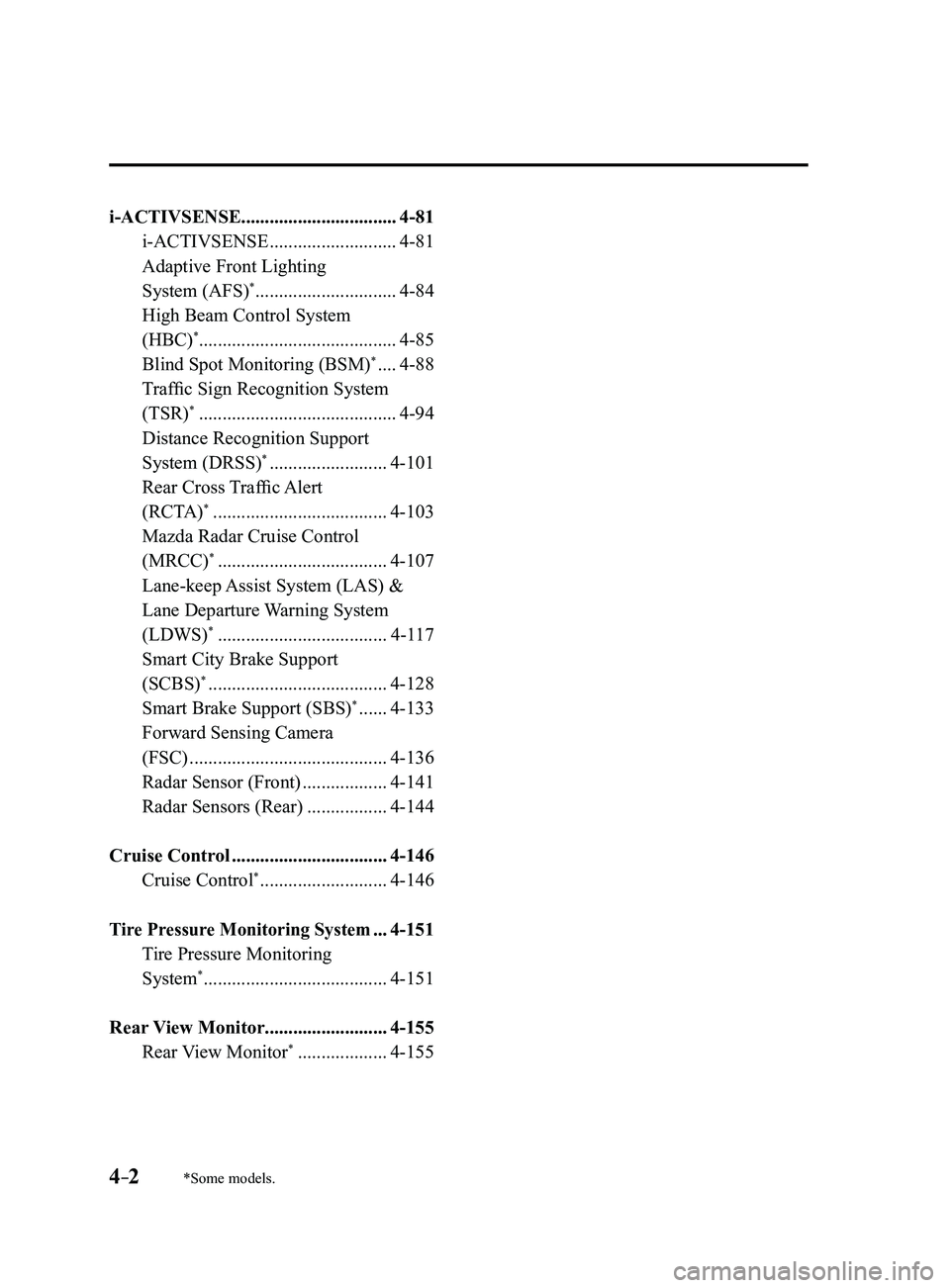
i-ACTIVSENSE.................................4-81
i-ACTIVSENSE ...........................4-81
Adaptive Front Lighting
System (AFS)* ..............................4-84
High Beam Control System
(HBC)*..........................................4-85
Blind Spot Monitoring (BSM)* ....4-88
Traffic Sign Recognition System
(TSR)* ..........................................4-94
Distance Recognition Support
System (DRSS)* .........................4-101
Rear Cross Traffic Alert
(RCTA)* .....................................4-103
Mazda Radar Cruise Control
(MRCC)* ....................................4-107
Lane-keep Assist System (LAS) &
Lane Departure Warning System
(LDWS)
* ....................................4-117
Smart City Brake Support
(SCBS)* ......................................4-128
Smart Brake Support (SBS)* ......4-133
Forward Sensing Camera
(FSC)
..........................................4-136
Radar Sensor (Front) ..................4-141
Radar Sensors (Rear) .................4-144
Cruise Control .................................4-146
Cruise Control* ...........................4-146
Tire Pressure Monitoring System ...4-151
Tire Pressure Monitoring
System* .......................................4-151
Rear View Monitor ..........................4-155
Rear View Monitor* ...................4-155
Mazda3_8FL6-EA-16F_Edition2.indb 22016/08/10 17:35:40