brake sensor MAZDA MODEL 3 5-DOOR 2017 Owners Manual
[x] Cancel search | Manufacturer: MAZDA, Model Year: 2017, Model line: MODEL 3 5-DOOR, Model: MAZDA MODEL 3 5-DOOR 2017Pages: 612
Page 132 of 612
4–2*Some models.
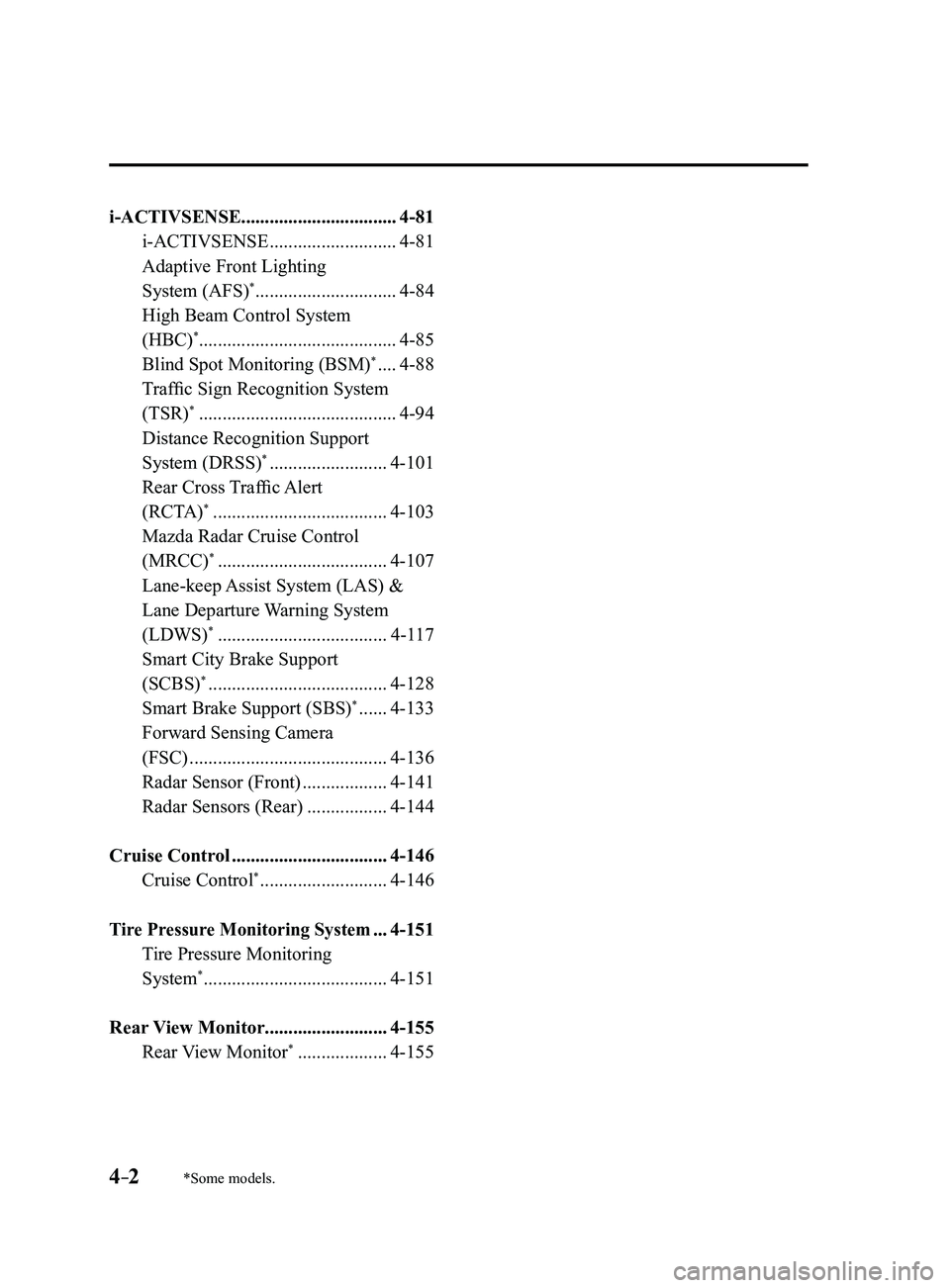
i-ACTIVSENSE.................................4-81
i-ACTIVSENSE ...........................4-81
Adaptive Front Lighting
System (AFS)* ..............................4-84
High Beam Control System
(HBC)*..........................................4-85
Blind Spot Monitoring (BSM)* ....4-88
Traffic Sign Recognition System
(TSR)* ..........................................4-94
Distance Recognition Support
System (DRSS)* .........................4-101
Rear Cross Traffic Alert
(RCTA)* .....................................4-103
Mazda Radar Cruise Control
(MRCC)* ....................................4-107
Lane-keep Assist System (LAS) &
Lane Departure Warning System
(LDWS)
* ....................................4-117
Smart City Brake Support
(SCBS)* ......................................4-128
Smart Brake Support (SBS)* ......4-133
Forward Sensing Camera
(FSC)
..........................................4-136
Radar Sensor (Front) ..................4-141
Radar Sensors (Rear) .................4-144
Cruise Control .................................4-146
Cruise Control* ...........................4-146
Tire Pressure Monitoring System ...4-151
Tire Pressure Monitoring
System* .......................................4-151
Rear View Monitor ..........................4-155
Rear View Monitor* ...................4-155
Mazda3_8FL6-EA-16F_Edition2.indb 22016/08/10 17:35:40
Page 212 of 612

4–82
When Driving
i-ACTIVSENSE
Pre-Crash Safety Technology
Pre-crash safety technology is designed to assist the driver in averting\
collisions or reduce
their severity in situations where they cannot be avoided.
Collision damage reduction in low vehicle speed range
Forward driving
Smart City Brake Support (SCBS)
........................................................................\
...........4-128
Collision damage reduction in medium/high speed range
Smart Brake Support (SBS)
........................................................................\
......................4-133
Camera and Sensors
Forward Sensing Camera (FSC)
The Forward Sensing Camera (FSC) detects lane indications and recogniz\
es headlights,
taillights and city lights during nighttime driving. In addition, it als\
o detects the vehicle
ahead, pedestrians, or obstructions. The following systems also use the Forward Sensing
Camera (FSC).
High Beam Control system (HBC) Lane-keep Assist System (LAS) & Lane Departure Warning System (LDWS) Traffic Sign Recognition System (TSR) Smart City Brake Support (SCBS) Smart Brake Support (SBS)
The Forward Sensing Camera (FSC) is installed at the top of the windsh\
ield near the
rearview mirror.
Refer to Forward Sensing Camera (FSC) on page
4-136.
Radar sensor (front)
The radar sensor (front) functions by detecting the radio waves reflected off a vehicle ahead
sent from the radar sensor. The following systems also use the radar sensor (front).
Mazda Radar Cruise Control (MRCC) Distance Recognition Support System (DRSS) Smart Brake Support (SBS)
The radar sensor (front) is mounted behind the radiator grille.
Refer to Radar Sensor (Front) on page
4-141.
Mazda3_8FL6-EA-16F_Edition2.indb 822016/08/10 17:36:36
Page 231 of 612
4–101
When Driving
i-ACTIVSENSE
*Some models.
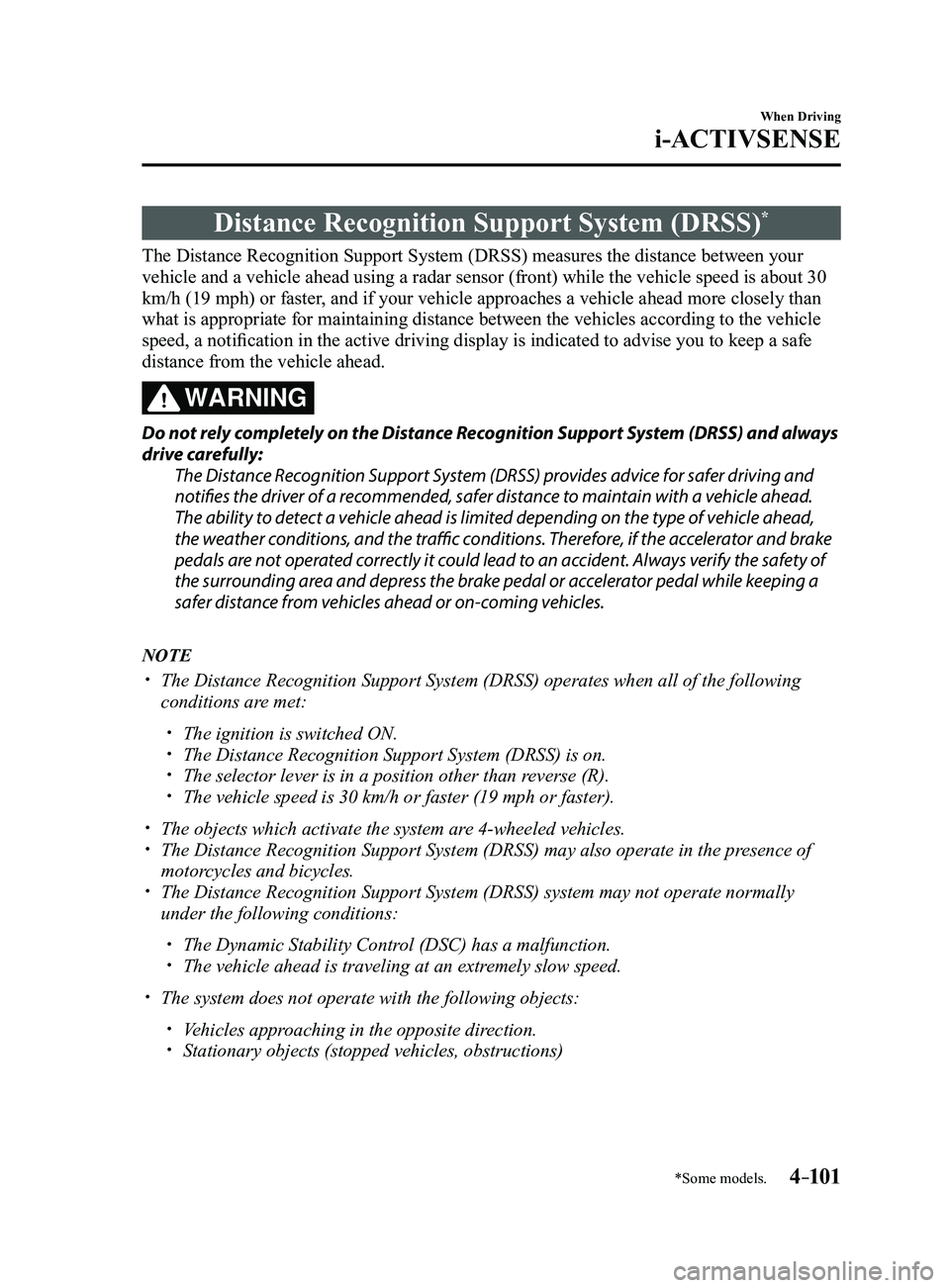
Distance Recognition Support System (DRSS)*
The Distance Recognition Support System (DRSS) measures the distance between your
vehicle and a vehicle ahead using a radar sensor (front) while the veh\
icle speed is about 30
km/h (19 mph) or faster, and if your vehicle approaches a vehicle ahead more closely than
what is appropriate for maintaining distance between the vehicles accord\
ing to the vehicle
speed, a notification in the active driving display is indicated to advise you to keep a safe
distance from the vehicle ahead.
WARNING
Do not rely completely on the Distance Recognition Support System (DRSS) and always
drive carefully:The Distance Recognition Support System (DRSS) provides advice for safer driving and
notifies the driver of a recommended, safer distance to maintain with a vehicle ahead.
The ability to detect a vehicle ahead is limited depending on the type of vehicle ahead,
the weather conditions, and the traffic conditions. Therefore, if the accelerator and brake
pedals are not operated correctly it could lead to an accident. Always verify the safety of
the surrounding area and depress the brake pedal or accelerator pedal while keeping a
safer distance from vehicles ahead or on-coming vehicles.
NOTE
The Distance Recognition Support System (DRSS) operates when all of th\
e following
conditions are met:
The ignition is switched ON. The Distance Recognition Support System (DRSS) is on. The selector lever is in a position other than r everse (R). The vehicle speed is 30 km/h or faster (19 mph or faster).
The objects which activate the system are 4-wheeled vehicles. The Distance Recognition Support System (DRSS) may also operate in the\
pr esence of
motorcycles and bicycles. The Distance Recognition Support System (DRSS) system may not operate \
normally
under the following conditions:
The Dynamic Stability Control (DSC) has a malfunction. The vehicle ahead is traveling at an extr emely slow speed.
The system does not operate with the following objects:
Vehicles approaching in the opposite direction. Stationary objects (stopped vehicles, obstructions)
Mazda3_8FL6-EA-16F_Edition2.indb 1012016/08/10 17:36:43
Page 237 of 612
4–107
When Driving
i-ACTIVSENSE
*Some models.
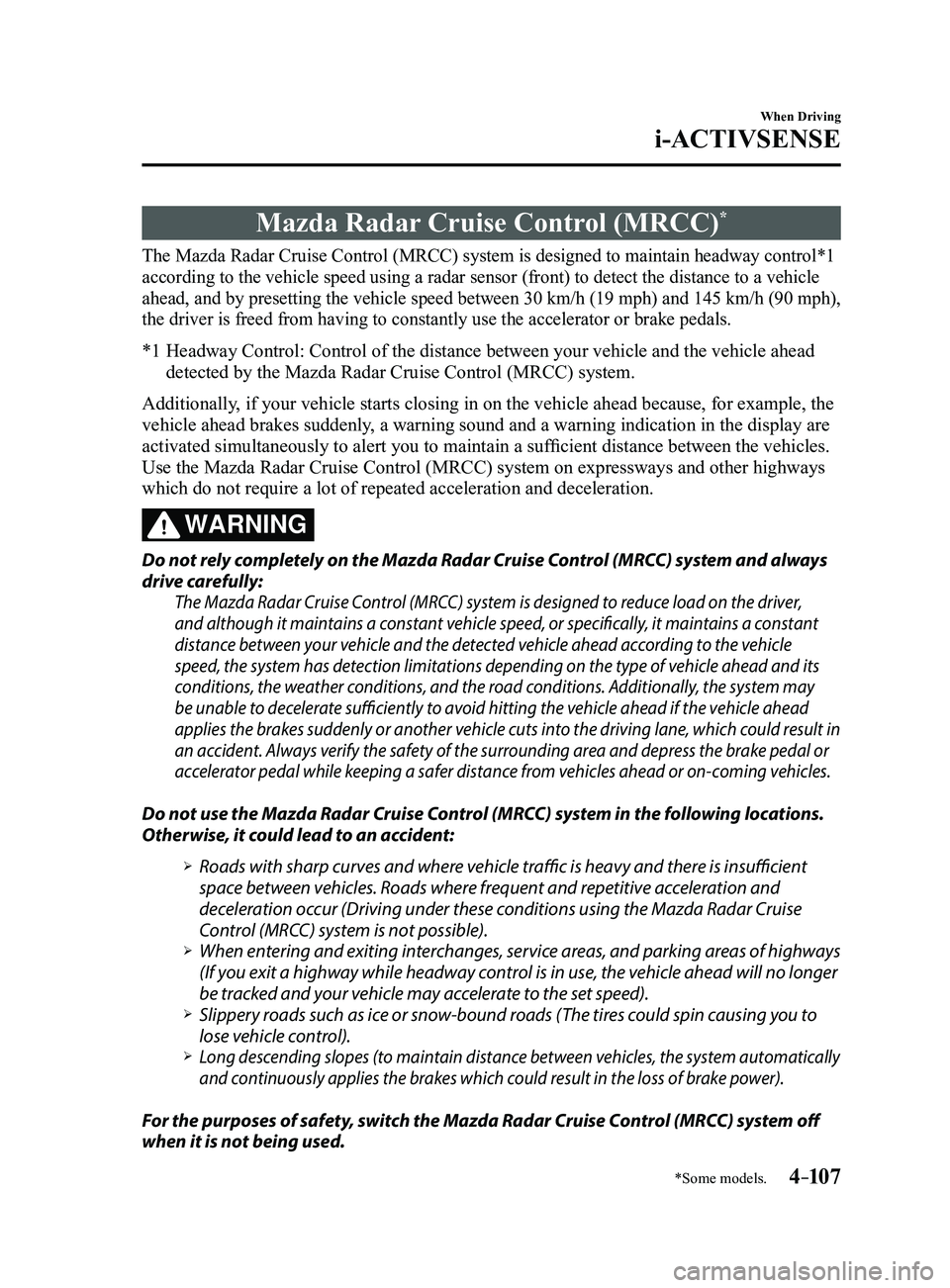
Mazda Radar Cruise Control (MRCC)*
The Mazda Radar Cruise Control (MRCC) system is designed to maintain headway control*1
according to the vehicle speed using a radar sensor (front) to detect \
the distance to a vehicle
ahead, and by presetting the vehicle speed between 30 km/h (19 mph) an\
d 145 km/h (90 mph),
the driver is freed from having to constantly use the accelerator or bra\
ke pedals.
*1 Headway Control: Control of the distance between your vehicle and the ve\
hicle ahead
detected by the Mazda Radar Cruise Control (MRCC) system.
Additionally, if your vehicle starts closing in on the vehicle ahead because, for ex\
ample, the
vehicle ahead brakes suddenly, a warning sound and a warning indication in the display are
activated simultaneously to alert you to maintain a sufficient distance between the vehicles.
Use the Mazda Radar Cruise Control (MRCC) system on expressways and other highways
which do not require a lot of repeated acceleration and deceleration.
WARNING
Do not rely completely on the Mazda Radar Cruise Control (MRCC) system and always
drive carefully:
The Mazda Radar Cruise Control (MRCC) system is designed to reduce load on the driver,
and although it maintains a constant vehicle speed, or specifically, it maintains a constant
distance between your vehicle and the detected vehicle ahead according to the vehicle
speed, the system has detection limitations depending on the type of vehicle ahead and its
conditions, the weather conditions, and the road conditions. Additionally, the system may
be unable to decelerate sufficiently to avoid hitting the vehicle ahead if the vehicle ahead
applies the brakes suddenly or another vehicle cuts into the driving lane, which could result in
an accident. Always verify the safety of the surrounding area and depress the brake pedal or
accelerator pedal while keeping a safer distance from vehicles ahead or on-coming vehicles.
Do not use the Mazda Radar Cruise Control (MRCC) system in the following locations.
Otherwise, it could lead to an accident:
Roads with sharp cur ves and where vehicle traffic is heavy and there is insufficient
space between vehicles. Roads where frequent and repetitive acceleration and
deceleration occur (Driving under these conditions using the Mazda Radar Cruise
Control (MRCC) system is not possible).
When entering and exiting interchanges, service areas, and parking areas of highways
(If you exit a highway while headway control is in use, the vehicle ahead will no longer
be tracked and your vehicle may accelerate to the set speed).
Slippery roads such as ice or snow-bound roads (The tires could spin causing you to
lose vehicle control). Long descending slopes (to maintain distance between vehicles, the system automatically
and continuously applies the brakes which could result in the loss of brake power).
For the purposes of safety, switch the Mazda Radar Cruise Control (MRCC) system off
when it is not being used.
Mazda3_8FL6-EA-16F_Edition2.indb 1072016/08/10 17:36:46
Page 263 of 612
4–133
When Driving
i-ACTIVSENSE
*Some models.
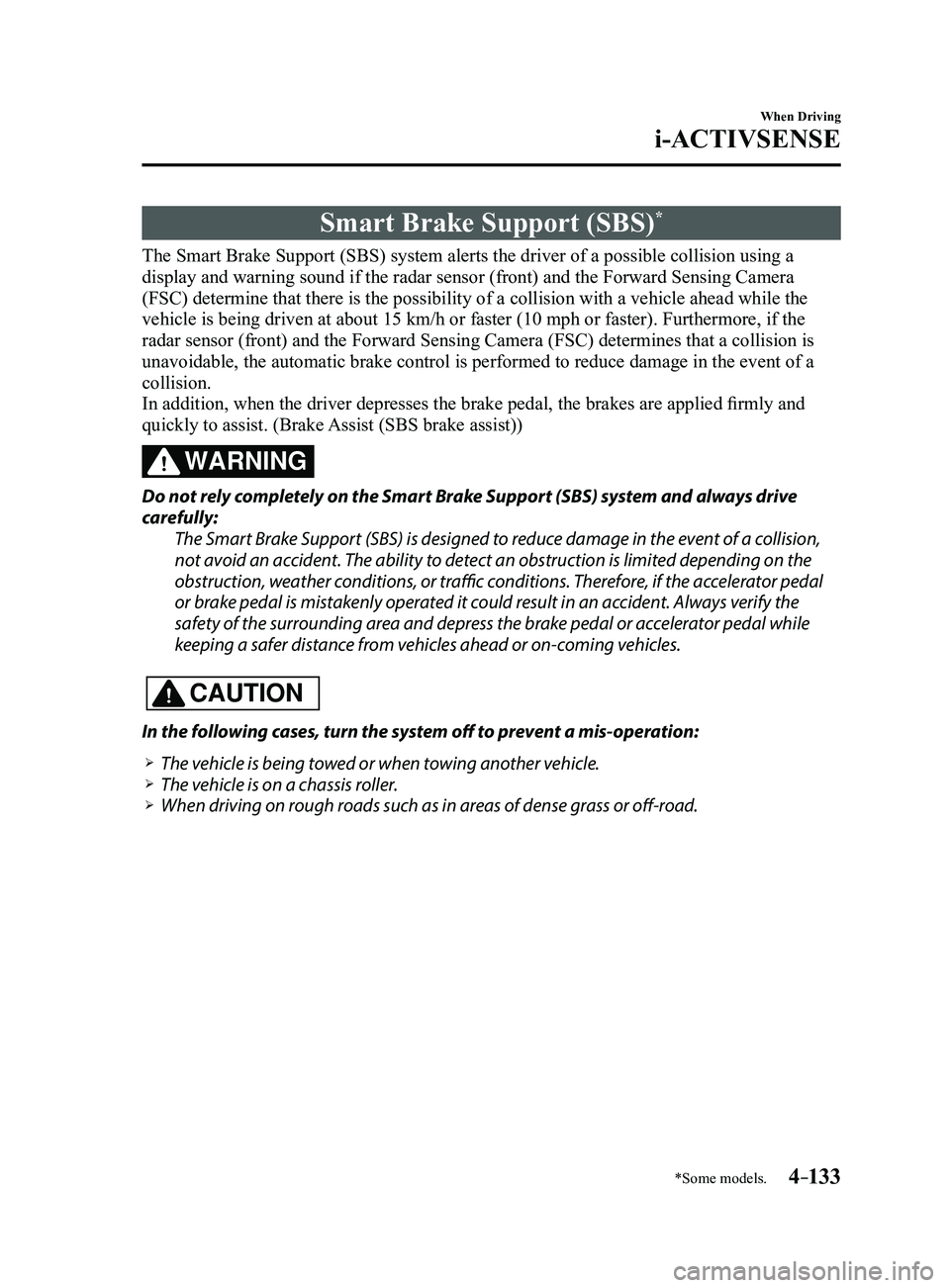
Smart Brake Support (SBS)*
The Smart Brake Support (SBS) system alerts the driver of a possible collision using a
display and warning sound if the radar sensor (front) and the Forward \
Sensing Camera
(FSC) determine that there is the possibility of a collision with a ve\
hicle ahead while the
vehicle is being driven at about 15 km/h or faster (10 mph or faster).\
Furthermore, if the
radar sensor (front) and the Forward Sensing Camera (FSC) determines\
that a collision is
unavoidable, the automatic brake control is performed to reduce damage i\
n the event of a
collision.
In addition, when the driver depresses the brake pedal, the brakes are applied firmly and
quickly to assist. (Brake Assist (SBS brake assist))
WARNING
Do not rely completely on the Smart Brake Support (SBS) system and always drive
carefully:The Smart Brake Support (SBS) is designed to reduce damage in the event of a collision,
not avoid an accident. The ability to detect an obstruction is limited depending on the
obstruction, weather conditions, or traffic conditions. Therefore, if the accelerator pedal
or brake pedal is mistakenly operated it could result in an accident. Always verify the
safety of the surrounding area and depress the brake pedal or accelerator pedal while
keeping a safer distance from vehicles ahead or on-coming vehicles.
CAUTION
In the following cases, turn the system off to prevent a mis-operation:
The vehicle is being towed or when towing another vehicle. The vehicle is on a chassis roller. When driving on rough roads such as in areas of dense grass or off-road.
Mazda3_8FL6-EA-16F_Edition2.indb 1332016/08/10 17:36:58
Page 264 of 612
 system operates when all of the followin\
g conditions are
met:
The ignition is switched ON. The Smart Brake Support (S")
4–134
When Driving
i-ACTIVSENSE
NOTE
The Smart Brake Support (SBS) system operates when all of the followin\
g conditions are
met:
The ignition is switched ON. The Smart Brake Support (SBS) system is on. The vehicle speed is about 15 km/h or faster (10 mph or faster). The relative speed between your vehicle and the vehicle ahead is about 15 km/\
h or
faster (10 mph or faster). The Dynamic Stability Control (DSC) is not operating.
The Smart Brake Support (SBS) system may not operate under the followi\
ng conditions:
If the vehicle is accelerated rapidly and it comes close to a vehicle ah\
ead. The vehicle is driven at the same speed as the vehicle ahead. The accelerator pedal is depr essed. The brake pedal is depressed. The steering wheel is being operated. The selector lever is being operated. The turn signal is being used. When the vehicle ahead is not equipped with taillights or the taillights\
ar e turned off. When warnings and messages, such as a dirty windshield, related to the Forward
Sensing Camera (FSC) are being displayed in the center display.
Although the objects which activate the system are four-wheeled vehicles, the radar
sensor (front) could detect the following objects, determine them to be an obstru\
ction, and
operate the Smart Brake Support (SBS) system.
Objects on the road at the entrance to a curve (including guardrails and snow banks). A vehicle appears in the opposite lane while cornering or rounding a curve. When crossing a narrow bridge. When passing under a low gate or thr ough a tunnel or narrow gate. When entering an underground parking area. Metal objects, bumps, or pr otruding objects on the road. If you suddenly come close to a vehicle ahead. When driving in areas where there is high grass or forage. Two-wheeled vehicles such as motorbikes or bicycles. Pedestrians or non-metallic objects such as standing tr ees.
The Smart Brake Support (SBS) warning indication (amber) turns on wh\
en the system has
a malfunction.
Refer to Warning Lights on page 4-23.
Mazda3_8FL6-EA-16F_Edition2.indb 1342016/08/10 17:36:58
Page 271 of 612
4–141
When Driving
i-ACTIVSENSE
Radar Sensor (Front)
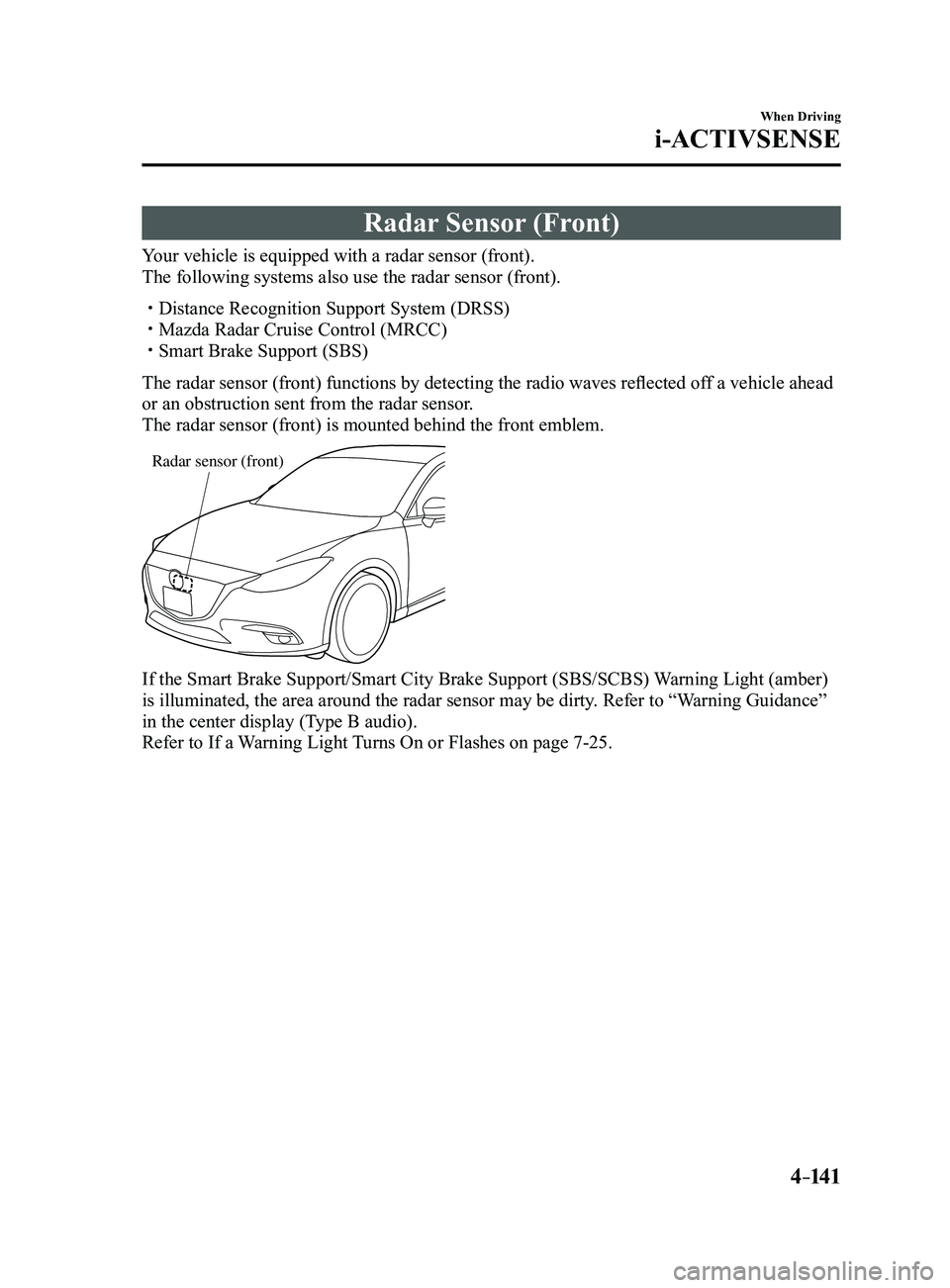
Your vehicle is equipped with a radar sensor (front).
The following systems also use the radar sensor (front).
Distance Recognition Support System (DRSS) Mazda Radar Cruise Control (MRCC) Smart Brake Support (SBS)
The radar sensor (front) functions by detecting the radio waves reflected off a vehicle ahead
or an obstruction sent from the radar sensor.
The radar sensor (front) is mounted behind the front emblem.
Radar sensor (front)
If the Smart Brake Support/Smart City Brake Support (SBS/SCBS) Warning Light (amber)
is illuminated, the area around the radar sensor may be dirty. Refer to “Warning Guidance”
in the center display (Type B audio).
Refer to If a Warning Light Turns On or Flashes on page
7-25.
Mazda3_8FL6-EA-16F_Edition2.indb 1412016/08/10 17:37:00
Page 273 of 612
4–14 3
When Driving
i-ACTIVSENSE
NOTE
Under the following conditions, the radar sensor (front) may not be able to detect
vehicles ahead or obstructions correctly and each system may not operate normally.
The rear surface of a vehicle ahead does not reflect radio waves effectively, such as
an unloaded trailer or an automobile with a loading platform covered by a soft top,
vehicles with a hard plastic tailgate, and round-shaped vehicles.
Vehicles ahead with low vehicle height and thus less area for reflecting radio waves. Visibility is reduced due to a vehicle ahead casting off water, snow, or sand from its
tires and onto your windshield. The trunk/luggage compartment is loaded with heavy objects or the r ear passenger
seats are occupied. Ice, snow, or soiling is on the front surface of the front emblem. During inclement weather such as rain, snow, or sand storms. When driving near facilities or objects emitting str ong radio waves.
Under the following conditions, the radar sensor (fr ont) may not be able to detect
vehicles ahead or obstructions.
The beginning and end of a curve. Roads with continuous curves. Narrow lane roads due to road construction or lane closures. The vehicle ahead enters the radar sensor's blind spot. The vehicle ahead is running abnormally due to accident or vehicle damag\
e. Roads with repeated up and down slopes Driving on poor r oads or unpaved roads. The distance between your vehicle and the vehicle ahead is extr emely short. A vehicle suddenly comes close such as by cutting into the lane.
To prevent incorrect operation of the system, use tires of the same specified size,
manufacturer, brand, and tread pattern on all four wheels. In addition, do not use tires
with significantly different wear patterns or tire pressures on the same vehicle (Including
the temporary spare tire).
If the battery power is weak, the system may not operate correctly. If the vehicle is driven on a road with little traffic and few vehicles ahead or obstructions
for the radar sensor (front) to detect, the sensor detects that the radar sensor (front) is
dirty and the Smart Brake Support/Smart City Brake Support (SBS/SCBS) \
Warning Light
(amber) may be temporarily turned on. However, it does not indicate a malfunction.
Mazda3_8FL6-EA-16F_Edition2.indb 1432016/08/10 17:37:00
Page 522 of 612
7–34
If Trouble Arises
Warning/Indicator Lights and Warning Sounds
*Some models.
SignalWarning Action to be taken
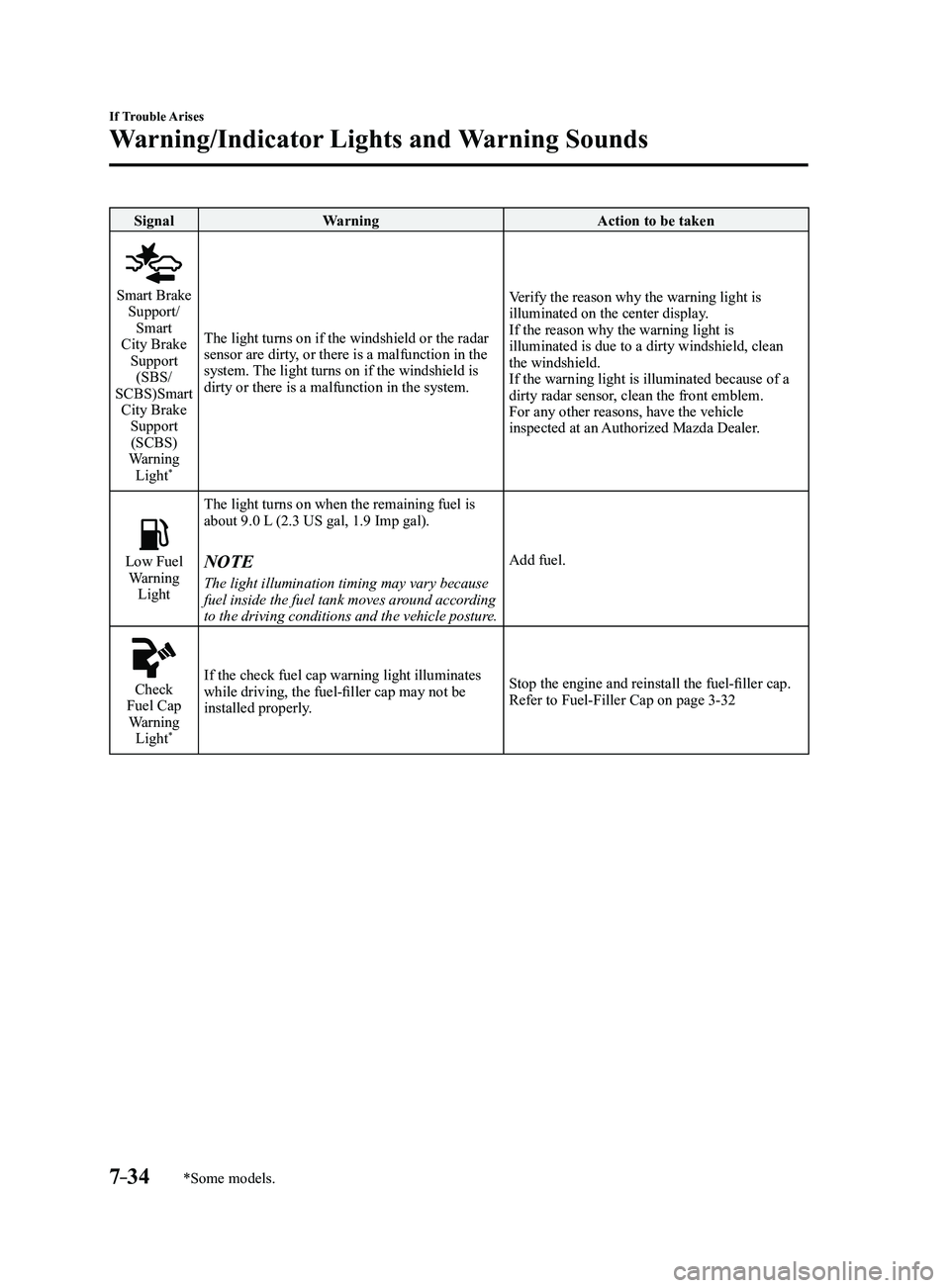
Smart Brake Support/
Smart
City Brake Support (SBS/
SCBS)Smart City Brake Support (SCBS)
Warning Light
*
The light turns on if the windshield or the radar
sensor are dirty, or there is a malfunction in the
system. The light turns on if the windshield is
dirty or there is a malfunction in the system. Verify the reason why the warning light is
illuminated on the center display.
If the reason why the warning light is
illuminated is due to a dirty windshield, clean
the windshield.
If the warning light is illuminated because of a
dirty radar sensor, clean the front emblem.
For any other reasons, have the vehicle
inspected at an Authorized Mazda Dealer.
Low Fuel Warning
Light The light turns on when the remaining fuel is
about 9.0 L (2.3 US gal, 1.9 Imp gal).NOTE
The light illumination timing may vary because
fuel inside the fuel tank moves around according
to the driving conditions and the vehicle posture.
Add fuel.
Check Fuel Cap
Warning Light
*
If the check fuel cap warning light illuminates
while driving, the fuel-filler cap may not be
installed properly. Stop the engine and reinstall the fuel-filler cap.
Refer to Fuel-Filler Cap on page
3-32
Mazda3_8FL6-EA-16F_Edition2.indb 342016/08/10 17:39:30
Page 607 of 612
10–5
I
i-ACTIVSENSE ..................................4-81
Active safety technology
...............4-81
Adaptive Front Lighting System
(AFS)
.............................................4-84
Blind Spot Monitoring (BSM)
......4-88
Camera and sensors
.......................4-82
Distance Recognition Support System
(DRSS)
........................................4-101
Forward Sensing Camera (FSC) ...4-136
High Beam Control System
(HBC)
............................................4-85
Lane-keep Assist System (LAS) &
Lane Departure Warning System
(LDWS)
.......................................4-117
Mazda Radar Cruise Control
(MRCC) ....................................... 4-107
Pre-crash safety technology
..........4-82
Radar sensor (front) .....................4-141
Radar sensors (rear) .....................4-144
Rear Cross Traffic Alert
(RCTA)
........................................4-103
Smart Brake Support (SBS)
........4-133
Smart City Brake Support
(SCBS)
........................................4-128
Traffic Sign Recognition System
(TSR)
.............................................4-94
i-ELOOP
.............................................4-72
Control status display
....................4-74
Display
..........................................4-72
i-ELOOP indicator light
................4-74
i-ELOOP warning beep
.......................7-41
If a Warning Light Turns On or
Flashes................................................. 7-25
If the Active Driving Display does not
operate
.................................................7-46
Ignition Switch
..............................................4-4
Ignition not switched off (STOP) warning
beep
.....................................................7-40
Immobilizer System
............................3-42 Indicator Lights
...................................4-26
Low engine coolant temperature
...4-28
Wrench
..........................................4-28
Inside Trunk Release Lever
................3-26
Inspecting Brake/Clutch Fluid Level ...6-30
Inspecting Coolant Level
....................6-28
Inspecting Engine Oil Level
...............6-28
Inspecting Washer Fluid Level ............6-30
Interior Care
........................................6-72
Active driving display
maintenance ................................... 6-74
Cleaning the floor mats
.................6-75
Cleaning the window interiors
......6-75
Instrument panel top (Soft pad)
maintenance ................................... 6-74
Leather upholstery maintenance
...6-73
Panel maintenance
.........................6-75
Plastic part maintenance
................6-74
Seat belt maintenance
....................6-73
Upholstery and synthetic leather
maintenance ................................... 6-73
Vinyl upholstery maintenance
.......6-73
Interior Lights
...................................5-111
Luggage Compartment Light
......5-111
Map Lights
..................................5-111
Overhead Lights
..........................5-111
J
Jack .......................................................7-4
Jump-Starting
......................................7-16
Index
Mazda3_8FL6-EA-16F_Edition2.indb 52016/08/10 17:39:58