Button MAZDA MODEL 6 2005 (in English) Owner's Guide
[x] Cancel search | Manufacturer: MAZDA, Model Year: 2005, Model line: MODEL 6, Model: MAZDA MODEL 6 2005Pages: 340, PDF Size: 3.73 MB
Page 209 of 340
Black plate (209,1)
Multiple insertion
1. Press and hold the load button (
)
for about 2 seconds until a beep is
heard.
2. Wait 3 seconds or press the load button
(
) again within 3 seconds after the
beep is heard.
3. When“IN”is displayed, insert the CD.
4. When“IN”is displayed again, insert
the next CD.
NOTE
The first-inserted CD will be played
automatically when:
lNo other CD is inserted within 15
seconds after“IN”is displayed.
lThe CD trays are full.
Ejecting the CD
Normal ejection
1. Press the CD eject button (
). The
disc number and“DISC OUT”will be
displayed.
2. Pull out the CD.
NOTE
When the CD is ejected during play, the
next CD will be played automatically.
Ejecting CDs from desired tray number
1. Press and hold the CD eject button (
)
for about 2 seconds until a beep is
heard.
2. Press the channel preset button for the
desired CD number within 3 seconds
after the beep is heard.3. Pull out the CD.
Multiple ejection
1. Press and hold the CD eject button (
)
for about 2 seconds until a beep is
heard.
2. Wait 3 seconds or press the CD eject
button (
) again within 3 seconds
after the beep is heard.
3. Pull out the CD, then the next CD will
be ejected.
NOTE
lCDs will be ejected starting with the
one with the lowest number.
lAll CDs in the tray will be ejected
continuously.
lCDs can be ejected when the ignition
switch is off. Press and hold the CD
eject button (
) for about 2 seconds
and all CDs will eject.
Playing
Press the CD play button (
) to start
play when a CD is in the unit.
If there isn't a CD in the unit when the CD
play button (
) is pressed,“NO DISC”
will flash on and off.
Fast-forward/Reverse
Press and hold the fast-forward button
(
) to advance through a track at high
speed.
Press and hold the reverse button (
)
to reverse through a track at high speed.
Track search
Press the track up button (
) once to
skip forward to the beginning of the next
track.
Interior Comfort
Audio System
6-37
Mazda6_8T56-EC-04G_Edition2 Page209
Monday, November 15 2004 4:35 PM
Form No.8T56-EC-04G
Page 210 of 340

Black plate (210,1)
Press the track down button () once to
skip back to the beginning of the current
track.
Disc search
Press the disc up button (
) to skip
forward to the beginning of the next CD.
Press the disc down button (
)to
skip back to the beginning of the previous
CD.
Music scan
This feature helps to find a program by
playing about the first 10 seconds of each
track.
Press the scan button (
) during play
to start scan play operation (the track
number will flash).
Press the scan button (
) once again
to cancel scan play.
NOTE
If the unit is left in scan, normal play
will resume where scan was selected.
Repeat play
This feature makes it possible to listen to
a selection repeatedly.
Press the repeat button (
) during play.
The current selection will be repeated
(“RPT”will be displayed).
Press the repeat button (
) once again
to cancel repeat play.
Random play
This feature allows the CD player to
randomly select the order of the songs.
Press the random button (
) during
play. The next selection will be randomly
selected (“RDM”will be displayed).Press the random button (
) once
again to cancel random play.
6-38
Interior Comfort
Audio System
Mazda6_8T56-EC-04G_Edition2 Page210
Monday, November 15 2004 4:35 PM
Form No.8T56-EC-04G
Page 212 of 340
Black plate (212,1)
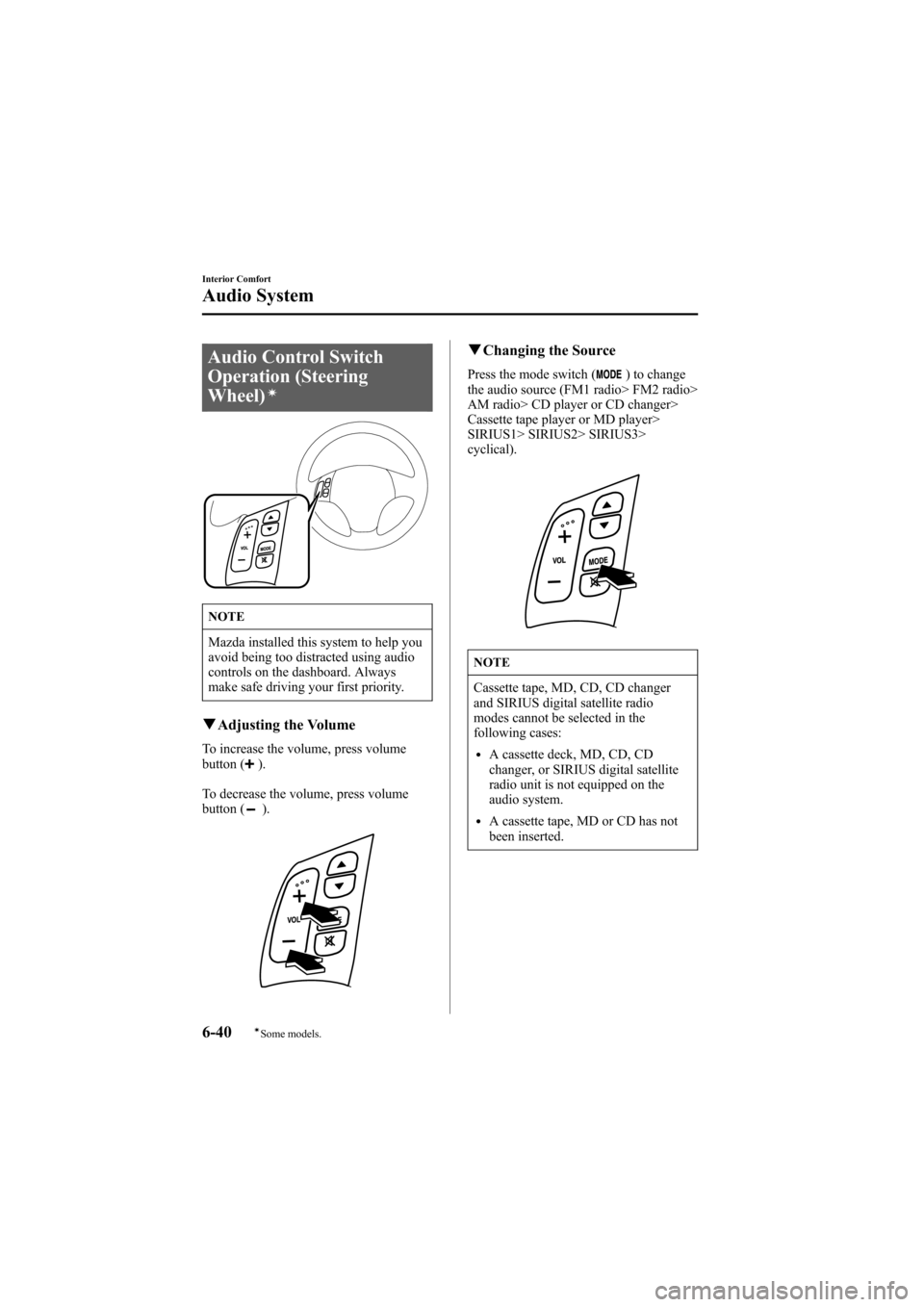
Audio Control Switch
Operation (Steering
Wheel)
í
NOTE
Mazda installed this system to help you
avoid being too distracted using audio
controls on the dashboard. Always
make safe driving your first priority.
qAdjusting the Volume
To increase the volume, press volume
button ().
To decrease the volume, press volume
button (
).
qChanging the Source
Press the mode switch () to change
the audio source (FM1 radio> FM2 radio>
AM radio> CD player or CD changer>
Cassette tape player or MD player>
SIRIUS1> SIRIUS2> SIRIUS3>
cyclical).
NOTE
Cassette tape, MD, CD, CD changer
and SIRIUS digital satellite radio
modes cannot be selected in the
following cases:
lA cassette deck, MD, CD, CD
changer, or SIRIUS digital satellite
radio unit is not equipped on the
audio system.
lA cassette tape, MD or CD has not
been inserted.
6-40
Interior Comfort
íSome models.
Audio System
Mazda6_8T56-EC-04G_Edition2 Page212
Monday, November 15 2004 4:35 PM
Form No.8T56-EC-04G
Page 218 of 340
Black plate (218,1)
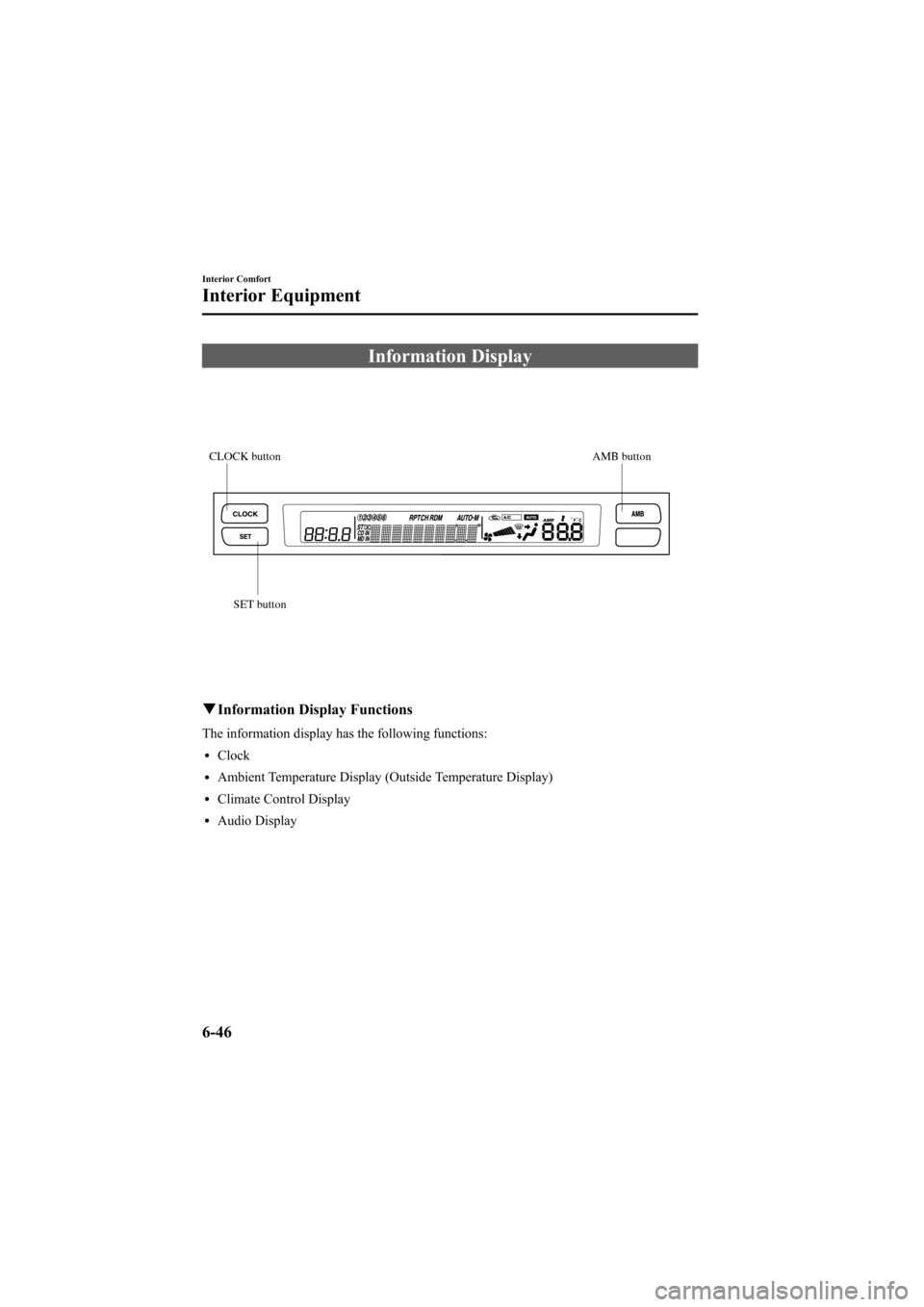
Information Display
AMB button CLOCK button
SET button
qInformation Display Functions
The information display has the following functions:
lClock
lAmbient Temperature Display (Outside Temperature Display)
lClimate Control Display
lAudio Display
6-46
Interior Comfort
Interior Equipment
Mazda6_8T56-EC-04G_Edition2 Page218
Monday, November 15 2004 4:35 PM
Form No.8T56-EC-04G
Page 219 of 340
Black plate (219,1)
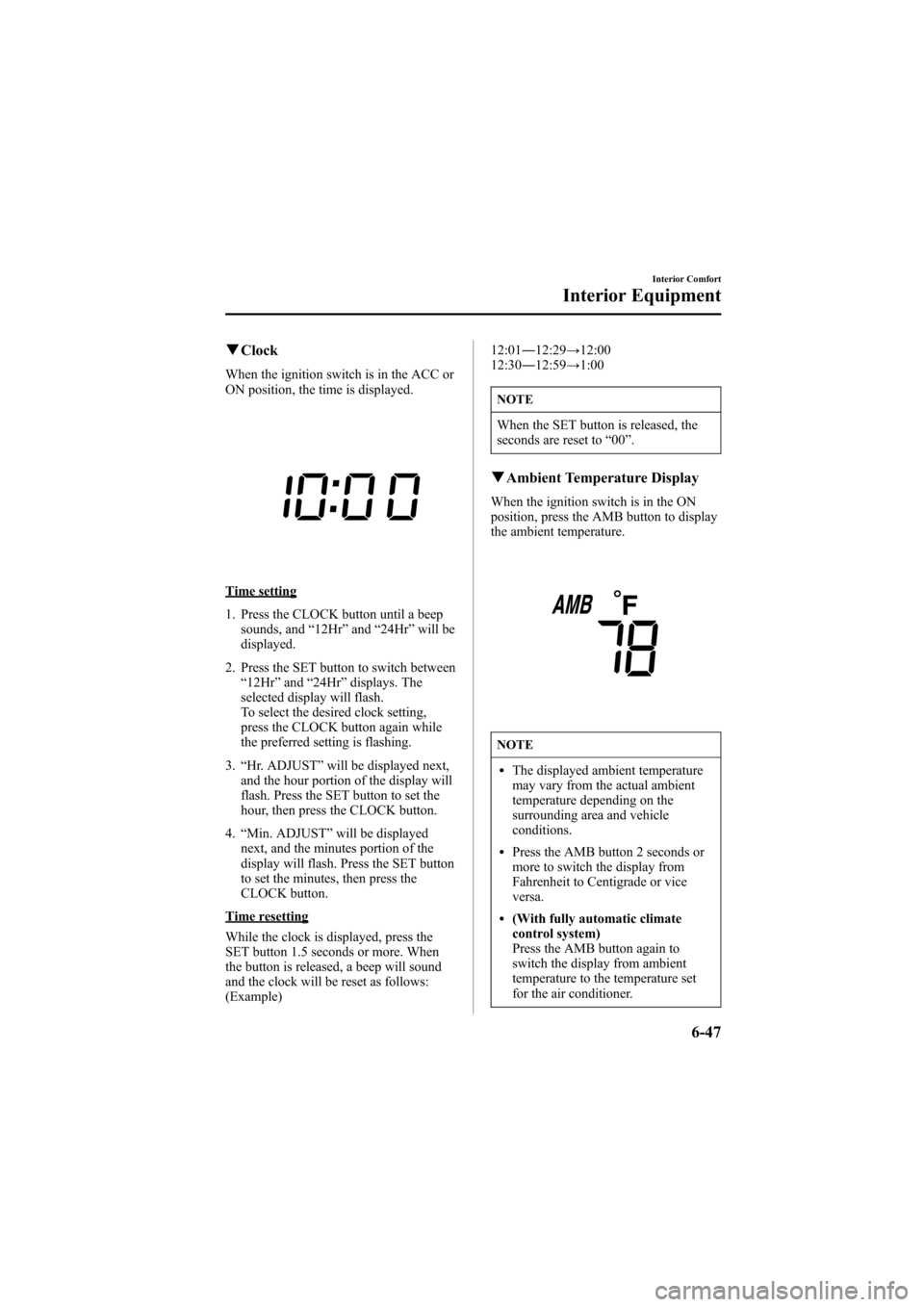
qClock
When the ignition switch is in the ACC or
ON position, the time is displayed.
Time setting
1. Press the CLOCK button until a beep
sounds, and“12Hr”and“24Hr”will be
displayed.
2. Press the SET button to switch between
“12Hr”and“24Hr”displays. The
selected display will flash.
To select the desired clock setting,
press the CLOCK button again while
the preferred setting is flashing.
3.“Hr. ADJUST”will be displayed next,
and the hour portion of the display will
flash. Press the SET button to set the
hour, then press the CLOCK button.
4.“Min. ADJUST”will be displayed
next, and the minutes portion of the
display will flash. Press the SET button
to set the minutes, then press the
CLOCK button.
Time resetting
While the clock is displayed, press the
SET button 1.5 seconds or more. When
the button is released, a beep will sound
and the clock will be reset as follows:
(Example)12:01―12:29→12:00
12:30―12:59→1:00
NOTE
When the SET button is released, the
seconds are reset to“00”.
qAmbient Temperature Display
When the ignition switch is in the ON
position, press the AMB button to display
the ambient temperature.
NOTE
lThe displayed ambient temperature
may vary from the actual ambient
temperature depending on the
surrounding area and vehicle
conditions.
lPress the AMB button 2 seconds or
more to switch the display from
Fahrenheit to Centigrade or vice
versa.
l(With fully automatic climate
control system)
Press the AMB button again to
switch the display from ambient
temperature to the temperature set
for the air conditioner.
Interior Comfort
Interior Equipment
6-47
Mazda6_8T56-EC-04G_Edition2 Page219
Monday, November 15 2004 4:35 PM
Form No.8T56-EC-04G