keys MAZDA MODEL B2300 2003 Owners Manual (in English)
[x] Cancel search | Manufacturer: MAZDA, Model Year: 2003, Model line: MODEL B2300, Model: MAZDA MODEL B2300 2003Pages: 248, PDF Size: 2.71 MB
Page 1 of 248
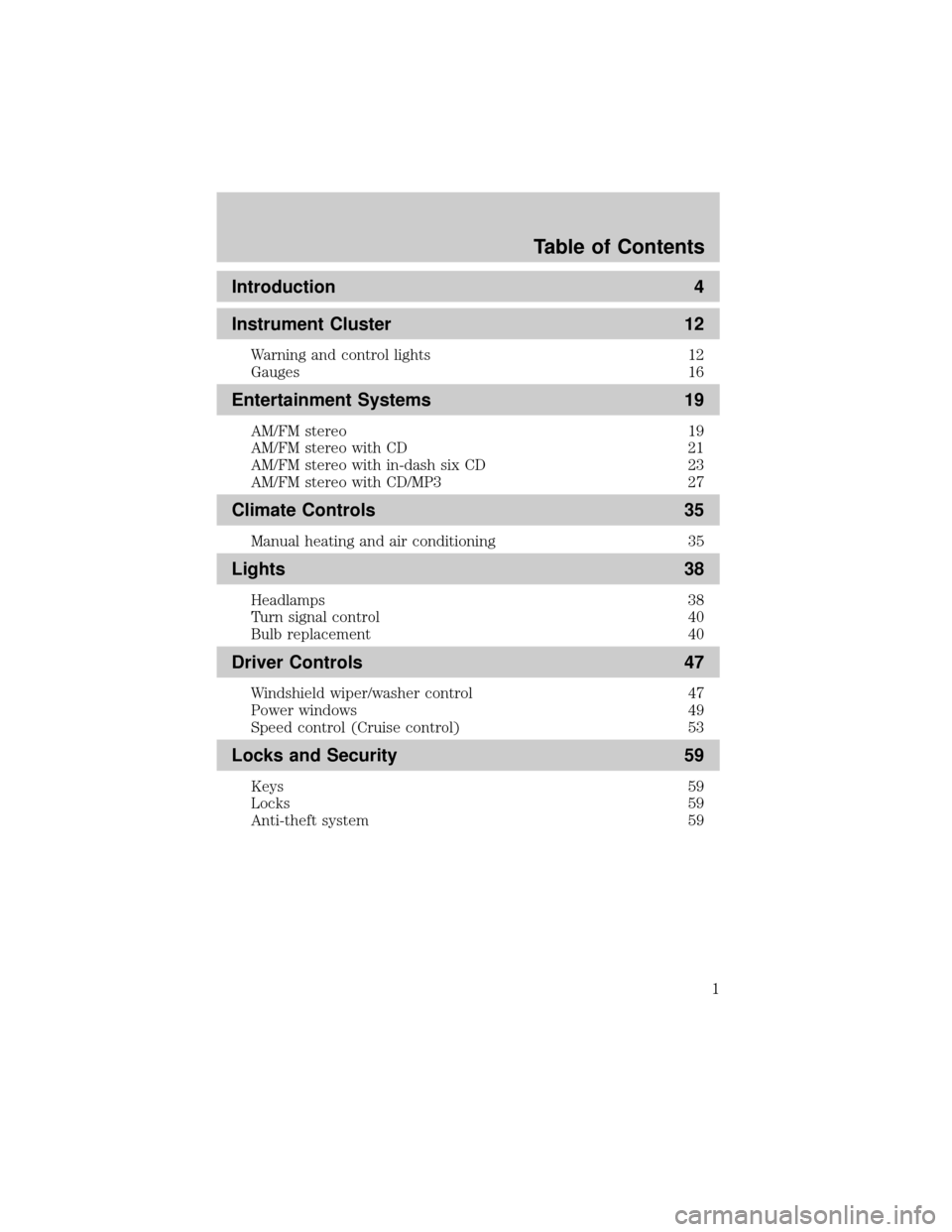
Introduction 4
Instrument Cluster 12
Warning and control lights 12
Gauges 16
Entertainment Systems 19
AM/FM stereo 19
AM/FM stereo with CD 21
AM/FM stereo with in-dash six CD 23
AM/FM stereo with CD/MP3 27
Climate Controls 35
Manual heating and air conditioning 35
Lights 38
Headlamps 38
Turn signal control 40
Bulb replacement 40
Driver Controls 47
Windshield wiper/washer control 47
Power windows 49
Speed control (Cruise control) 53
Locks and Security 59
Keys 59
Locks 59
Anti-theft system 59
Table of Contents
1
Page 59 of 248

KEYS
The key operates all locks on your vehicle. In case of loss, replacement
keys are available from your dealer.
You should always carry a second key with you in a safe place in case
you require it in an emergency.
Refer toSecuriLockyPassive Anti-Theft Systemfor more information.
POWER DOOR LOCKS (IF EQUIPPED)
Press the top of the control to
unlock all doors and the bottom to
lock all doors.
REMOTE ENTRY SYSTEM (IF EQUIPPED)
The remote entry system allows you to lock or unlock all vehicle doors
without a key.
The remote entry features only operate with the ignition in the LOCK
position.
If there is any potential remote keyless entry problem with your vehicle,
ensureALL remote entry transmittersare brought to the dealership,
to aid in troubleshooting.
GENERAL INFORMATION: This device complies with part 15 of the FCC
rules and with RS-210 of Industry Canada. Operation is subject to the
following two conditions: (1) This device may not cause harmful
interference, and (2) This device must accept any interference received,
including interference that may cause undesired operation. Changes or
modifications not expressly approved by the party responsible for
compliance could void the user's authority to operate the equipment.
This device complies with part 15 of the FCC rules and with RS-210 of
Industry Canada. Operation is subject to the following two conditions:
(1) This device may not cause harmful interference, and (2) This device
must accept any interference received, including interference that may
cause undesired operation.
UNLOCK
LOCK
Locks and Security
59
Page 64 of 248

²they have been turned on with the dimmer control, or
²any door is open.
The battery saver will shut off the interior lamps 45 minutes after the
last door is closed, even if the dimmer control is on.
SECURILOCKYPASSIVE ANTI-THEFT SYSTEM
SecuriLockypassive anti-theft system is an engine immobilization
system. This system is designed to prevent the engine from being started
unless acoded key programmed to your vehicleis used.
The SecuriLockypassive anti-theft system is not compatible with
non-Mazda aftermarket remote start systems. Use of these systems may
result in vehicle starting problems and a loss of security protection.
Your vehicle comes with two coded keys; additional coded keys may be
purchased from your dealer. The dealer can program your spare keys to
your vehicle or you can program the keys yourself. Refer to
Programming spare keysfor instructions on how to program the coded
key.
Note:A maximum of eight keys can be coded to your vehicle.
Note:Large metallic objects, electronic devices that are used to
purchase gasoline or similar items, or a second coded key on the same
key chain may cause vehicle starting issues. You need to prevent these
objects from touching the coded key while starting the engine. These
objects will not cause damage to the coded key, but may cause a
momentary issue if they are too close to the key when starting the
engine. If a problem occurs, turn the ignition off, remove all objects on
the key chain away from the coded key and restart the engine.
Theft indicator
The theft indicator is located in the instrument cluster.
²When the ignition is in the OFF position, the indicator will flash once
every 2 seconds to indicate the SecuriLockysystem is functioning as
a theft deterrent.
²When the ignition is in the ON position, the indicator will glow for 3
seconds, then turn off, to indicate normal system functionality.
If a problem occurs with the SecuriLockysystem, the indicator will flash
rapidly or glow steadily when the ignition is in the ON position. If this
occurs, the vehicle should be taken to an authorized dealer for service.
Locks and Security
64
Page 65 of 248

Automatic arming
The vehicle is armed immediately
after switching the ignition to the 3
(OFF) position.
The
THEFTindicator will flash
every two seconds when the vehicle
is armed.
Automatic disarming
Switching the ignition to the 4 (ON) position with acoded keydisarms
the vehicle.
²The
THEFTindicator will illuminate for three seconds and then go
out.
²If the
THEFTindicator stays on for an extended period of time or
flashes rapidly, have the system serviced by your dealer.
Replacement keys
If your keys are lost or stolen and you don't have an extra coded key,
you will need to have your vehicle towed to a dealership. The key codes
need to be erased from your vehicle and new coded keys will need to be
programmed.
Replacing coded keys can be very costly. Store an extra programmed key
away from the vehicle in a safe place to help prevent any
inconveniences. Please visit an authorized dealer to purchase additional
spare or replacement keys.
Programming spare keys
You can program your own coded keys to your vehicle. Please read and
understand the entire procedure before you begin.
Tips:
²A maximum of eight keys can be coded to your vehicle.
²Only use Securilockykeys.
²You must have two previously programmed coded keys (keys that
already operate your vehicle's engine) and the new unprogrammed
key(s) readily accessible.
3
2
1
5
4
Locks and Security
65
Page 66 of 248

²If you do not have at least 2 previously programmed keys, you must
take your vehicle to your dealer to have the spare key(s)
programmed.
1. Insert a previously programmed
coded key into the ignition.
2. Turn the ignition from the 3
(OFF) position to the 4 (ON)
position. Keep the ignition in
the 4 (ON) position for at least
one second, but no more than
10 seconds.
3. Turn the ignition to the 3 (OFF)
position, and remove the coded
key from the ignition.
4. Within ten seconds of removing the previously programmed coded
key, insert the other previously programmed coded key into the
ignition.
5. Turn the ignition from the 3 (OFF) position to the 4 (ON) position.
Keep the ignition in the 4 (ON) position for at least one second but
not more than 10 seconds.
6. Turn the ignition to the 3 (OFF) position, and remove the second
key from the ignition.
7. Within twenty seconds of removing the previously programmed
coded key, insert the unprogrammed key (new/valet key) into the
ignition.
8. Turn the ignition from the 3 (OFF) position to the 4 (ON) position.
Keep the ignition in the 4 (ON) position for at least one second.
9. Your new unprogrammed key is now programmed.
If the key has been successfully programmed it will start the vehicle's
engine and the theft indicator light will illuminate for three seconds and
then go out. If the key was not successfully programmed, it will not start
your vehicle's engine and the theft indicator light will flash on and off. If
failure repeats, bring your vehicle to your dealer to have the new key(s)
programmed.
To program additional new unprogrammed key(s), repeat this procedure
from step 1 for each additional key.
3
2
1
5
4
Locks and Security
66
Page 243 of 248

Jump-starting your vehicle ......158
K
Keys
positions of the ignition .........110
L
Lamps
bulb replacement
specifications chart ..................40
cargo lamps ...............................39
daytime running light ...............38
fog lamps ...................................38
headlamps .................................38
headlamps, flash to pass ..........39
instrument panel, dimming .....39
interior lamps .....................40±41
replacing
bulbs .................. 40±41, 43, 45±46
Lane change indicator
(see Turn signal) ........................40
LATCH anchors .........................106
Lights, warning and indicator ....12
anti-lock brakes (ABS) ..........116
Load limits .................................129
GAWR ......................................129
GVWR ......................................129
trailer towing ..........................129
Loading instructions .................129
Lubricant specifications ...235±236
Lumbar support, seats ...............68
M
Manual transmission .................122
fluid capacities ........................232
lubricant specifications ..........236
reverse .....................................123Mirrors
automatic dimming rearview
mirror ........................................50
cleaning ...................................179
side view mirrors (power) .......53
Motorcraft parts ........................214
O
Octane rating ............................213
Oil (see Engine oil) ..................196
Overdrive .....................................56
Overheating ...............................151
P
Parking brake ............................116
Power distribution box
(see Fuses) ...............................145
Power door locks ........................59
Power point .................................49
Power steering ..........................117
fluid, checking and adding ....220
fluid, refill capacity ................232
fluid, specifications .........235±236
Power Windows ...........................49
Preparing to drive your
vehicle ........................................118
R
Radio ..........................19, 21, 23, 27
Relays ........................................141
Remote entry system ...........59±60
illuminated entry ......................63
locking/unlocking doors ...........59
Index
243