start stop button MAZDA MODEL CX-5 2015 (in English) User Guide
[x] Cancel search | Manufacturer: MAZDA, Model Year: 2015, Model line: MODEL CX-5, Model: MAZDA MODEL CX-5 2015Pages: 532, PDF Size: 8 MB
Page 137 of 532

Black plate (137,1)
NOTElThe cooling fan in the engine compartment
could turn on for a few minutes after the
ignition is switched from ON to OFF,
whether or not the A/C is on or off, to cool
the engine compartment quickly.
lIf the system detects that the remaining
battery power of the key is low when the
ignition is switched from ON to ACC or
OFF, the following is indicated.
Replace with a new battery before the key
becomes unusable.
Refer to Replace Electrical Battery on page
6-33.
(Vehicle equipped with Type A
*1
instrument cluster)
A message is indicated in the display of the
instrument cluster.
*1 Refer to Type A on page 4-22.
(Vehicle equipped with Type B
*2
instrument cluster)
The KEY indicator light (green) flashes for
approximately 30 seconds.
*2 Refer to Type B on page 4-26.
l(Automatic transaxle)
If the engine is turned off while the shift
lever is in a position other than P, the
ignition switches to ACC.
qEmergency Engine Stop
Continuously pressing the push button
start while the engine is running or the
vehicle being driven, or quickly pressing
it any number of times will turn the
engine off immediately. The ignition
position will be ACC.
When Driving
Start/Stop Engine
4-9
CX-5_8DR2-EA-14A_Edition1 Page137
Thursday, November 21 2013 8:48 AM
Form No.8DR2-EA-14A
Page 167 of 532

Black plate (167,1)
NOTE
Because the key utilizes low-intensity radio
waves, the Key Removed From Vehicle
Warning may activate if the key is carried
together with a metal object or it is placed in a
poor signal reception area.
Type B
This indicator has two colors.
KEY Warning Light (Red)
When illuminated
If any malfunction occurs in the keyless
entry system, it illuminates continuously.
CAUTION
If the key warning indicator light
illuminates or the push button start
indicator light (amber) flashes, the
engine may not start. If the engine
cannot be started, try starting it
using the emergency operation for
starting the engine, and have the
vehicle inspected at an Authorized
Mazda Dealer as soon as possible.
Refer to Emergency Operation for
Starting the Engine on page 4-8.
When flashing
lUnder the following conditions, the
KEY warning light (red) flashes to
notify the driver that the ignition
cannot be switched from off.
lThe key battery is dead.lThe key is not within operational
range.
lThe key is placed in areas where it is
difficult for the system to detect the
signal (page 3-6).
lA key from another manufacturer
similar to the key is in the
operational range.
lUnder the following conditions, the
KEY warning light (red) will flash
continuously when the ignition has not
been switched off to notify the driver
that the key has been removed from the
vehicle. The KEY warning light (red)
will stop flashing when the key is back
inside the vehicle:
The ignition has not been switched off
and all the doors and the liftgate are
closed after removing the key from the
vehicle.
NOTE
Because the key utilizes low-intensity radio
waves, the Key Removed From Vehicle
Warning may activate if the key is carried
together with a metal object or it is placed in a
poor signal reception area.
KEY Indicator Light (Green)
When illuminated
When the brake pedal is depressed with
an automatic transaxle or the clutch pedal
is depressed with a manual transaxle, the
system confirms that the correct key is
inside the vehicle, the KEY indicator light
(green) illuminates, and the engine can be
started (page 4-3).
When flashing
When the ignition is switched from ON to
off, the KEY indicator light (green)
flashes for approximately 30 seconds
indicating that the remaining battery
power is low. Replace with a new battery
before the key becomes unusable.
Refer to Replace Electrical Battery on
page 6-33.
When Driving
Instrument Cluster and Display
4-39
CX-5_8DR2-EA-14A_Edition1 Page167
Thursday, November 21 2013 8:48 AM
Form No.8DR2-EA-14A
Page 176 of 532

Black plate (176,1)
D (Drive)
D is the normal driving position. From a
stop, the transaxle will automatically shift
through a 6-gear sequence.
M (Manual)
M is the manual shift mode position.
Gears can be shifted up or down by
operating the shift lever.
Refer to Manual Shift Mode on page
4-49.
qActive Adaptive Shift (AAS)
Active Adaptive Shift (AAS)
automatically controls the transaxle shift
points to best suit the road conditions and
driver input. This improves driving feel.
The transaxle may switch to AAS mode
when driving up and down slopes,
cornering, or depressing the accelerator
pedal quickly while the shift lever is in the
D position.
Depending on the driving conditions and
vehicle operations, the transaxle may not
shift gears, however, this does not indicate
a problem because the AAS mode will
maintain the optimum gear position.
qShift-Lock System
The shift-lock system prevents shifting
out of P unless the brake pedal is
depressed.
To shift from P:
1. Depress and hold the brake pedal.
2. Start the engine.
3. Press and hold the lock-release button.
4. Move the selector lever. NOTE
lWhen the ignition is switched to ACC or the
ignition is switched off, the selector lever
cannot be shifted from P.
lThe ignition cannot be switched to OFF if
the selector lever is not in P.
q
Shift-Lock Override
If the selector lever will not move from P
using the proper shift procedure, continue
to hold down the pedal.
1. Remove the shift-lock override cover
using a cloth-wrapped flat head
screwdriver.
2. Insert a screwdriver and push it down.
Cover
3. Press and hold the lock-release button.
4. Move the selector lever.
5. Take the vehicle to an Authorized Mazda Dealer to have the system
checked.
4-48
When Driving
Transaxle
CX-5_8DR2-EA-14A_Edition1 Page176
Thursday, November 21 2013 8:48 AM
Form No.8DR2-EA-14A
Page 343 of 532
Black plate (343,1)
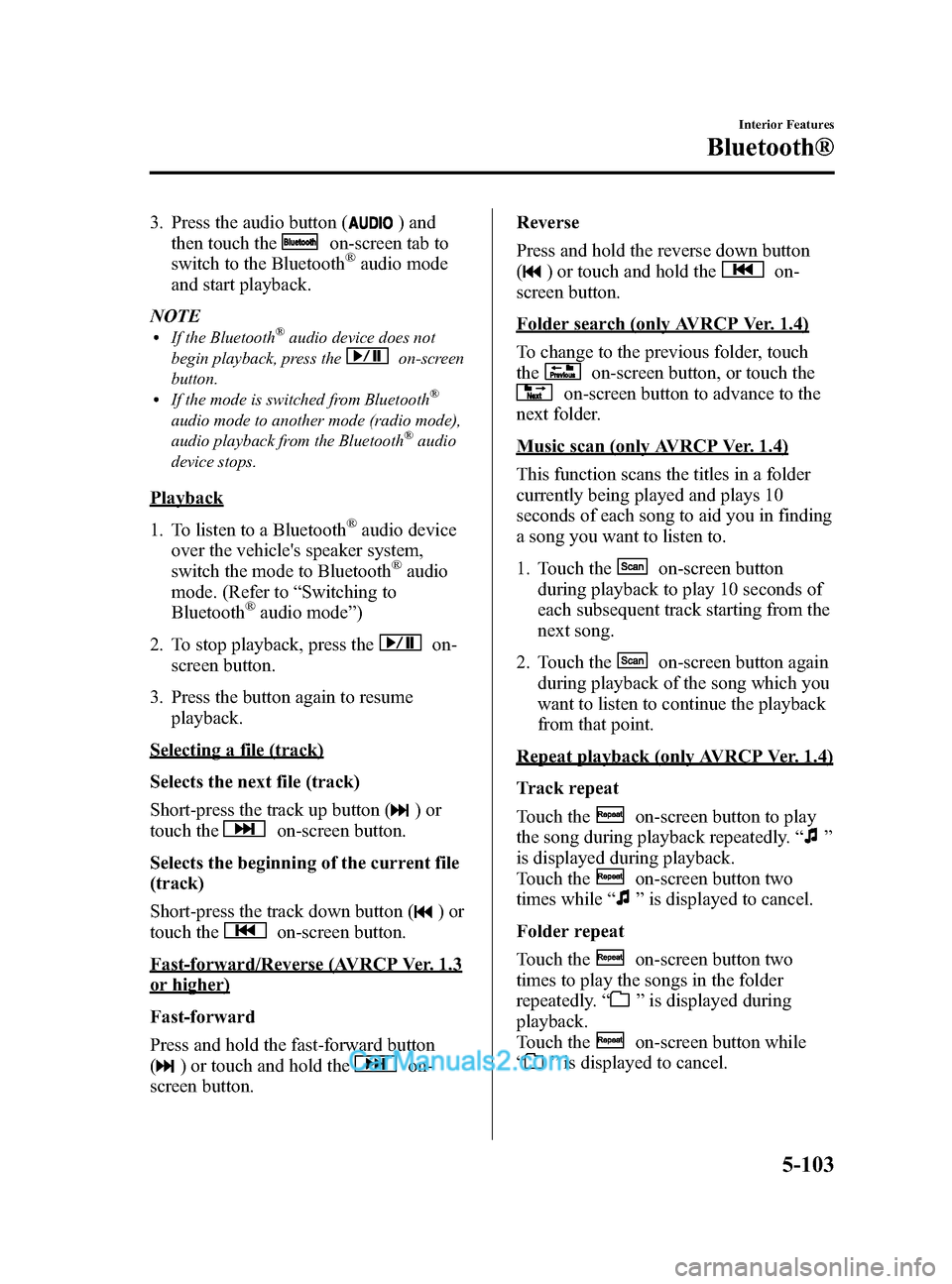
3. Press the audio button () and
then touch the
on-screen tab to
switch to the Bluetooth®audio mode
and start playback.
NOTE
lIf the Bluetooth®audio device does not
begin playback, press the
on-screen
button.
lIf the mode is switched from Bluetooth®
audio mode to another mode (radio mode),
audio playback from the Bluetooth®audio
device stops.
Playback
1. To listen to a Bluetooth
®audio device
over the vehicle's speaker system,
switch the mode to Bluetooth
®audio
mode. (Refer to “Switching to
Bluetooth
®audio mode ”)
2. To stop playback, press the
on-
screen button.
3. Press the button again to resume playback.
Selecting a file (track)
Selects the next file (track)
Short-press the track up button (
)or
touch the
on-screen button.
Selects the beginning of the current file
(track)
Short-press the track down button (
)or
touch the
on-screen button.
Fast-forward/Reverse (AVRCP Ver. 1.3
or higher)
Fast-forward
Press and hold the fast-forward button
(
) or touch and hold theon-
screen button. Reverse
Press and hold the reverse down button
(
) or touch and hold theon-
screen button.
Folder search (only AVRCP Ver. 1.4)
To change to the previous folder, touch
the
on-screen button, or touch the
on-screen button to advance to the
next folder.
Music scan (only AVRCP Ver. 1.4)
This function scans the titles in a folder
currently being played and plays 10
seconds of each song to aid you in finding
a song you want to listen to.
1. Touch the
on-screen button
during playback to play 10 seconds of
each subsequent track starting from the
next song.
2. Touch the
on-screen button again
during playback of the song which you
want to listen to continue the playback
from that point.
Repeat playback (only AVRCP Ver. 1.4)
Track repeat
Touch the
on-screen button to play
the song during playback repeatedly. “
”
is displayed during playback.
Touch the
on-screen button two
times while “
”is displayed to cancel.
Folder repeat
Touch the
on-screen button two
times to play the songs in the folder
repeatedly. “
”is displayed during
playback.
Touch the
on-screen button while
“
” is displayed to cancel.
Interior Features
Bluetooth®
5-103
CX-5_8DR2-EA-14A_Edition1 Page343
Thursday, November 21 2013 8:49 AM
Form No.8DR2-EA-14A
Page 348 of 532

Black plate (348,1)
Voice recognition related problemsSymptom Cause Solution method
Poor voice recognition
lExcessive, slow speech.lExcessive, forceful speech
(shouting).
lSpeaking before the beep sound
has ended.
lLoud noise
(speaking or noise from outside/
inside vehicle).
lAirflow from A/C is blowing
against the microphone.
lSpeaking in off-standard
expressions (dialect). Regarding the causes indicated on
the left, be careful with how you
speak. In addition, when numbers are
spoken in a sequence, recognition
ability will improve if no stop is
placed between the numbers.
False recognition of numbers
Names in the phonebook are not
easily recognized
The Bluetooth
®system is under a
condition in which recognition is
difficult. By carrying out the following
measures, the rate of recognition will
improve.
lClear memory from the
phonebook which is not used
very often.
lAvoid shortened names, use full
names.
(Recognition improves the longer
the name is. By not using names
such as
“Mom ”, “Dad ”, recogni-
tion will improve.)
You want to skip guidance ―Guidance can be skipped by quickly
pressing and releasing the Talk
button.
When the Talk button is pressed,
voice recognition ends The Talk button is pressed for too
long. Operate the Talk button as follows:
lPress the button and release it
within 0.7 seconds to start voice
recognition and skip the
guidance.
lPress the button for longer than
0.7 seconds to turn off voice
recognition or end a
conversation.
Regarding problems with calls
Symptom Cause Solution method
When starting a call, vehicle noise
from the other party can be heard For about three seconds after starting
a call, the Bluetooth
®unit's Noise
Suppression function requires time to
adapt to the call environment. This does not indicate a problem
with the device.
The other party cannot be heard or
the speaker's voice is quiet The volume is set at zero or low. Increase the volume.
5-108
Interior Features
Bluetooth®
CX-5_8DR2-EA-14A_Edition1 Page348
Thursday, November 21 2013 8:49 AM
Form No.8DR2-EA-14A